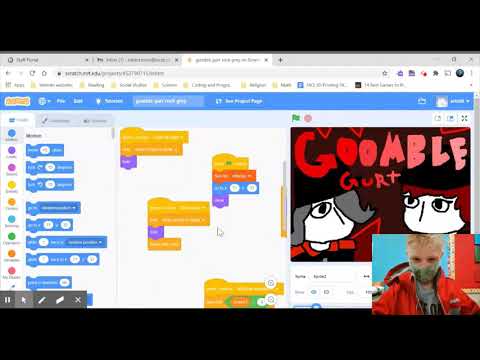
Worksheet: Conditional Statements in Scratch Programming | Tutorial # 11
Comprehension worksheet generated from the video "Conditional Statements in Scratch Programming | Tutorial # 11".
Worksheet: Conditional Statements in Scratch Programming | Tutorial # 11
JaxDoc

Vocabulary
- Conditional Statements — Code structures that perform actions based on whether a condition is true or false.
if thenstatement — A conditional statement that tests a condition and performs specific actions only if the condition is true.if then elsestatement — A conditional statement that tests a condition and performs one set of actions if the condition is true, and a different set of actions if the condition is false.- Variable — A named storage location that holds a value, which can change during the program’s execution.
- Sprite — A graphical object that can be programmed to perform actions in Scratch.
Questions
Watch the video and answer the following questions based on what is shown and said.
1.
According to the narrator, what are the two types of conditional statements discussed in the video?
2.
In the first example shown in the video (0:54), what value was initially set for “my variable”, and what condition was tested in the
if then block?3.
For the first example, after the narrator changed “my variable” to 9 (3:20), why did the sprite not move when the green flag was clicked?
4.
In the second example, using the
if then else statement, what action did the sprite perform when “my variable” was set to 9 and the green flag was clicked (5:06)?5.
Think about a simple game you could create in Scratch. Describe how you would use an
if then else conditional statement to make a sprite behave differently based on whether it touches another object or not.Want materials like this for your lessons?
Jax builds worksheets, study guides, and lesson materials for whatever you're teaching. Free to start, no card needed.