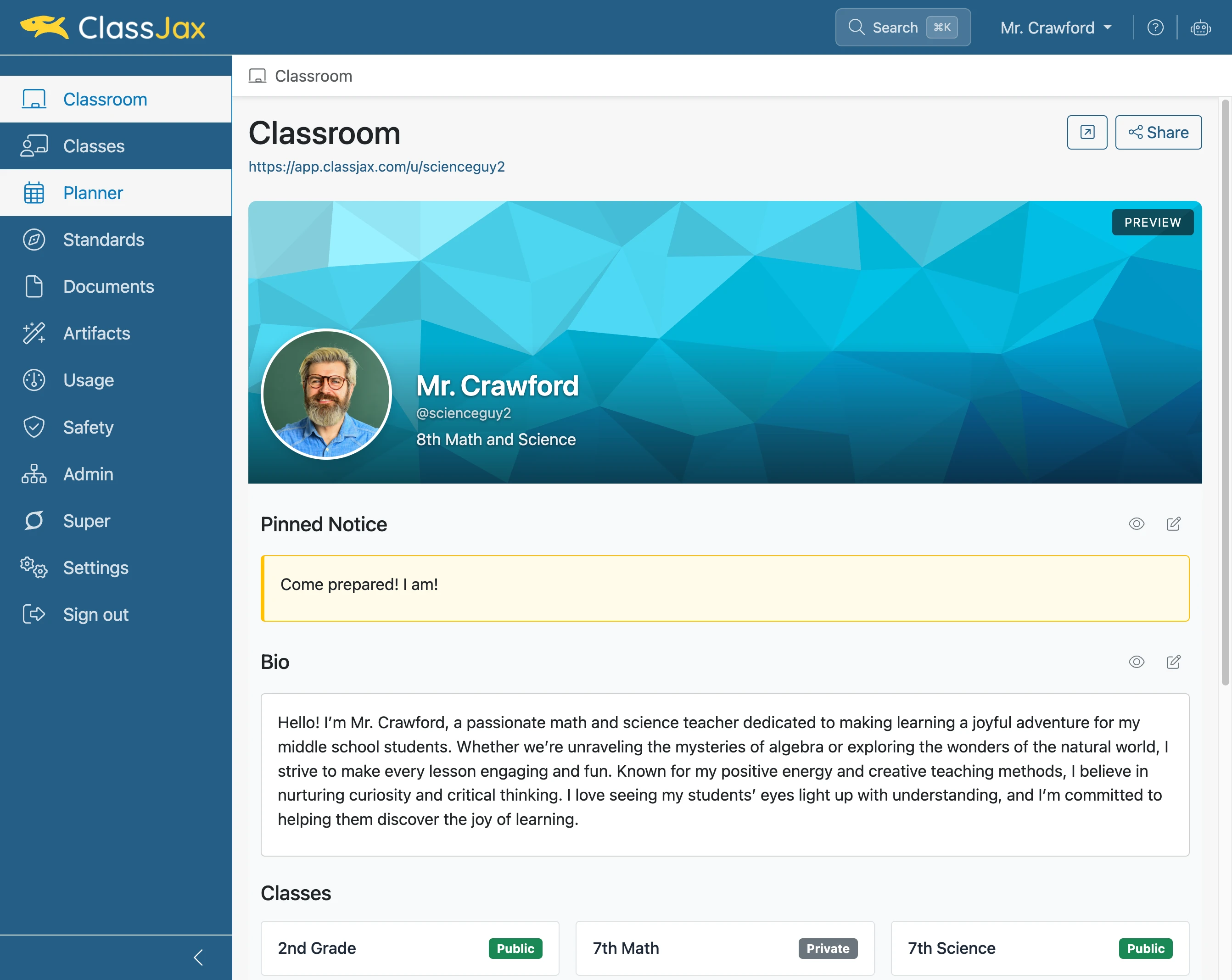
View and Print Lesson Plans
This guide outlines the available options for viewing your lesson plans in multiple formats within the ClassJax planner. It also includes instructions for printing lesson plans as needed.
Plan smarter this year
ClassJax is free for teachers. No credit card required.
- 1
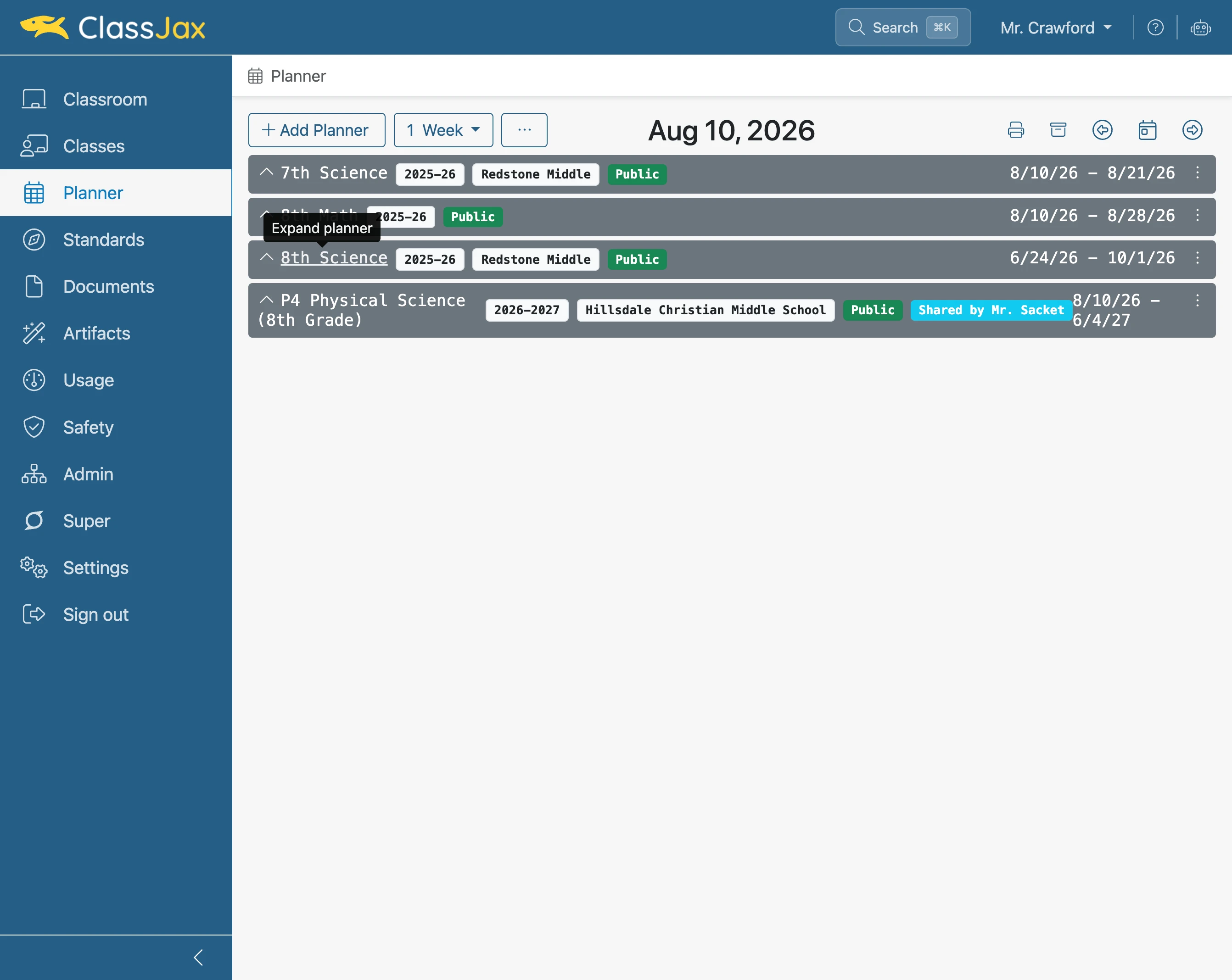
Click the 'Planner' link
- 2
Click the '8th Science' link
Clicking on the header of a planner will expand or collapse the planner.
- 3
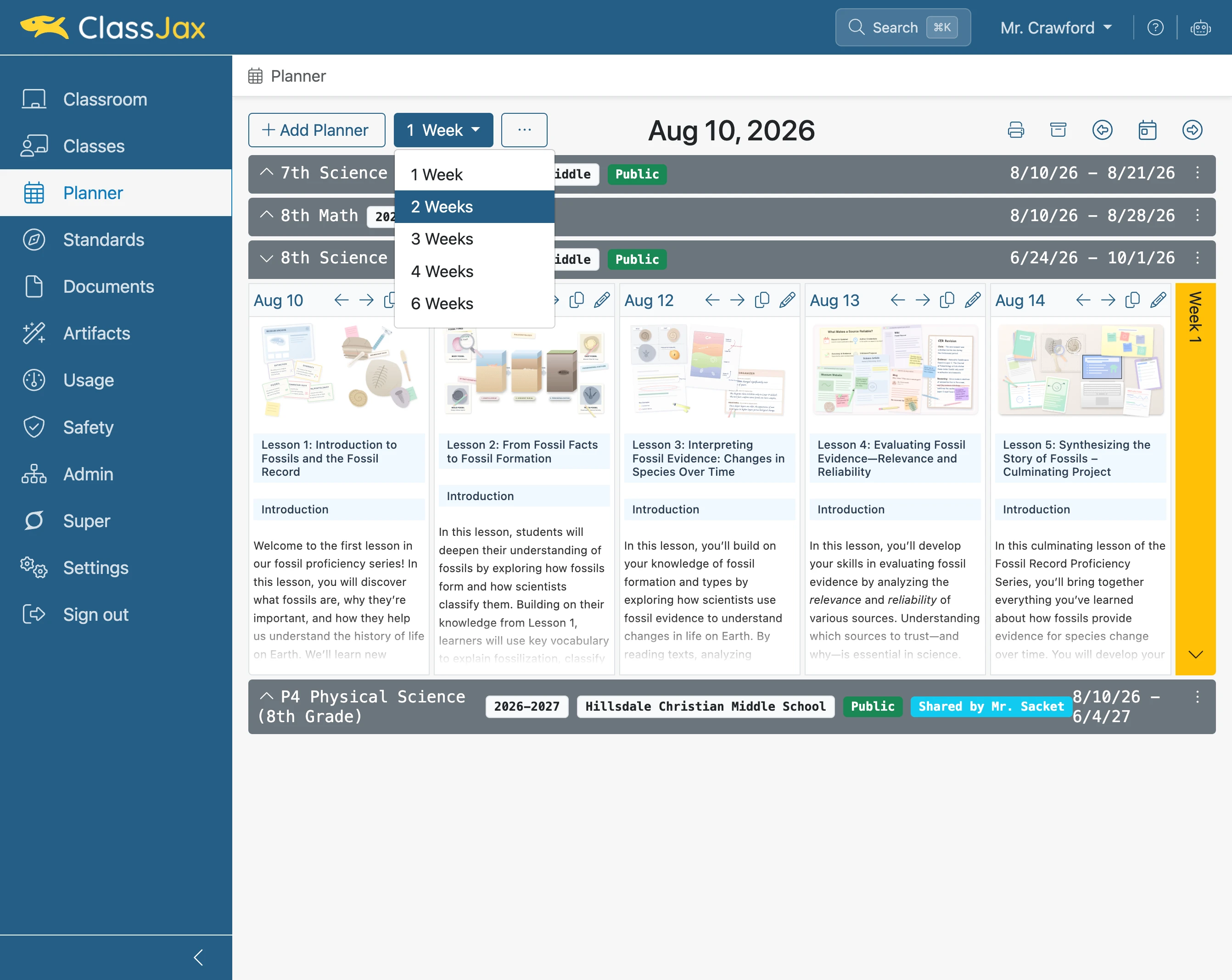
Click '1 Week'
Selecting a number of weeks will display that number of lesson plans.
- 4
Click 'Switch to vertical layout'
Selecting this option displays the days of the week vertically. Clicking it again returns the lesson plans to an horizontal view.
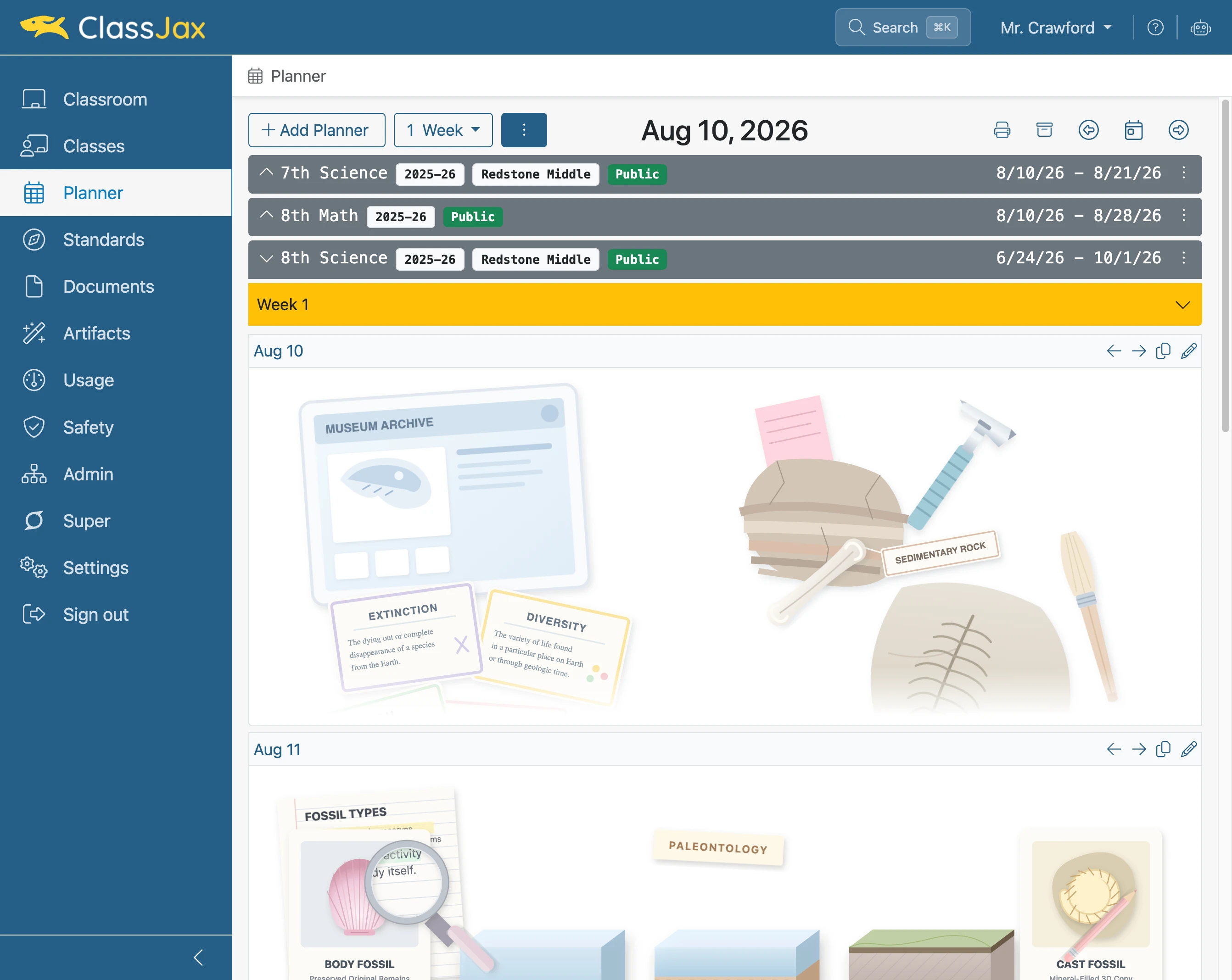
- 5
Click Left/Right arrow icons
Choose these options to display lesson plans from the previous week or the next week.
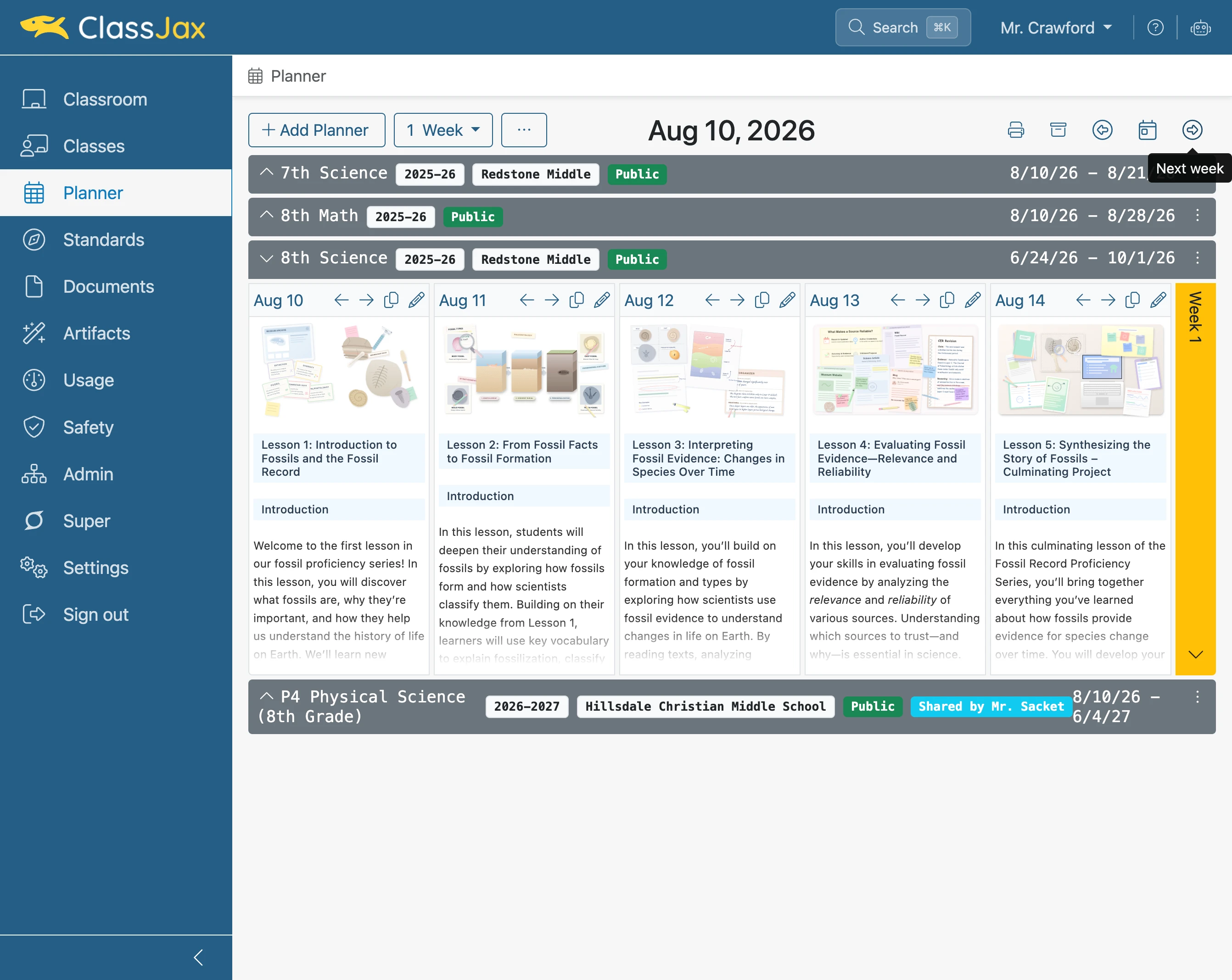
- 6
Click 'Week 1'
Clicking the yellow bar expands the view of the lesson plans to include all of their content.
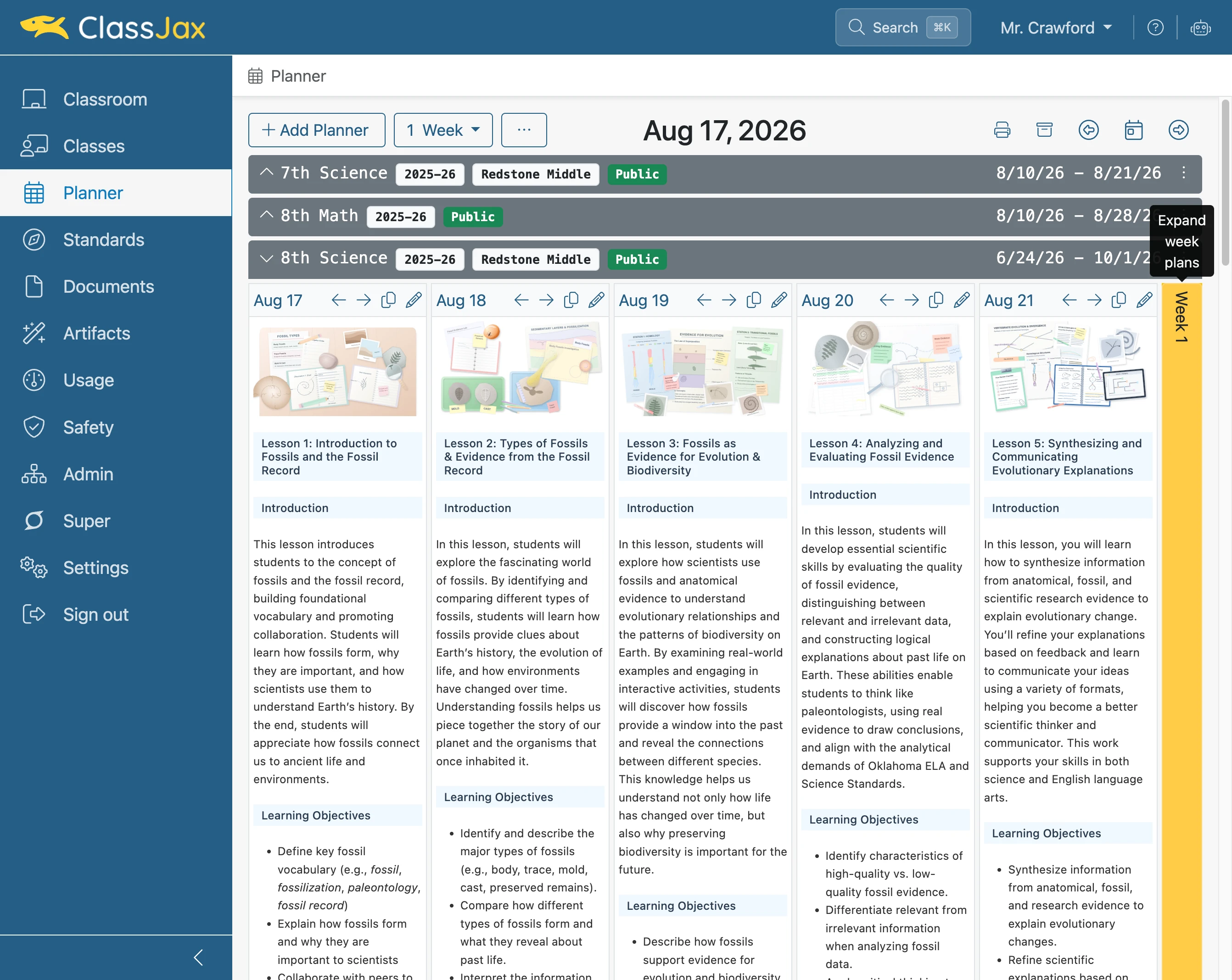
- 7
Click a Lesson Plan's Date
Select the lesson plan date to expand and display the lesson plan in full view within the window.
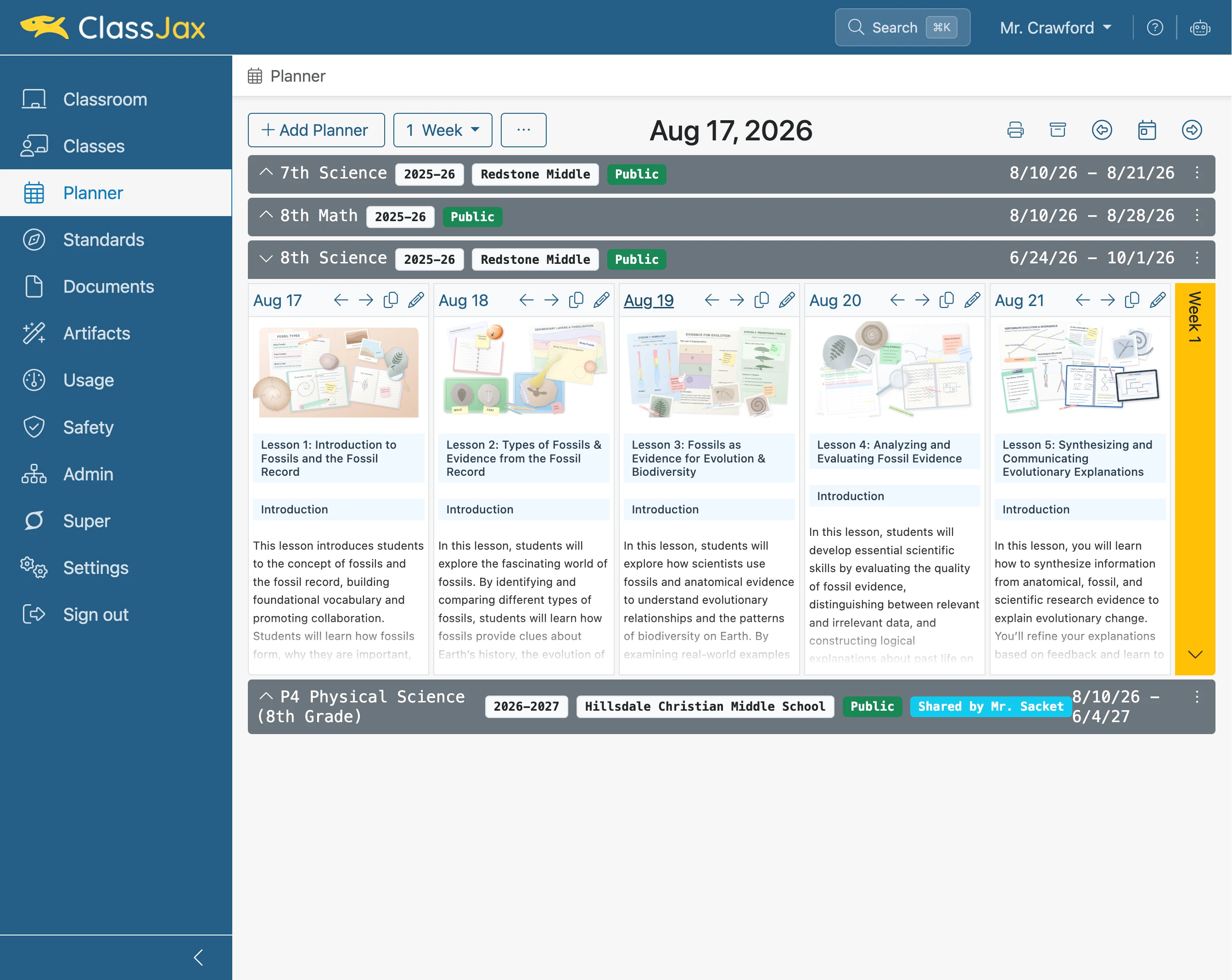
- 8
Click Left/Right arrow icons
Choose these options to display lesson plans from the previous day or the next day.
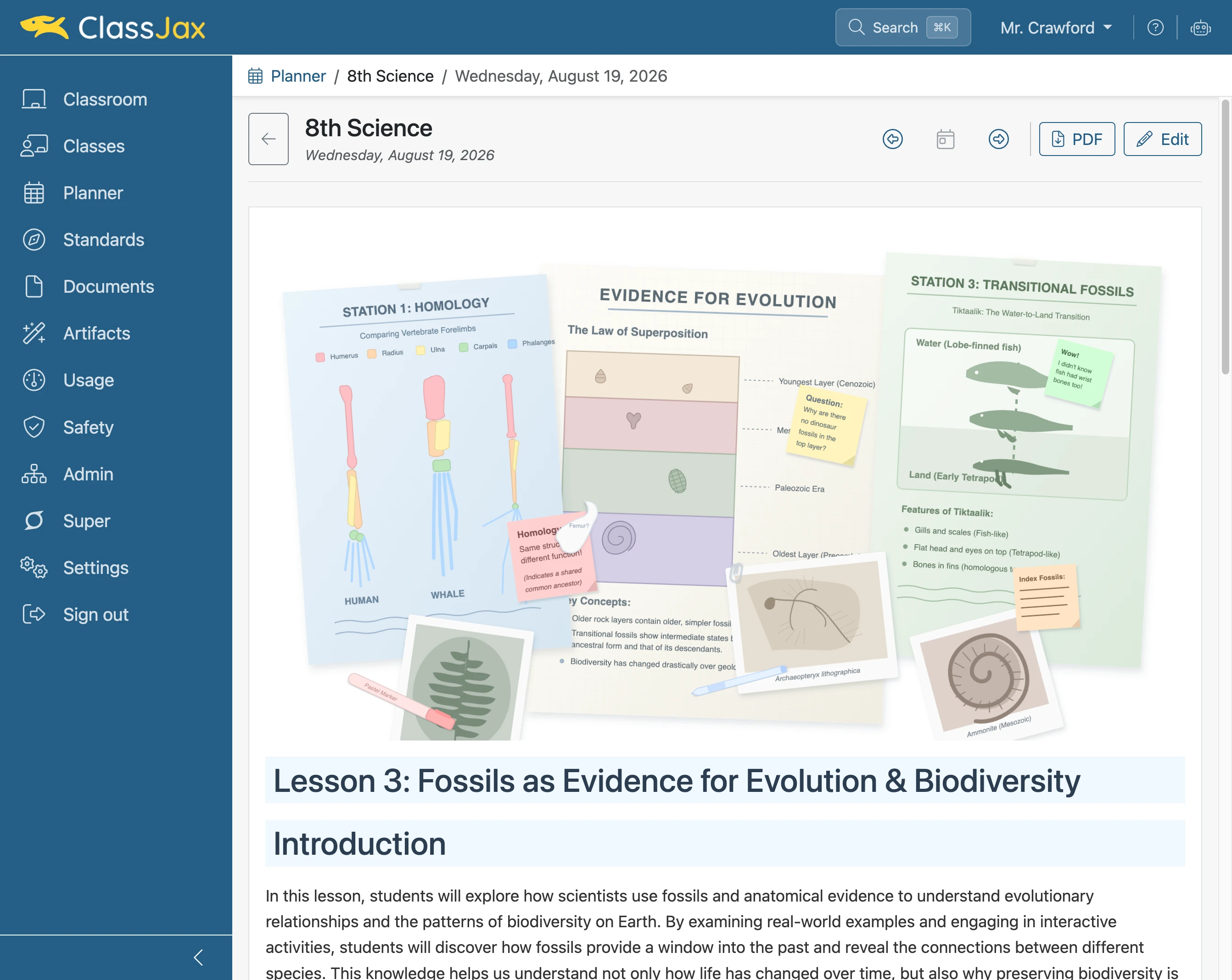
- 9
Click 'Back to Planner'
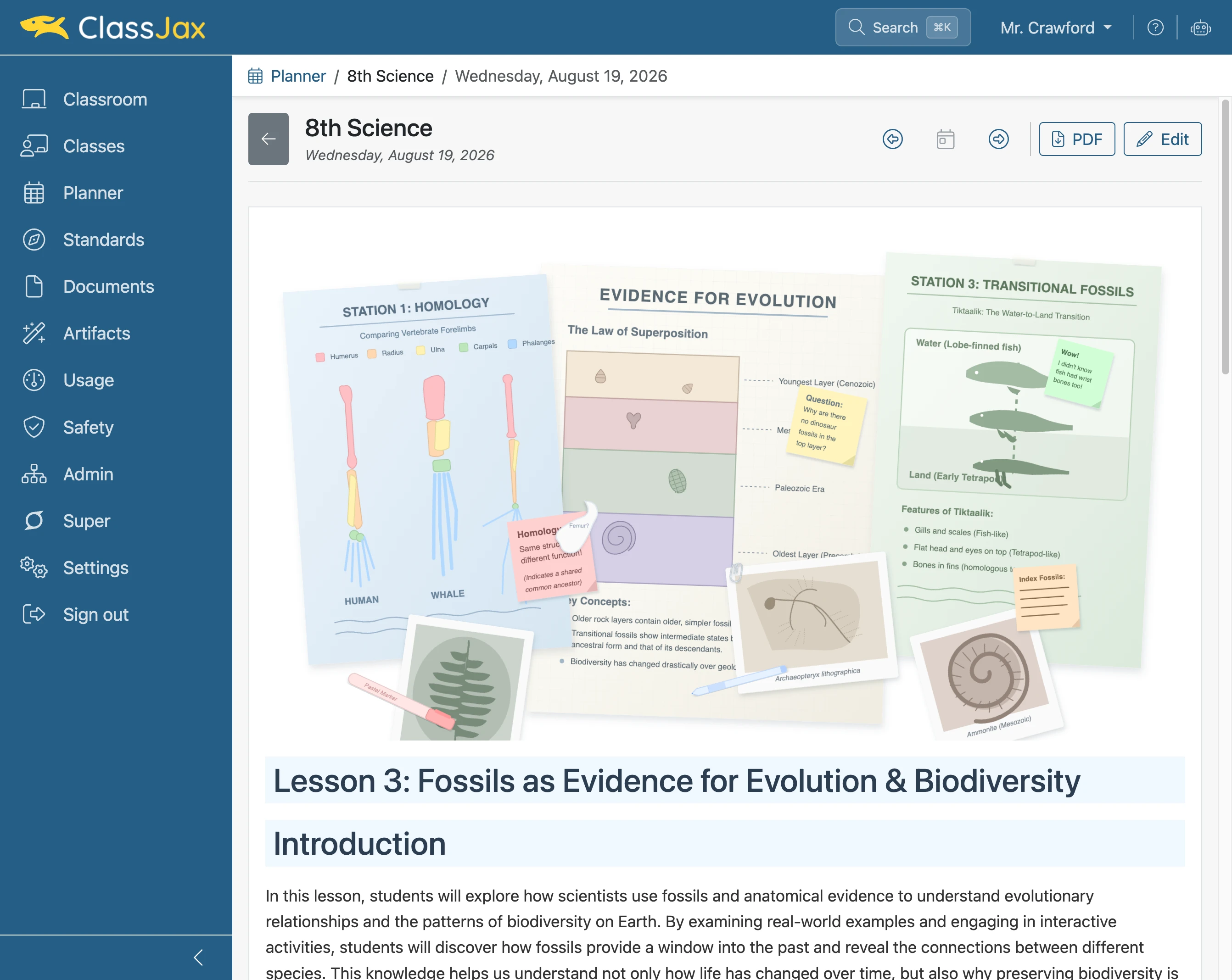
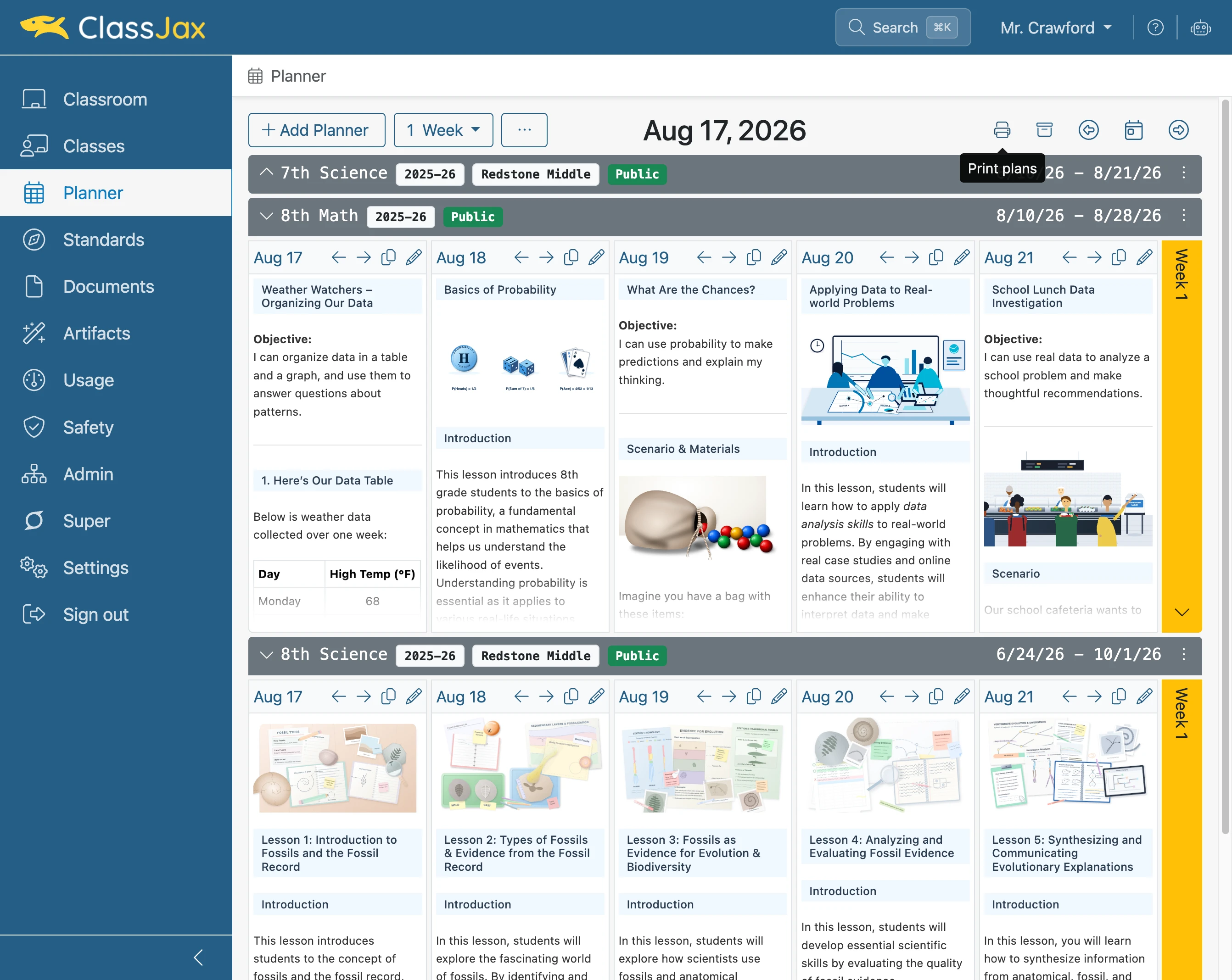
- 10
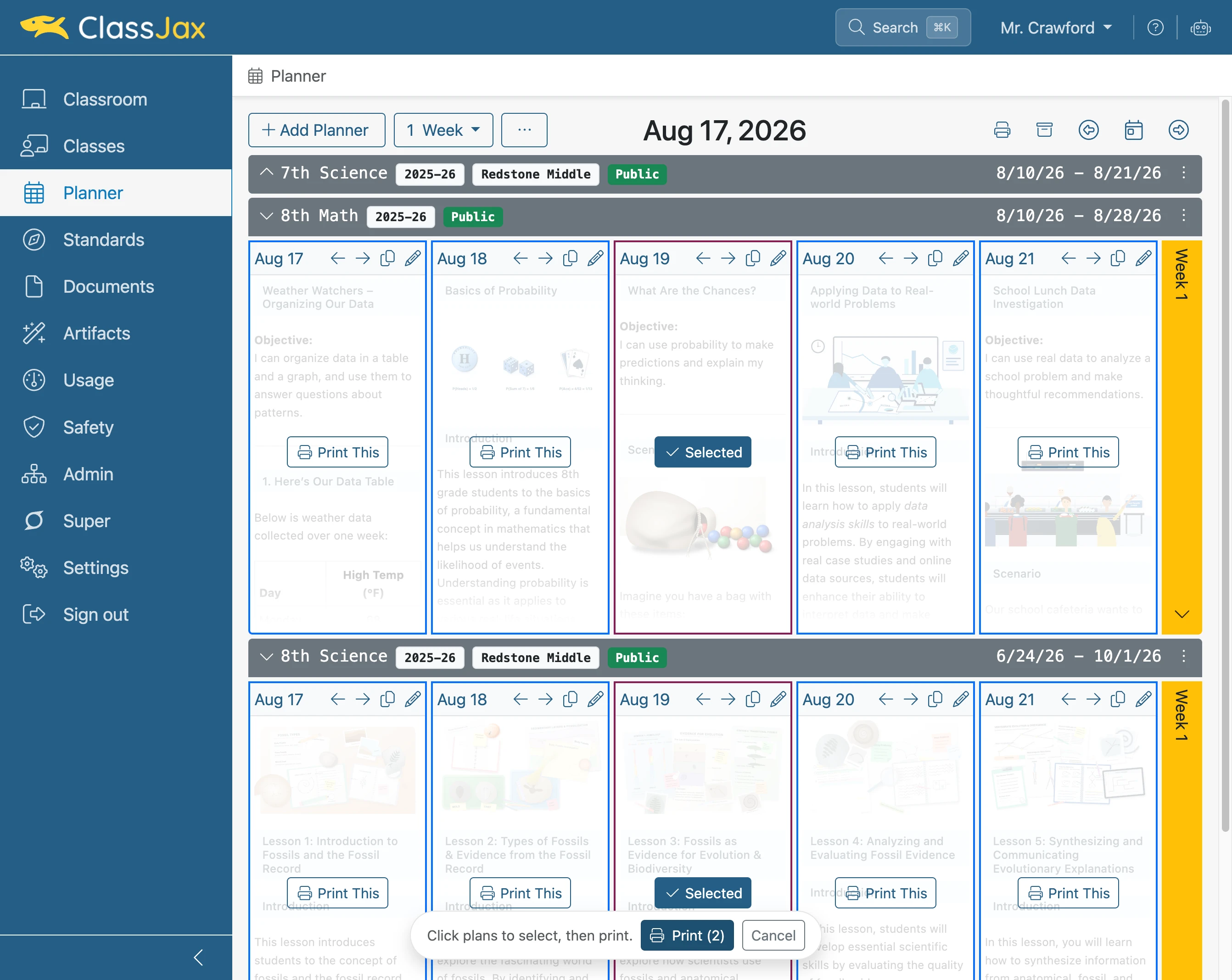
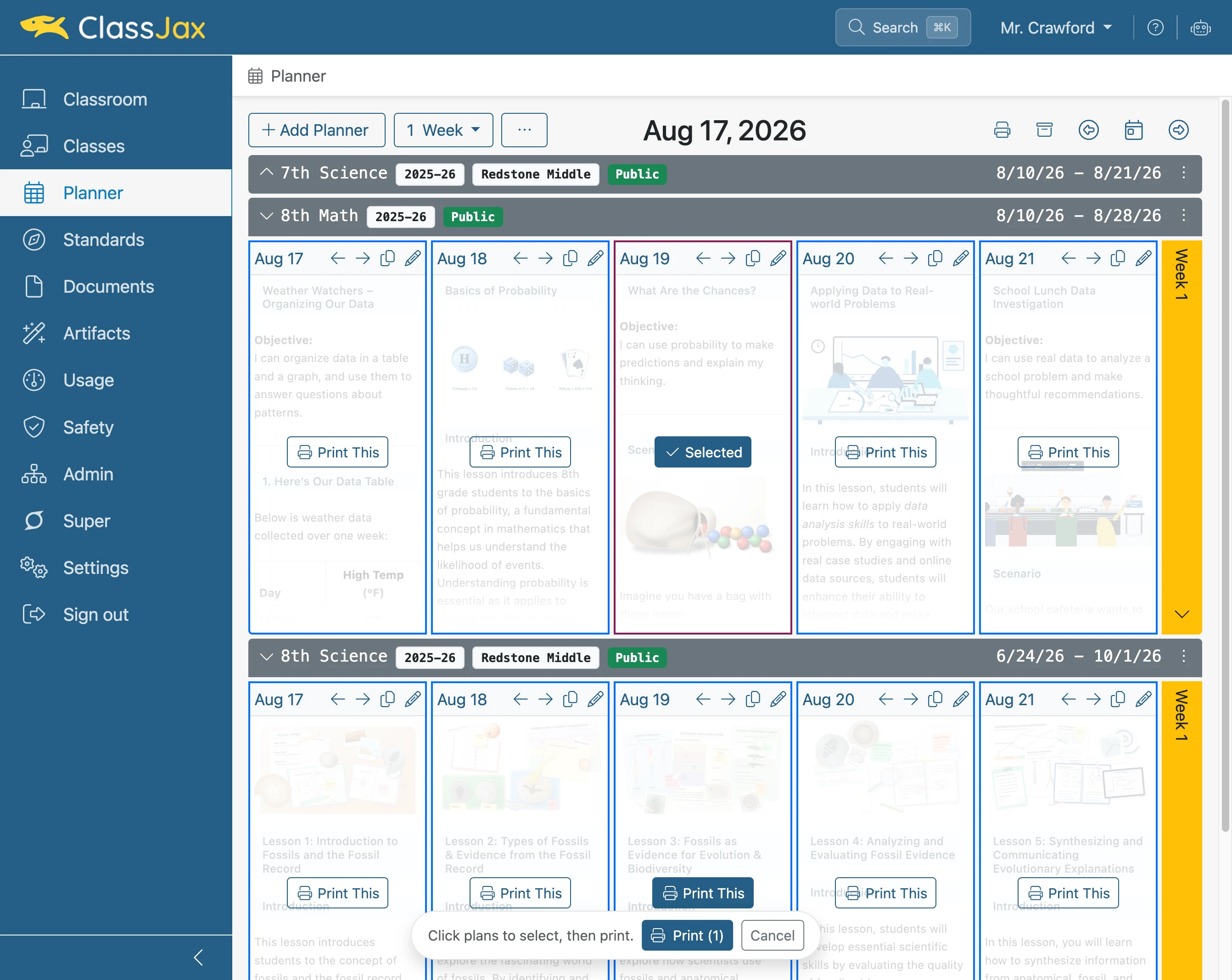
Click 'Print plans'
Lesson plans across the planners can be selected and combined into a single pdf document for quick printing.
- 11
Click 'Print This'
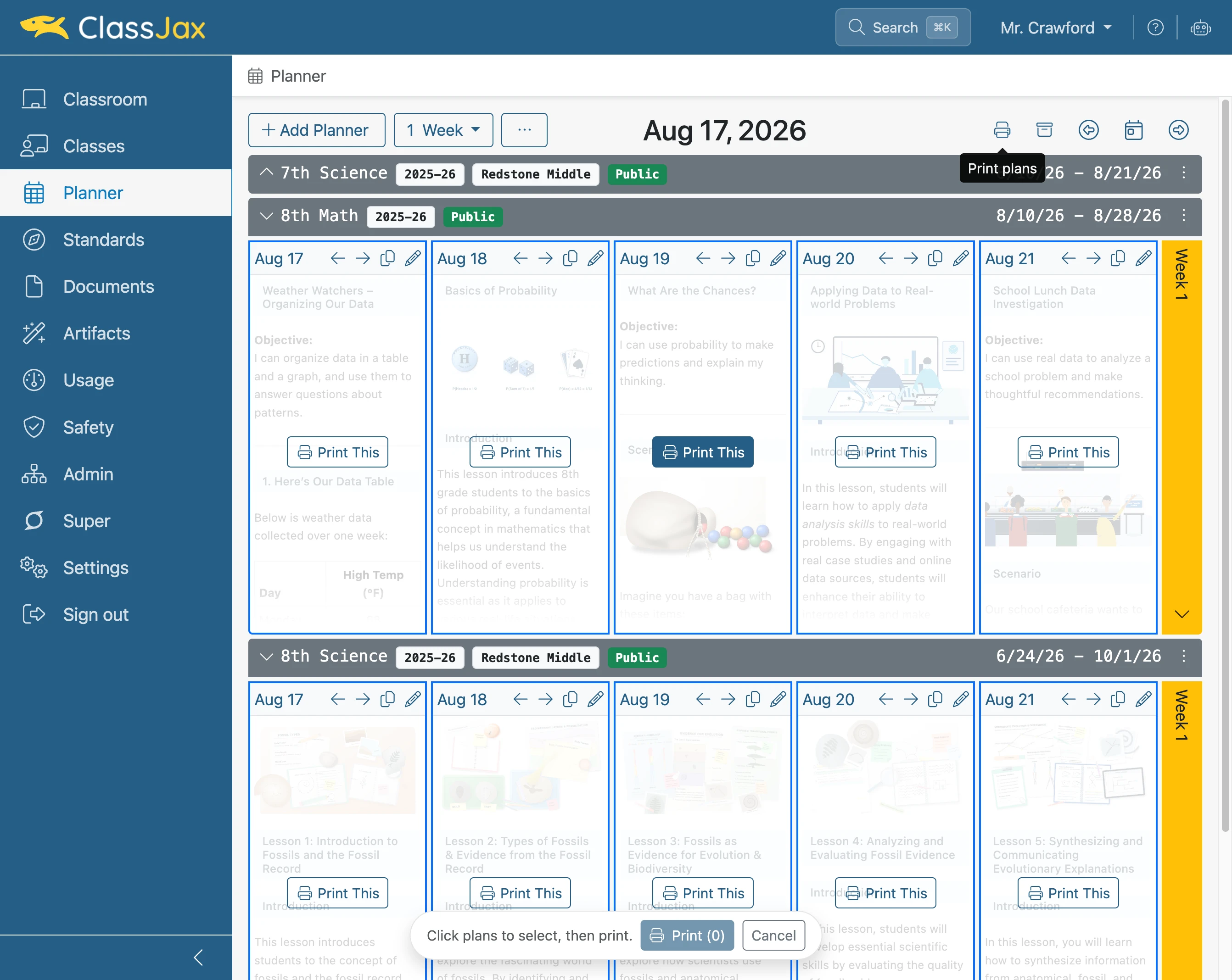
- 12
Click 'Print This'
- 13
Click 'Print (2)'
Clicking the Print button results in a dialogue window to save the pdf file. The pdf file can then be printed.