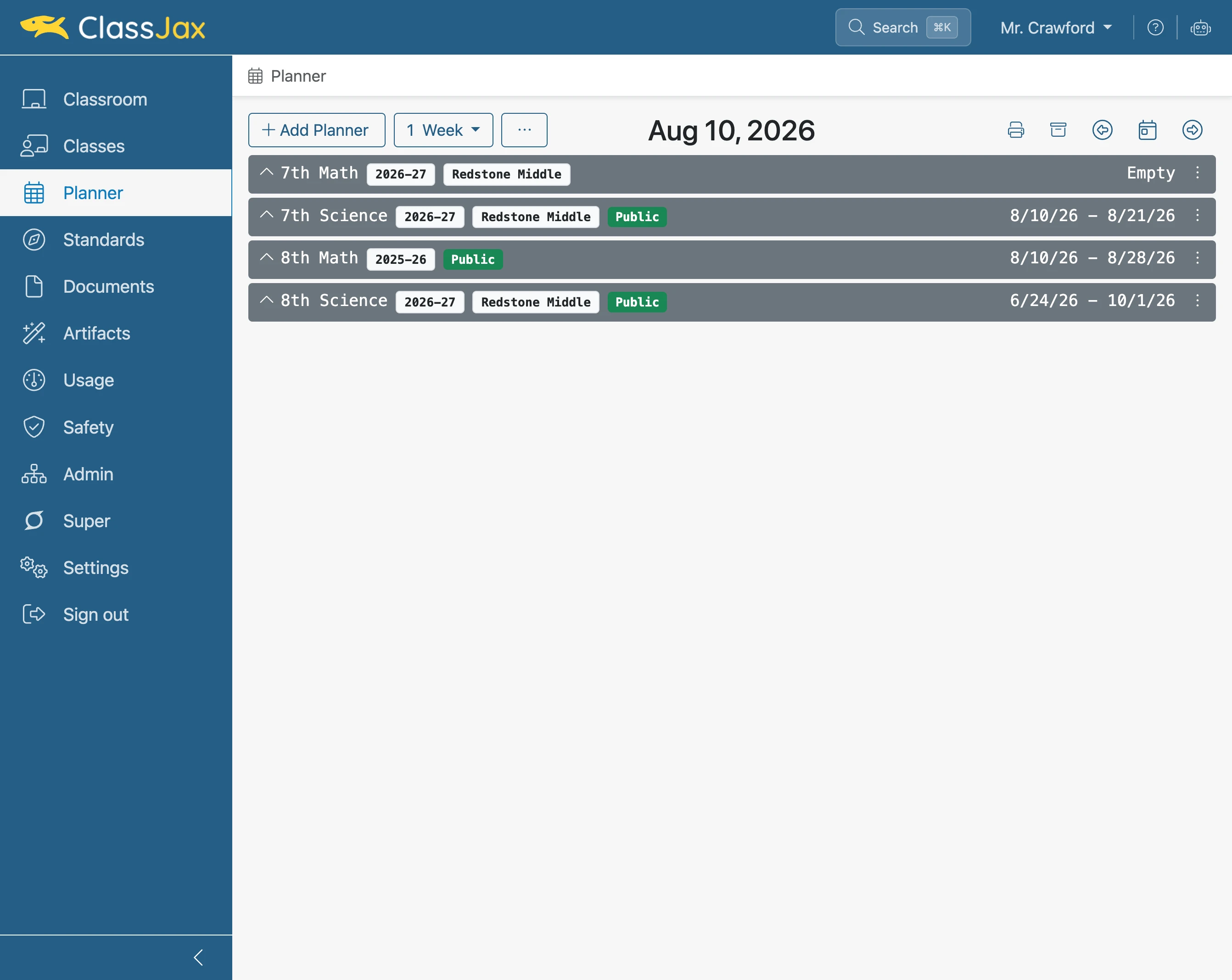
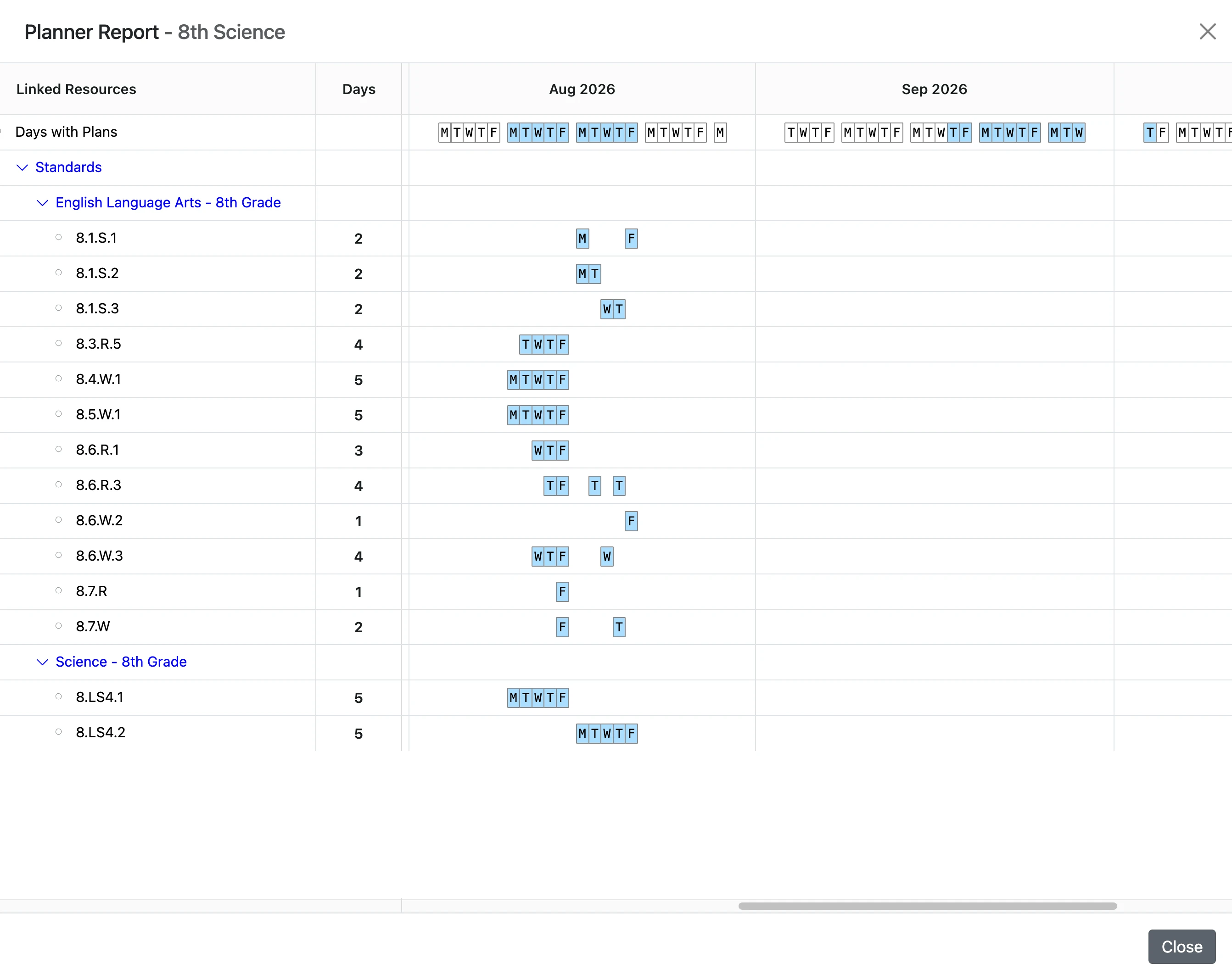
View the Coverage Report
This guide explains how to access, view and use the Planner report in ClassJax, making it easy to review your lesson plans, track progress, and gain insights for better planning.
Plan smarter this year
ClassJax is free for teachers. No credit card required.
- 1
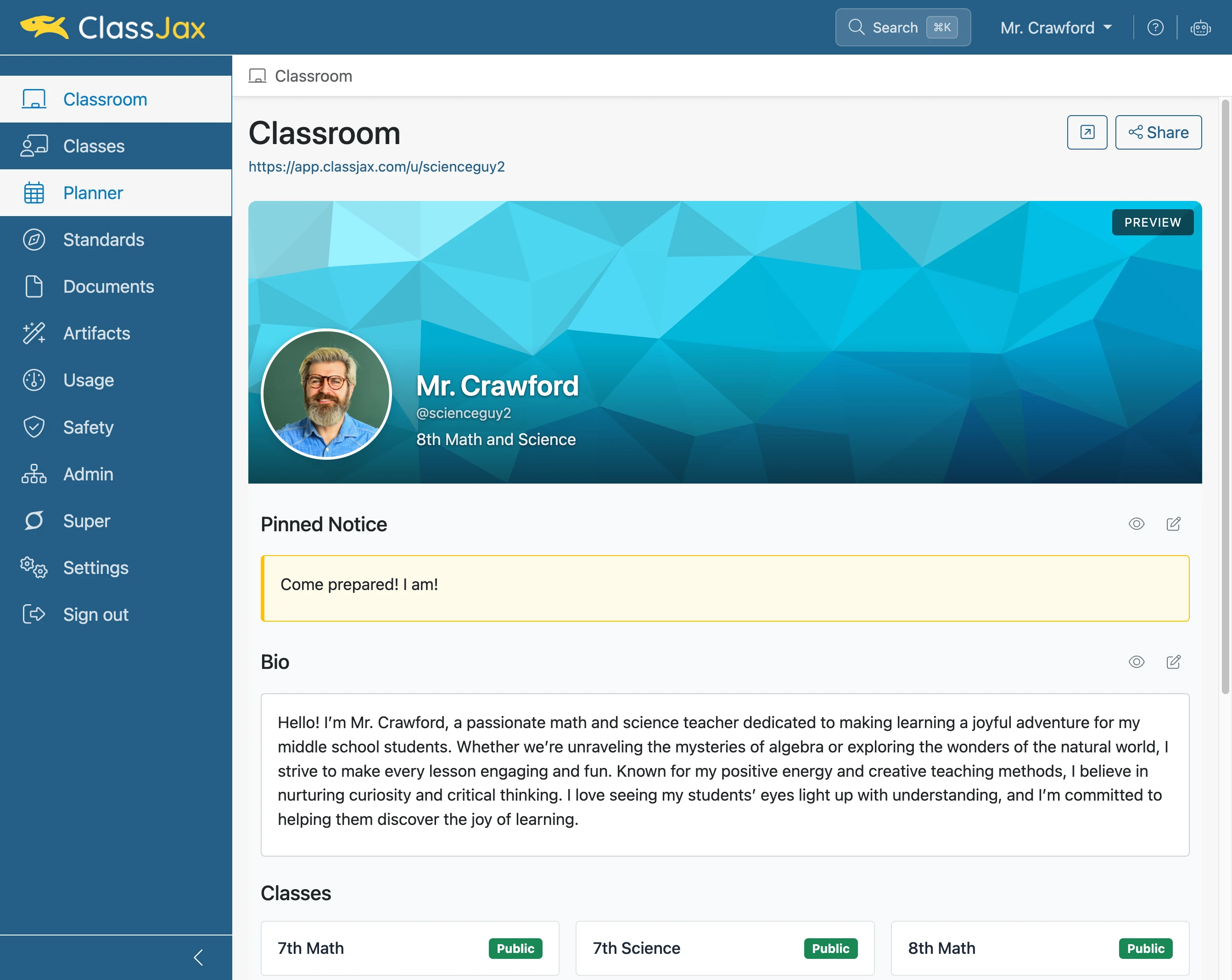
Click the 'Planner' link
- 2
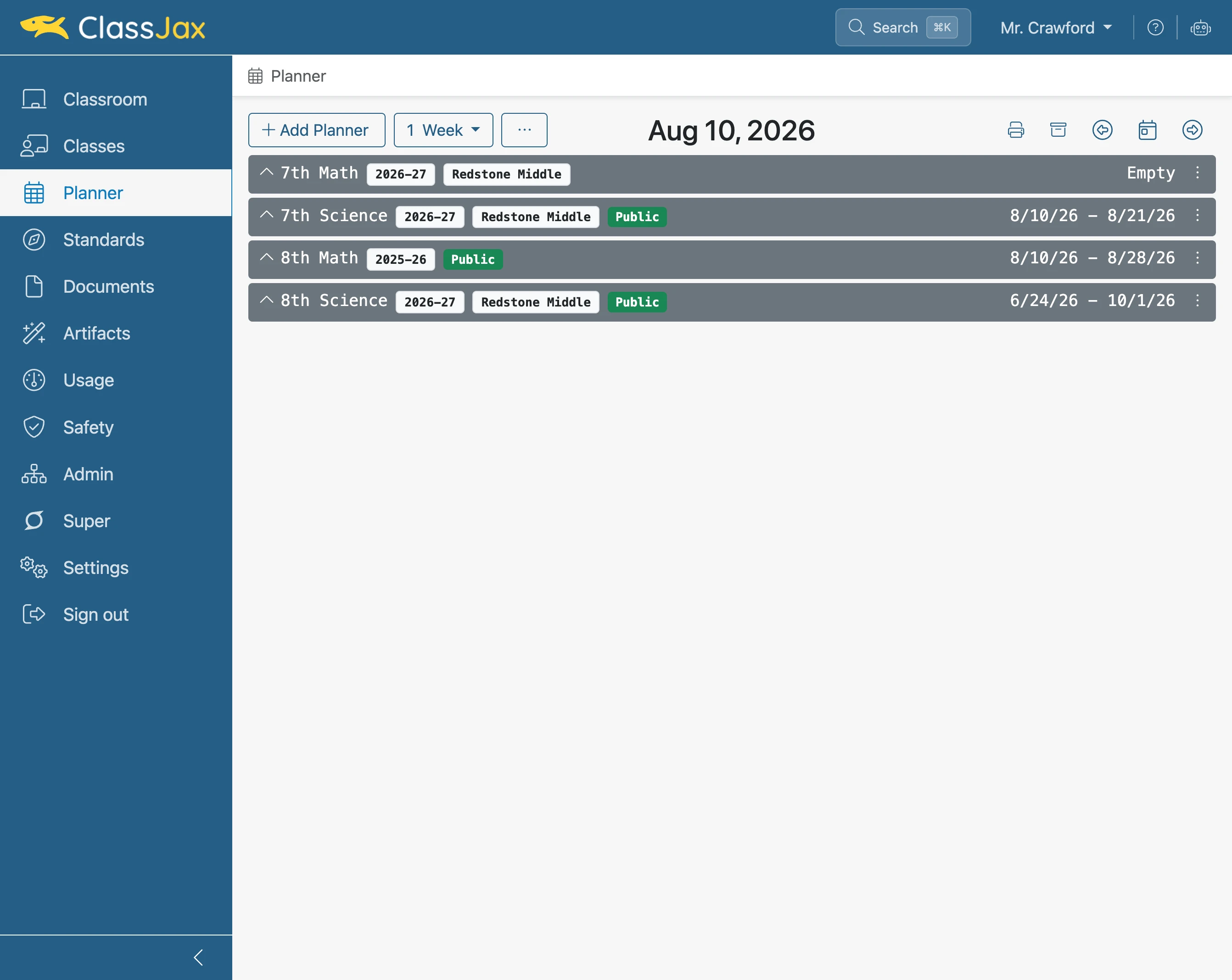
Click 'Planner actions'
- 3
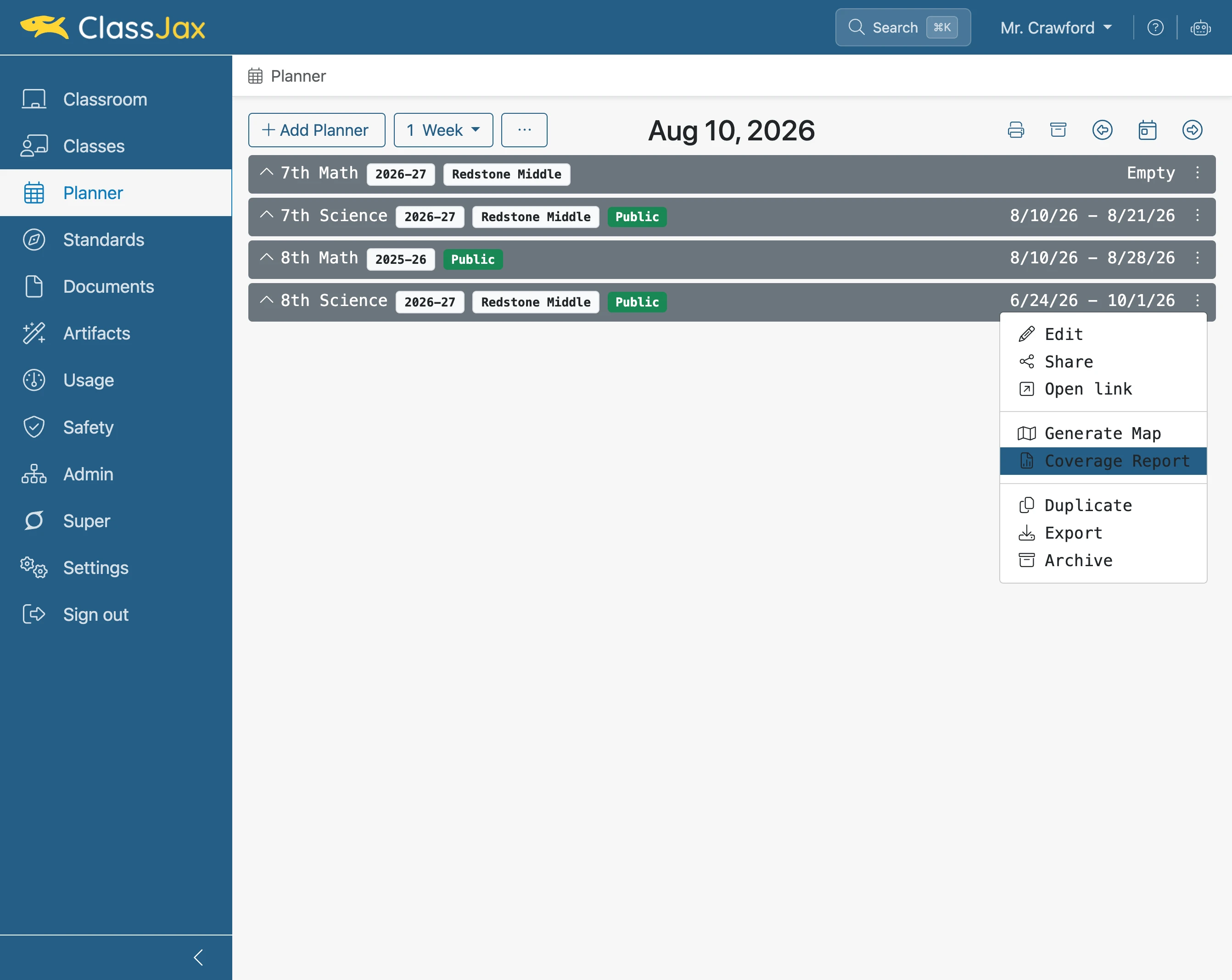
Select 'Coverage Report'
- 4
Click the 'Day' icon to view a lesson plan
To view the lesson plan being addressed by a standard, click the day icon.
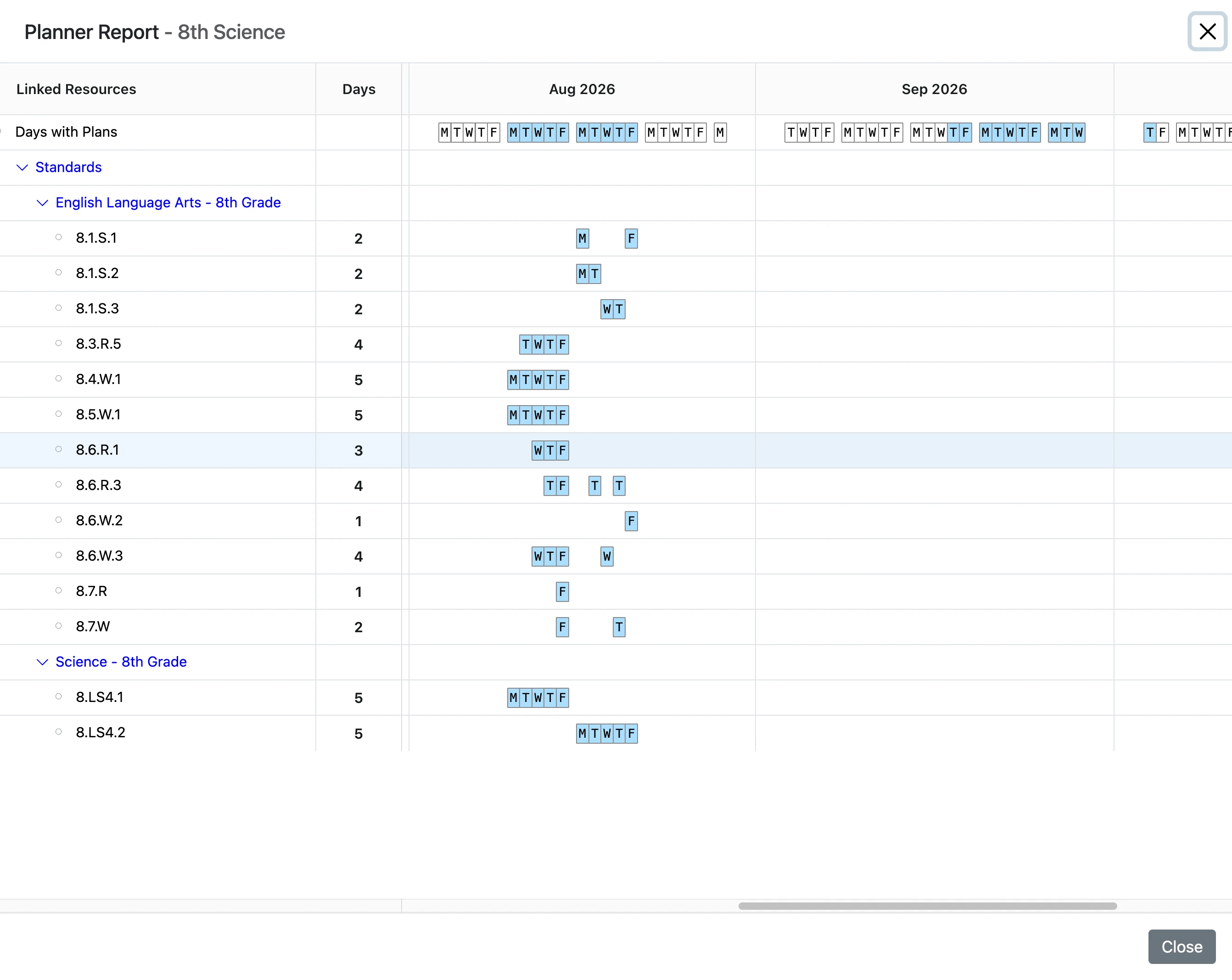
- 5
Click the 'Standard' link
The lesson plan appears. Clicking on the standard located in the plan displays the standard and its unwrapped content.
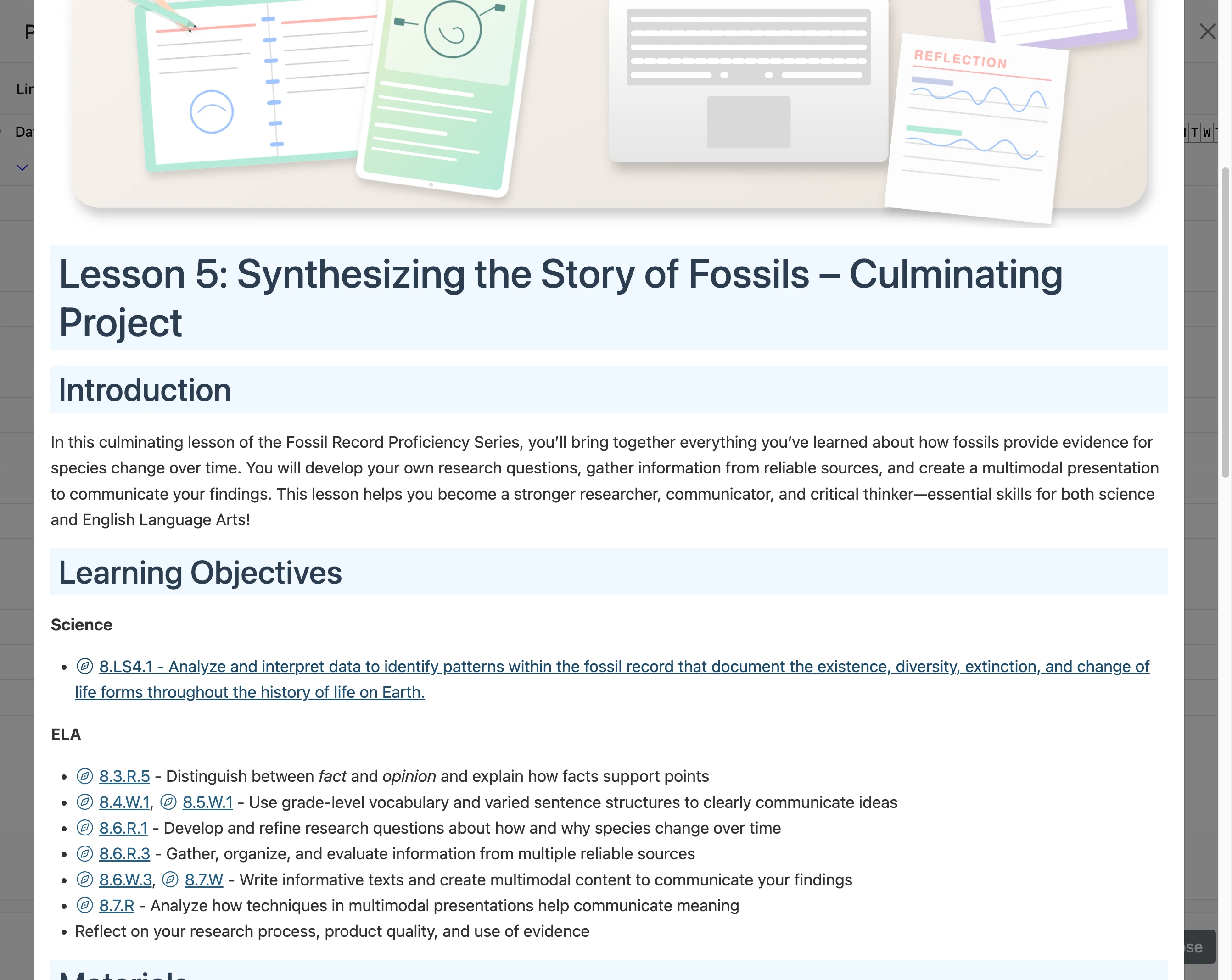
- 6
Click 'Close'
Closes the standard’s popup window.
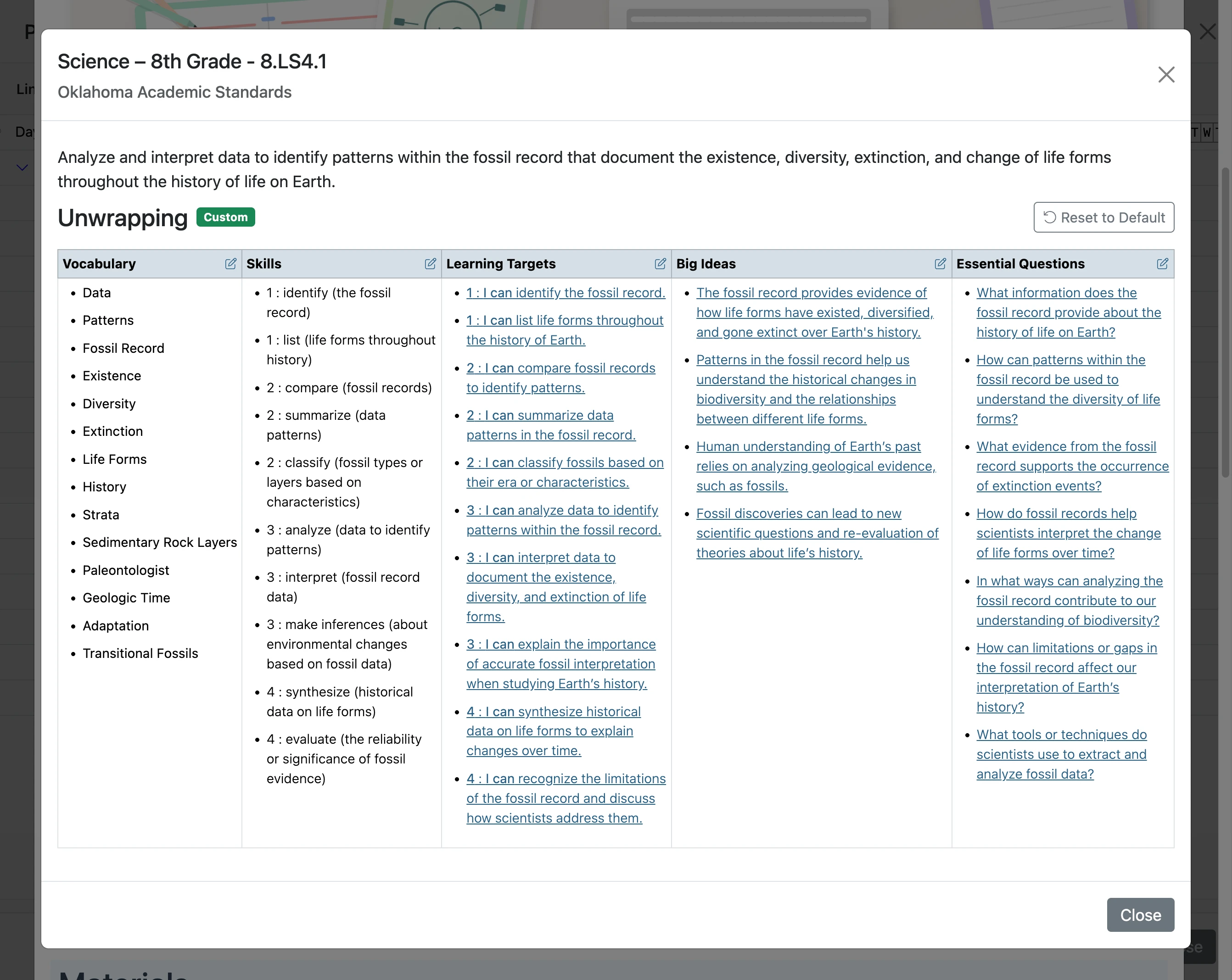
- 7
Click 'Close'
Closes the lesson plan’s popup window.
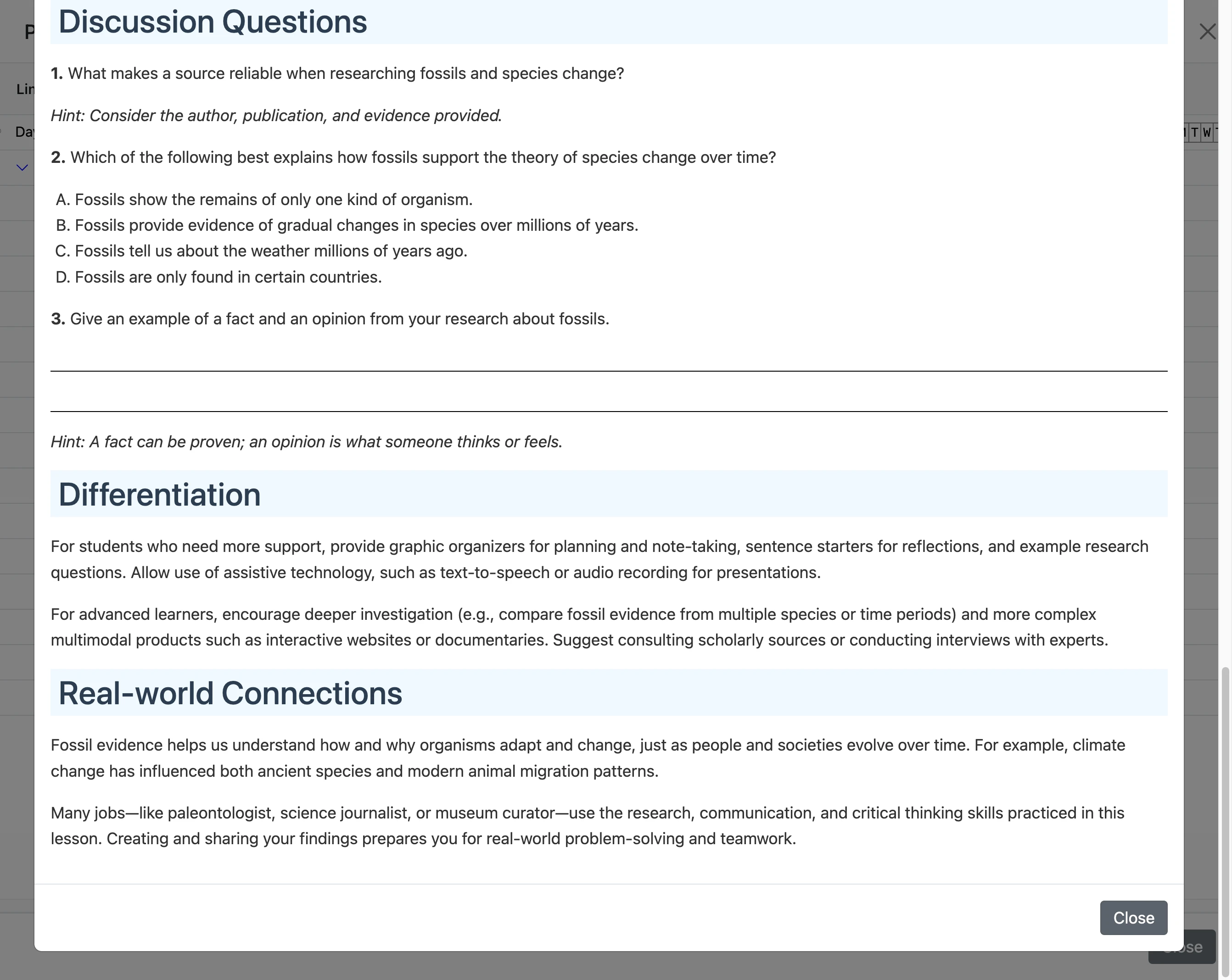
- 8
Click 'Close'
Closes the the Coverage Report window.
- 9
Returns to the Planners