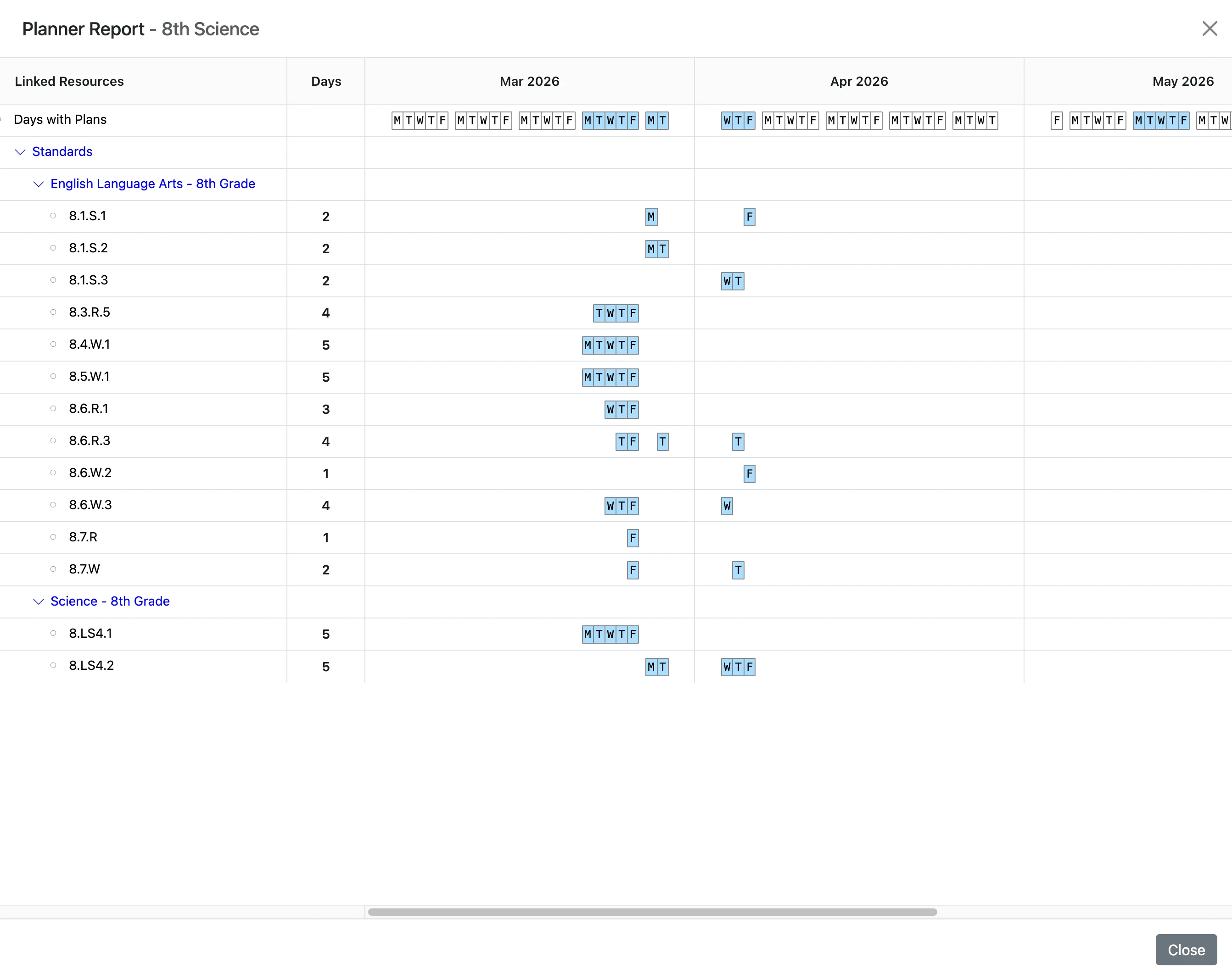
View Planner Report
This guide explains how to access, view and use the Planner report in ClassJax, making it easy to review your lesson plans, track progress, and gain insights for better planning.
- 1
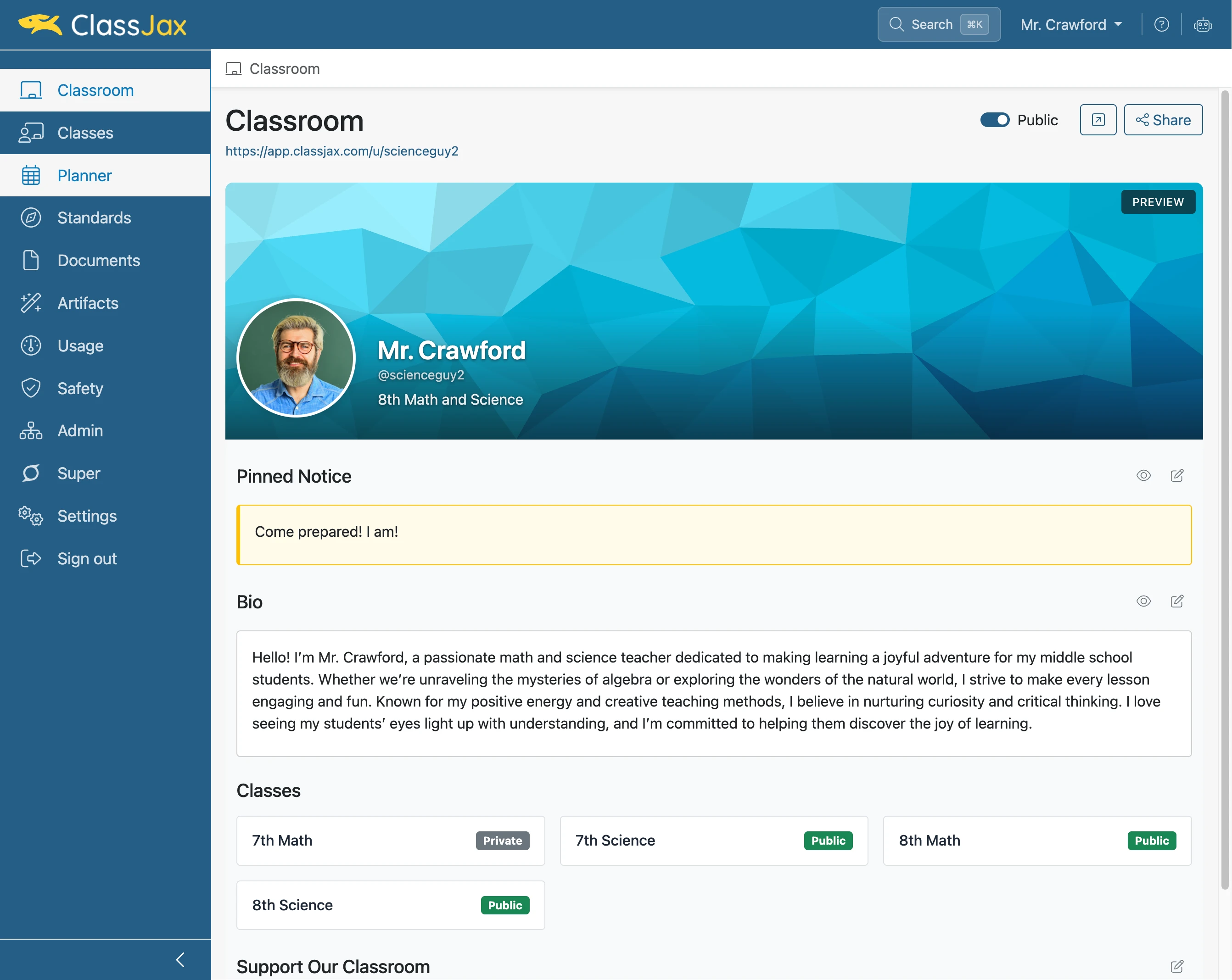
Click the 'Planner' link
- 2
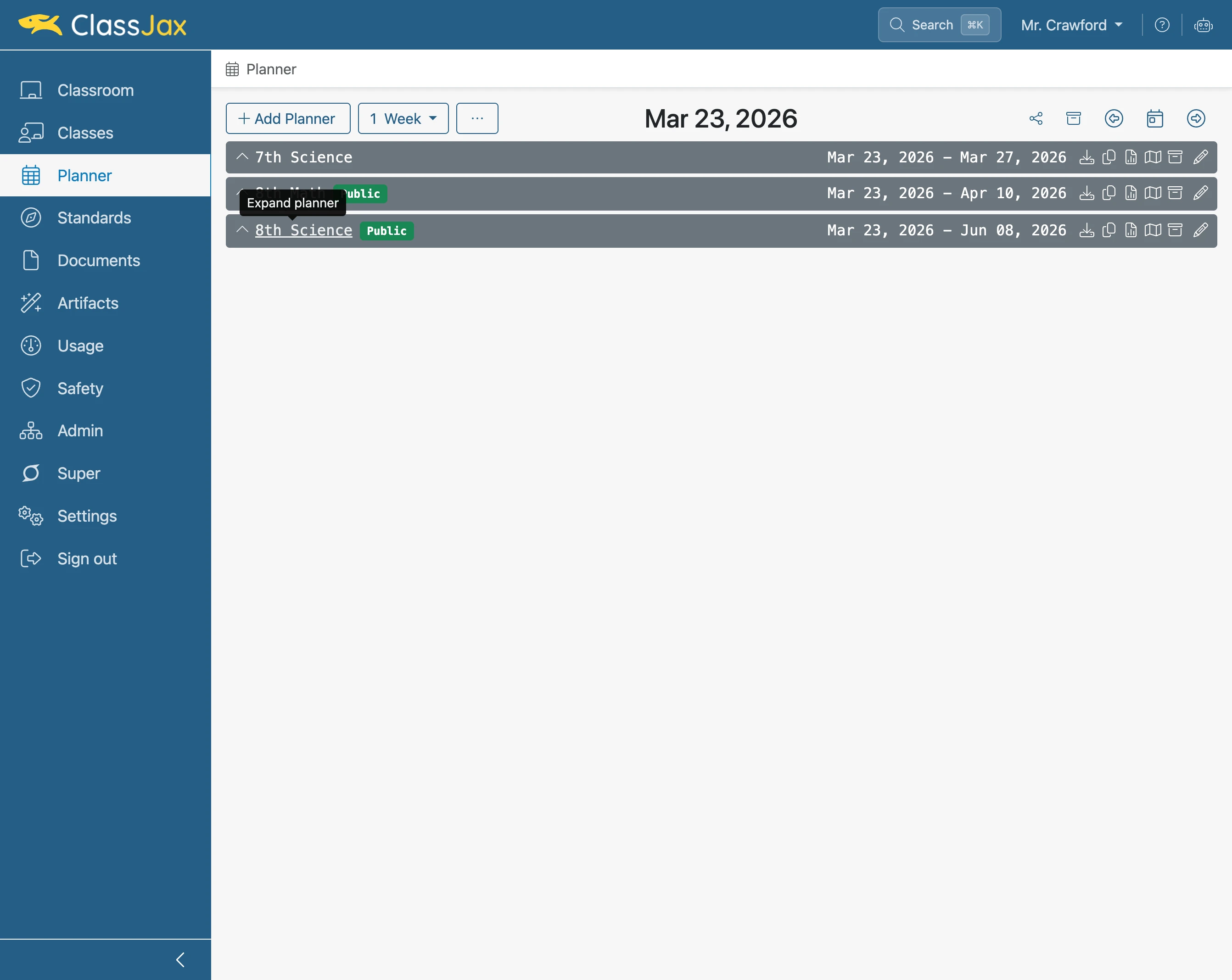
Click the '8th Science' link
- 3
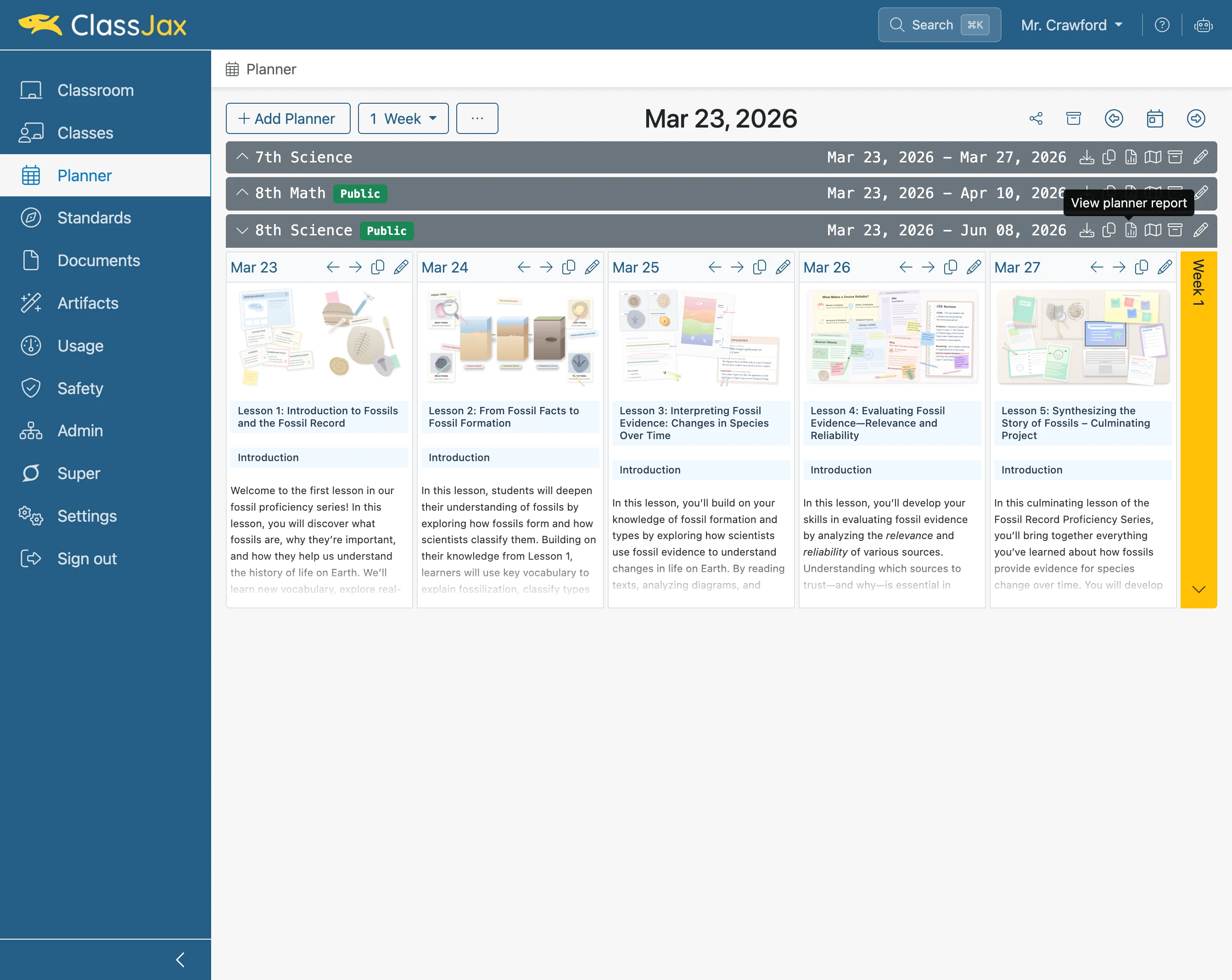
Click the 'Planner Report' link
- 4
Click 'T'
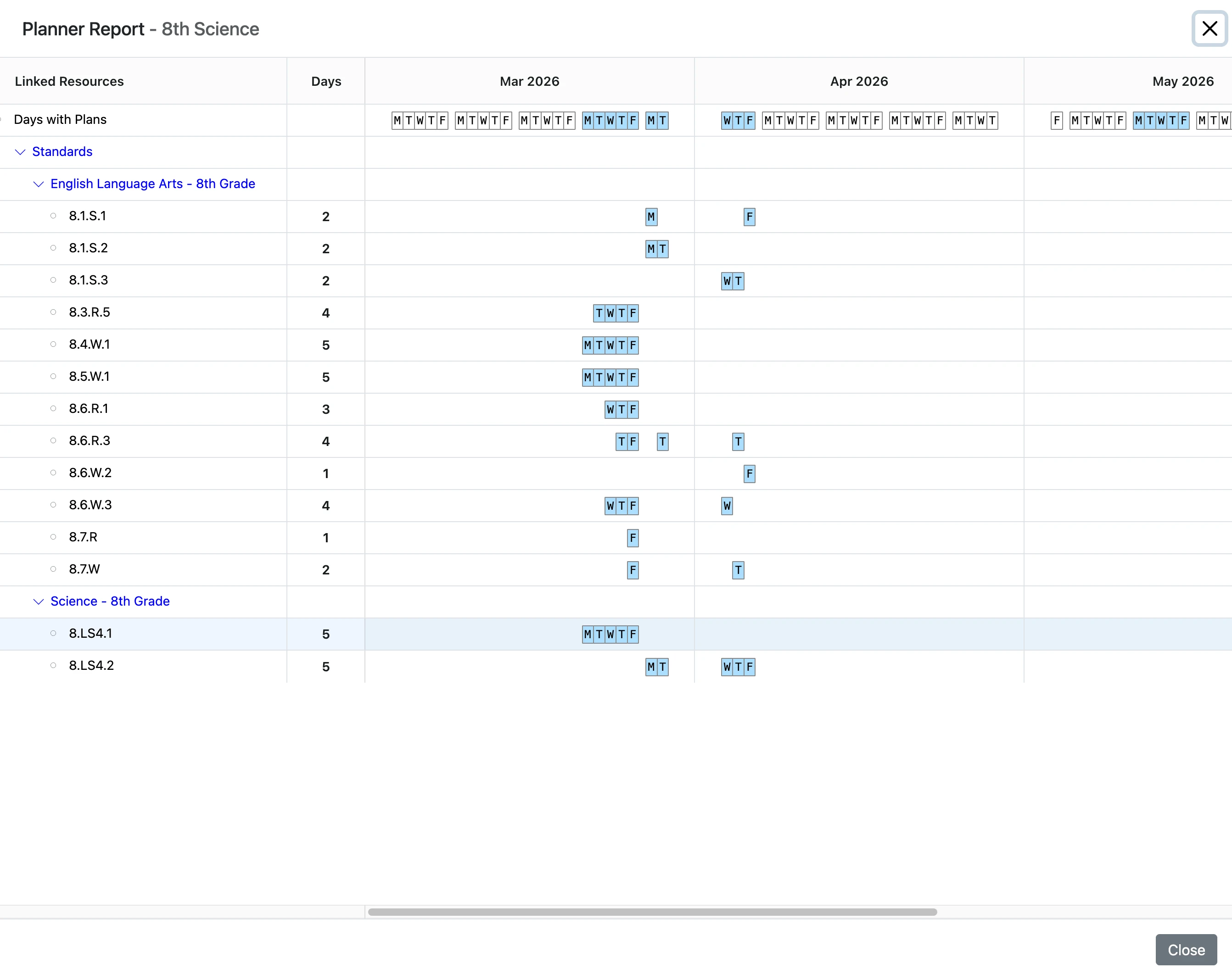
- 5
Click the 'Standard' link
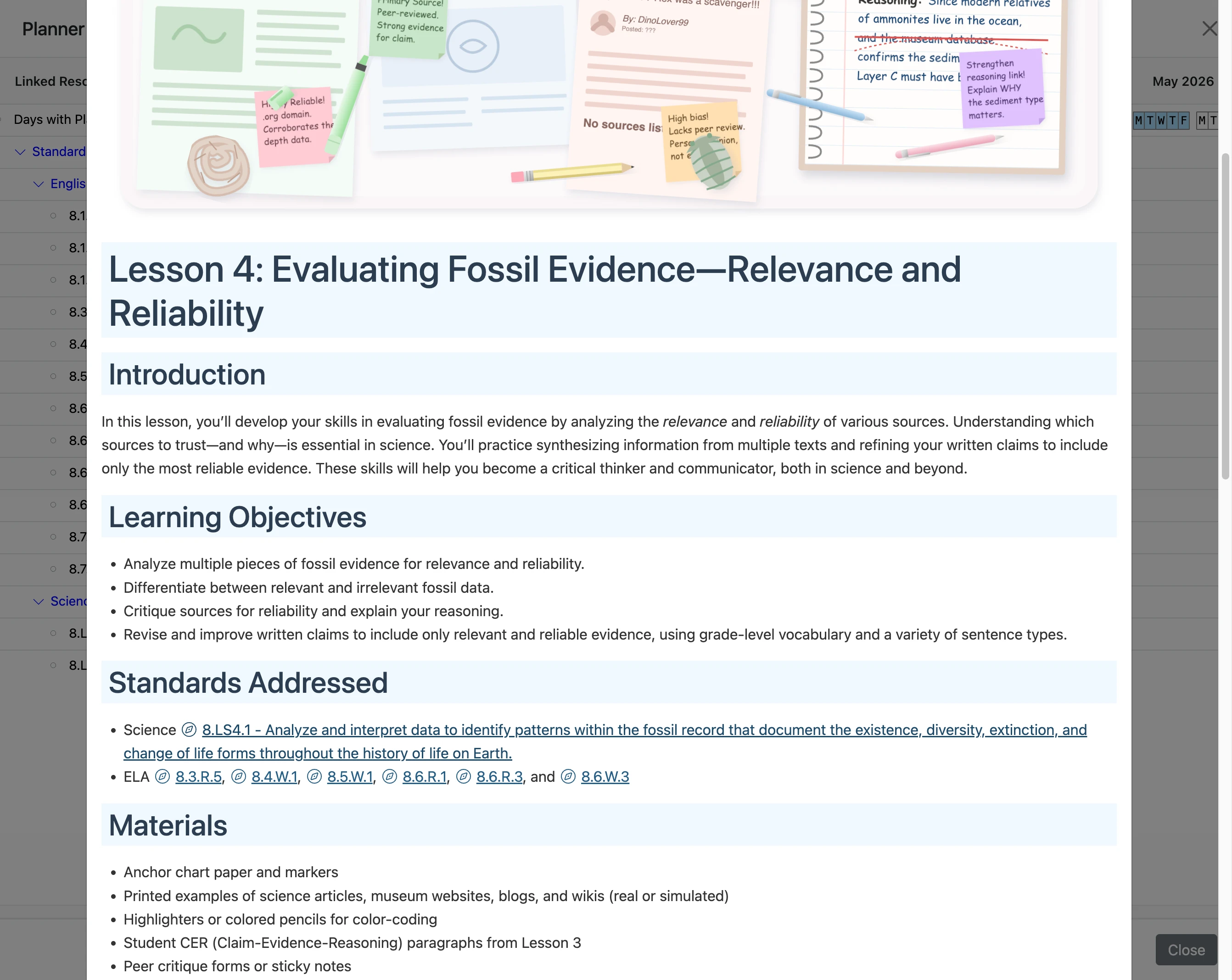
- 6
Click 'Close'
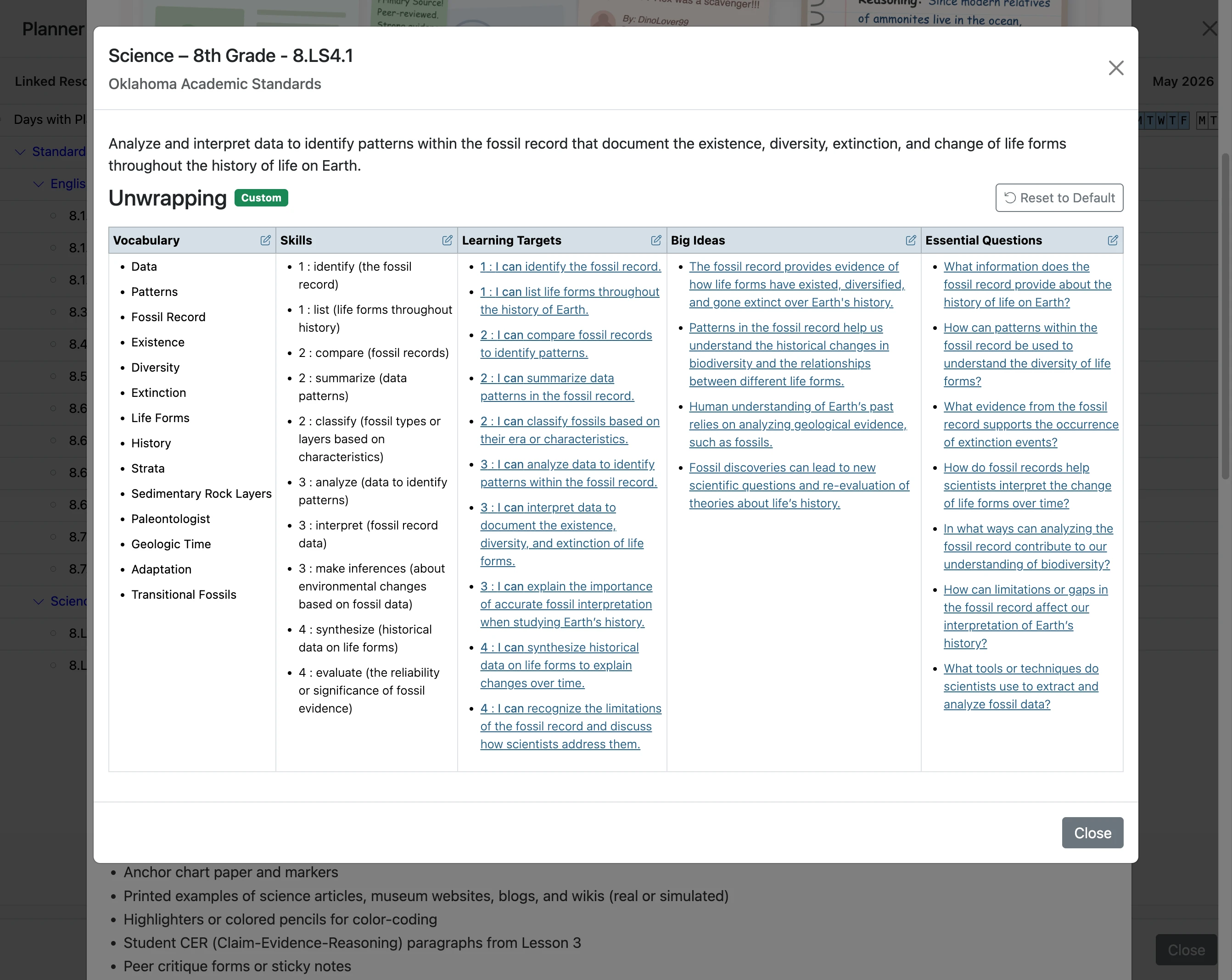
- 7
Click 'Close'
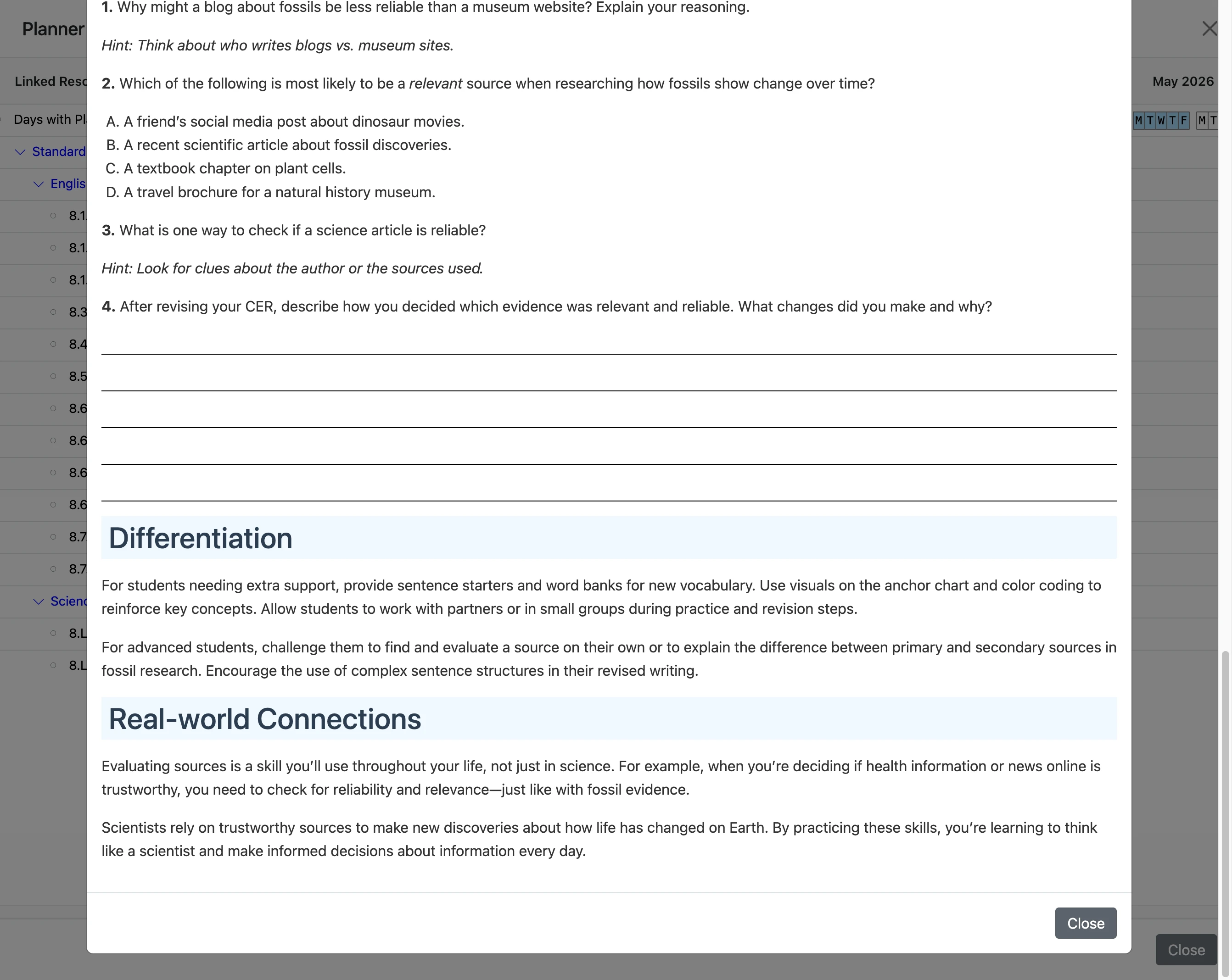
- 8
The End