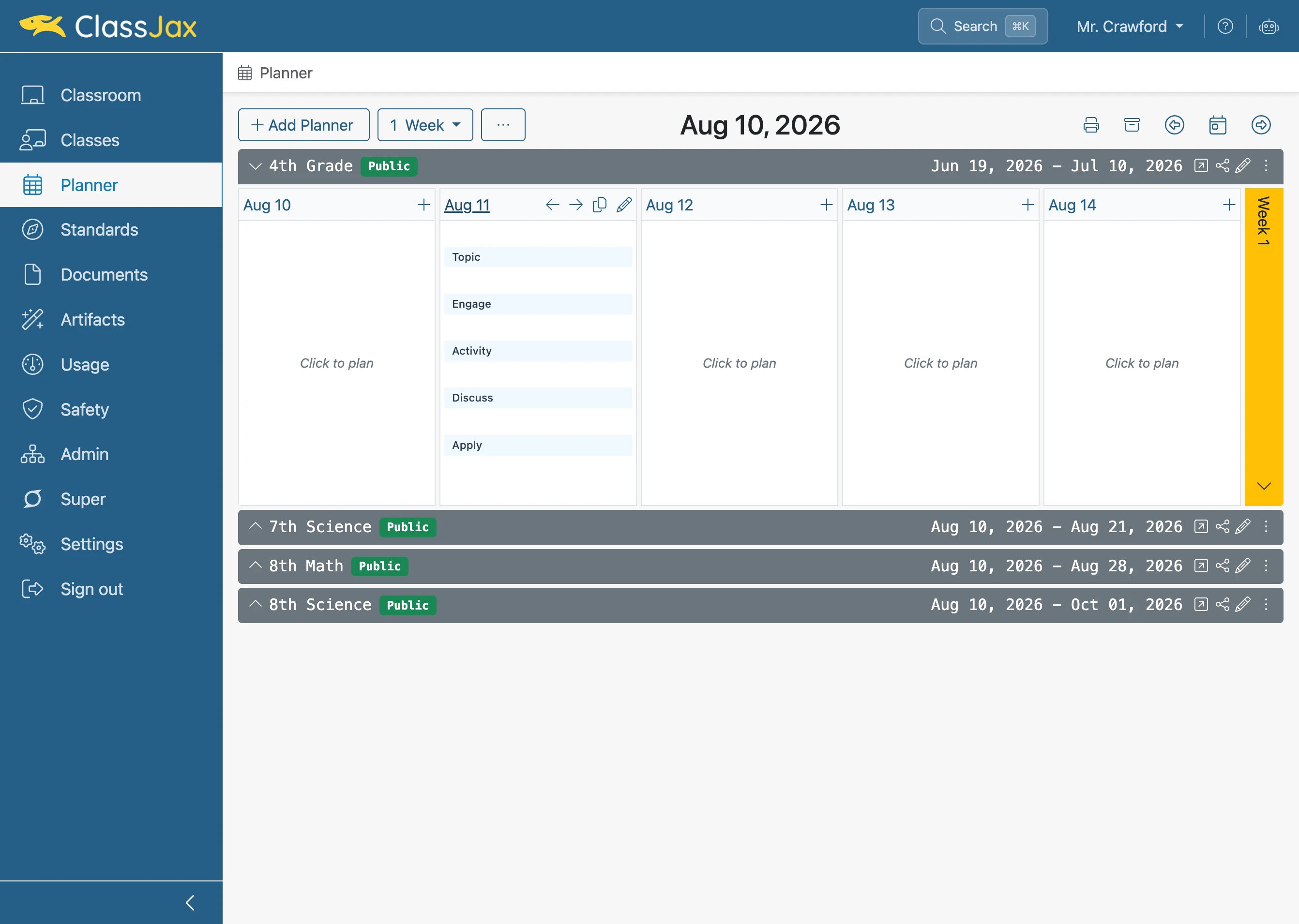
Use a Campus Template for Lesson Plans
Campus templates can be used to standardize teh format of lesson plans across a campus.
- 1
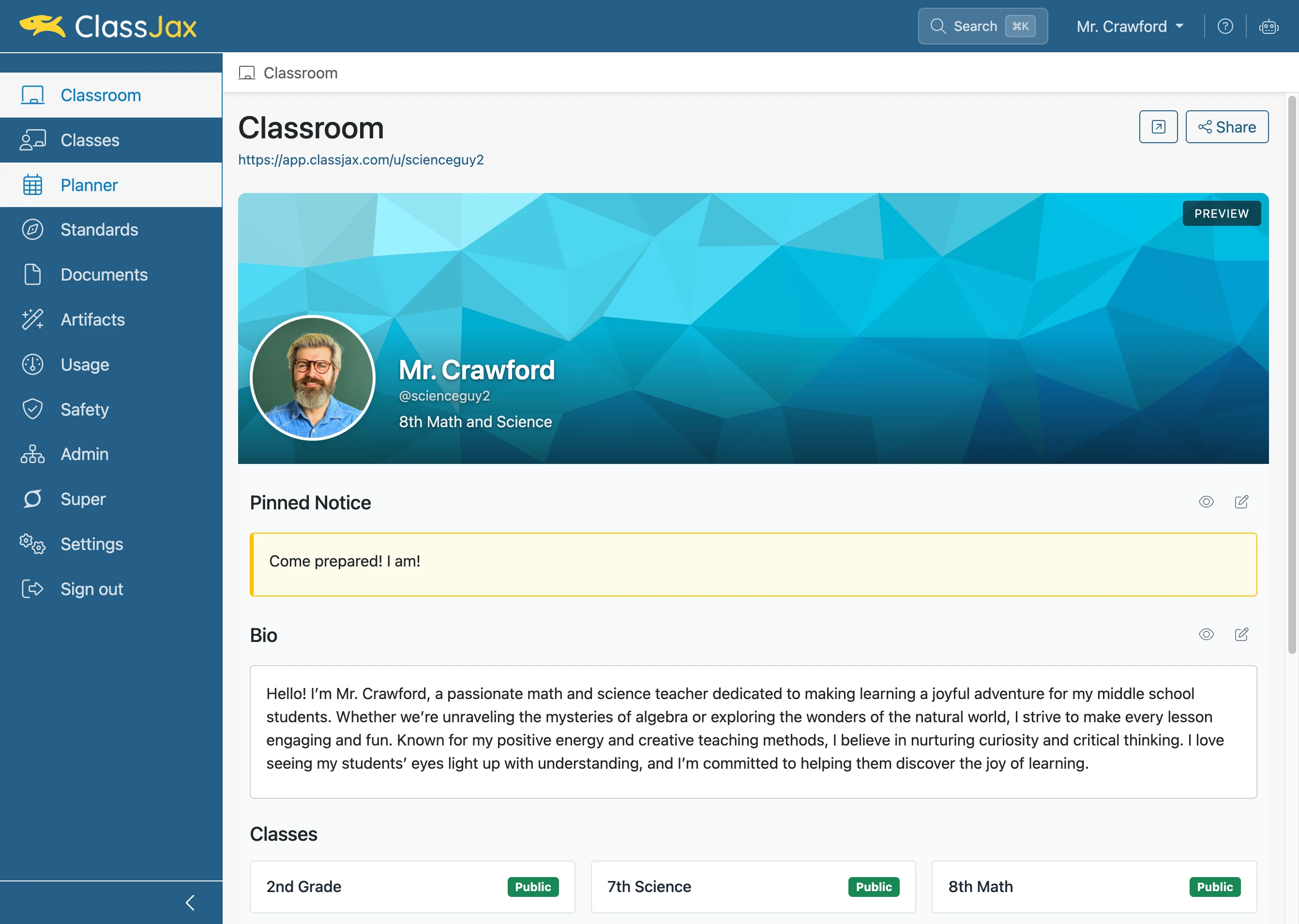
Click the 'Planner' link
- 2
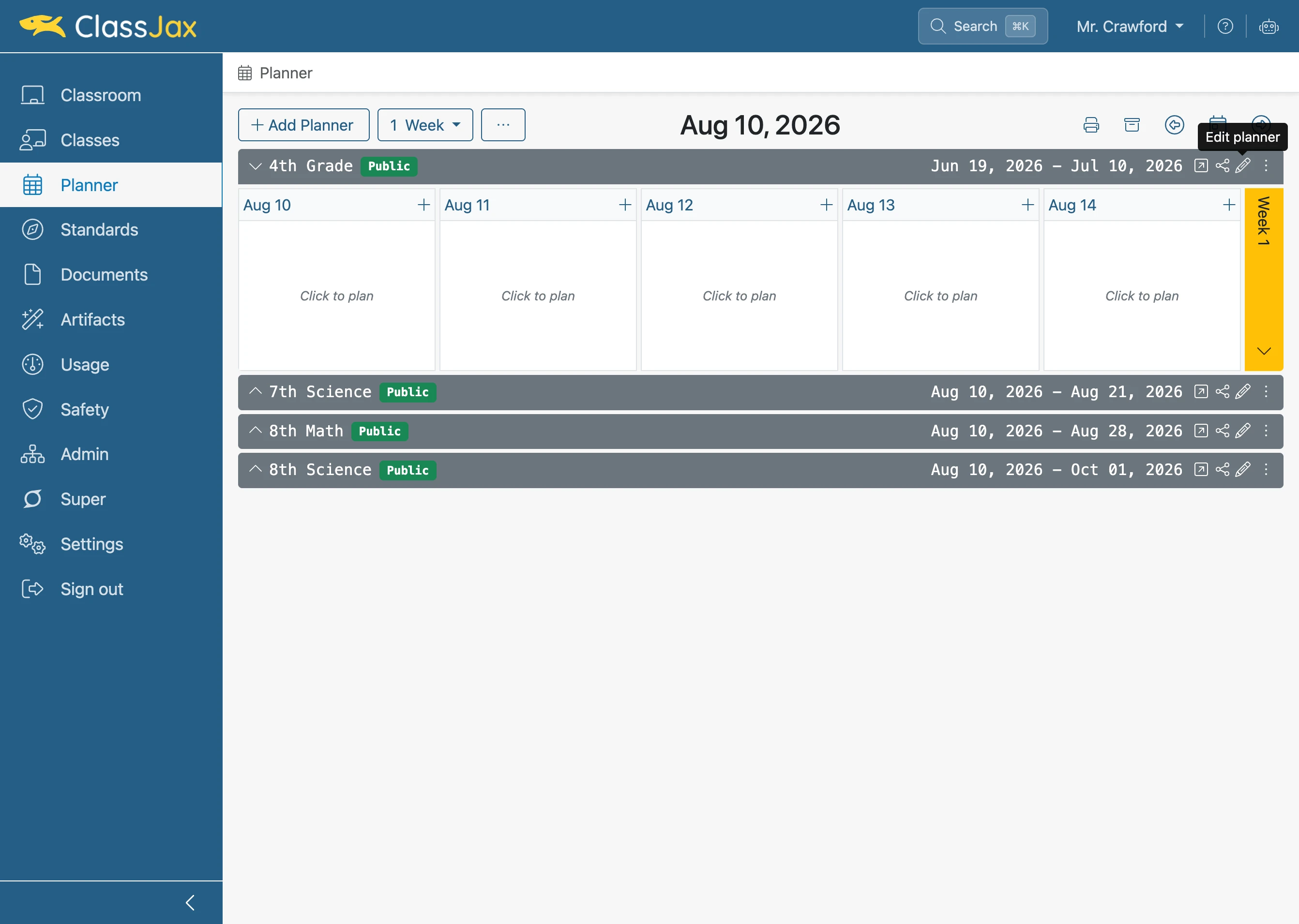
Click element
- 3
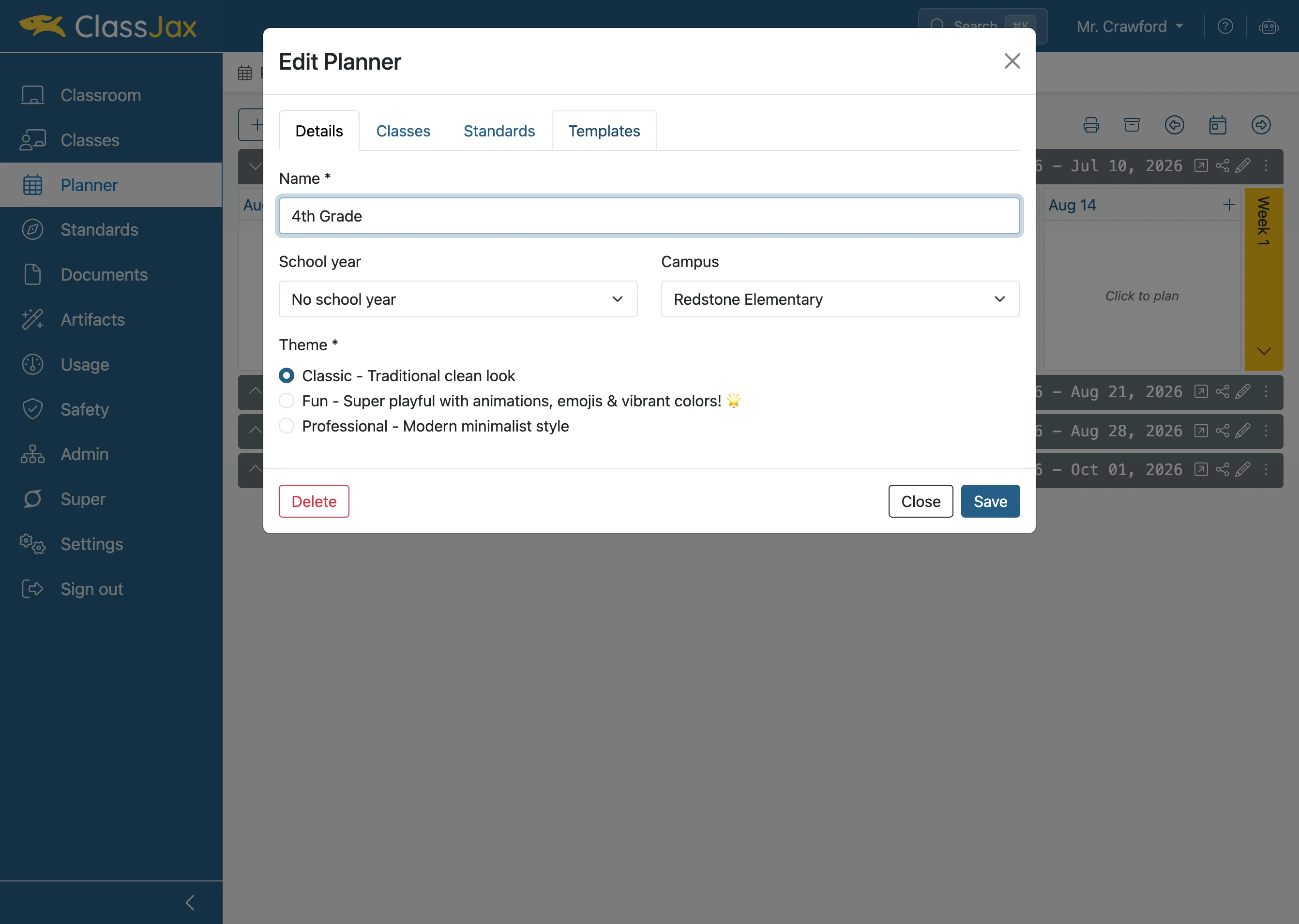
Click the 'Templates' link
- 4
Click 'New template' button
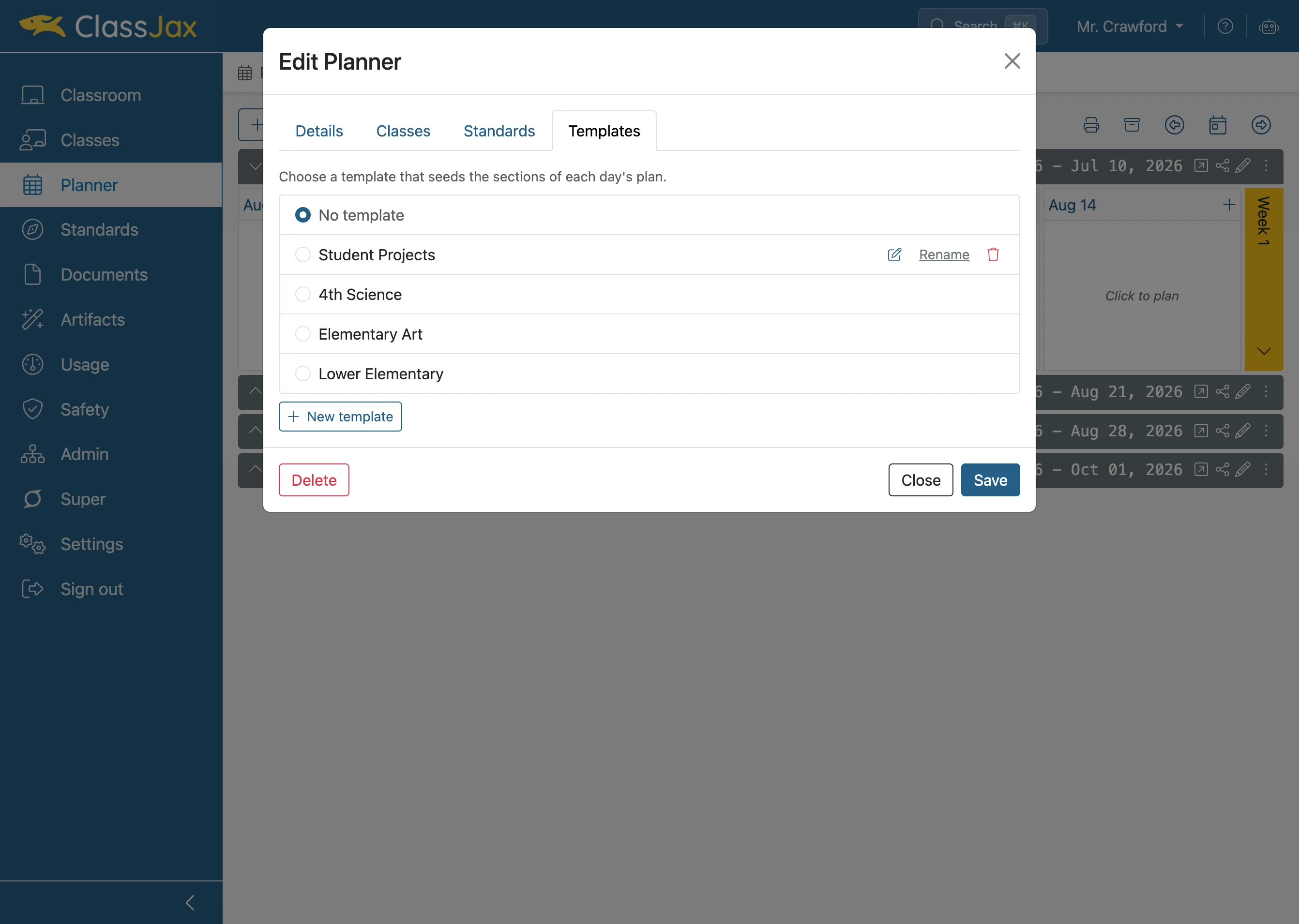
- 5
Click 'Save'
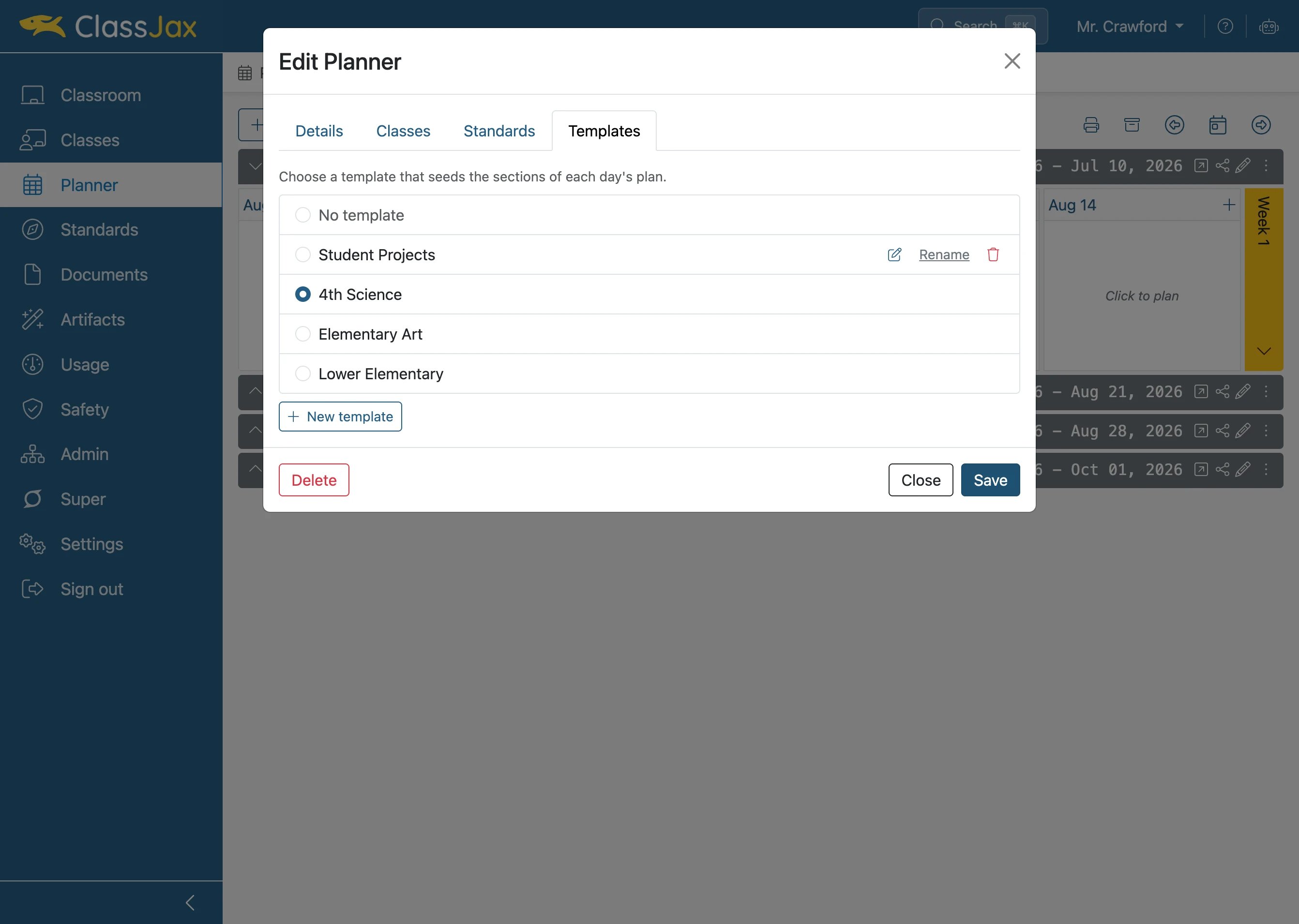
- 6
Click element
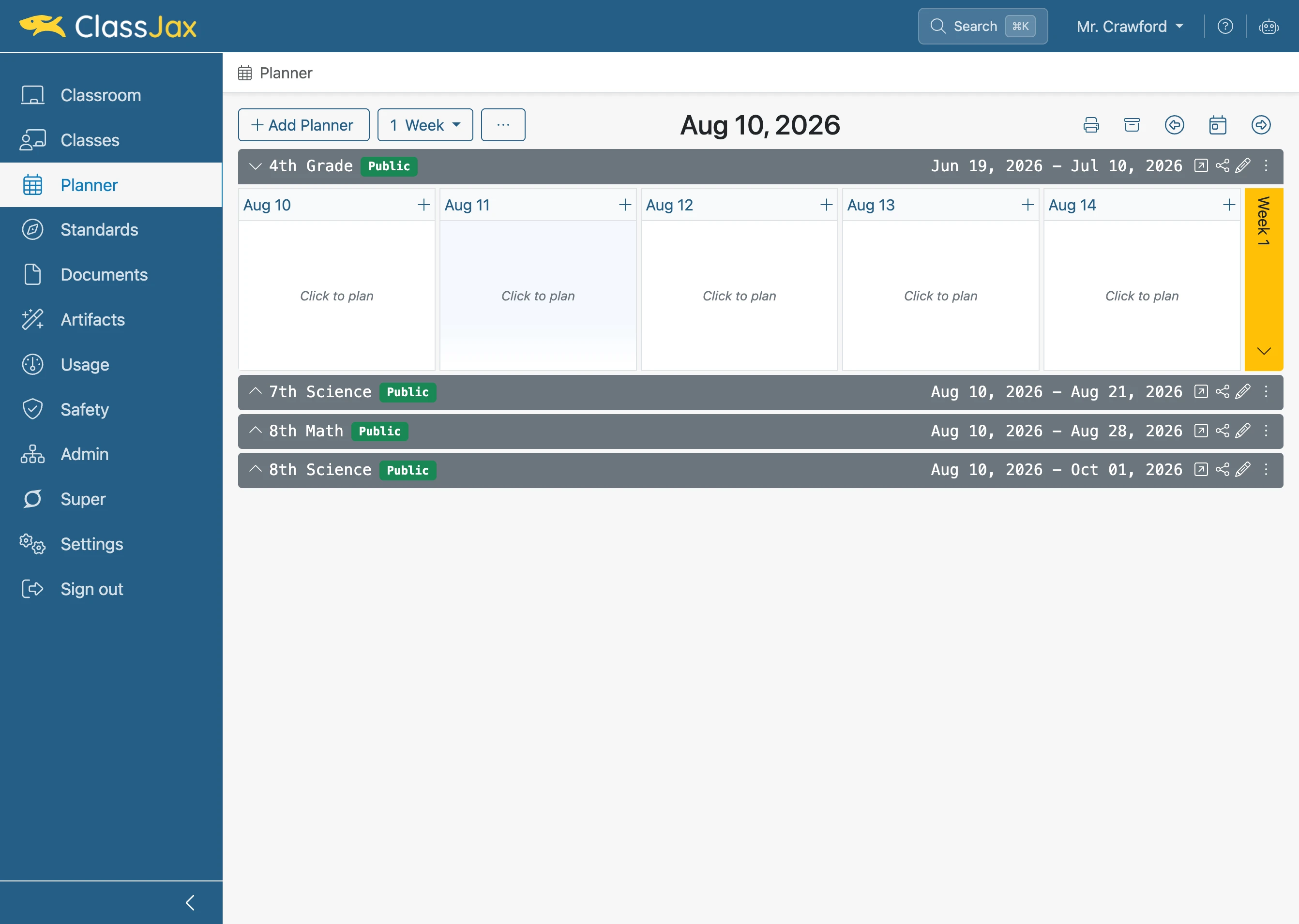
- 7
Click White Area
Click under each blue header to add appropriate content.
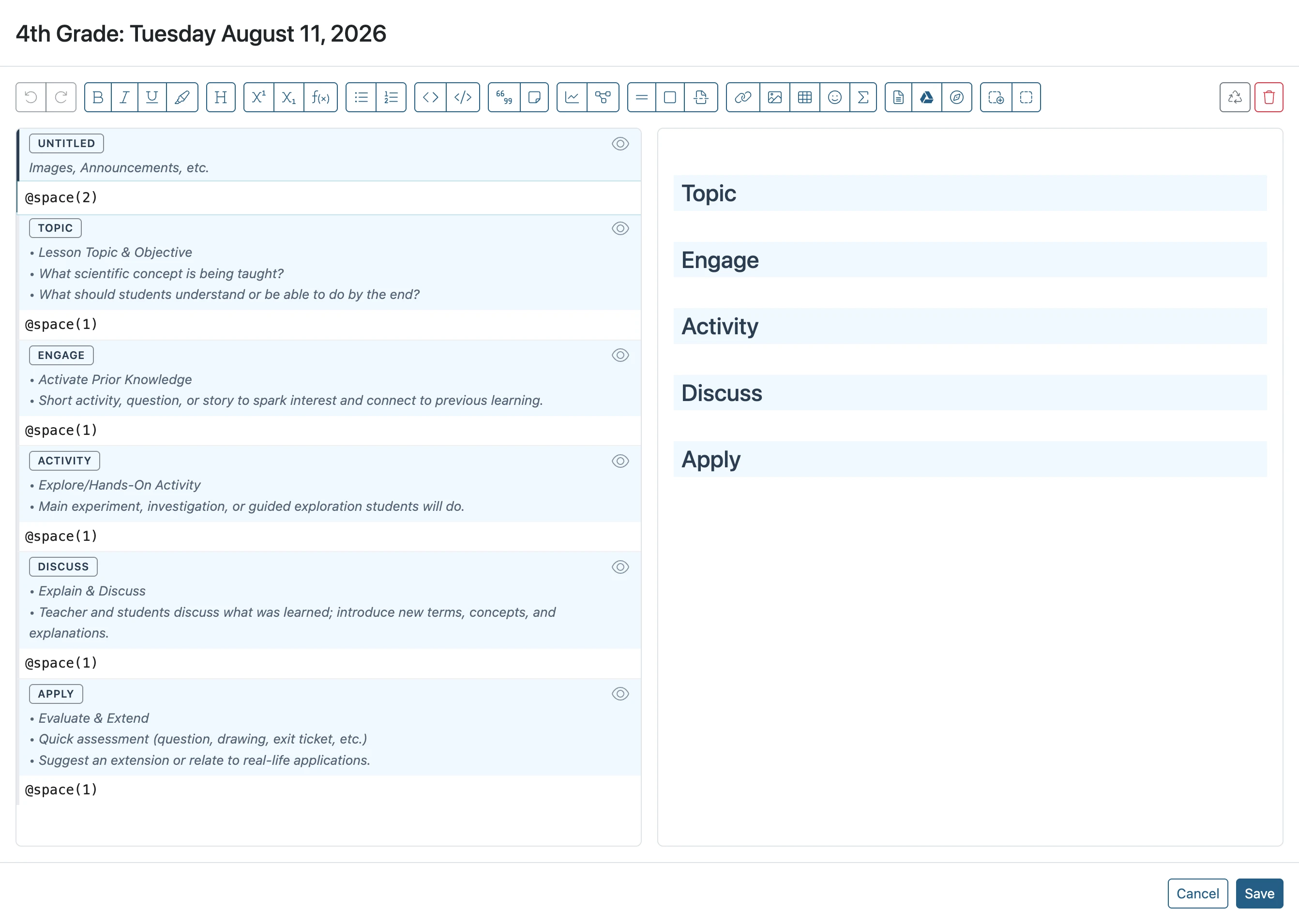
- 8
Click '@space(2)'
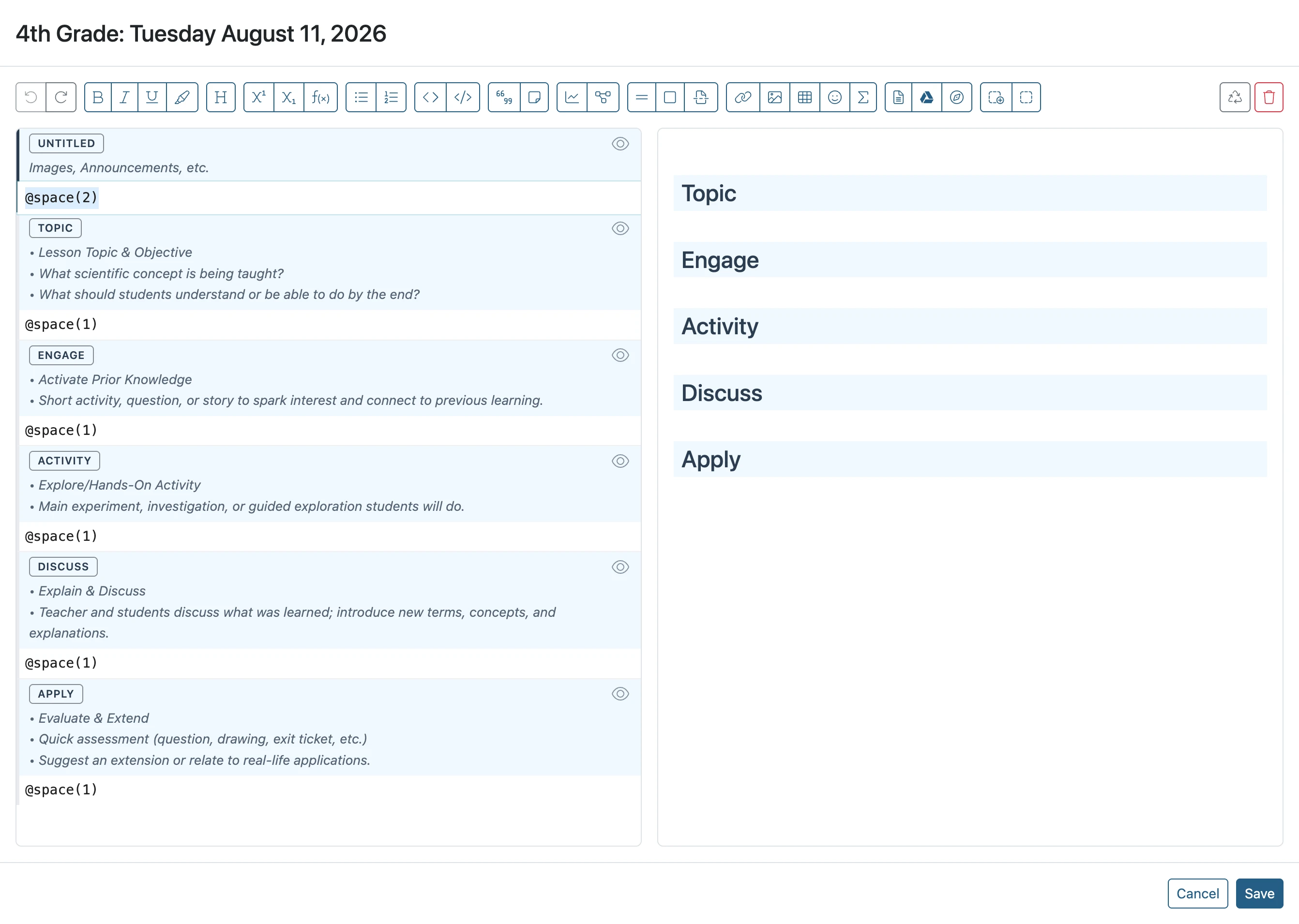
- 9
Click 'Save'
When finished adding content to the lesson plan template, click Save.
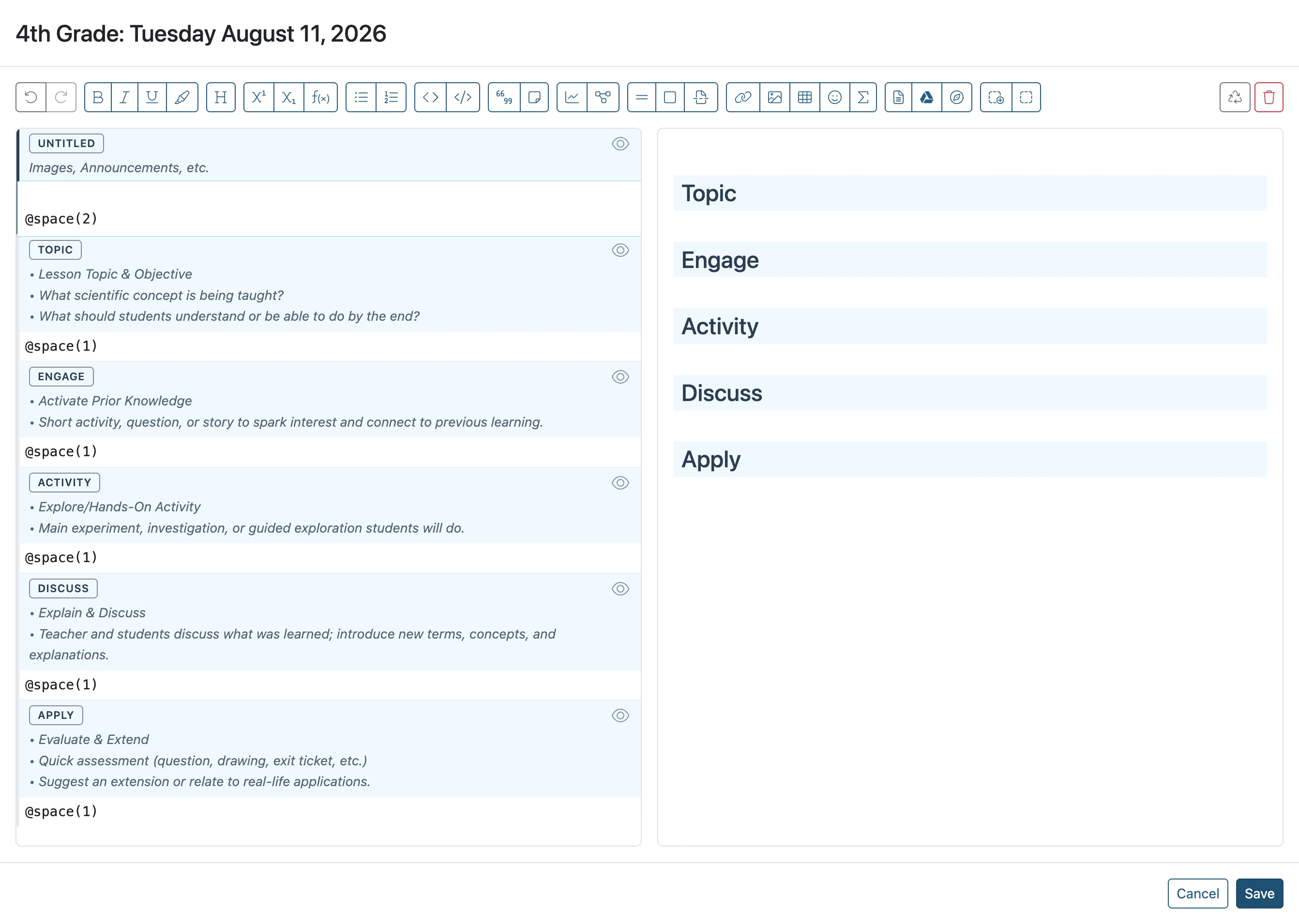
- 10
Template View
The template including content you add to it will appear in the Planner.