Share the Classroom
This guide outlines how to publicly share your ClassJax Classroom, making it easy to showcase your classes, resources, and personalized branding with students and families through a simple, accessible web link.
Plan smarter this year
ClassJax is free for teachers. No credit card required.
- 1
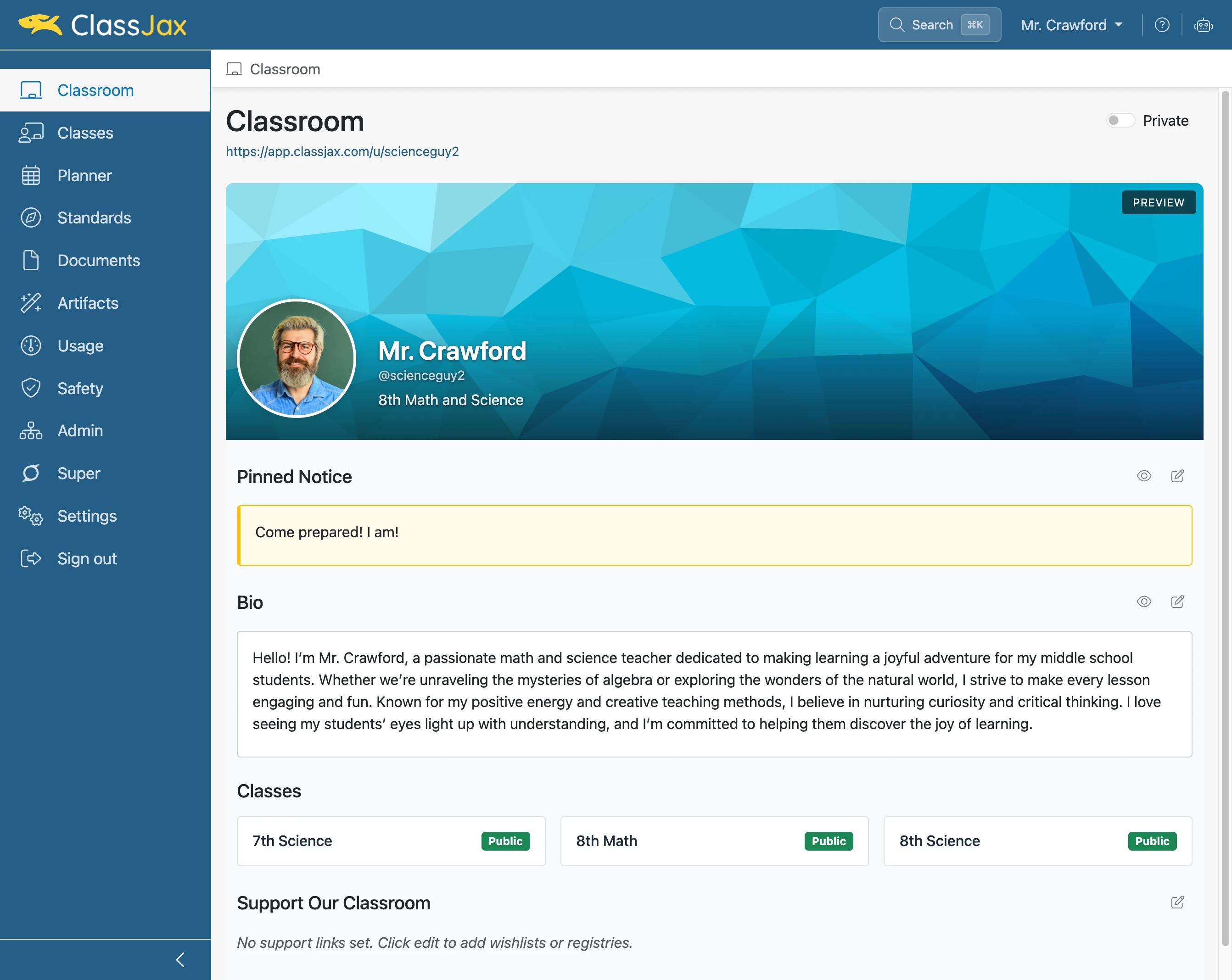
Click the 'Classroom' link
- 2
Click the 'Private' slider
Clicking the Private slider makes your Classroom public providing publishing options.
- 3
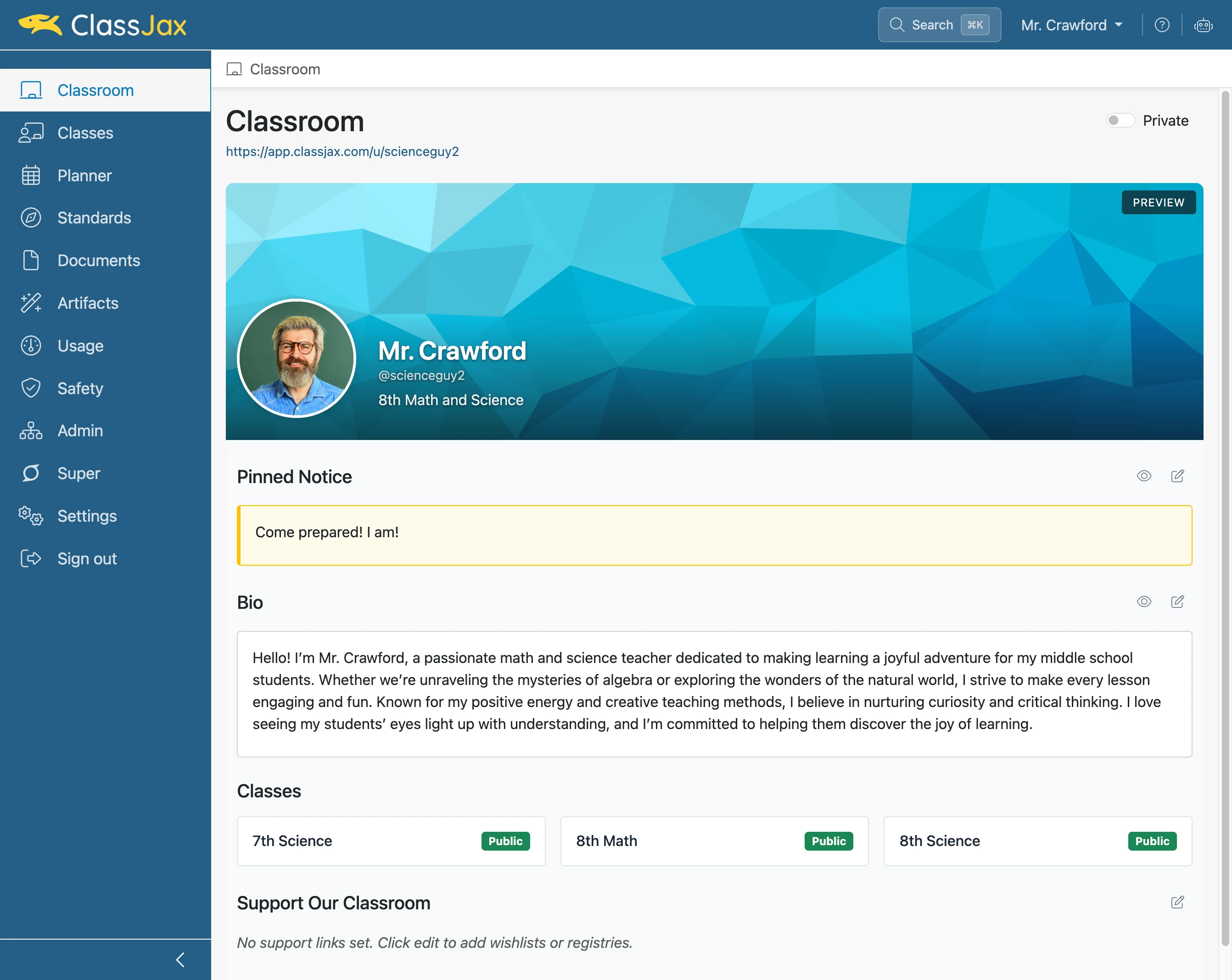
Click 'Share'
Clicking Share to copy the Classroom’s link. The copied link can be sent by text or email and added to static web pages or ClassJax documents.
- 4
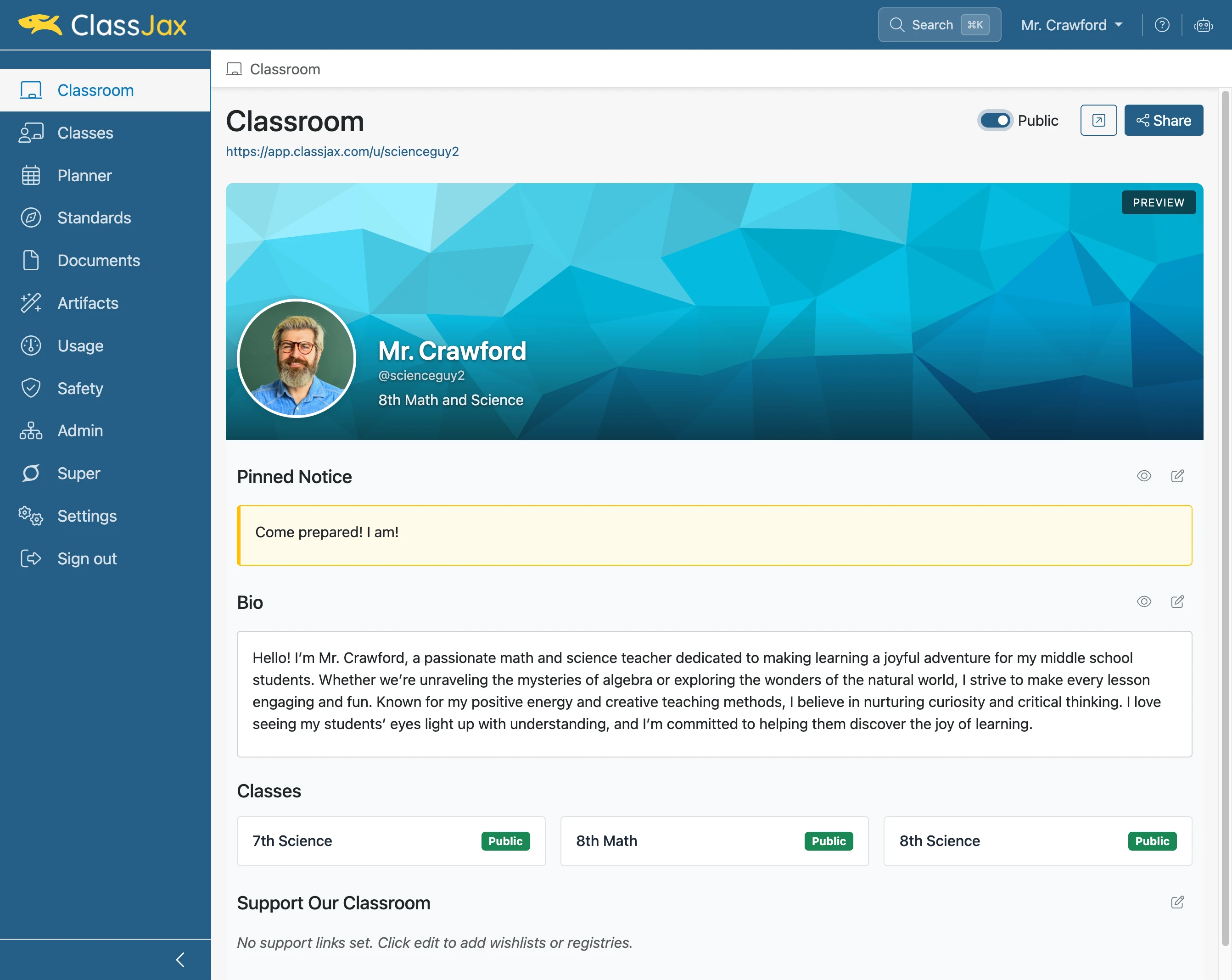
Click 'Open Public View’
Clicking the Open Public View button displays the Classroom’s public view in a new tab.
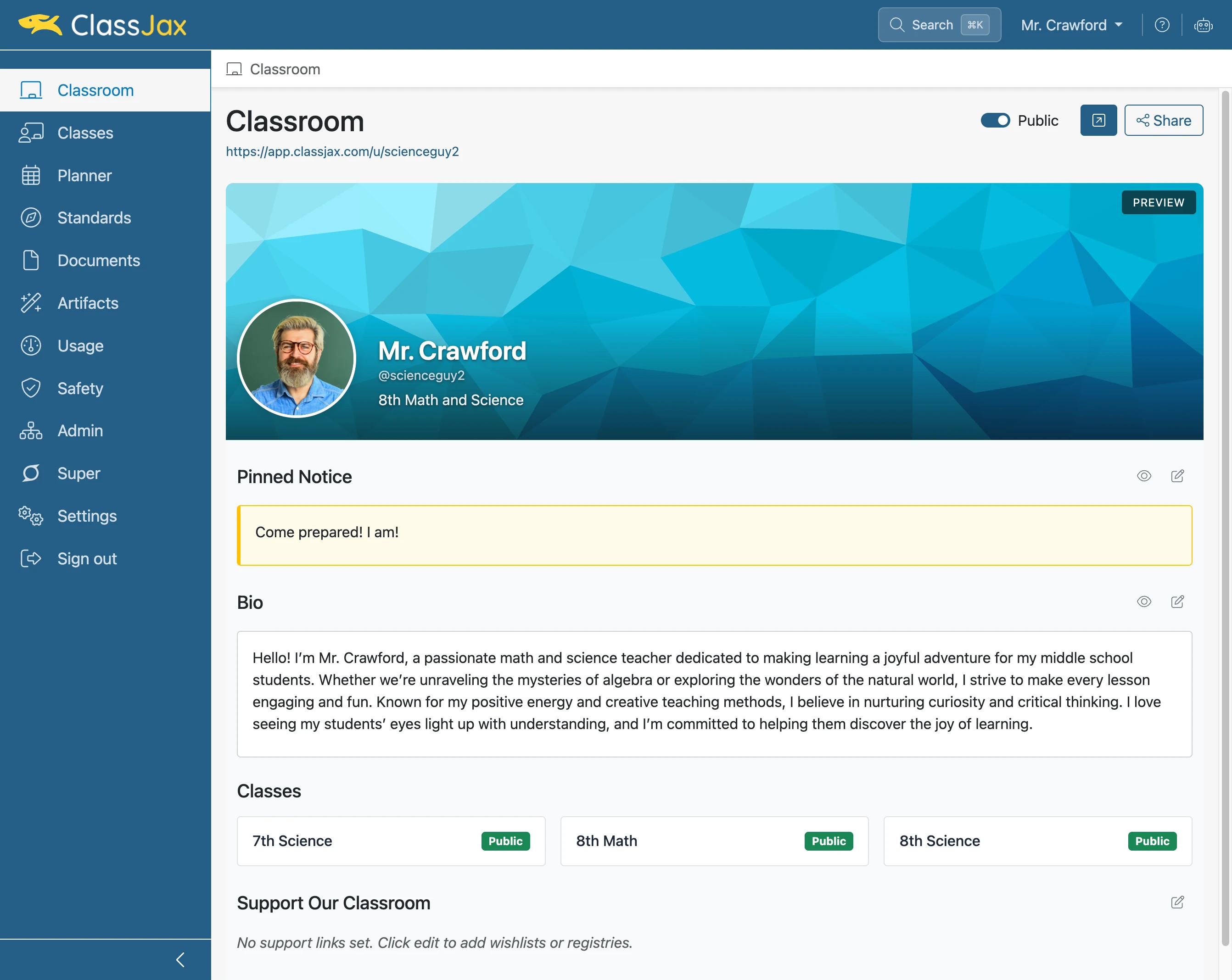
- 5
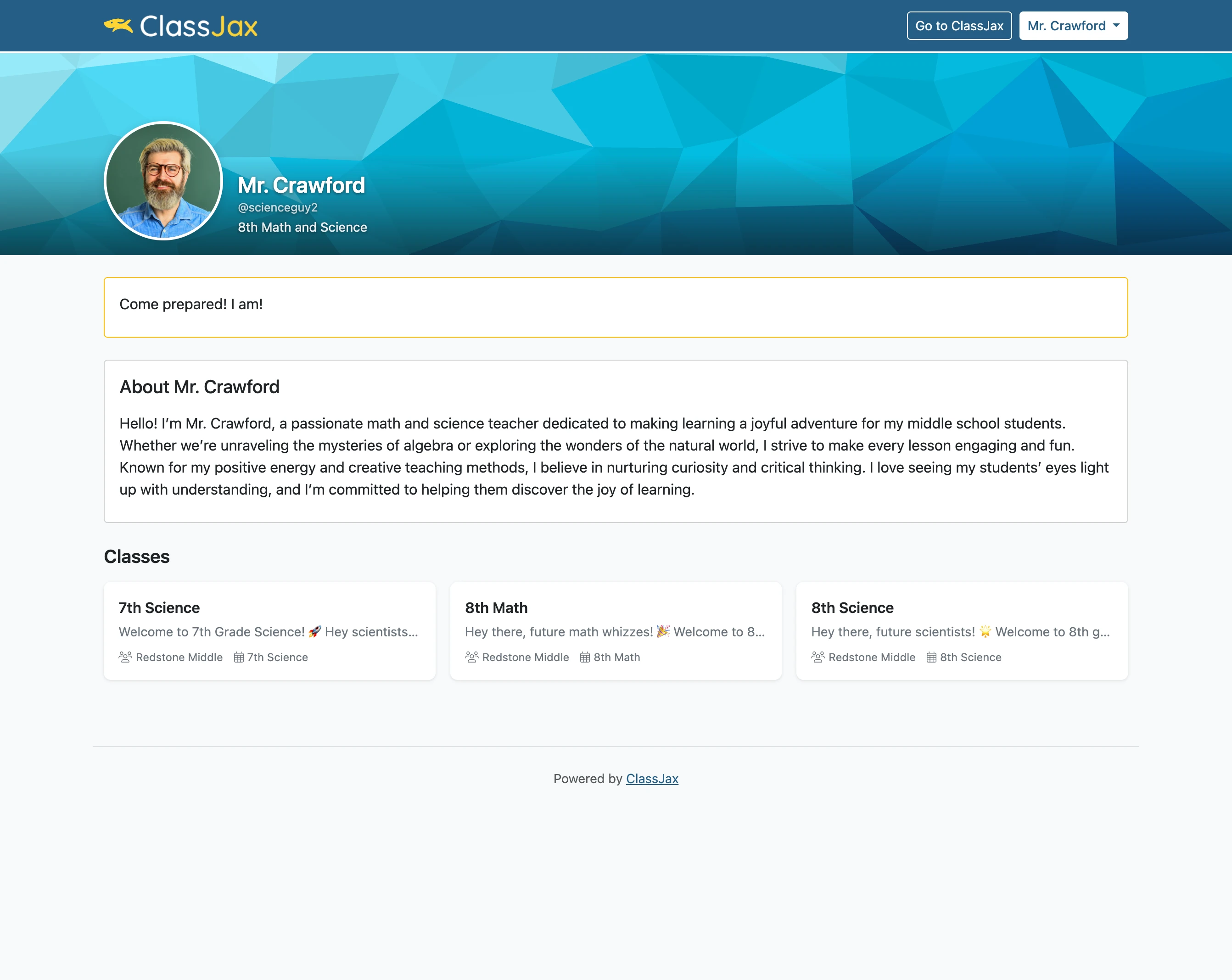
The Public View of a Classroom