Share a Class
This guide explains how to publicly share your ClassJax Classes, allowing you to easily provide students and families with direct web access to class details, resources, and updates through a secure, shareable link.
- 1
Click the 'Classes' link
- 2
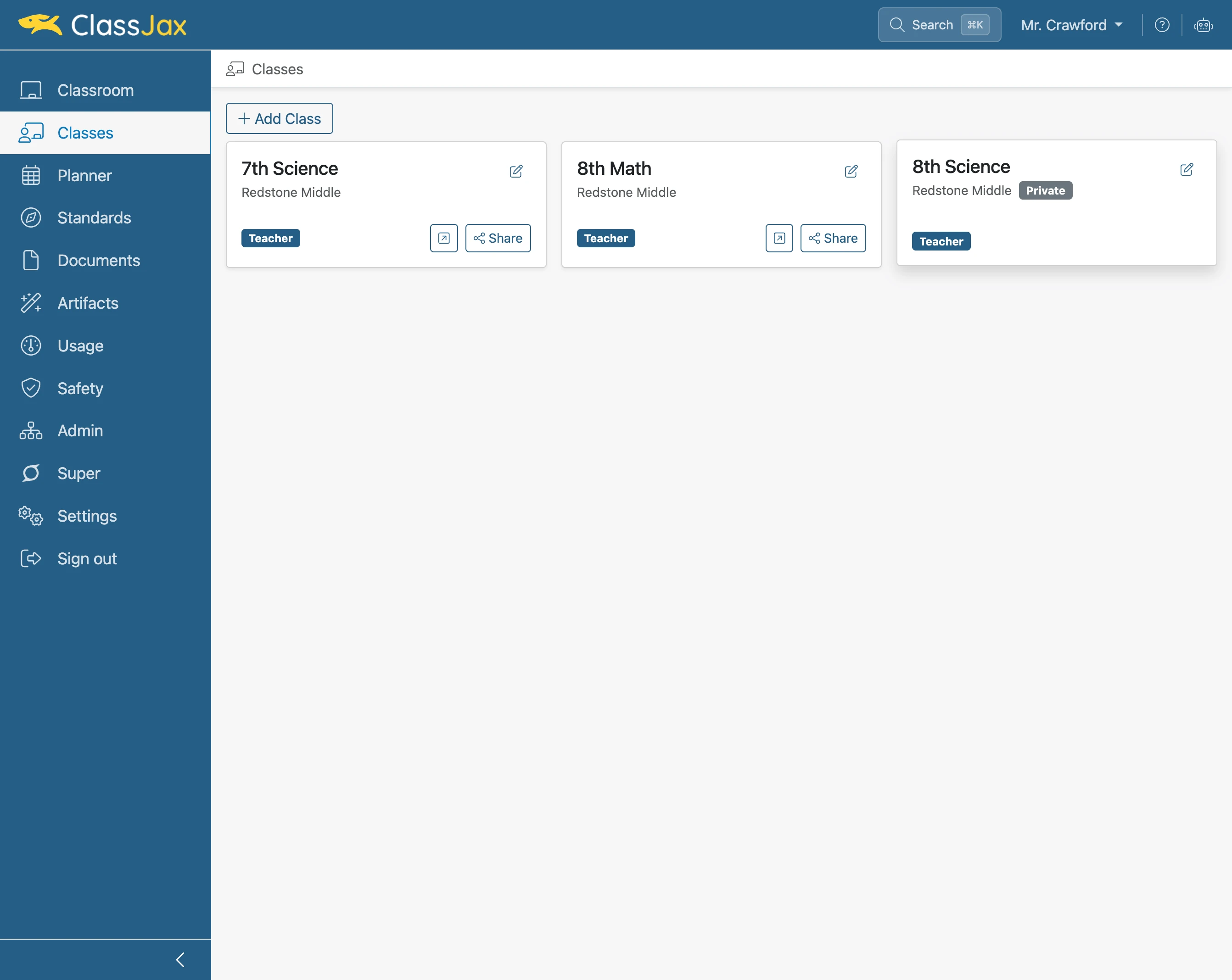
Click 'Class'
Click the Class to be shared. Note classes identified as Private are not public for others to view.
- 3
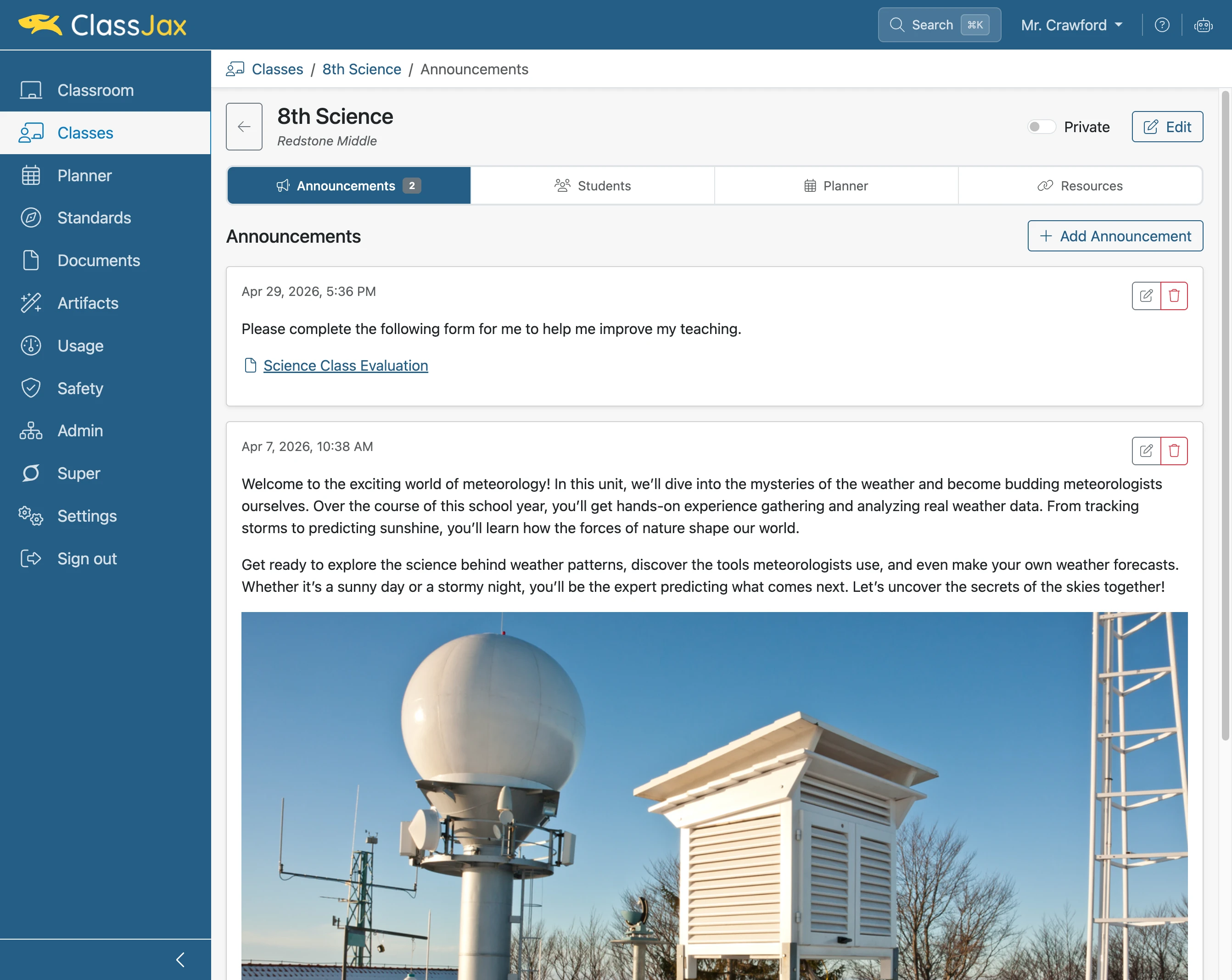
Click the 'Private' slider
Clicking the Private slider makes the Class public providing publishing options.
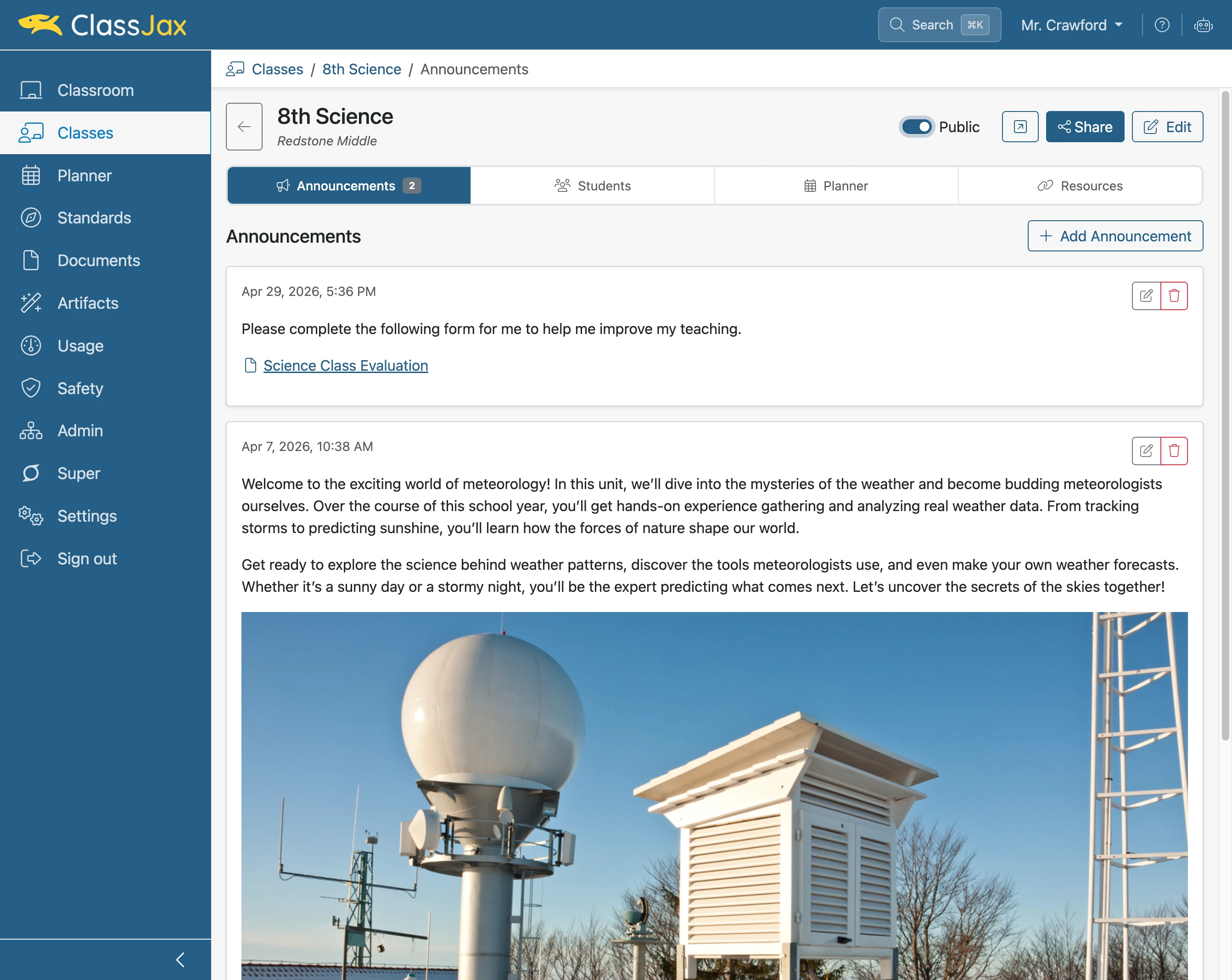
- 4
Click 'Share'
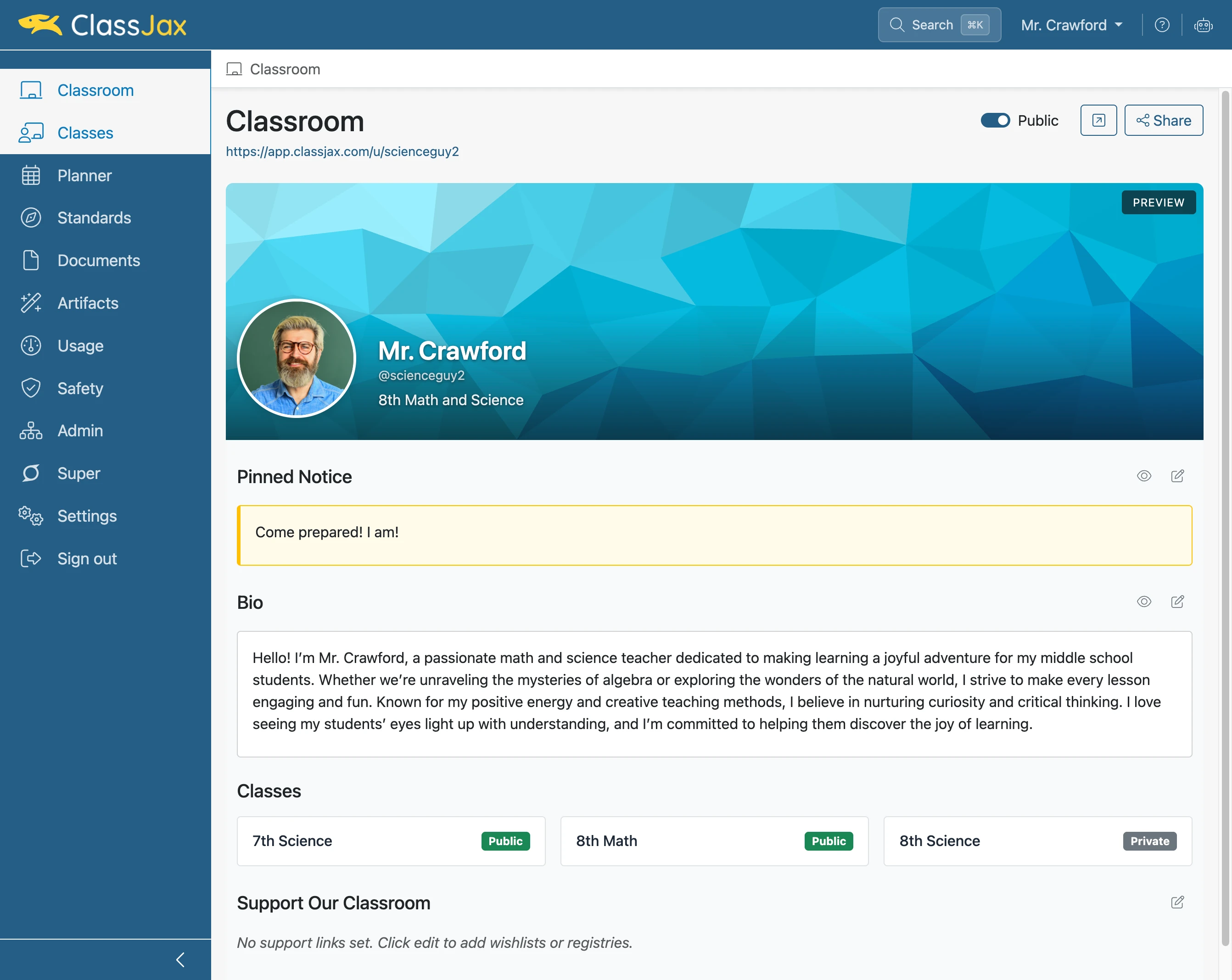
Clicking Share copies the link to the Class. The copied link can be sent by text or email and added to static web pages or ClassJax documents.
- 5
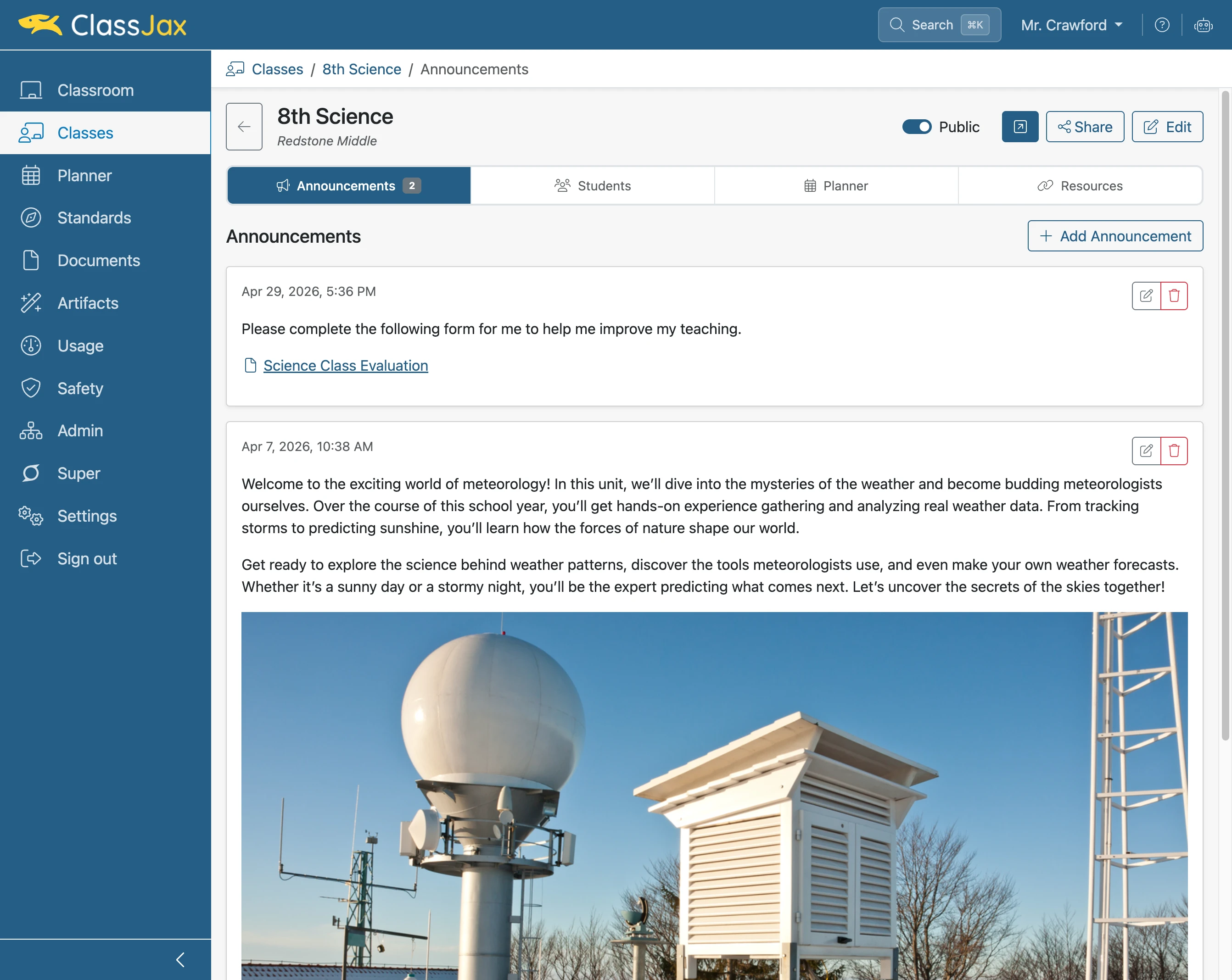
Click 'Open Public View’
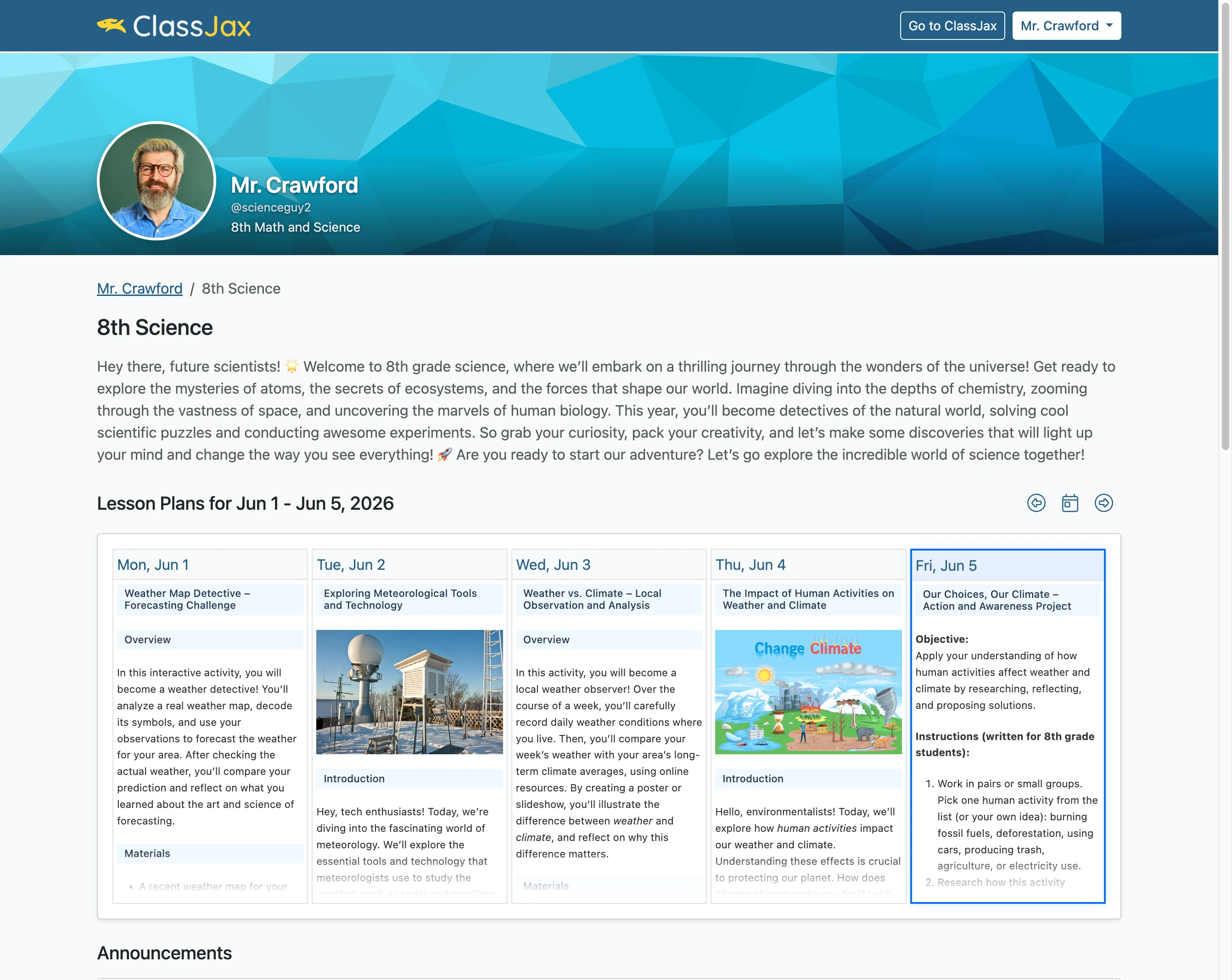
Clicking the Open Public View button displays the public view of the Class in a new tab.
- 6
The Public View of a Class