Share a Planner
Planners can be made public and shared with peers for collaborative creation and use. Follow these instructions to enable public access and invite collaborators to a planner.
Plan smarter this year
ClassJax is free for teachers. No credit card required.
- 1
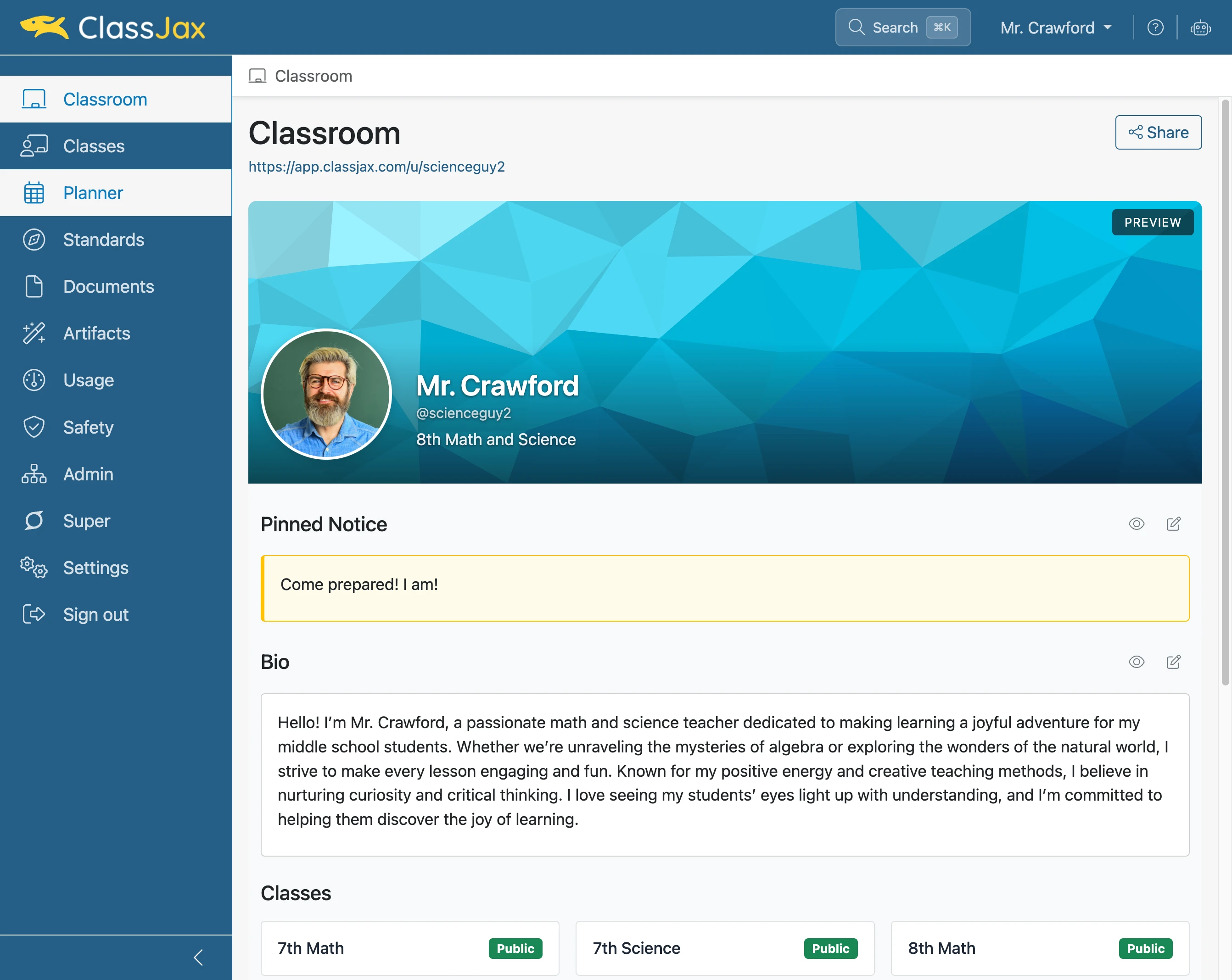
Click the 'Planner' link
- 2
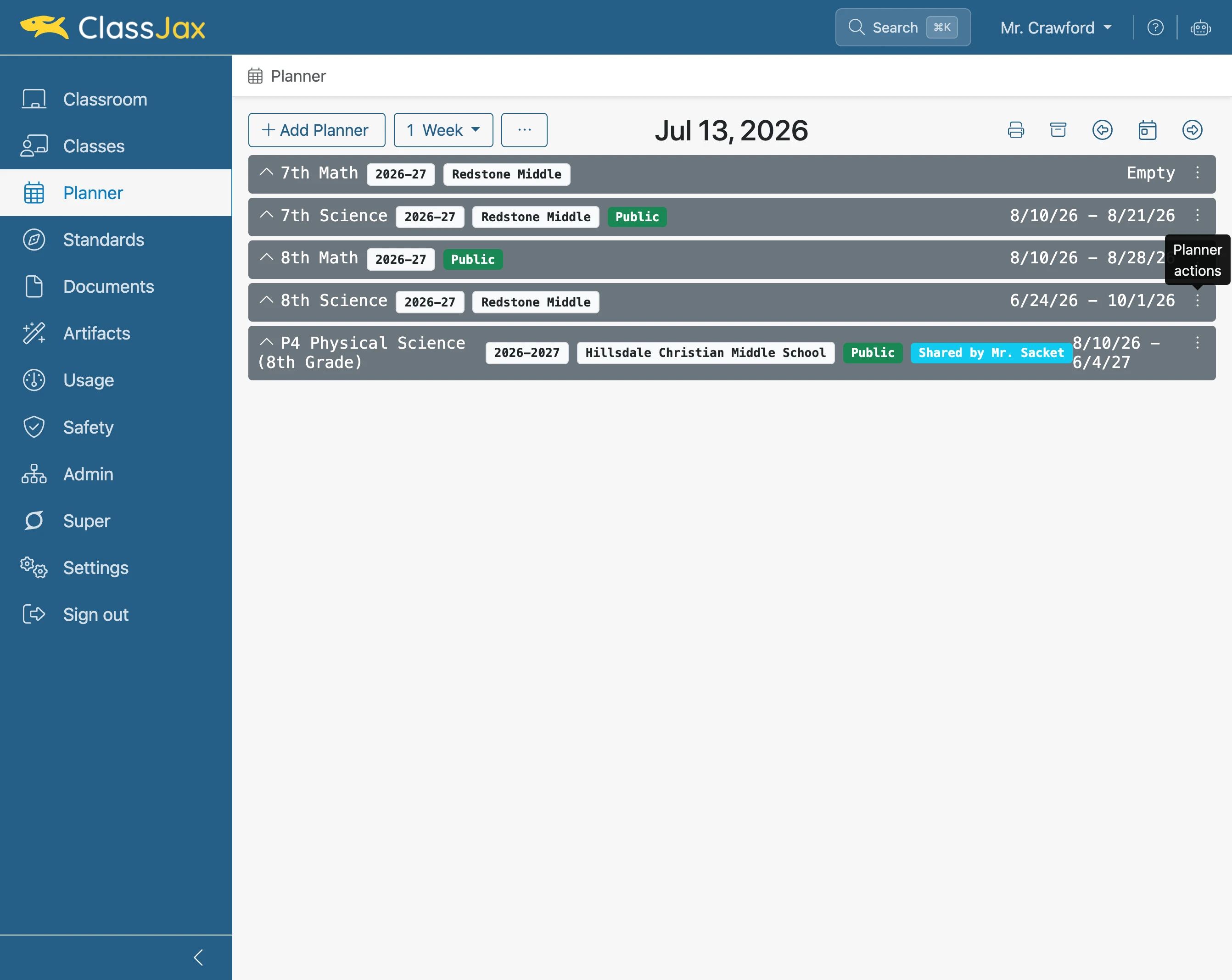
Click element
- 3
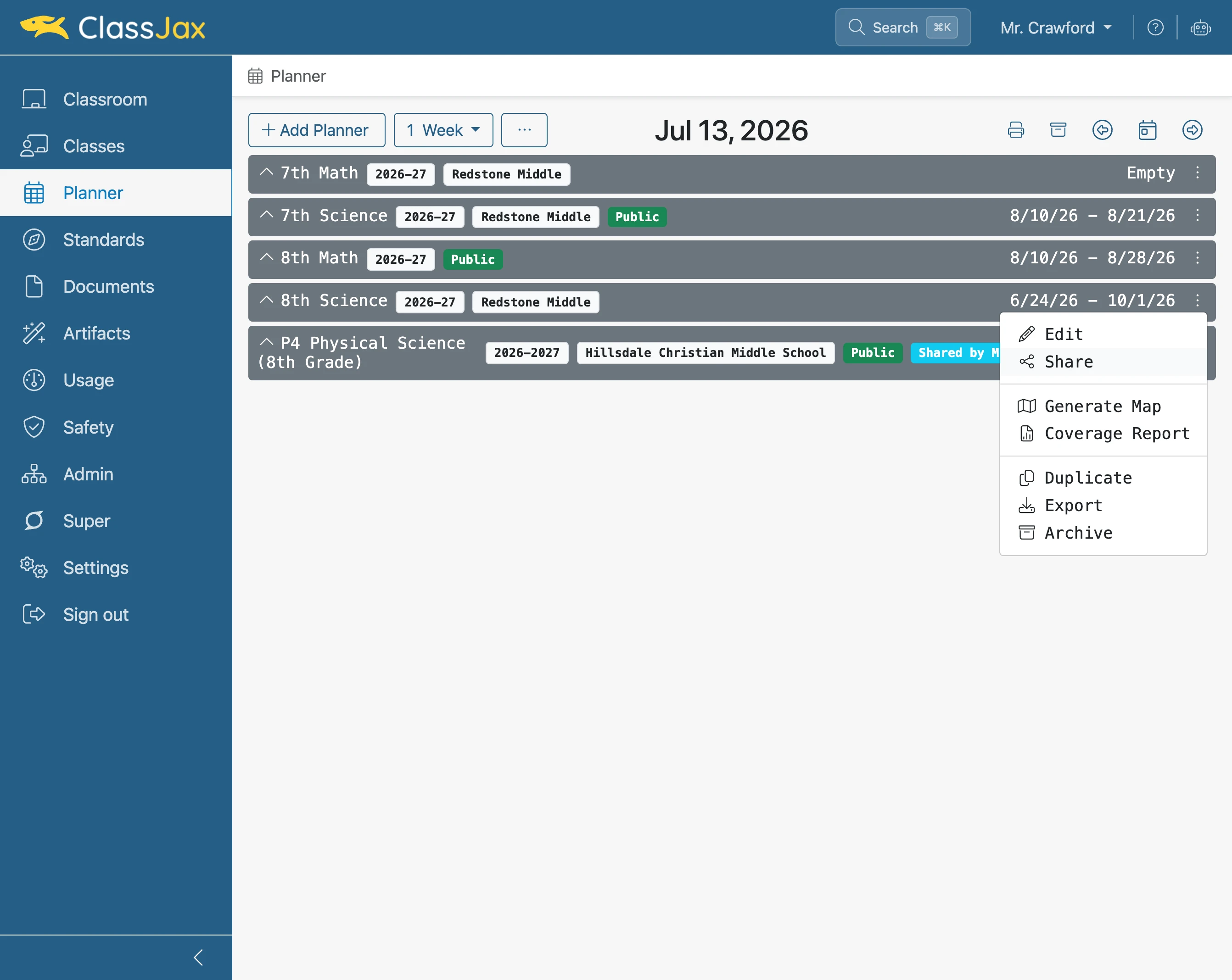
Click 'Share'
- 4
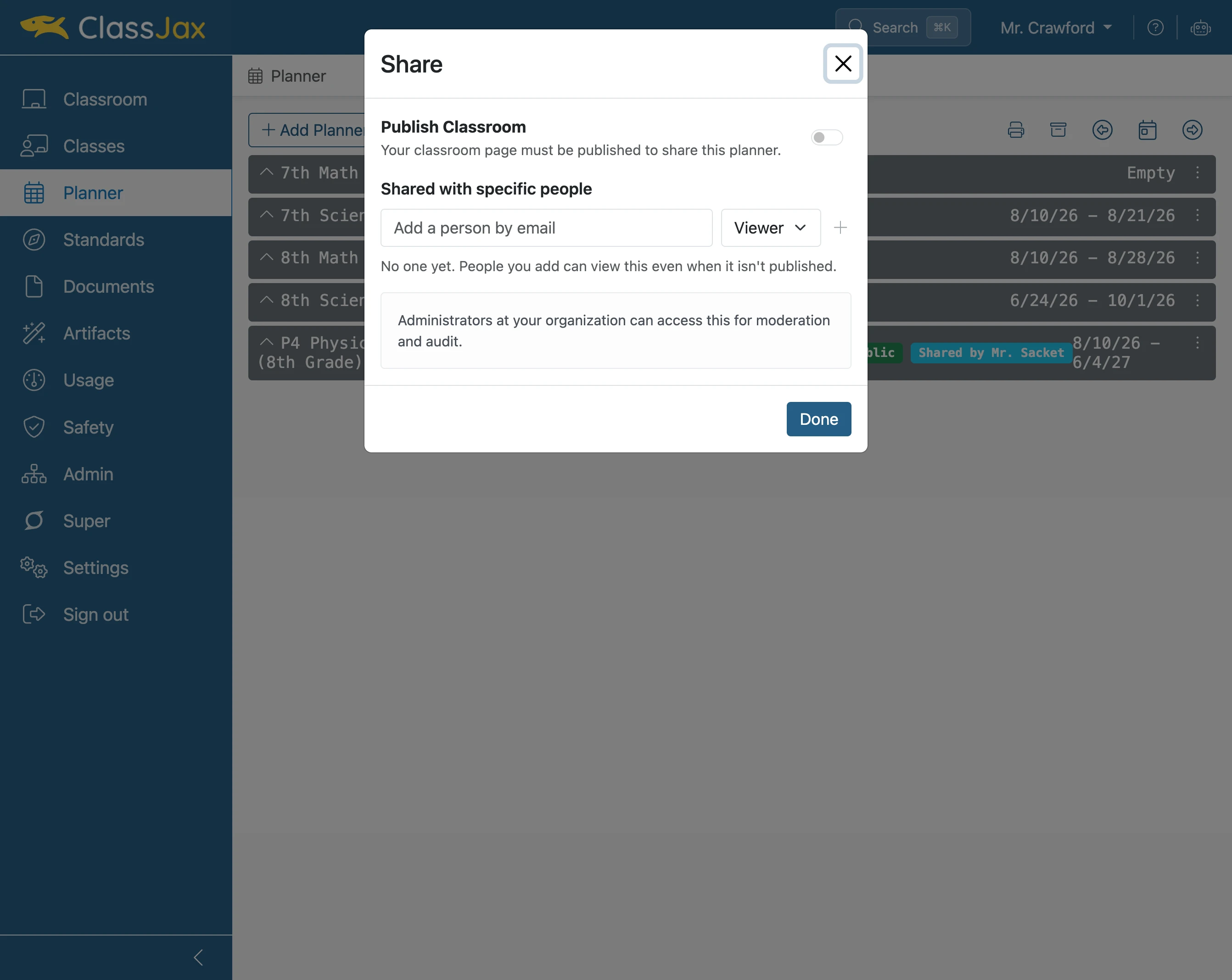
Click 'Publish Classroom' toggle
- 5
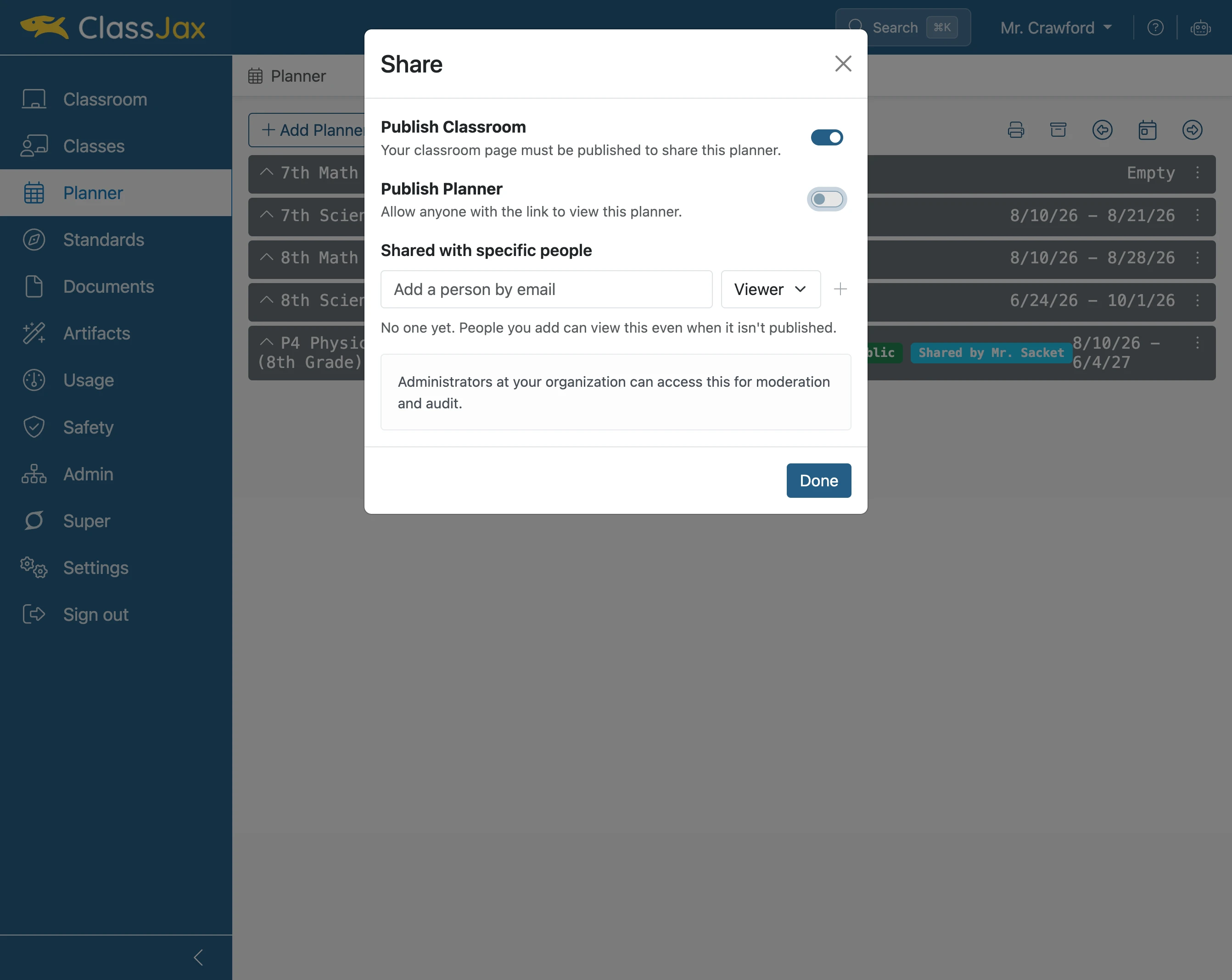
Click 'Publish Planner' toggle
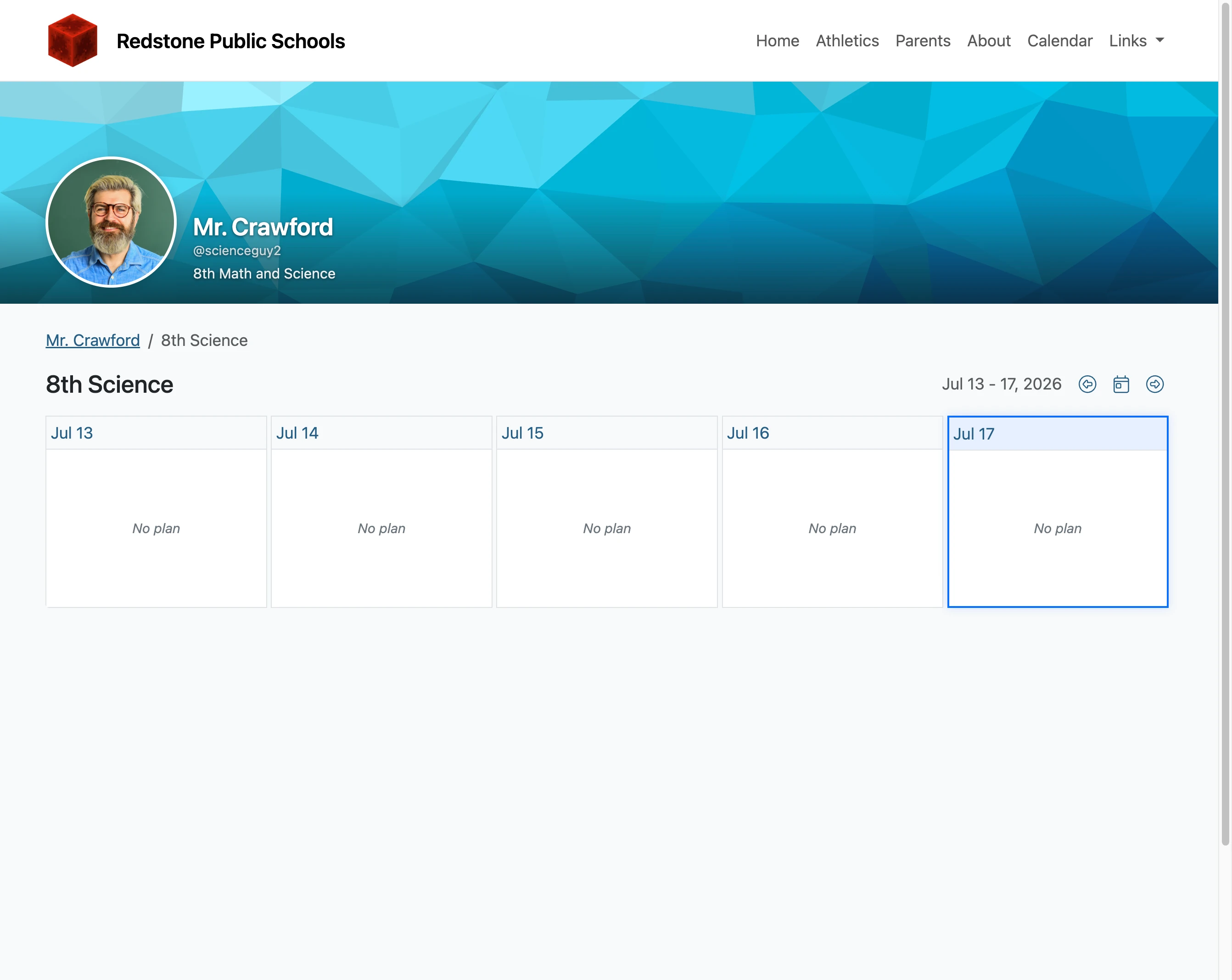
Publishing the Planner makes possible the public viewing of the Planner with others.
- 6
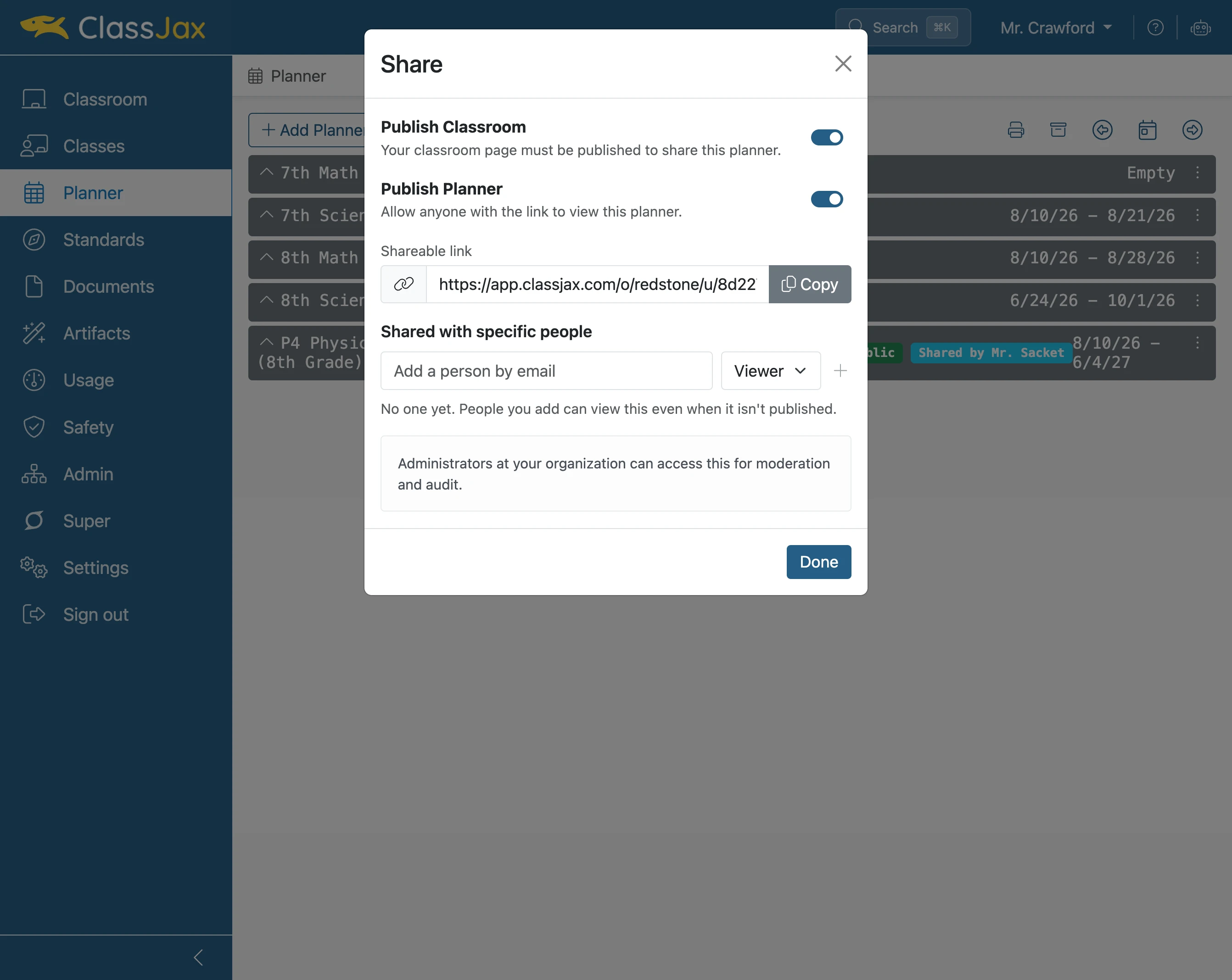
Click 'Copy'
Once the Planner is published, a link can be copied and shared with others.
- 7
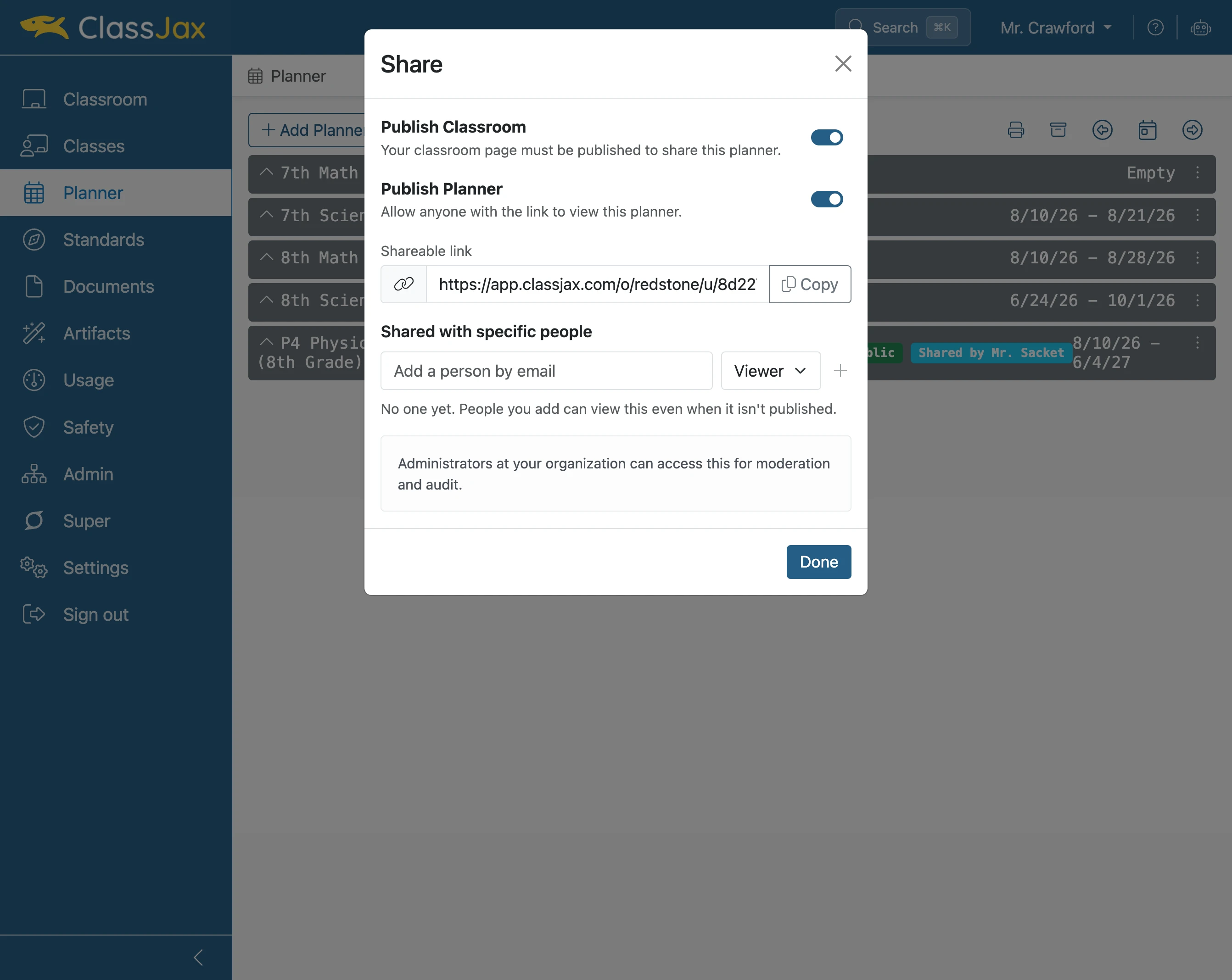
Click 'Add a person by email'
To collaborate with a peer to develop and use the Planner, enter their email.
- 8
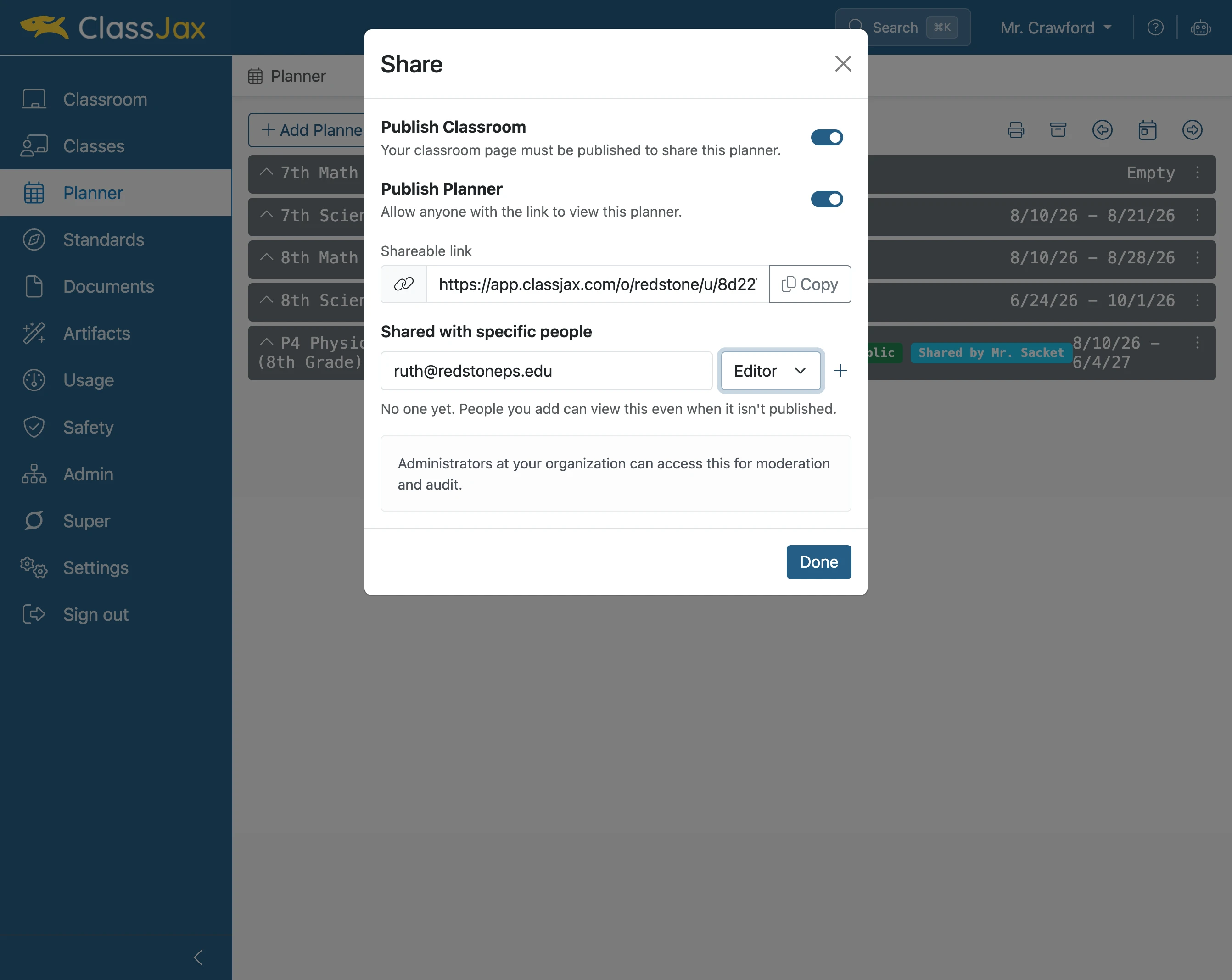
Click 'Viewer Editor'
Select this option to set to Viewer to allow the person to view the planner and just copy lesson plans or set to Editor which also allows them to edit contents in the Planner.
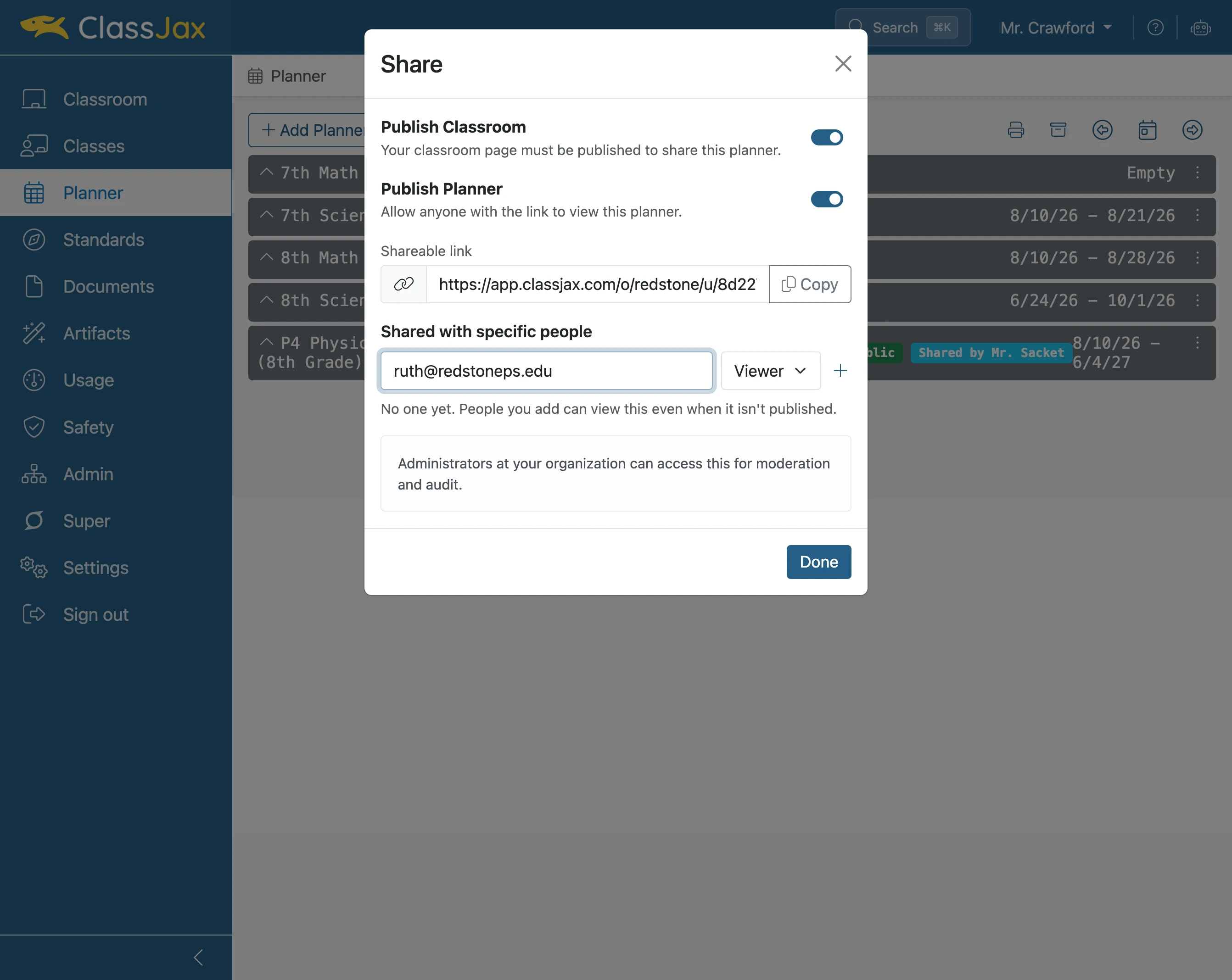
- 9
Click the 'Add person' icon
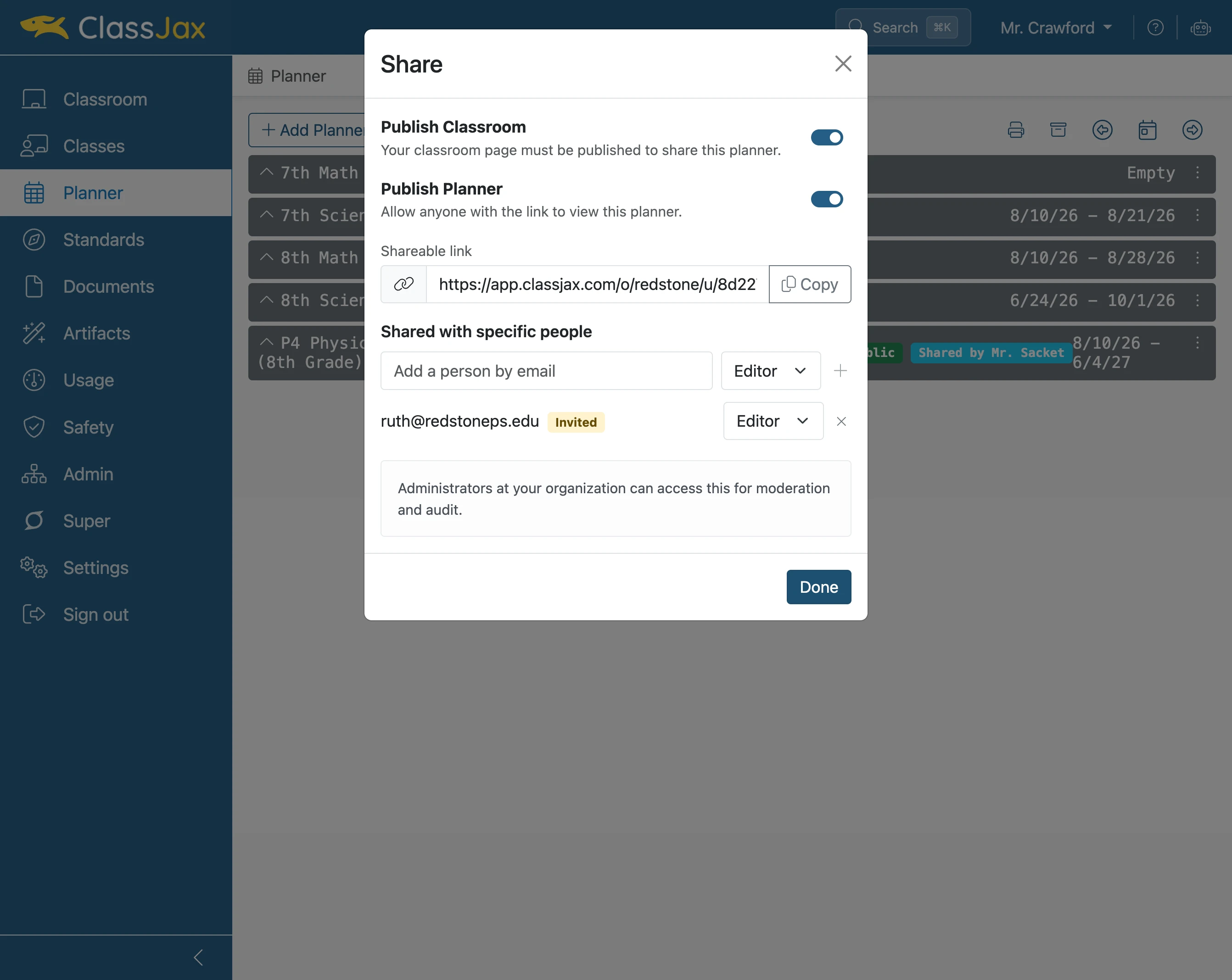
Adding the person will display them in a list of peers who have Planner access.
- 10
Click 'Done'
- 11
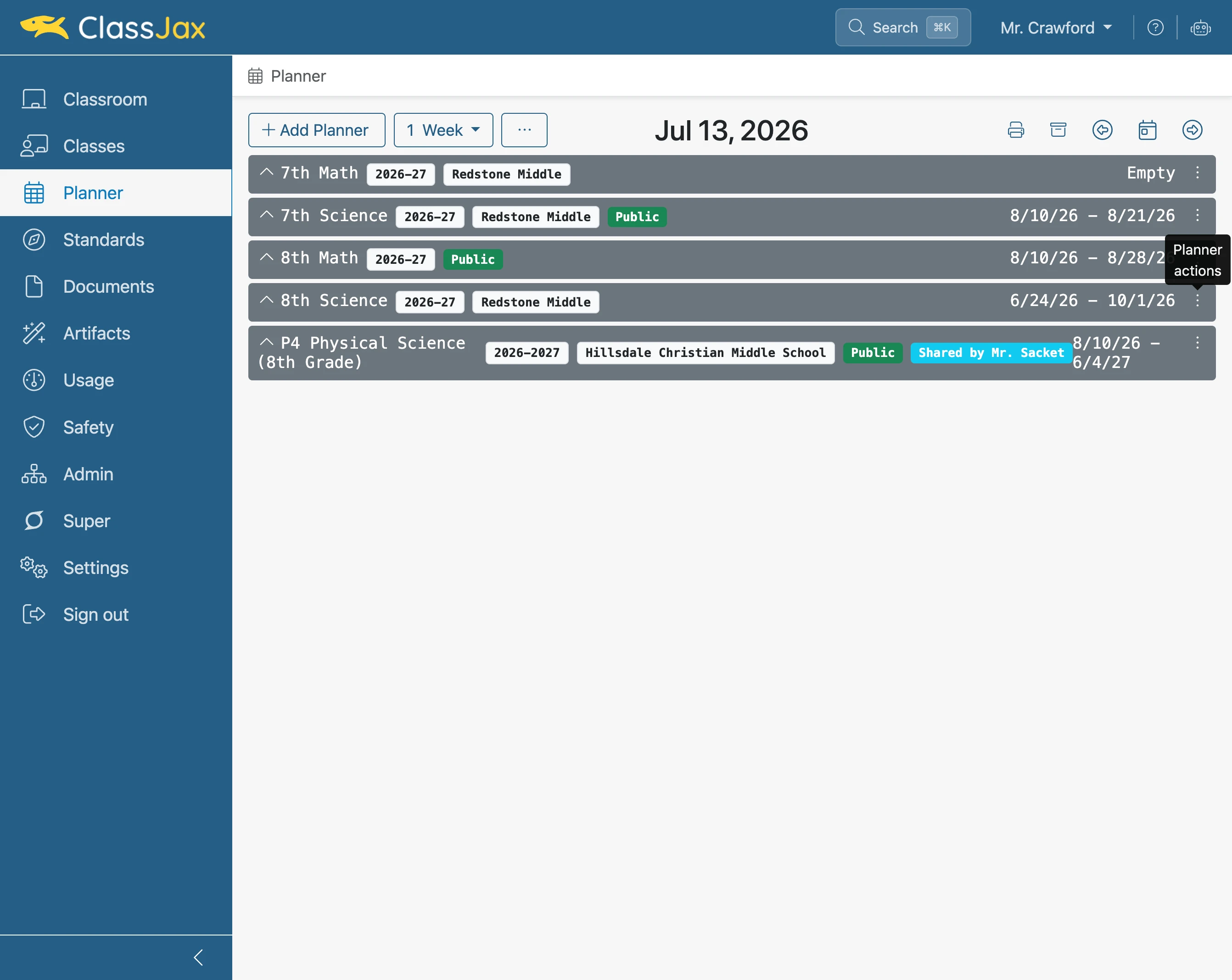
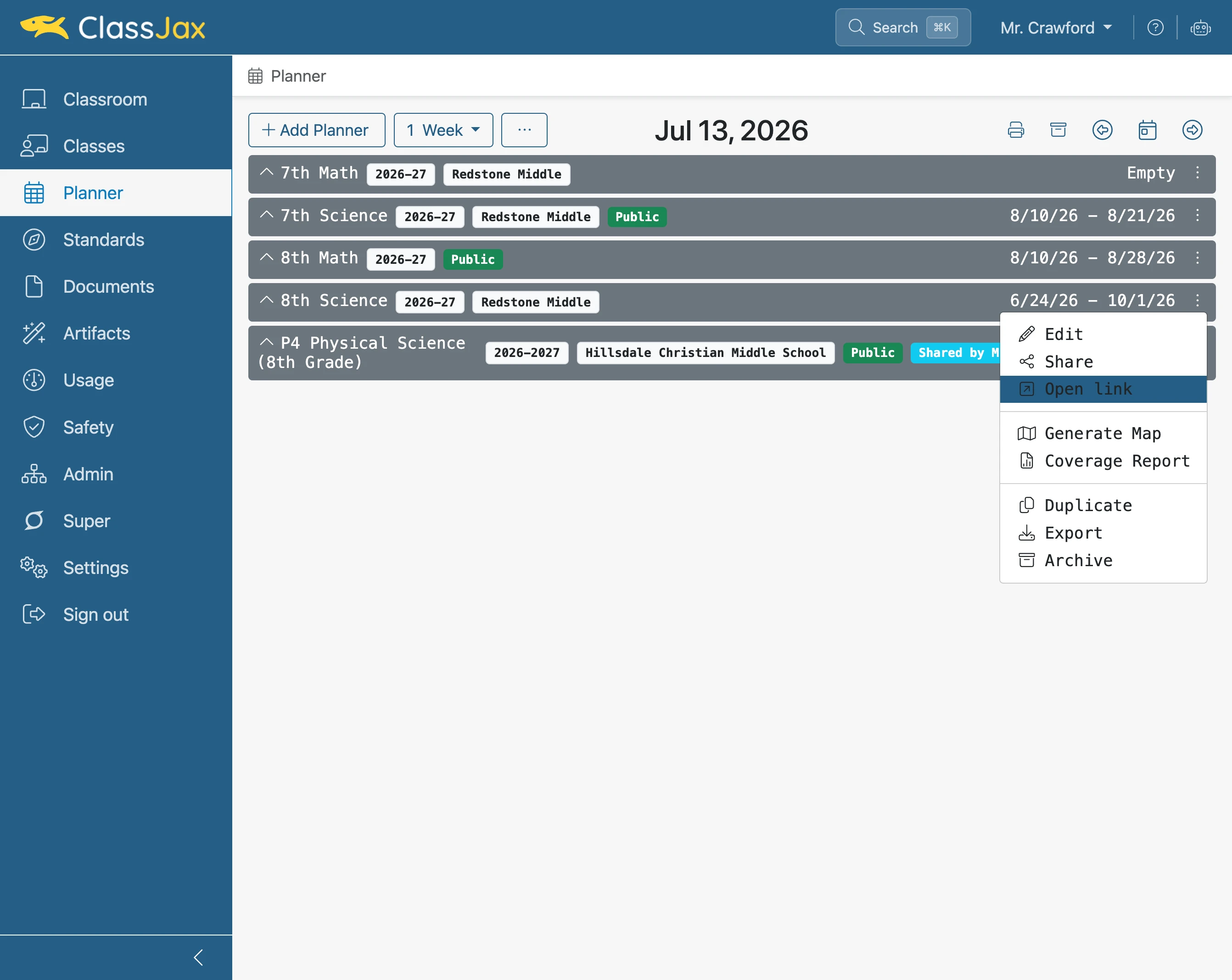
Click 'Planner actions'
- 12
Click 'Open link'
Once the Planner is published, the additional Open link option is available to use.
- 13
The Public View of the Planner