Share a Class
This guide explains how to publicly share your ClassJax Classes, allowing you to easily provide students and families with direct web access to class details, resources, and updates through a secure, shareable link.
Plan smarter this year
ClassJax is free for teachers. No credit card required.
- 1
Click the 'Classes' link
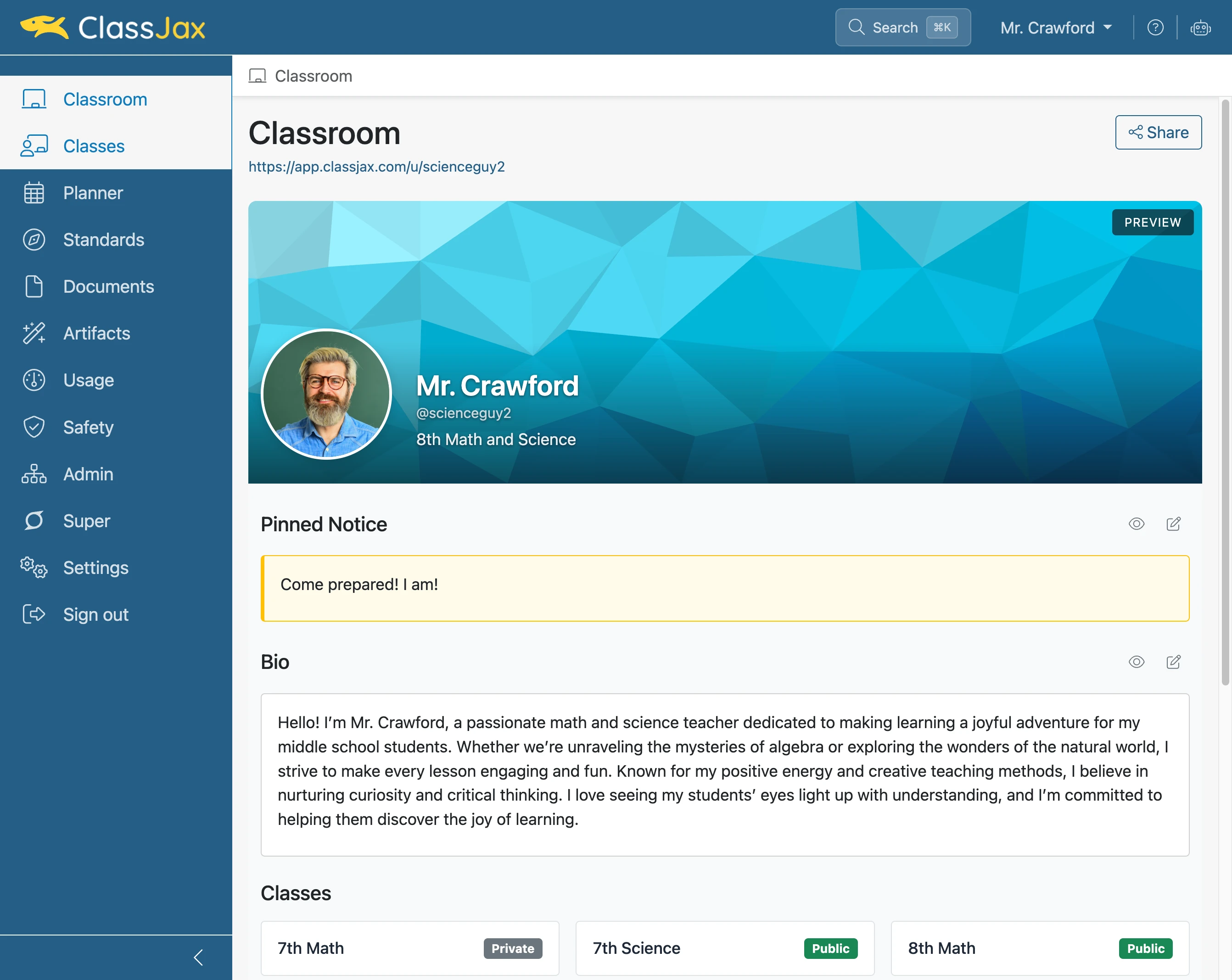
- 2
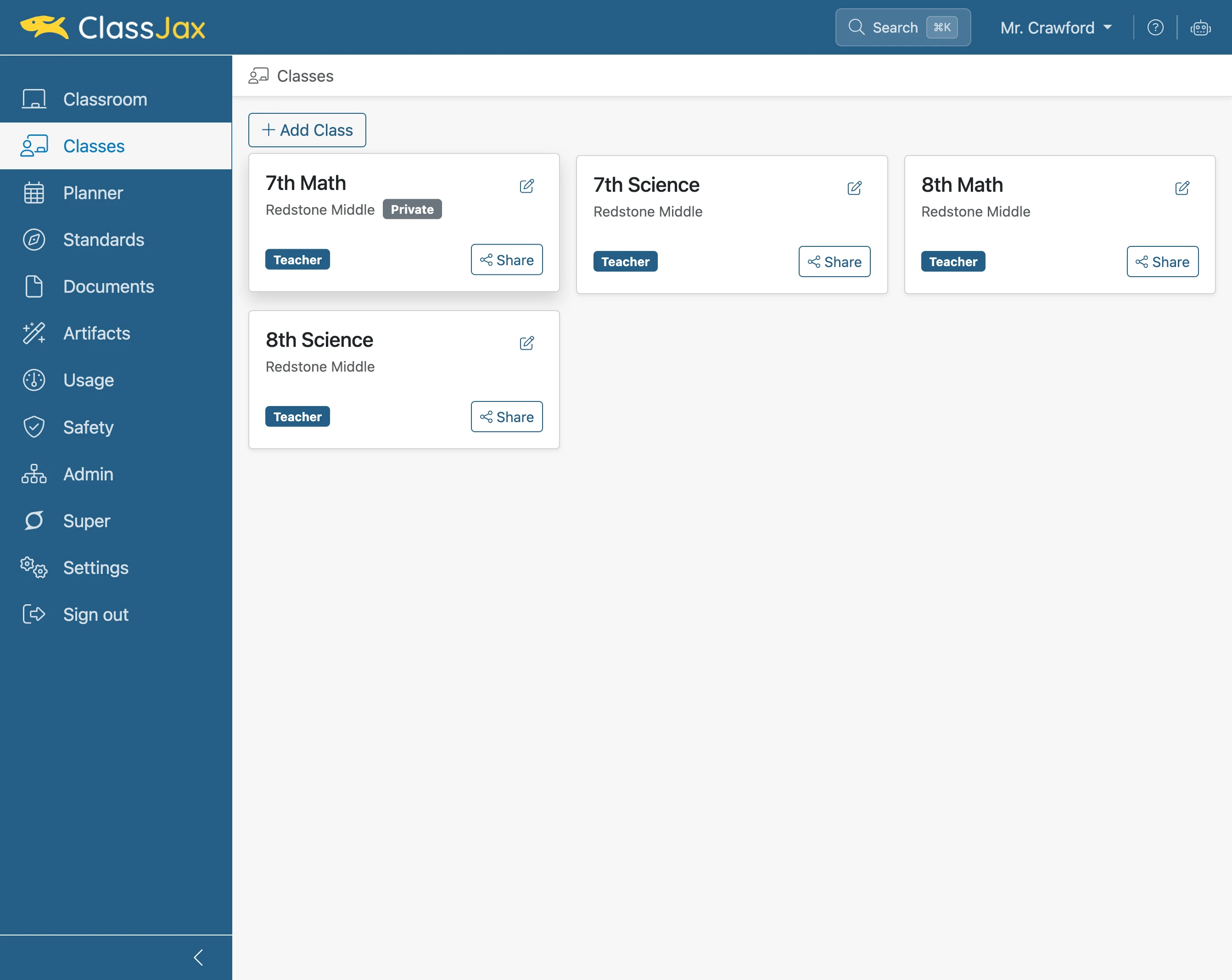
Click 'Class'
Click the class to be shared with the public.
- 3
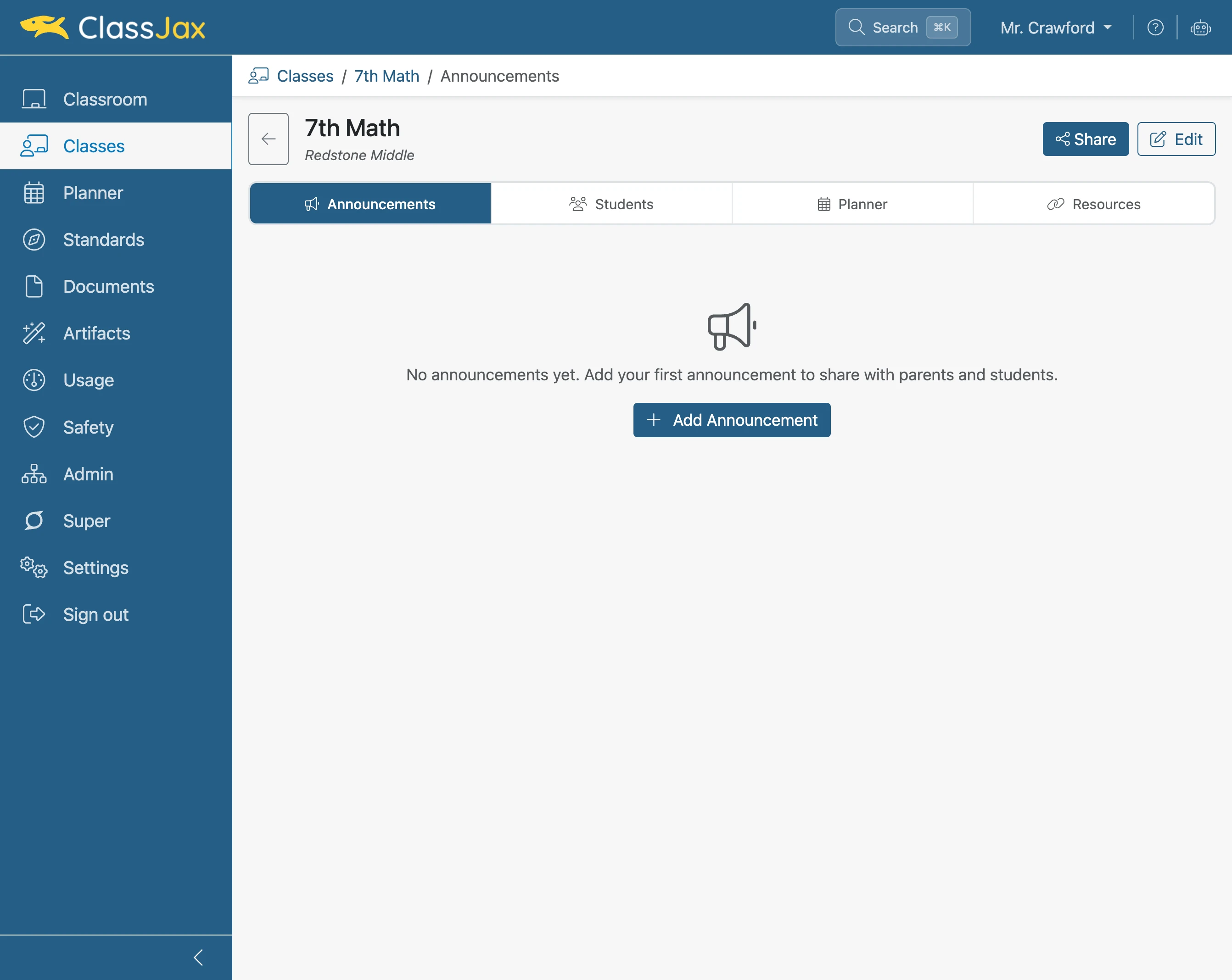
Click 'Share'
- 4
Click the 'Publish Classroom' toggle
Consider: The Classroom feature in ClassJax is comparable to a teacher’s physical classroom. To have access to a class, one must also have access to the classroom the class is being conducted.
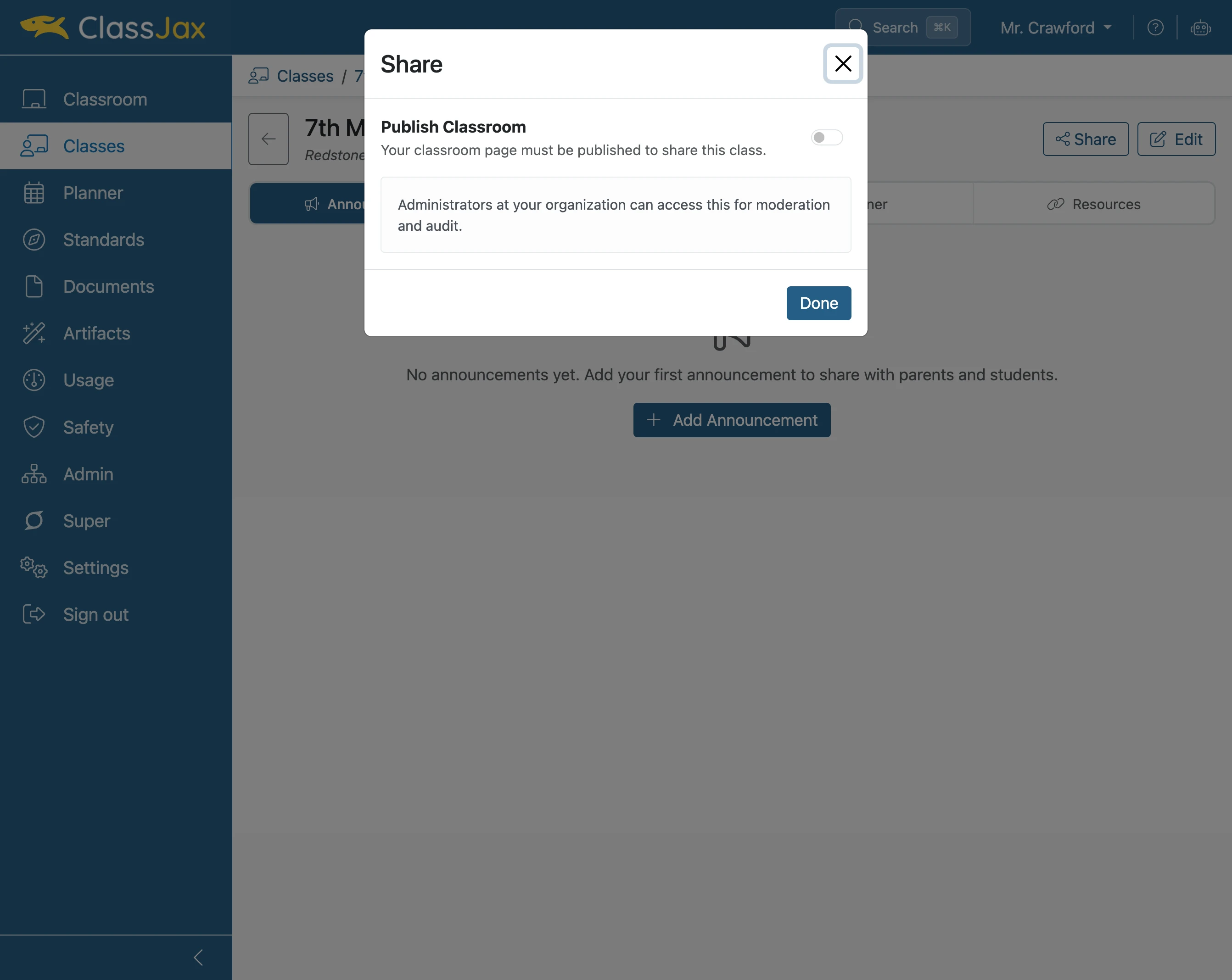
- 5
Click the 'Publish Class' toggle
Note: Once the Classroom is public, now the class needs to be made public.
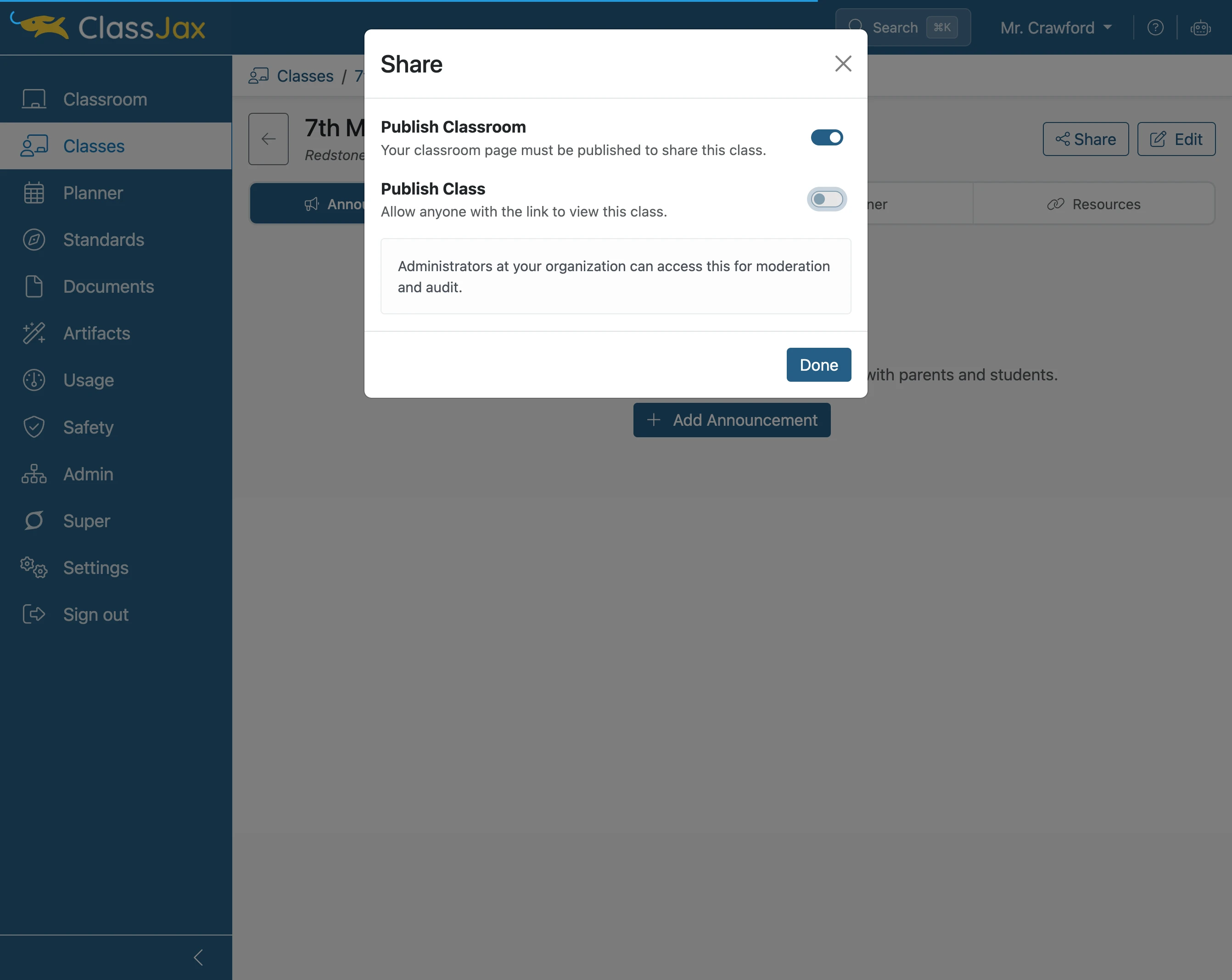
- 6
Click 'Copy'
Clicking Copy saves the public link to the class. The link can be added in a lesson plan, document or emailed, among other options.
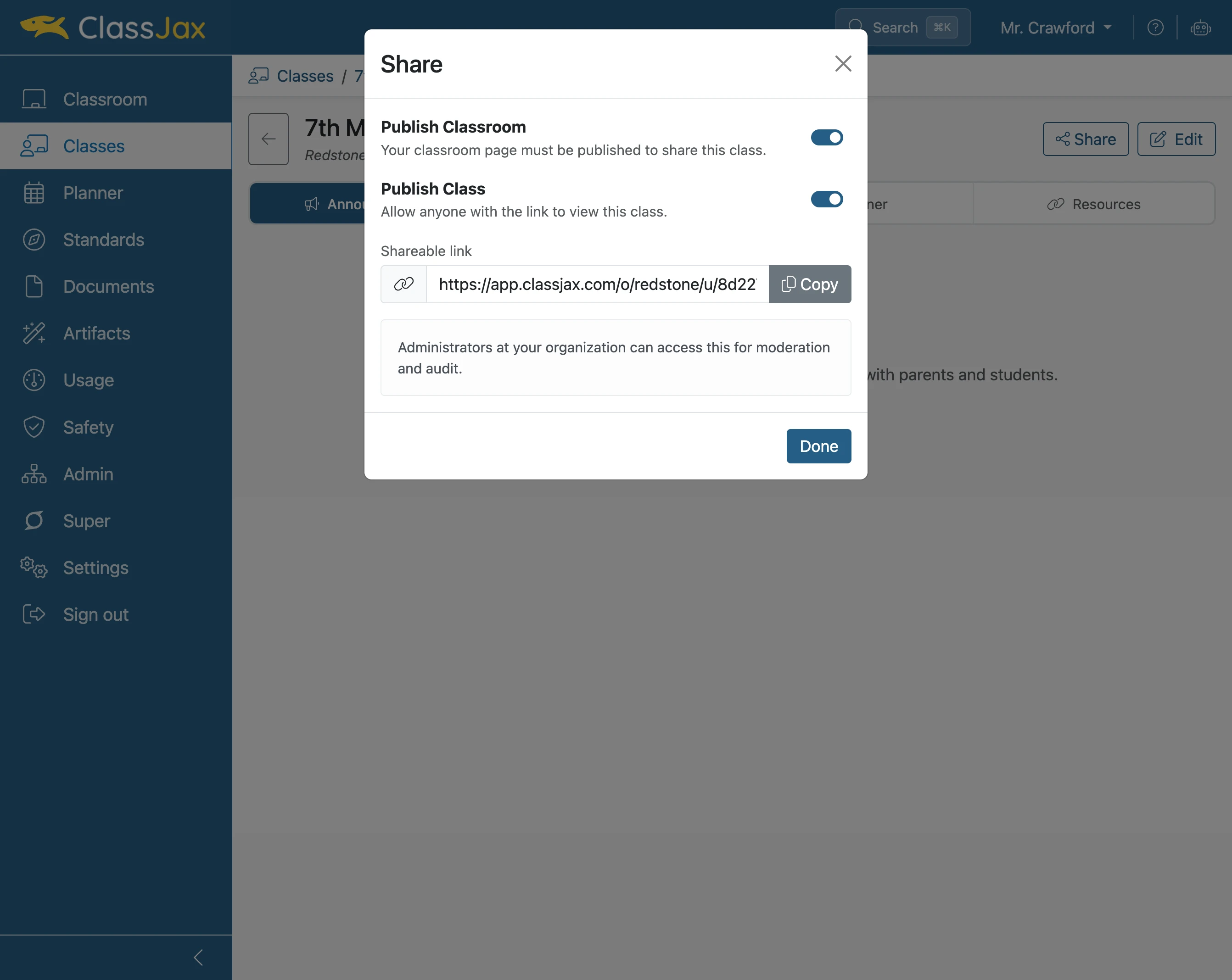
- 7
Click 'Done'
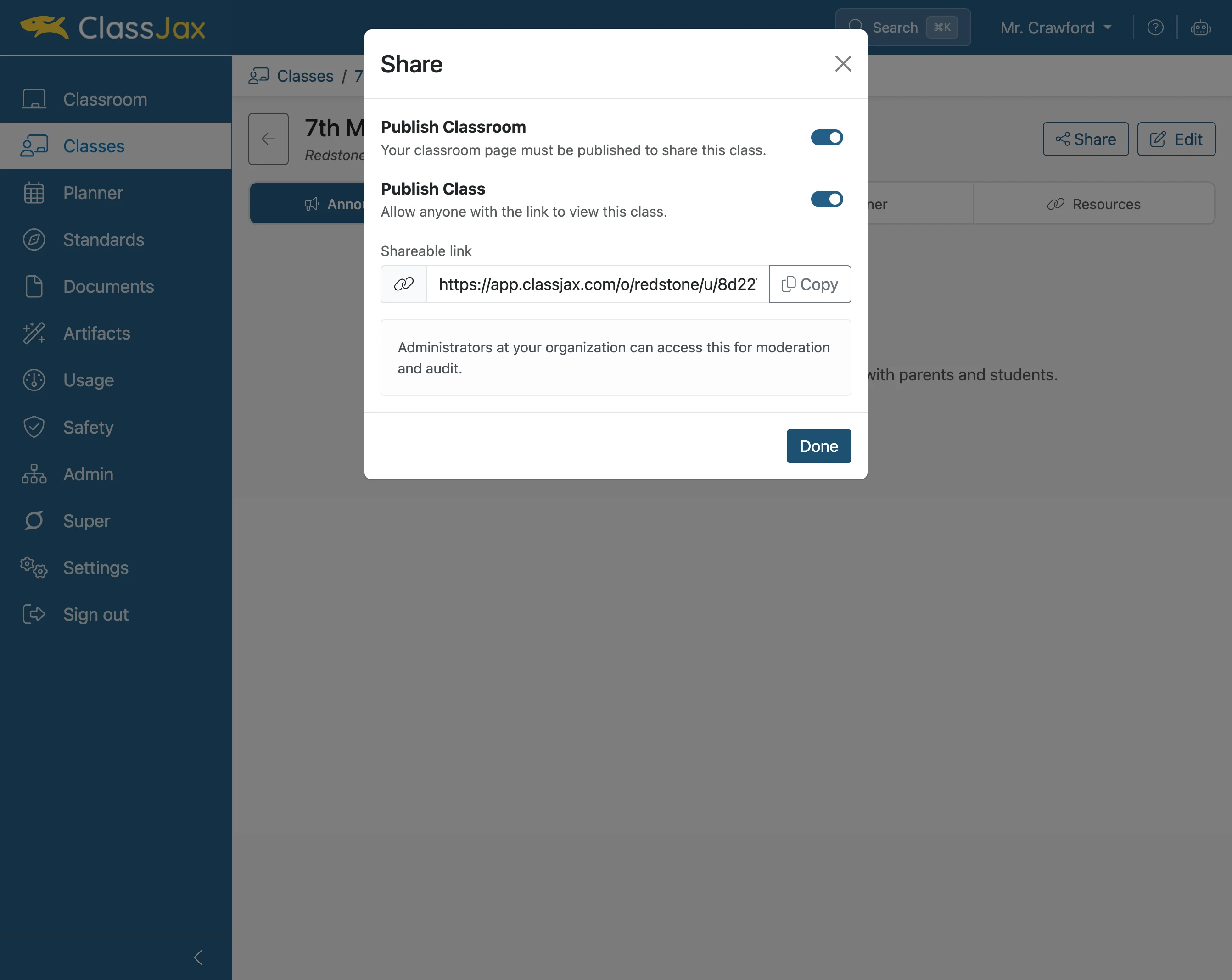
- 8
Click 'Open public class in new tab'
Clicking this option will open the public view of the class in another browser tab.
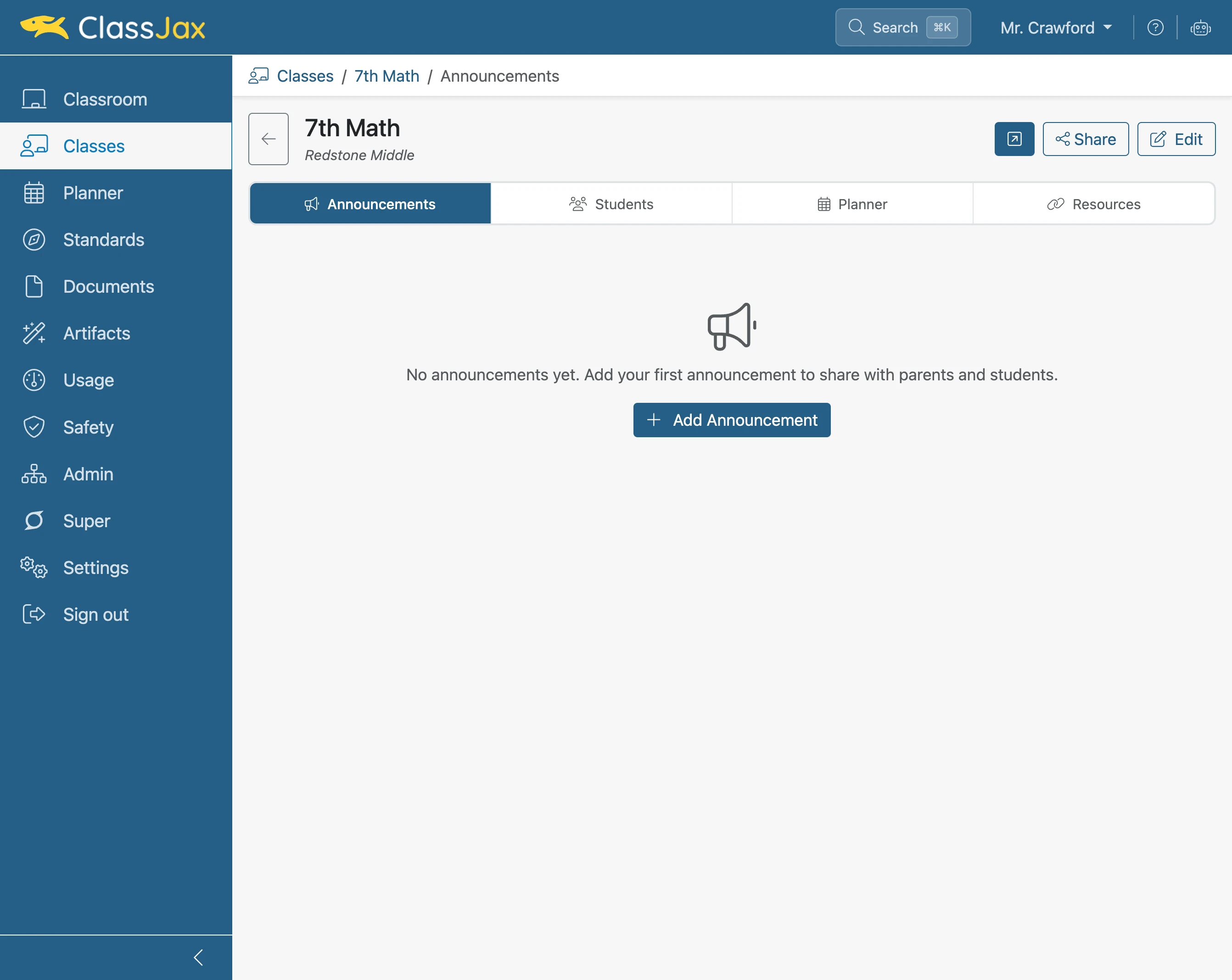
- 9
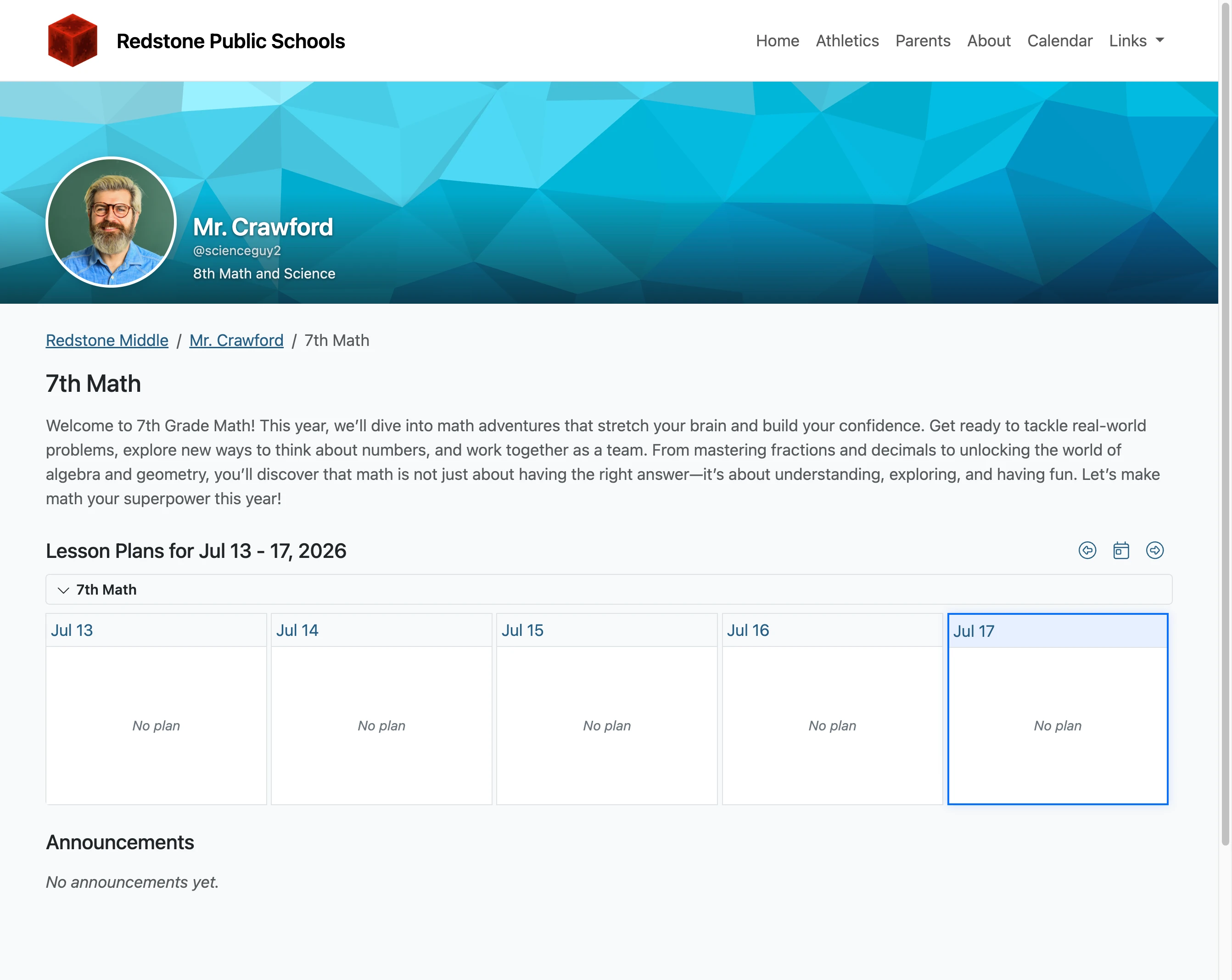
The Public View of the Class
Note: The *Redstone Public Schools header including links is created by the school’s ClassJax admin. The teacher edits the Classroom features to establish the blue banner. The content specific to the Class consists of the Class name and below.