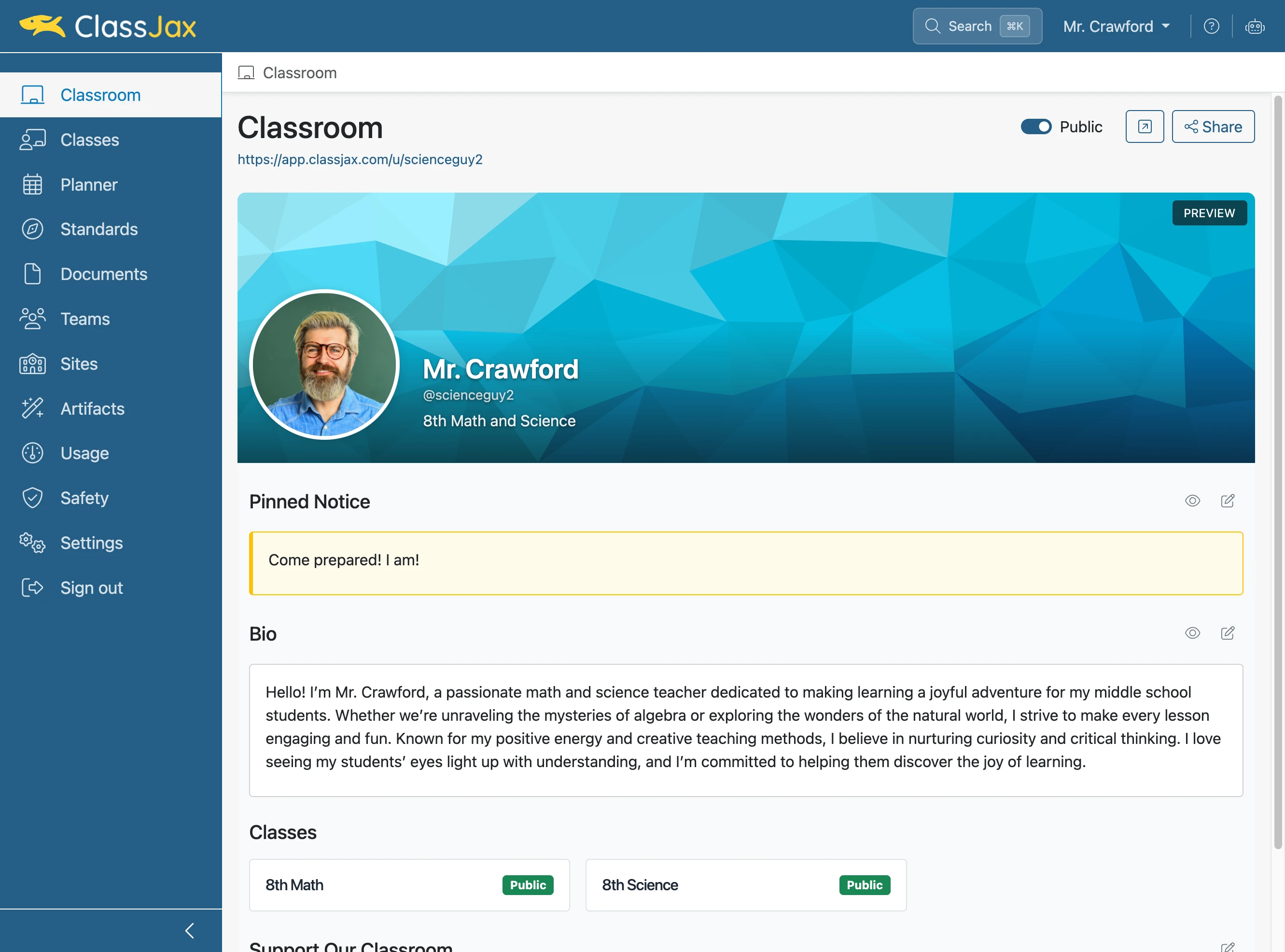
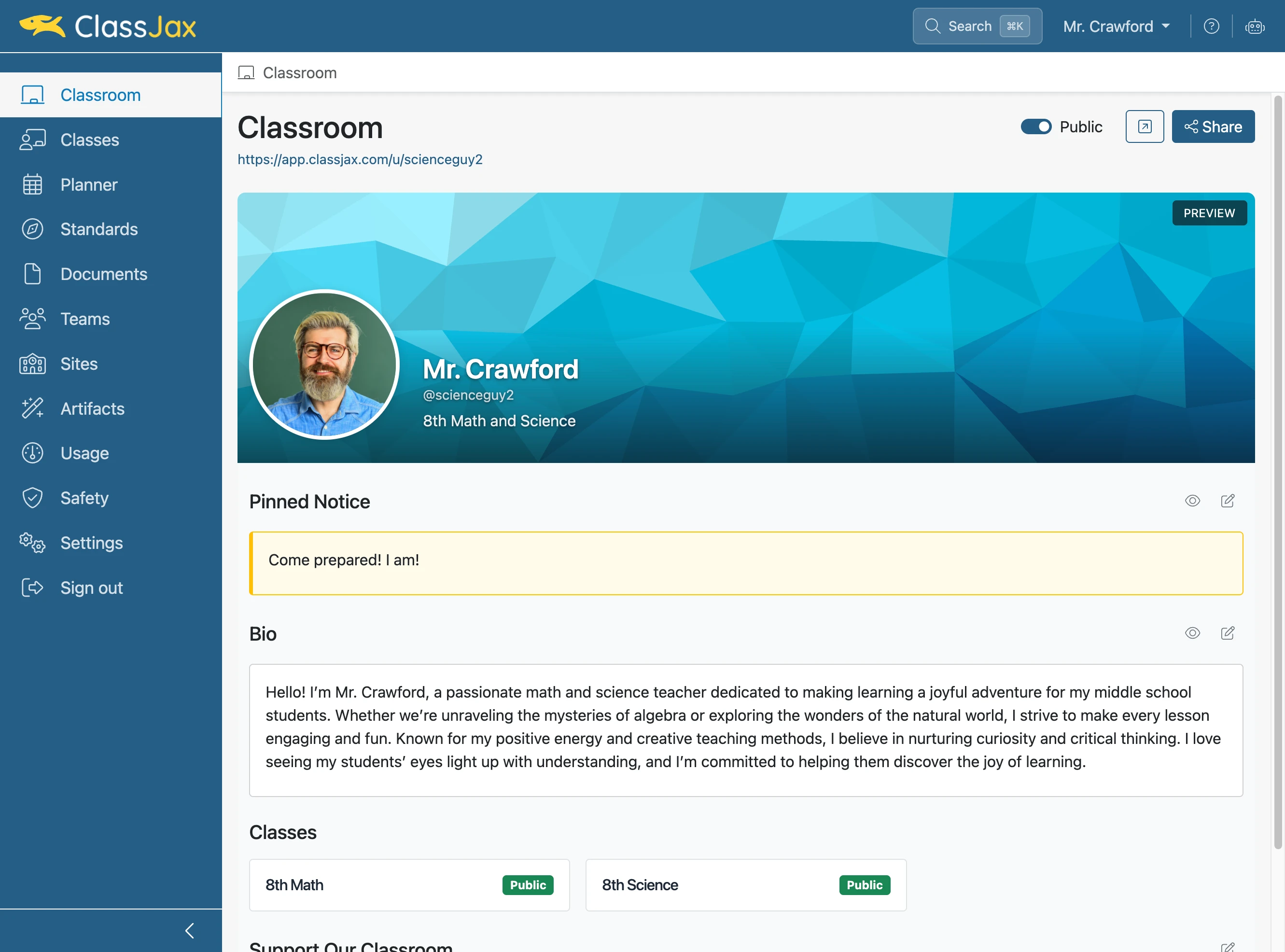
Setting Up My Classroom
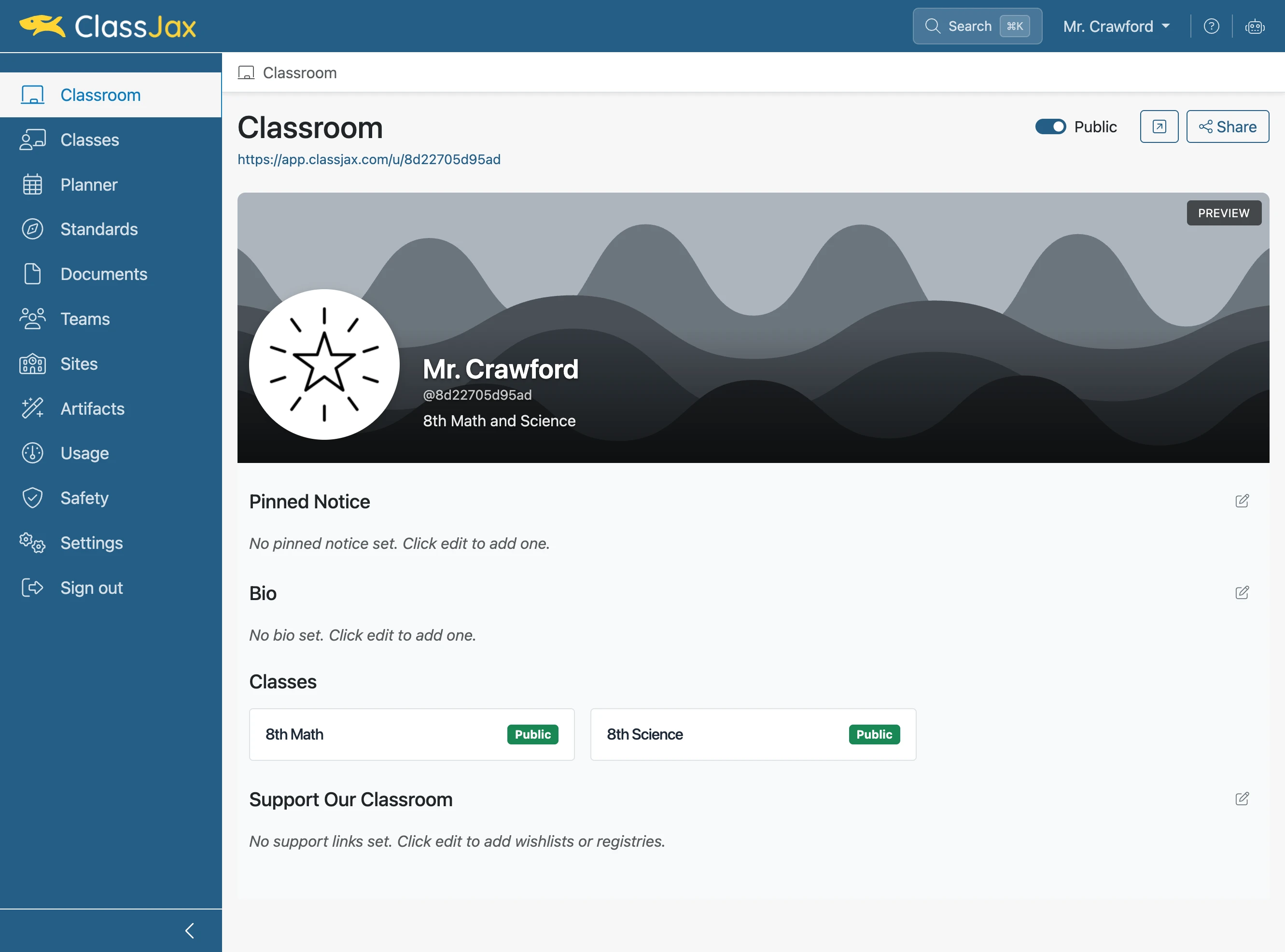
- 1
Click the 'Classroom' link
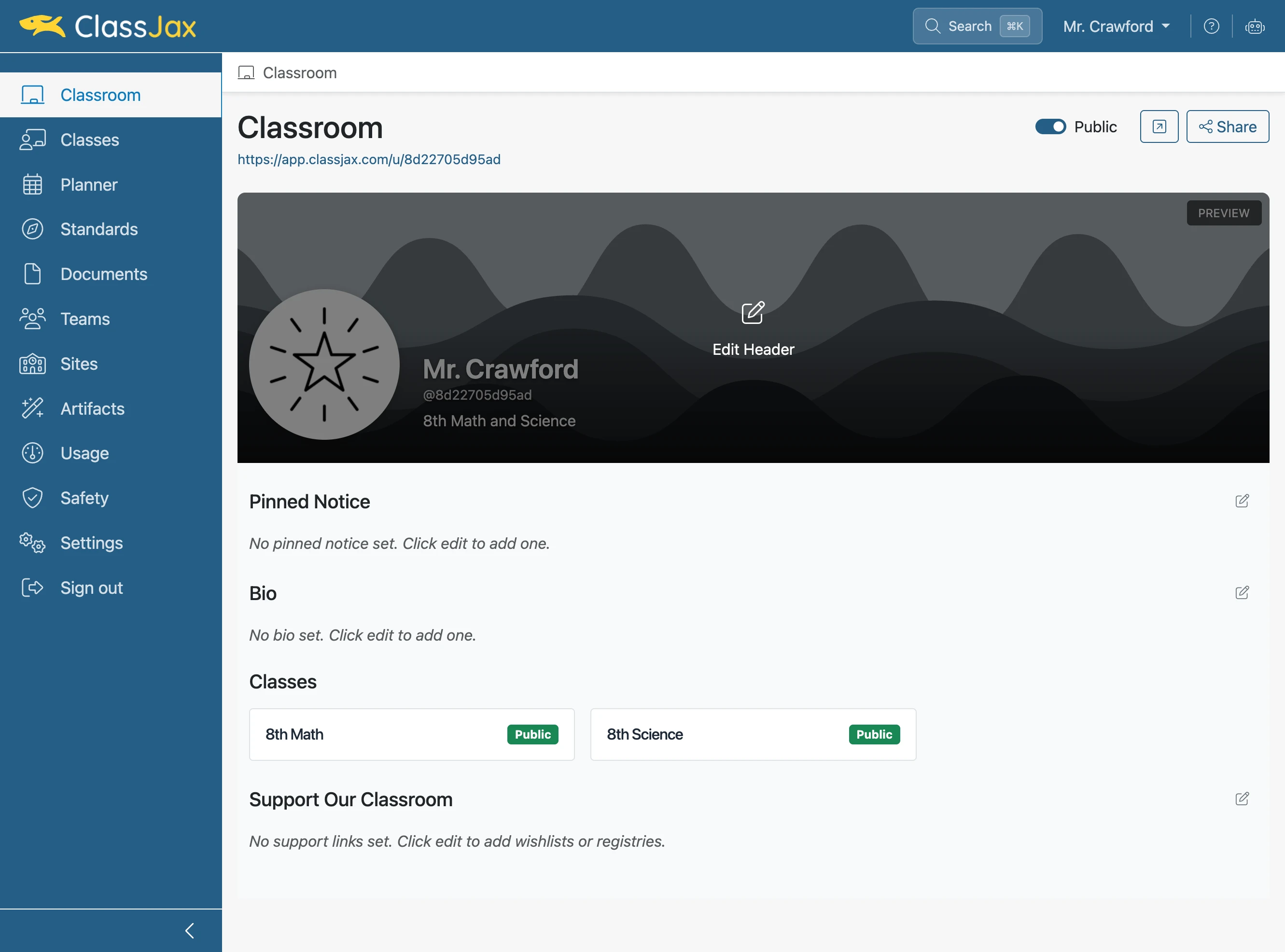
- 2
Click the 'Edit Header' icon
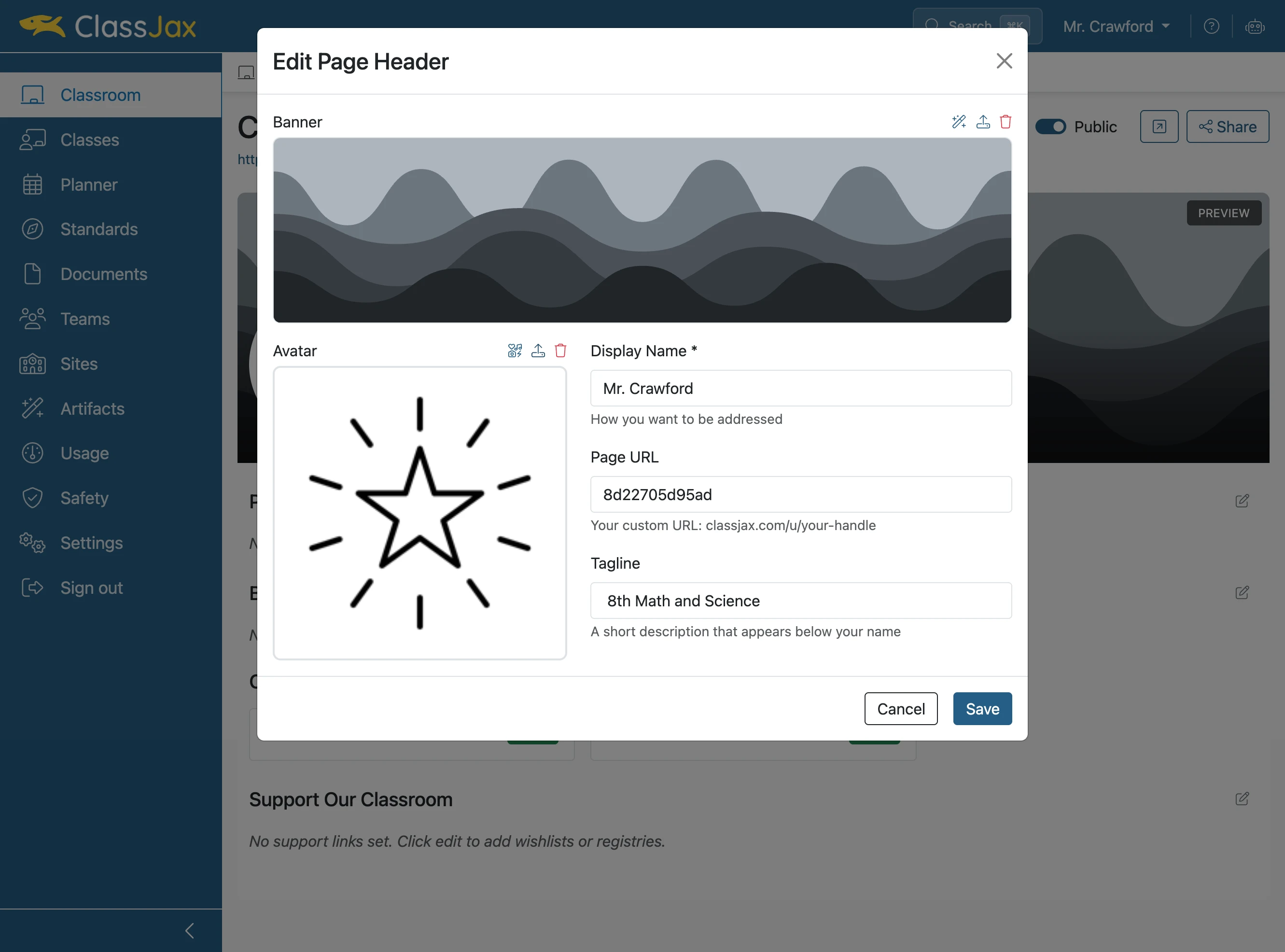
- 3
Click 'Upload image' to upload a photo from your computer
- 4
Wait a moment for the selected photo to upload
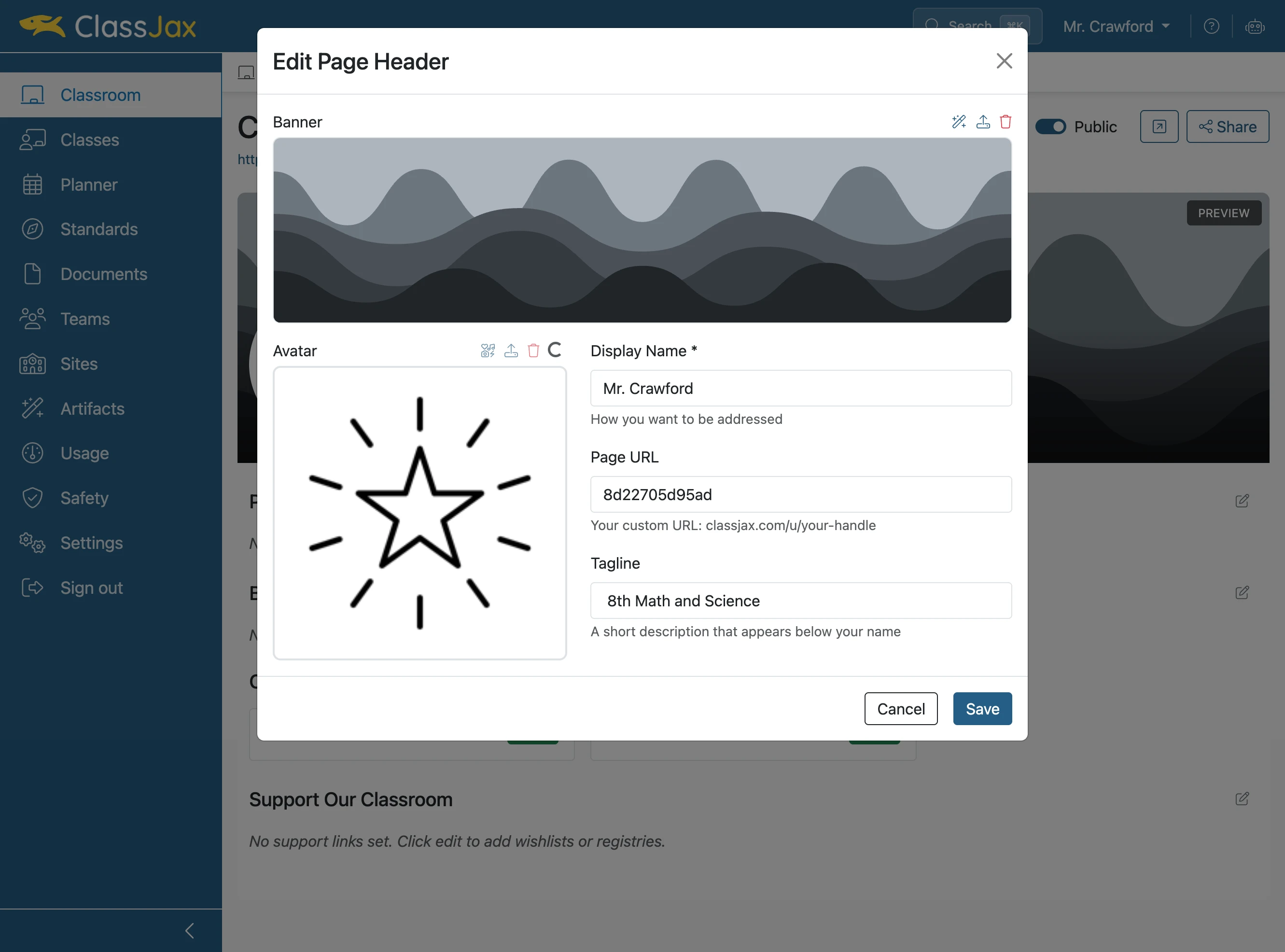
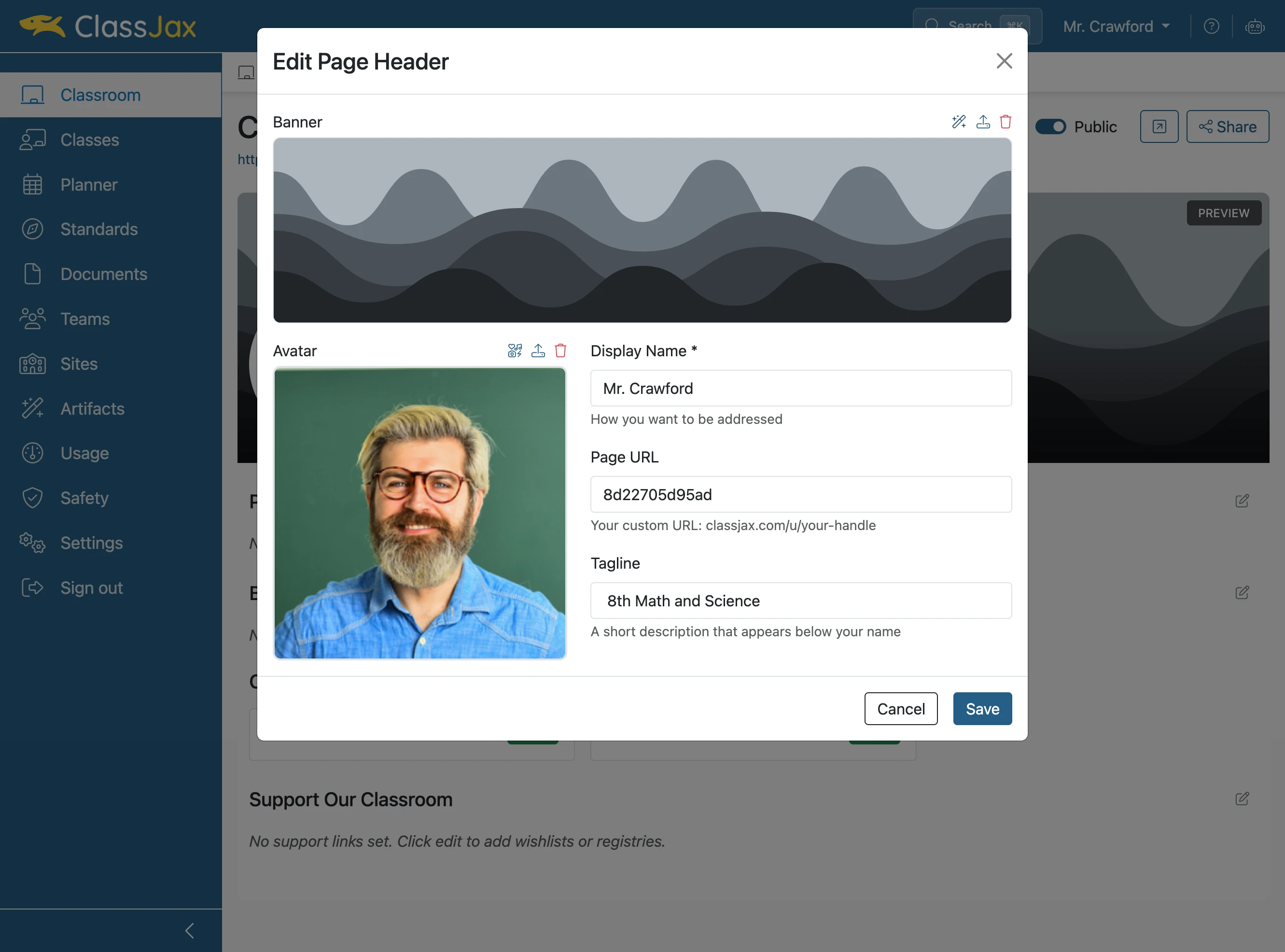
- 5
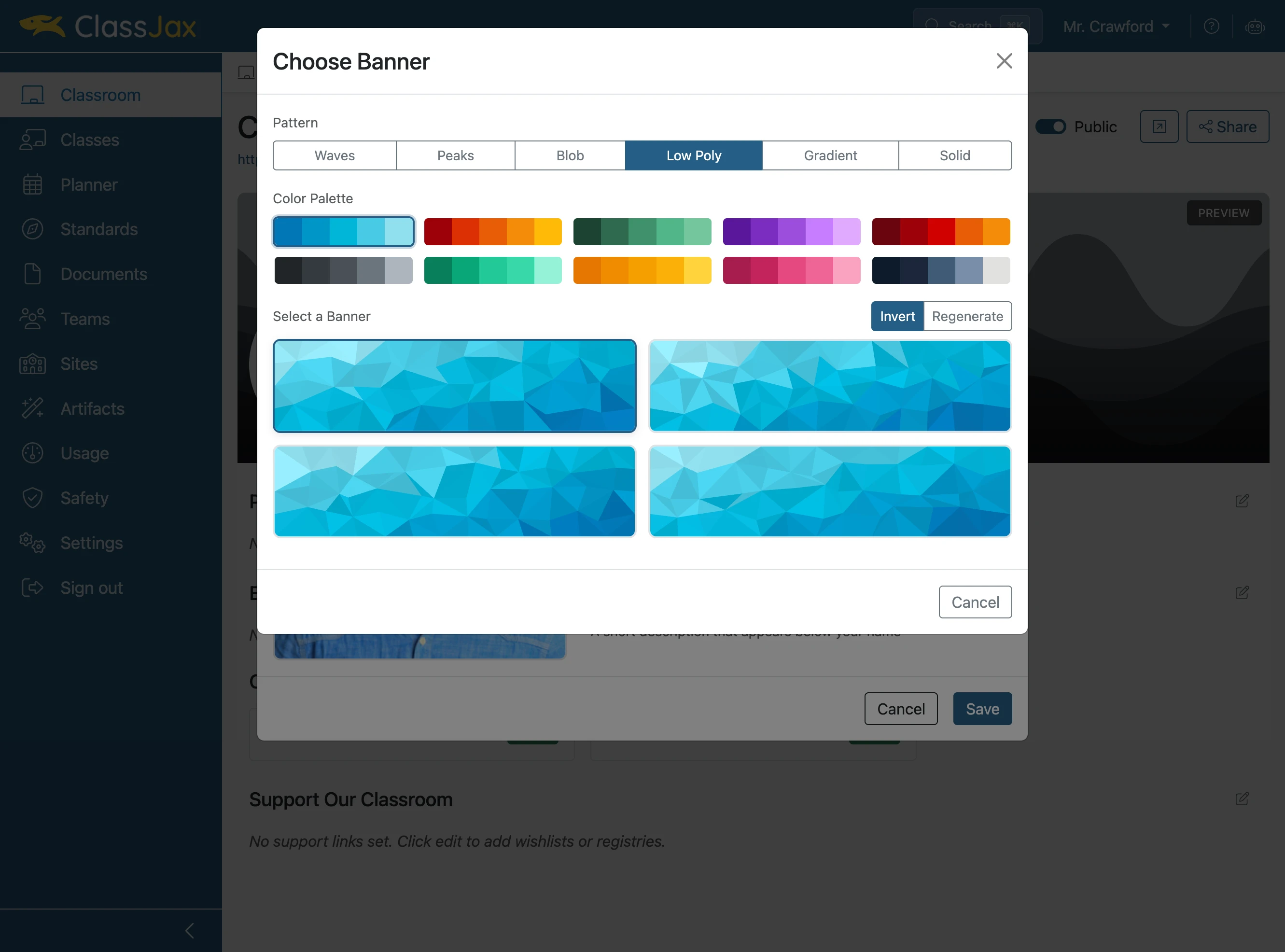
Click 'Generate banner' to create a background
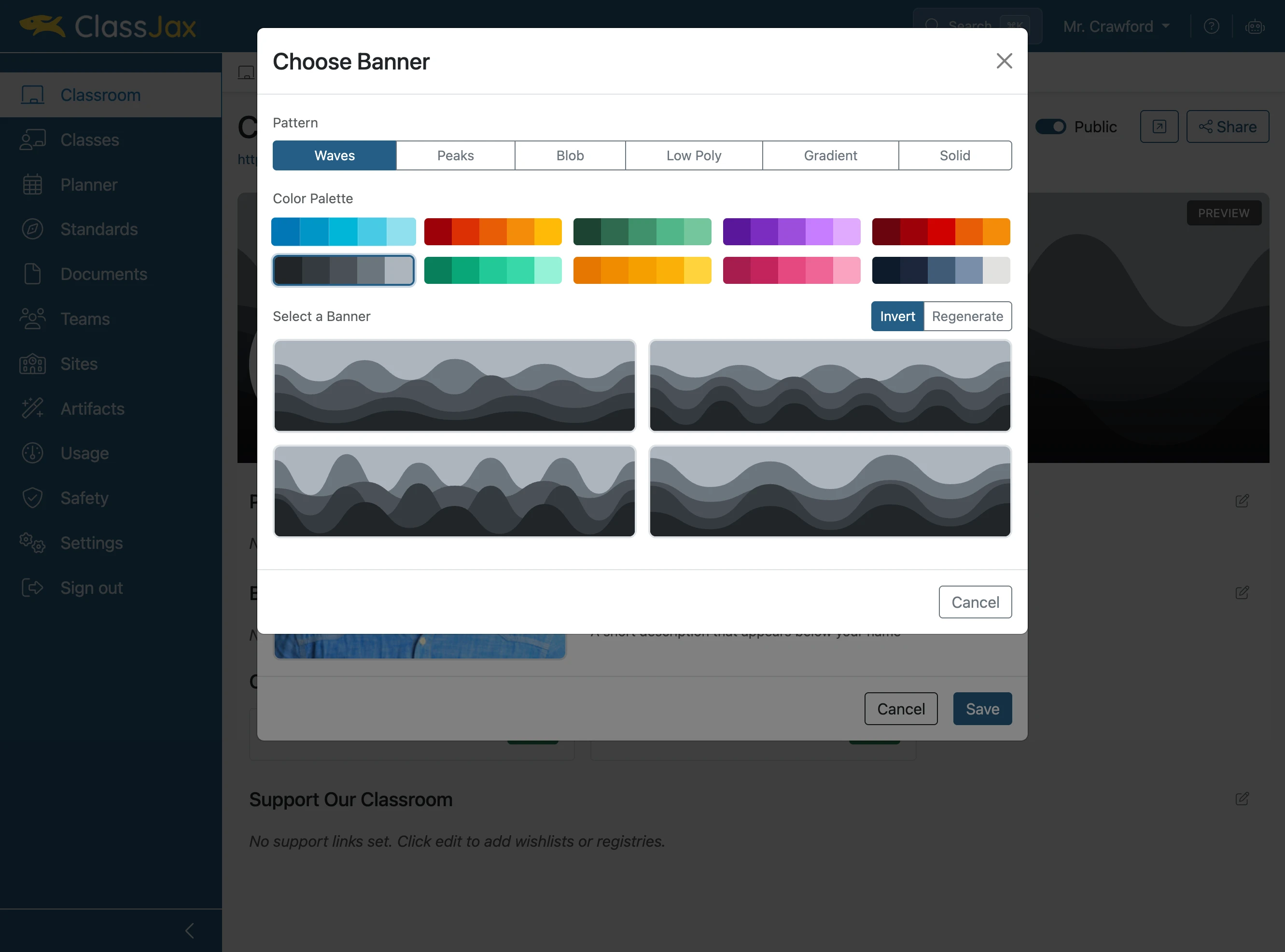
- 6
Click your favorite color palette
- 7
Choose your favorite banner style
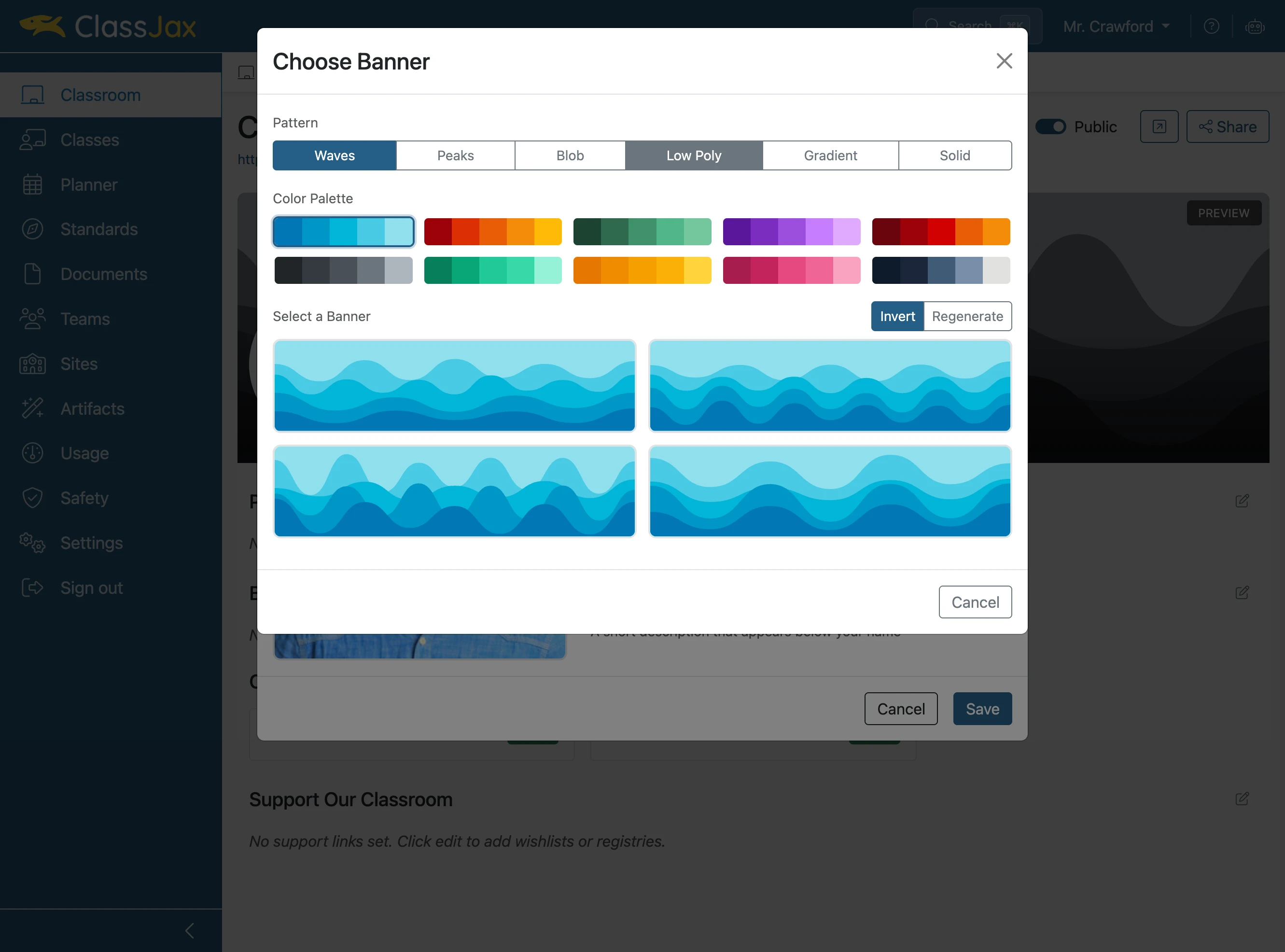
- 8
Choose one of the four generated options
- 9
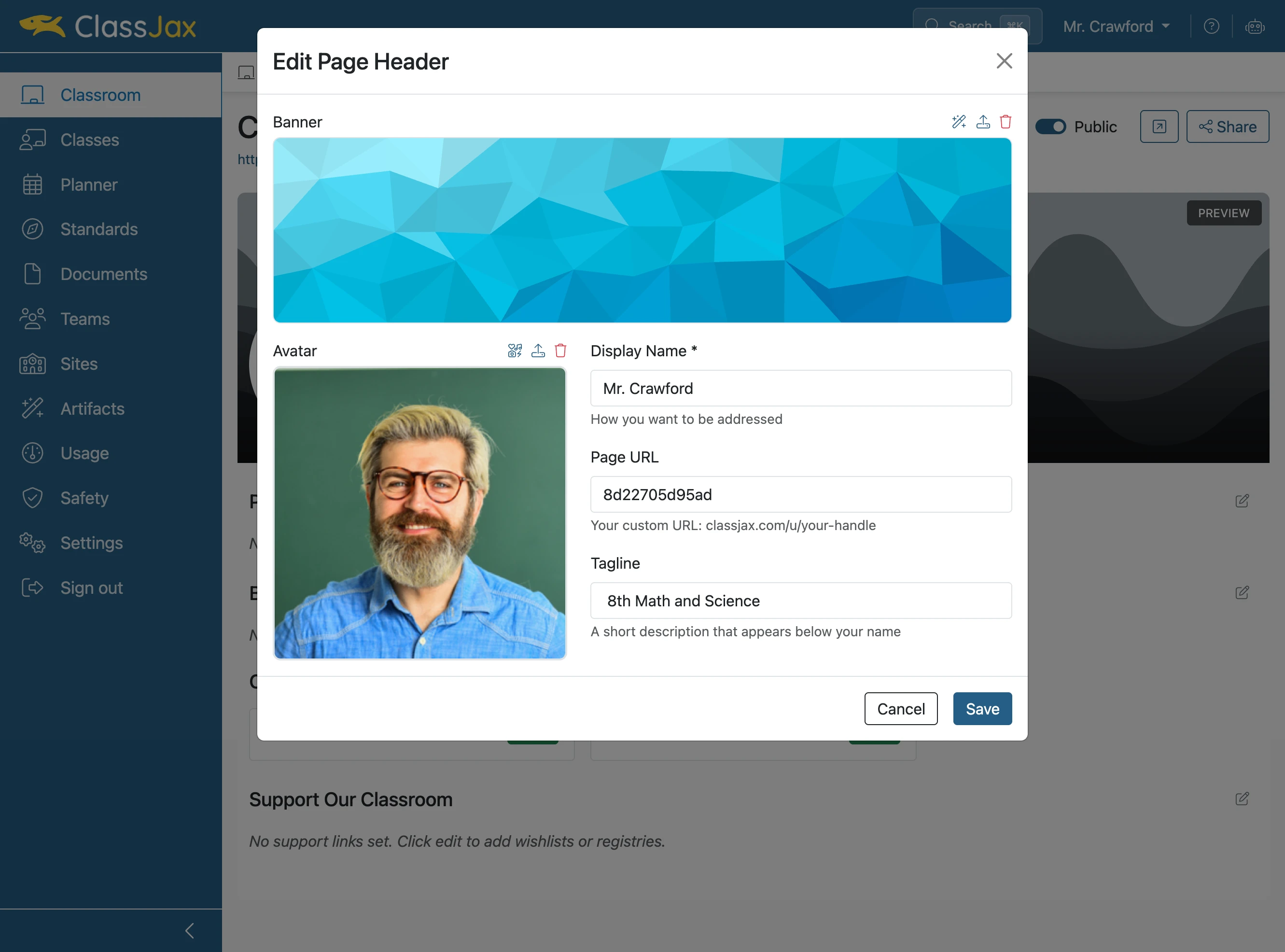
Click the 'Page URL' field to change your username
- 10
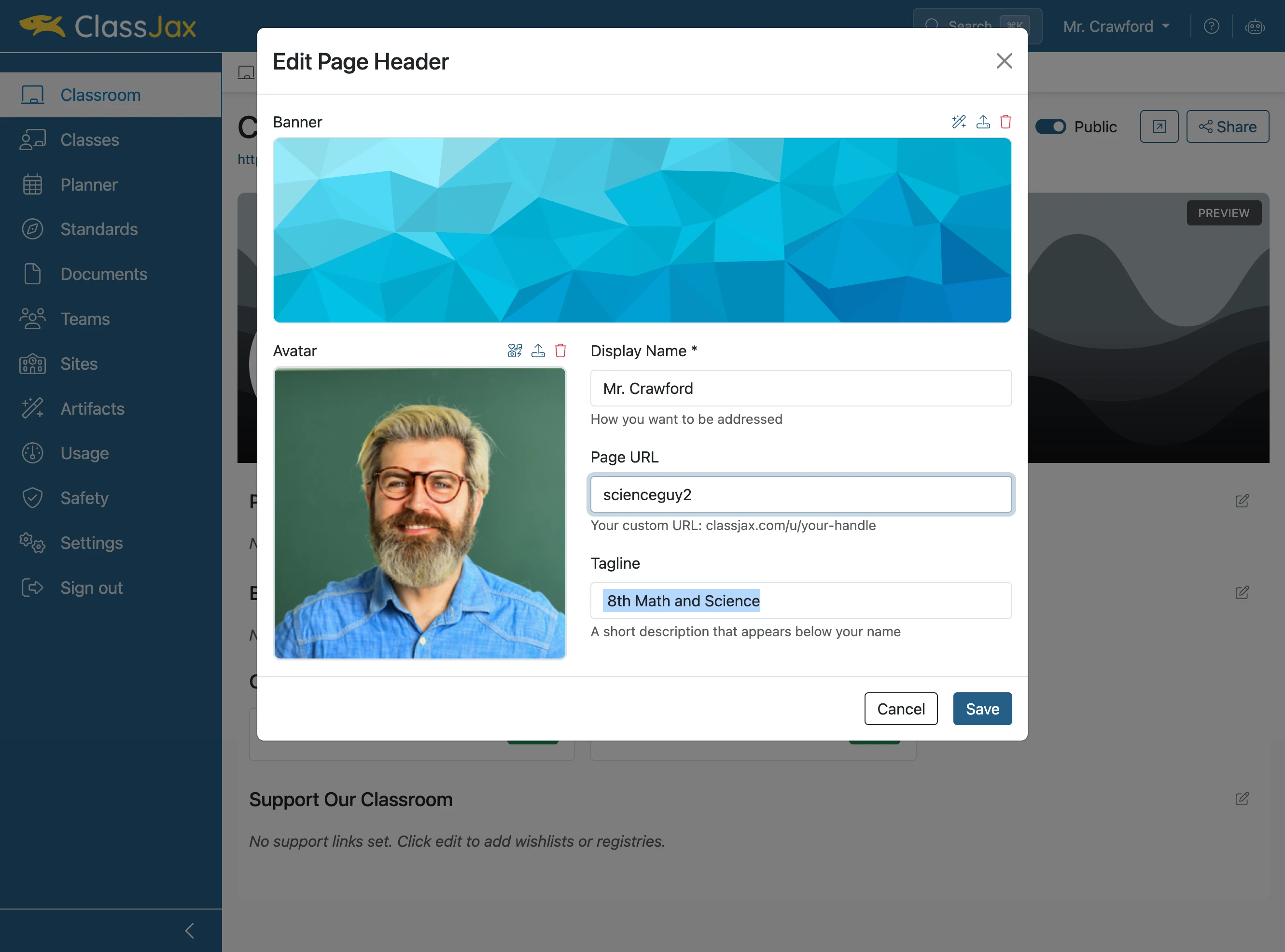
Make it something fun!
- 11
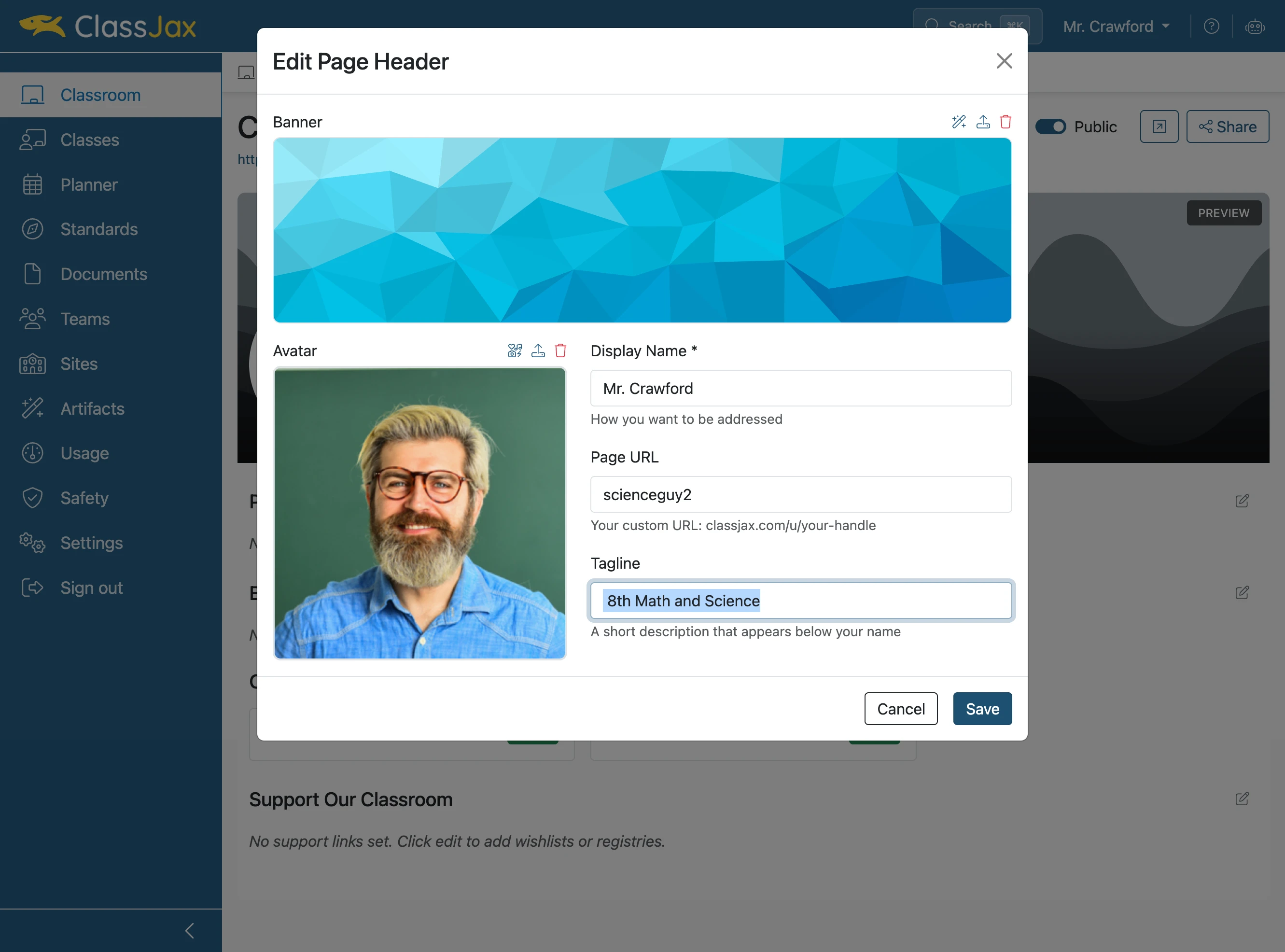
Complete your tagline and click 'Save'
- 12
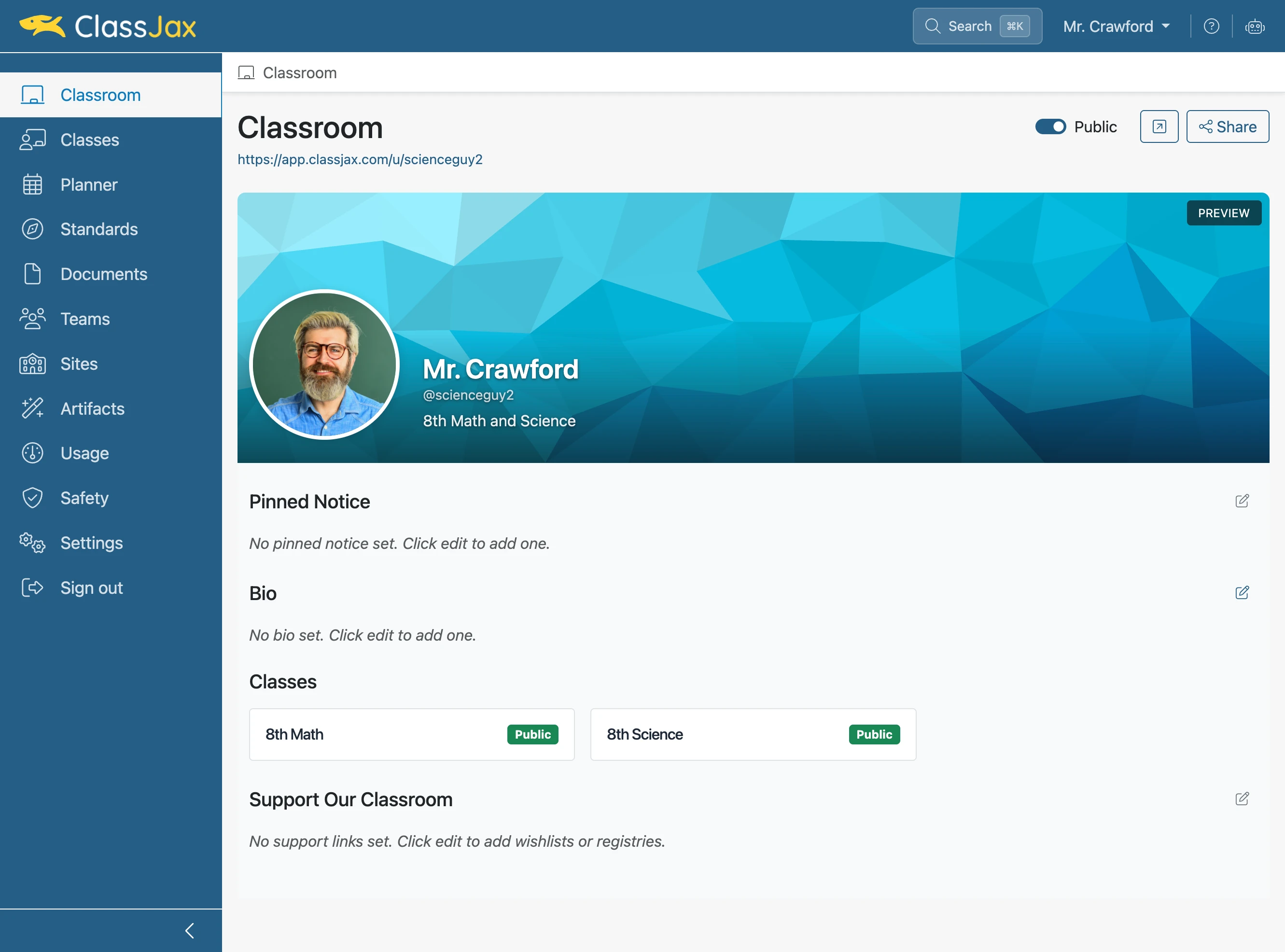
Click 'Edit bio'
- 13
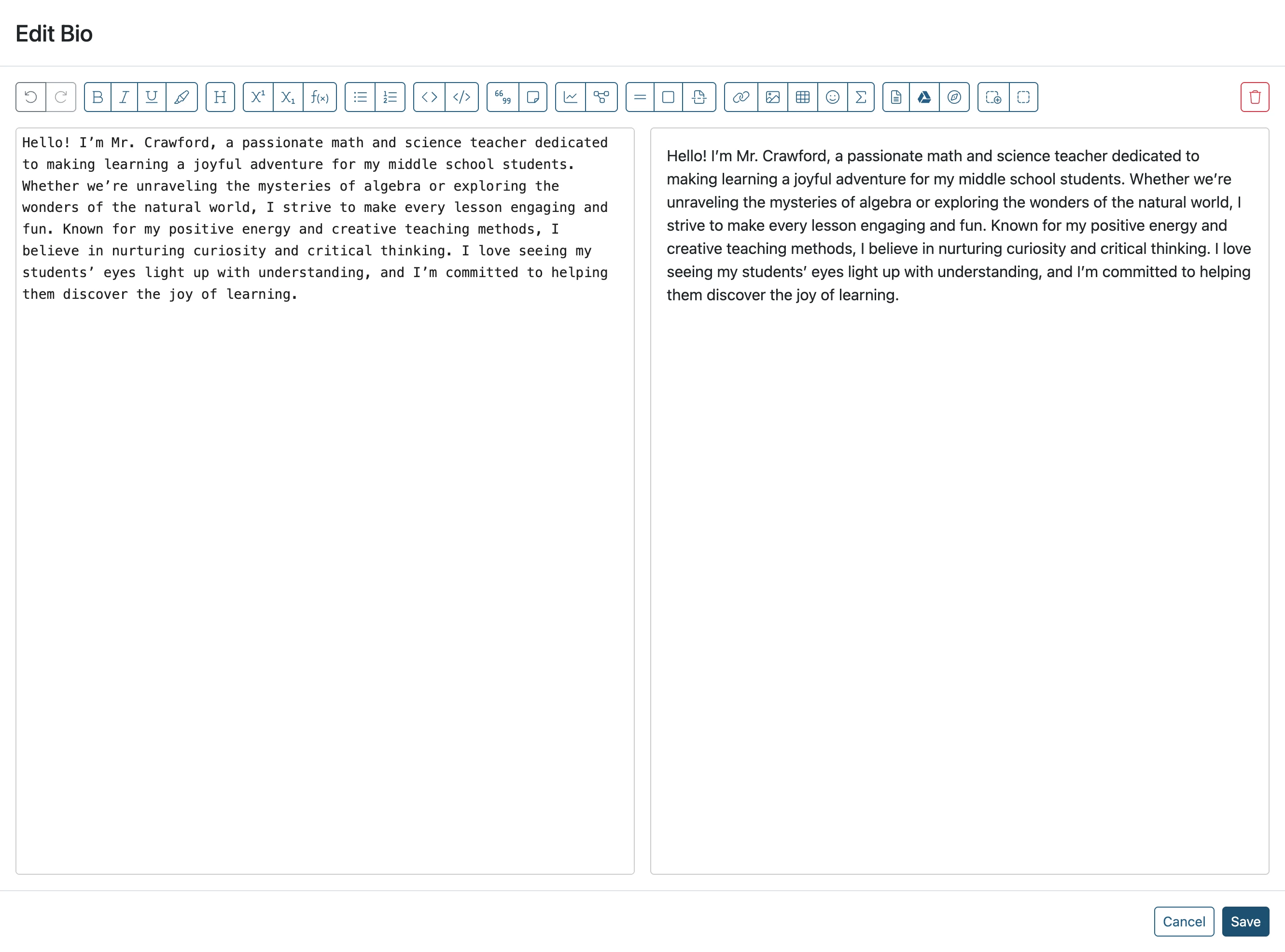
Enter your 'Bio' and click 'Save'
- 14
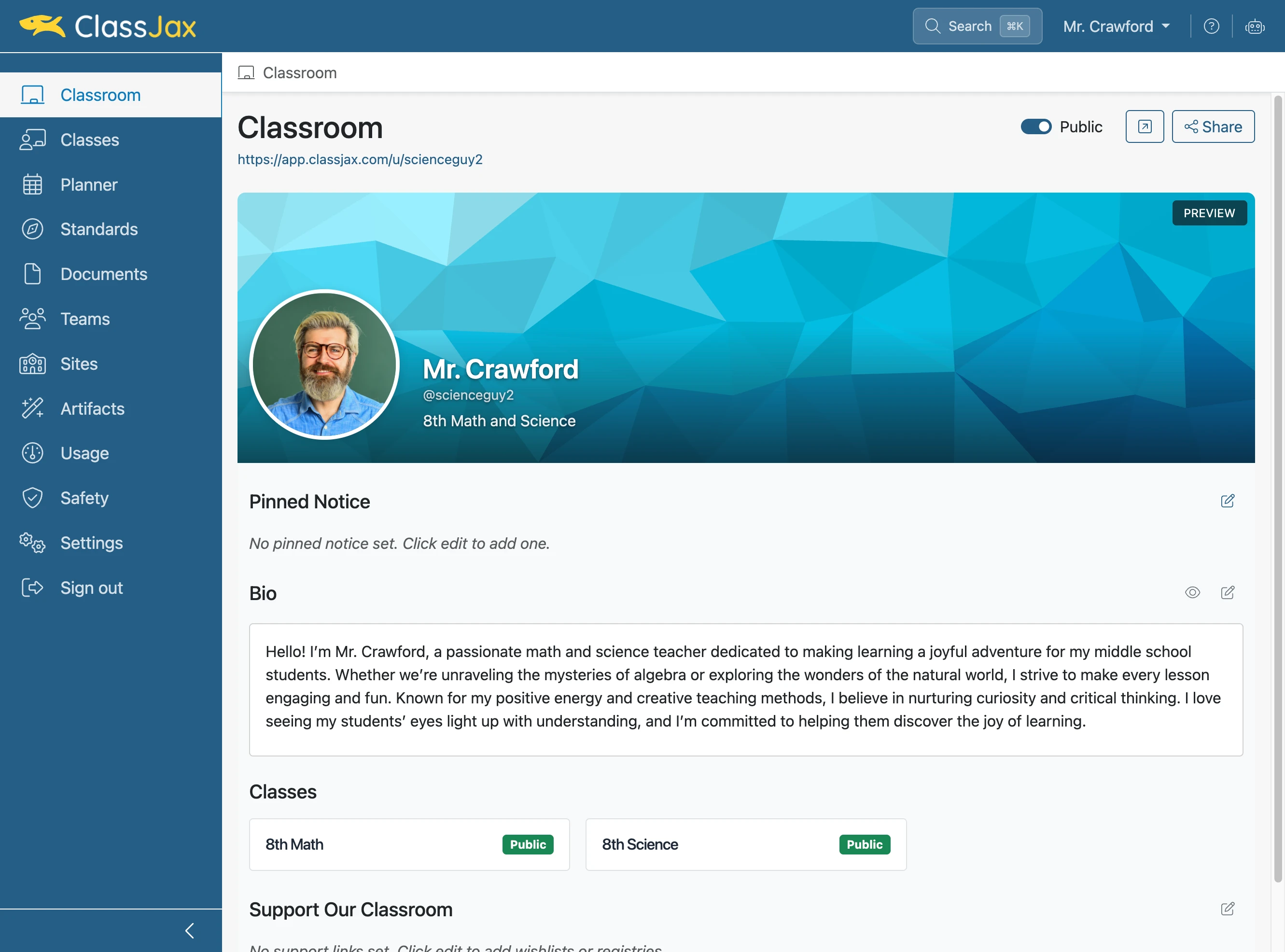
Click 'Edit pinned notice' to change the classroom notice
- 15
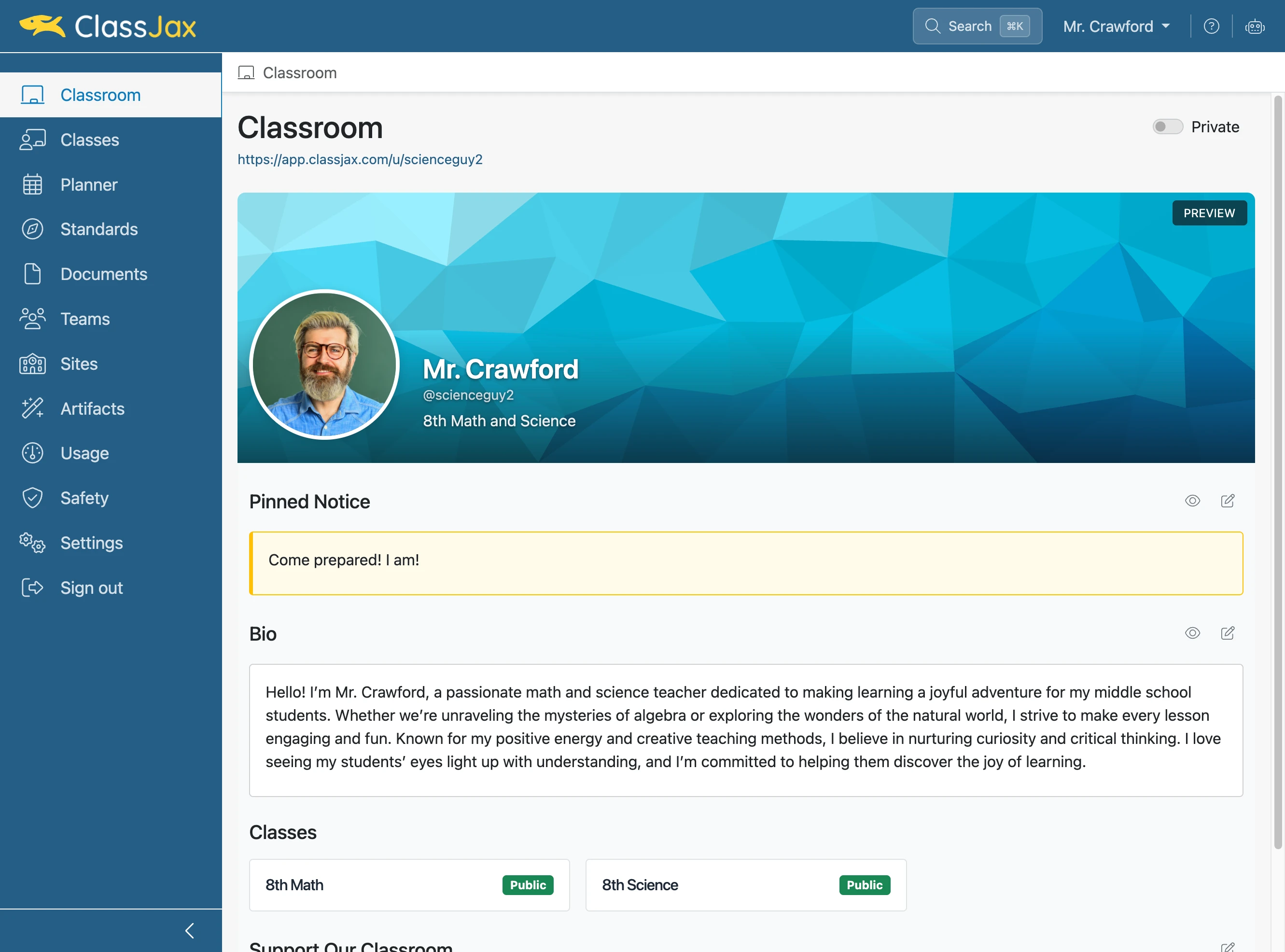
Toggle the page from Private to Public
- 16
Click 'Share' the button to copy the classroom url
- 17
Now It's Your Turn