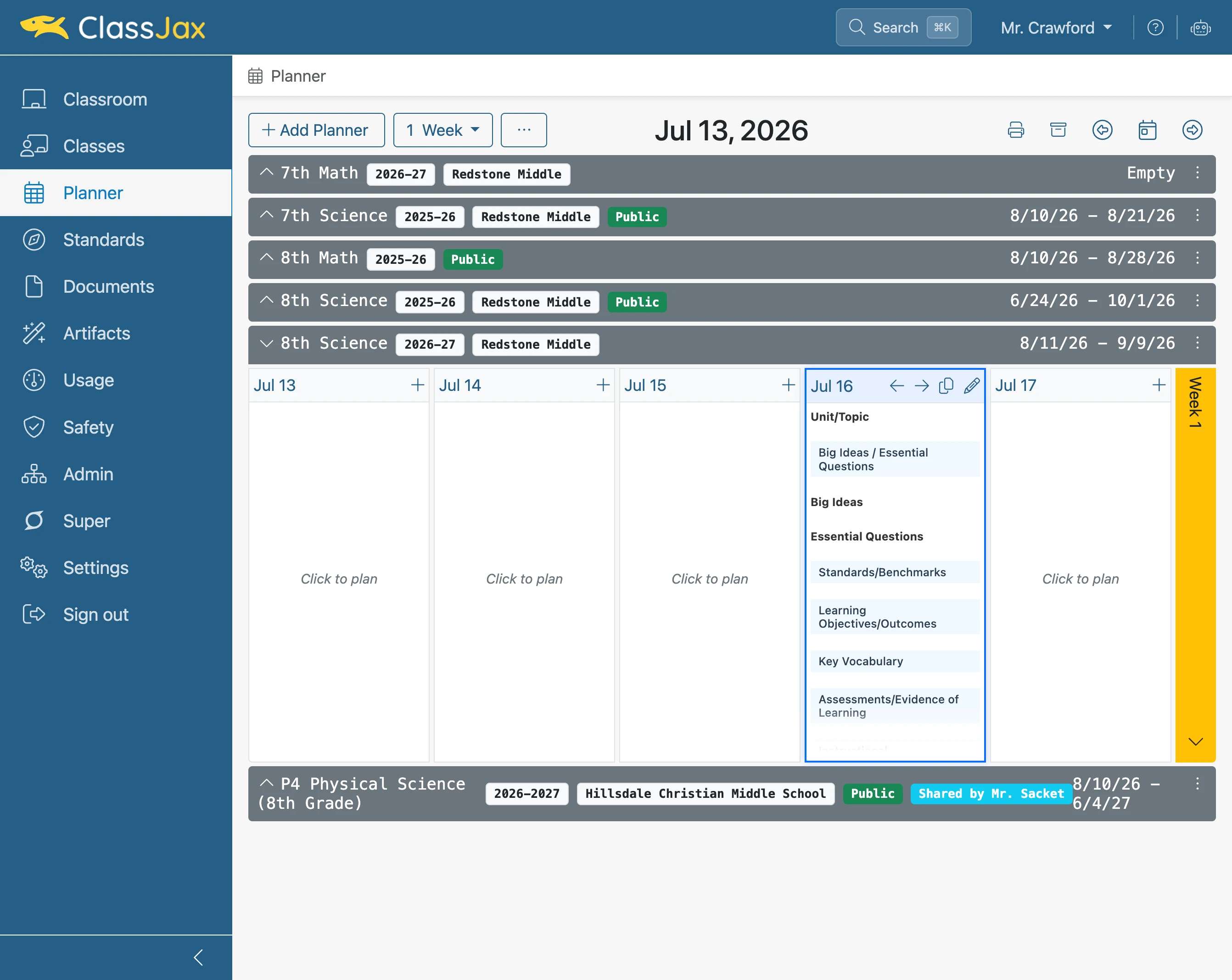
Select a Lesson Plan Template
This guide outlines the procedure for selecting a template to use with lesson plans. Utilizing campus templates helps ensure consistency and standardization of lesson plan formats across the campus.
Plan smarter this year
ClassJax is free for teachers. No credit card required.
- 1
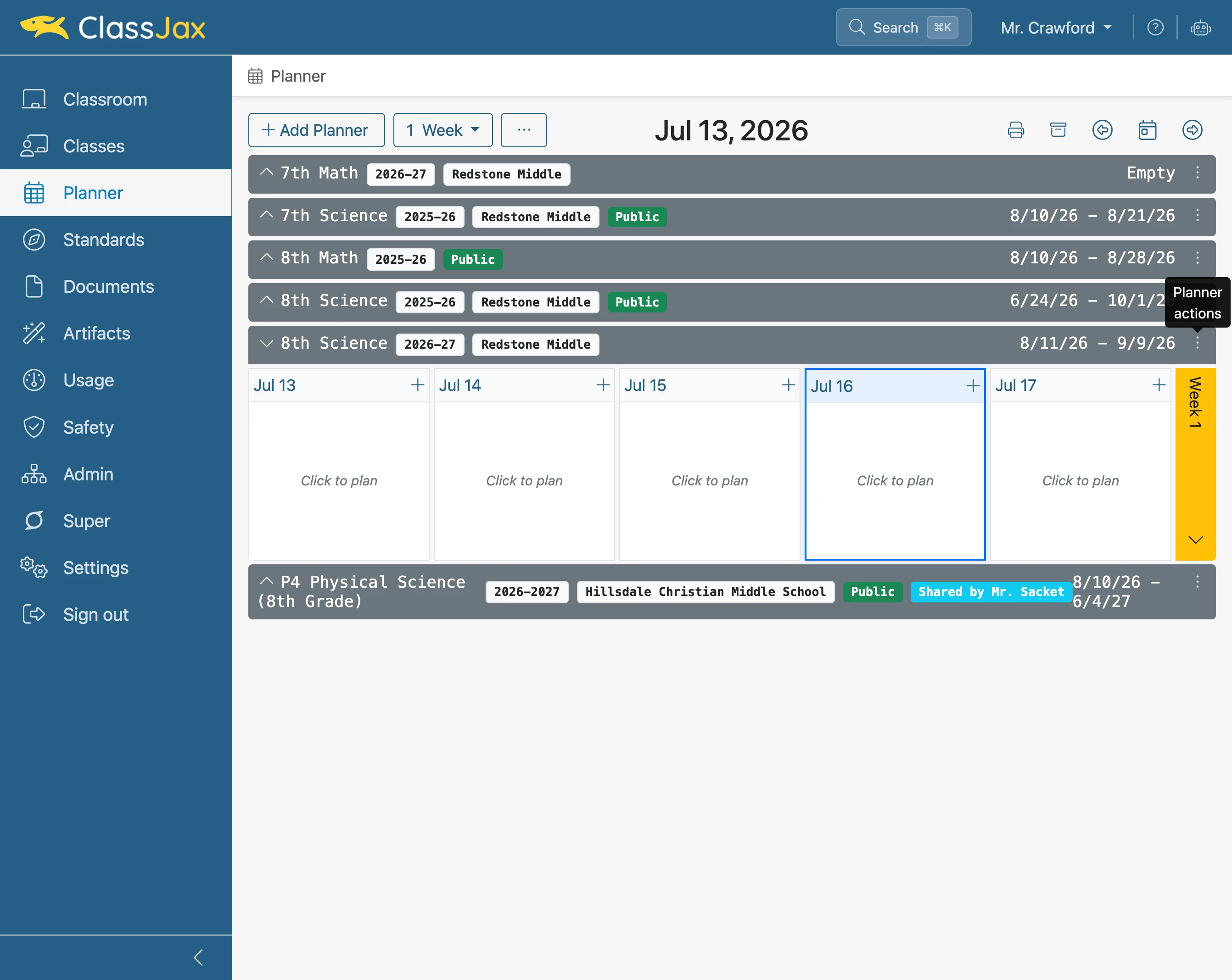
Click 'Planner actions'
- 2
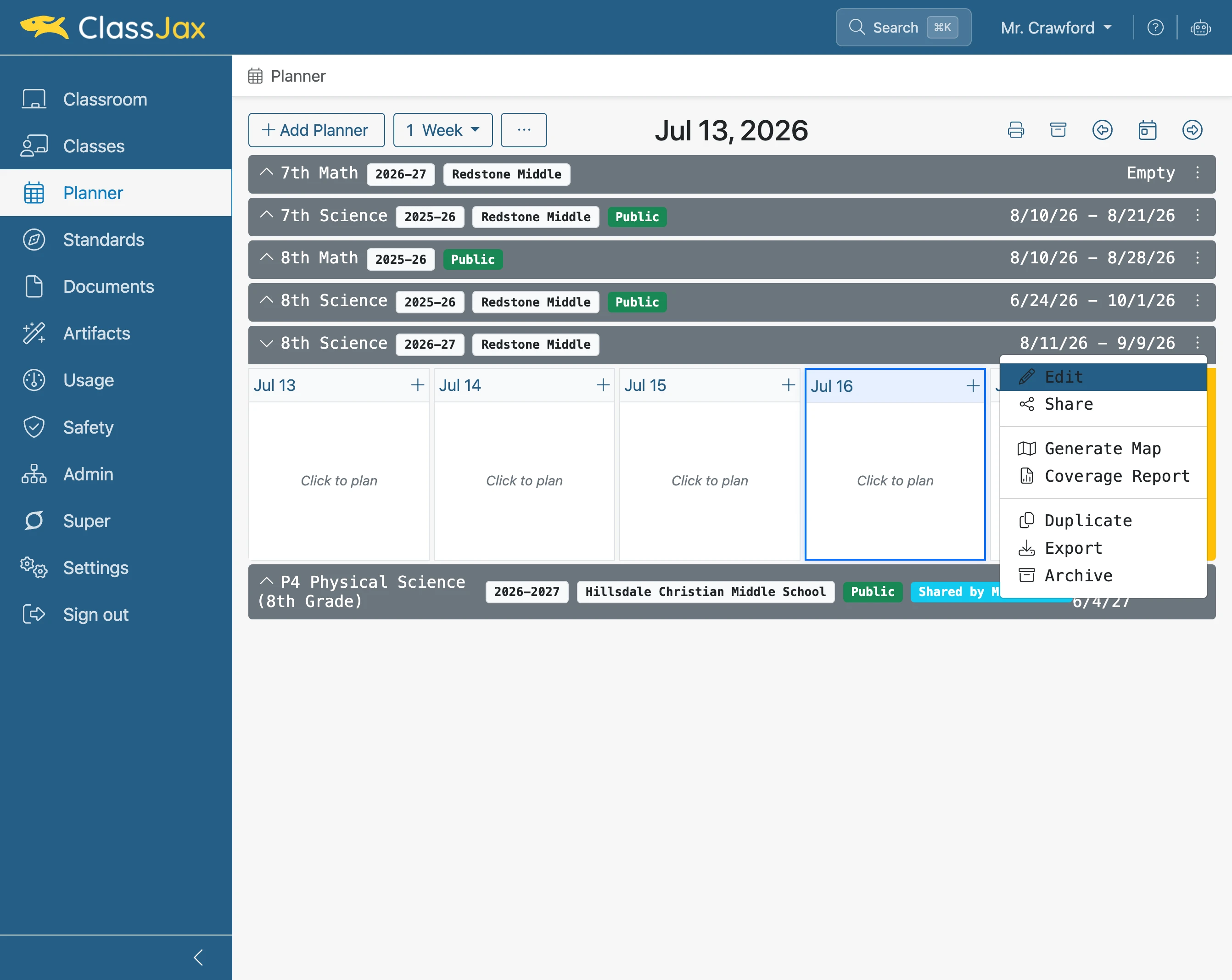
Click 'Edit'
- 3
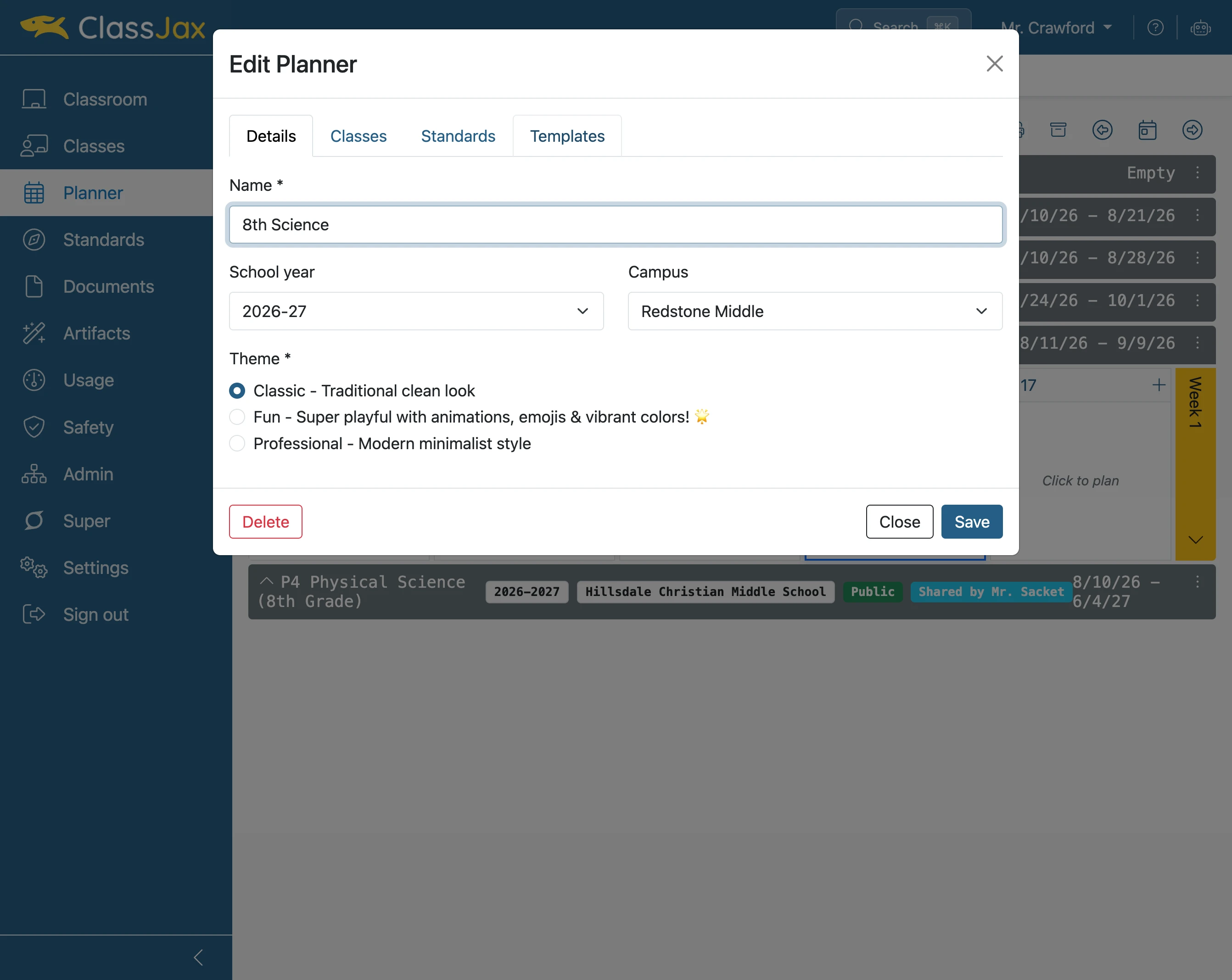
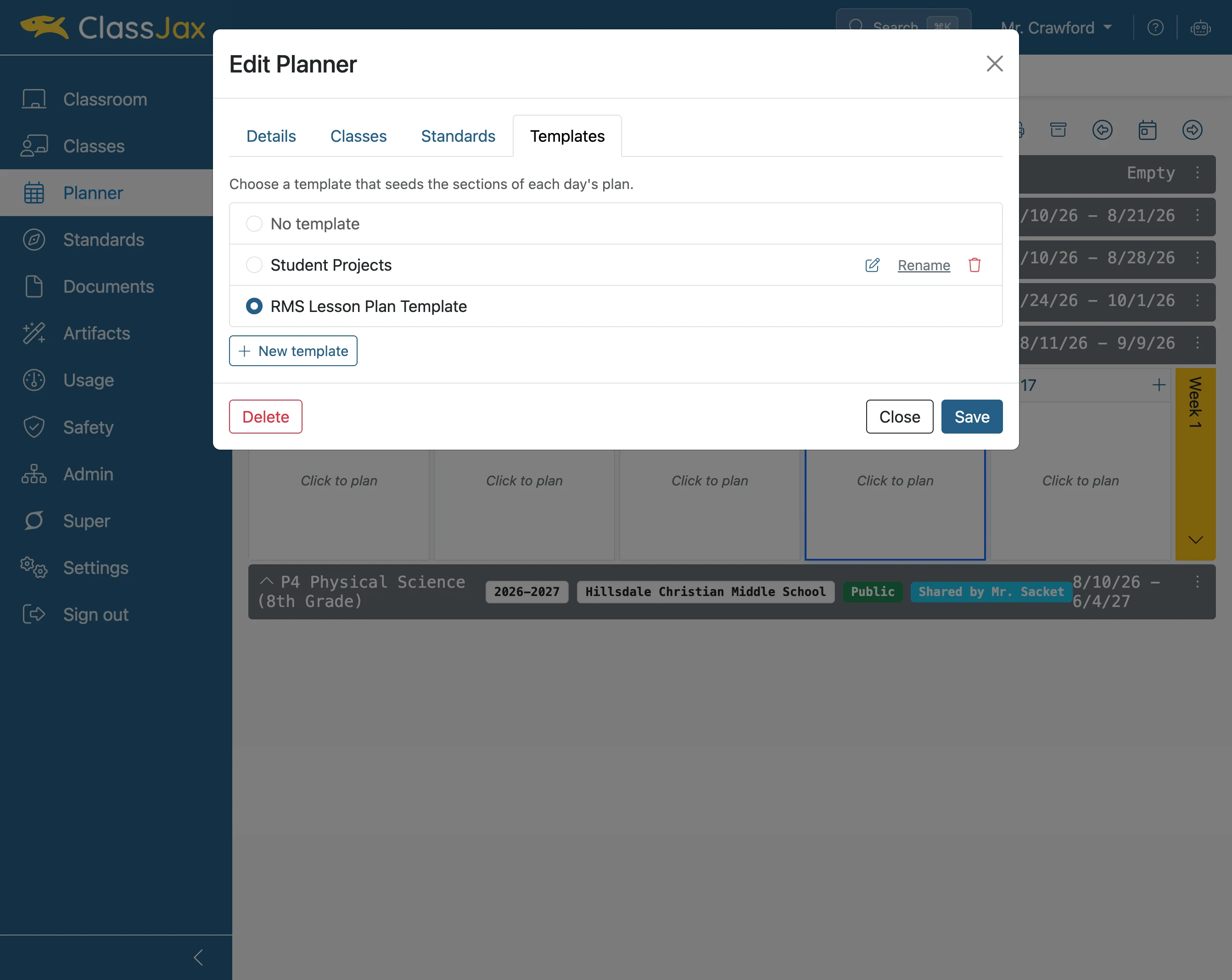
Click the 'Templates' tab
- 4
Click desired Template
- 5
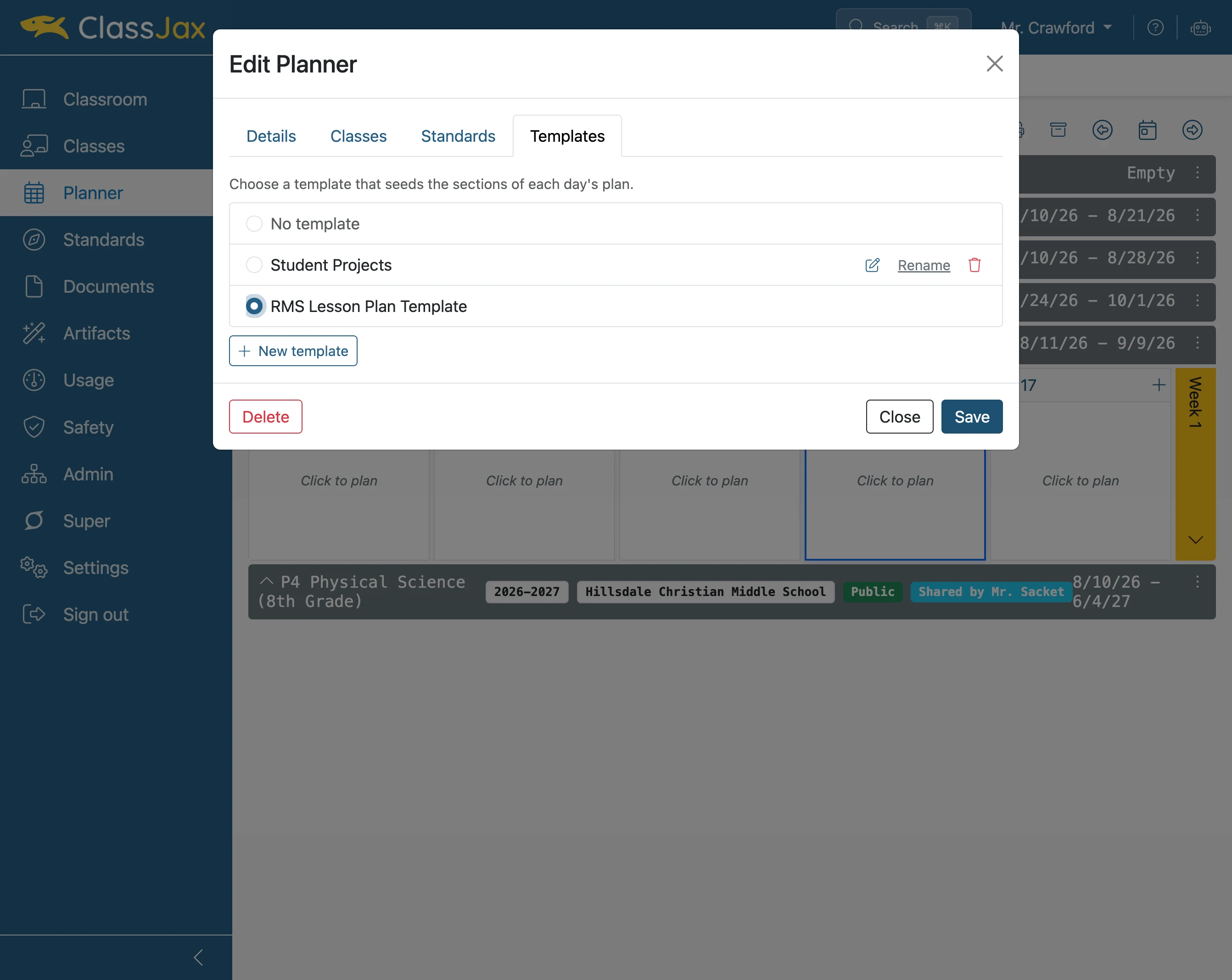
Click 'Save'
- 6
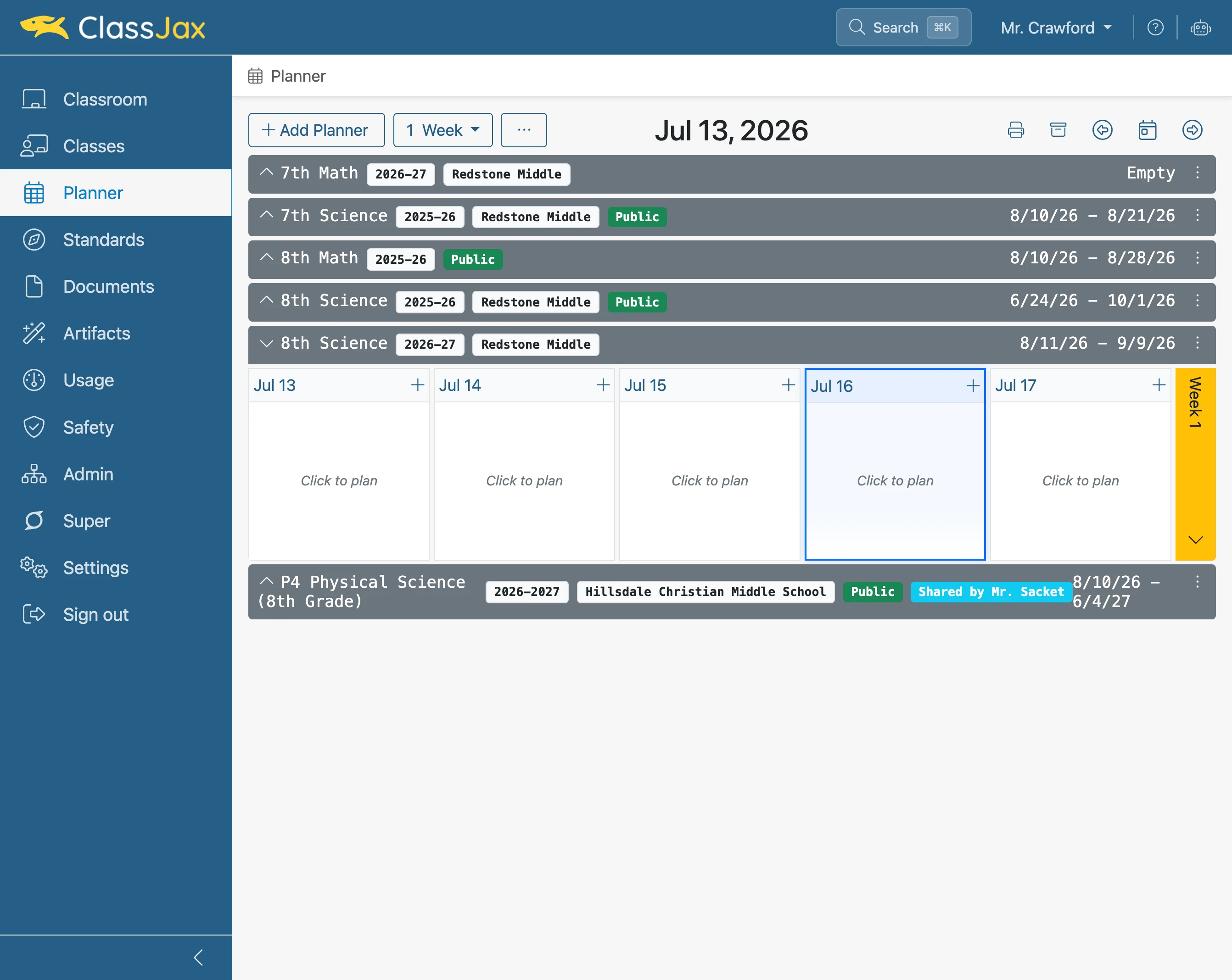
Click a plan
- 7
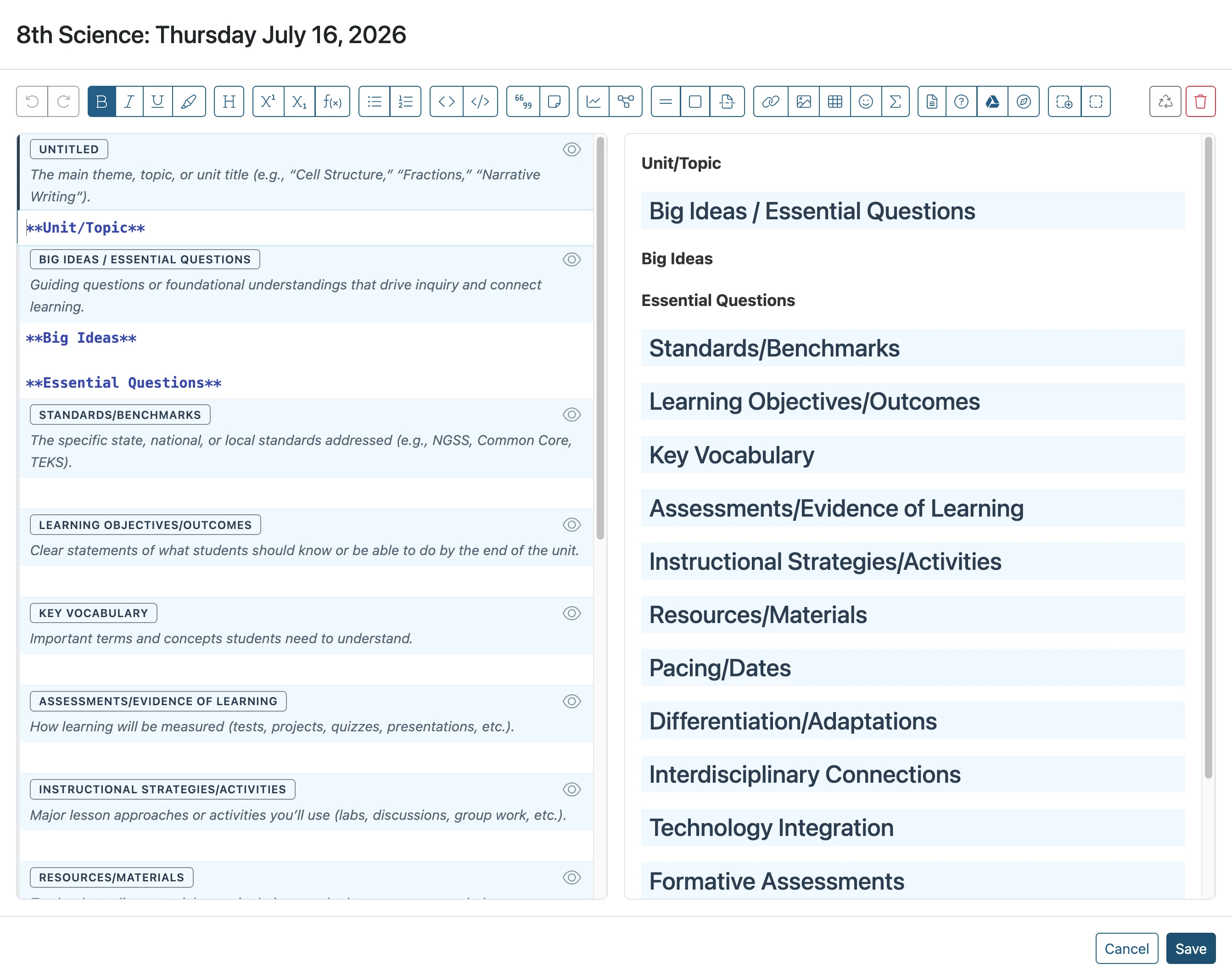
Edit view of example template
- 8
Template view in the Planner