Select Standard Sets
This guide shows how to access, select, and view standards sets in ClassJax, including their unwrapped content, making it easy to connect standards to classroom resources and enhance your lesson plans and curriculum with targeted Google searches.
Plan smarter this year
ClassJax is free for teachers. No credit card required.
- 1
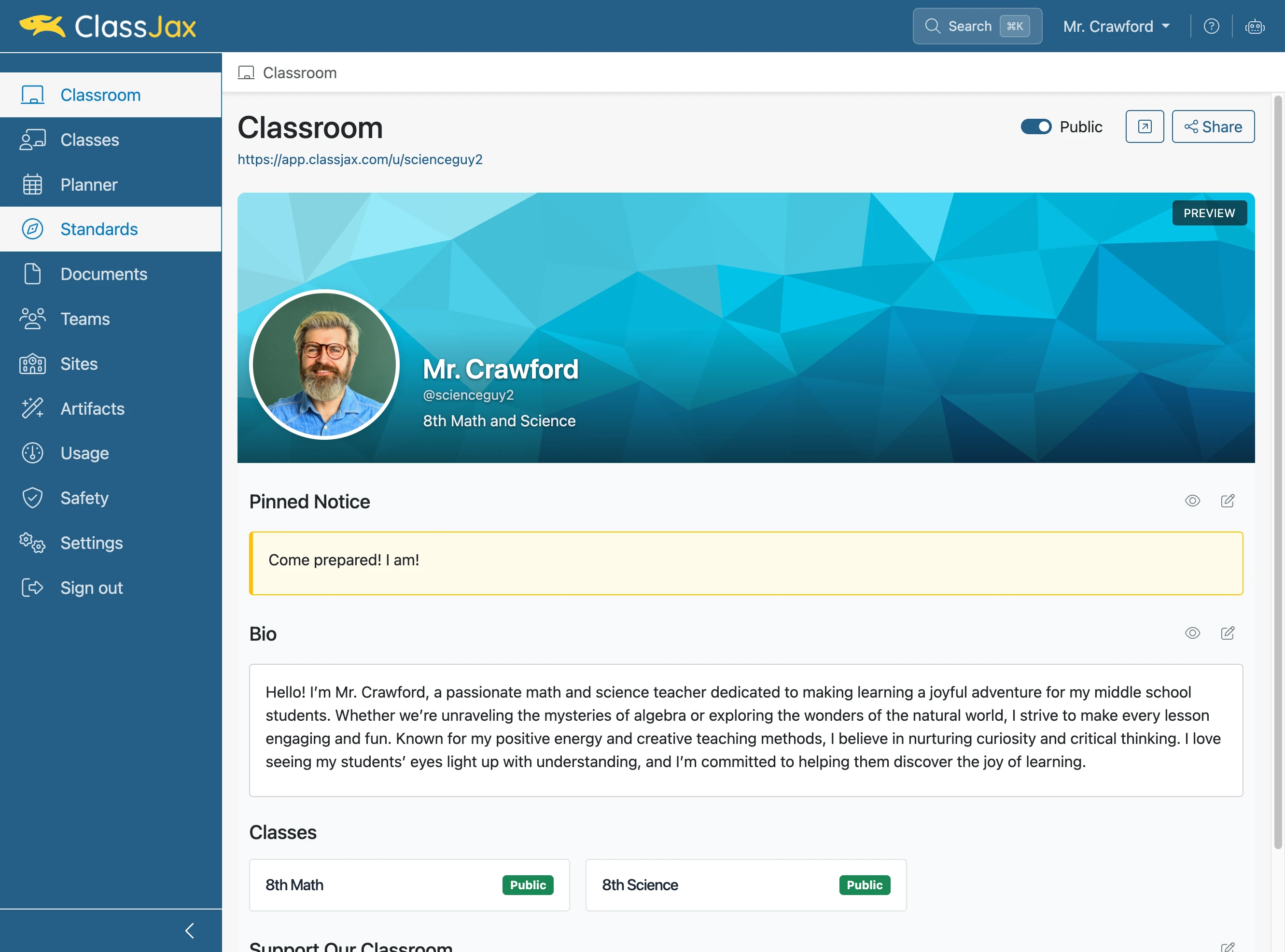
Click the 'Standards' link
- 2
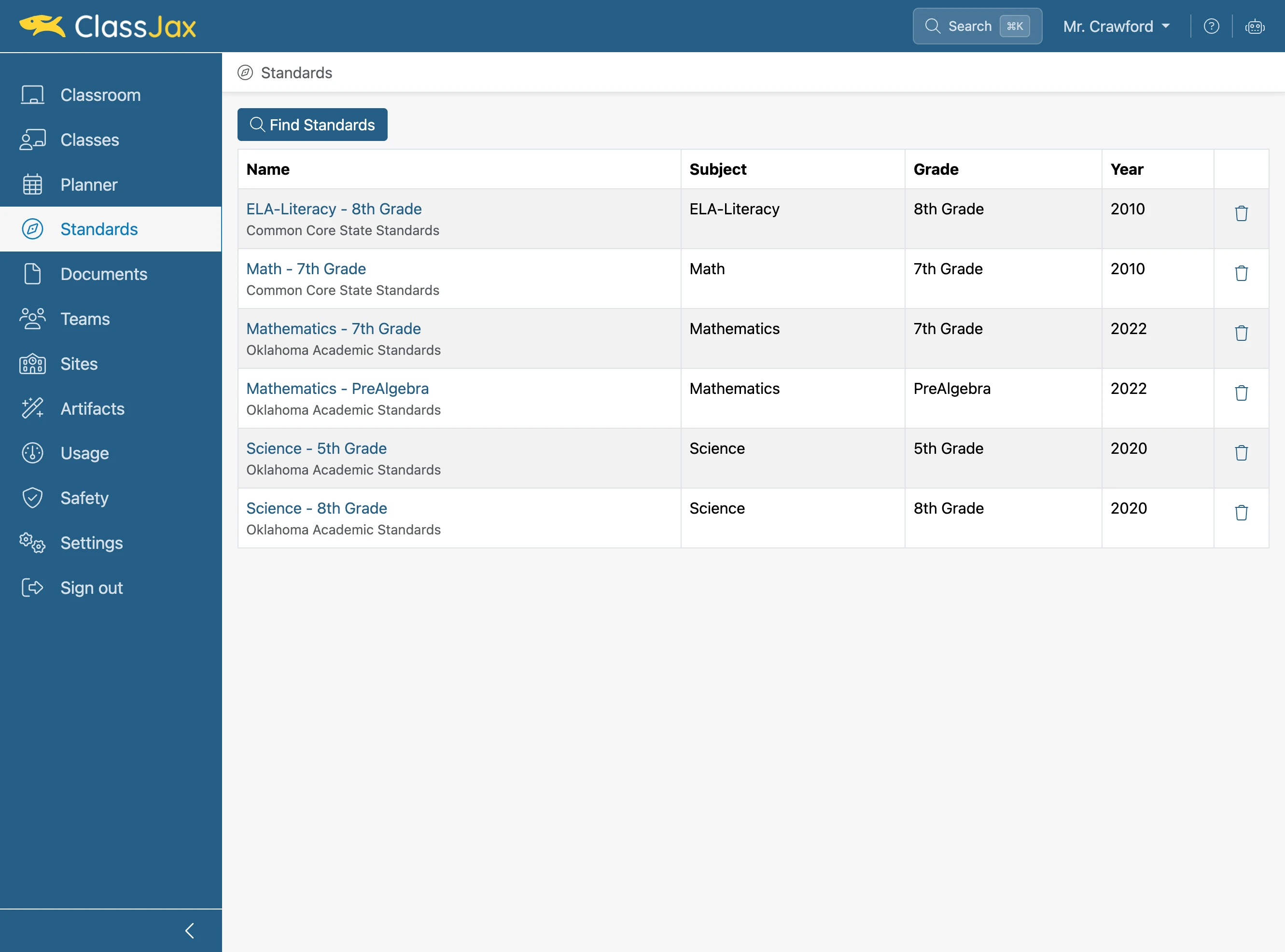
Click 'Find Standards'
- 3
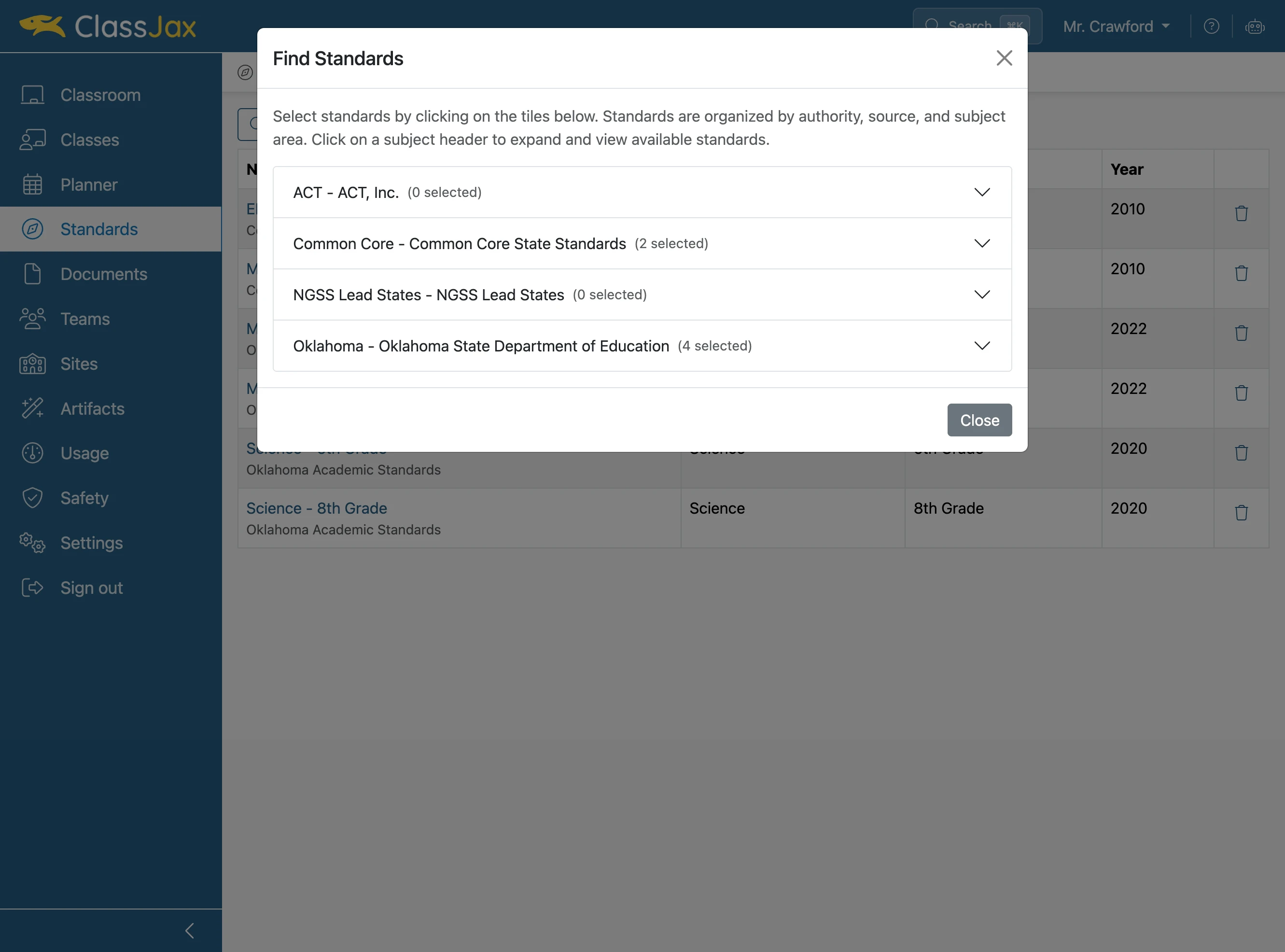
Click the state or organization of the standards
- 4
Expand the subject
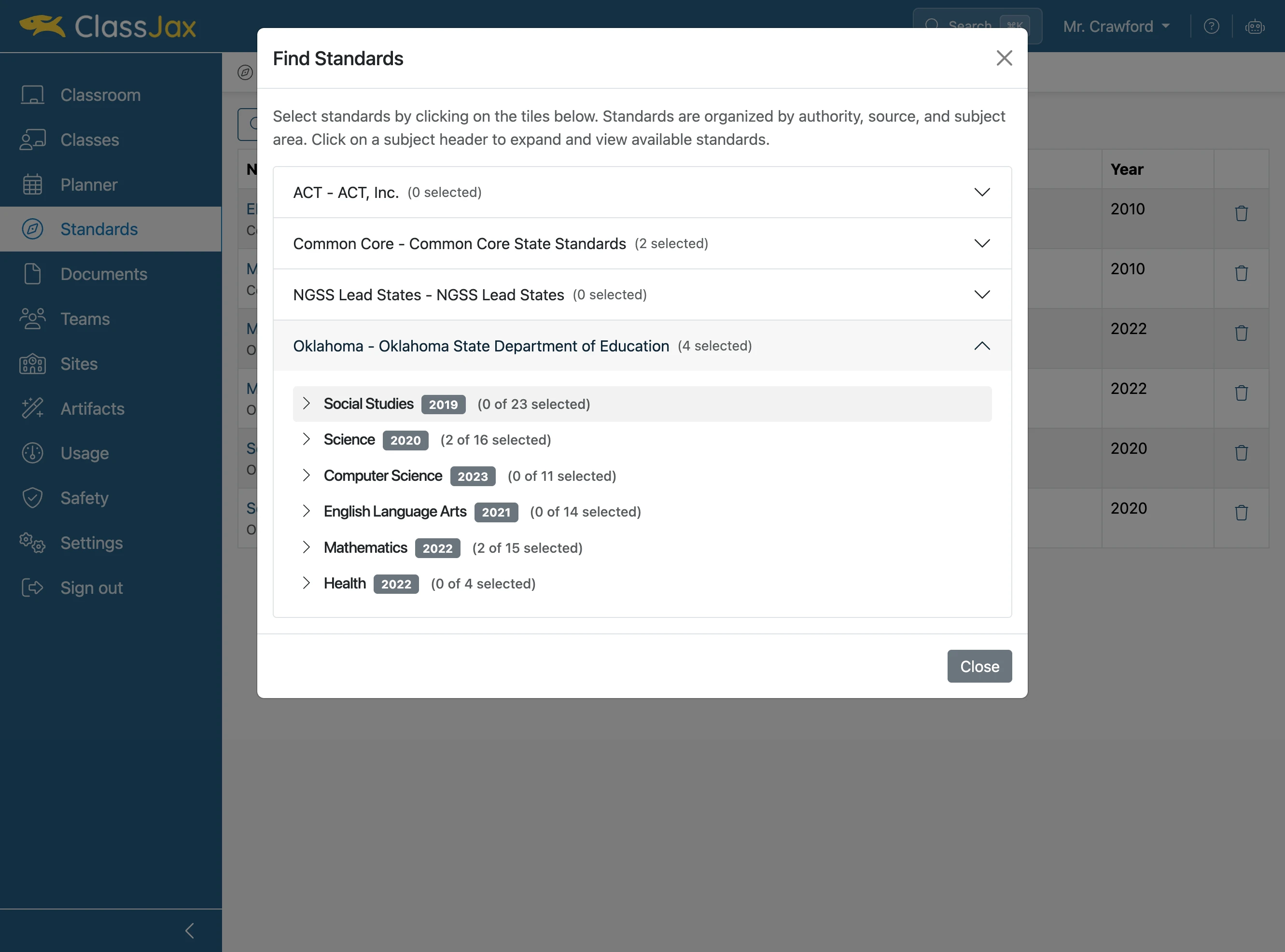
- 5
Choose a level
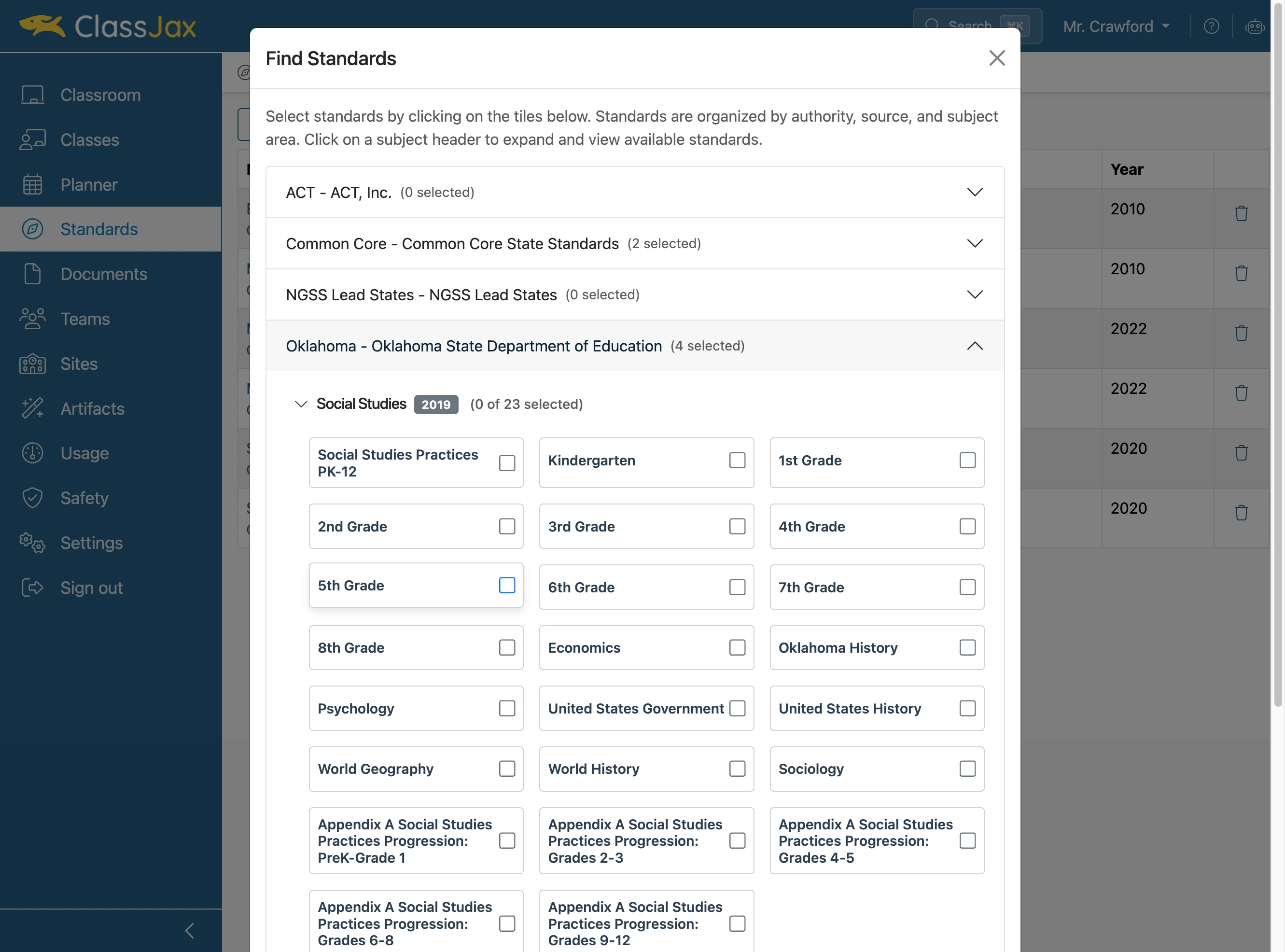
- 6
Click 'Close' once you have checked the standards
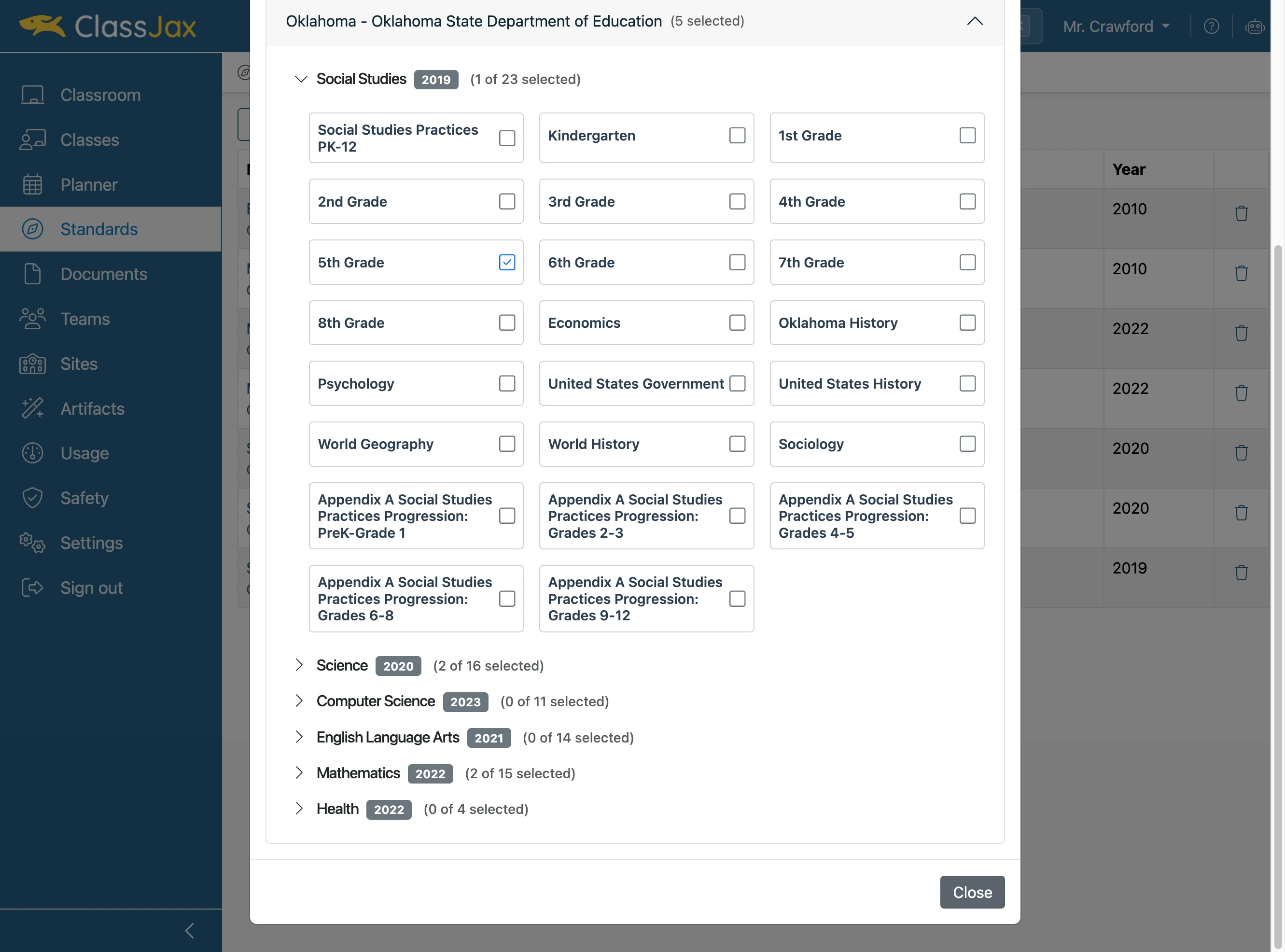
- 7
Click to open the standards
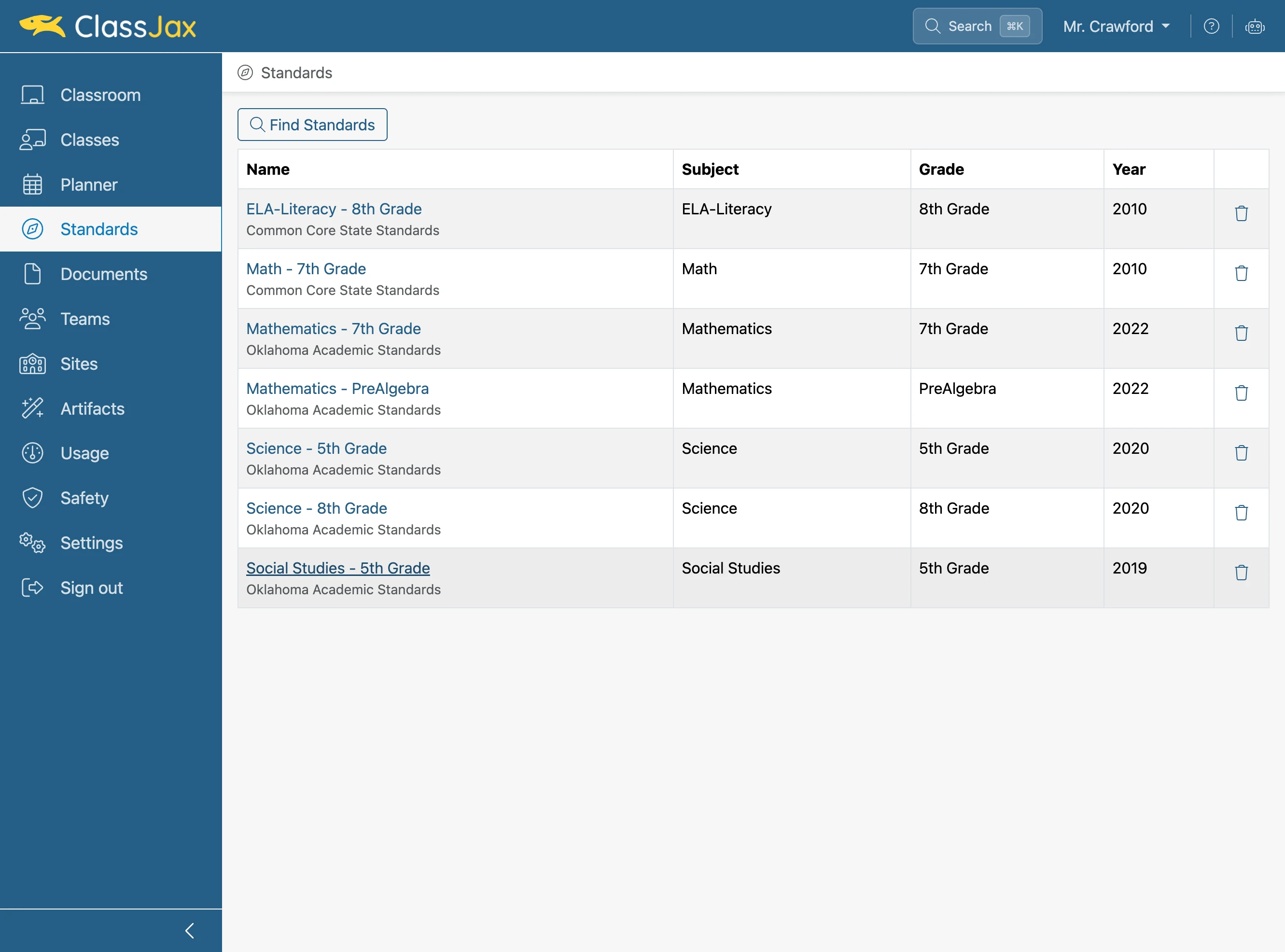
- 8
Click a standard or objective to view its details
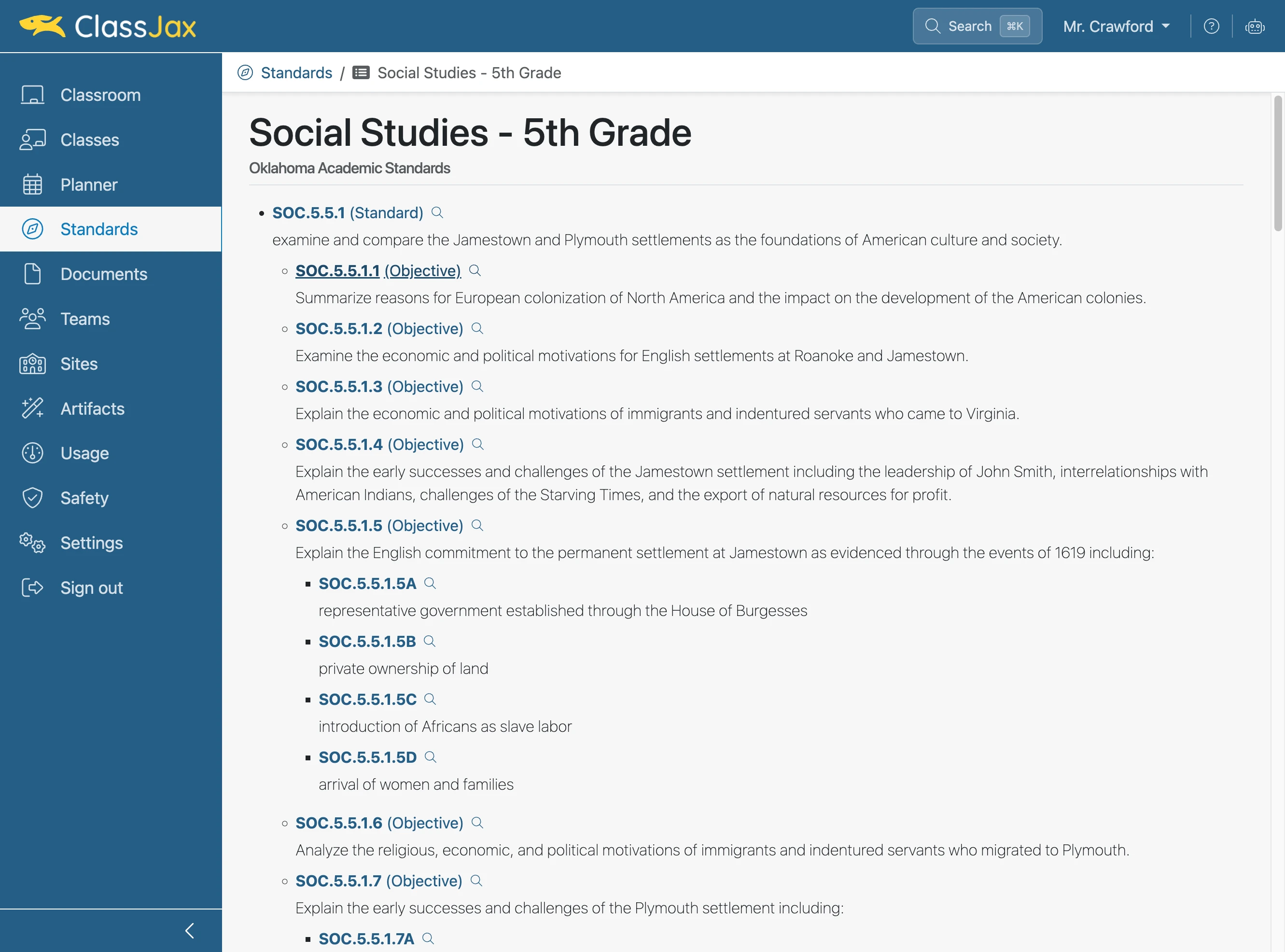
- 9
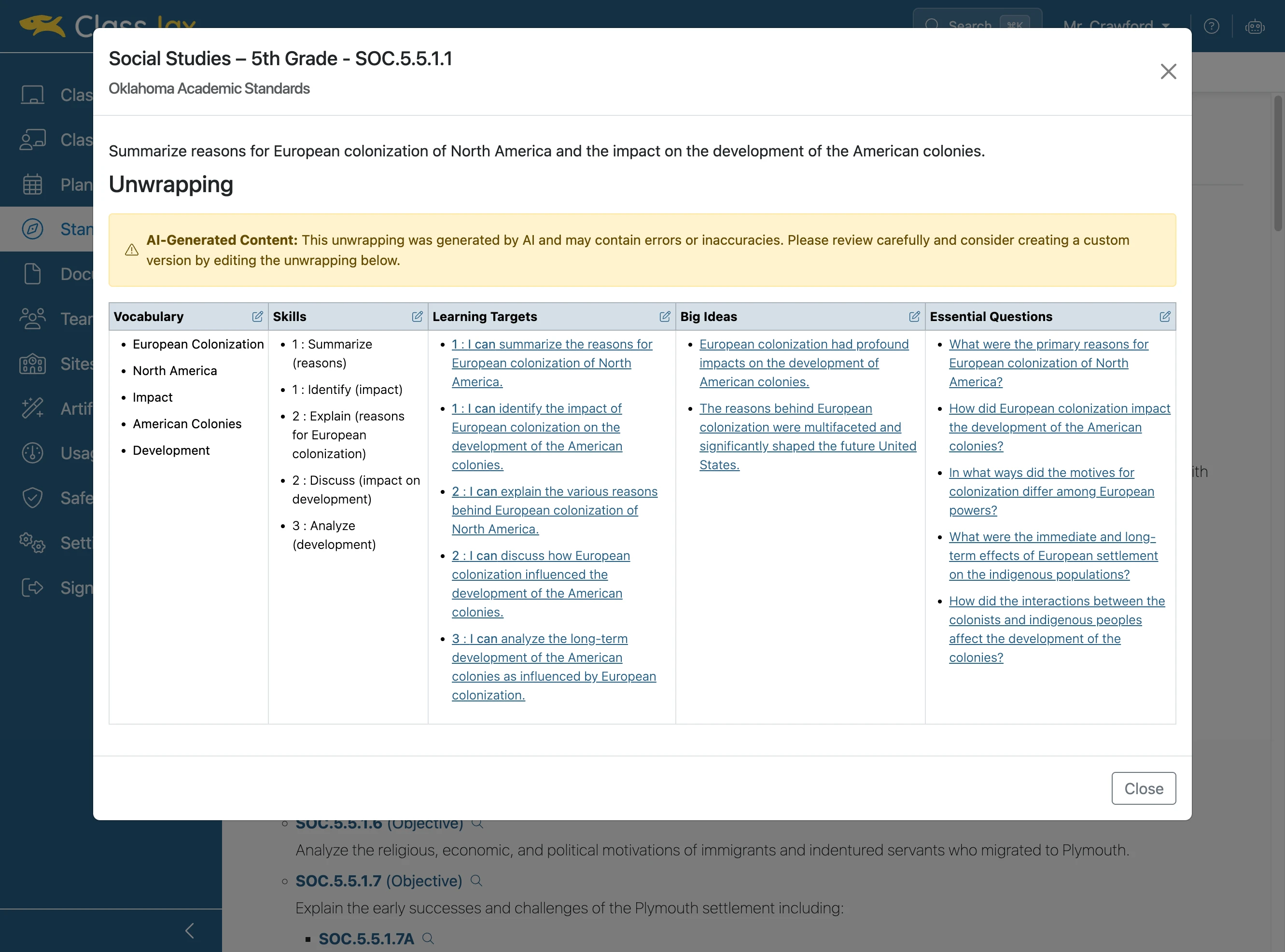
Review the standard content and unwrapping
Note the AI-generated unwrapping should be considered a draft. It is only a starting place and may be edited to your preference at any time.