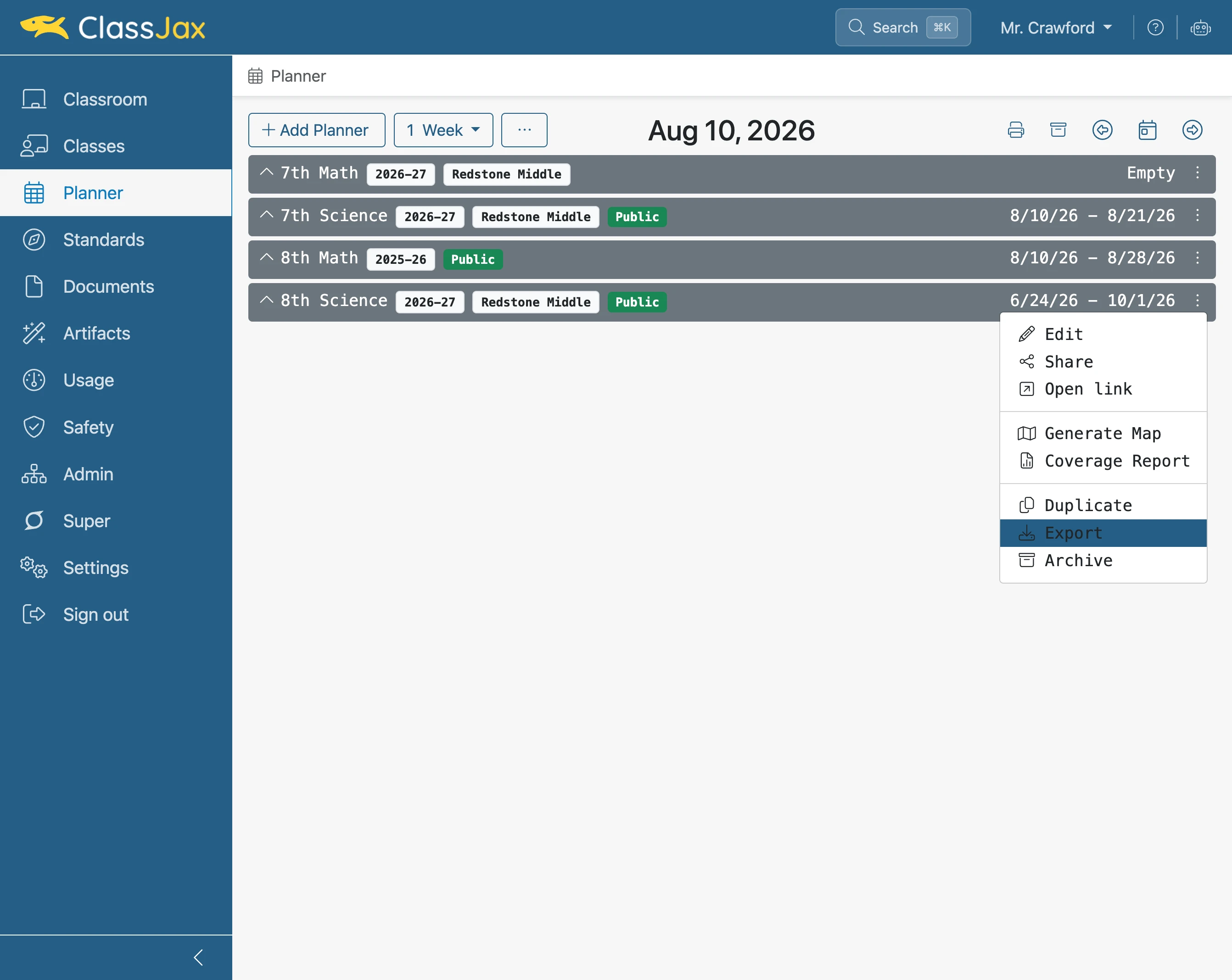
Export a Planner
A planner can be exported and saved as a Markdown text file. This guide demonstrates the simple proces.
Plan smarter this year
ClassJax is free for teachers. No credit card required.
- 1
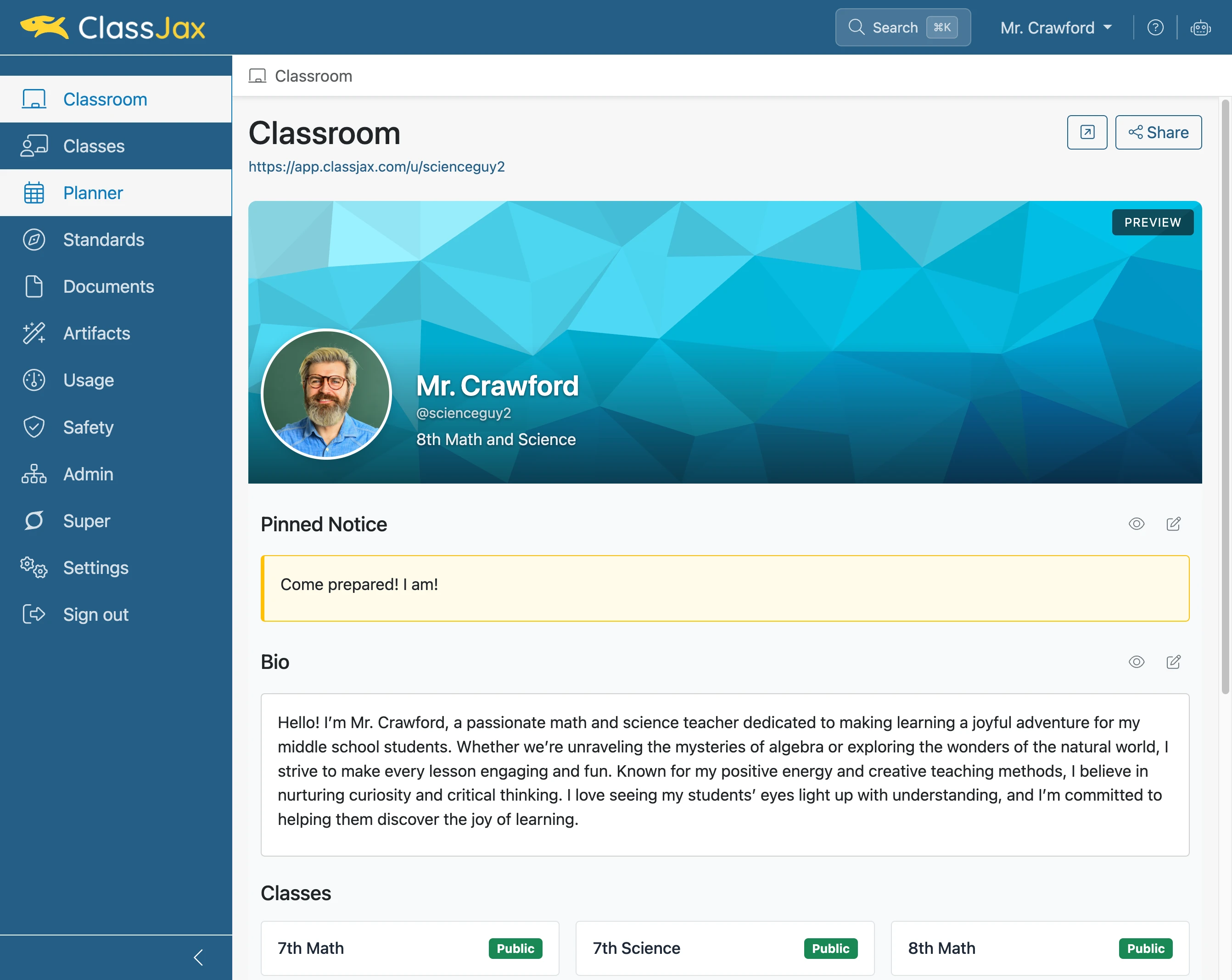
Click the 'Planner' link
- 2
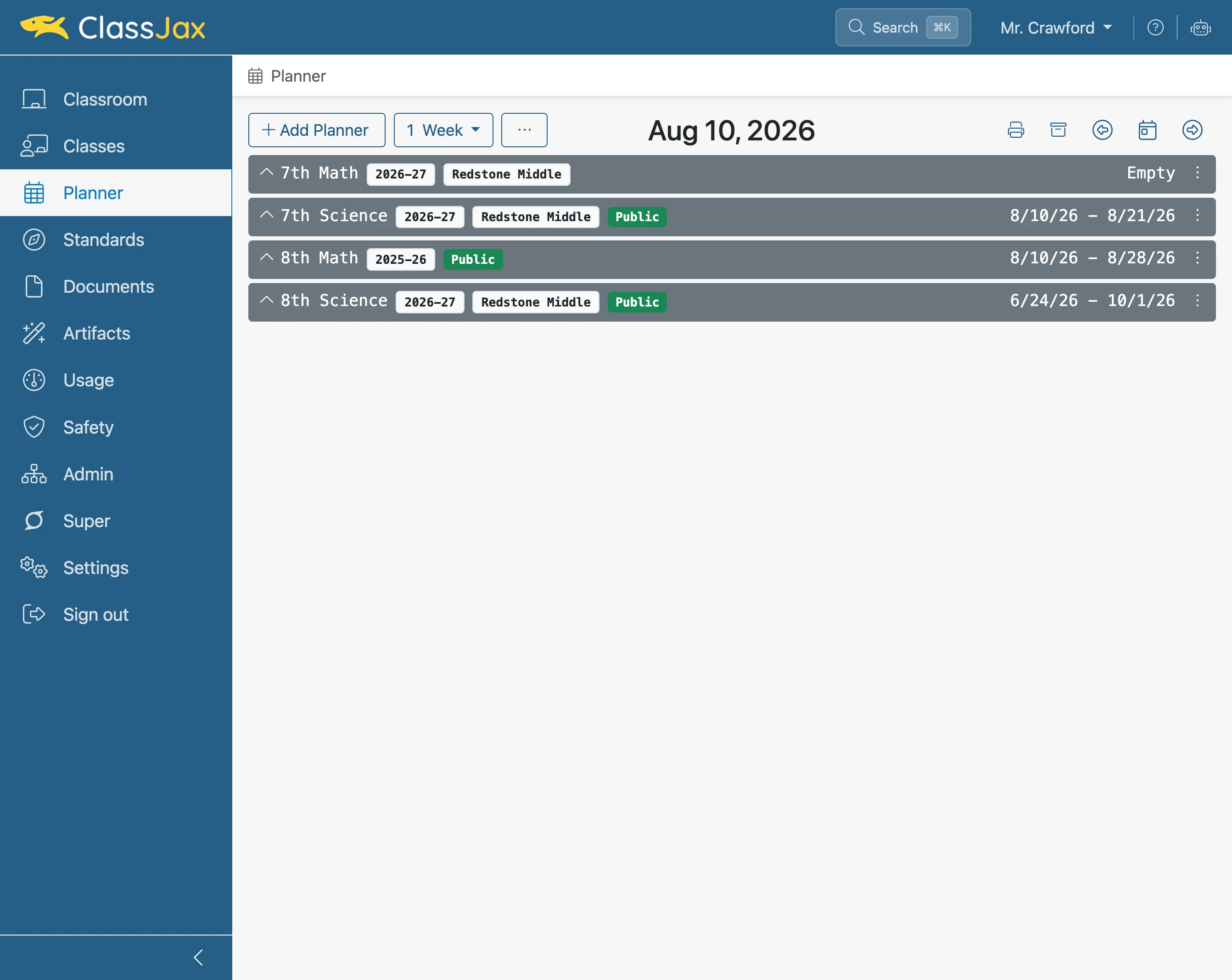
Click element
- 3
Click 'Export'
The Planner’s exported markdown file is saved as a Plain Text file. Each lesson plan’s title includes the date of the lesson plan. The plans are in sequential order.