Expand Lesson Plans
Learn how to easily expand your lesson plans in the ClassJax planner. This guide highlights how to expand a weekly set of lesson plans or a single lesson plan for a particular day for students to view.
- 1
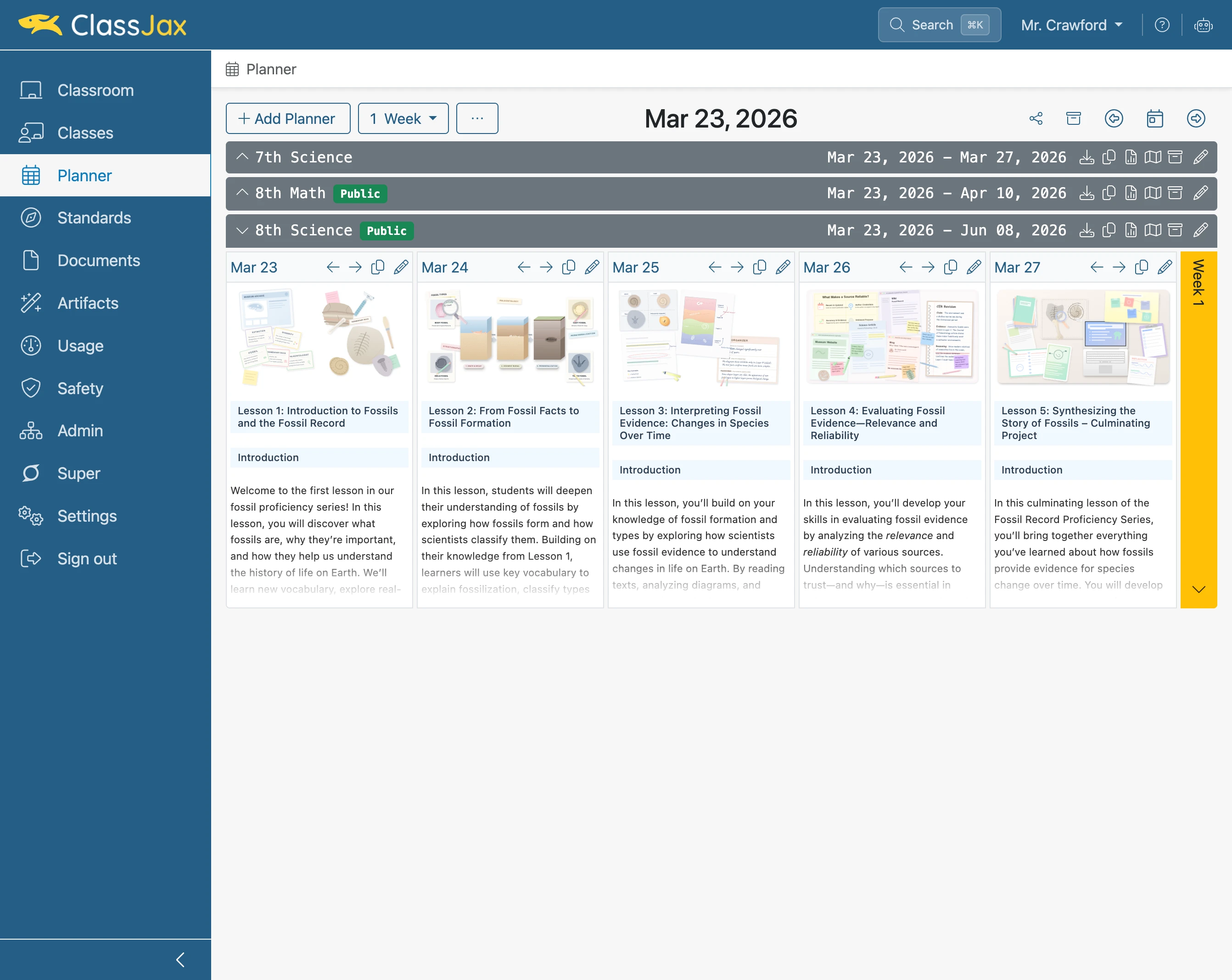
Click the 'Planner' link
- 2
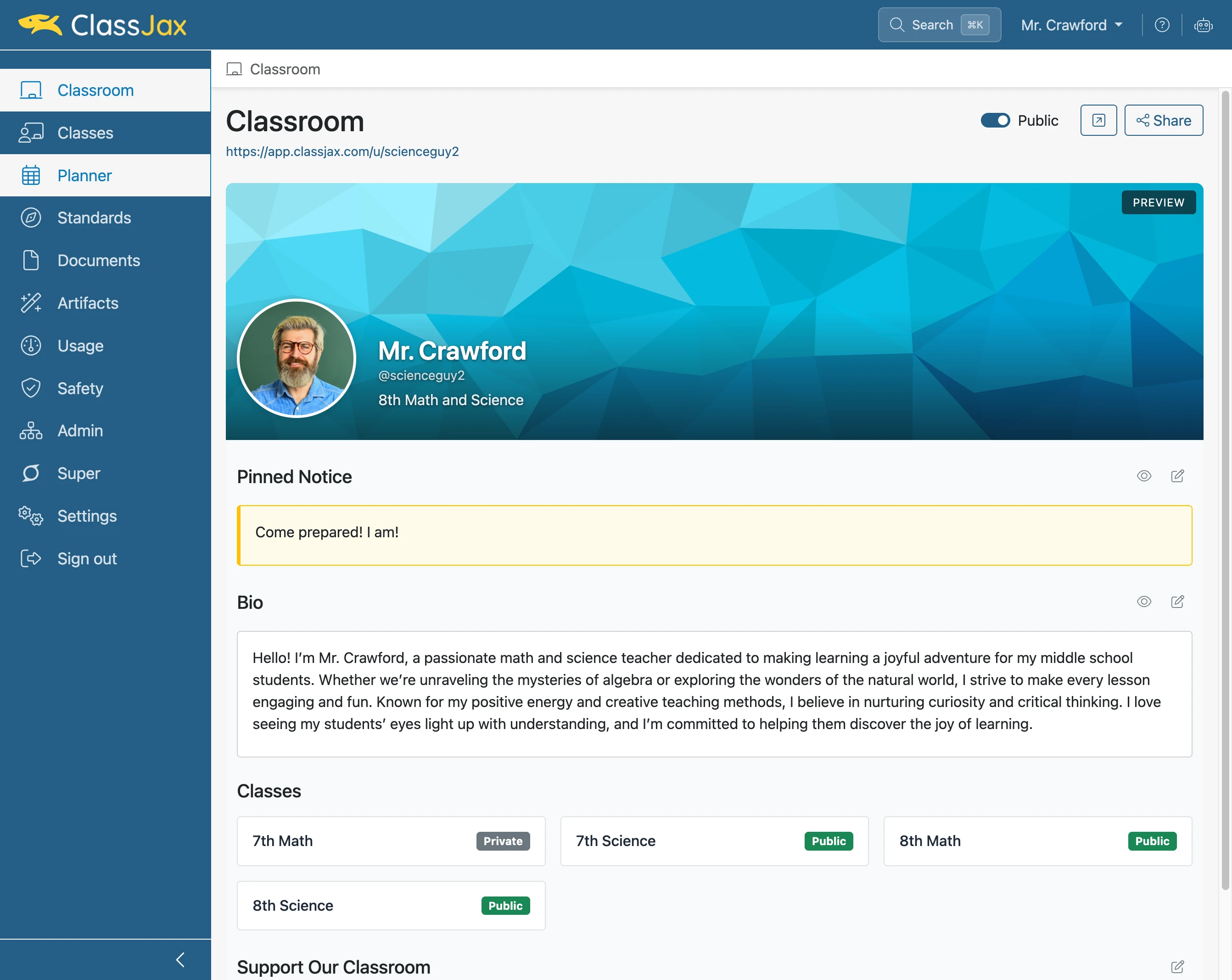
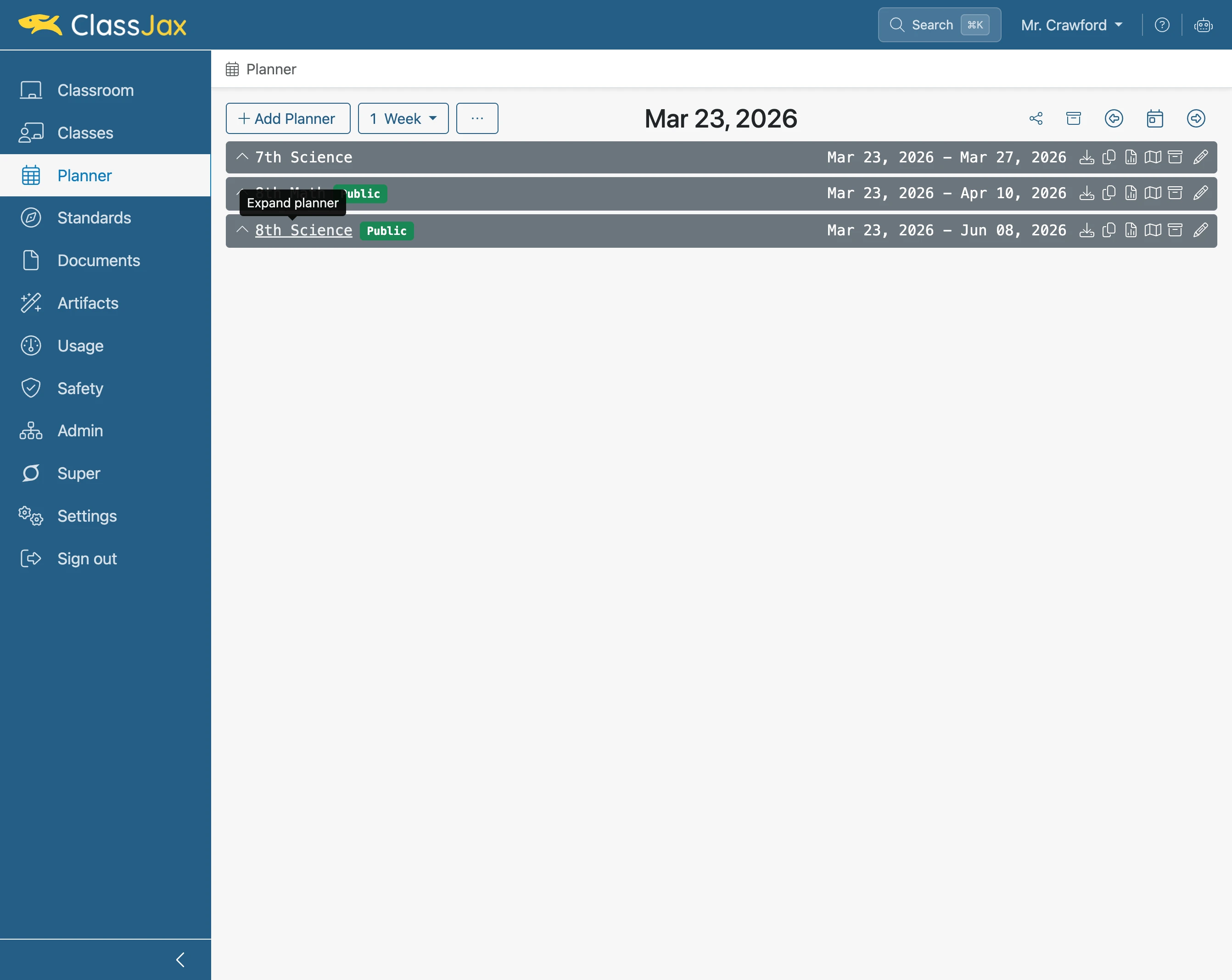
Click the '8th Science' link
- 3
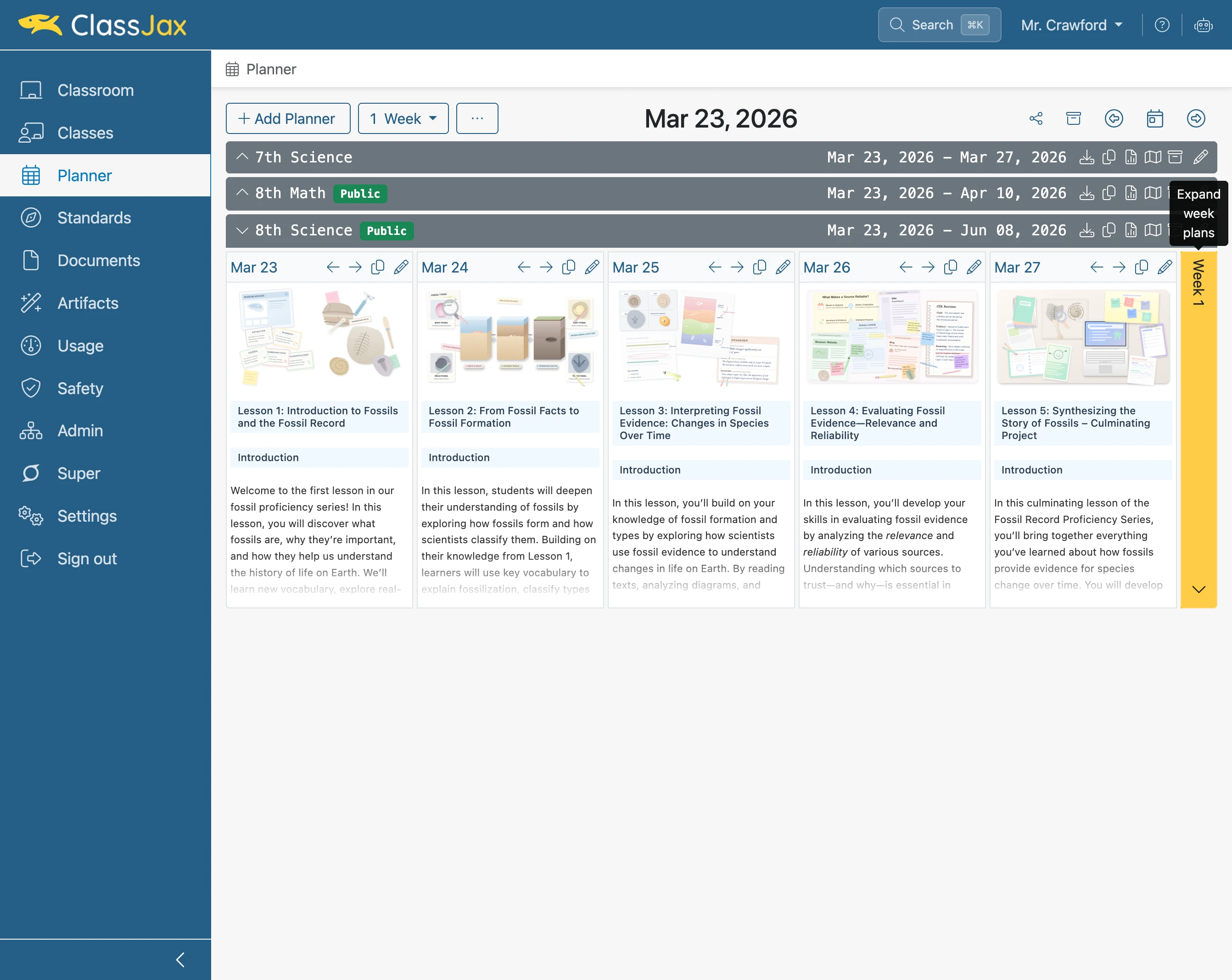
Click 'Week 1'
- 4
Click the 'Mar 24' link
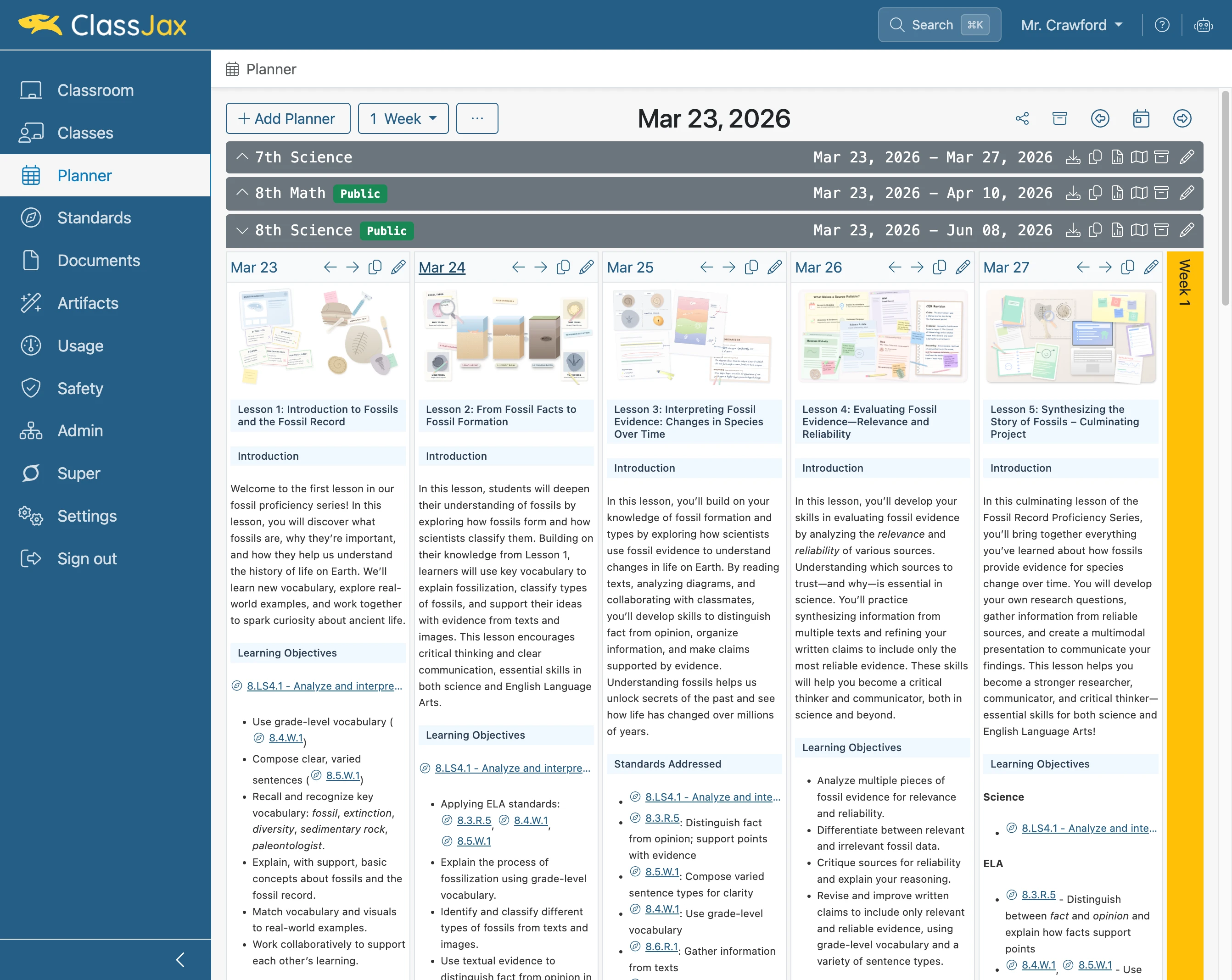
- 5
Click 'Next plan (Mar 25, 2026)'
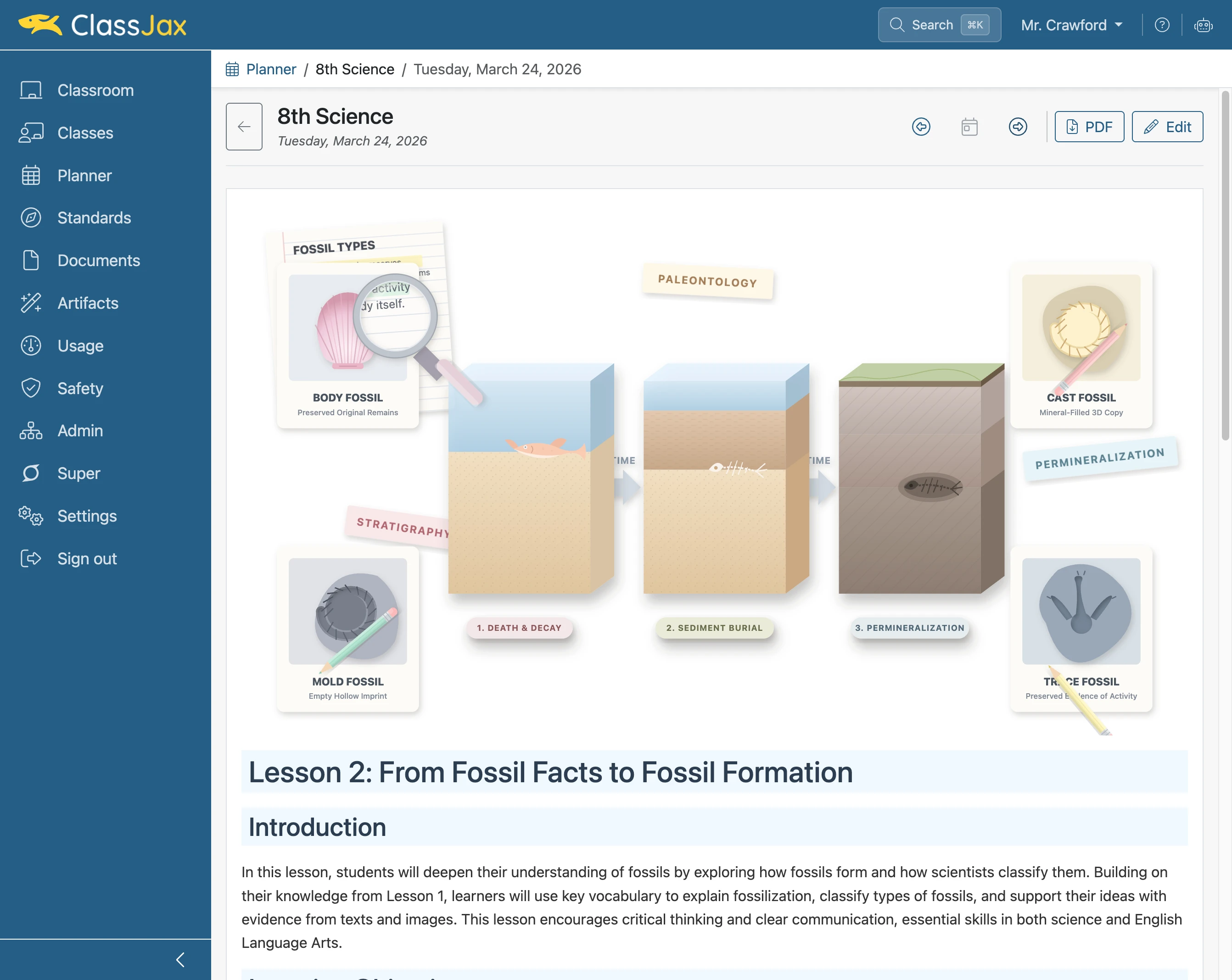
- 6
Click 'Back to Planner'
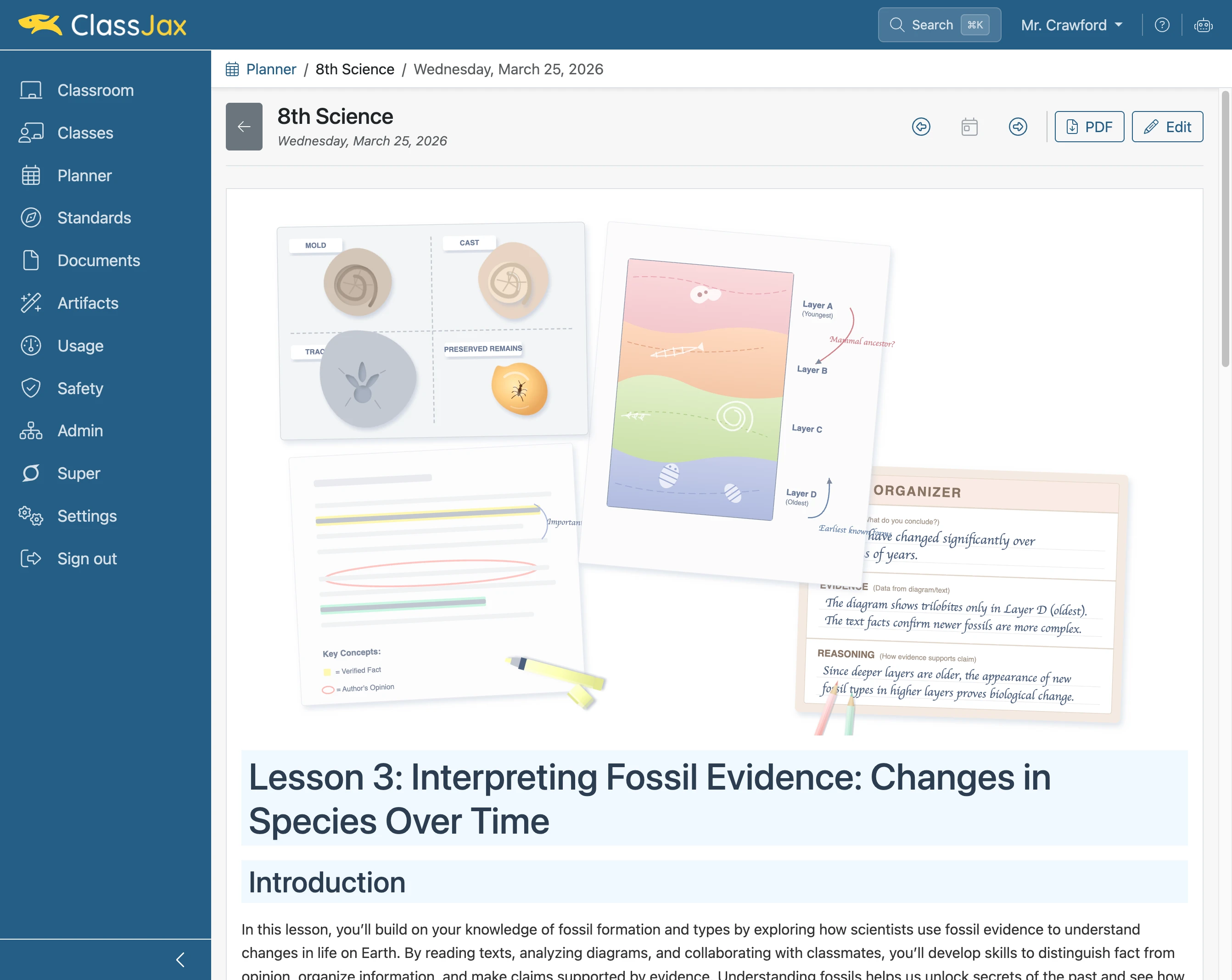
- 7
Click 'Back to Planner'
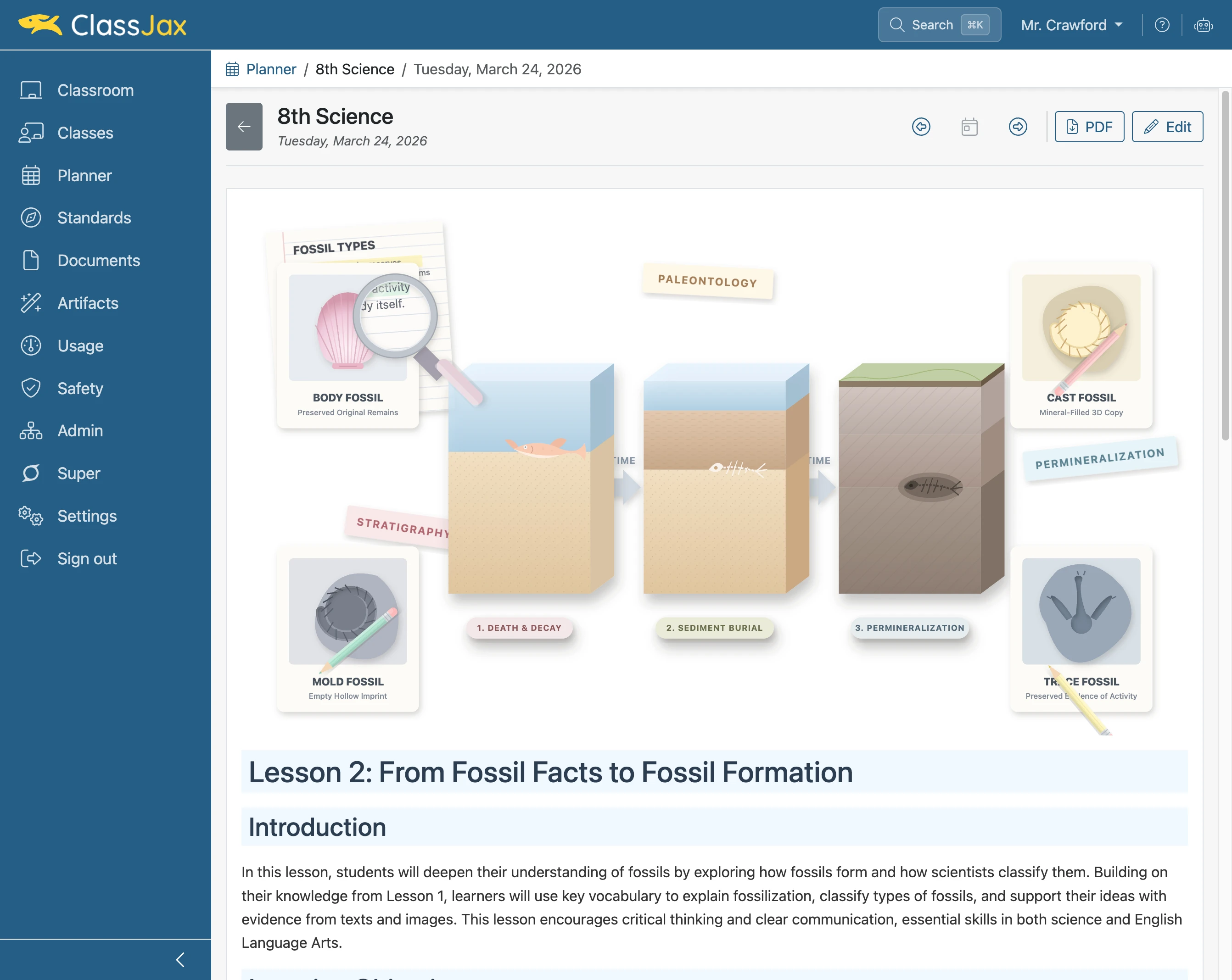
- 8
The End