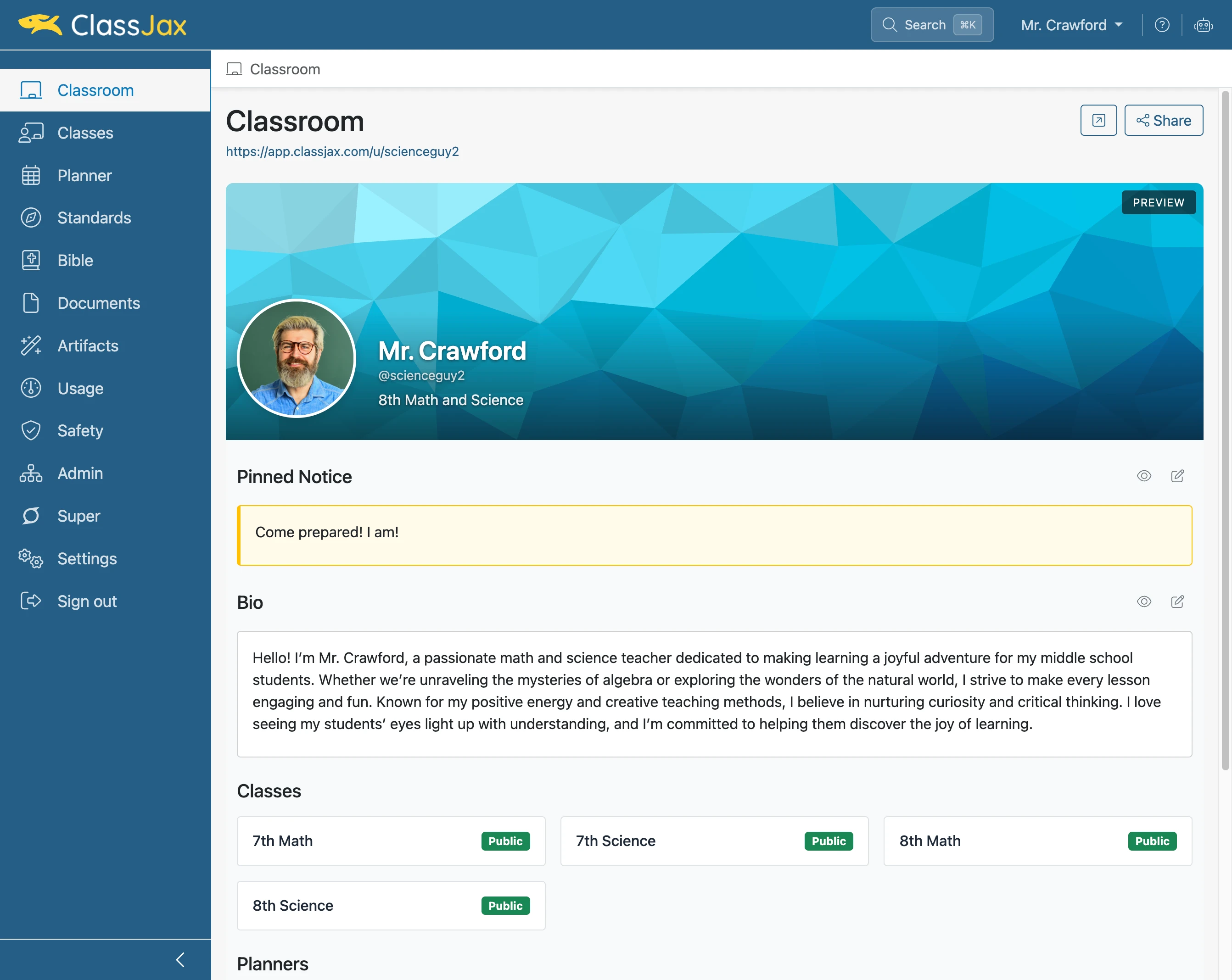
Edit Settings ~ Important to keep up to date
Update your personal settings, including account details and teaching information. Customize features according to your preferences.
Plan smarter this year
ClassJax is free for teachers. No credit card required.
- 1
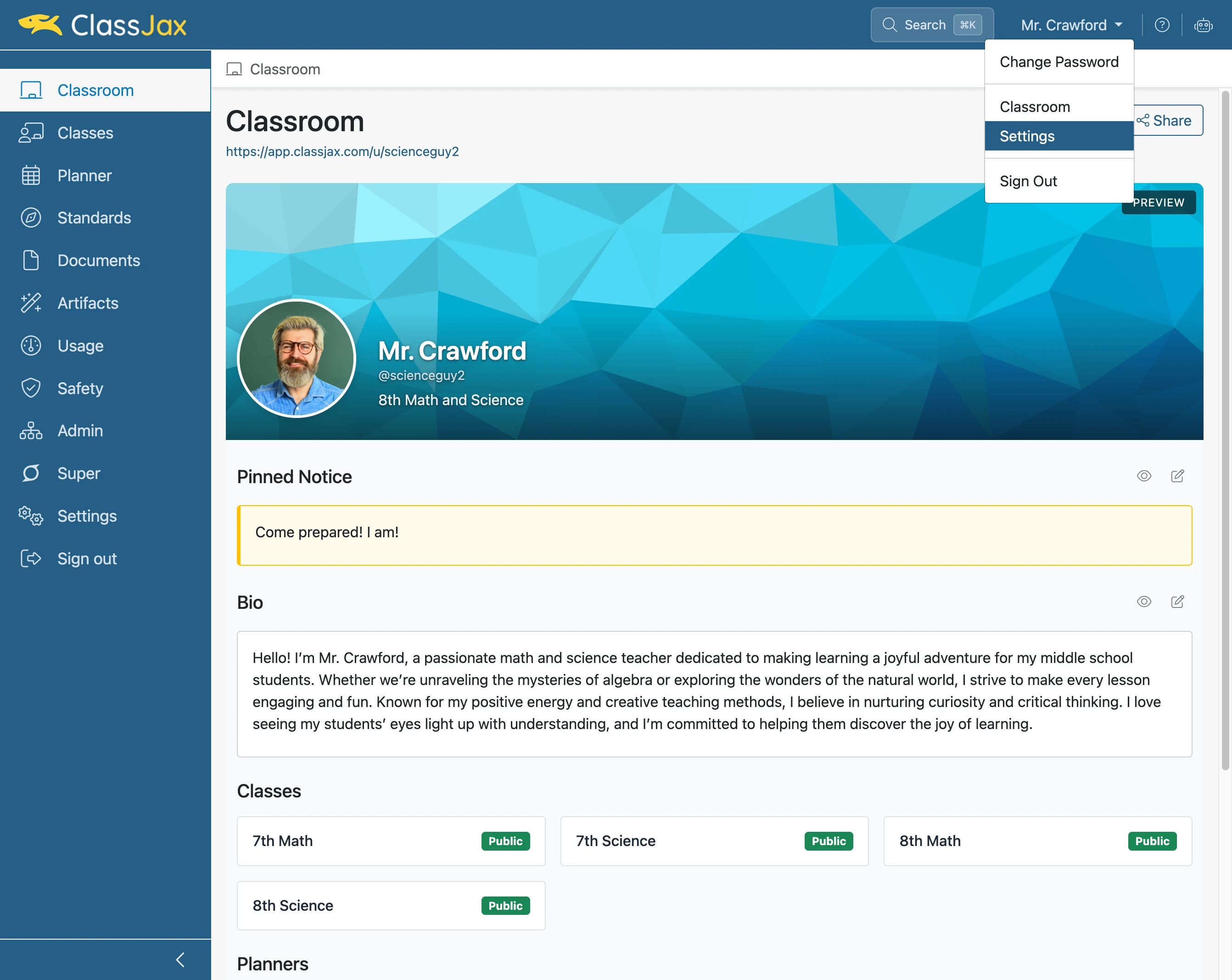
Click 'Name' and select 'Settings'
- 2
Edit 'Account' Settings
Confirm the Display Name, First Name, and Last Name fields are correct.
Note: The Email field can not be edited. It is used as your account login.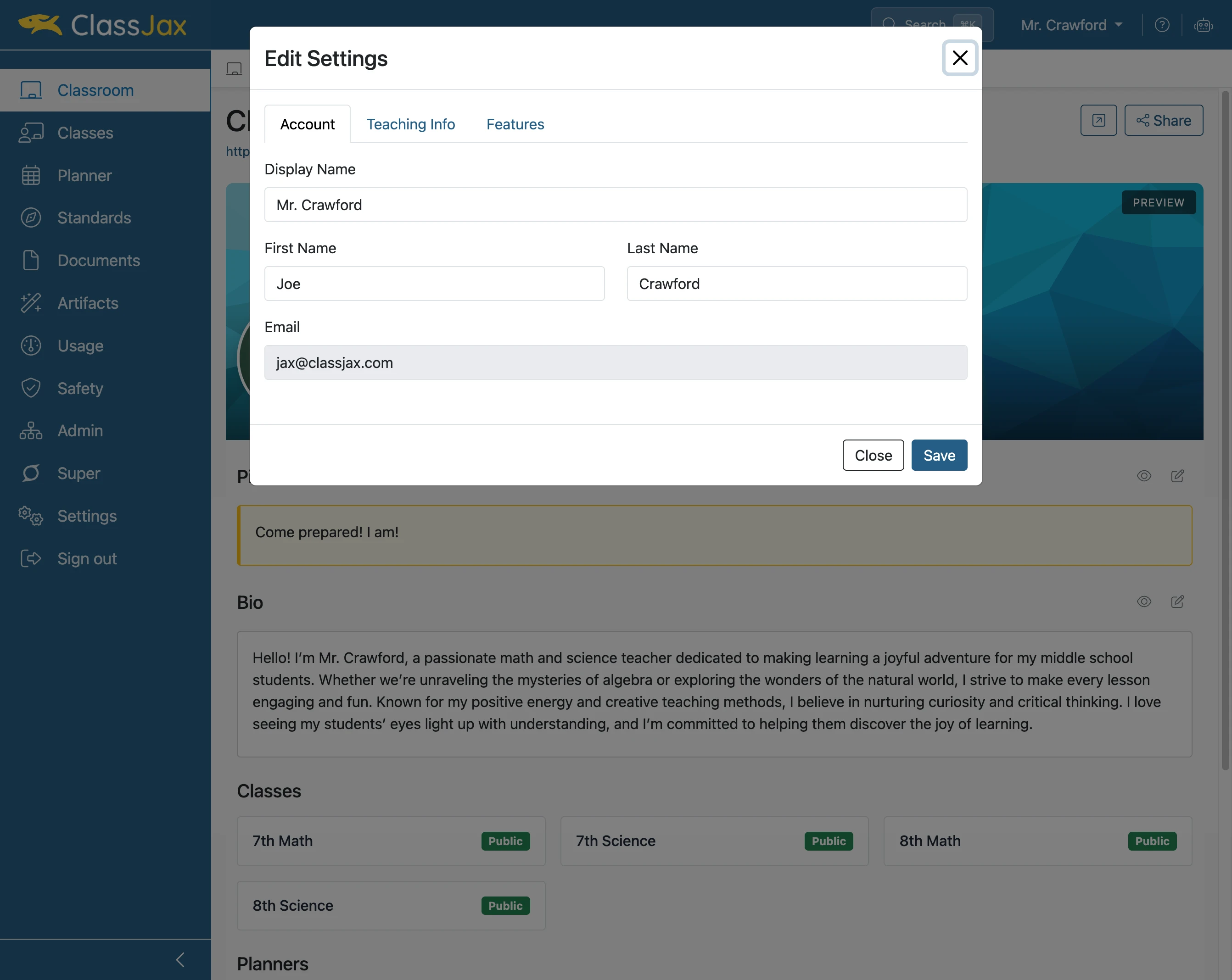
- 3
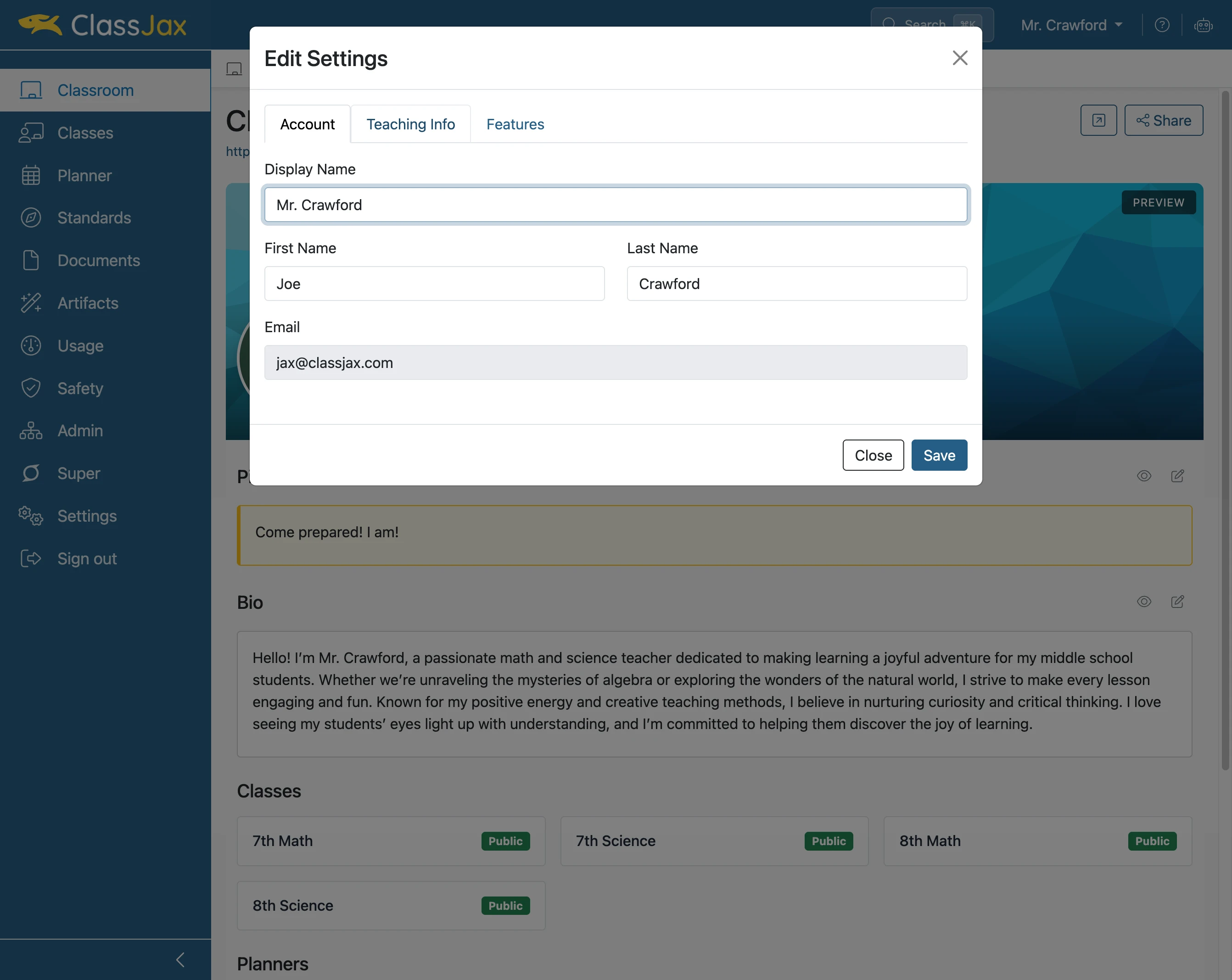
Click 'Teaching Info'
- 4
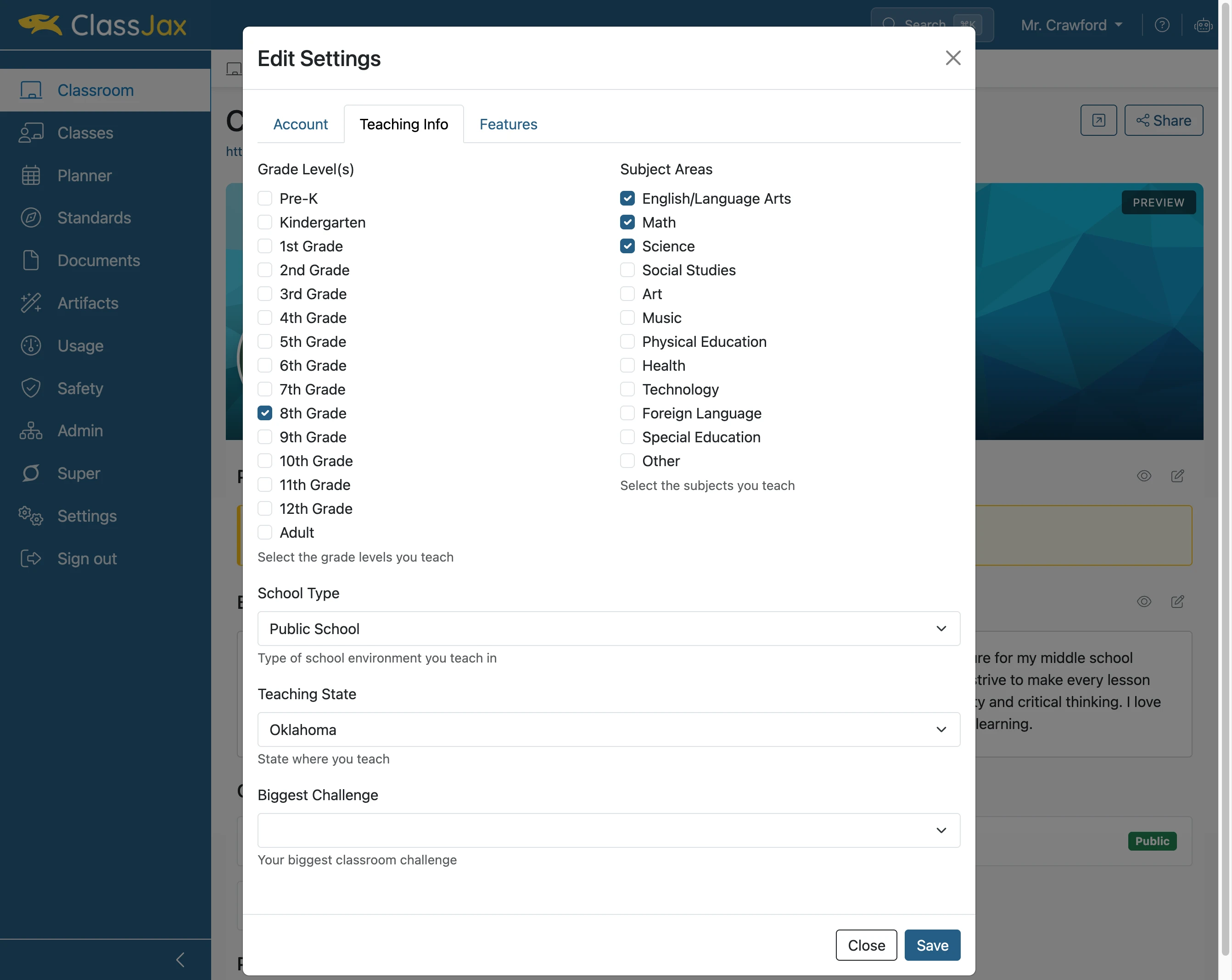
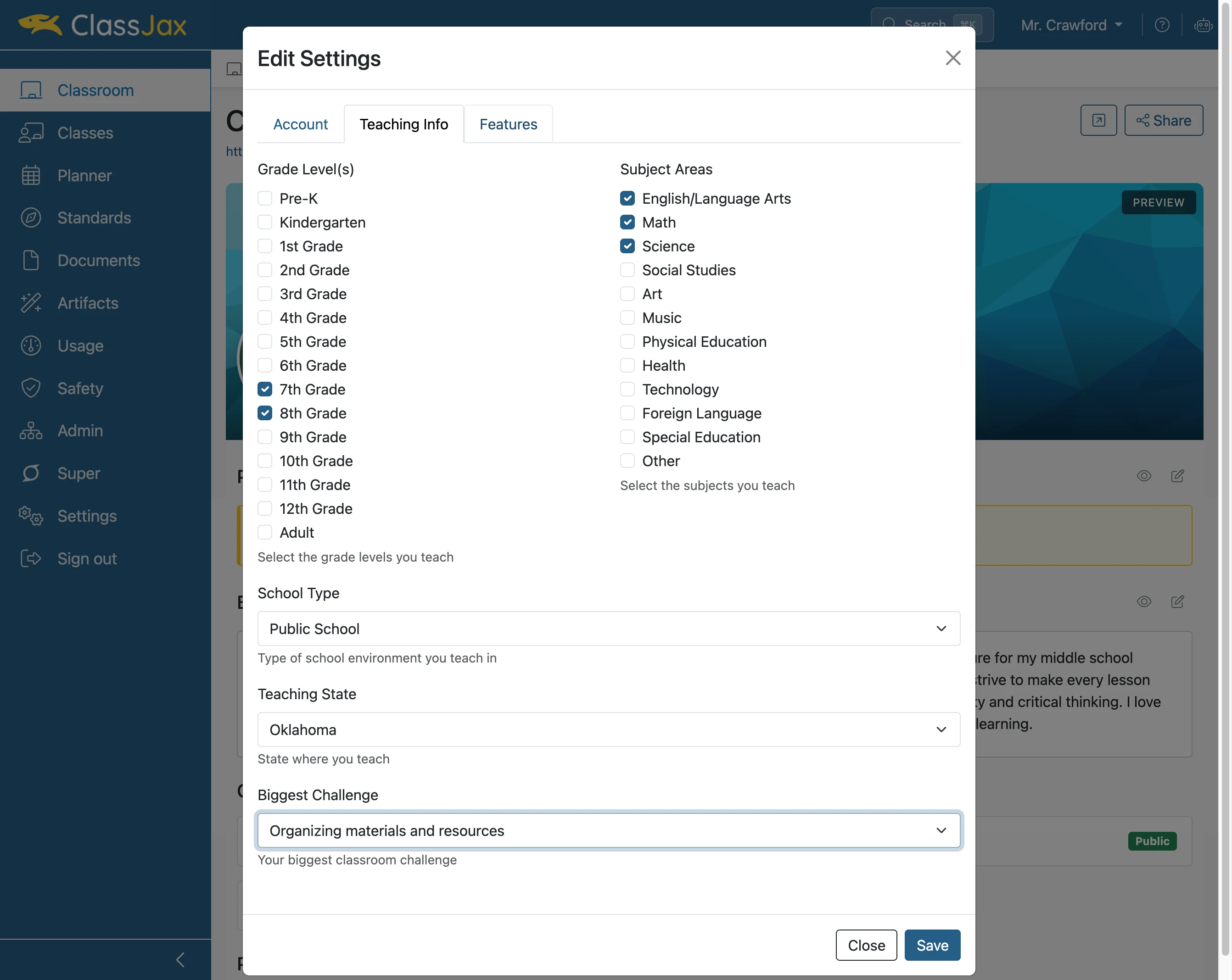
Confirm 'Teaching info'
Verify that the Grade Level(s), Subject Areas, School Type, Teaching State, and other fields accurately reflect your current academic year.
Note: Jax uses this information to tailor the content it generates to your educational context.
- 5
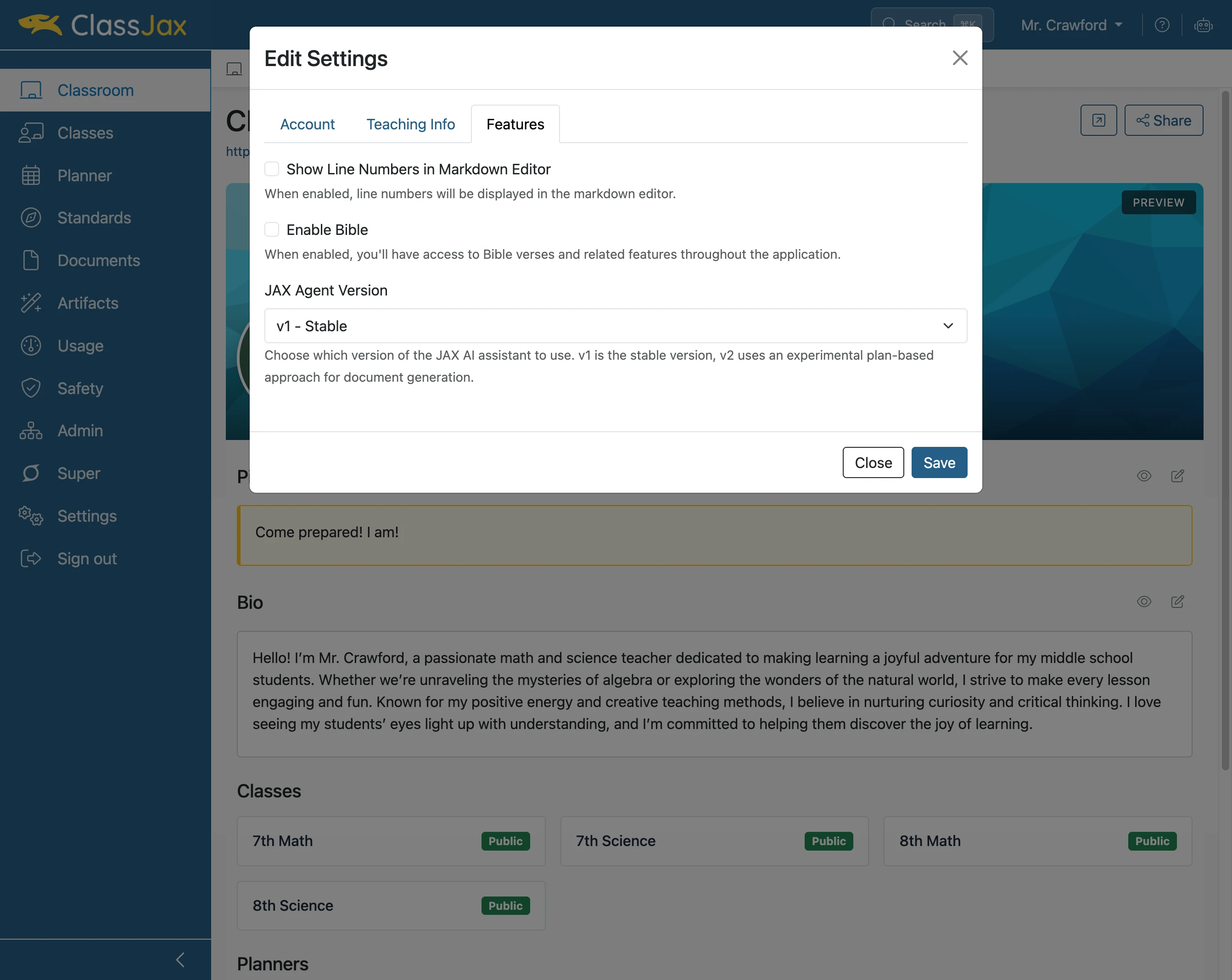
Click 'Features'
- 6
Click 'Features'
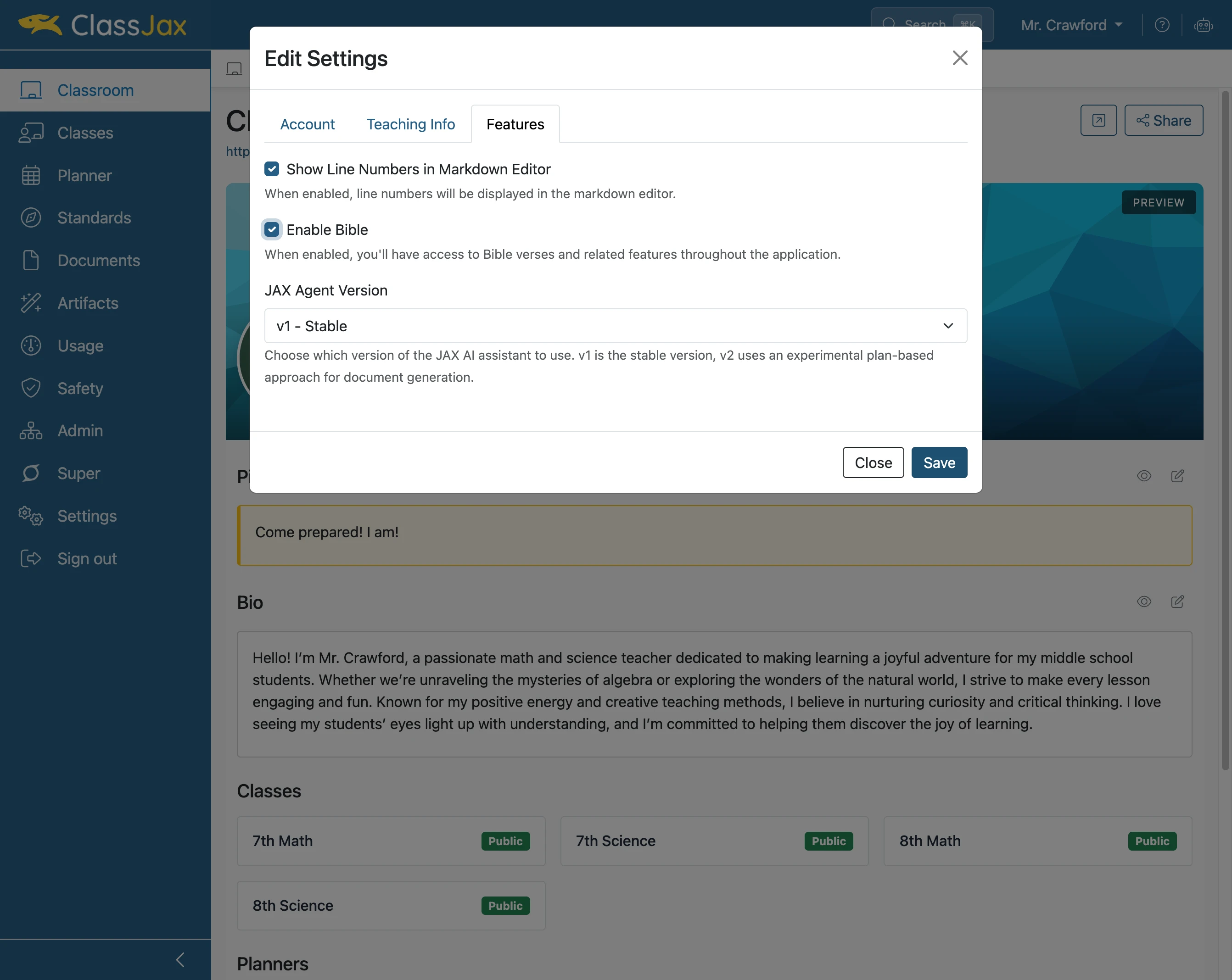
Check the features desired to be used in ClassJax.
- 7
Click 'Save'
- 8
You're Set to go!