Duplicate a Planner
This guide shows how to duplicate your ClassJax Planner, making it easy to copy lesson plans and resources for seamless adaptation and reuse in the next academic year, saving you time and effort. This can also be accomplished by clicking '+ Add Planner' and then clicking 'From an existing planner.'
Plan smarter this year
ClassJax is free for teachers. No credit card required.
- 1
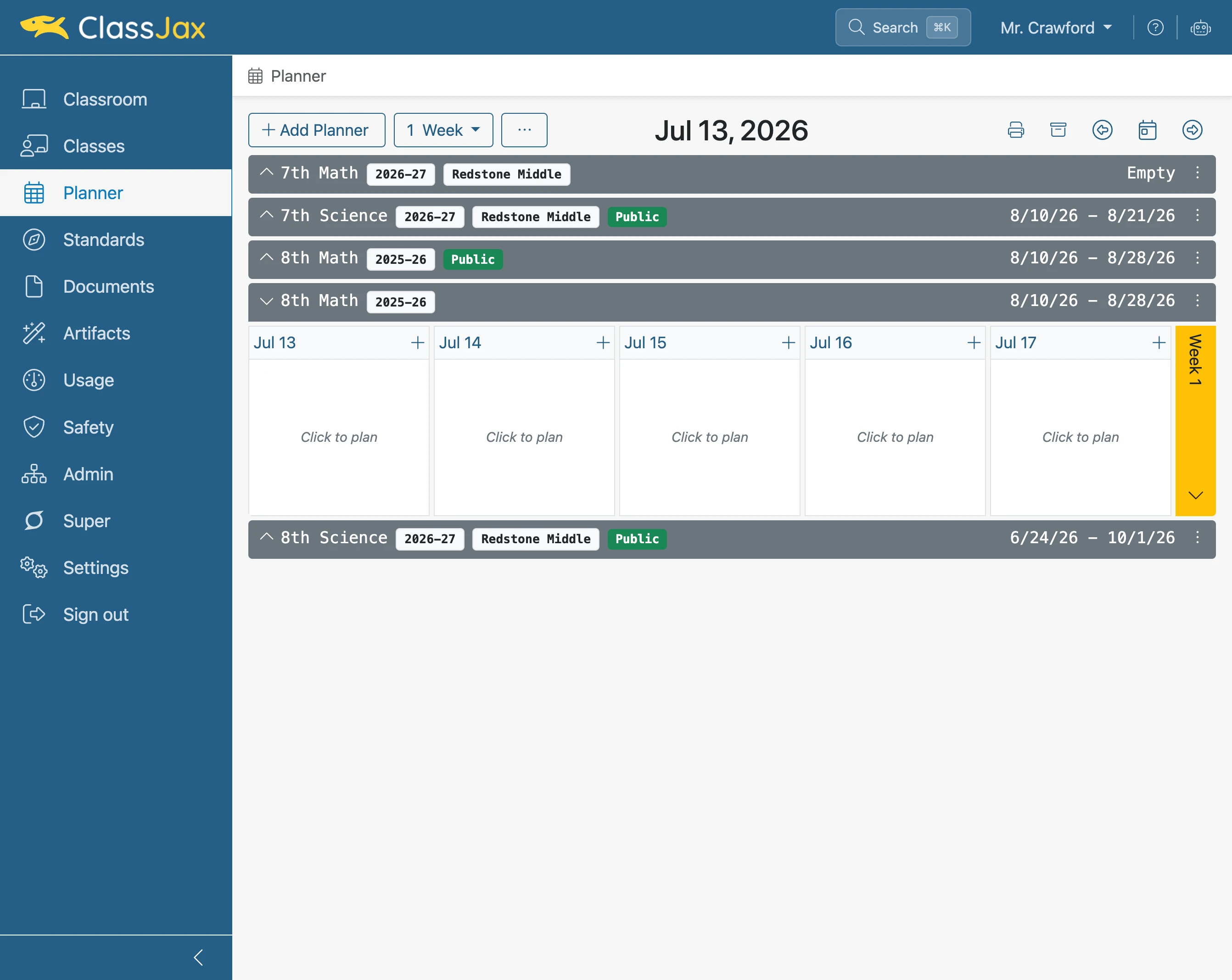
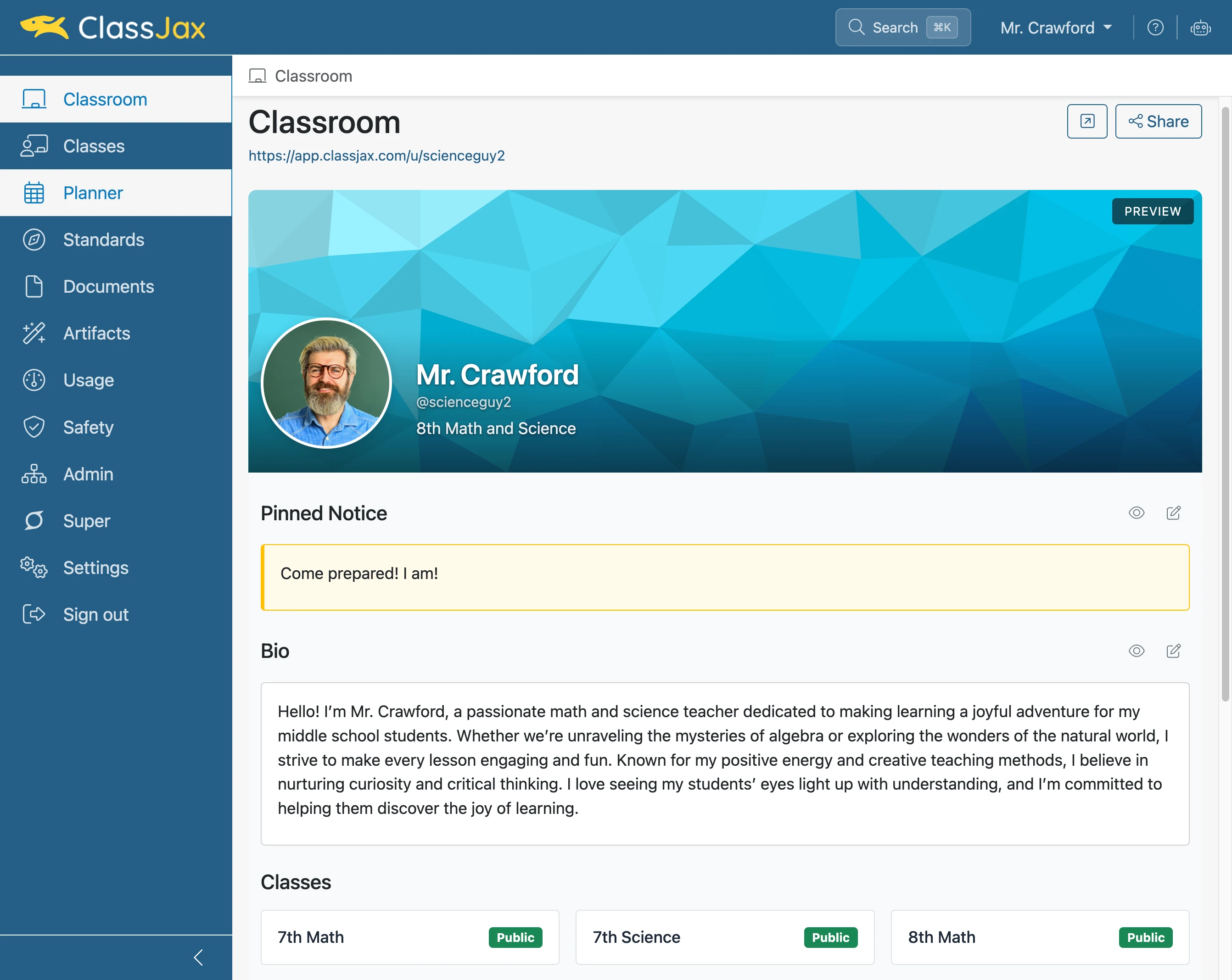
Click the 'Planner' link
- 2
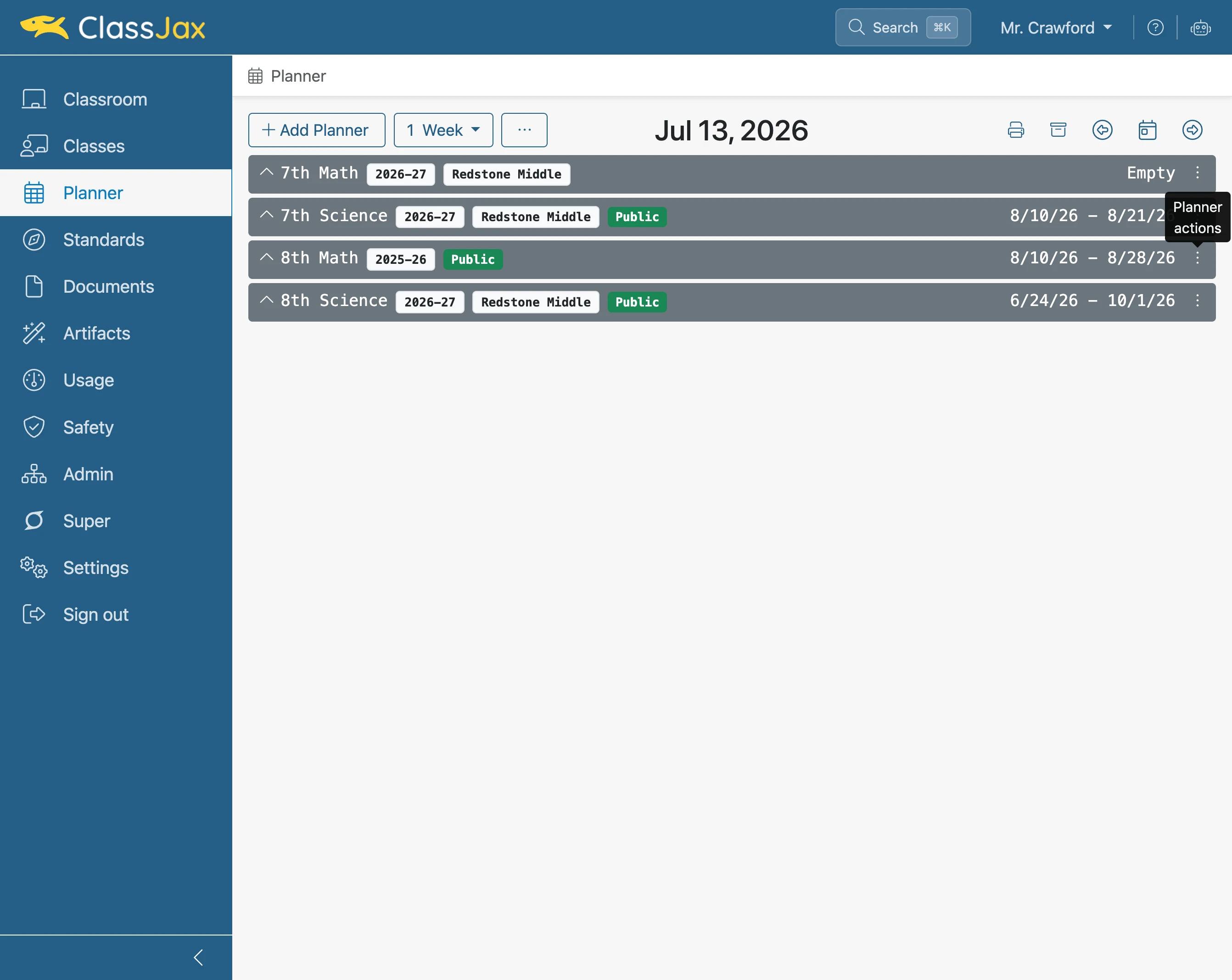
Click 'Planner actions'
Select the Planner to be duplicated.
- 3
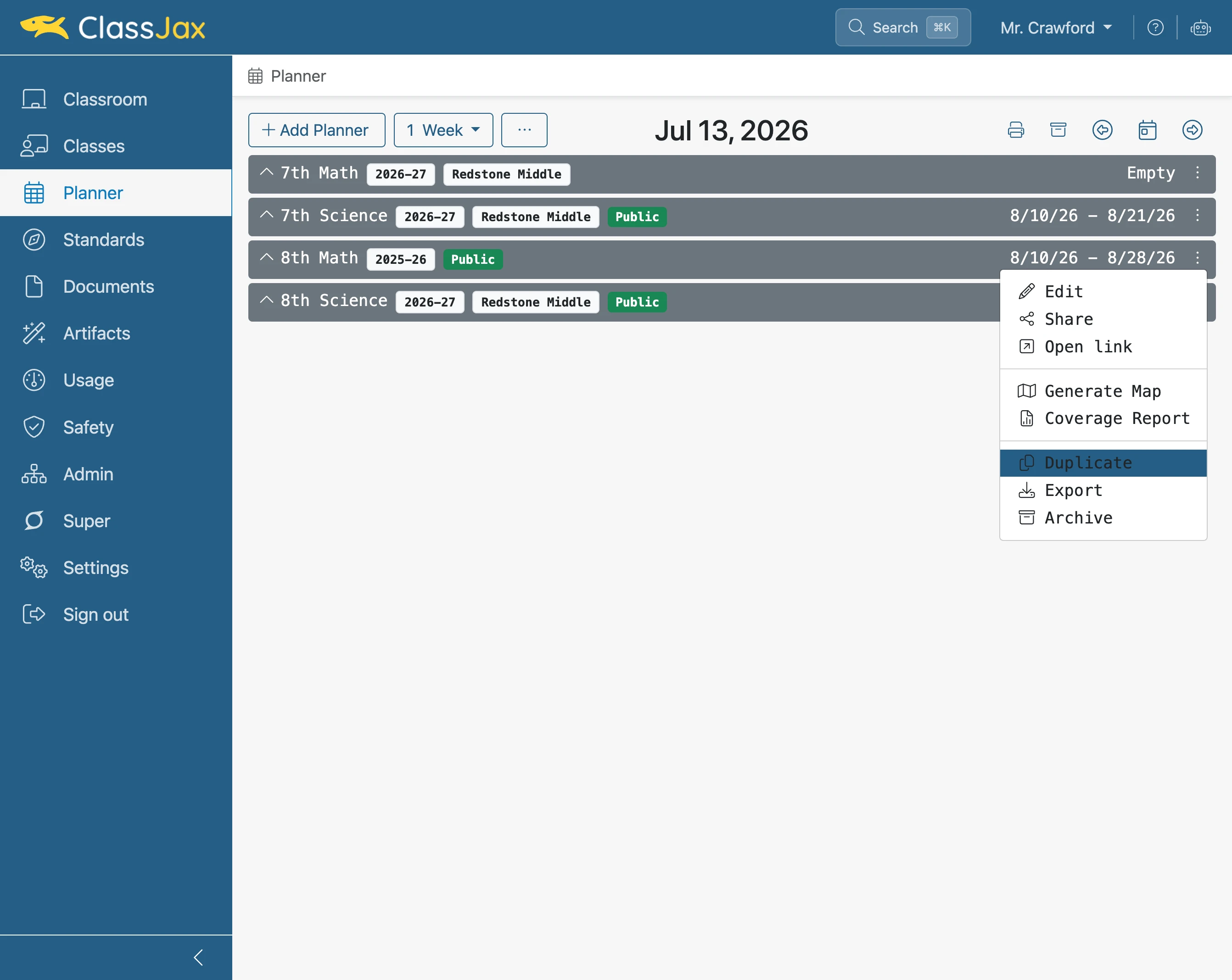
Click 'Duplicate'
- 4
Enter 'Name' for the new Planner
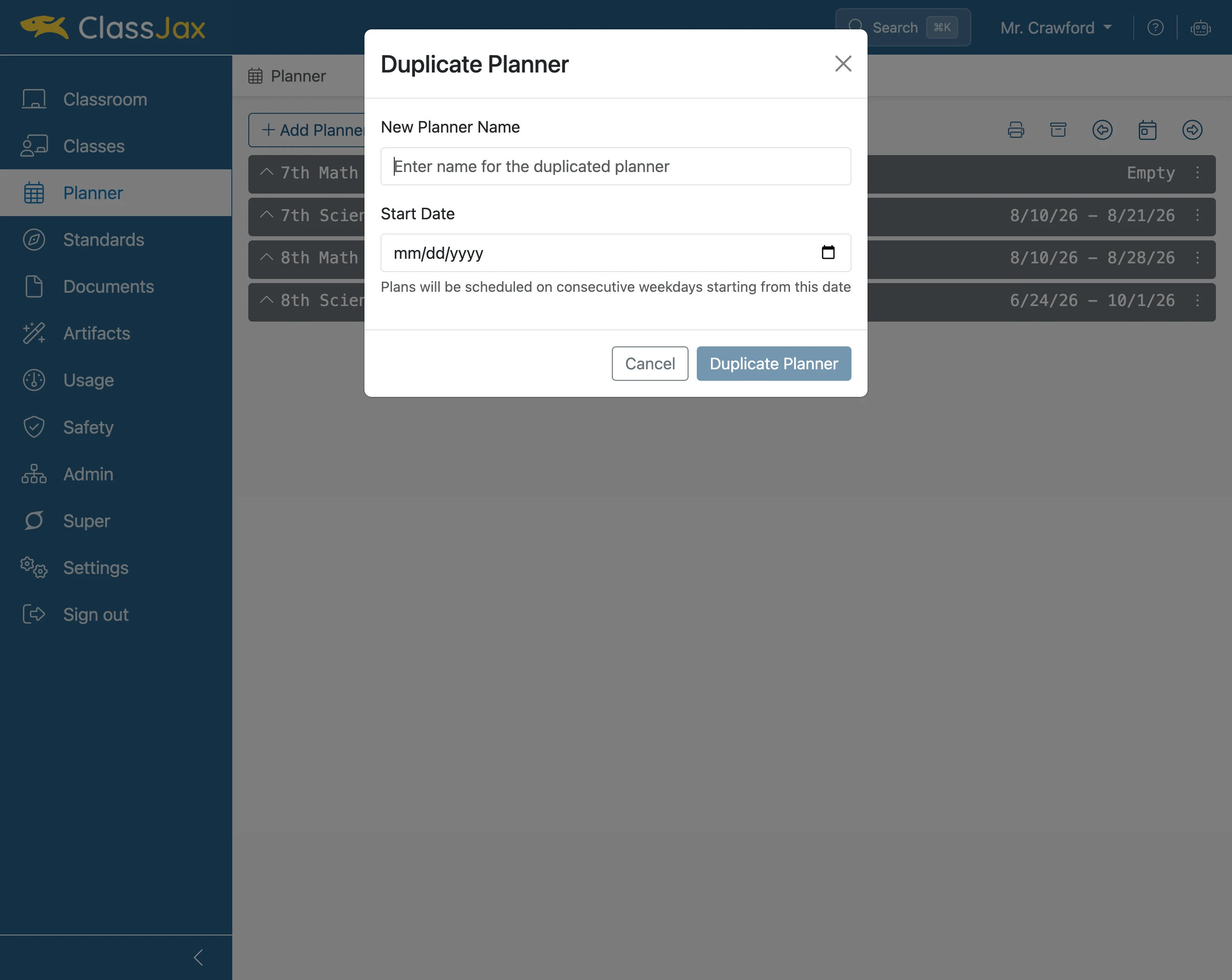
- 5
Click 'Calendar' icon
Select the start date for the first lesson plan in the planner.
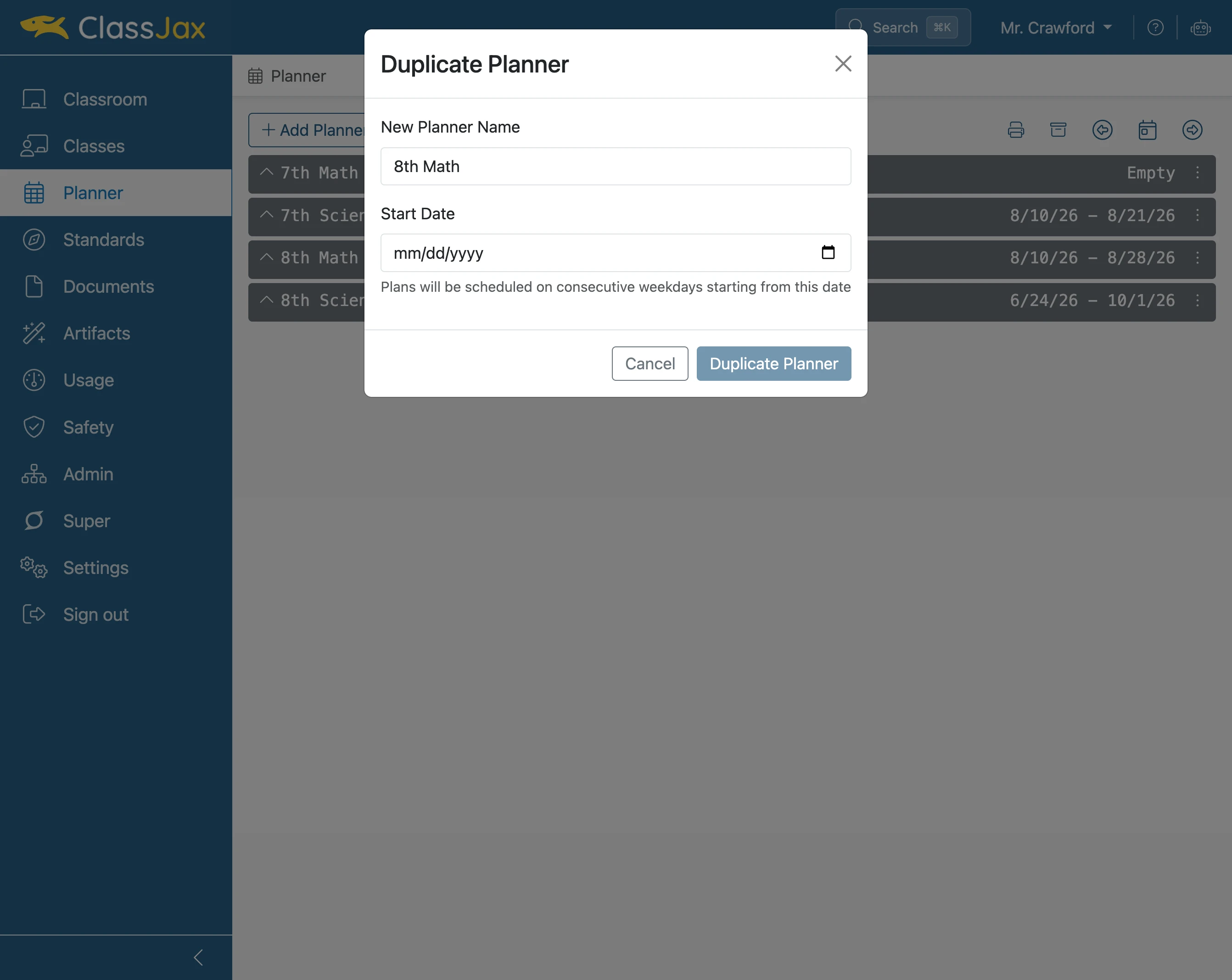
- 6
Click 'Duplicate Planner'
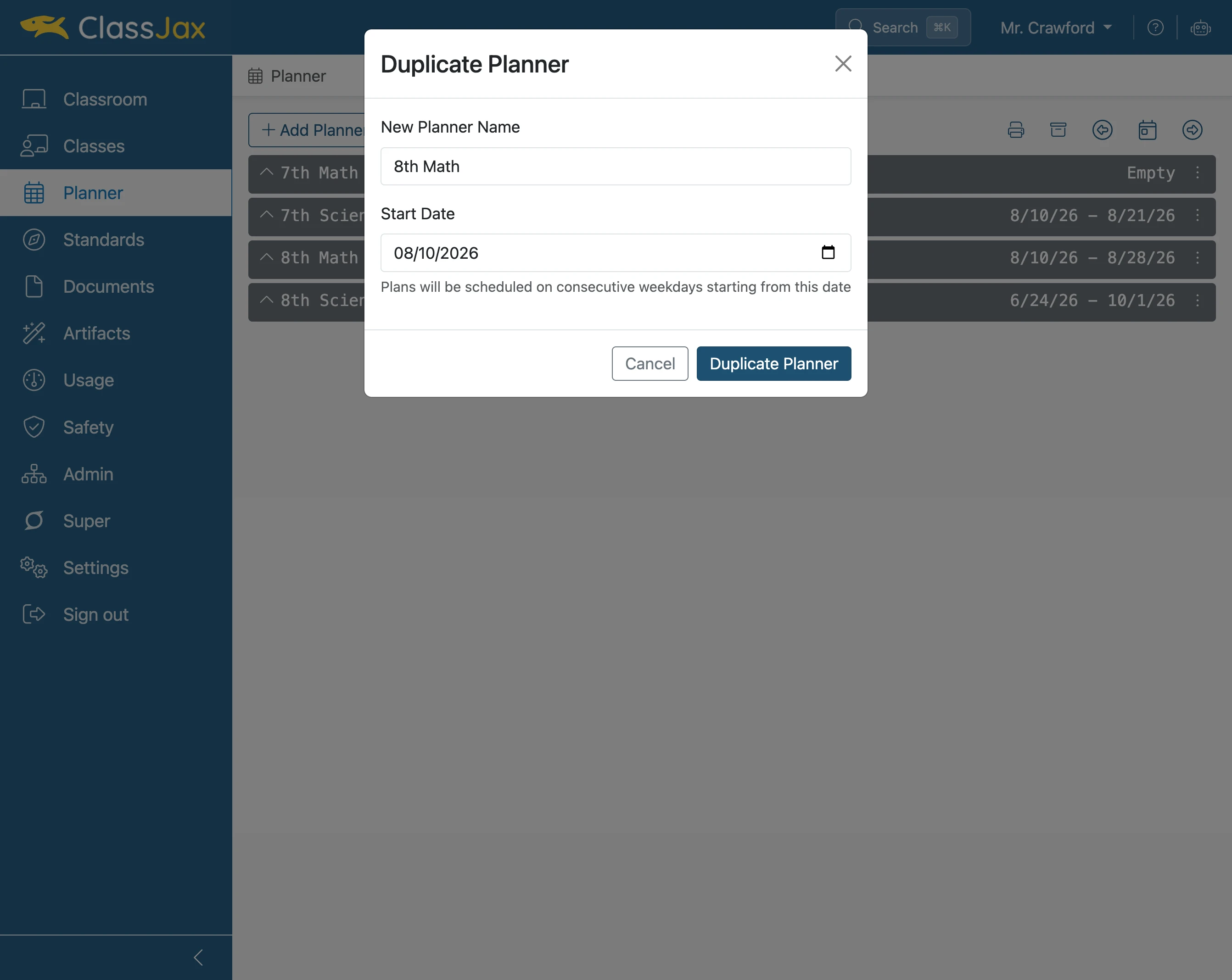
- 7
Next Steps
Edit the Planner and modify (if available) the calendar, campus, classes and templates.