Duplicate a Planner
This guide shows how to duplicate your ClassJax Planner, making it easy to copy lesson plans and resources for seamless adaptation and reuse in the next academic year, saving you time and effort.
- 1
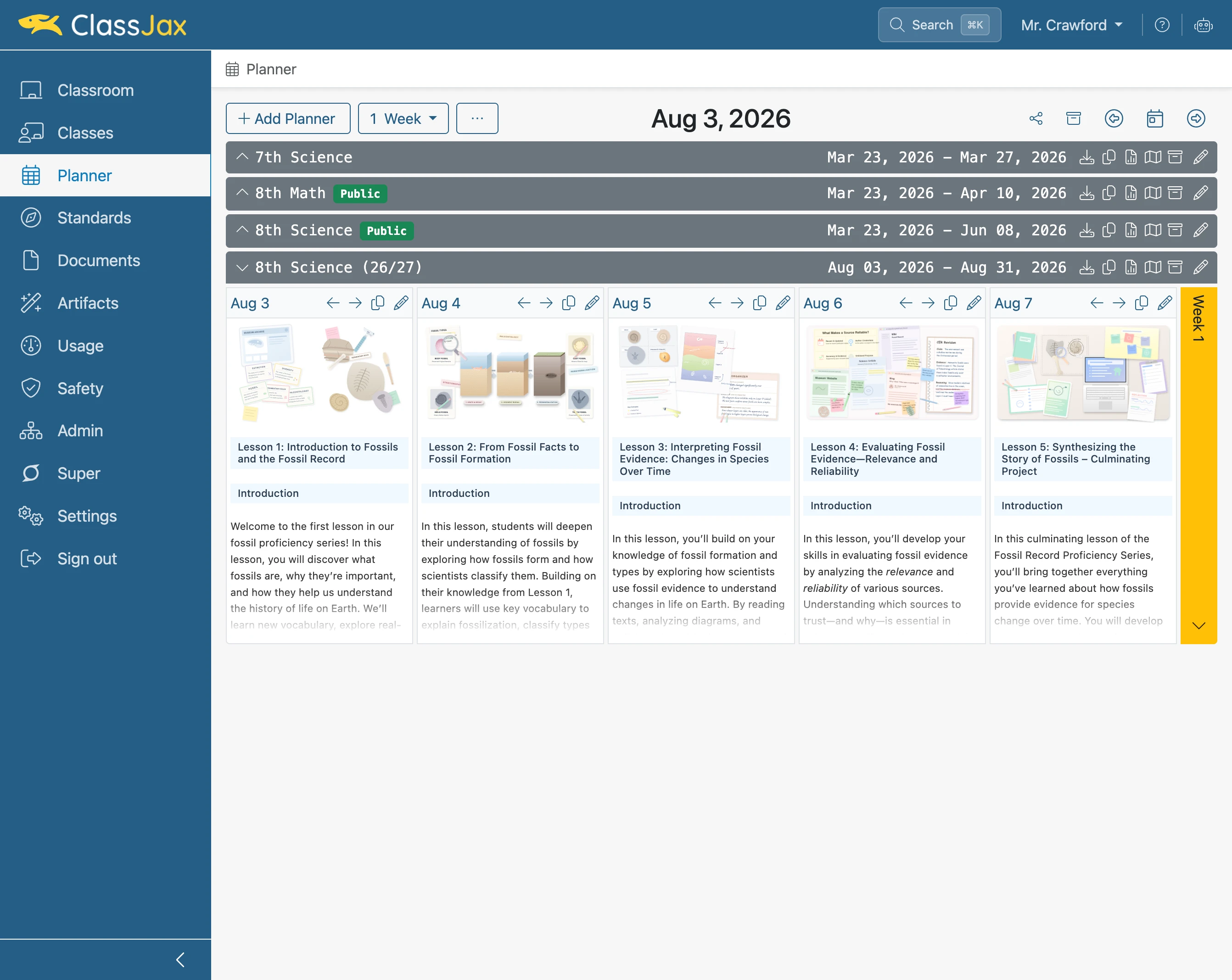
Click the 'Planner' link
- 2
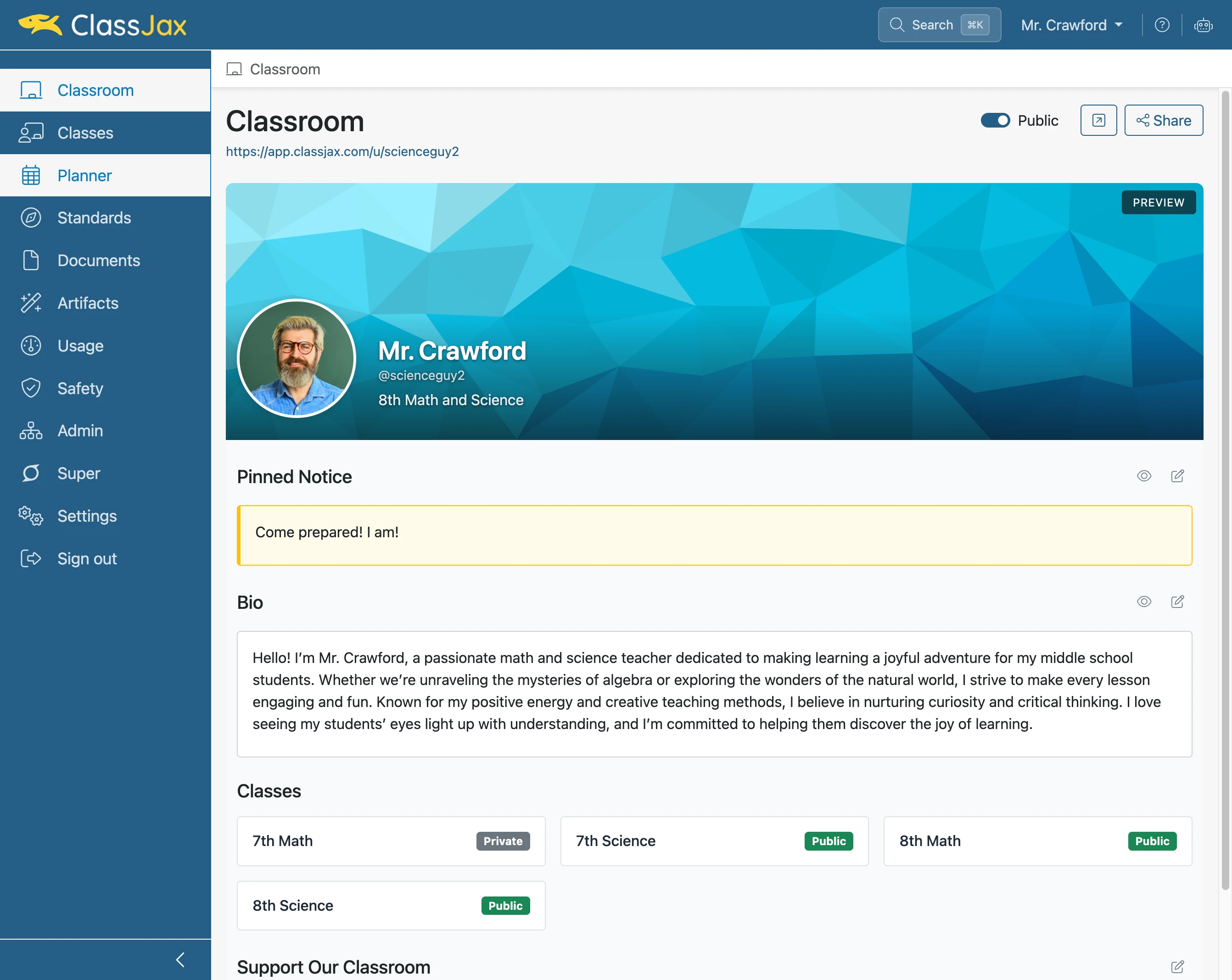
Click the 'Duplicate Planner' icon
- 3
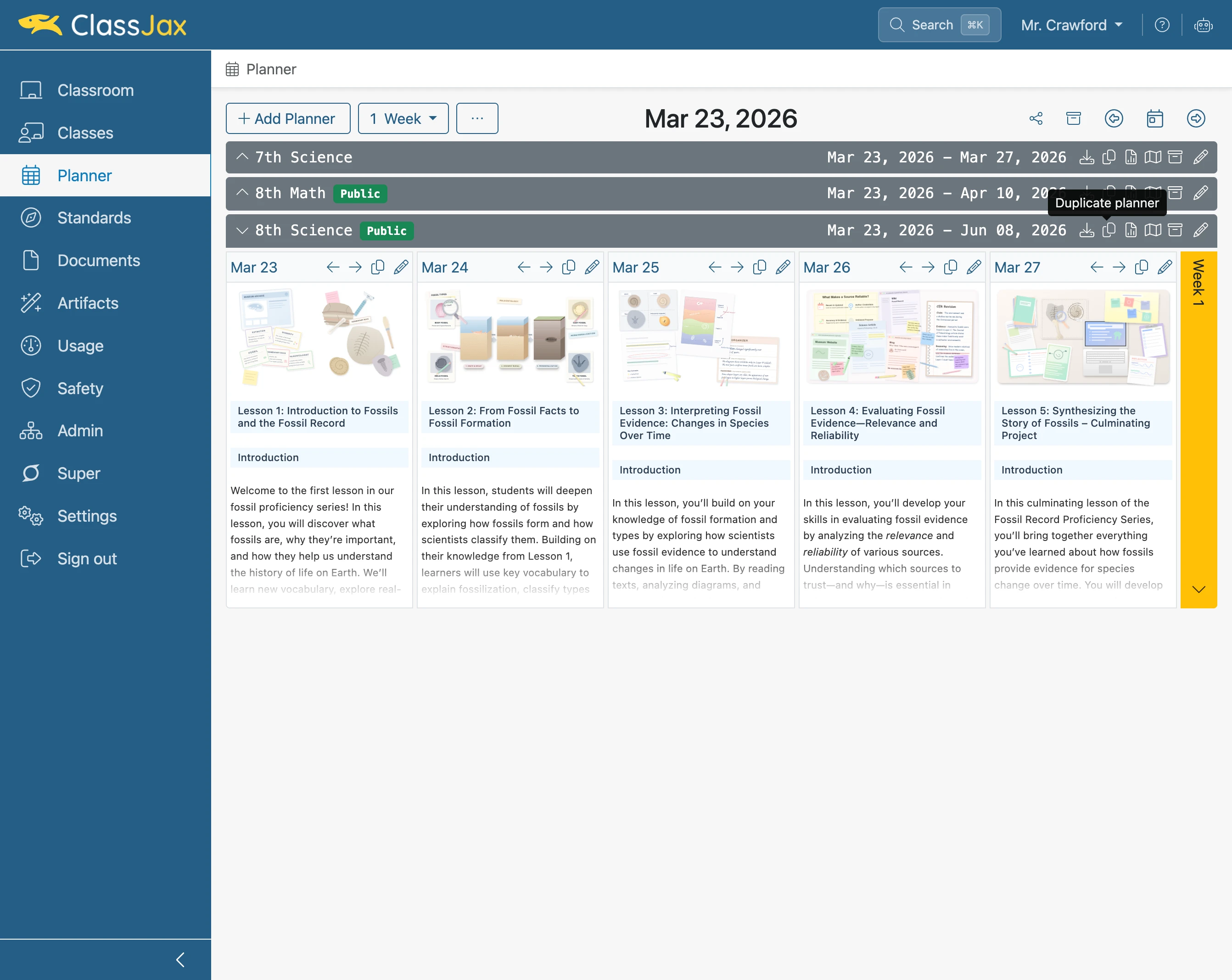
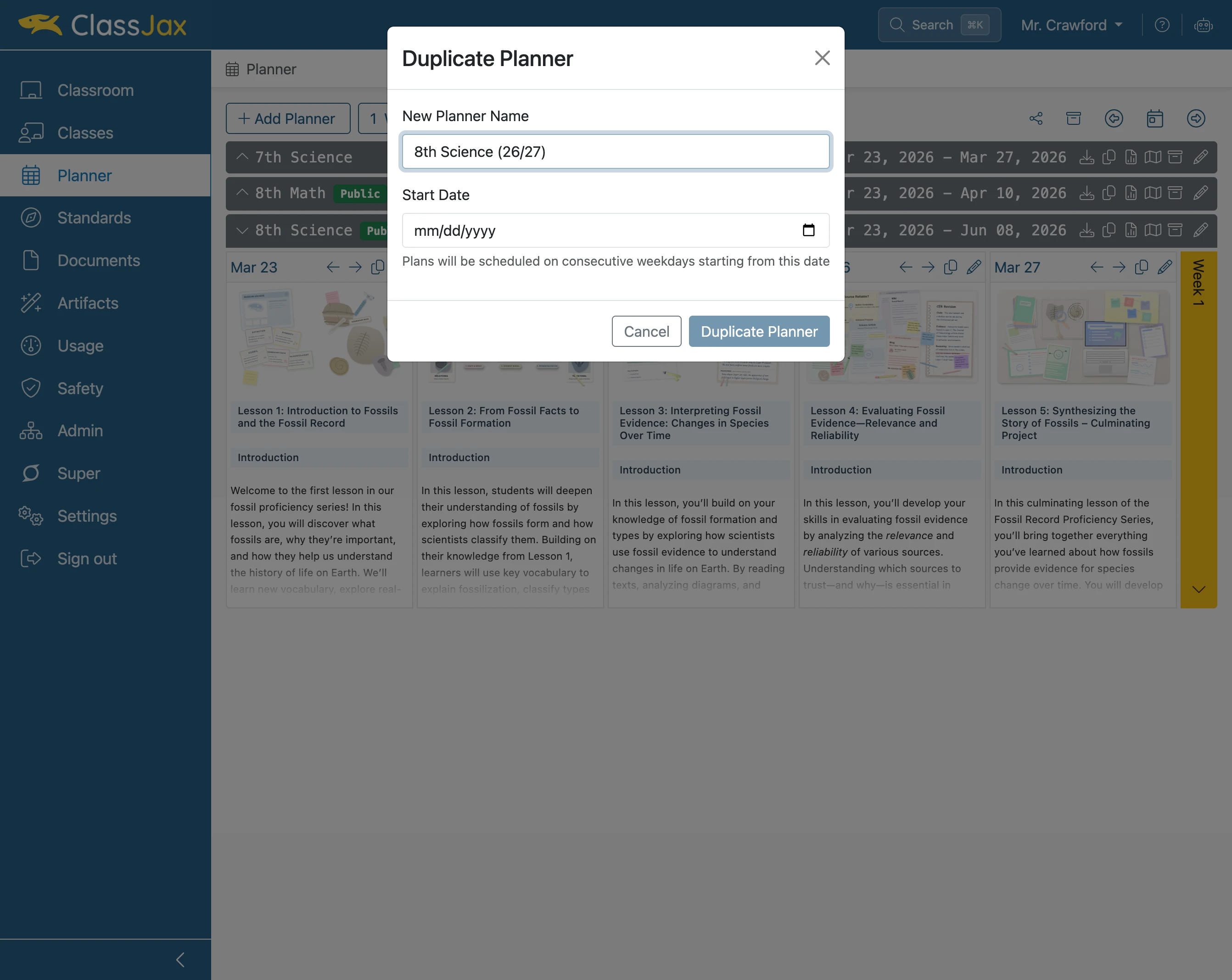
Click in the 'New Planner Name' field
- 4
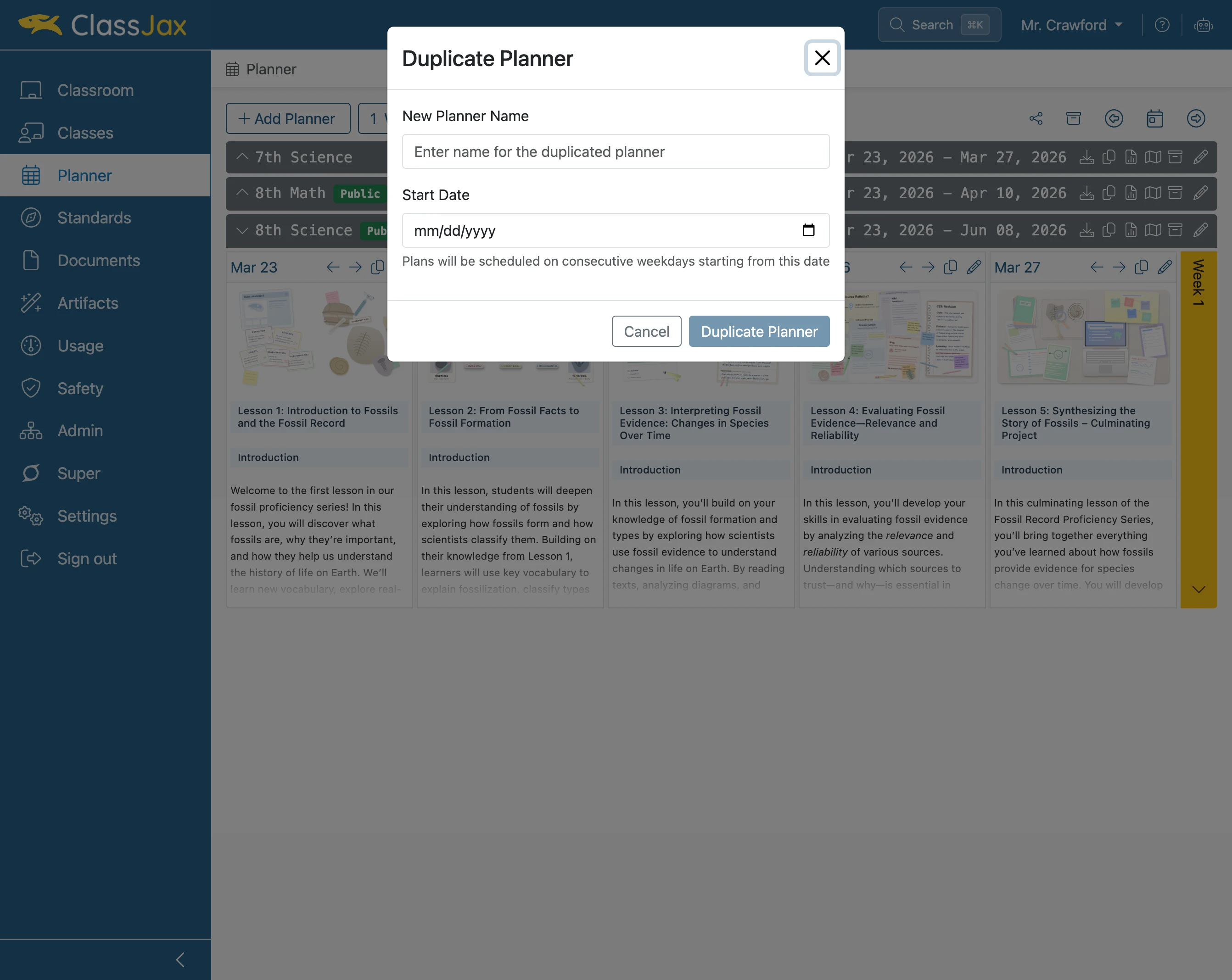
Click the 'Calendar' icon
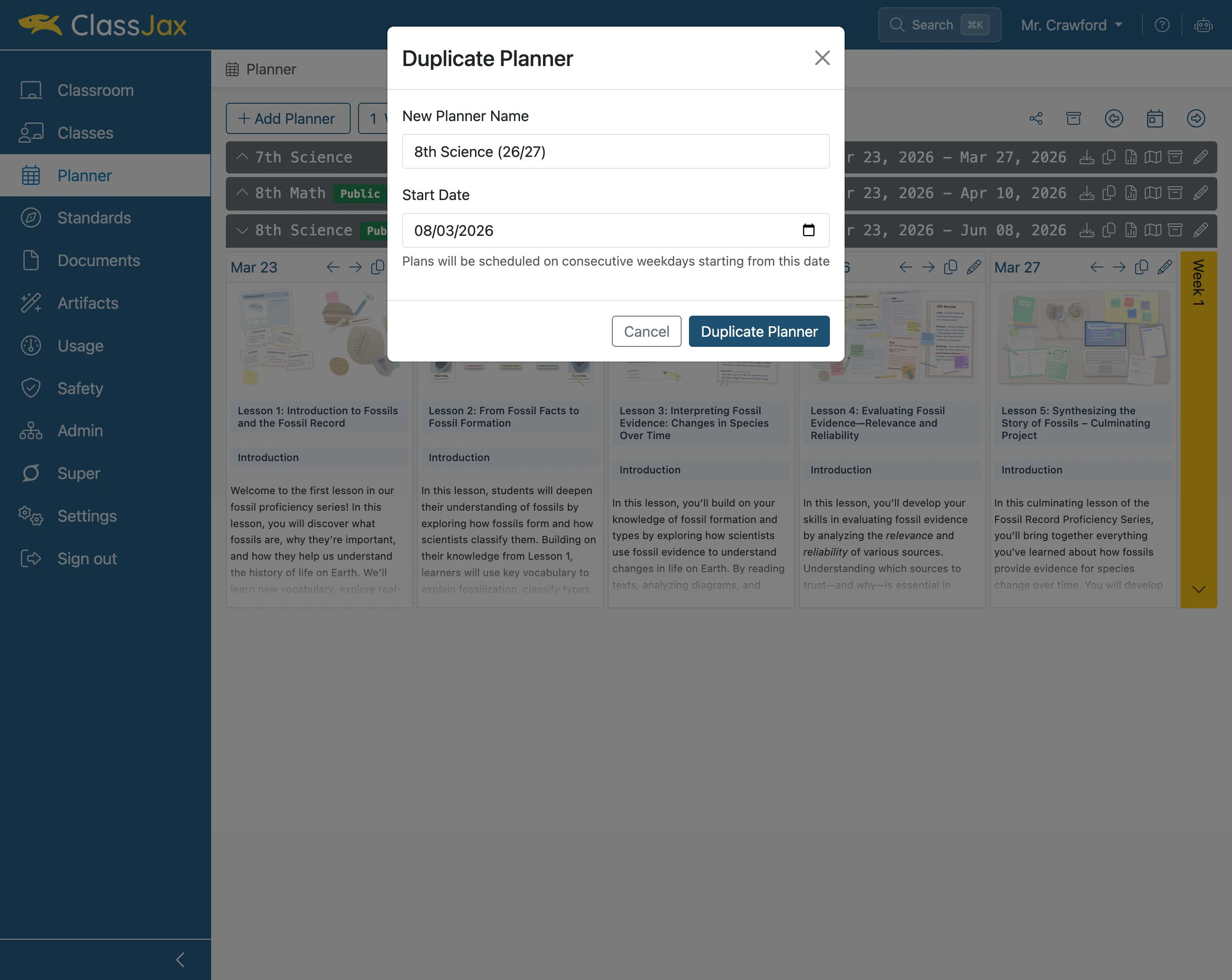
Select the calendar date for the first date of next year’s academic school year.
- 5
Click 'Duplicate Planner'
- 6
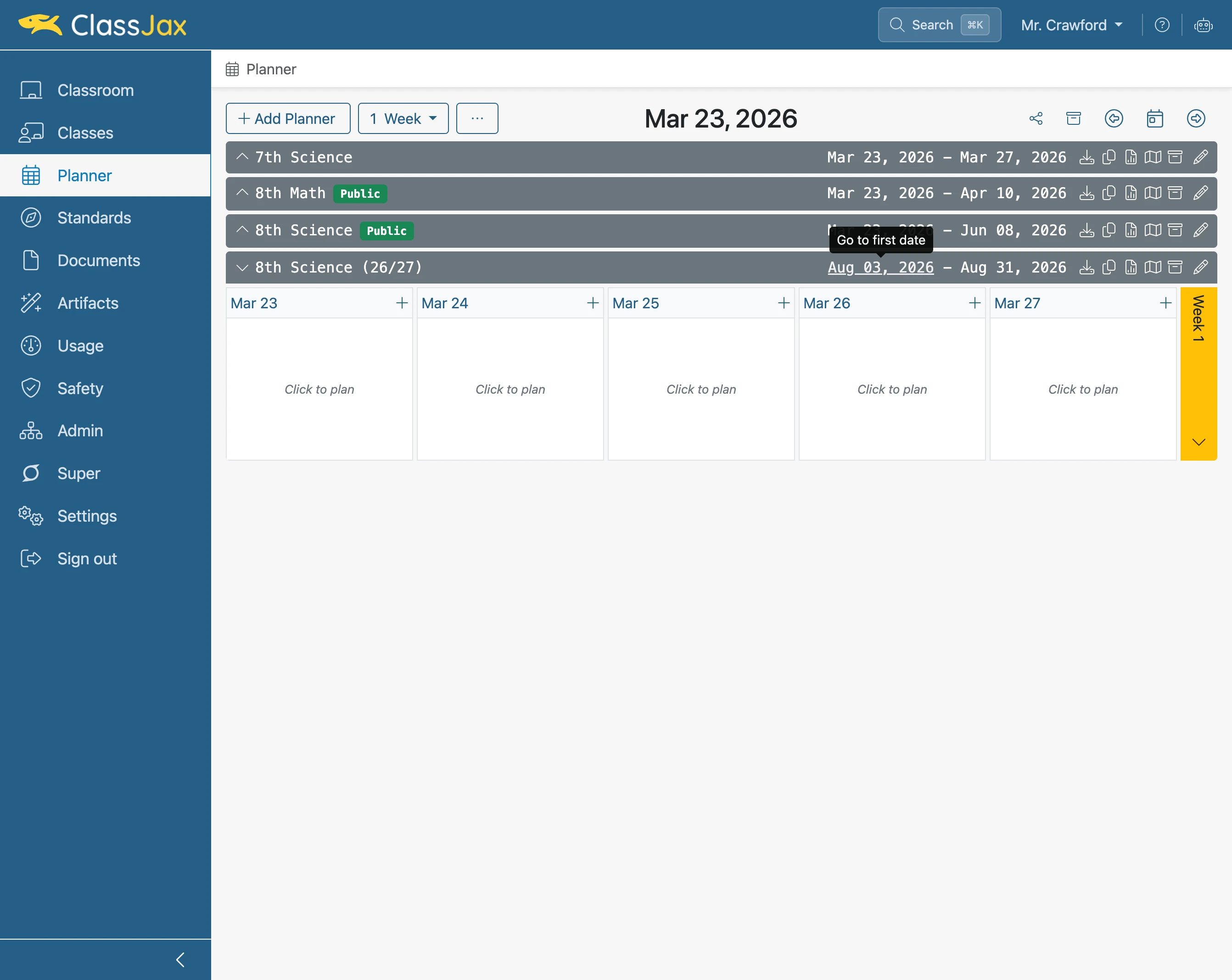
Click the 'start date' link to the new Planner
- 7
The New Planner set to Start Next Year
After duplicating your Planner for the new academic year, consider archiving last year’s version. Archiving removes it from your list of active Planners, keeping your workspace organized and focused for the upcoming year.