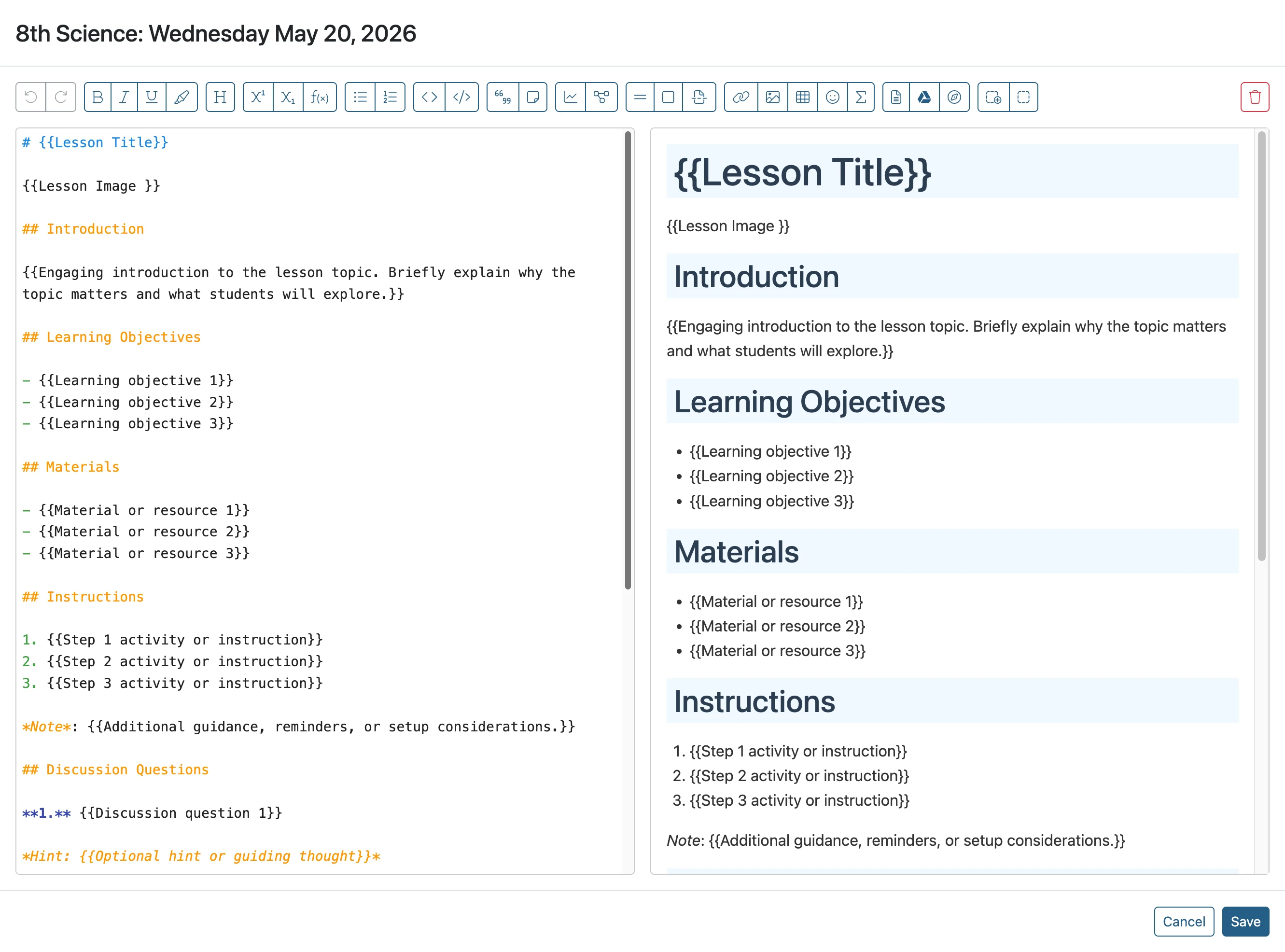
Create a Teacher-made Lesson Plan Template
This guide explains how to create lesson plan snippets in the ClassJax Planner, enabling you to set up layouts, images, and resources that streamline and personalize every lesson plan for your Planner needs.
- 1
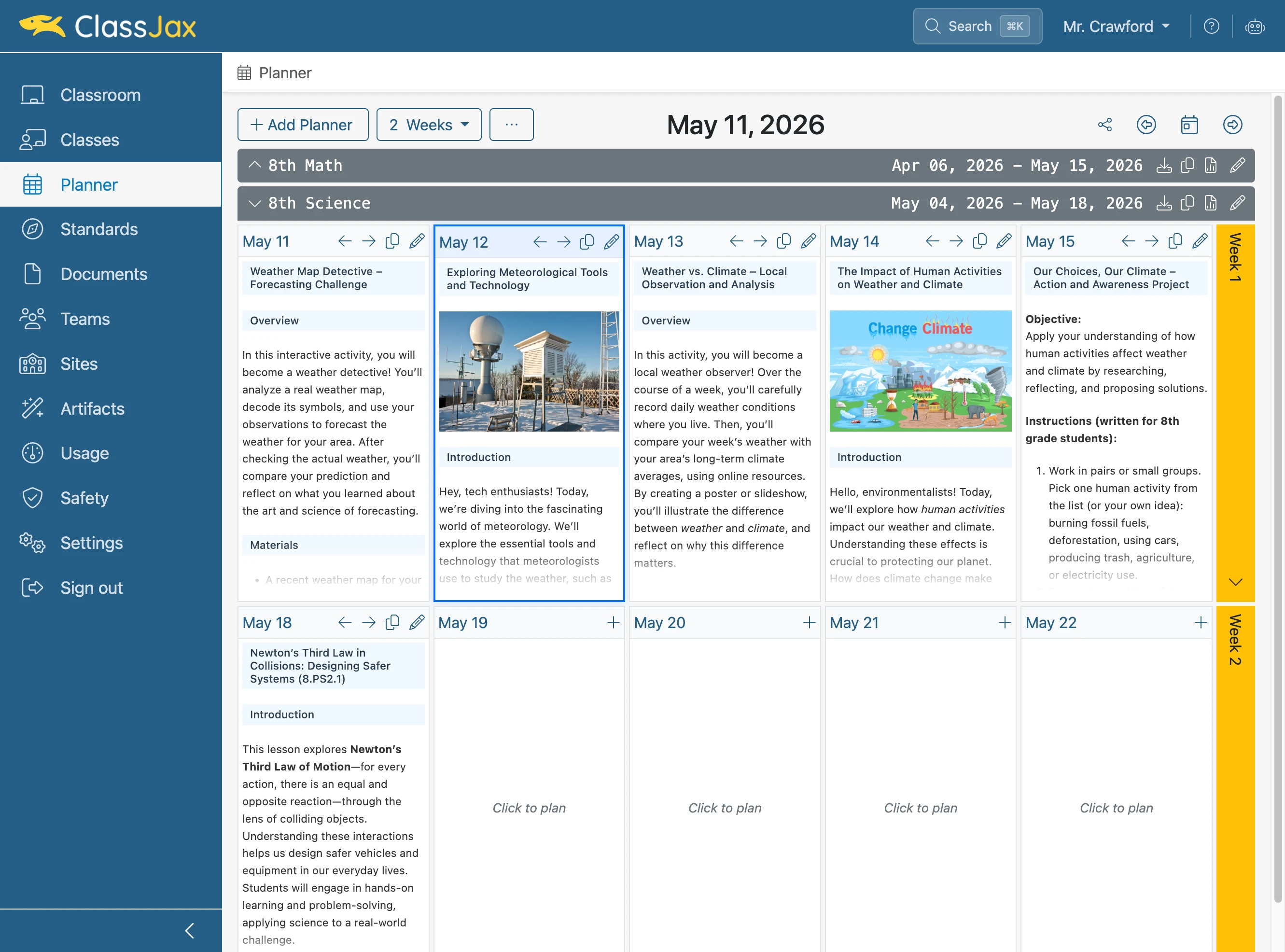
Click the 'Planner' link
- 2
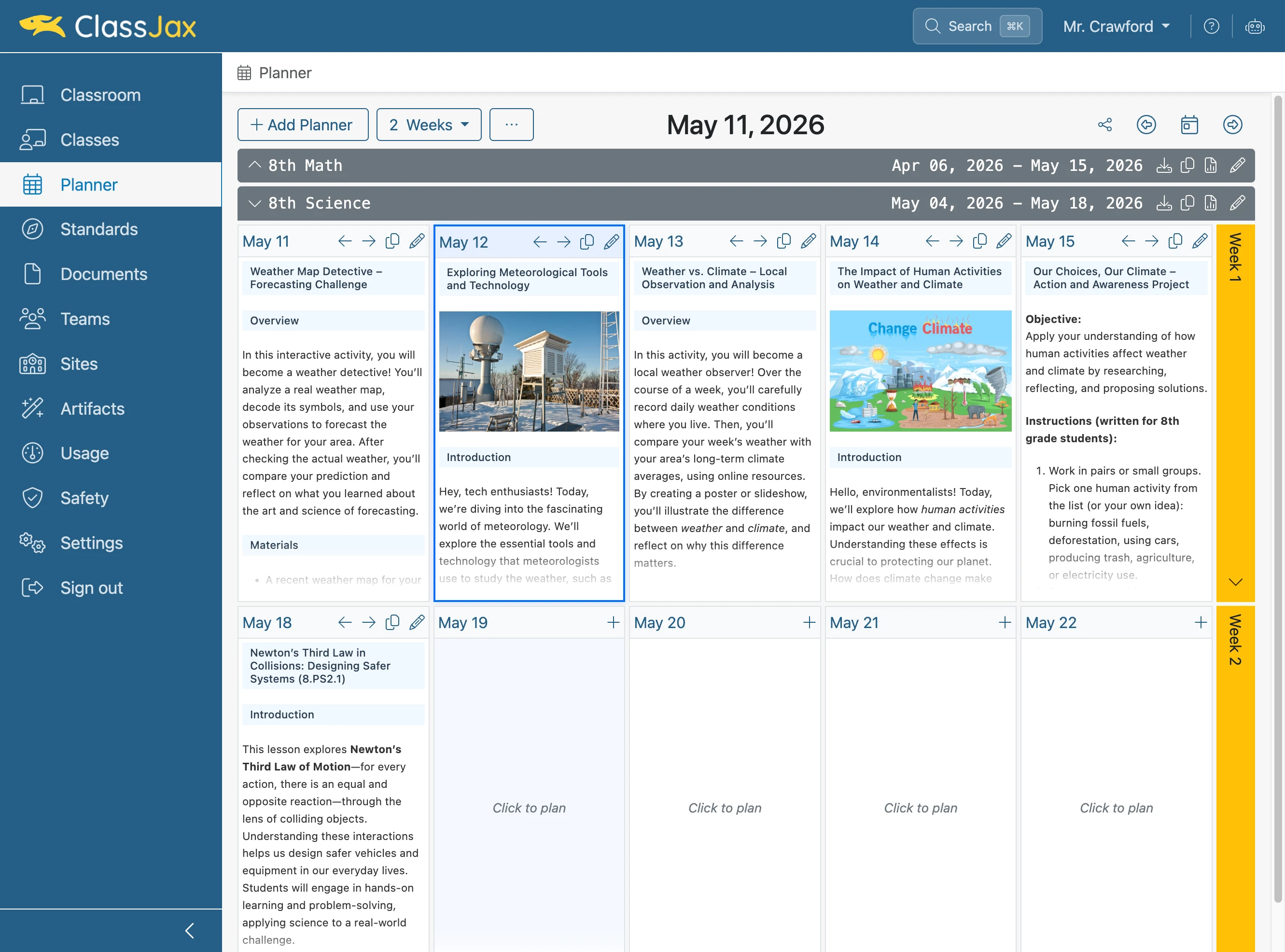
Click to plan any day
- 3
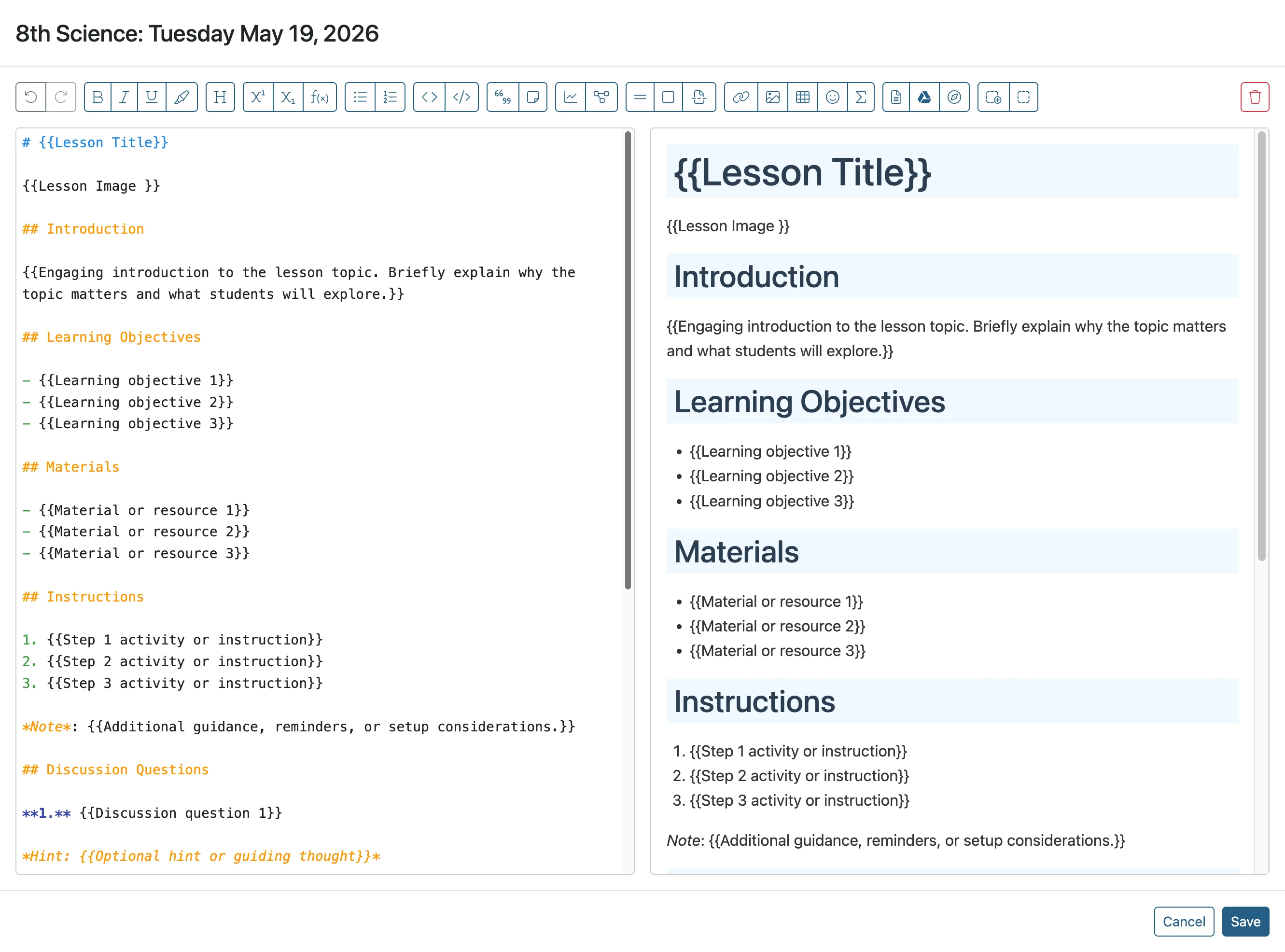
Create your template
- 4
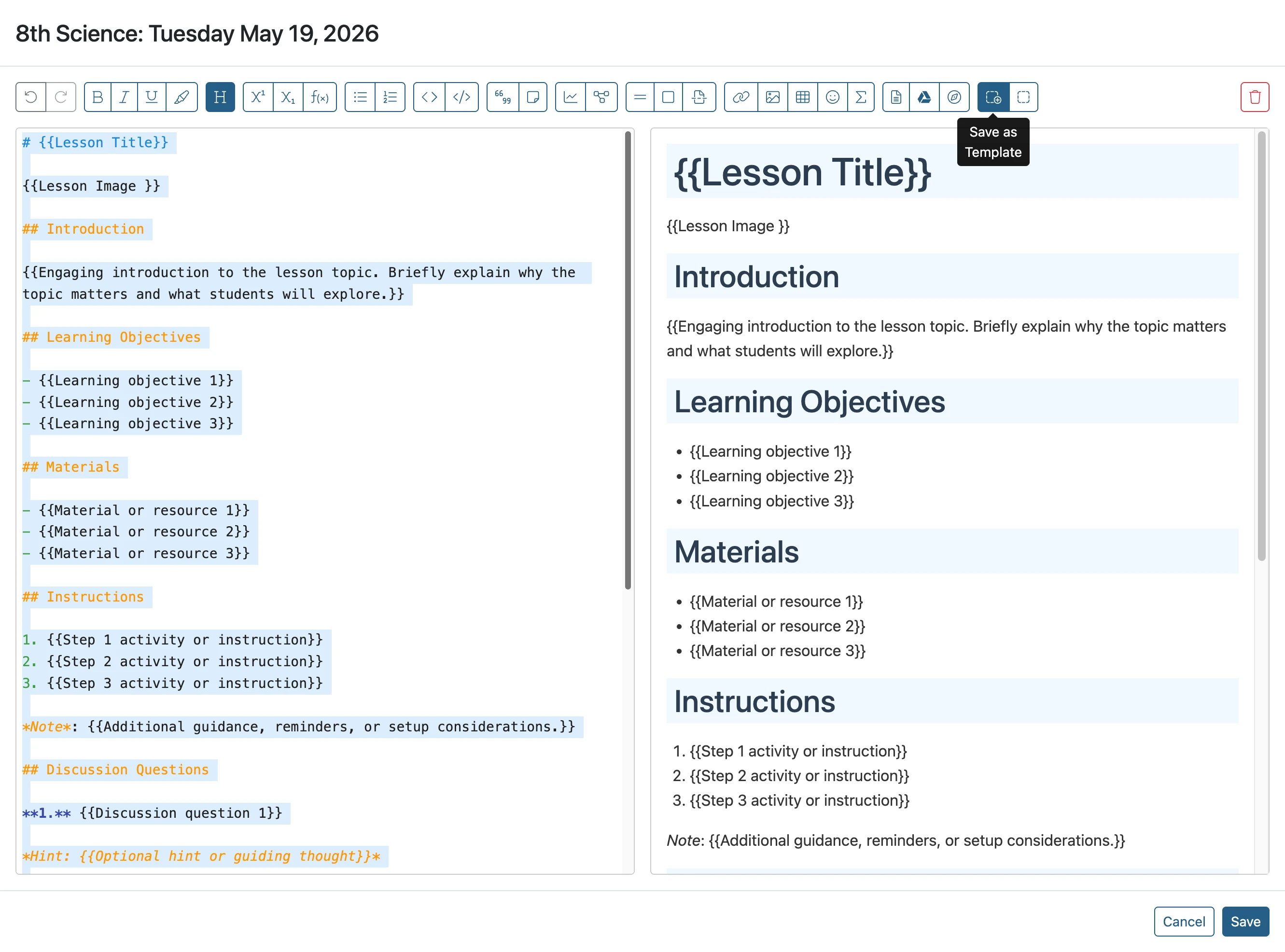
Select all the content and click the 'Save as Template' button
- 5
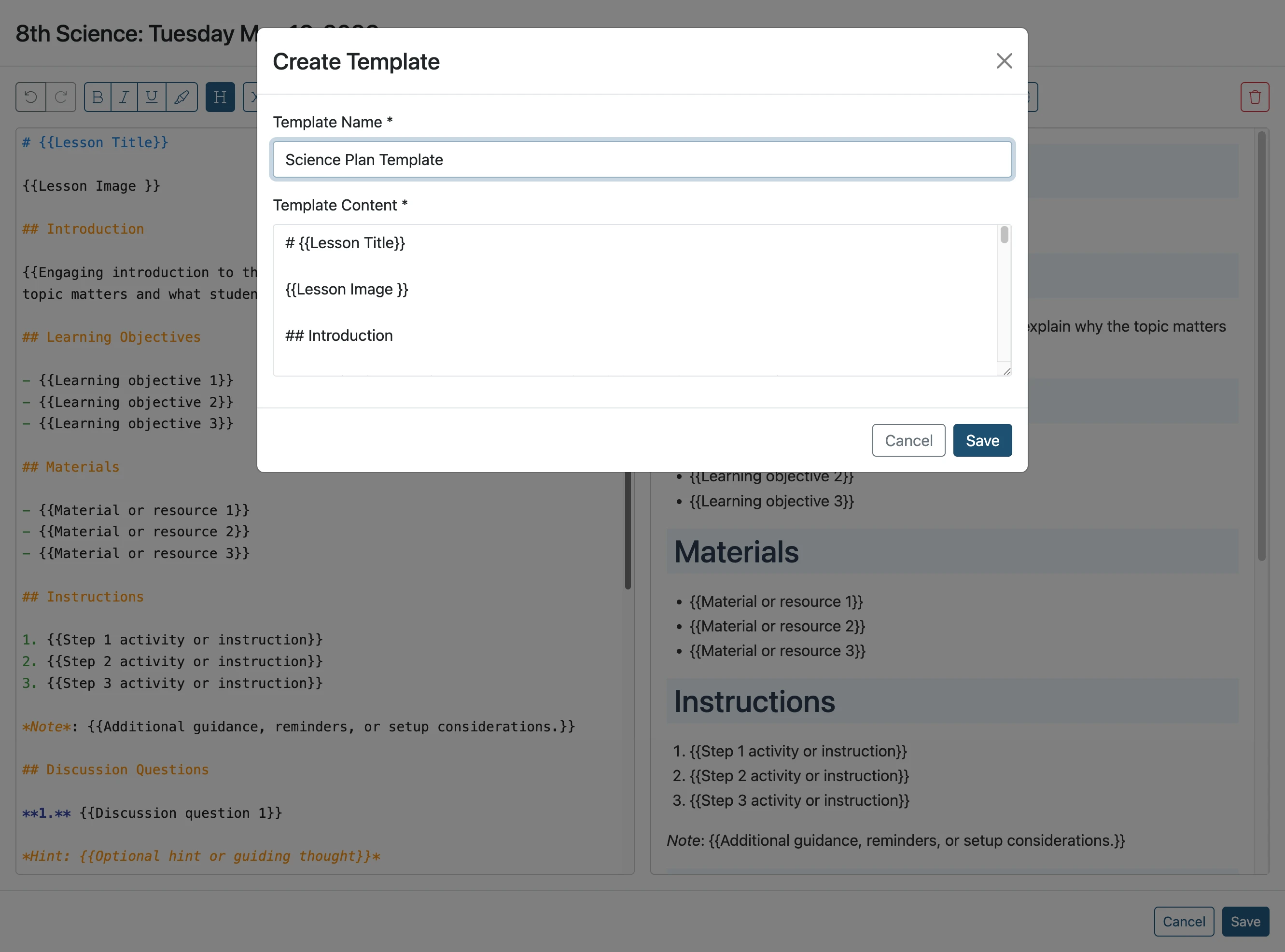
Give it a name and click the 'Save' button
- 6
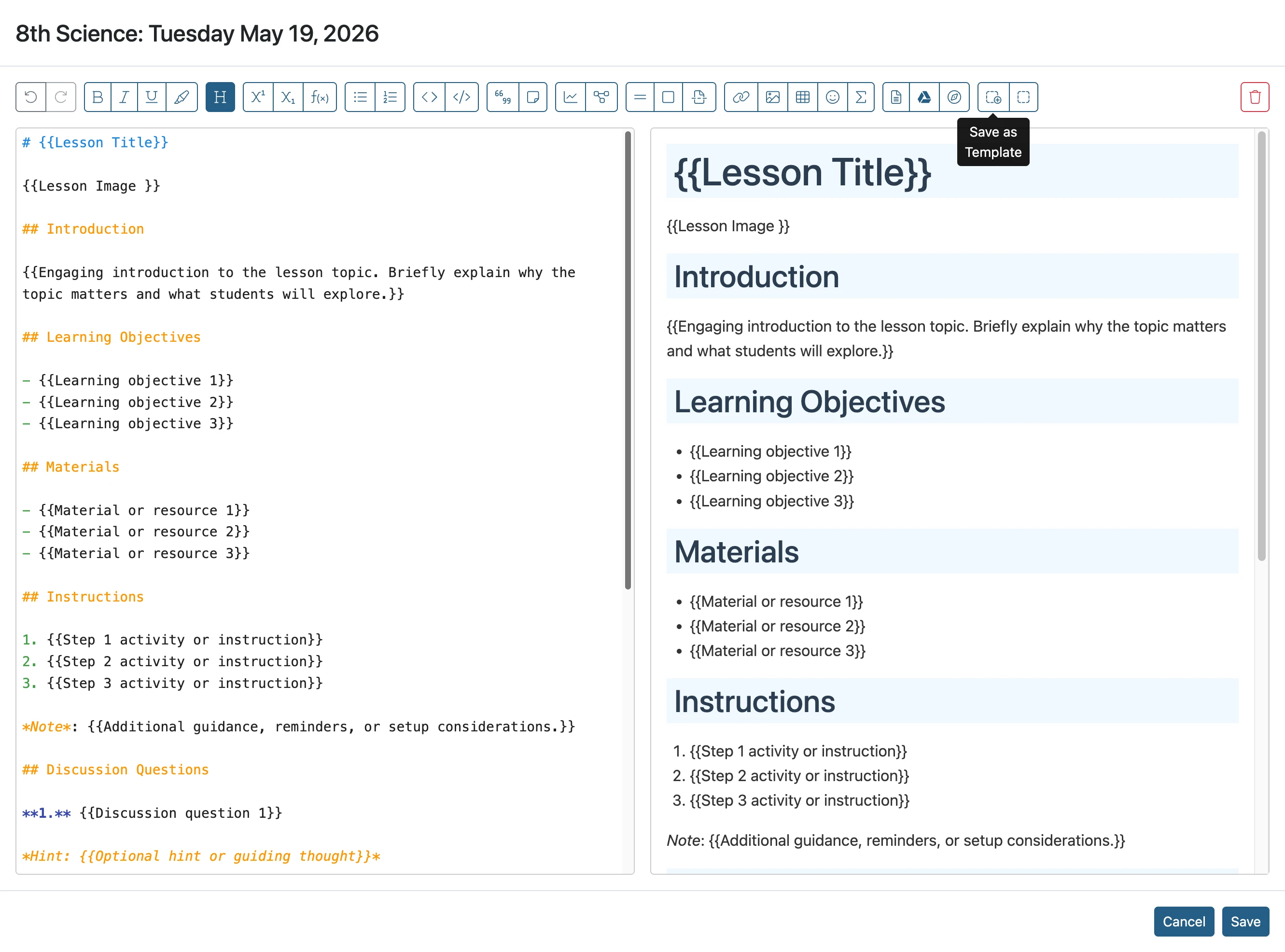
Click 'Cancel' to close the plan editor
- 7
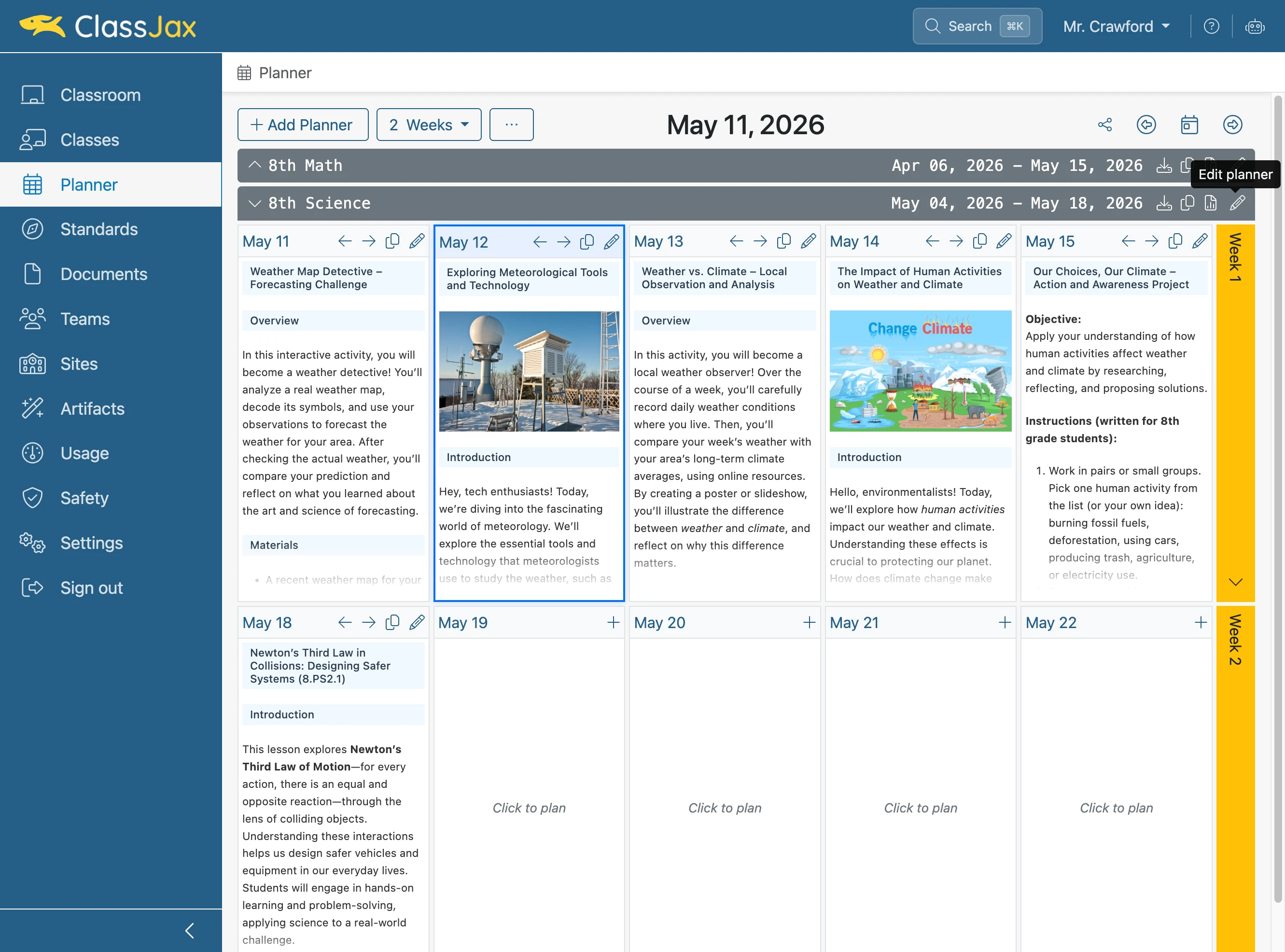
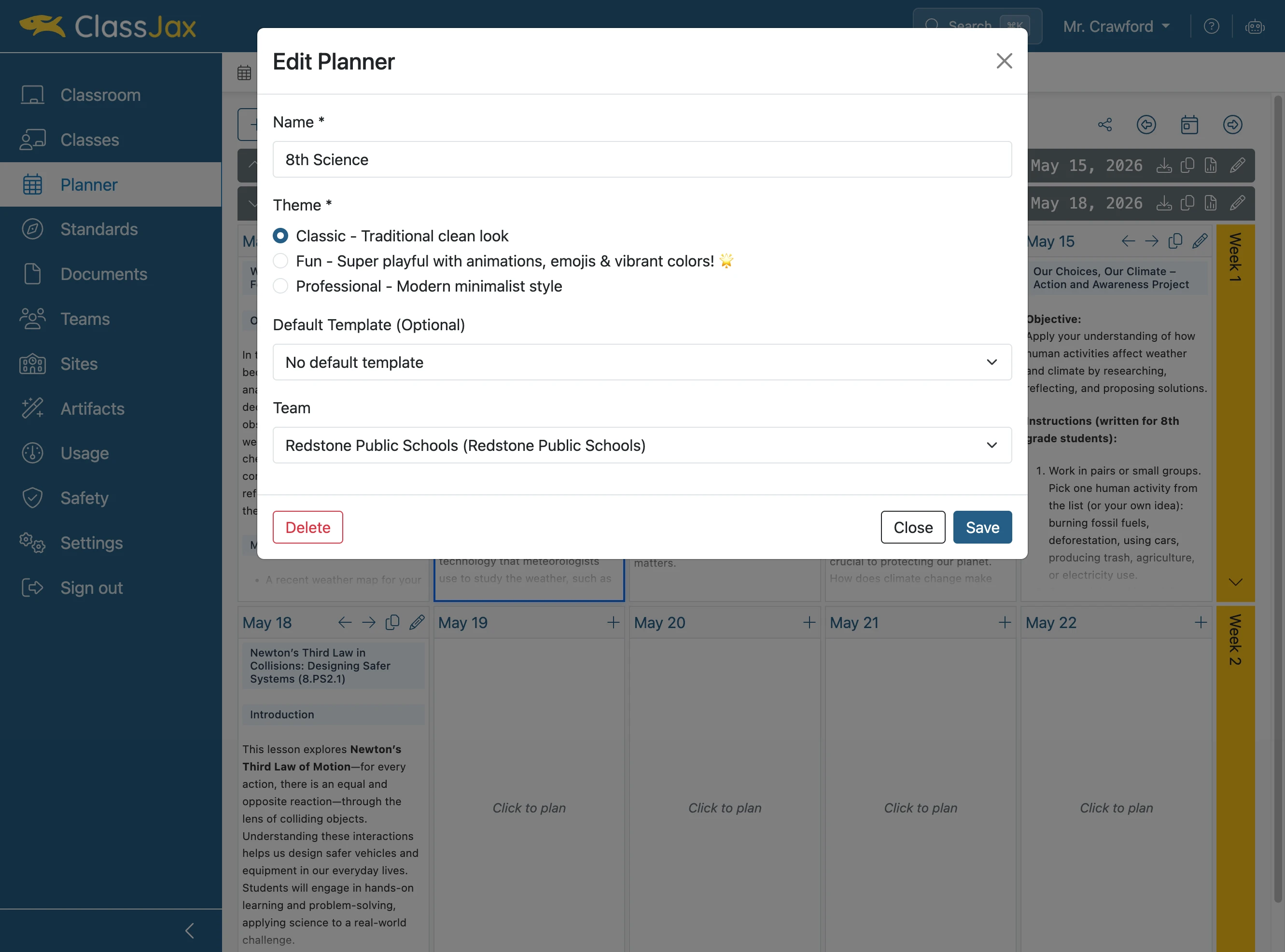
Click the 'Edit Planner' icon
- 8
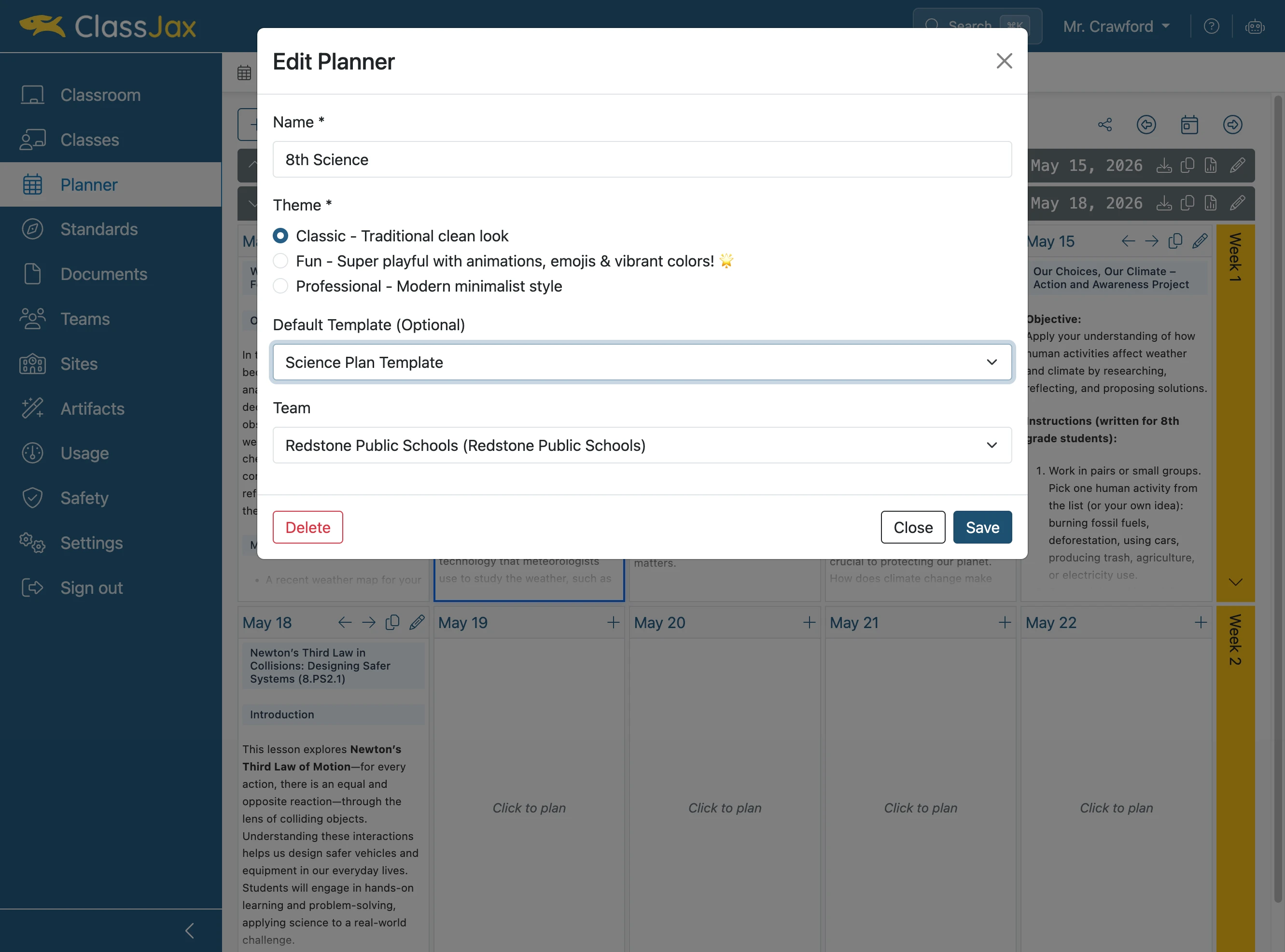
Click the 'Default Template' dropdown
- 9
Choose the template and click 'Save'
- 10
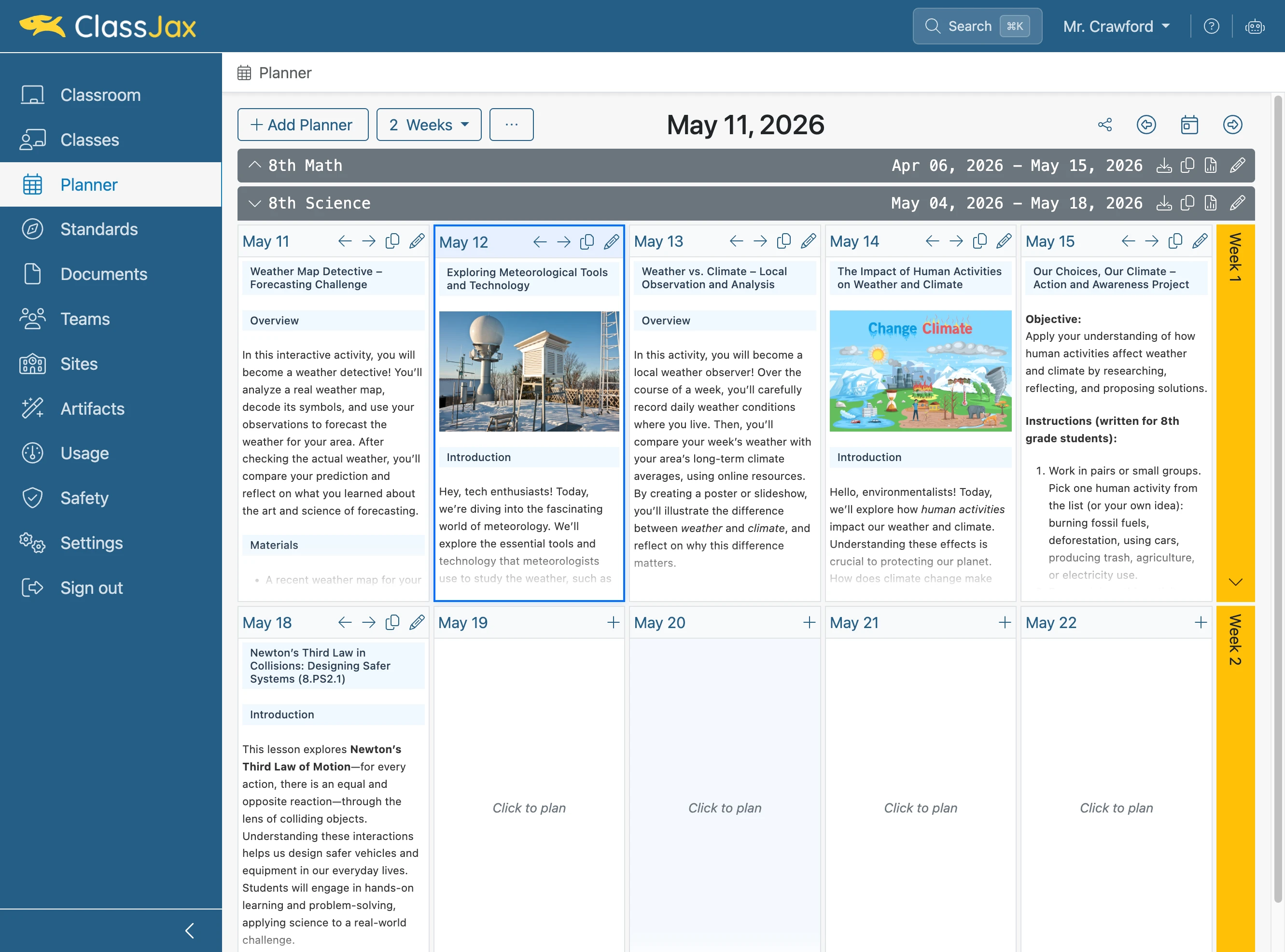
Click to plan a new day
- 11
The template is ready for you to edit