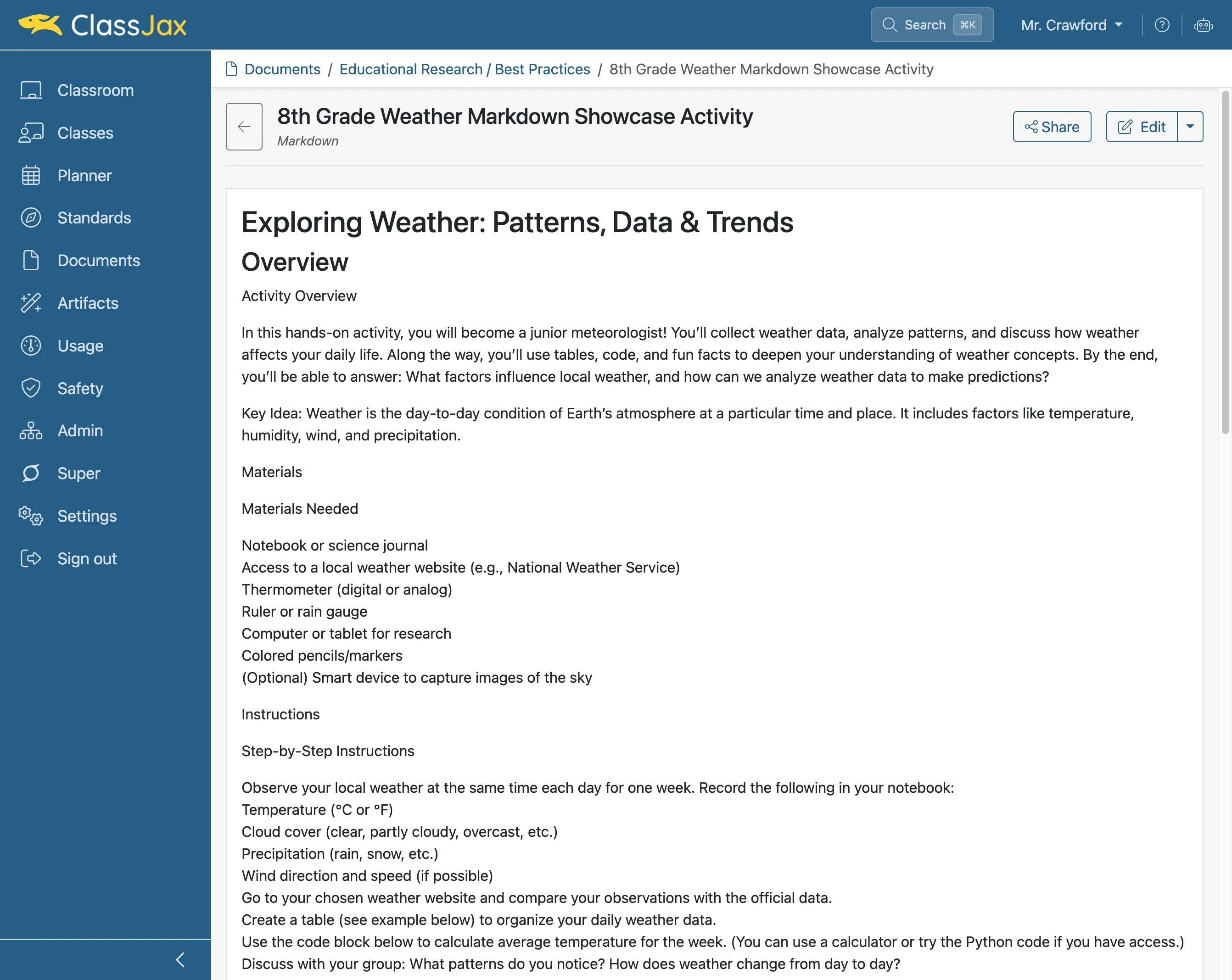
Create a Header using Markdown
Headers or titles can be created in Markdown fields found in lesson plans, documents and other areas or resources in ClassJax. The headers can have different font sizes.
Plan smarter this year
ClassJax is free for teachers. No credit card required.
- 1
Select a document, lesson plan or other ClassJax resource
Markdown fields are available in documents, lesson plans, and other resources within ClassJax. In this example, a document is used to demonstrate the process.
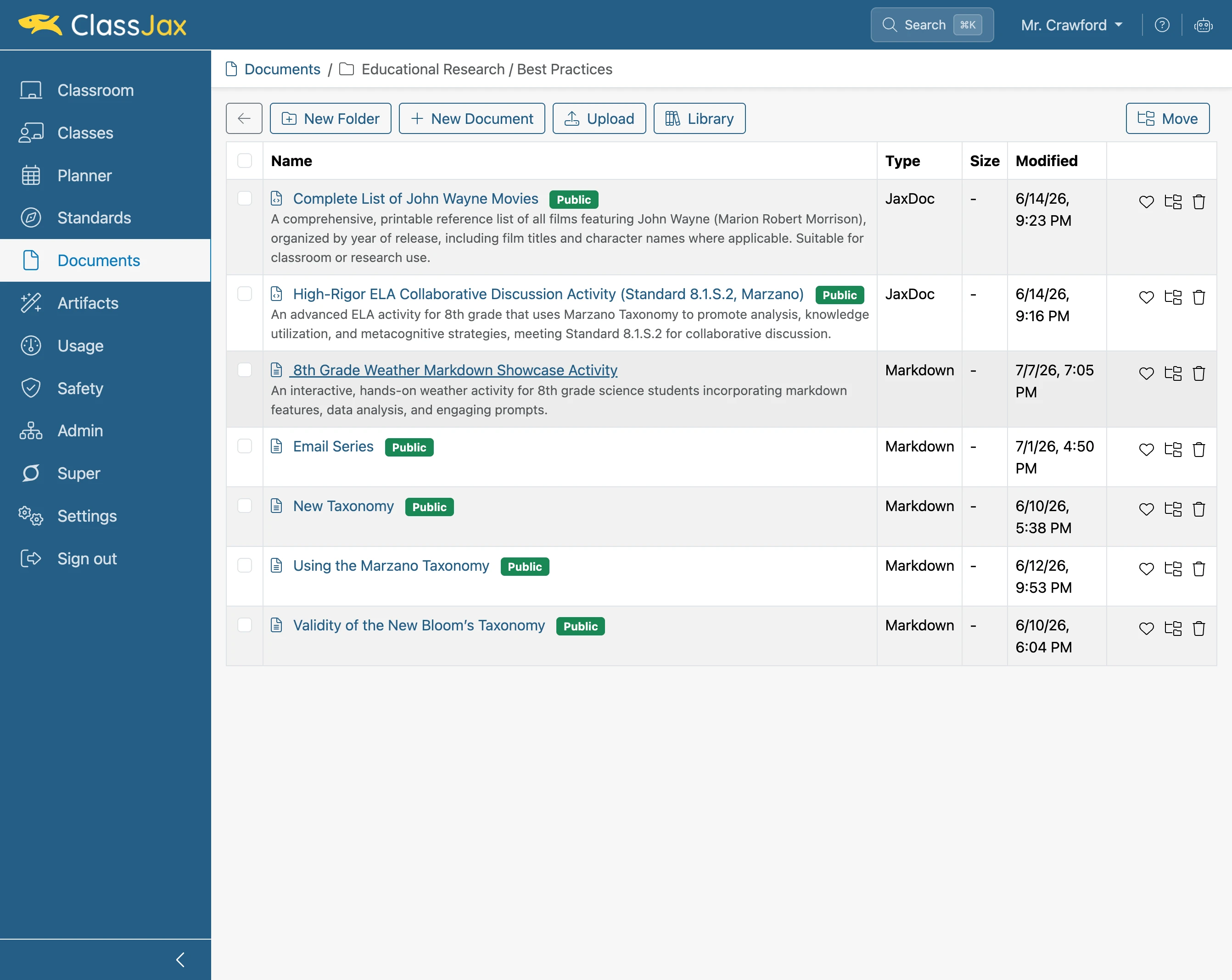
- 2
Click 'Edit'
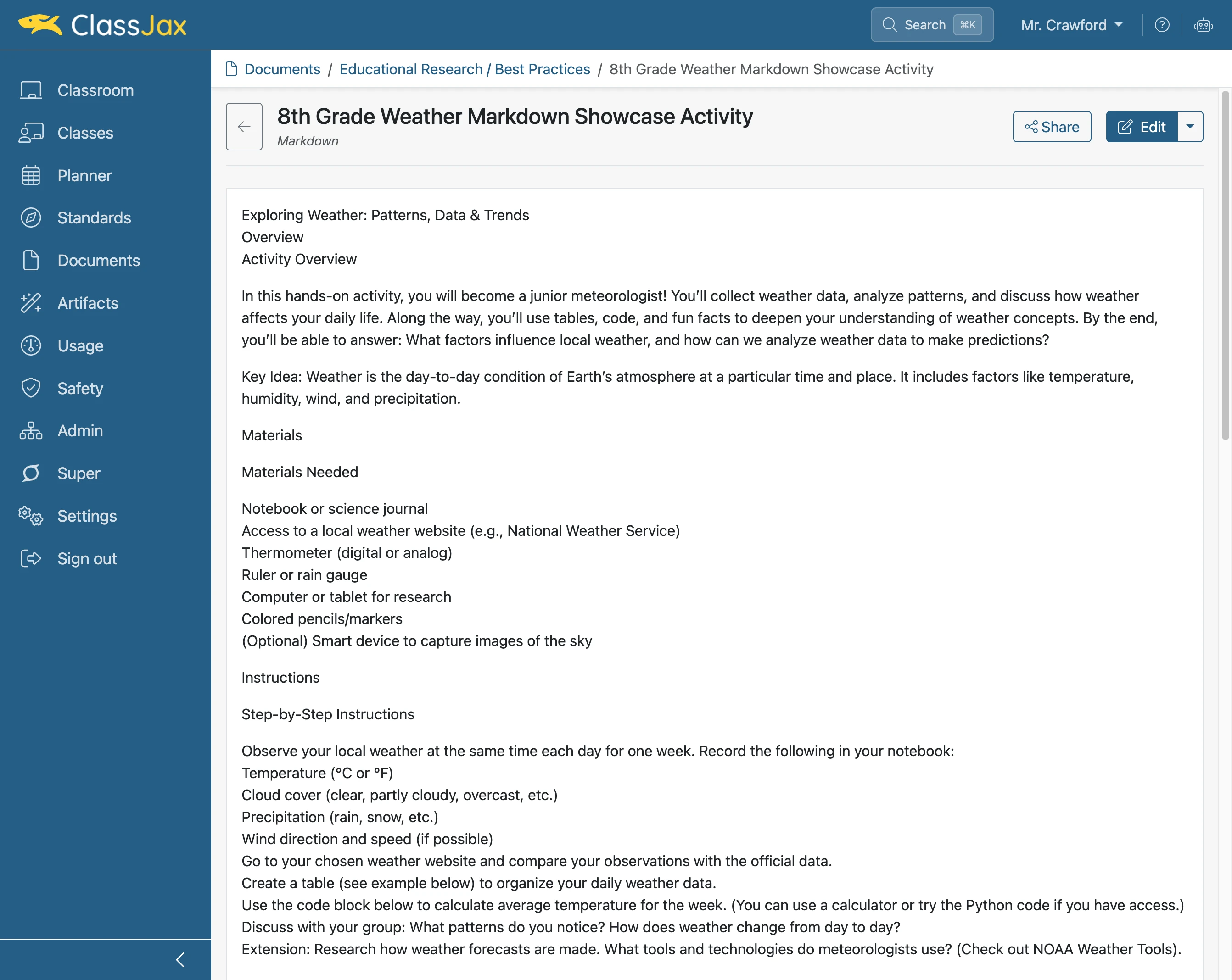
- 3
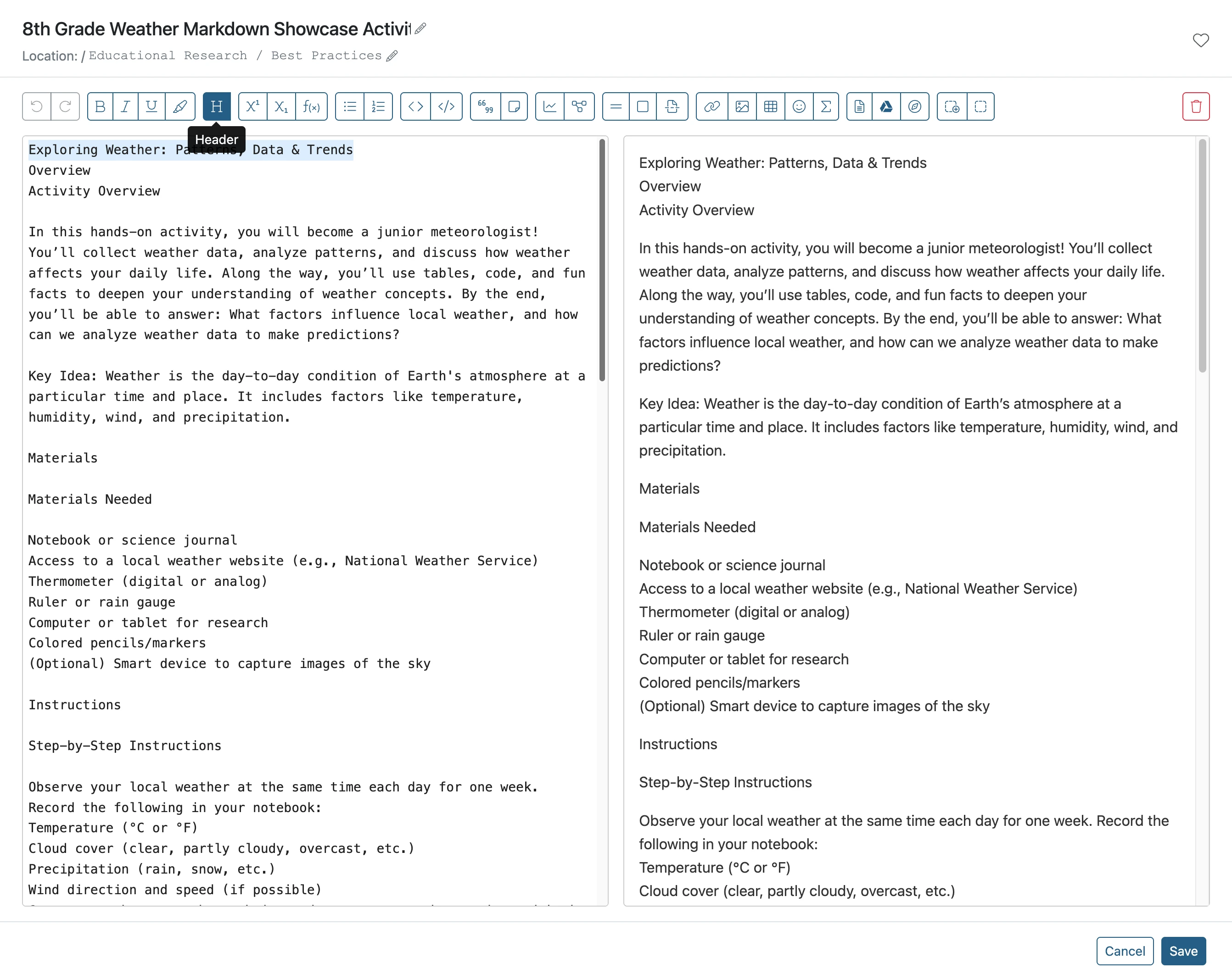
Select text for a header
Select the text you want to format as as a header by clicking and dragging over it.
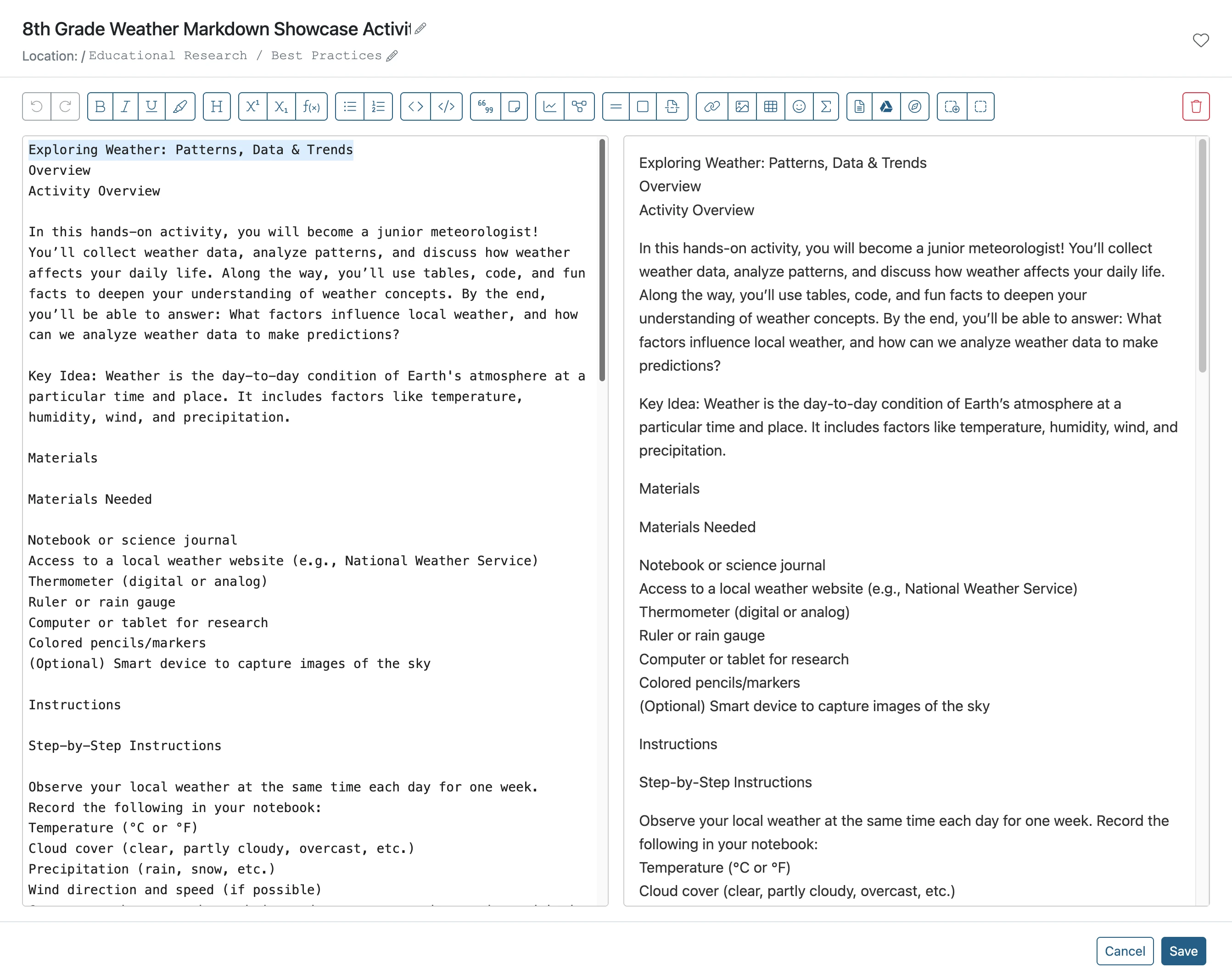
- 4
Click the *header* button
- 5
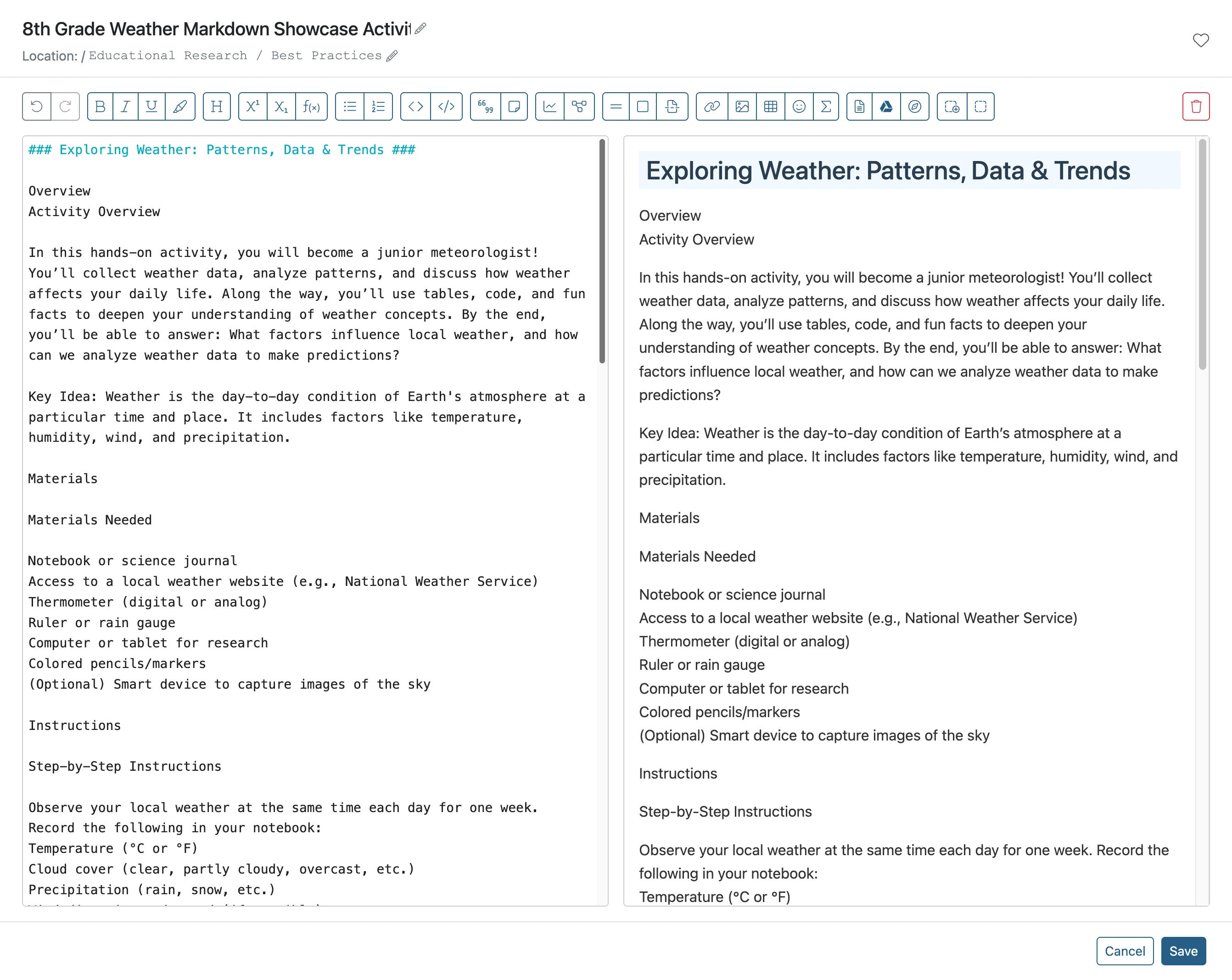
Add or Delete a '#'
The number of # sets the size of header. The more # included, the smaller the header. In this case, the size needs to be larger so one is deleted.
- 6
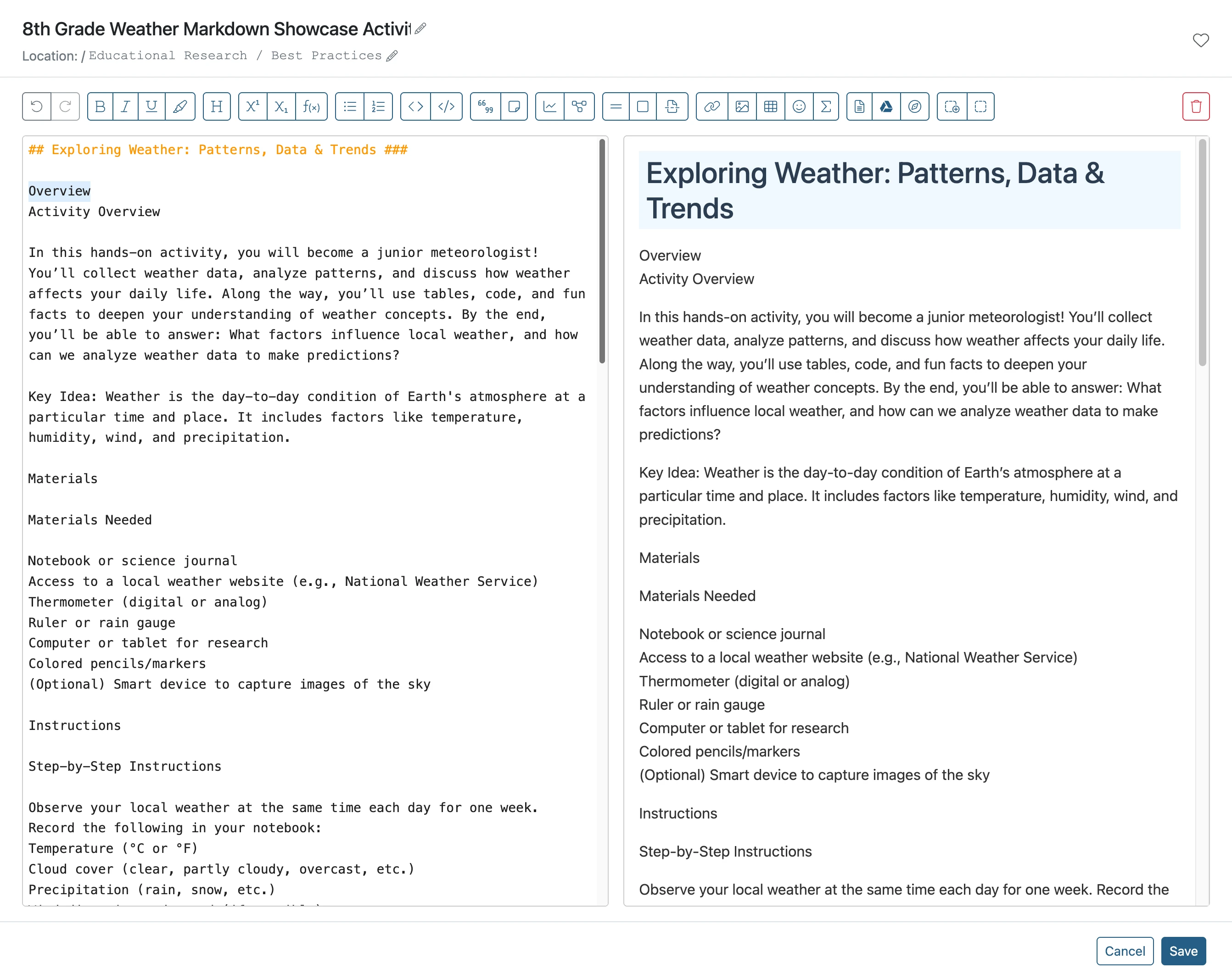
Click text to be a smaller header
Select the text you want to format as a smaller header by clicking and dragging over it.
- 7
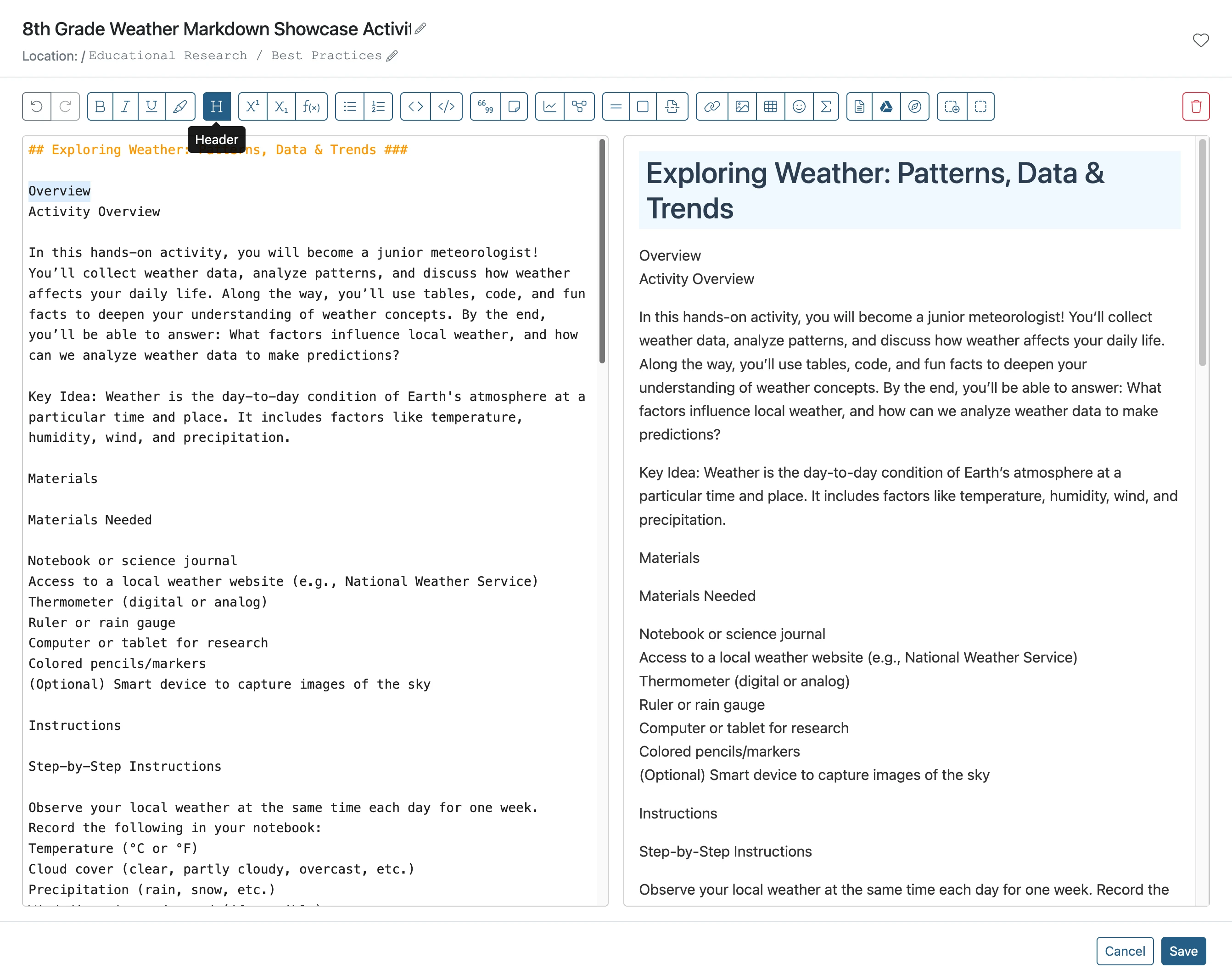
Click the Header button
- 8
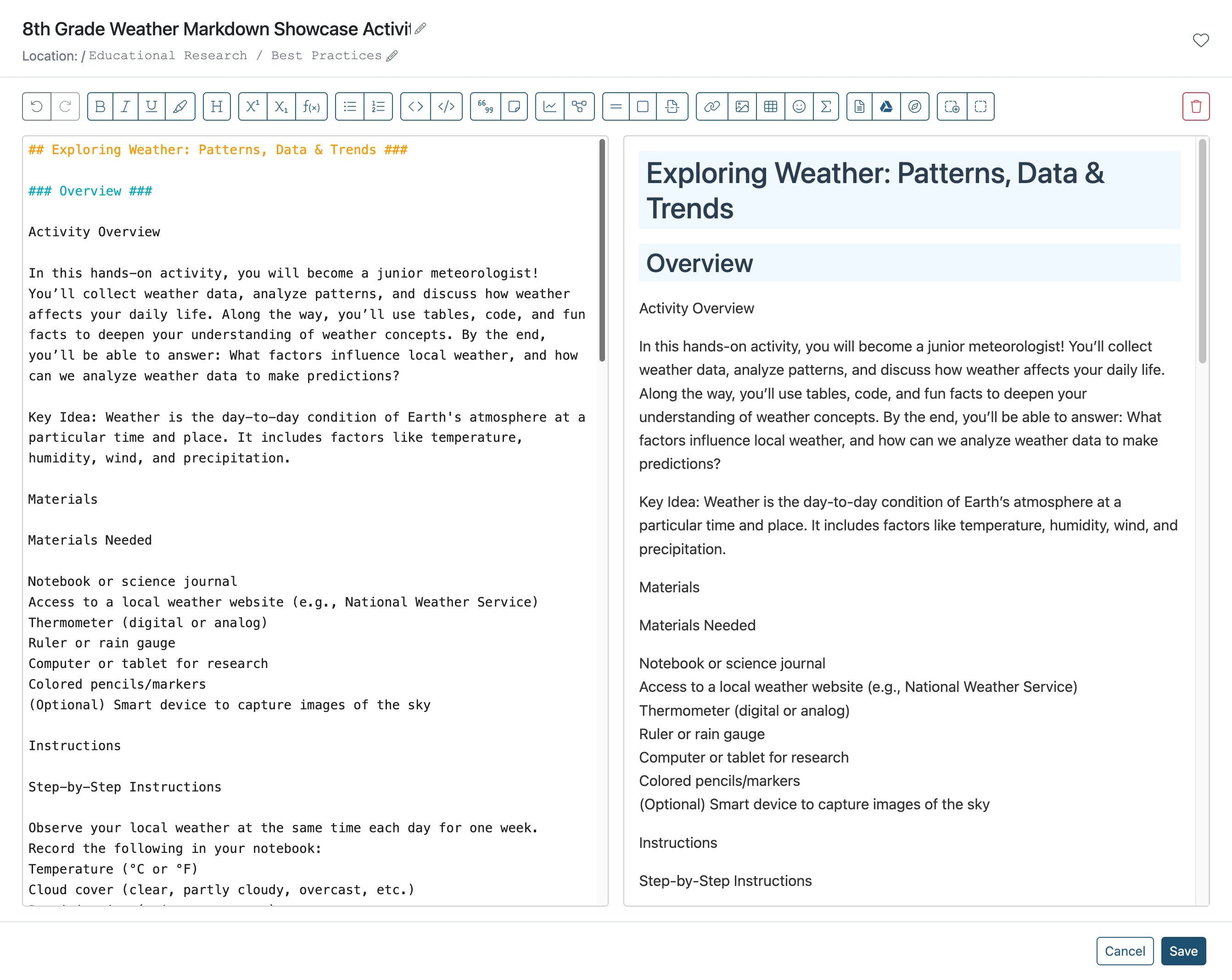
Note the Header size
Note more # can be added to make the header even smaller. When satisfied click Save.
- 9
The Results