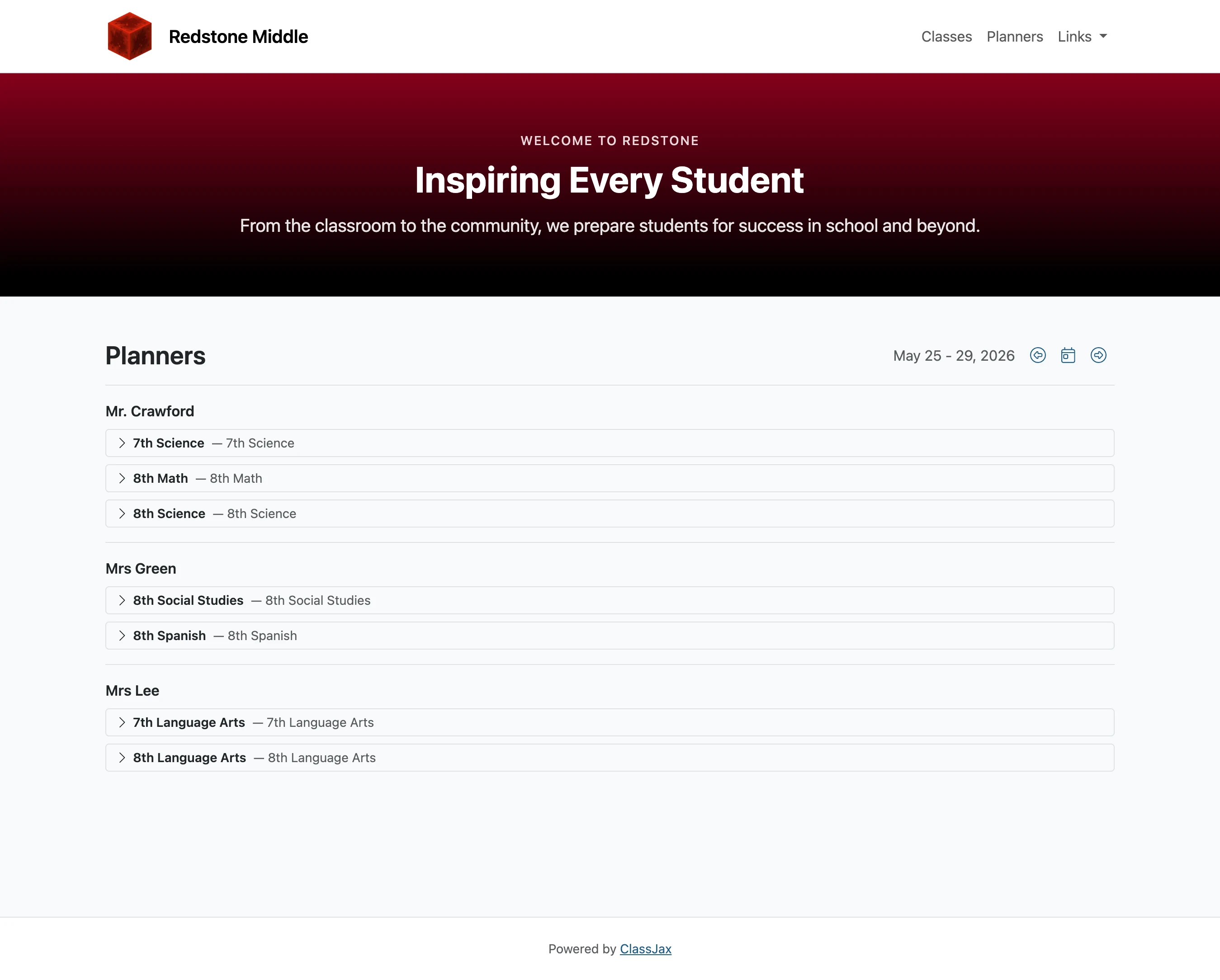
Create a Campus Planner Home Page
This guide illustrates the process of combining individual class planners into a unified campus-wide view.
Plan smarter this year
ClassJax is free for teachers. No credit card required.
- 1
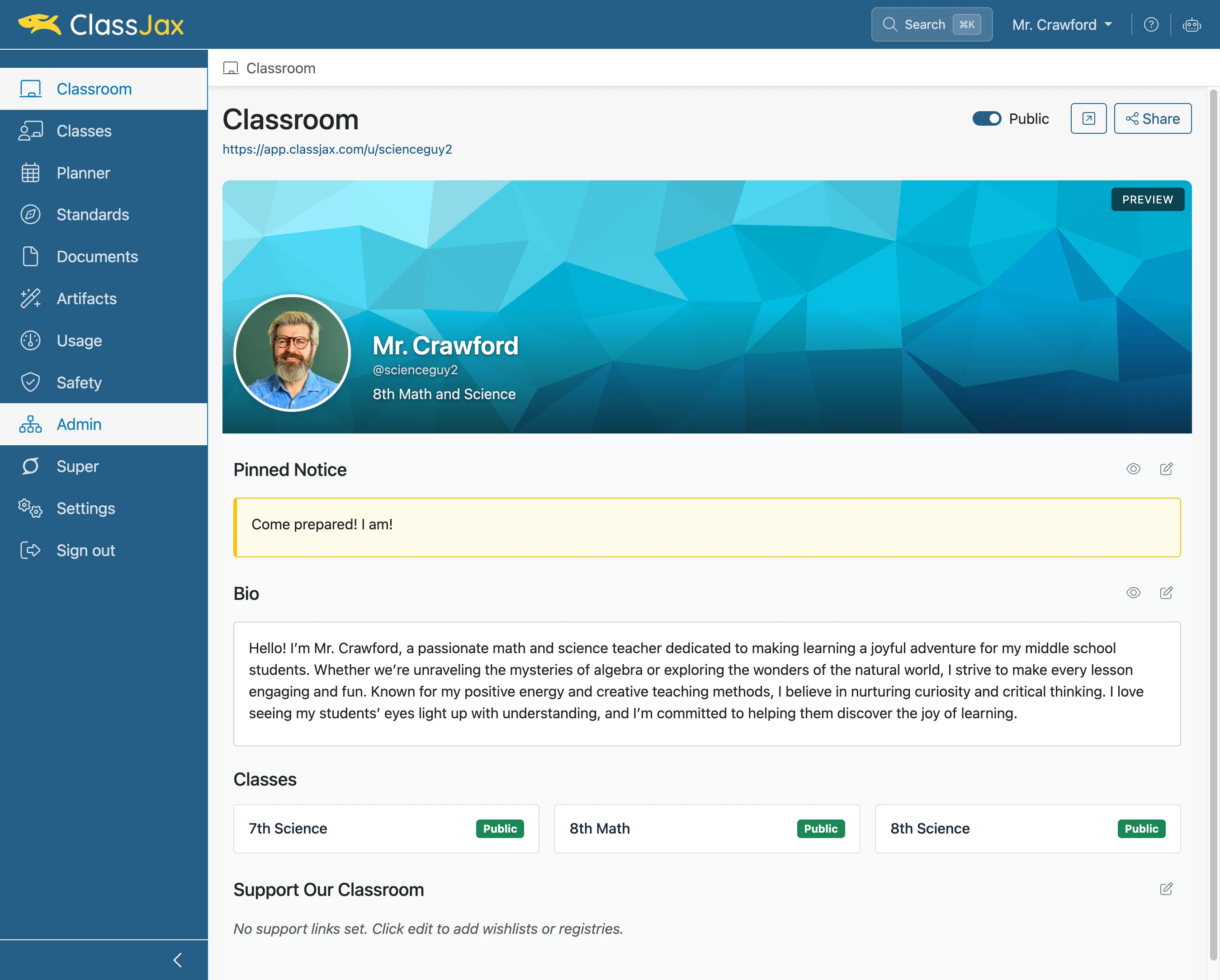
Click the 'Admin' link
ClassJax administrators for an organization have the Admin option available to them.
- 2
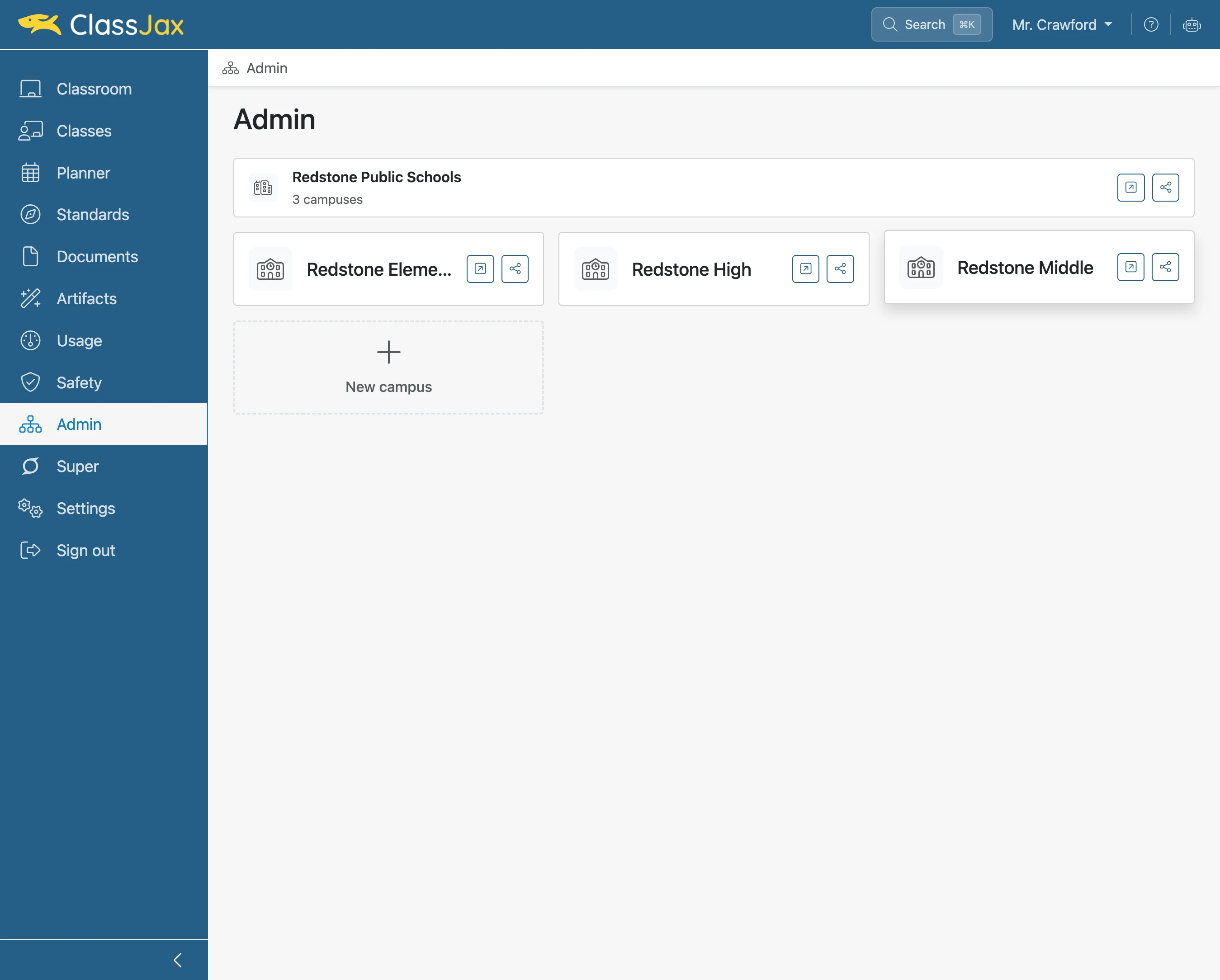
Click 'Redstone Middle'
Select a campus containing teachers who have created planners for their lesson plans.
- 3
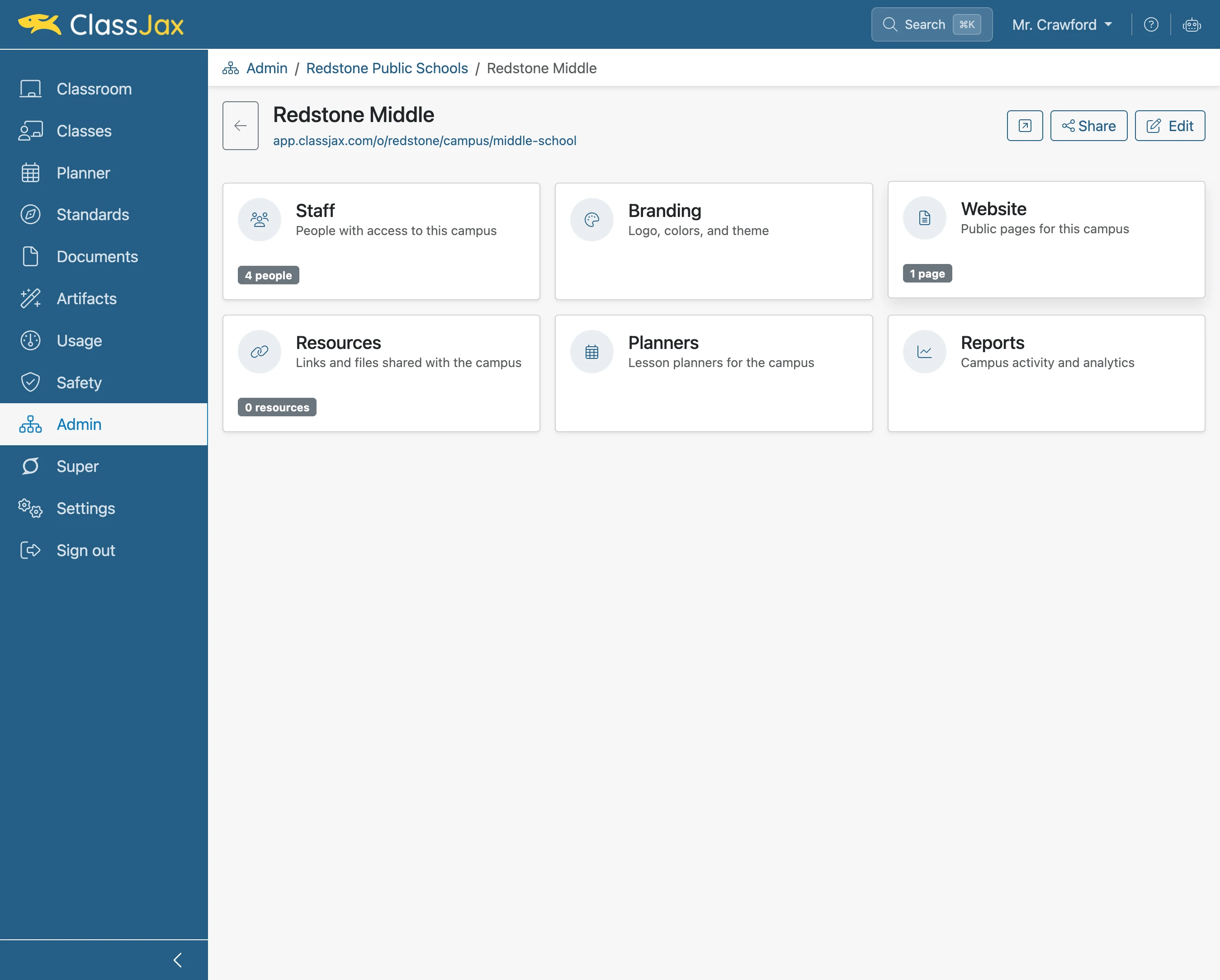
Click the 'Website' link
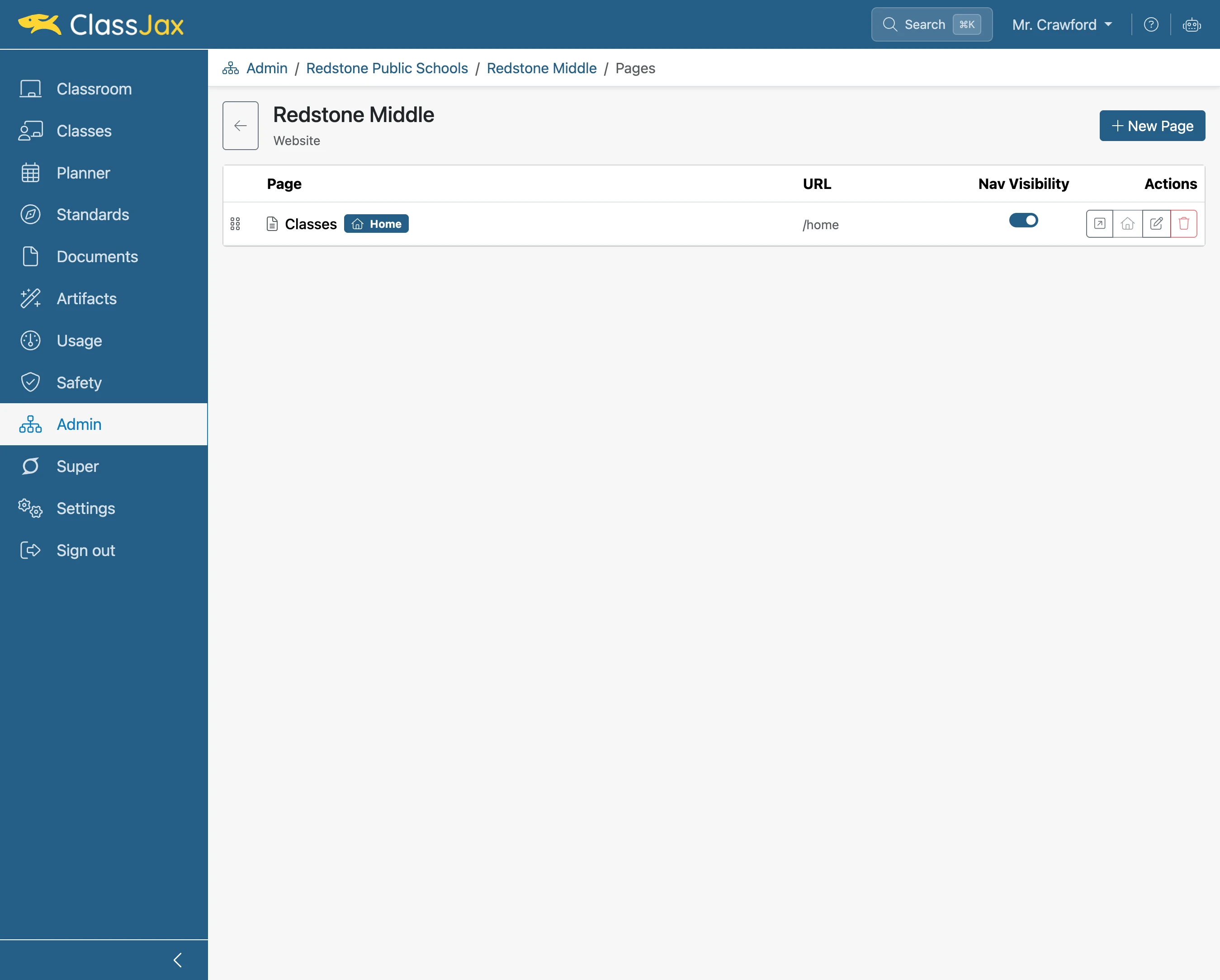
Add campus web pages to provide links to their planners, classes and other information.
- 4
Click 'New Page'
- 5
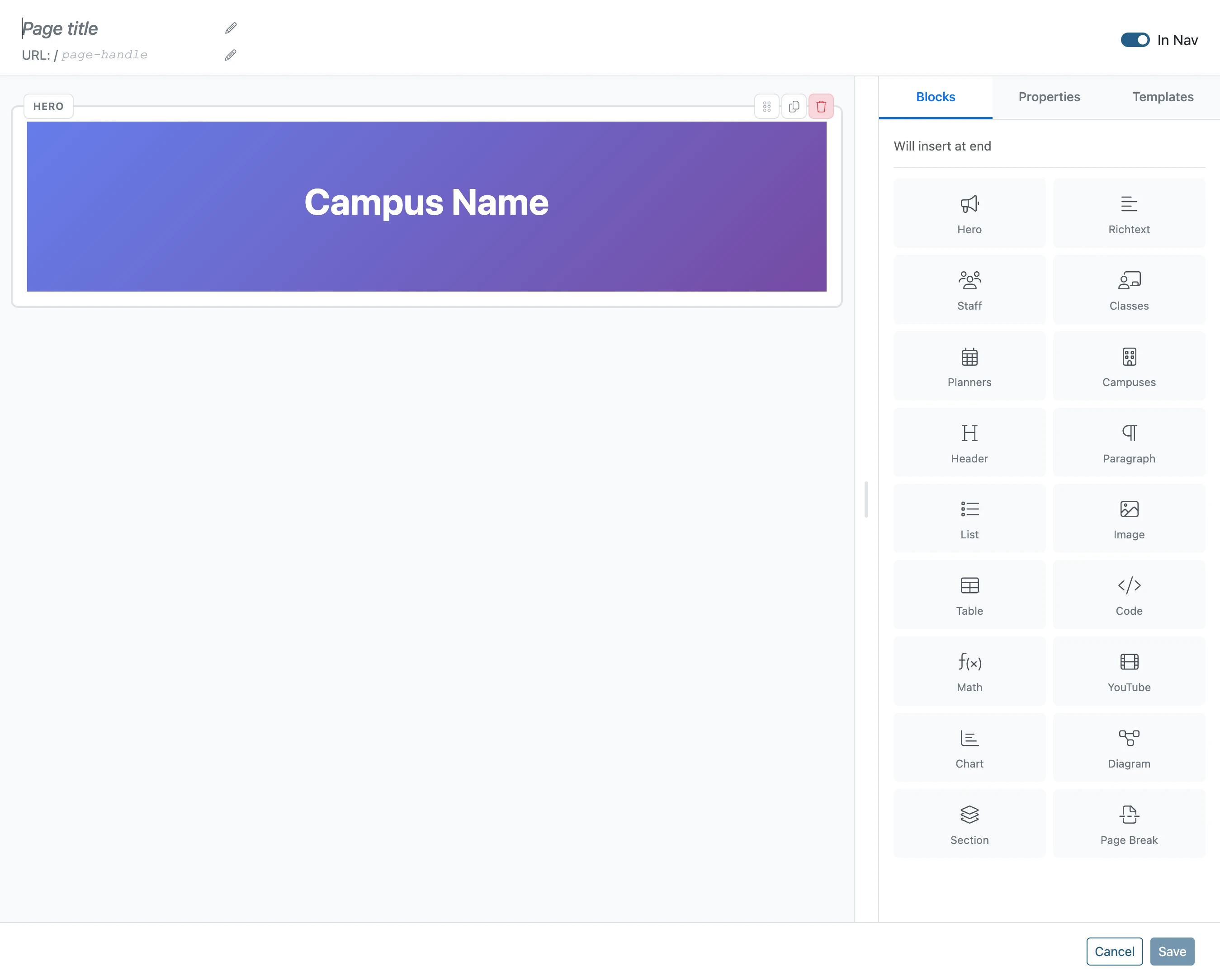
Click 'Delete'
An unedited “hero” header is deleted to be replaced with a template.
- 6
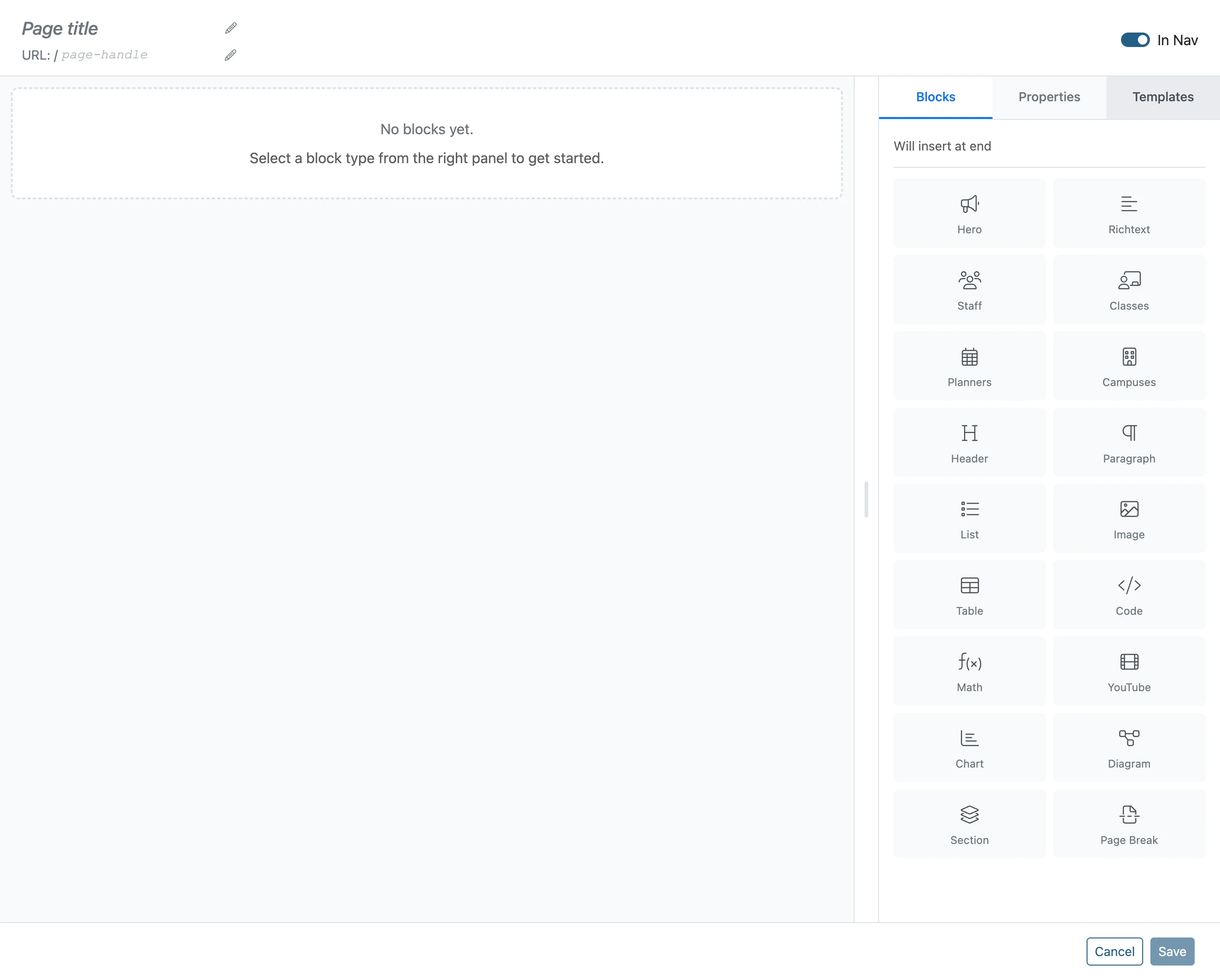
Click 'Templates'
- 7
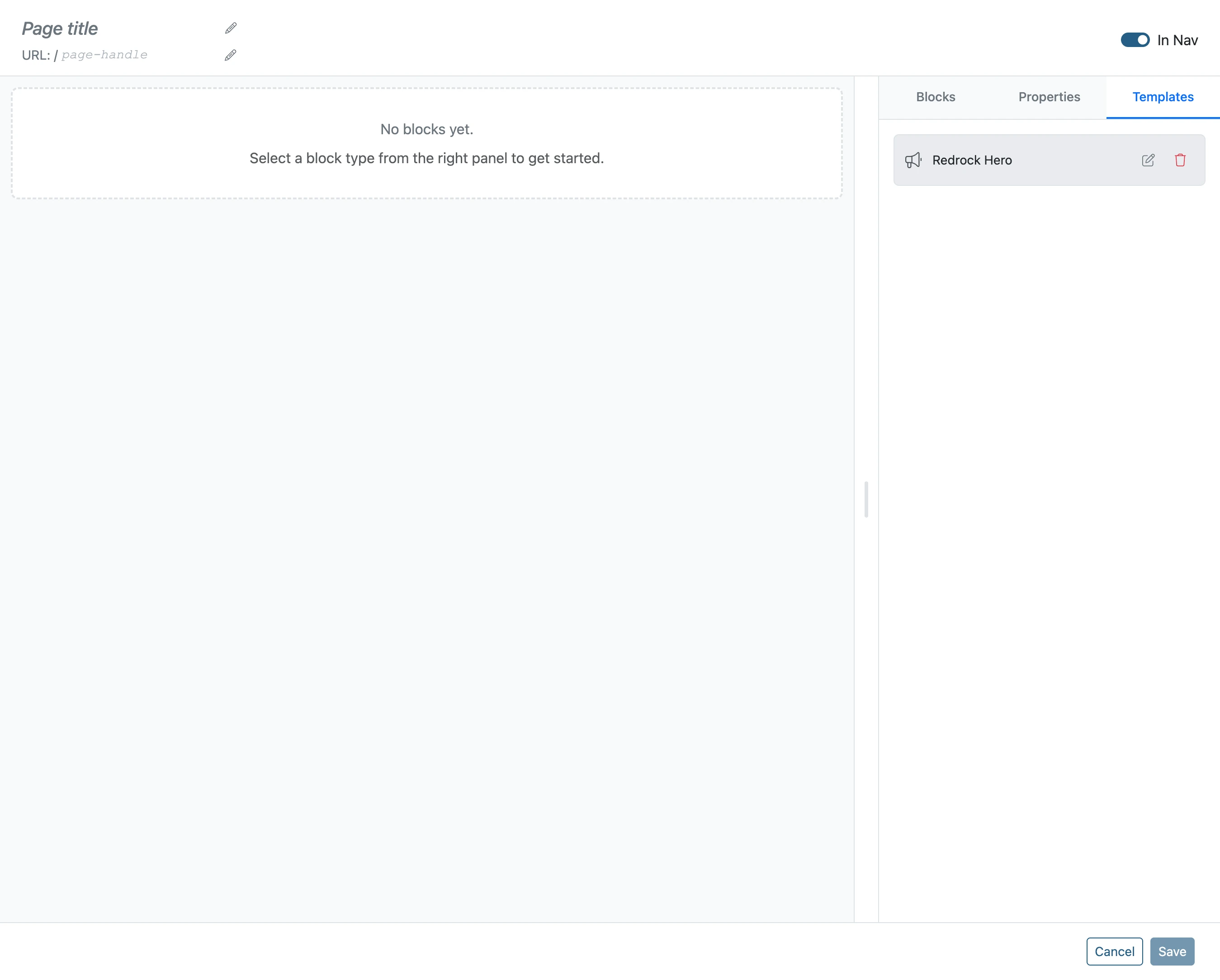
Click 'Redrock Hero'
- 8
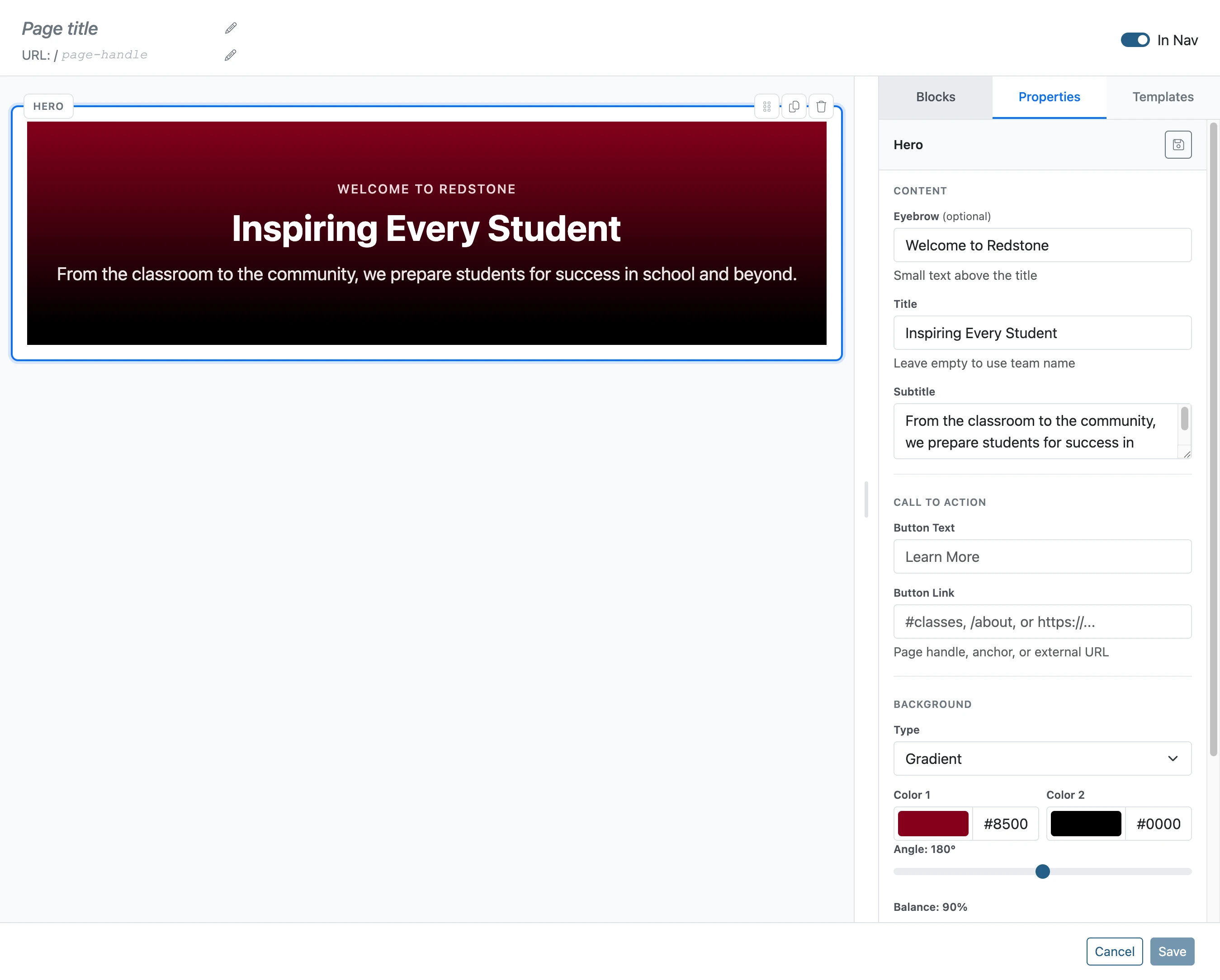
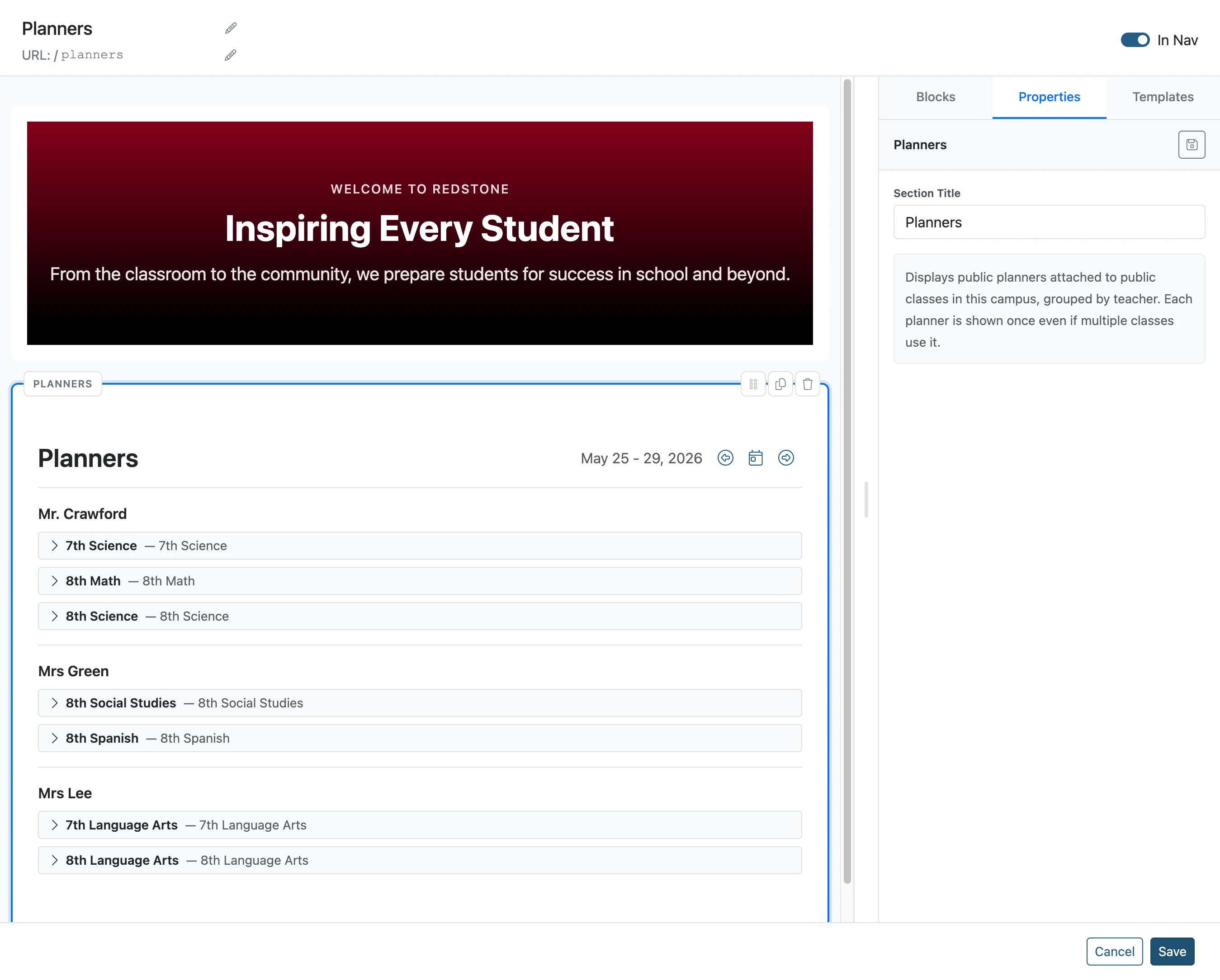
Click 'Blocks'
Click “Blocks” to add a Planner block.
- 9
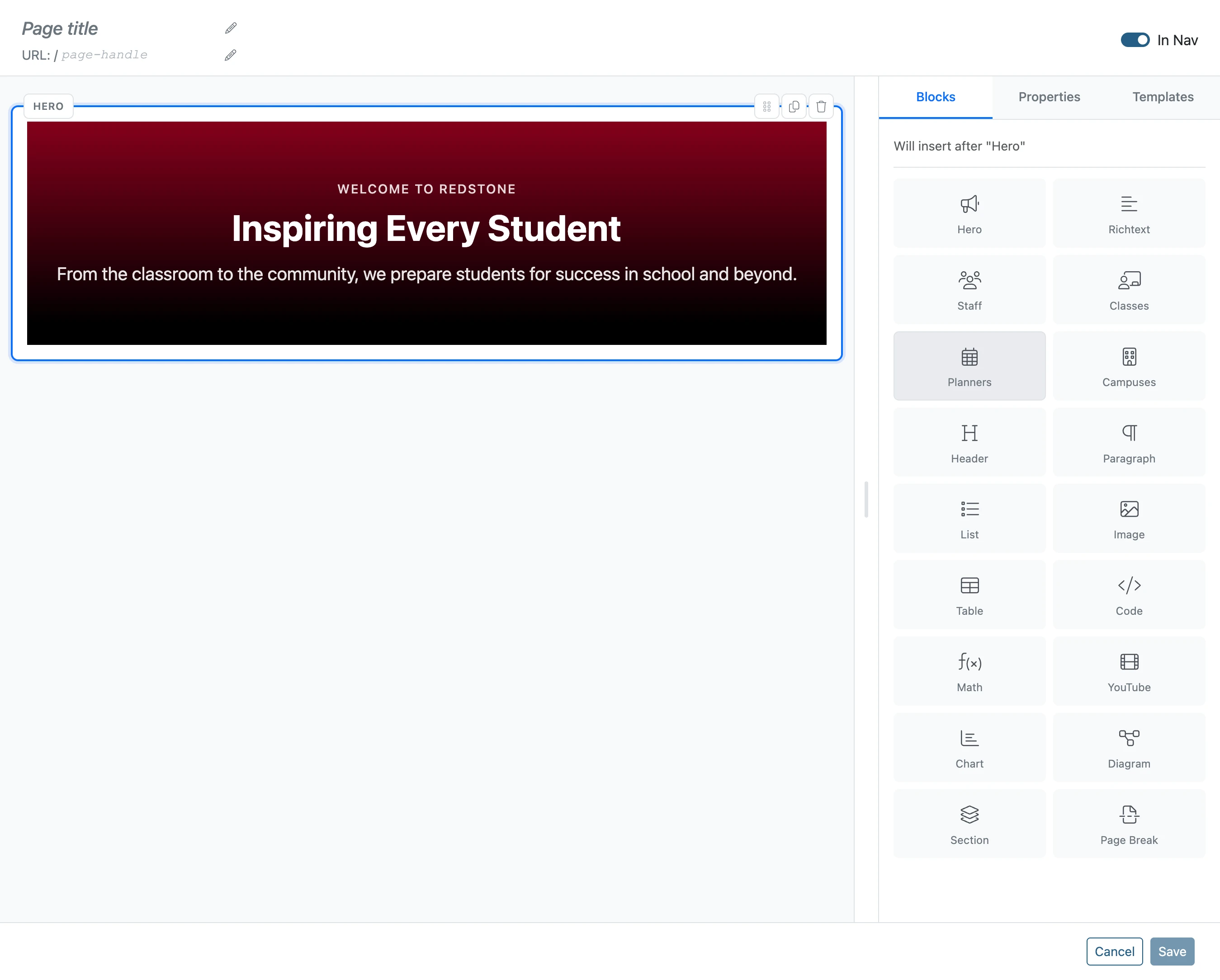
Click 'Planners'
- 10
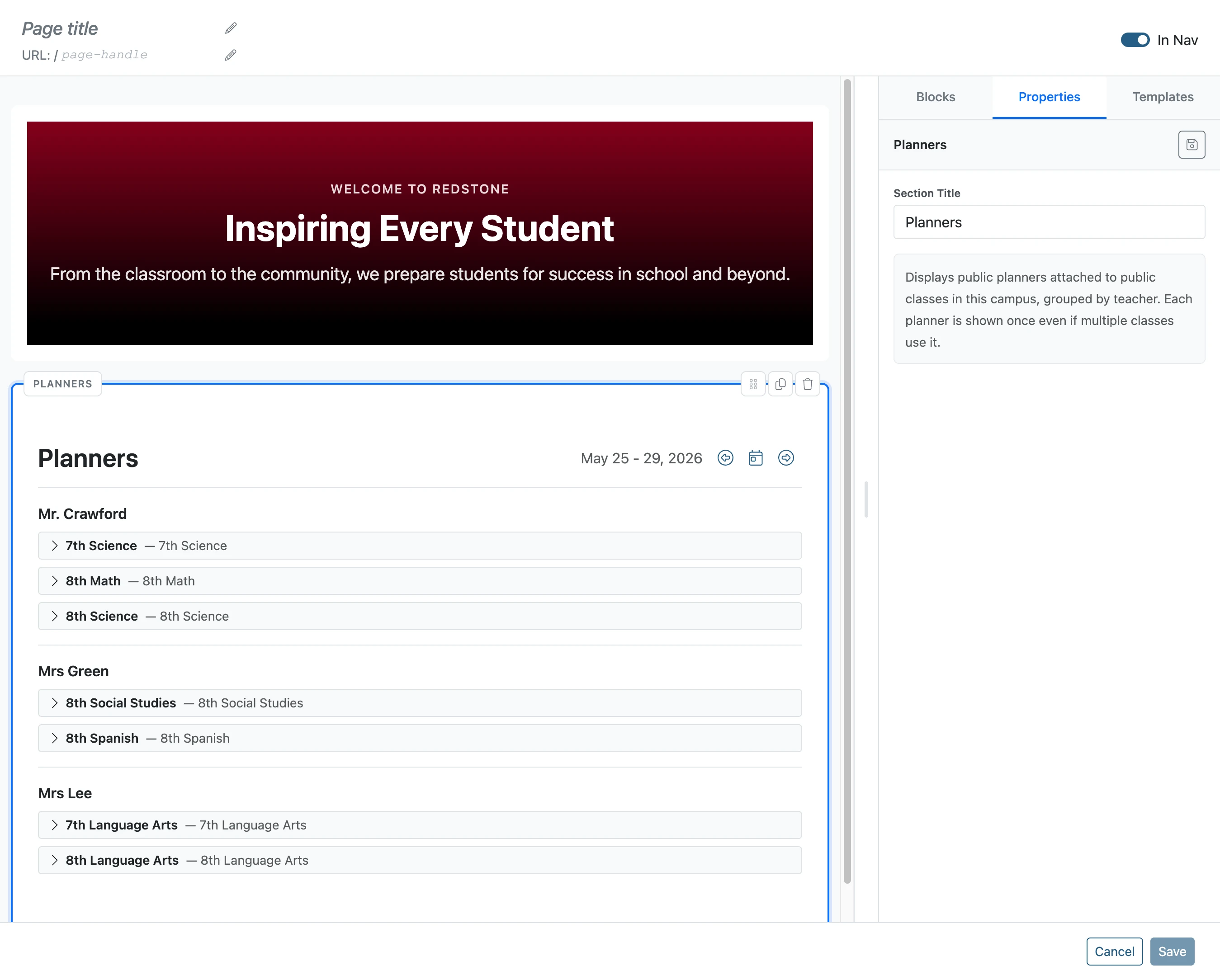
Click 'Page title'
- 11
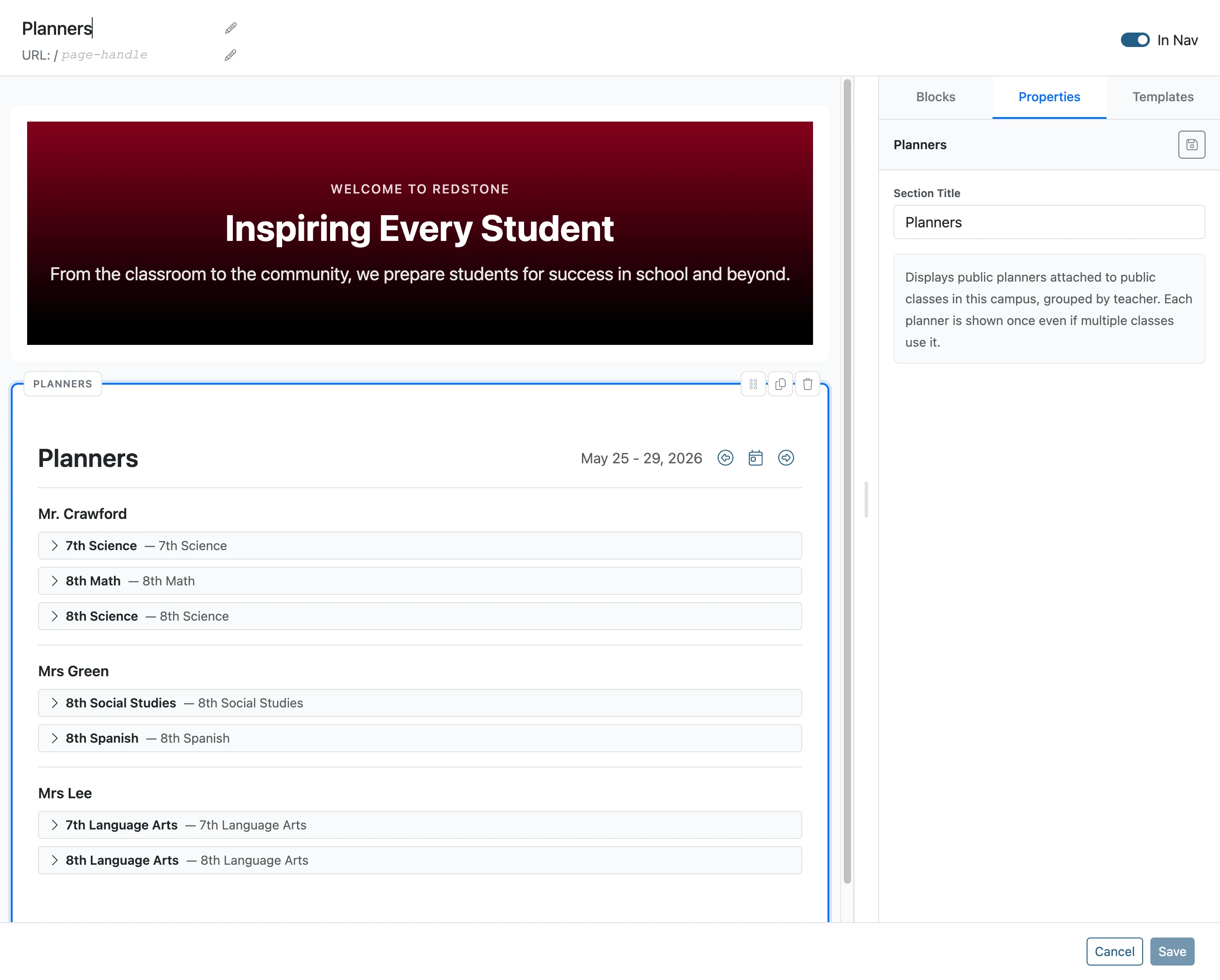
Type into 'Page title'
- 12
Click 'Save'
- 13
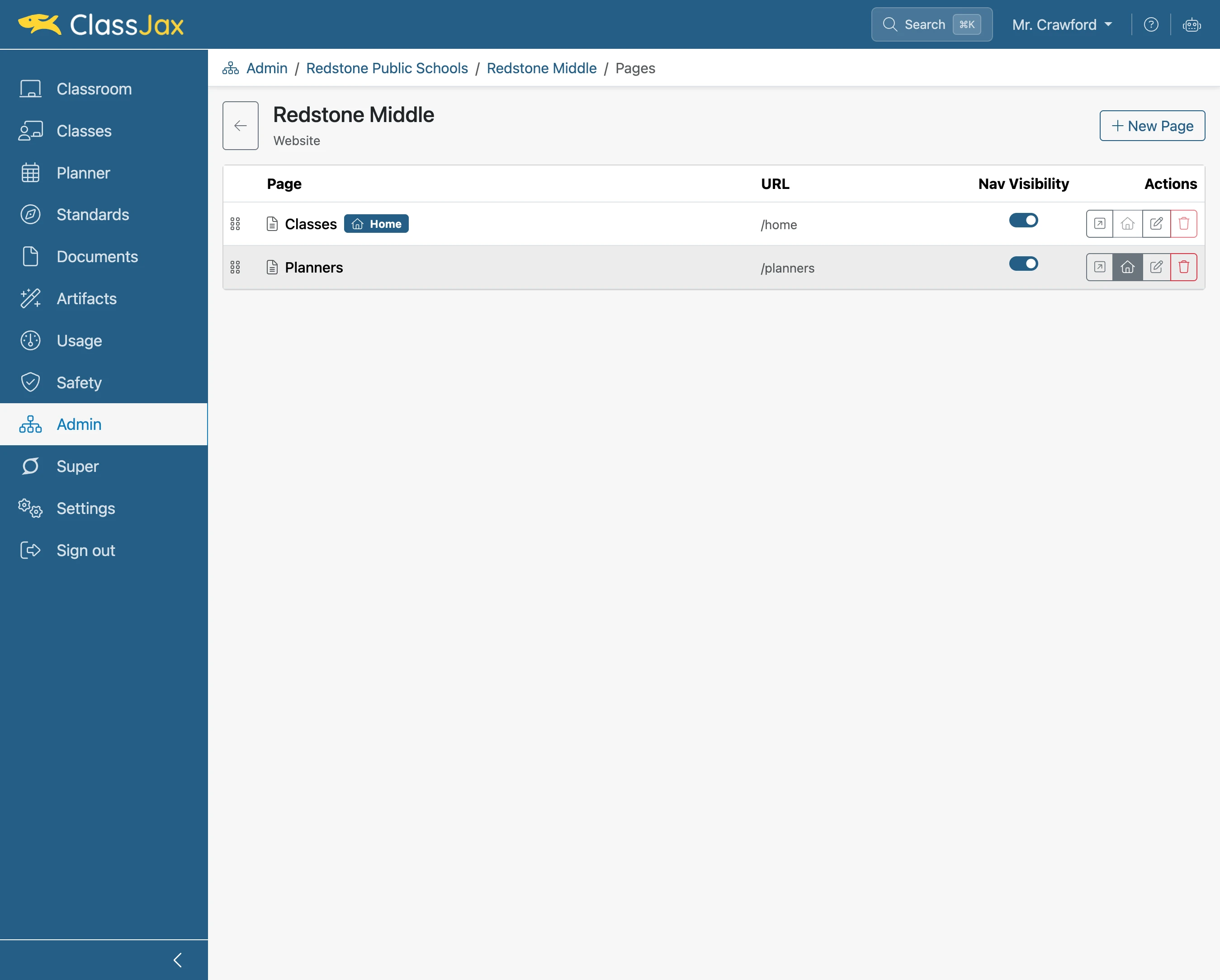
Click 'Set as home page'
The home page is the default page viewed when selecting the campus or organization.
- 14
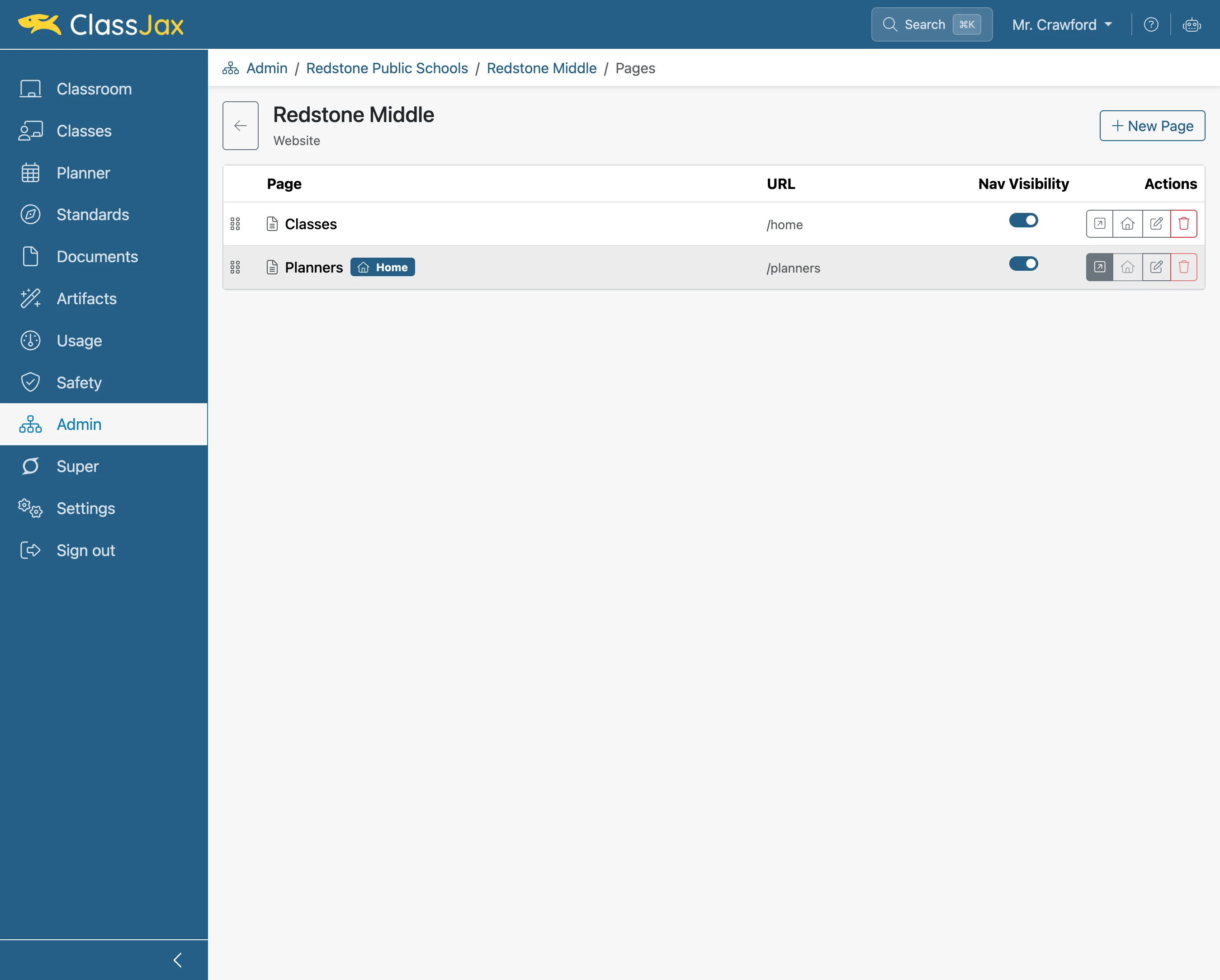
Click the 'Open page' link
Click to see how the public views the page.
- 15
The End