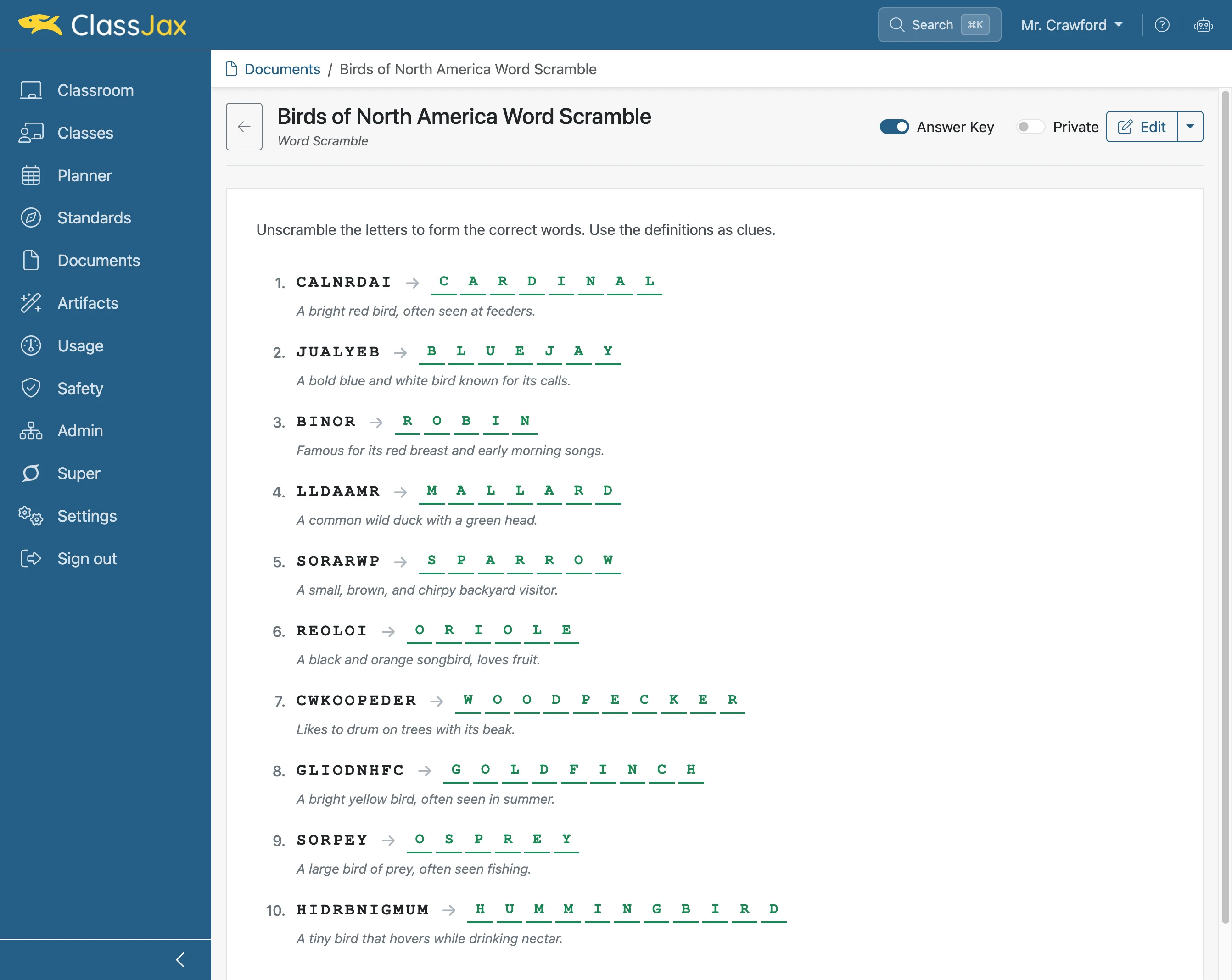
Create a Word Scramble
Creating word scramble puzzles in ClassJax is a fun, easy way to boost vocabulary. This guide shows how to quickly make, customize, and share your own puzzles to engage students.
Plan smarter this year
ClassJax is free for teachers. No credit card required.
- 1
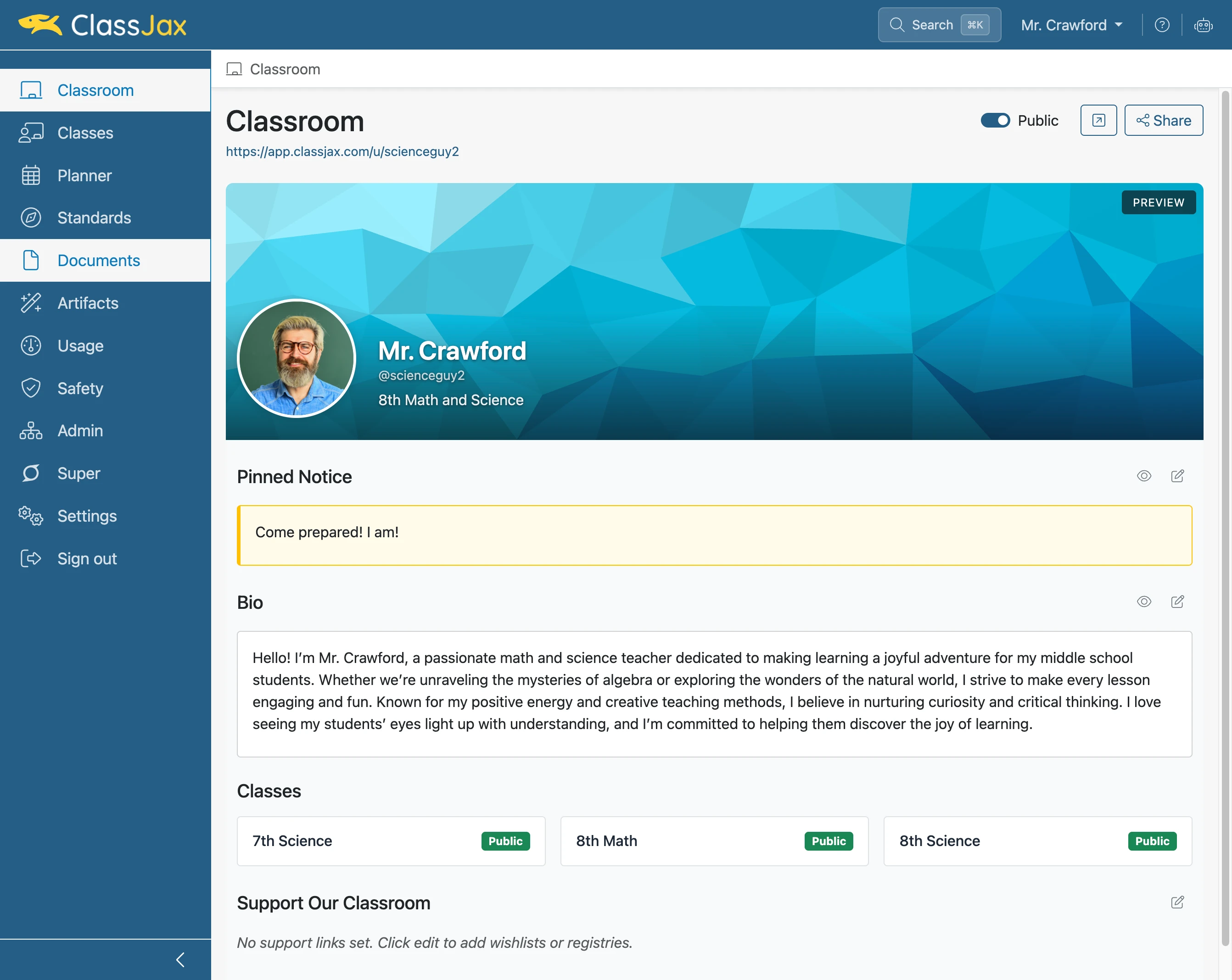
Click the 'Documents' link
- 2
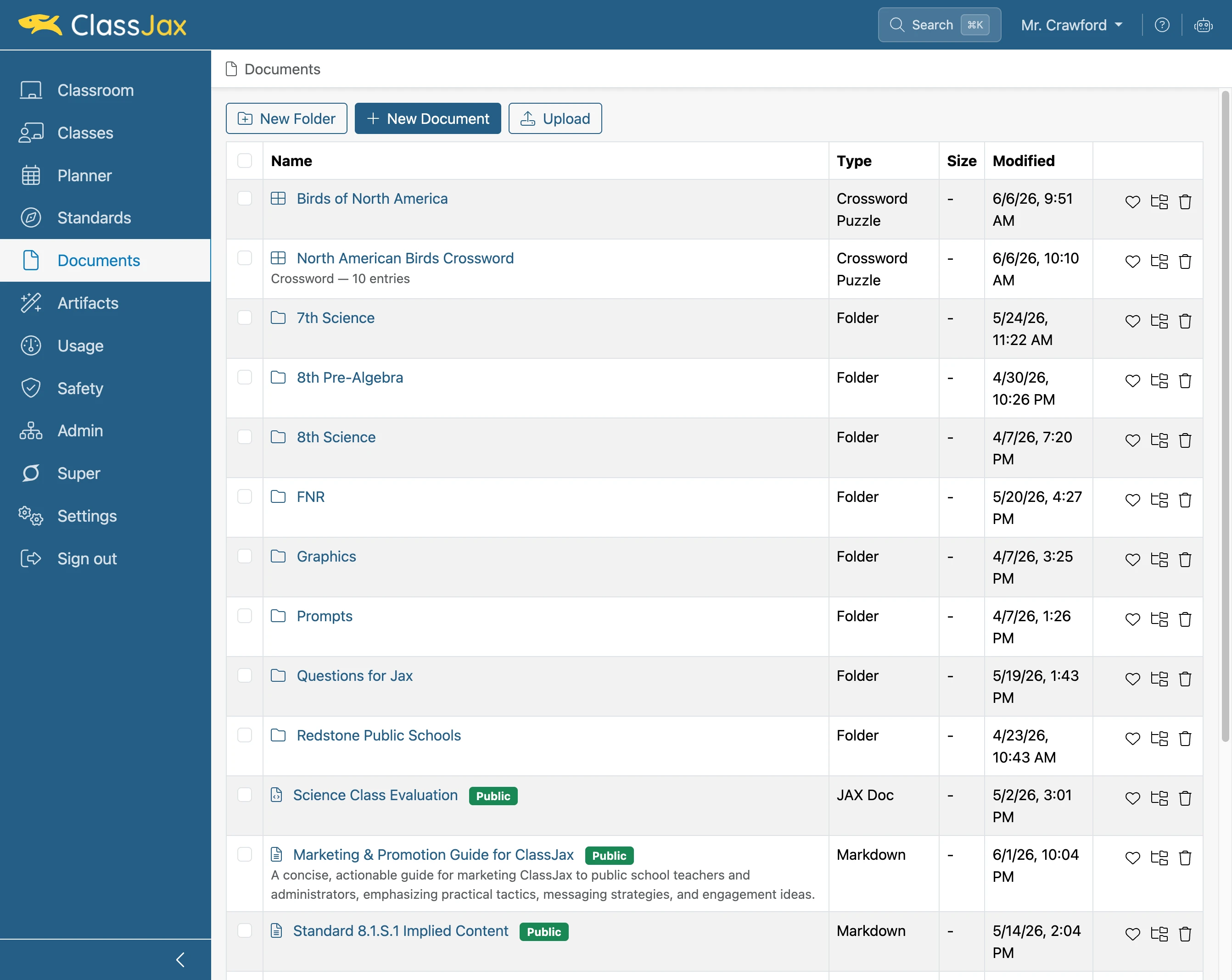
Click 'New Document'
- 3
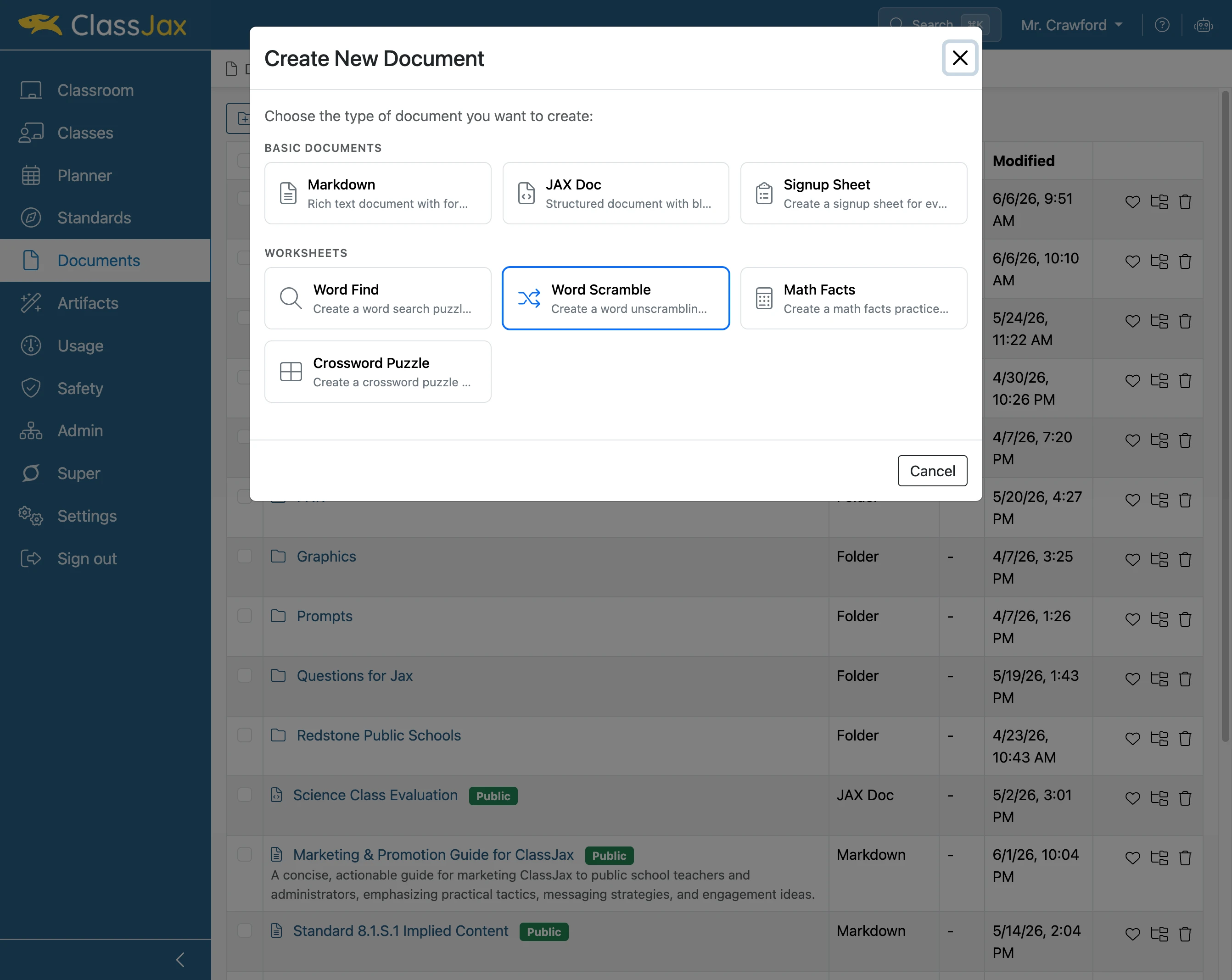
Click 'Word Scramble' option
- 4
Click in the 'Words to Scramble' field
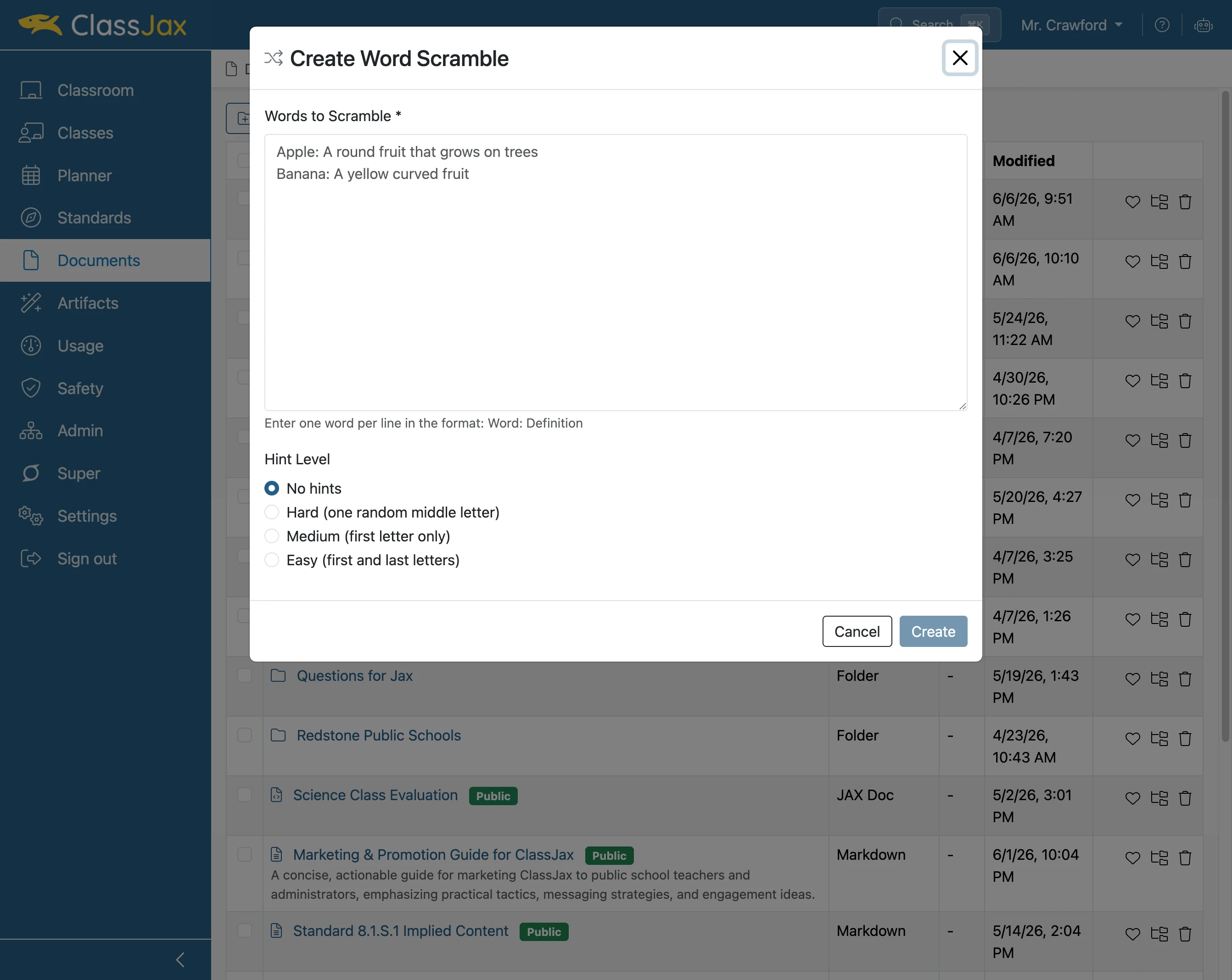
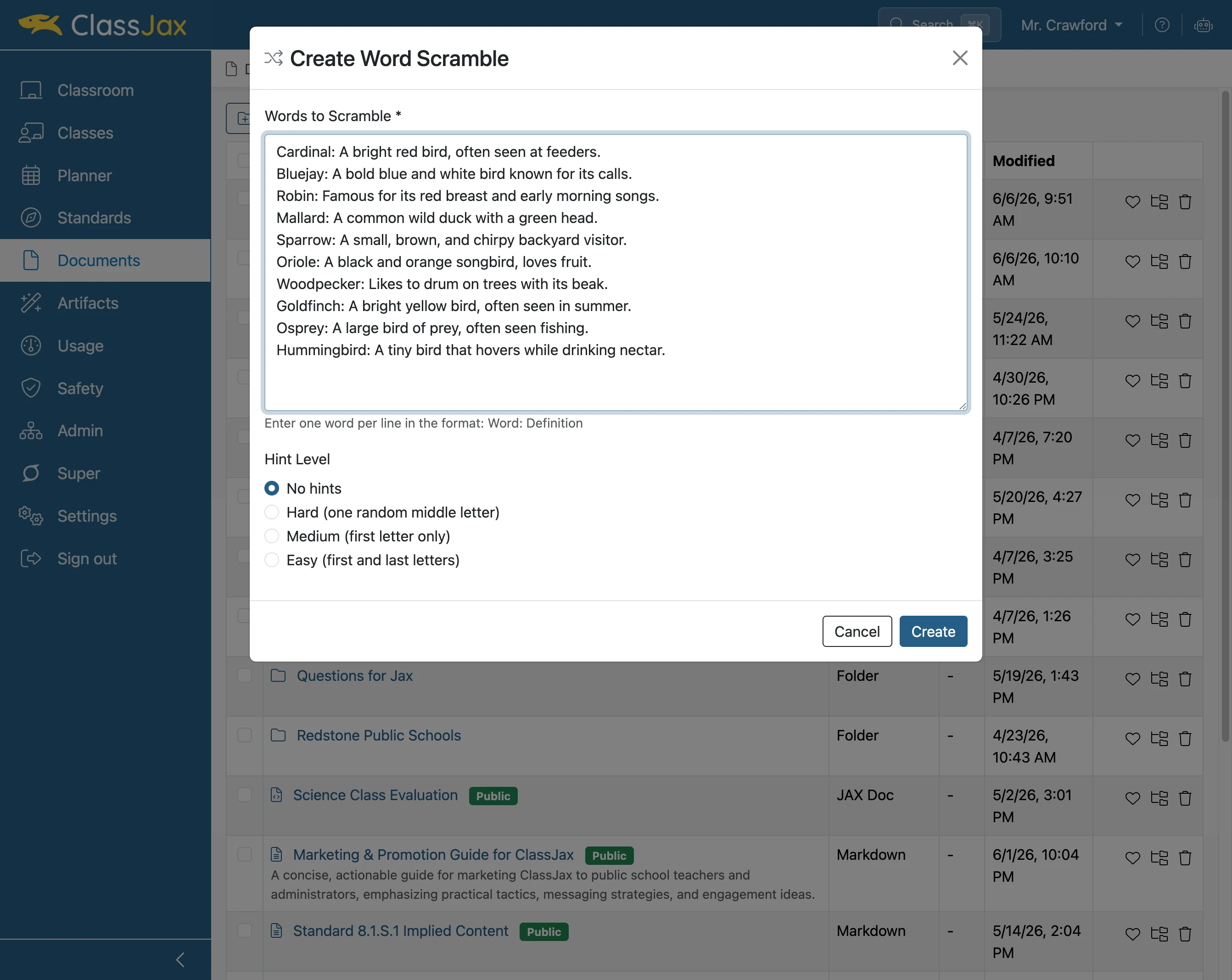
- 5
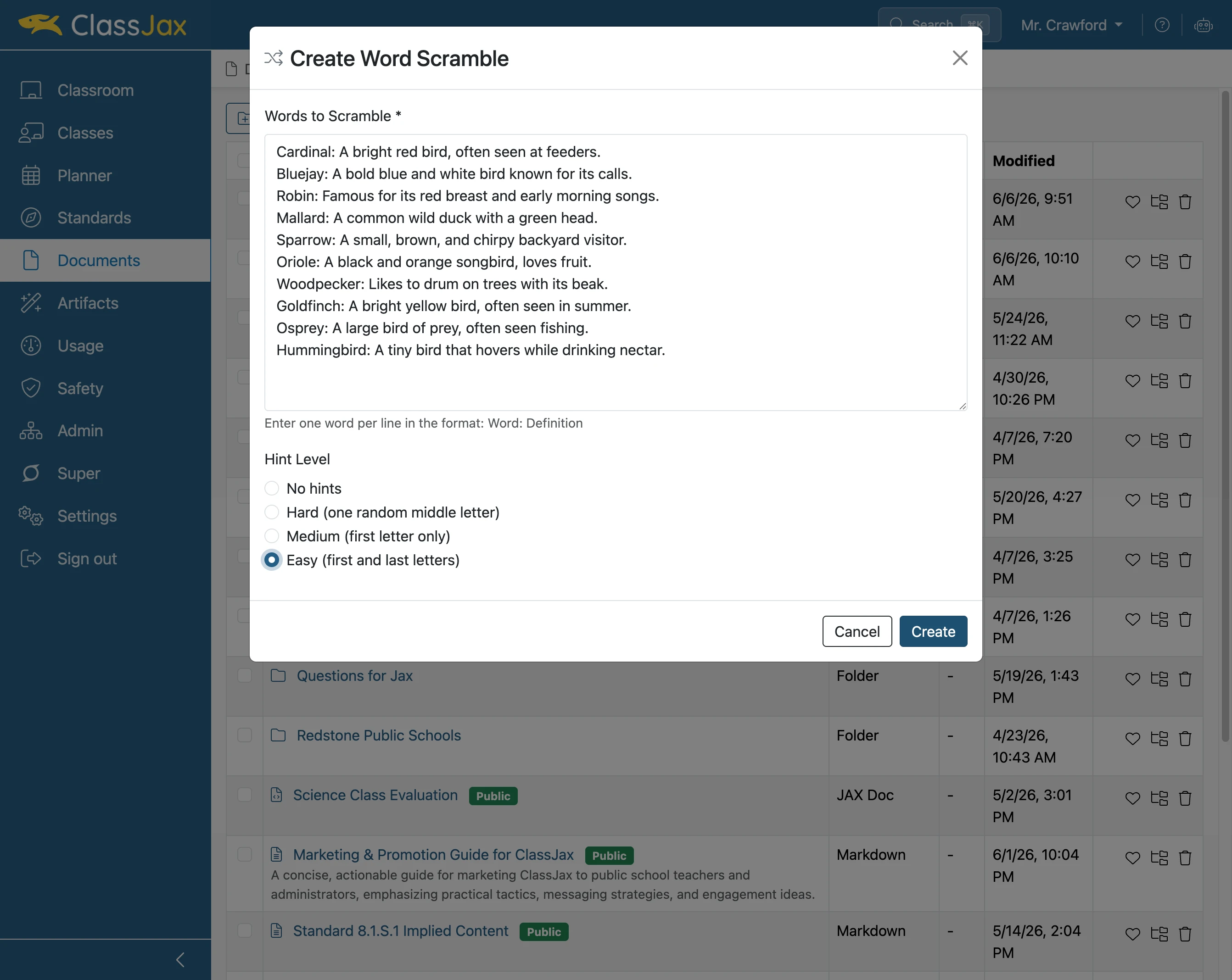
Click the preferred Hint Level
- 6
Click 'Create'
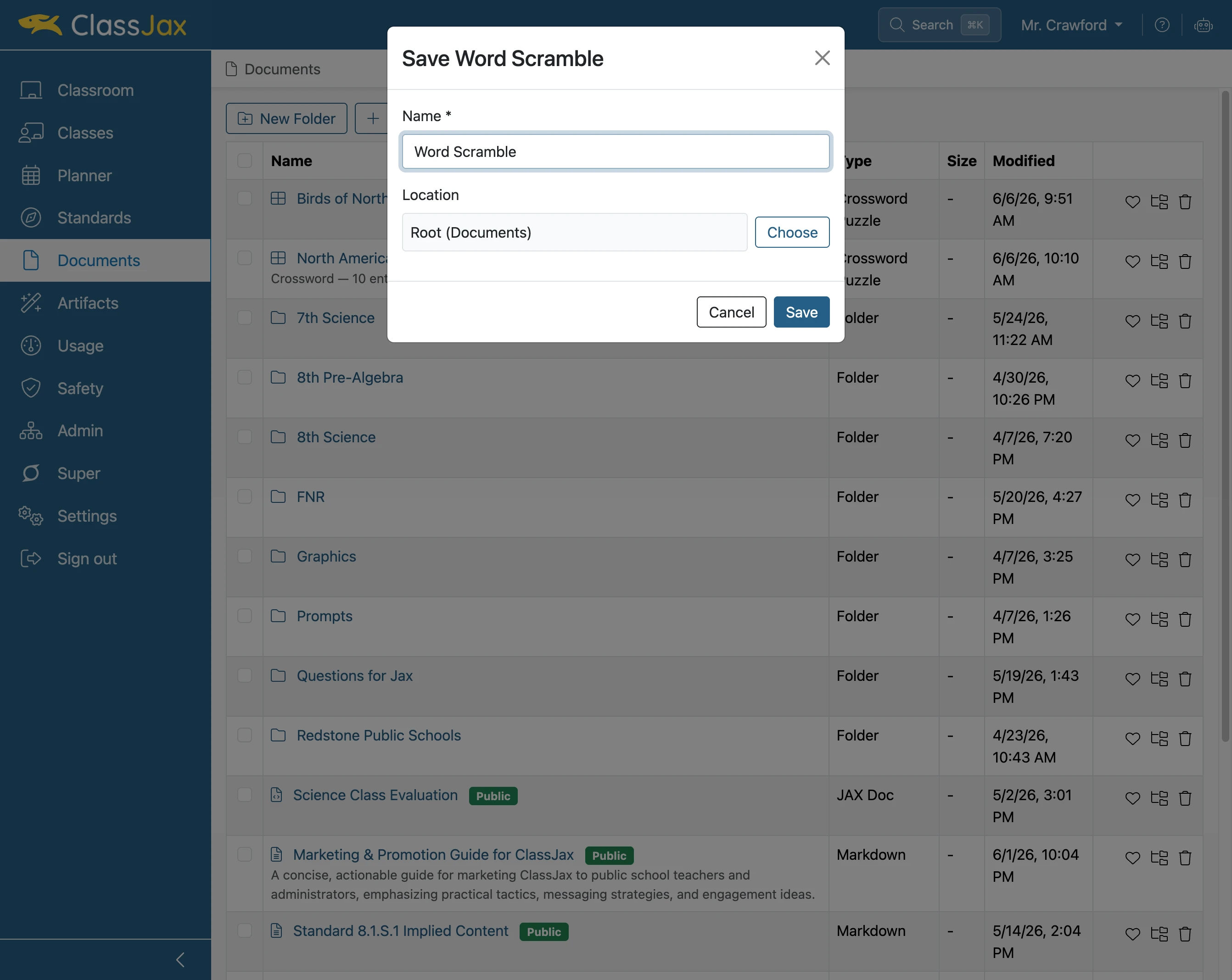
- 7
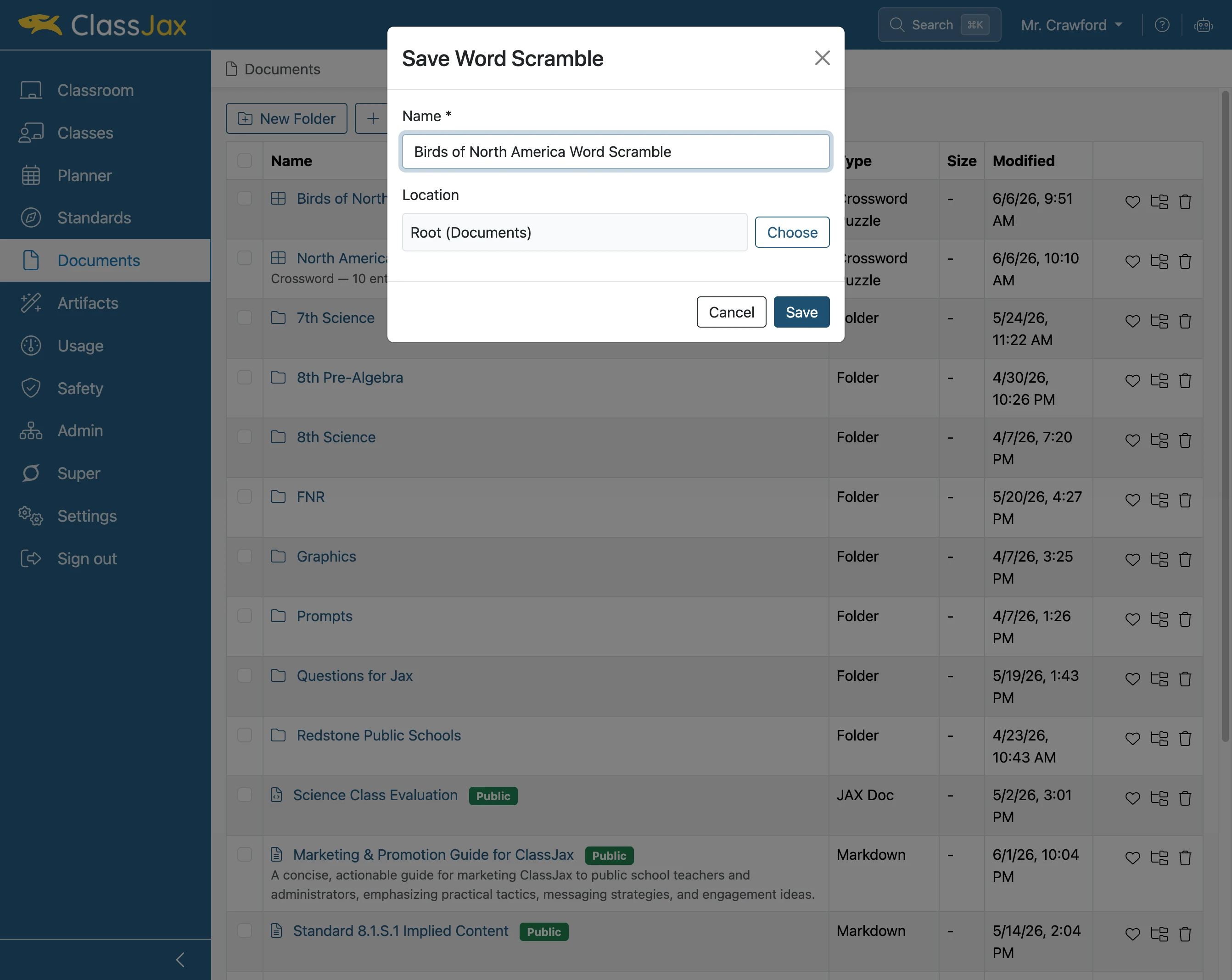
Click 'Name' field
Select under Location the location in Documents the Word Scramble is to be saved.
- 8
Click 'Save'
- 9
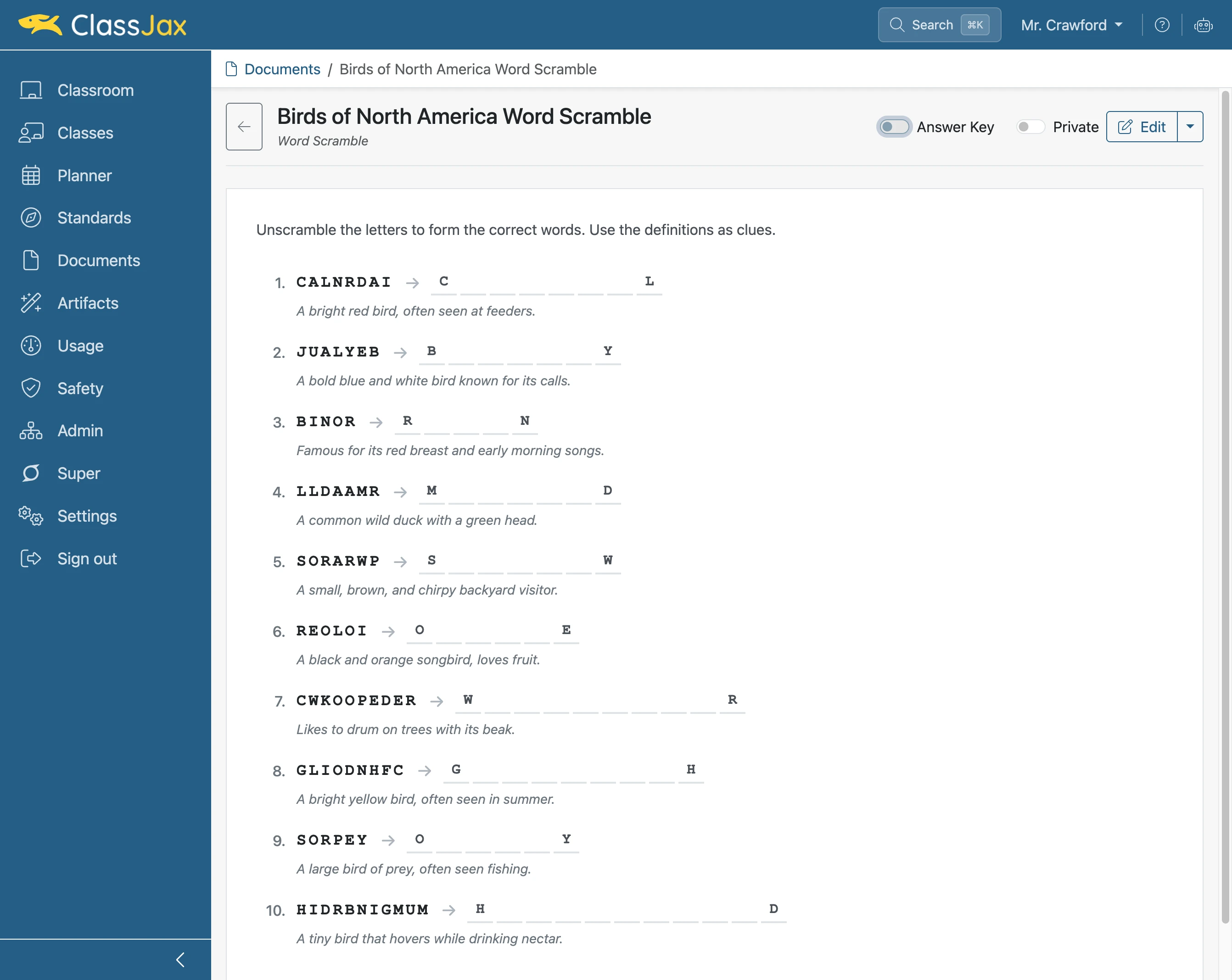
Click the 'Answer Key' slider
- 10
The Word Scramble Answer Key