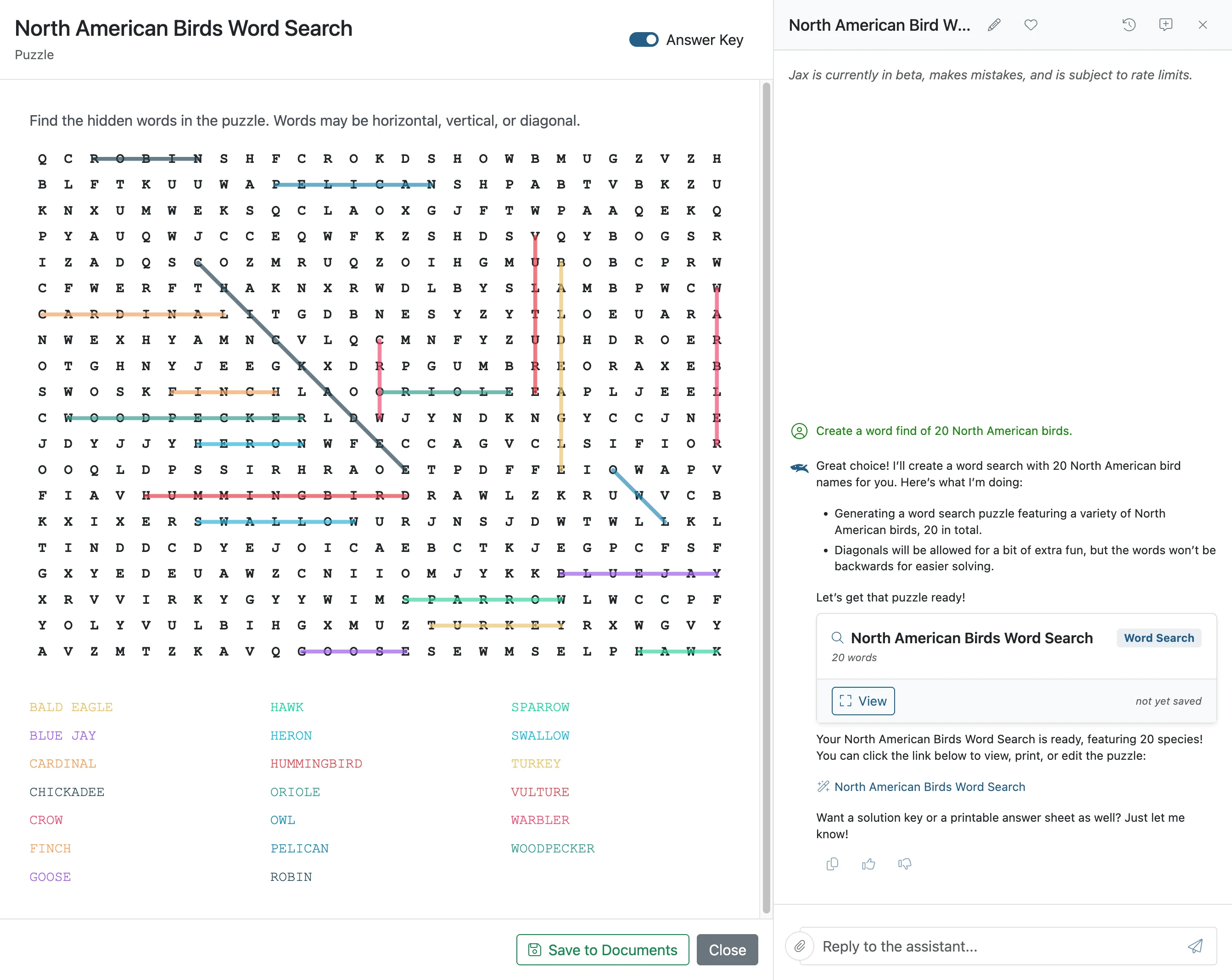
Create a Word Find with Jax
With Jax, you can quickly generate and customize word find puzzles for your students. This guide shows how Jax streamlines the process, making it easy to design engaging activities in seconds.
Plan smarter this year
ClassJax is free for teachers. No credit card required.
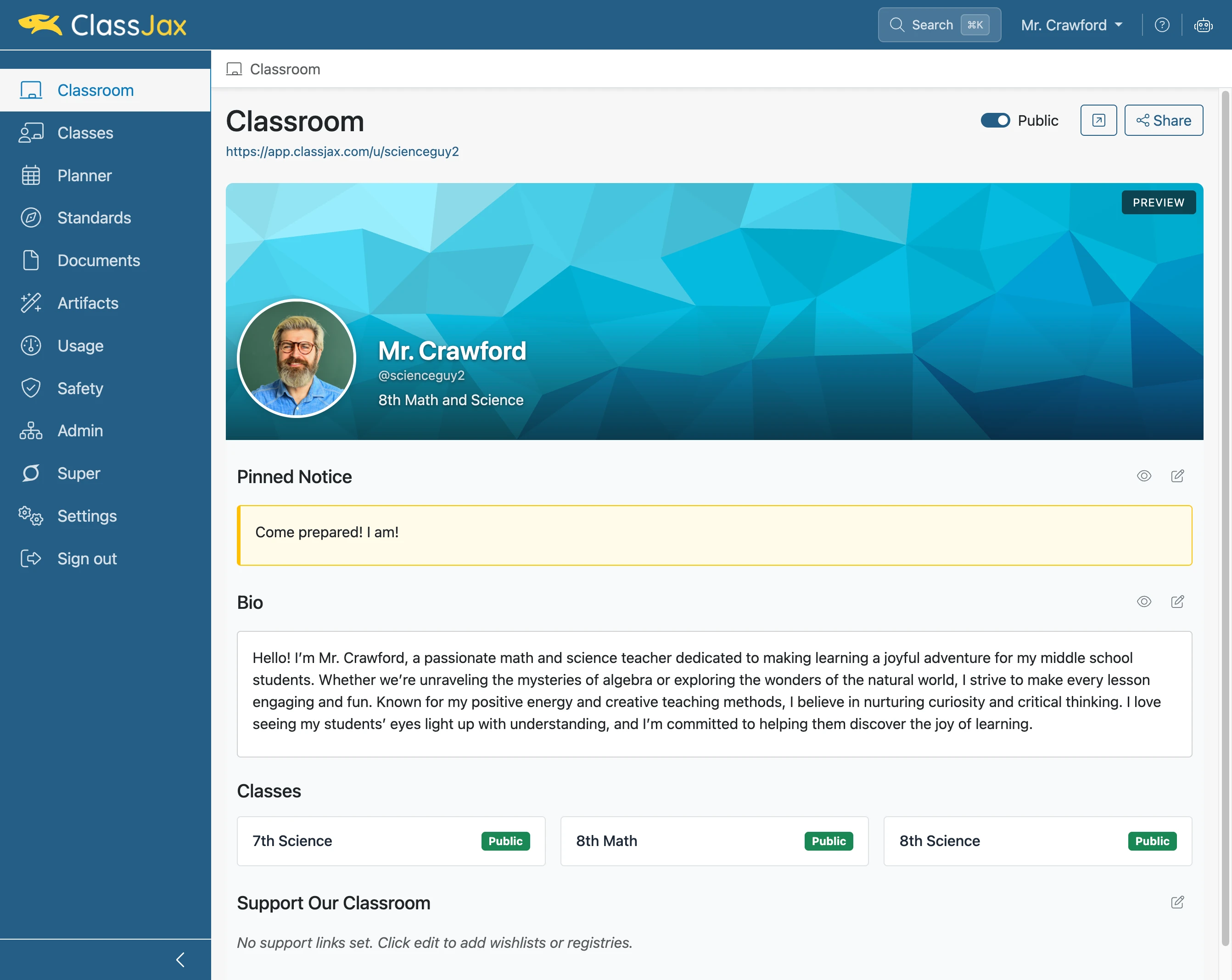
- 1
Click 'AI Assistant'
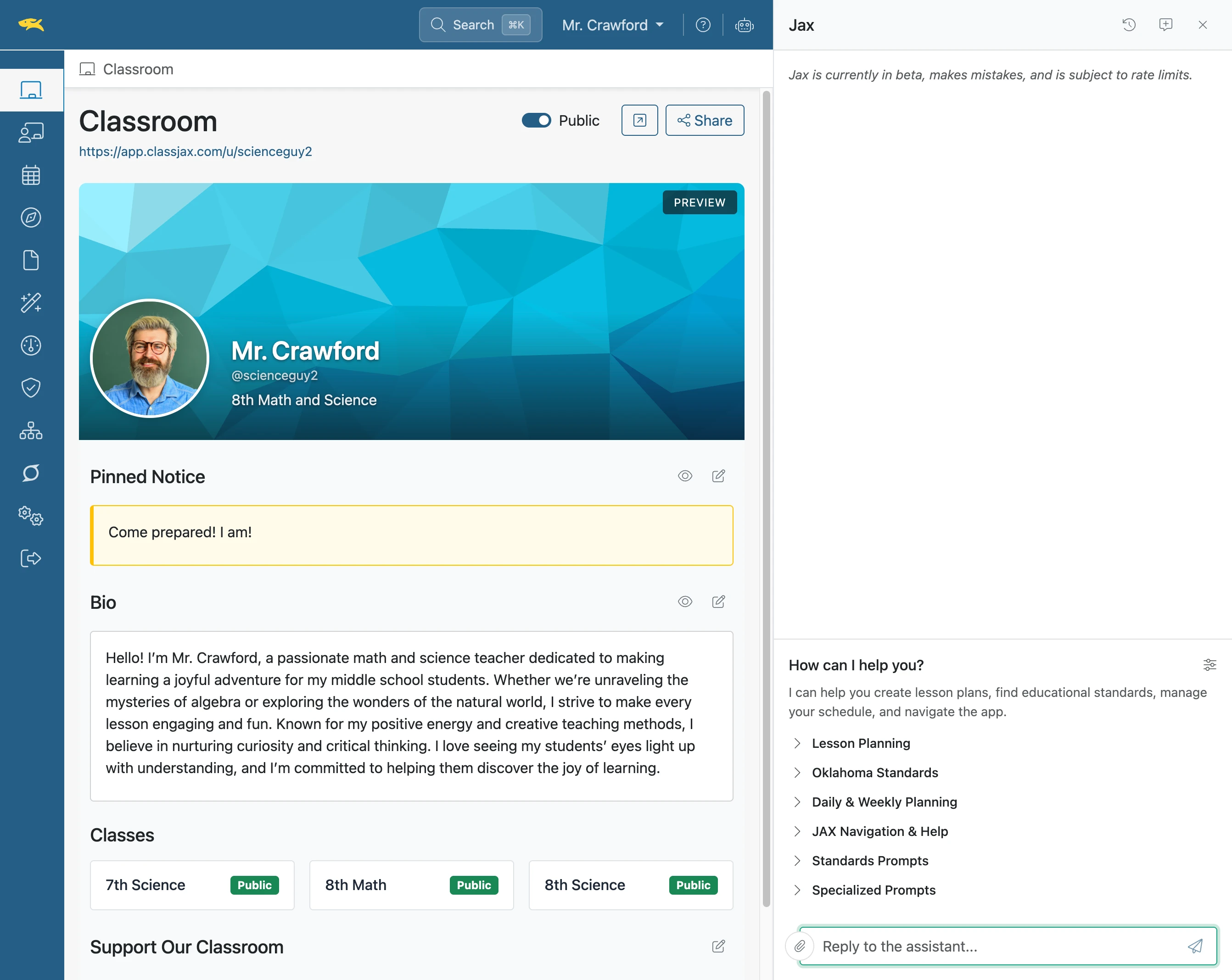
- 2
Click 'Reply to the assistant...'
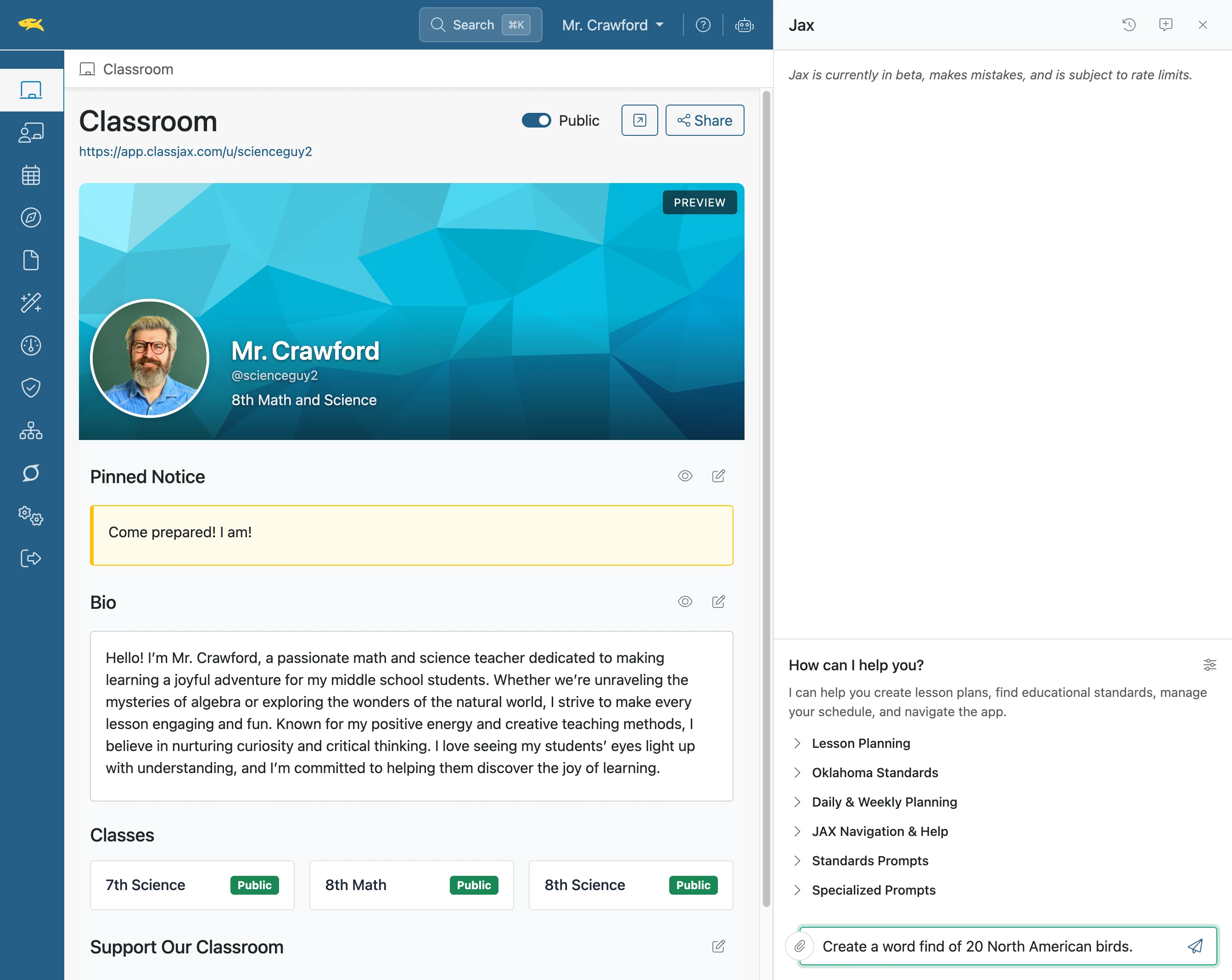
- 3
Enter Prompt
Then click the Send icon or press Return
- 4
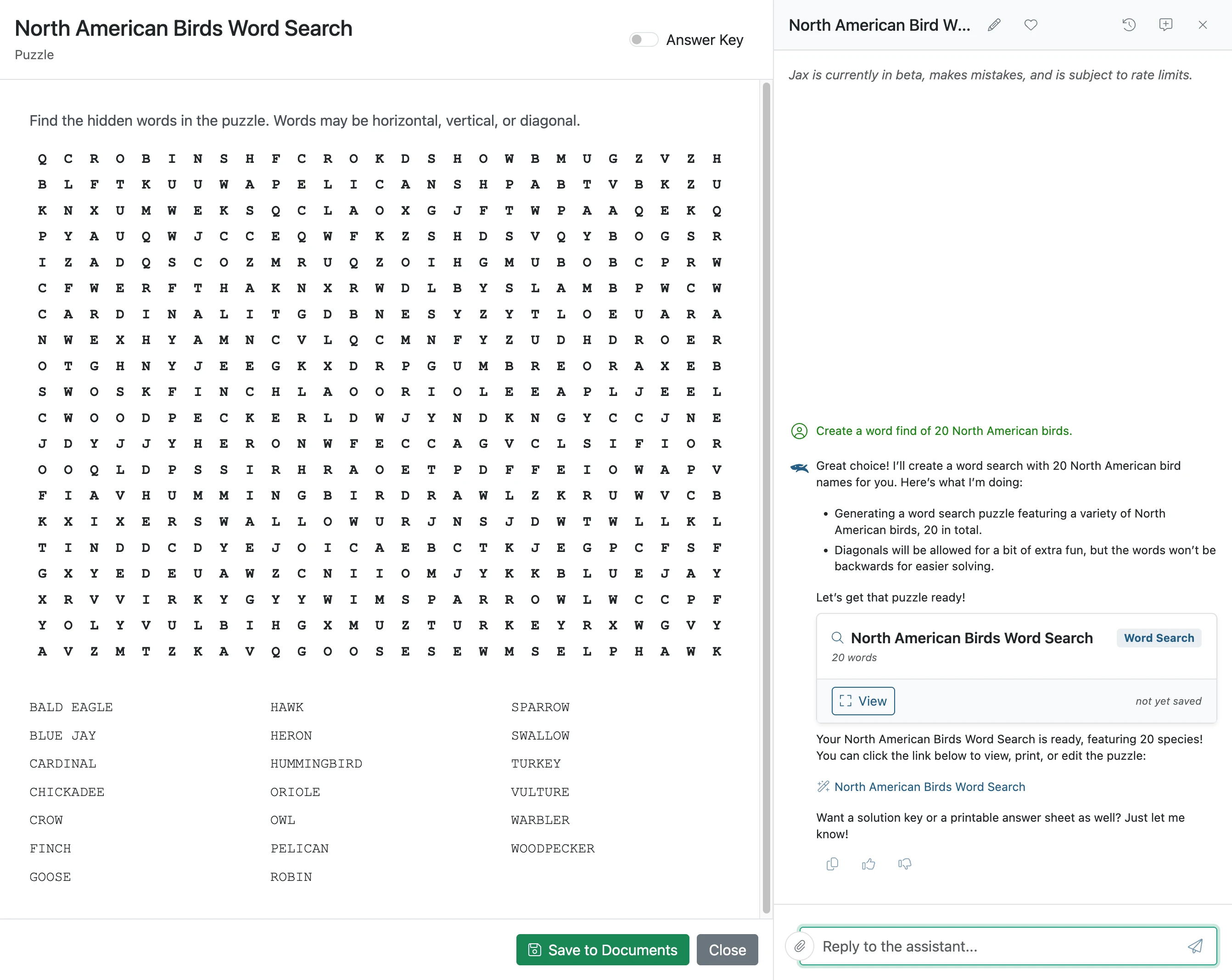
Click 'Save to Documents'
- 5
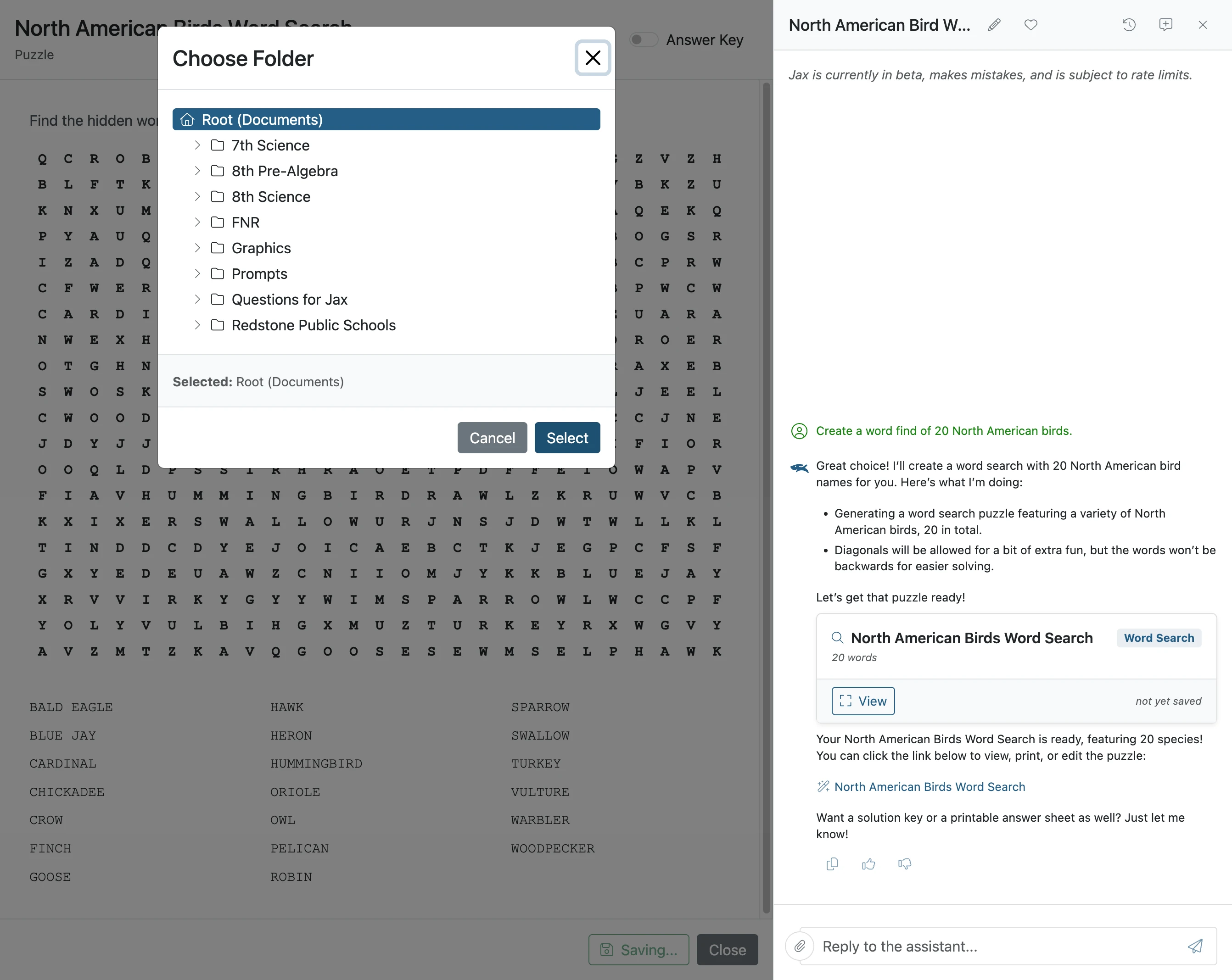
Click 'Select'
Select location the Word Fine is to be saved, then press Select
- 6
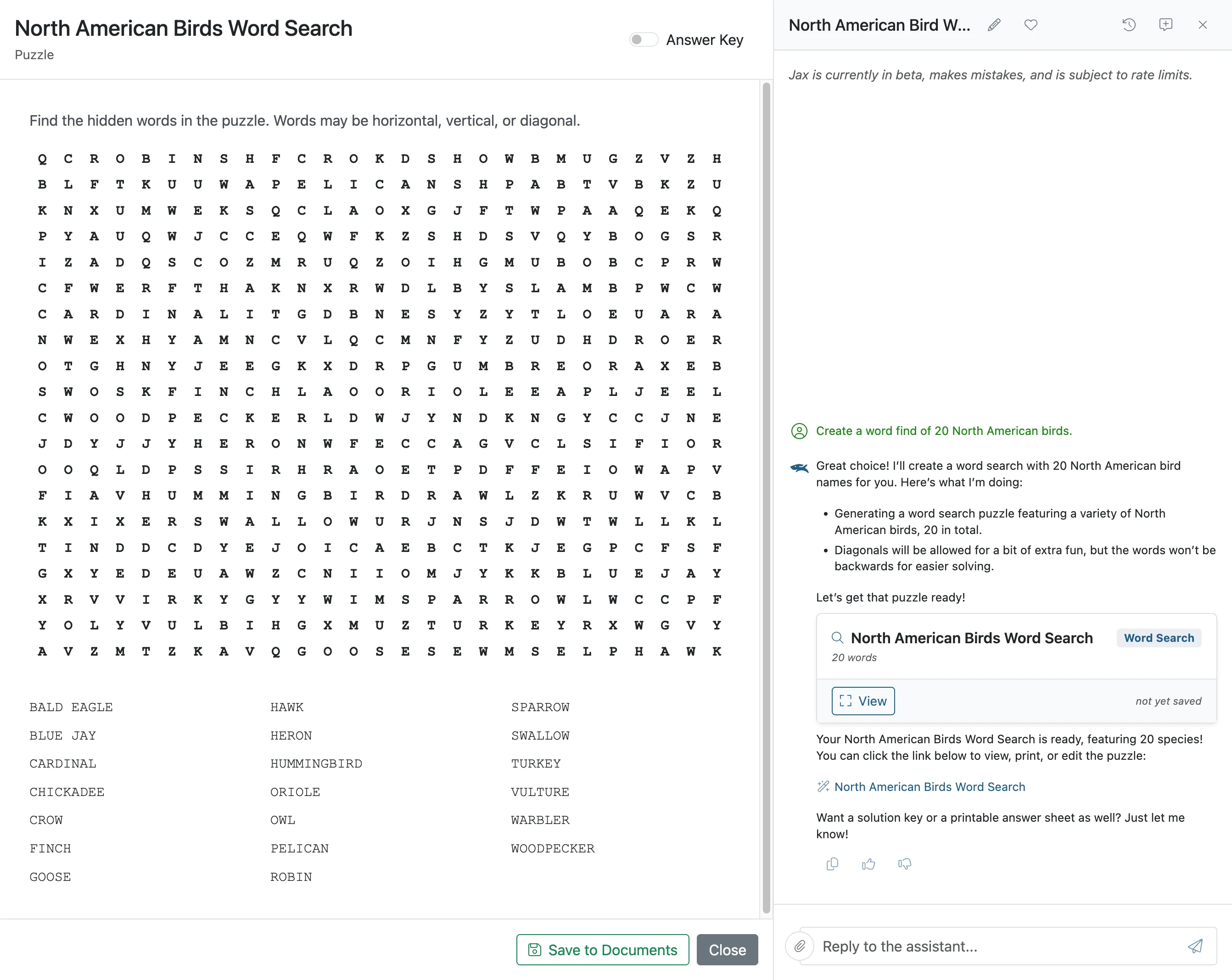
Click Answer Key slider
- 7
The Word Find Answer Key