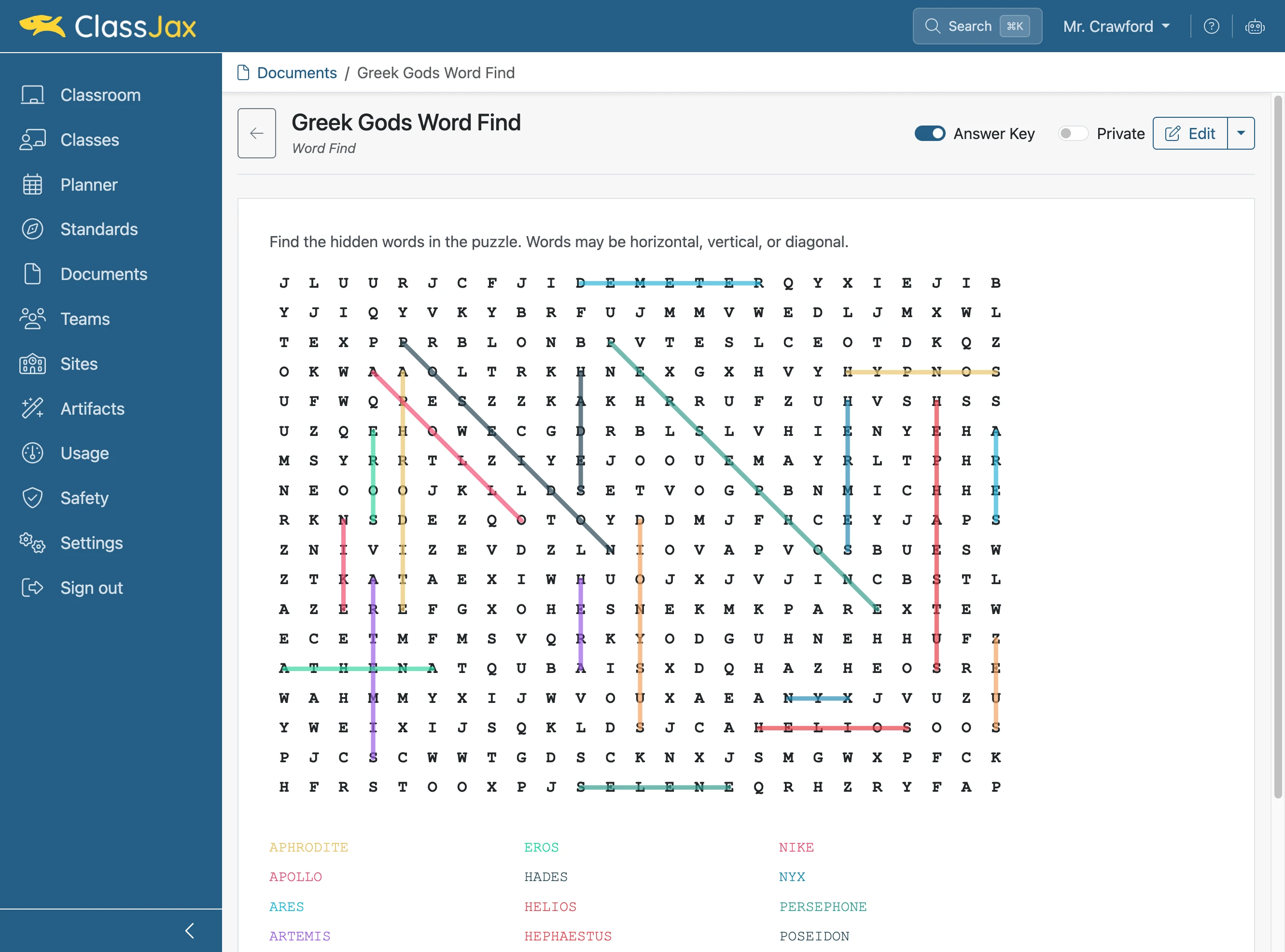
Create a Word Find
Creating word find puzzles in ClassJax is a simple way to help students review key terms. This guide shows how to quickly make, personalize, and share your own word find puzzles in just a few steps.
Plan smarter this year
ClassJax is free for teachers. No credit card required.
- 1
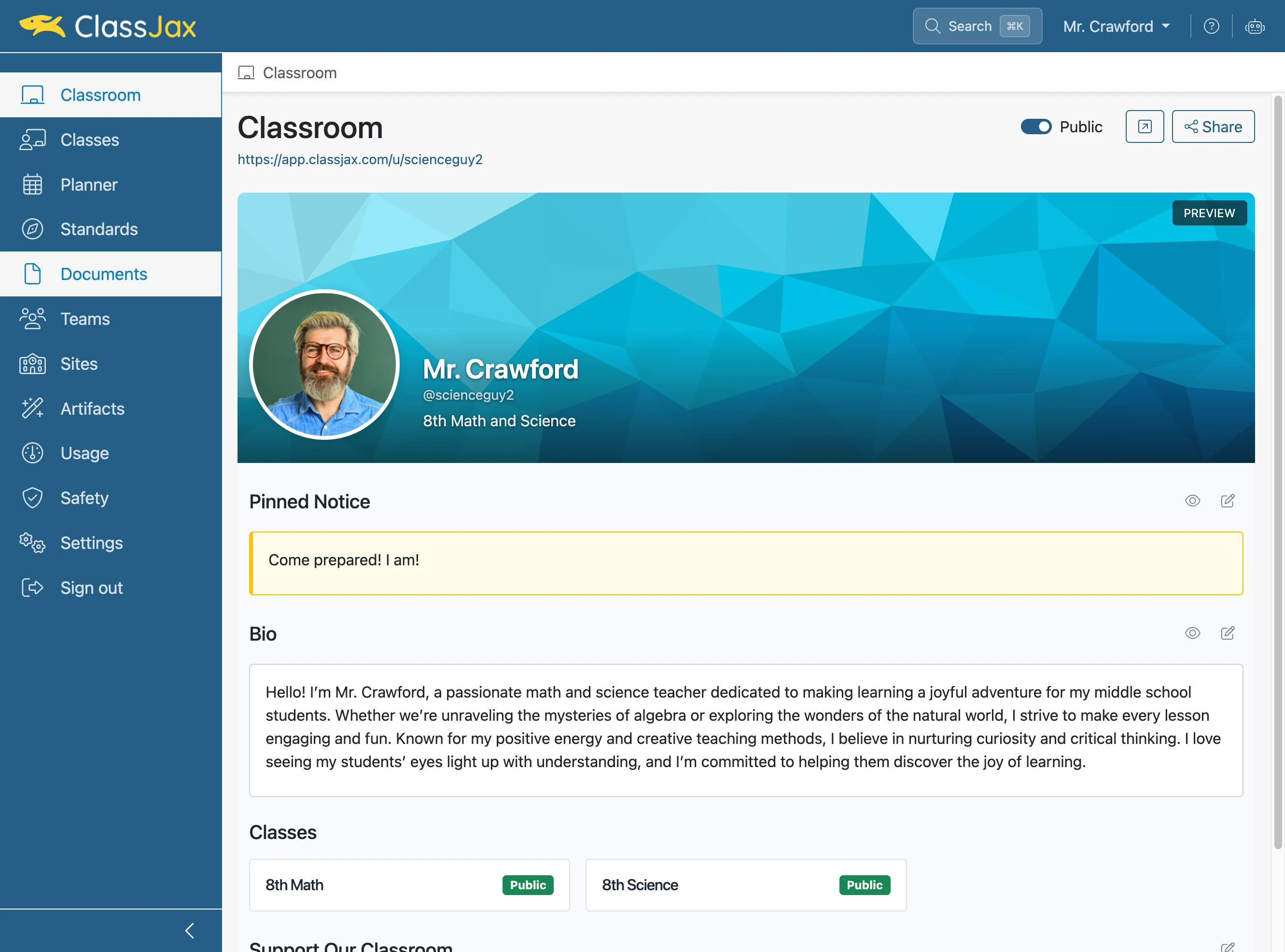
Click the 'Documents' link
- 2
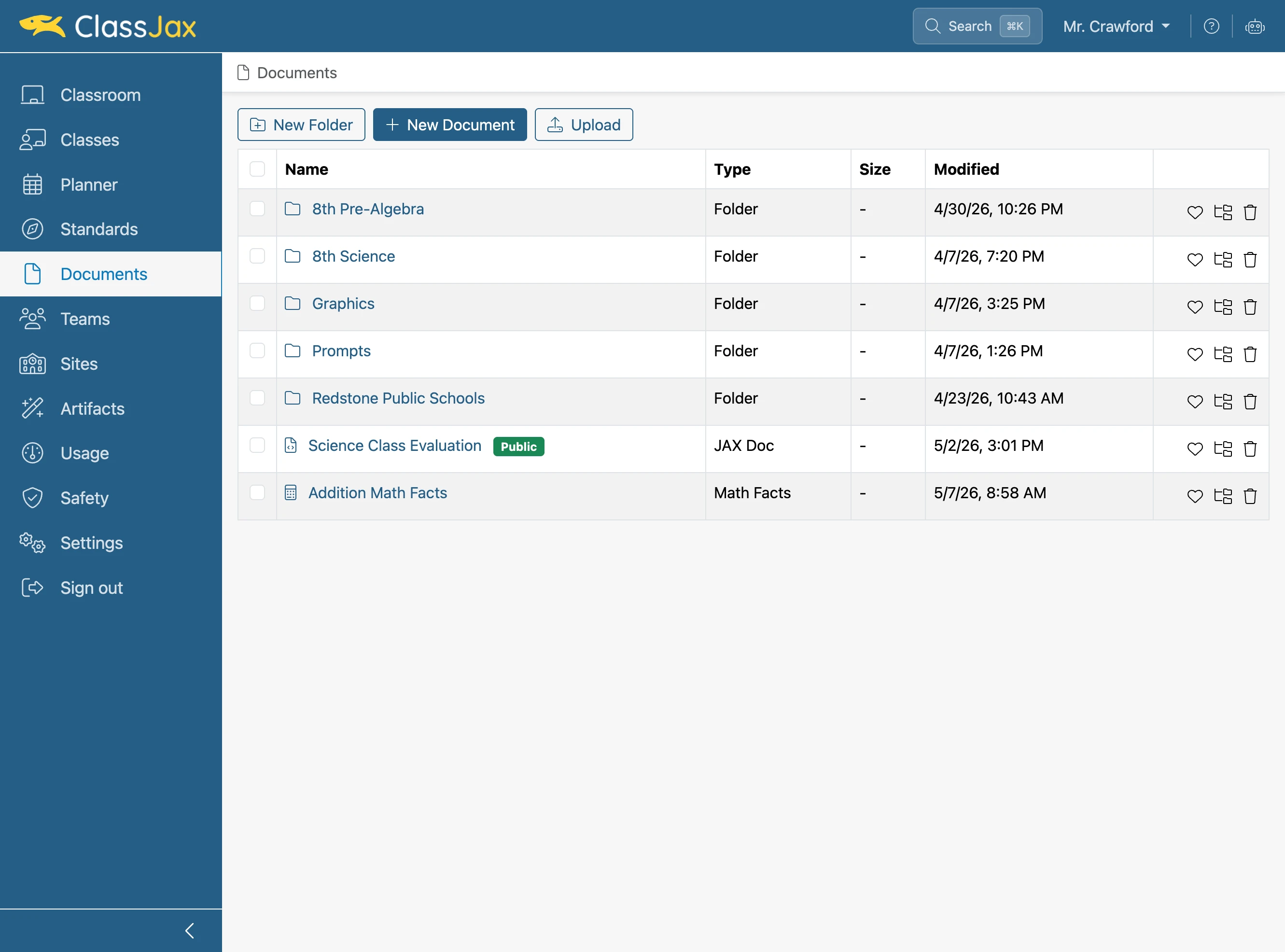
Click 'New Document'
- 3
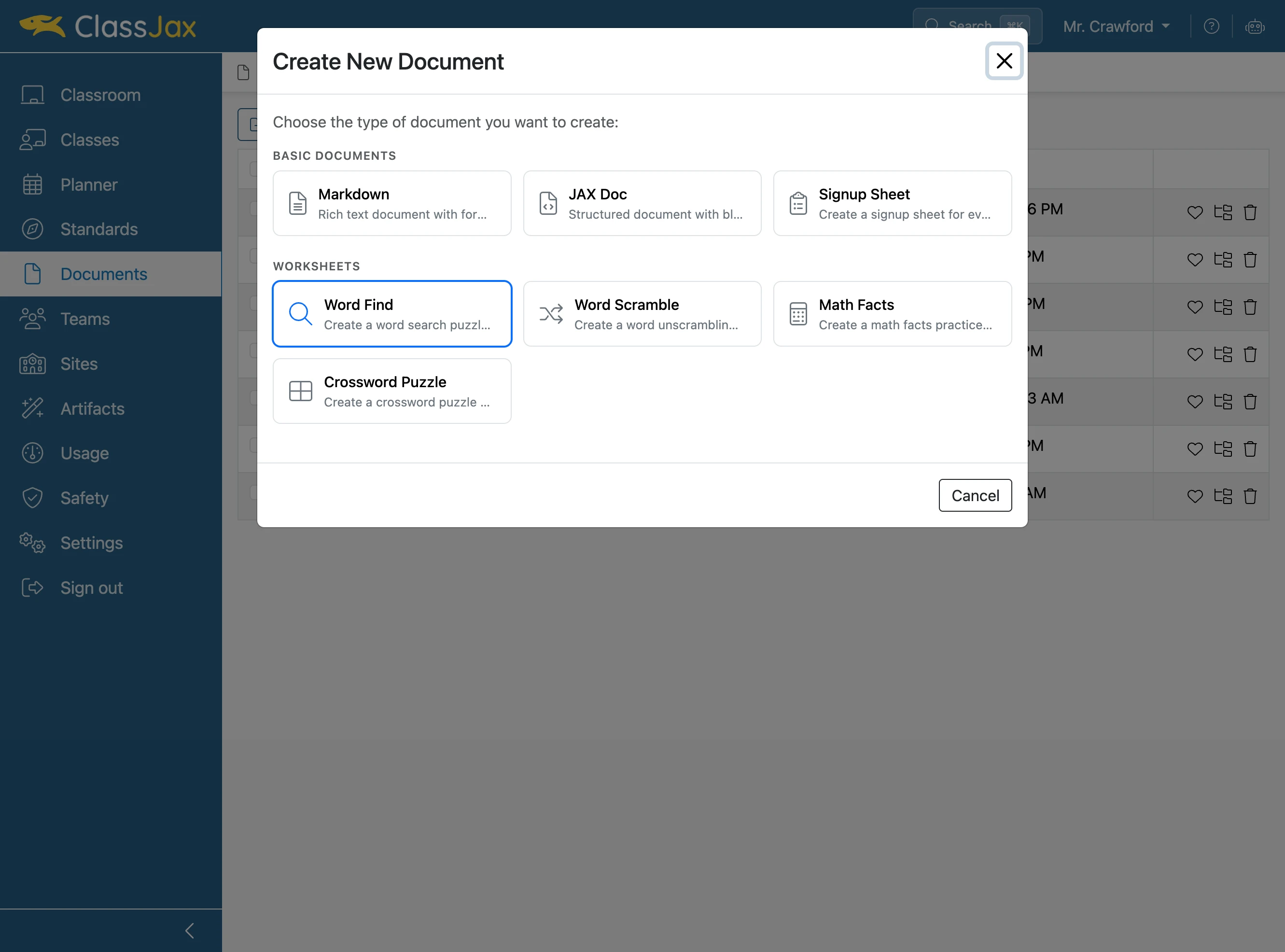
Click 'Word Find'
- 4
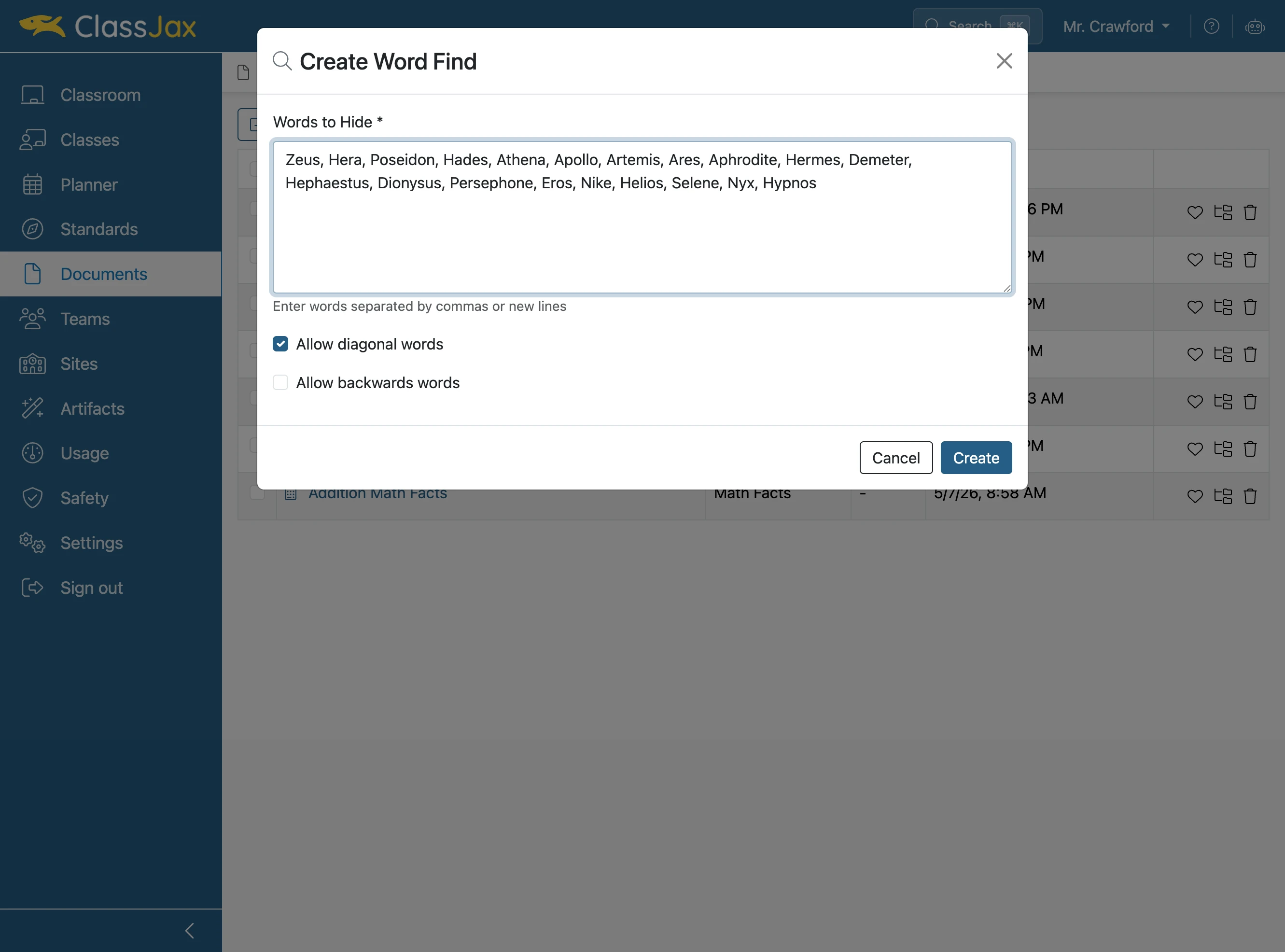
Add the words you want to hide
- 5
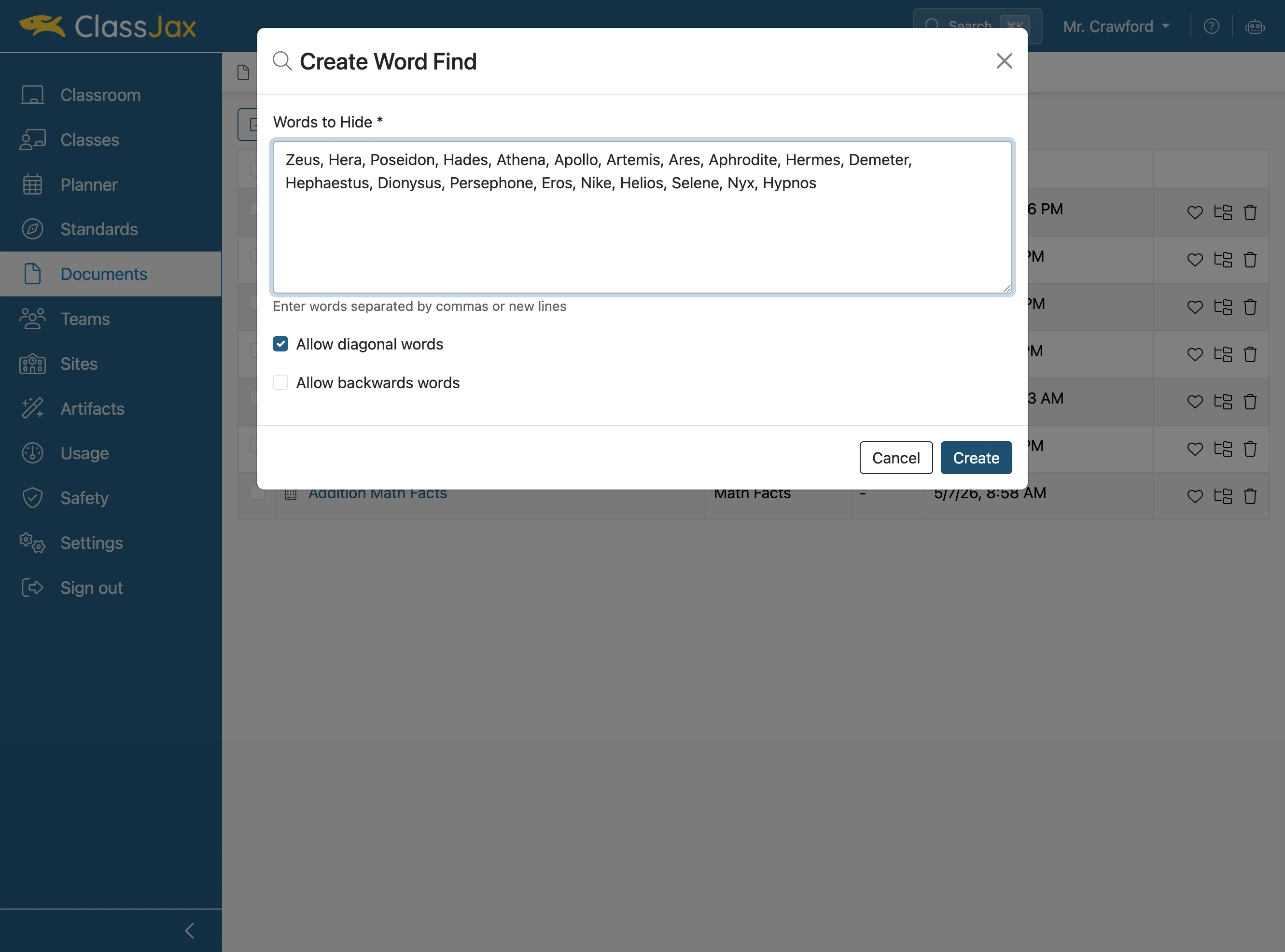
Click 'Create'
- 6
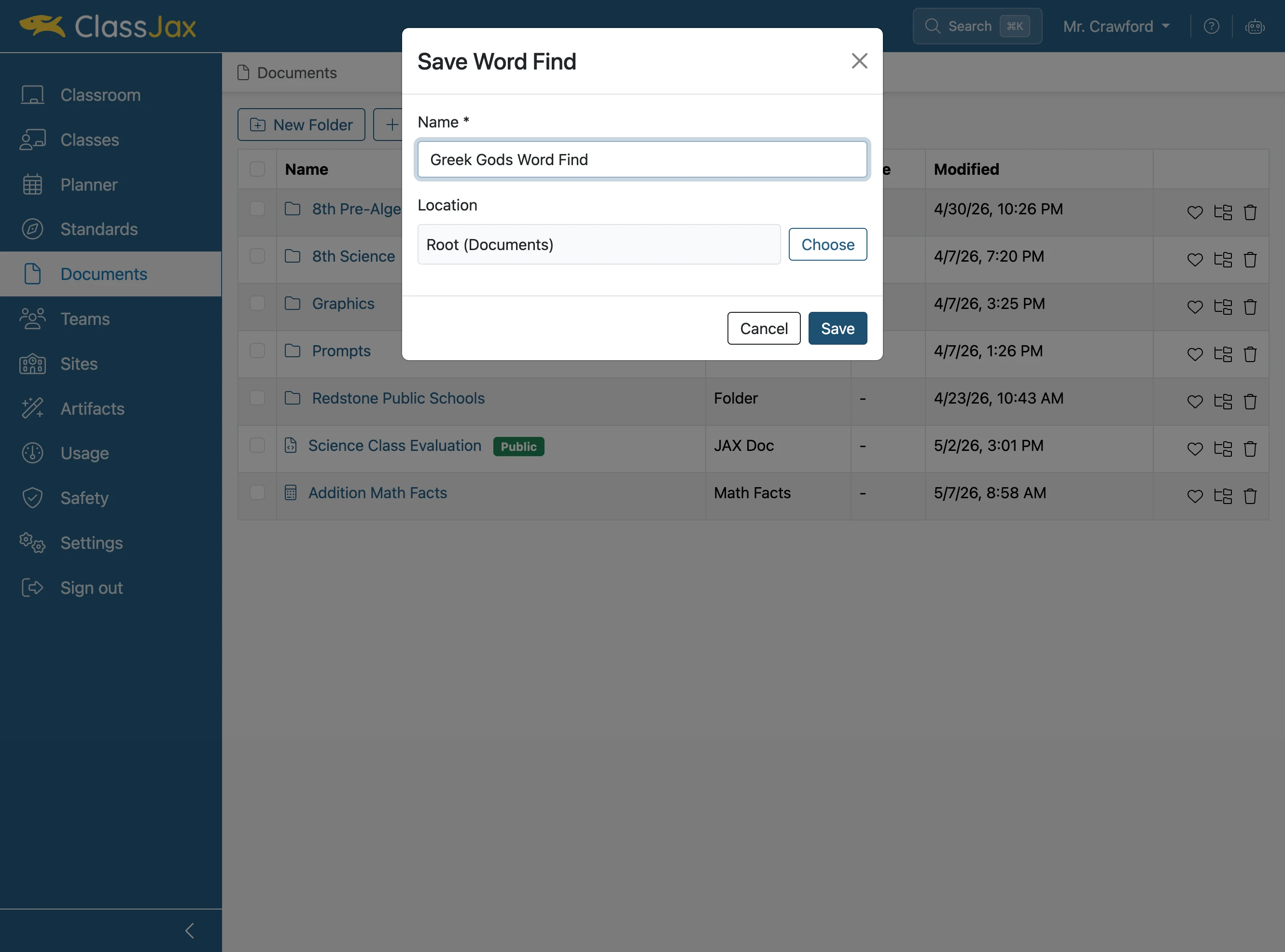
Give the puzzle a name and click 'Save'
- 7
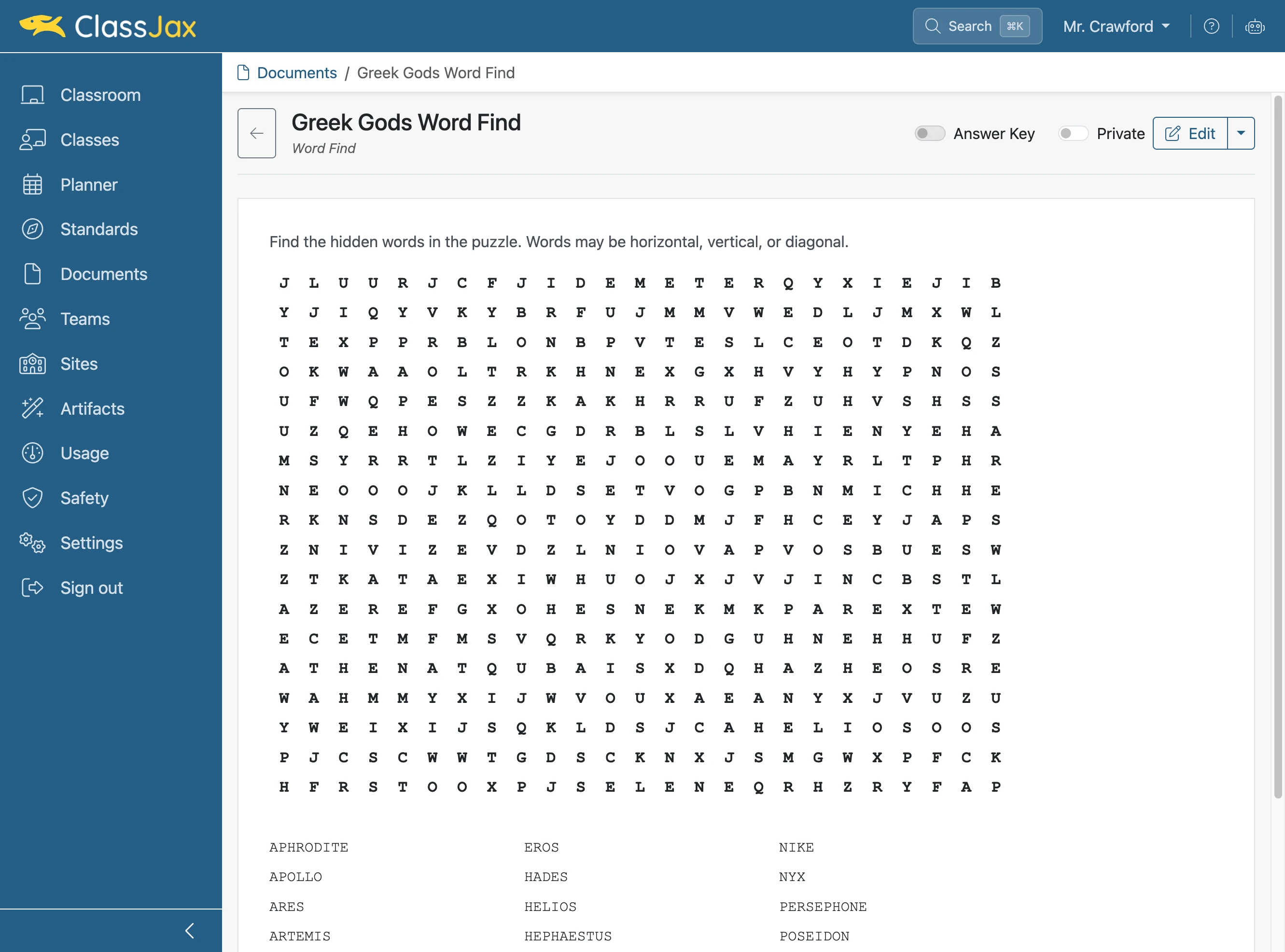
Click 'Answer Key'
- 8
Now It's Your Turn