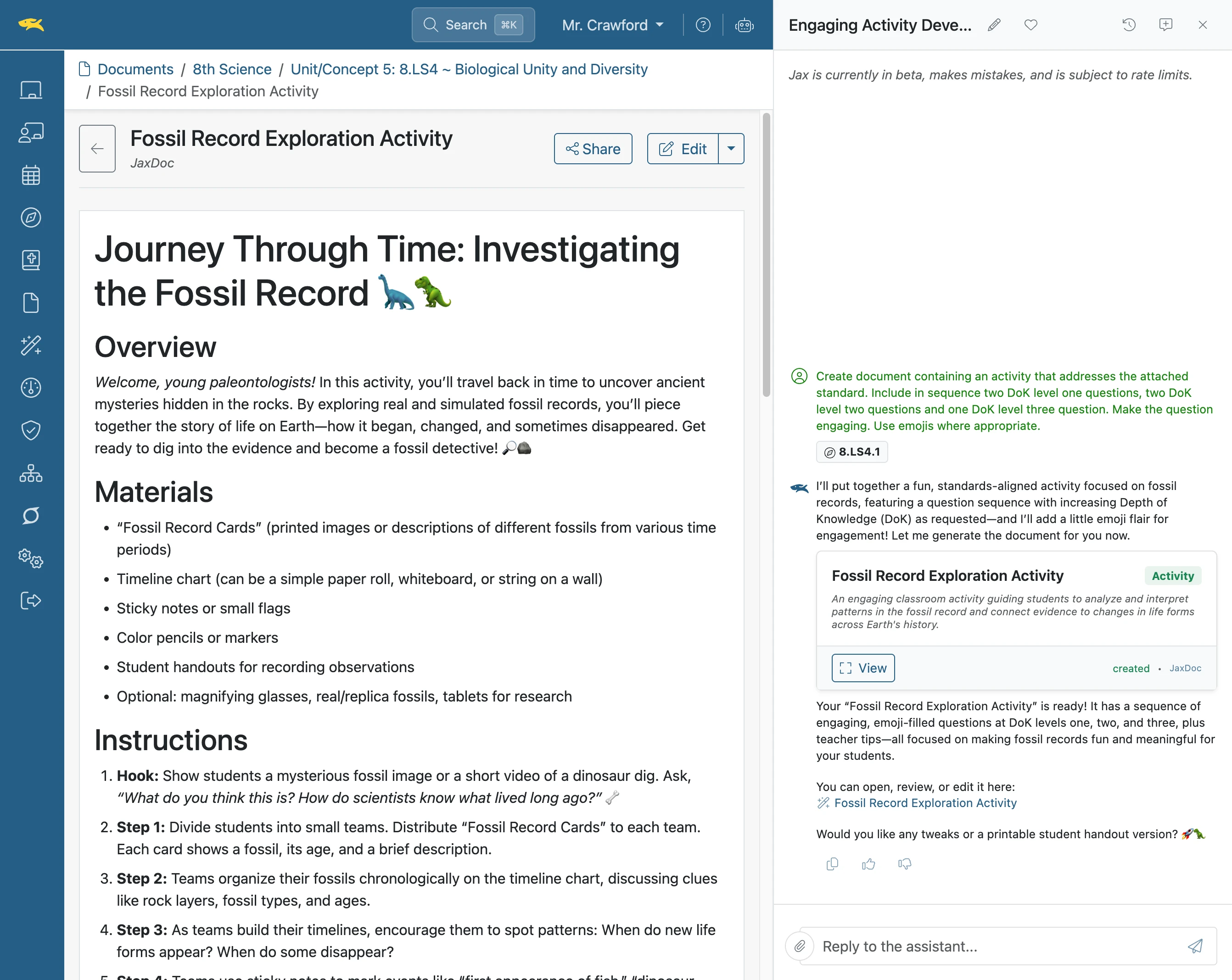
Create a Standards-aligned Activity
Standards-aligned curriculum activities can be created using Jax. In fact, a carefully crafted prompt can generate a series of activities addressing increased rigor incorporating DoK, Revised Bloom's or Marzano's Taxonomy.
Plan smarter this year
ClassJax is free for teachers. No credit card required.
- 1
Click 'AI Assistant'
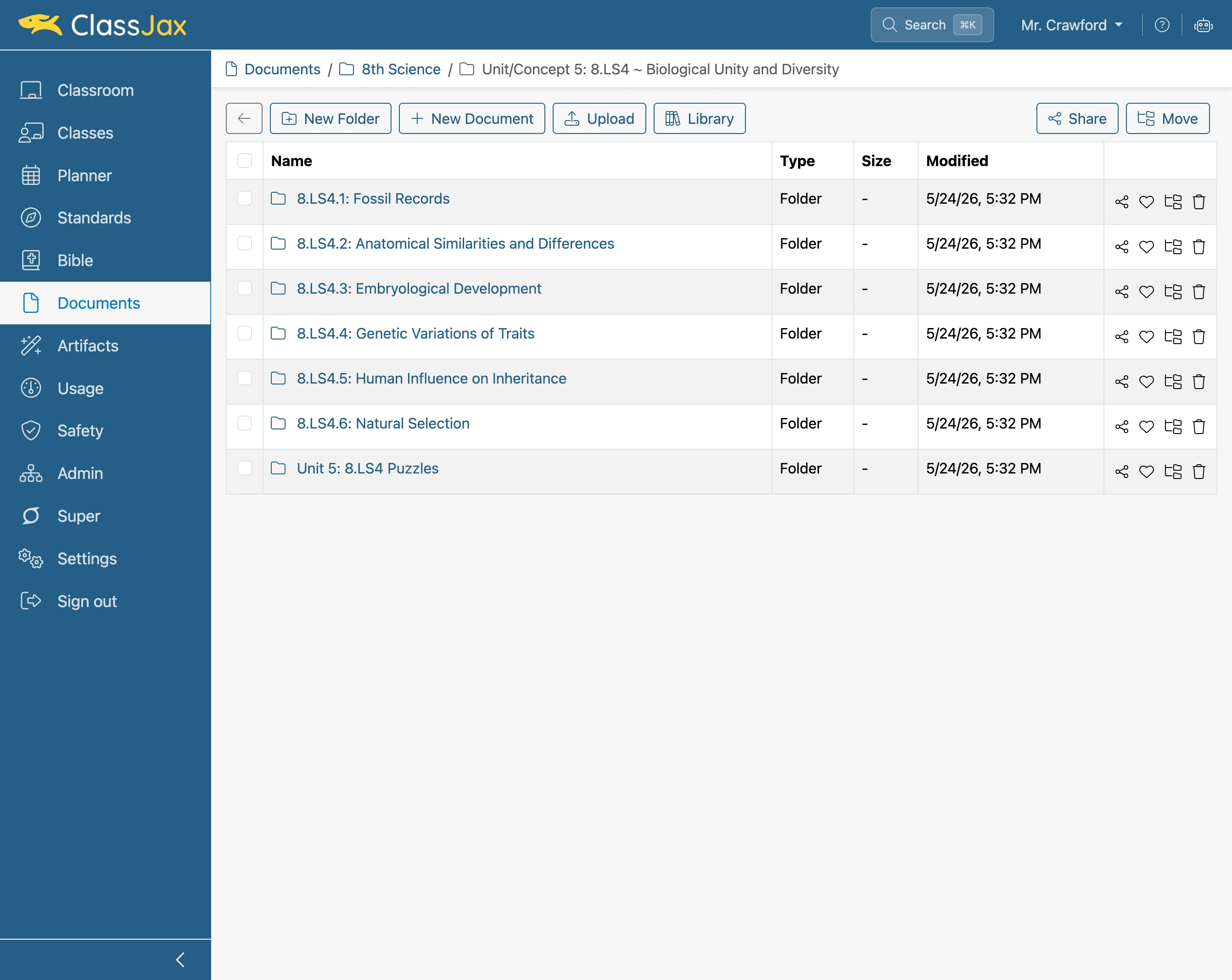
- 2
Click 'Reply to the assistant...'
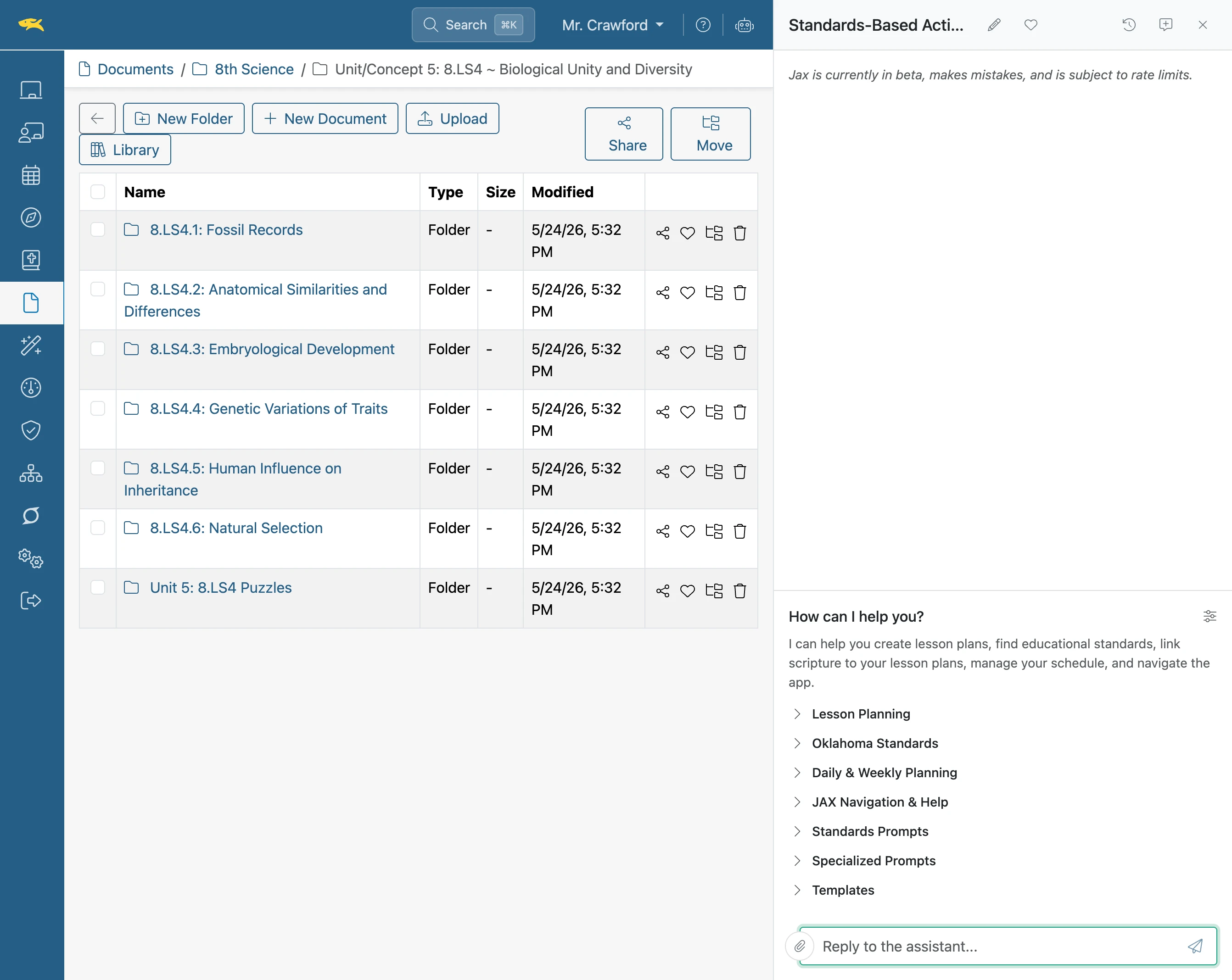
- 3
Click the 'Paper Clip' icon
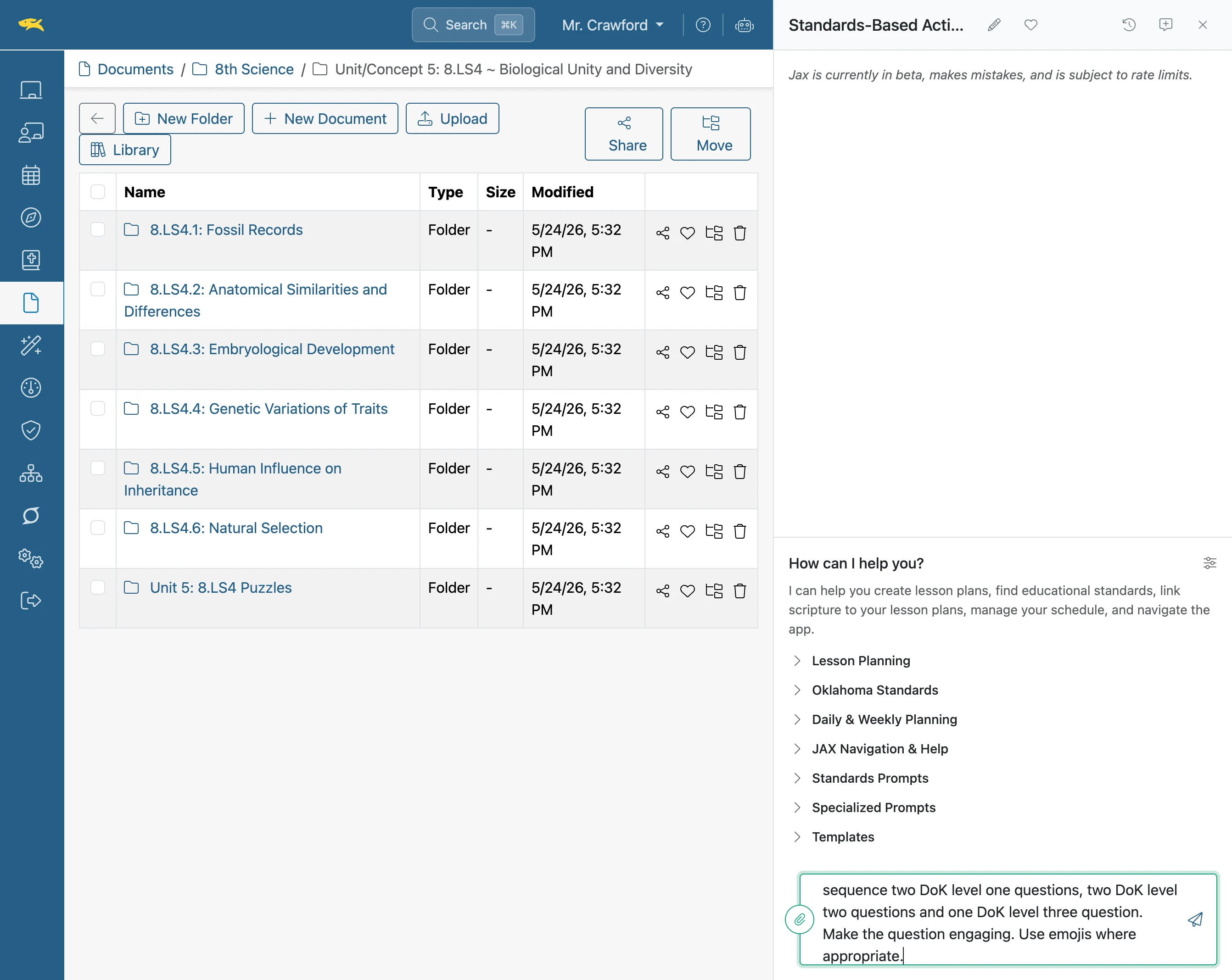
- 4
Click 'Add Standard'
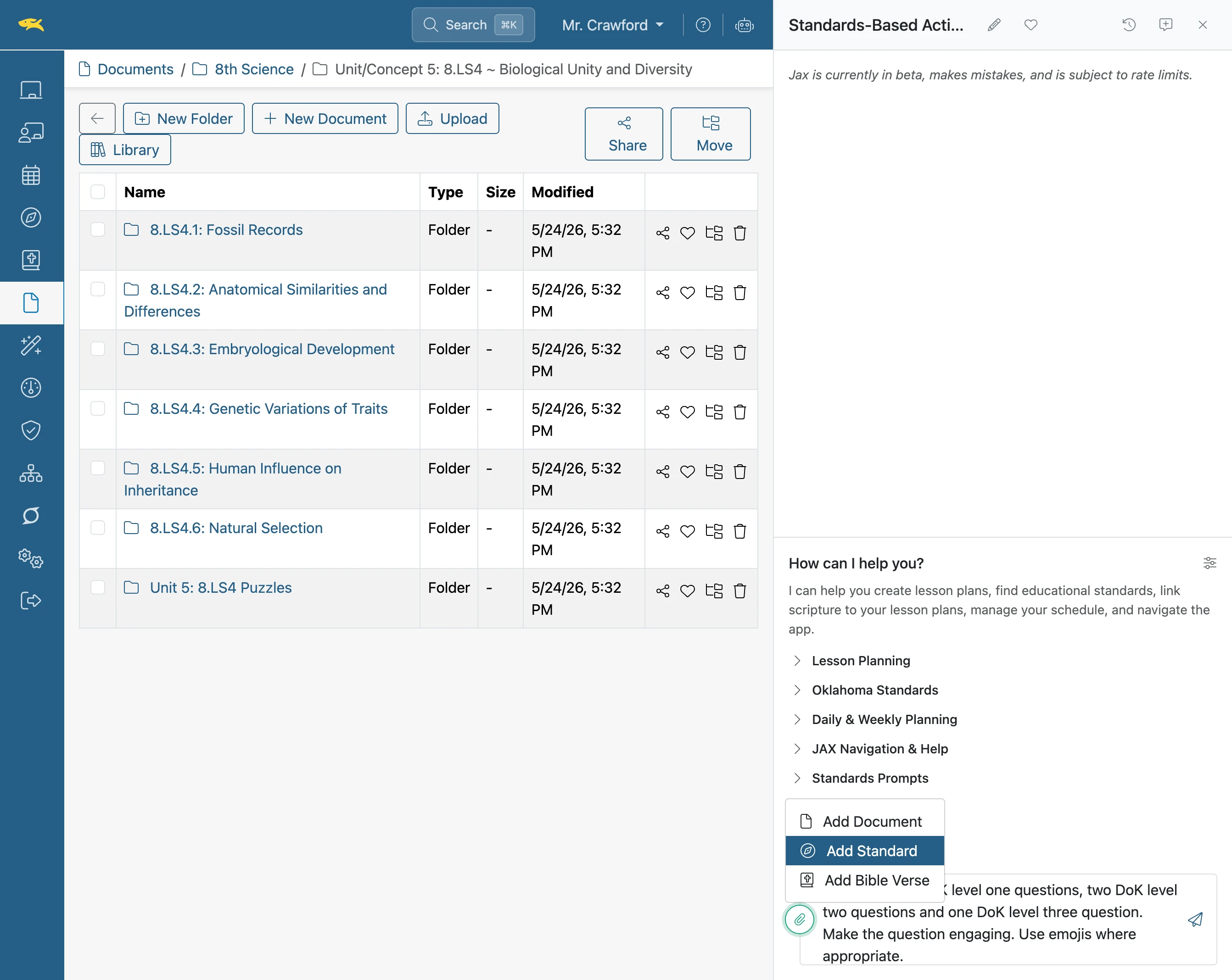
- 5
Click the desired 'Standard'
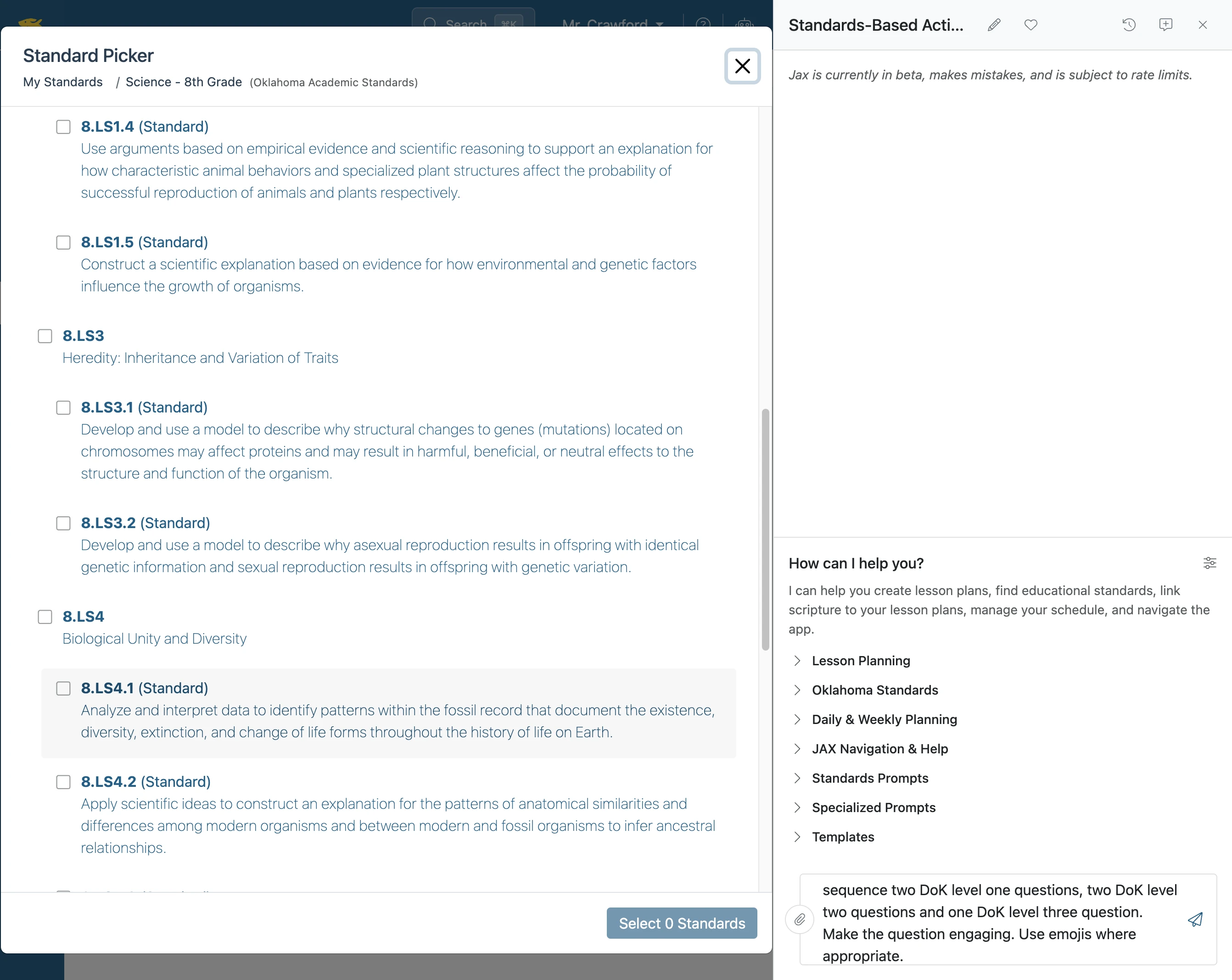
- 6
Click 'Select 1 Standard'
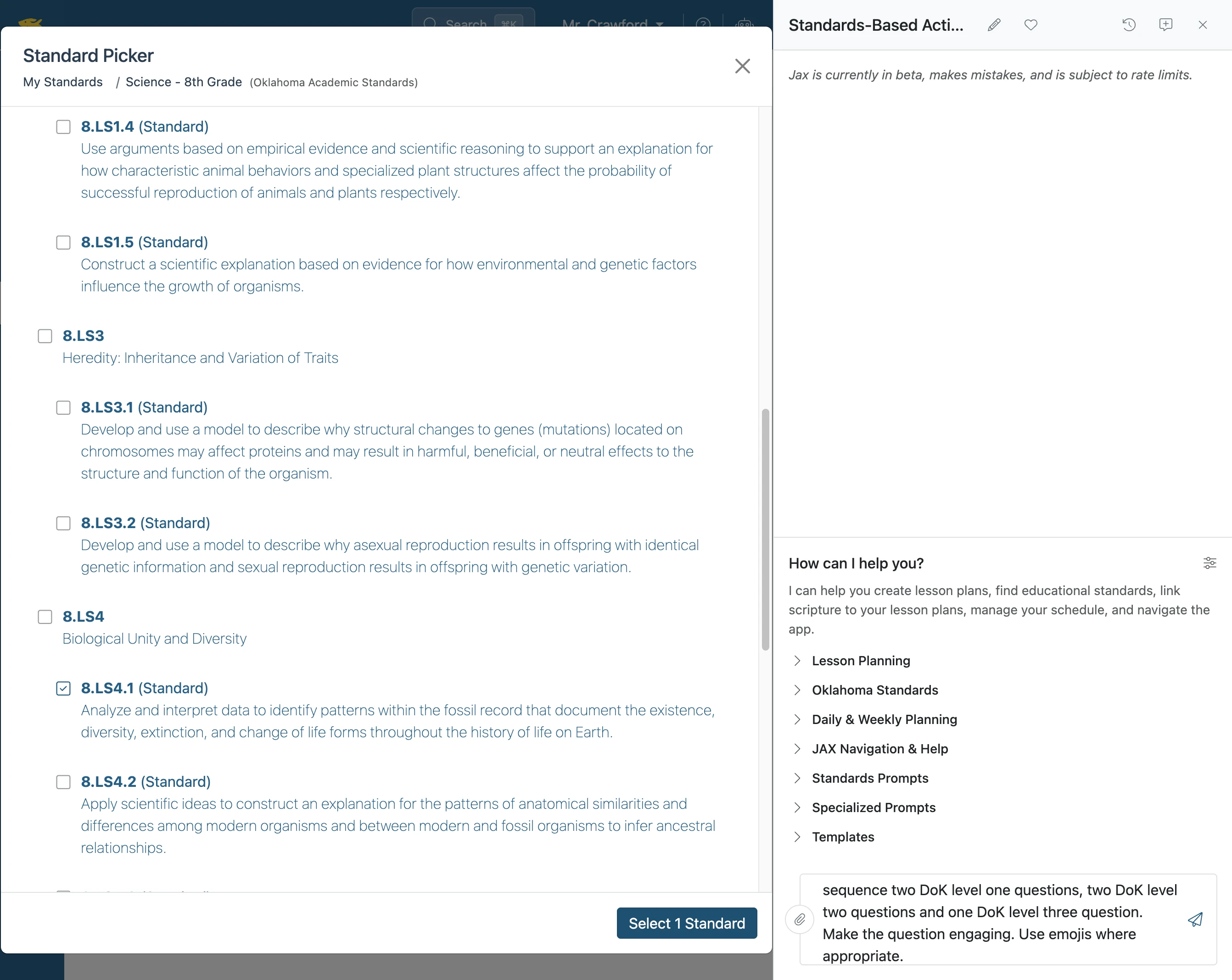
- 7
Execute the Prompt
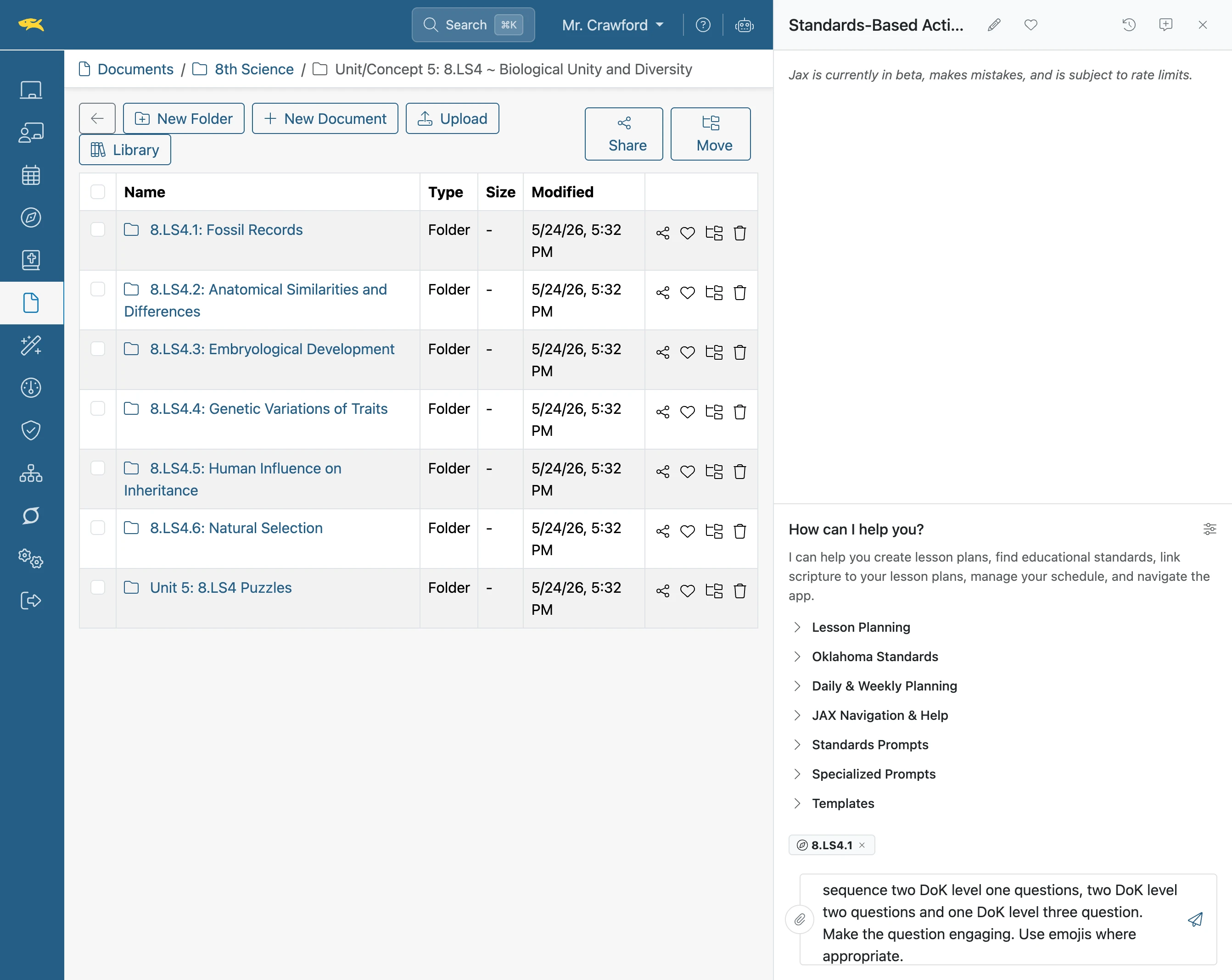
- 8
The activity appears on the left
Note: In the chat, click the View button to view the activity.
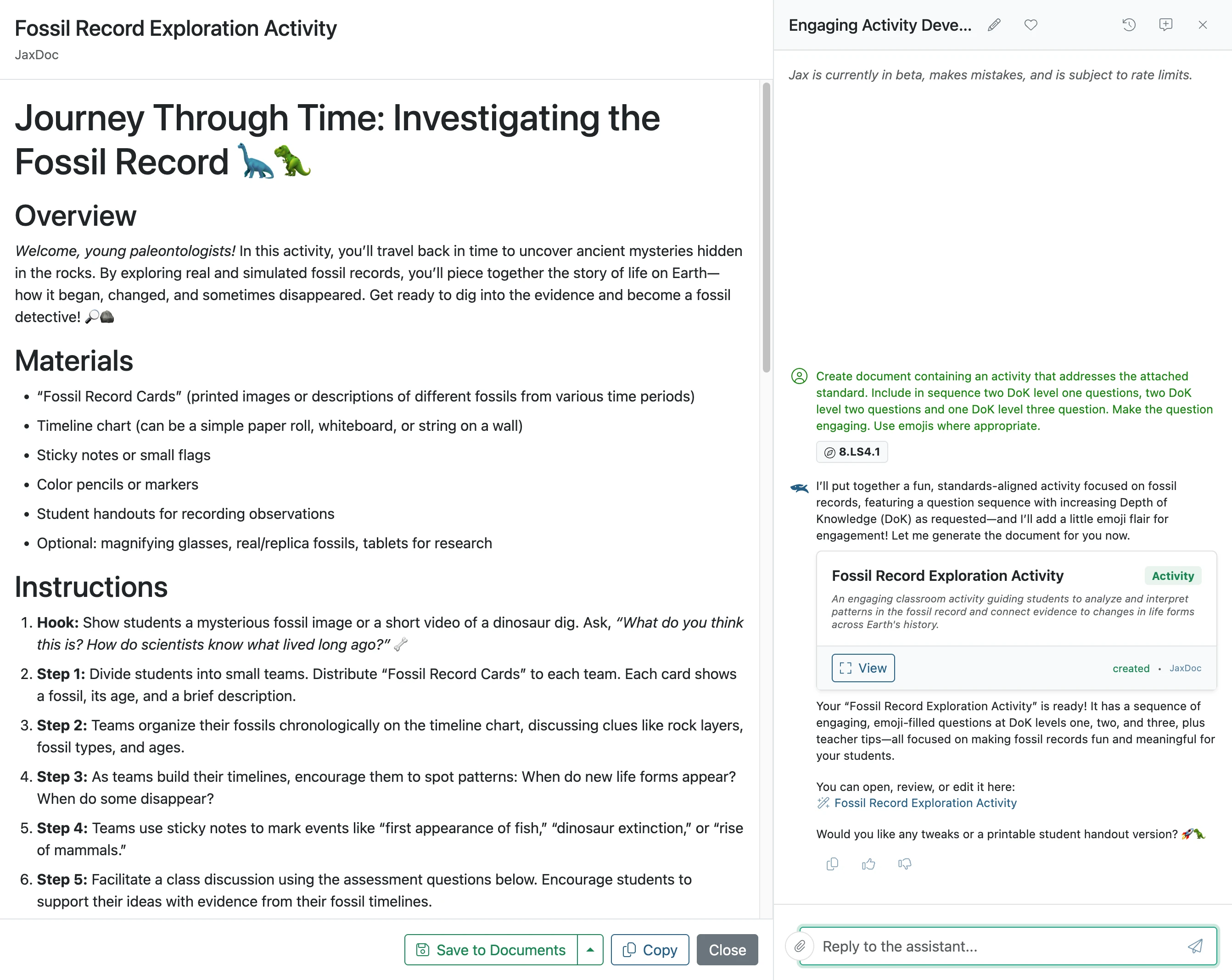
- 9
Activity Options
At the bottom of the activity, you can save your work in Documents as either a Markdown or JaxDoc document for future reference. Select Copy to copy the activity directly into a markdown field, such as a lesson plan. To exit the activity, choose Close. You can also display the activity again at any time by selecting the View button in the chat.
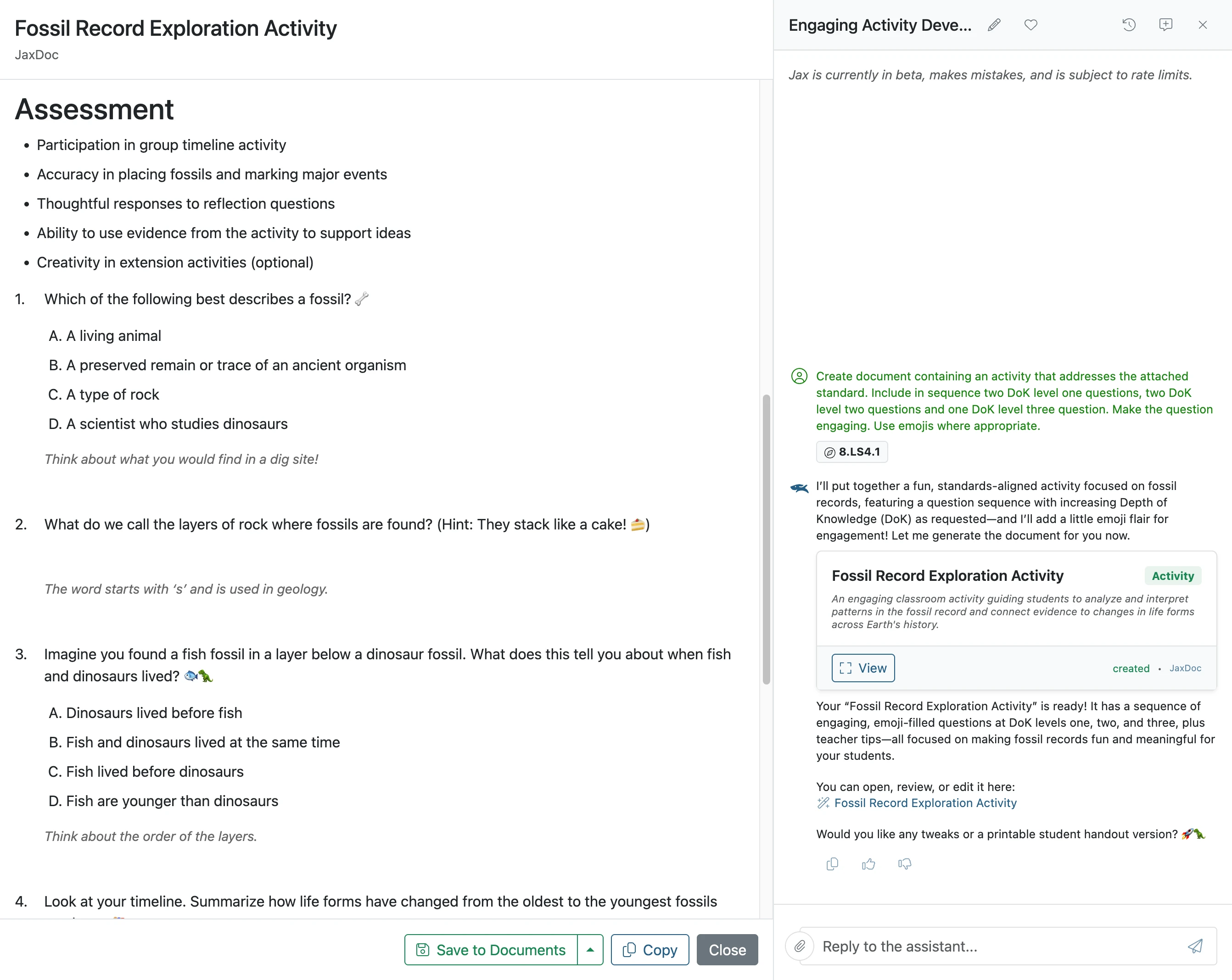
- 10
The activity is ready to use
Once saved, the activity can be linked to lesson plans, inside other documents or printed as a pdf file.