Create a Curriculum Map from Lesson Plans
This guide shows how to turn your lesson plans into a cohesive curriculum map using ClassJax. Discover how to seamlessly connect, organize, and visualize your teaching sequence for more effective long-term planning.
Plan smarter this year
ClassJax is free for teachers. No credit card required.
- 1
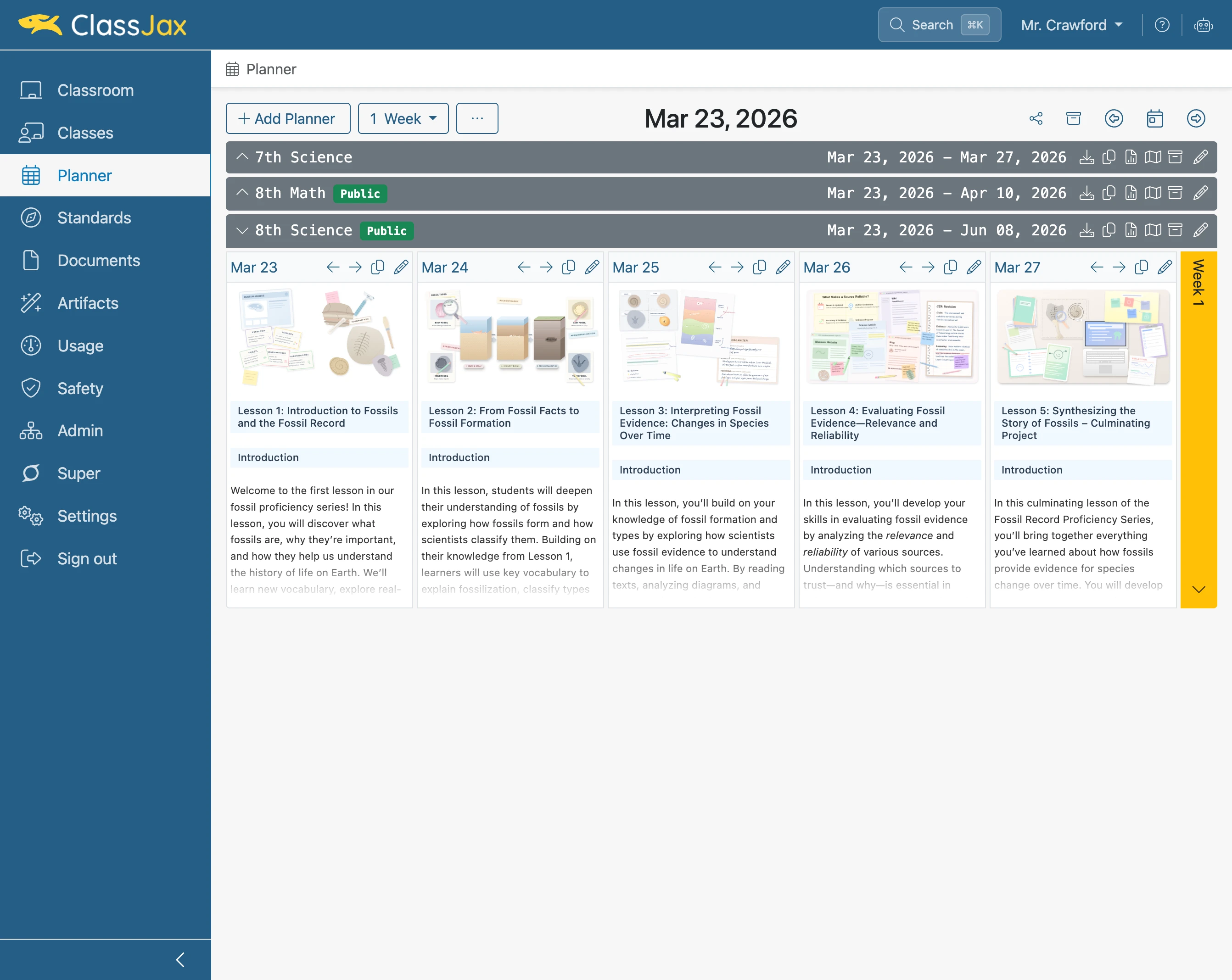
Click the 'Planner' link
- 2
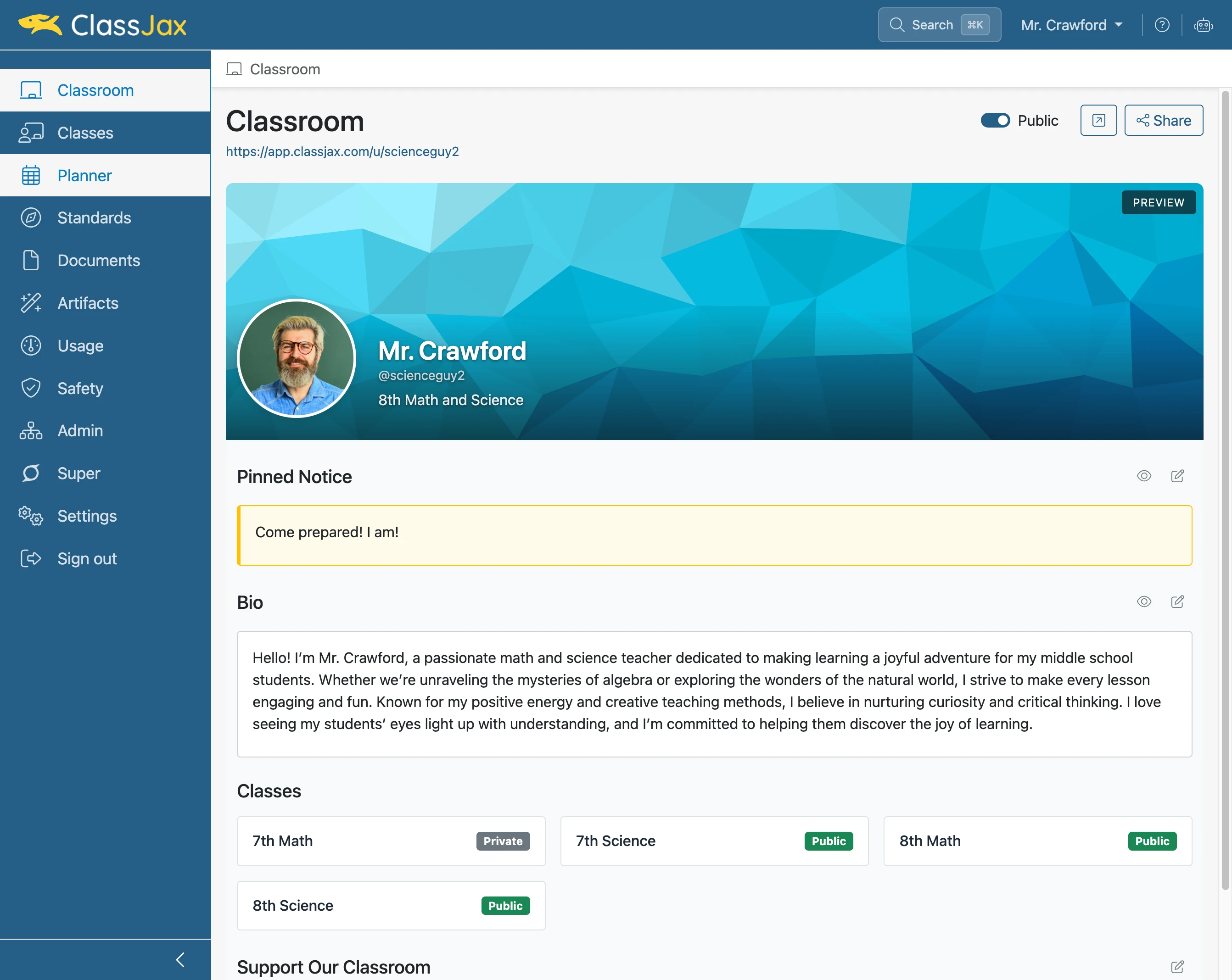
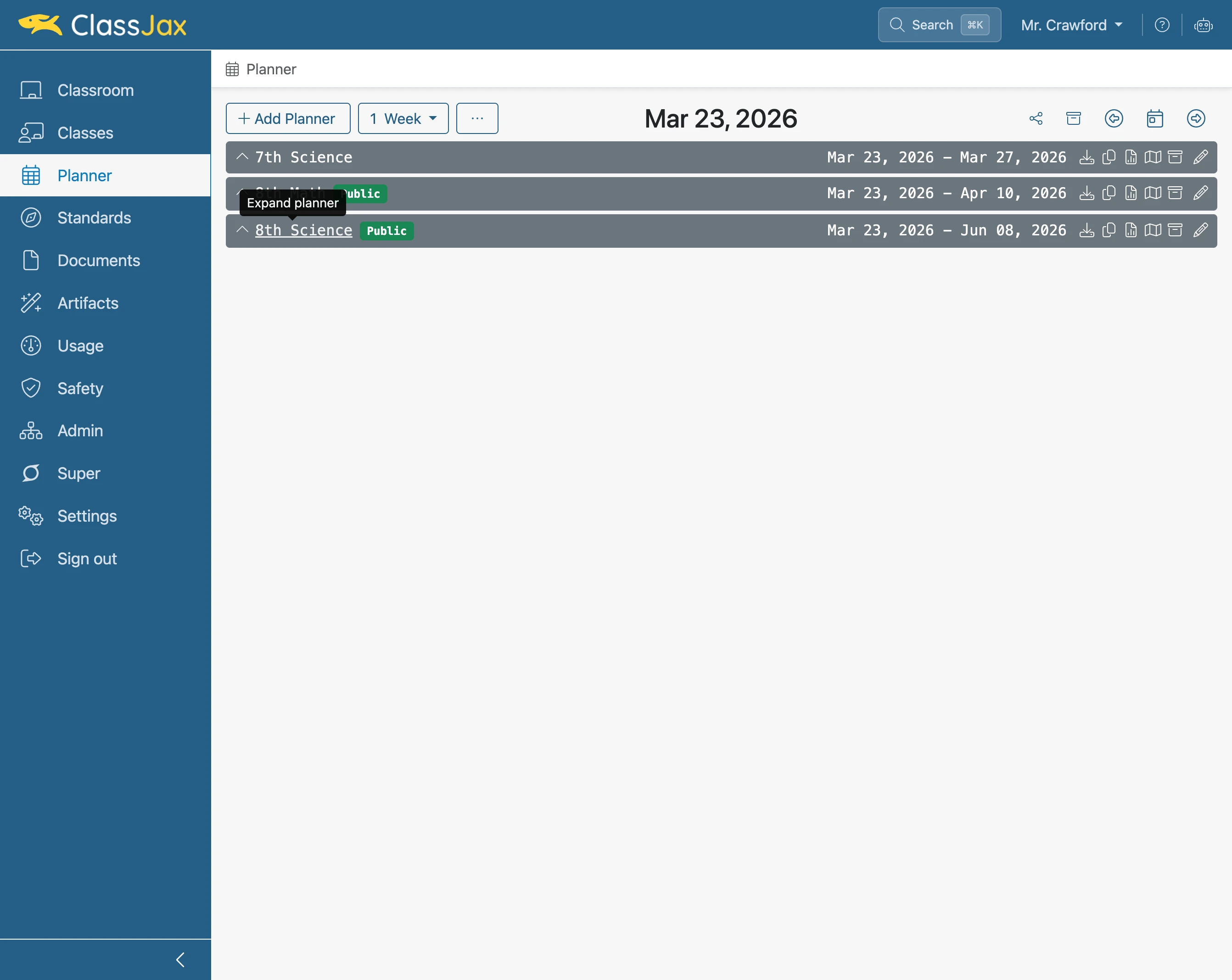
Click the desired 'Planner' link
- 3
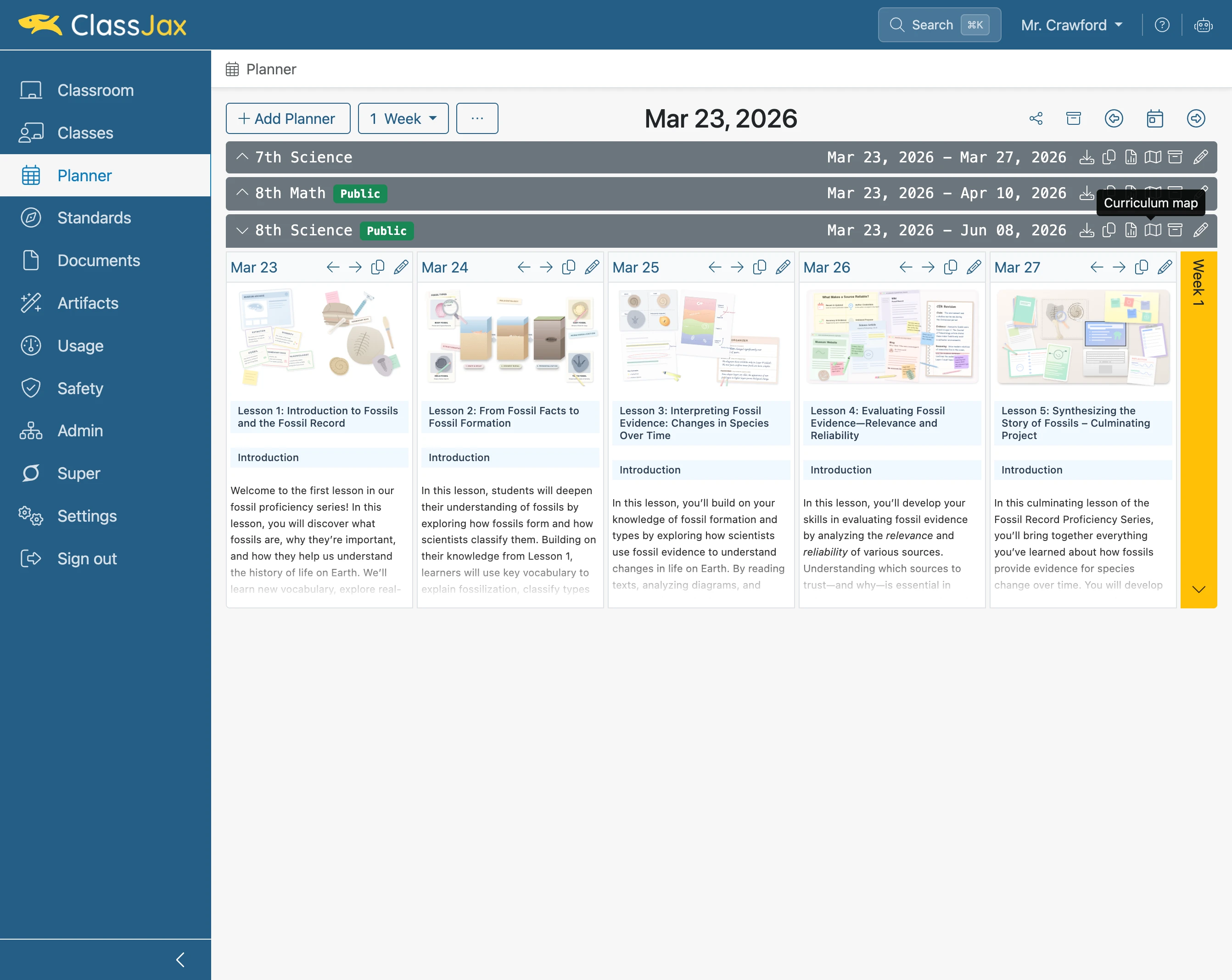
Click the 'Curriculum Map' icon
- 4
Click 'Regenerate'
Clicking the Regenerate button updates Planner’s curriculum map with the current information found in the Planner.
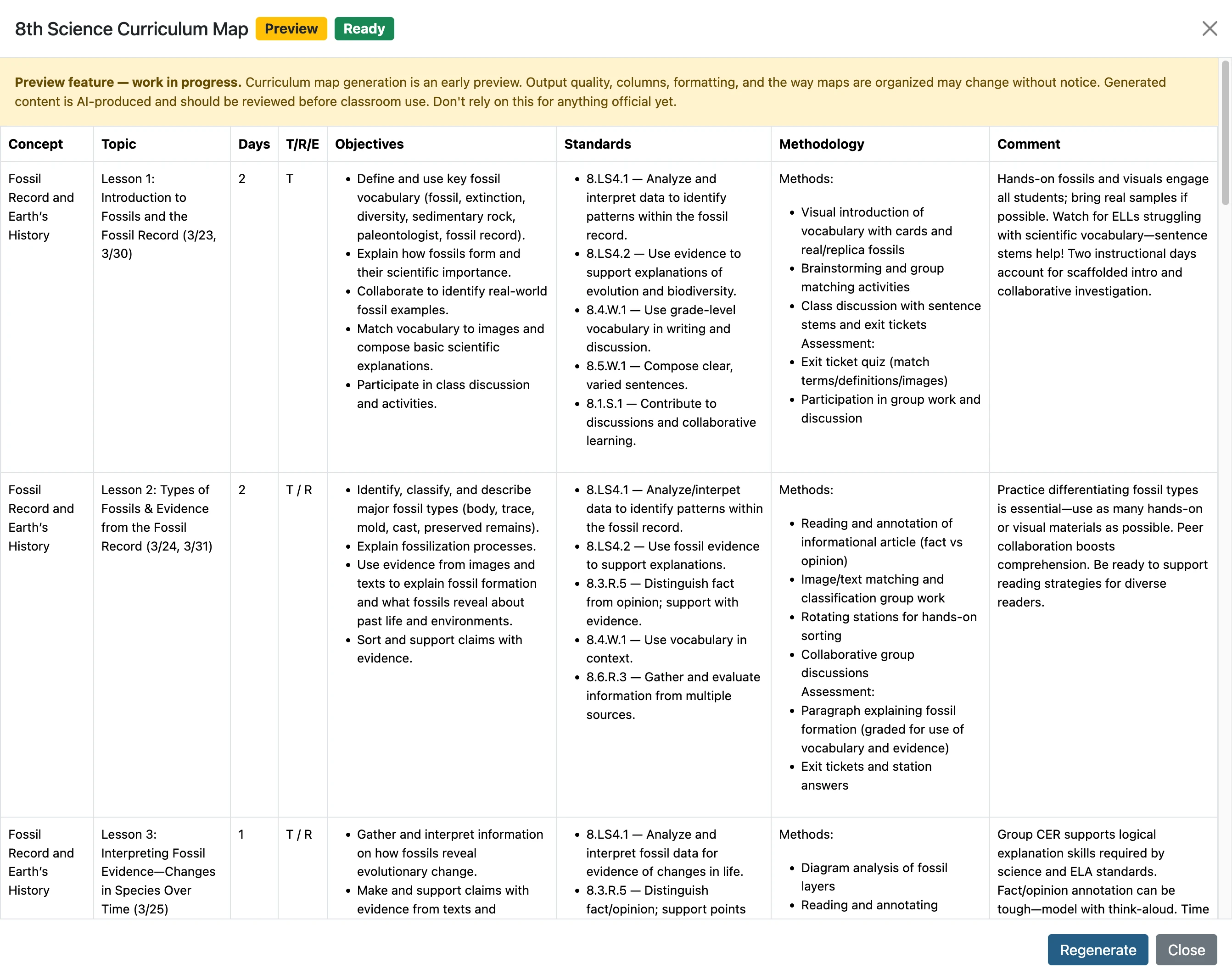
- 5
Curriculum Map View
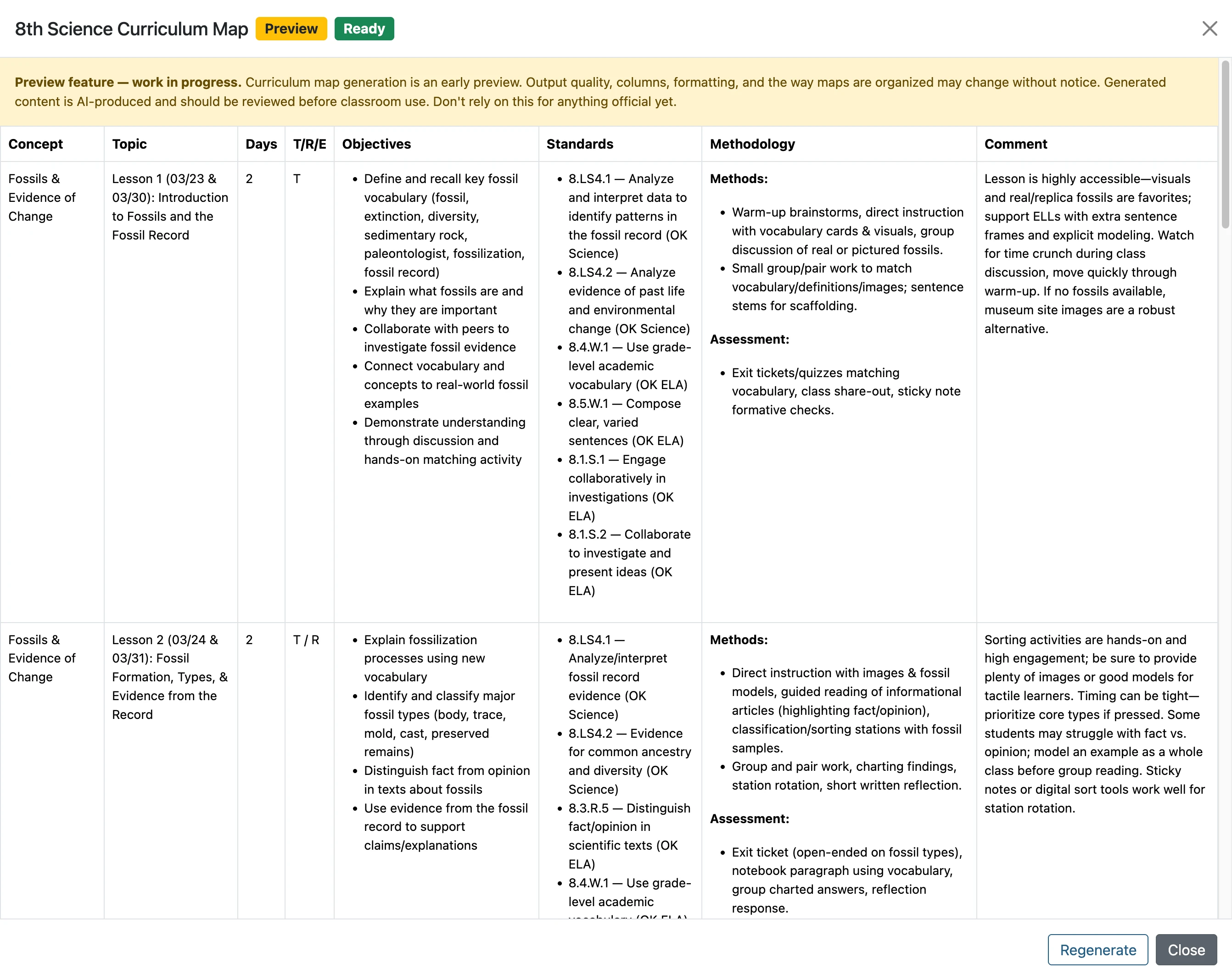
- 6
Click 'Close'
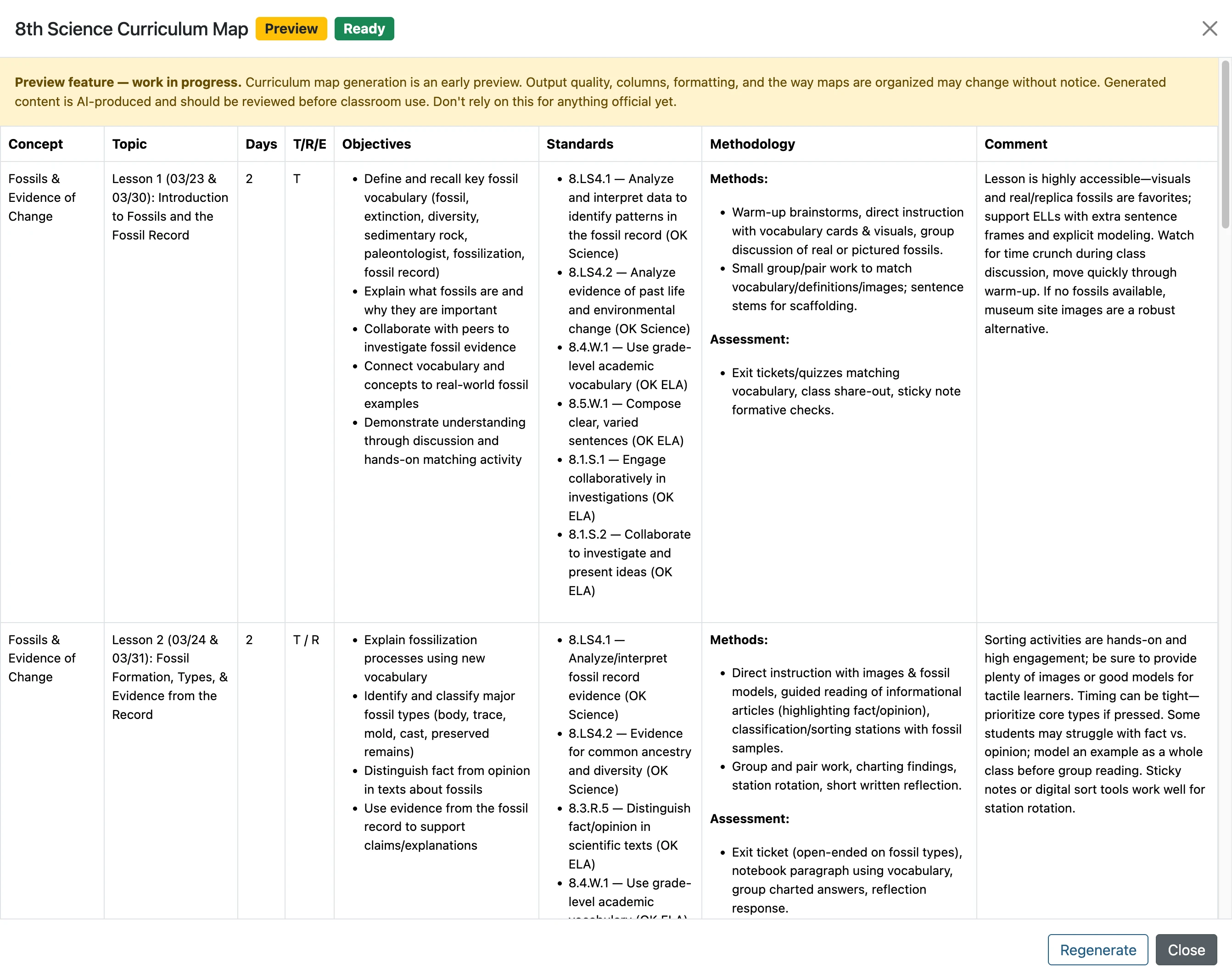
- 7
The End