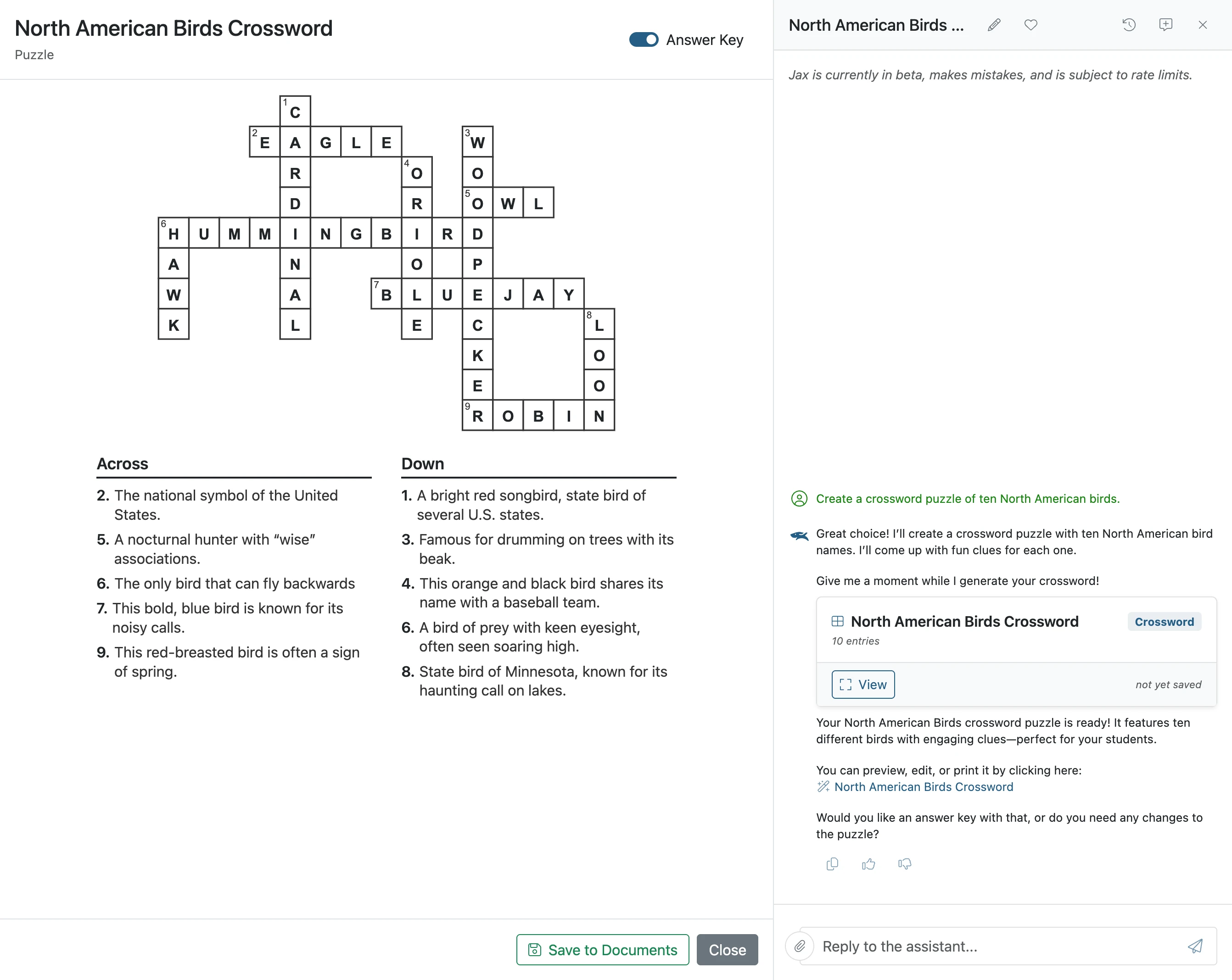
Create a Crossword with Jax
With Jax, you can easily generate and customize printable crossword puzzles for your class. This guide shows how Jax helps you quickly create and share puzzles tailored to your lessons and students.
Plan smarter this year
ClassJax is free for teachers. No credit card required.
- 1
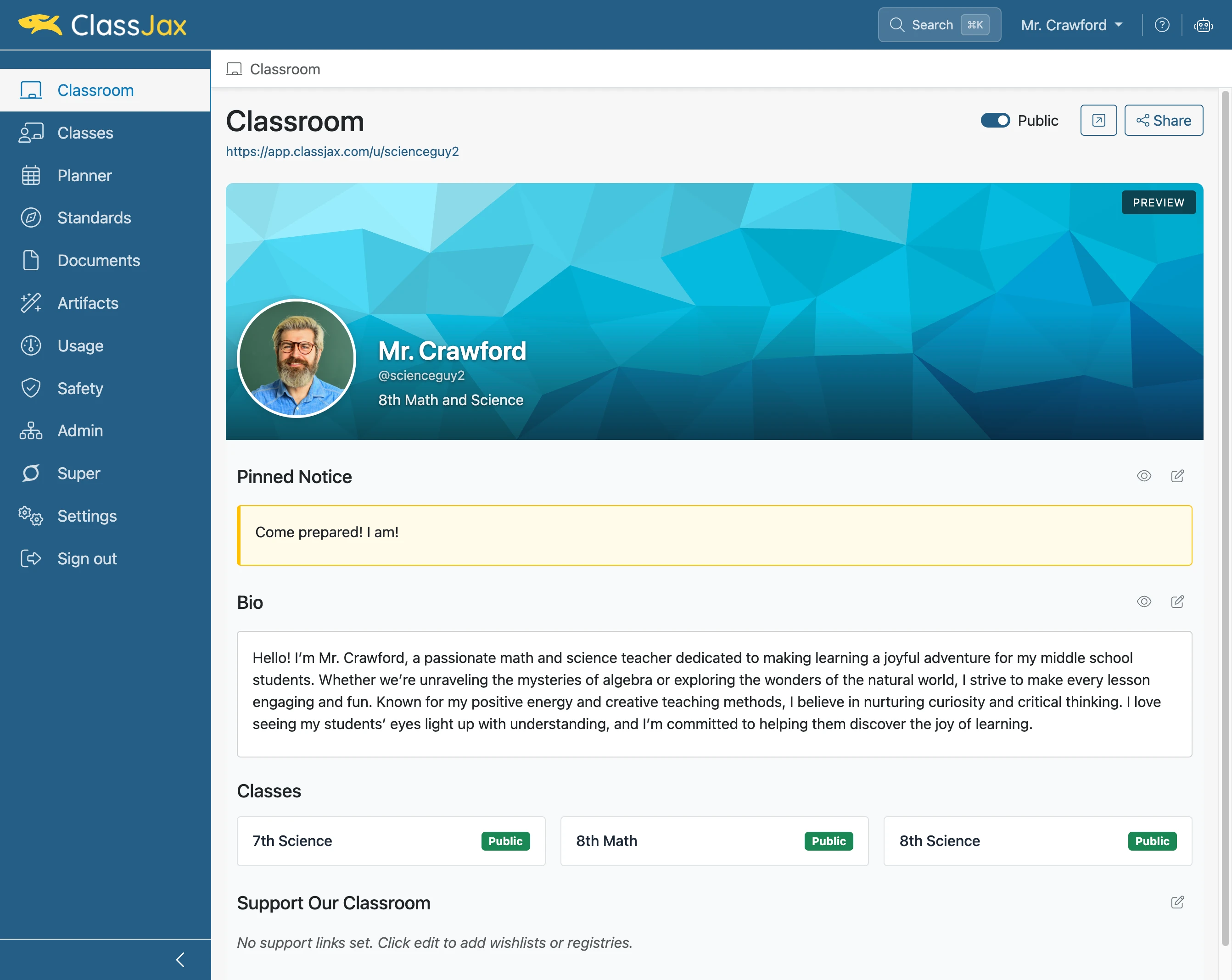
Click 'AI Assistant'
- 2
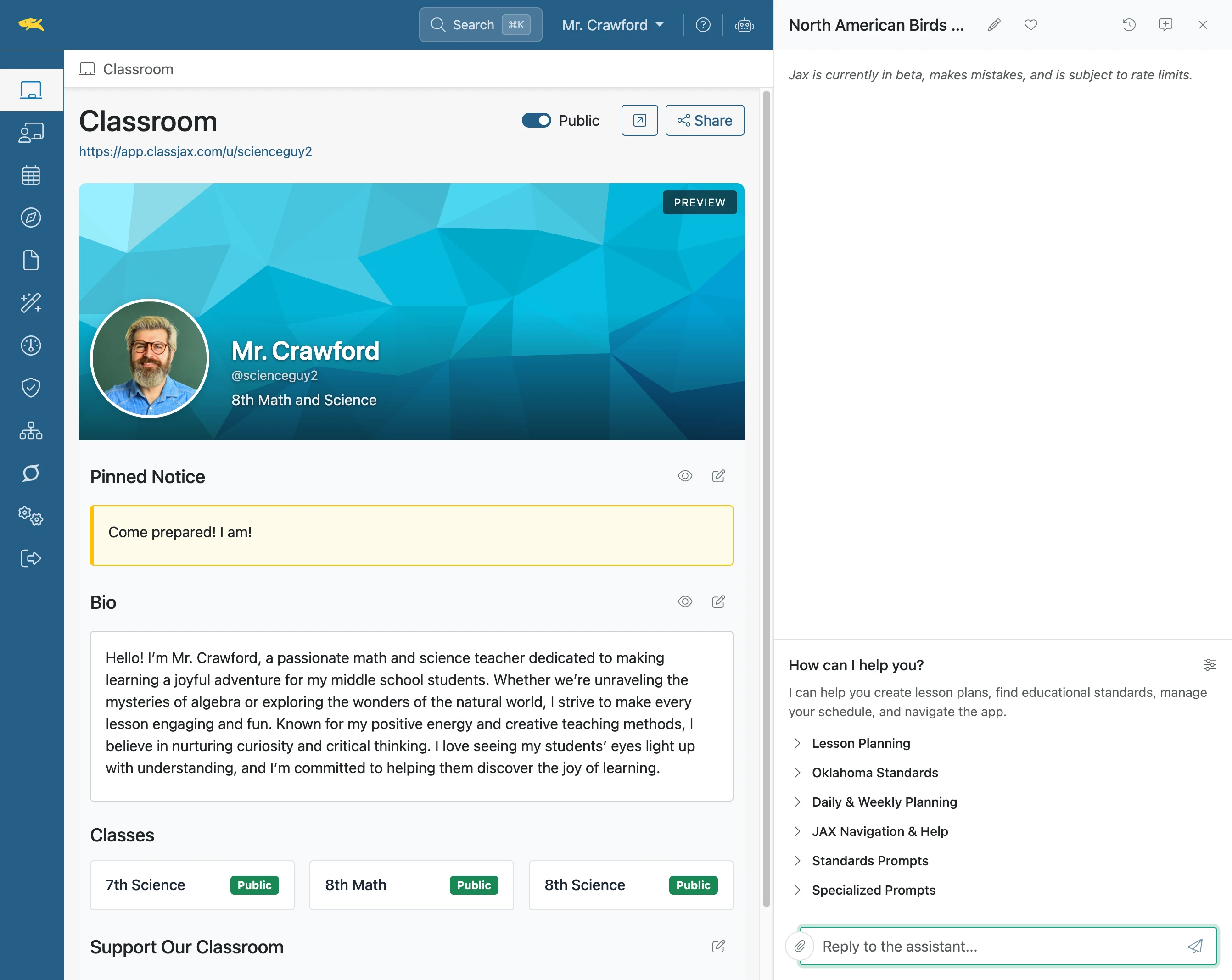
Click 'Reply to the assistant...'
- 3
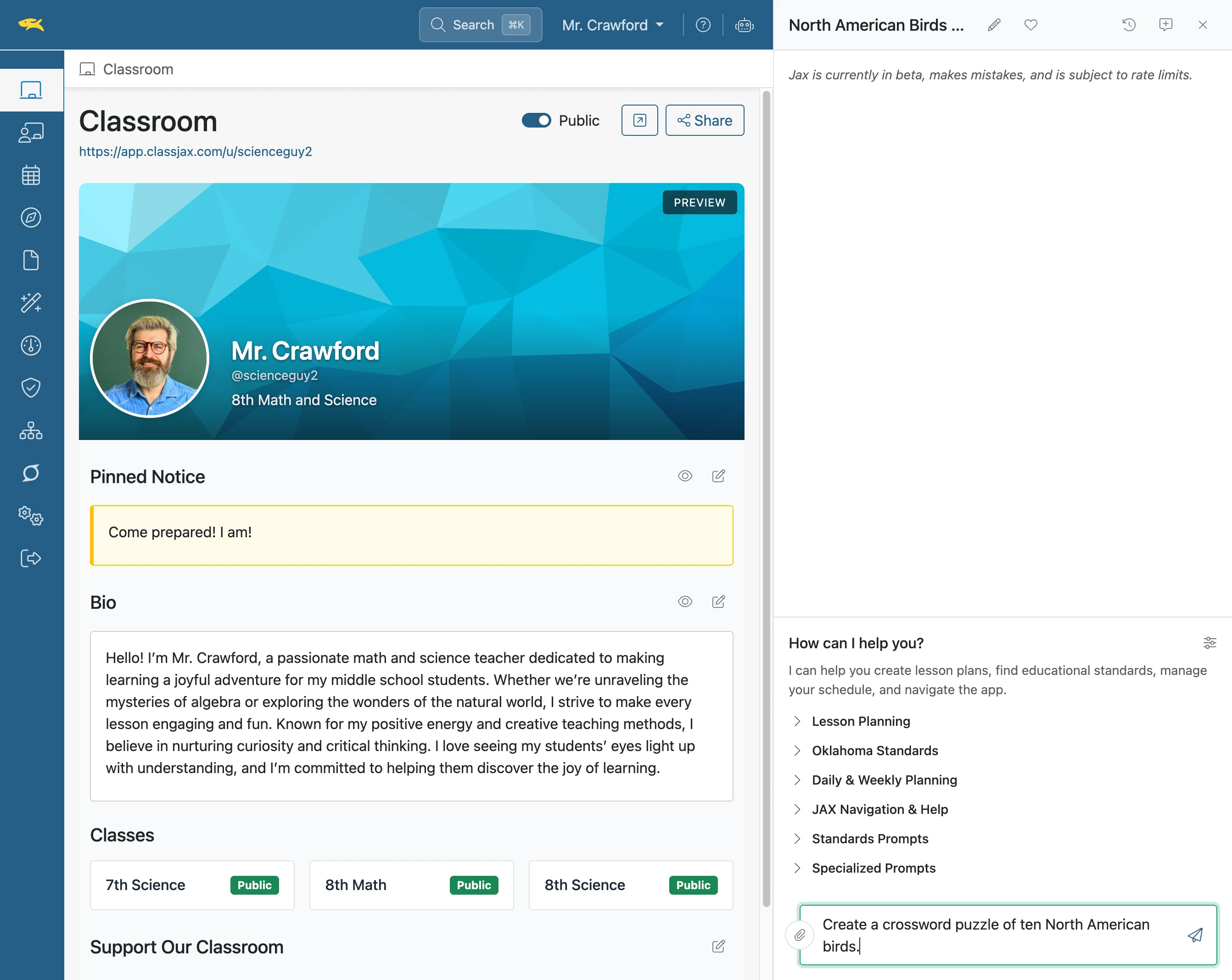
Click element
- 4
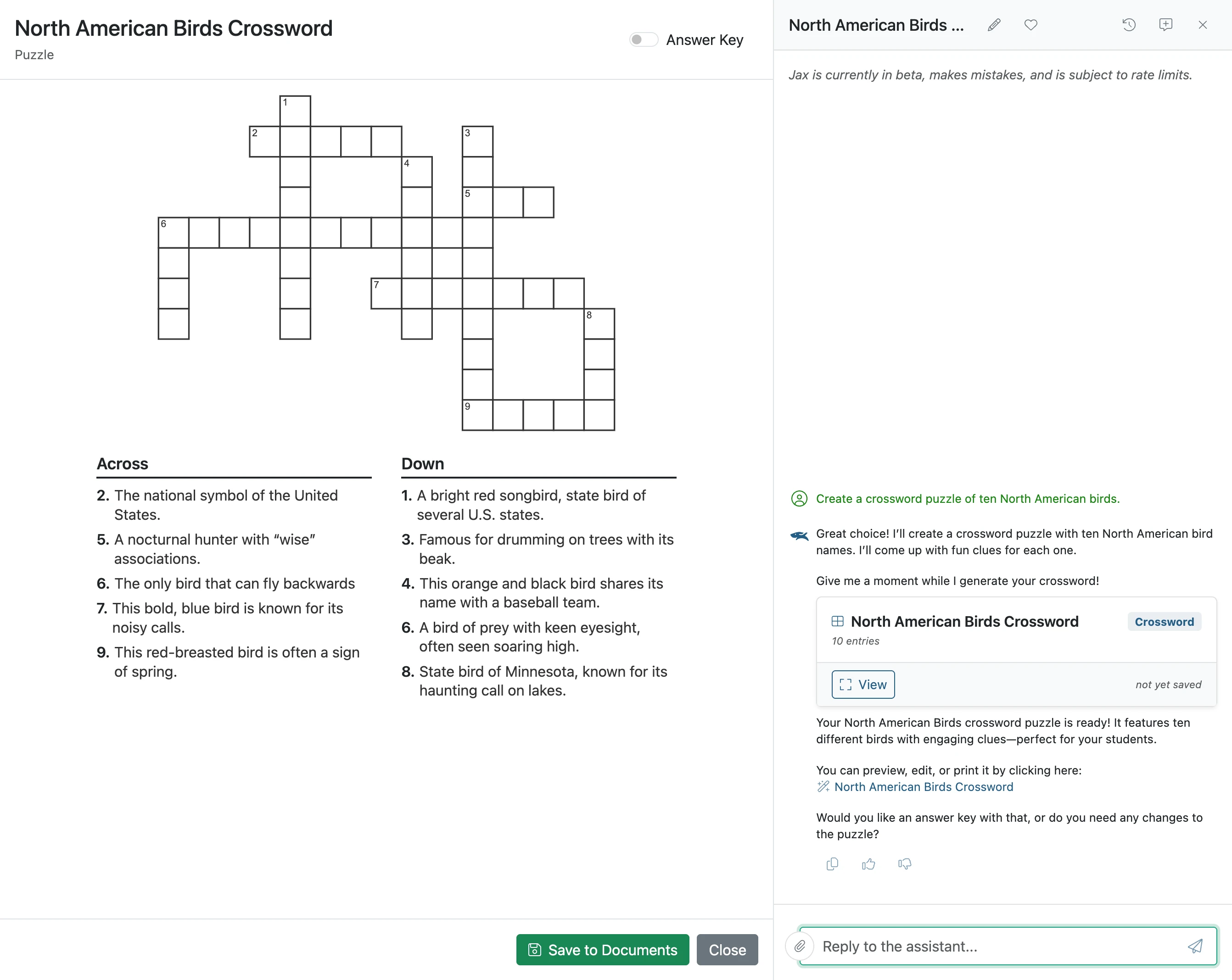
Click 'Save to Documents'
- 5
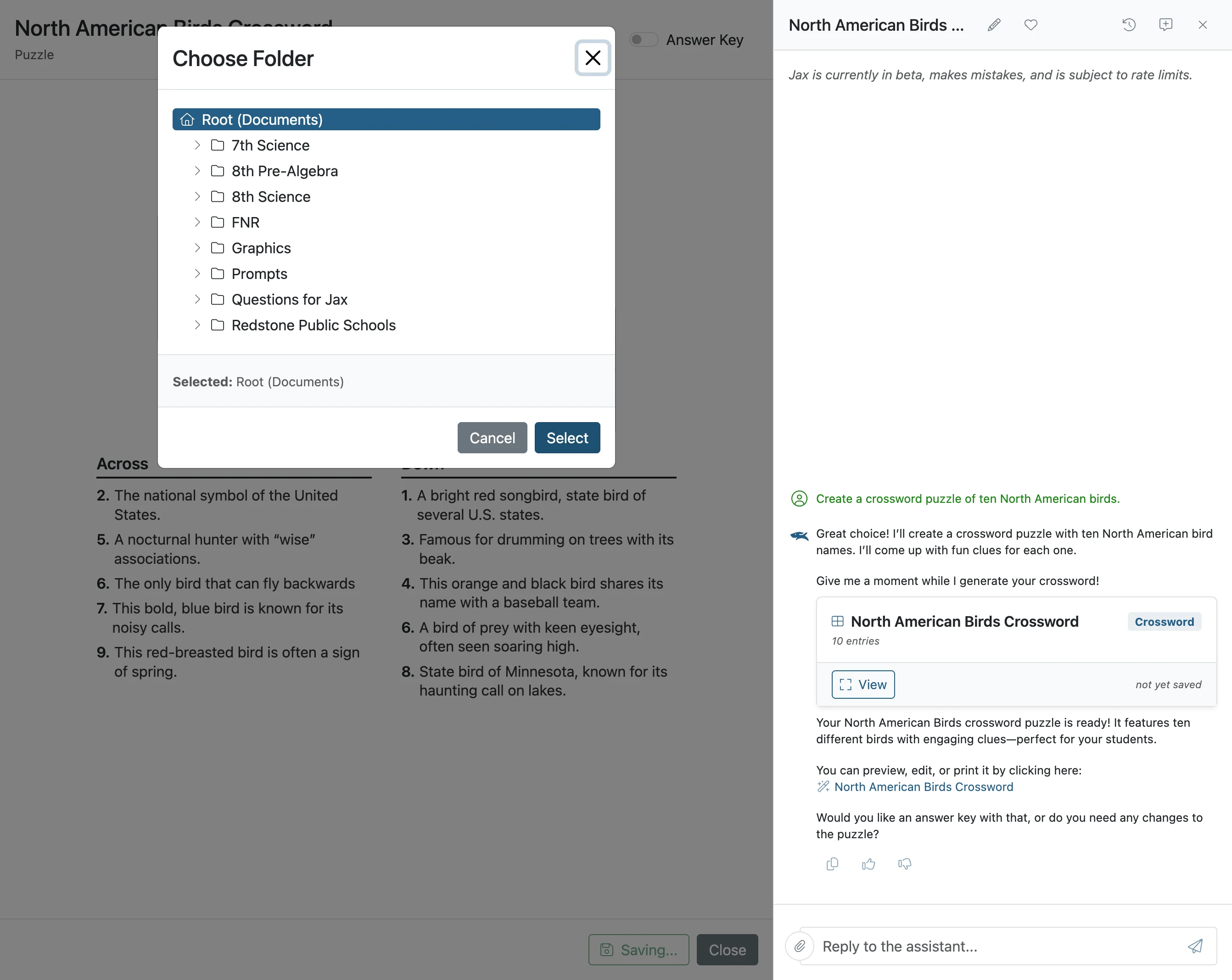
Click 'Select'
Select the location in Documents the crossword is to be saved.
- 6
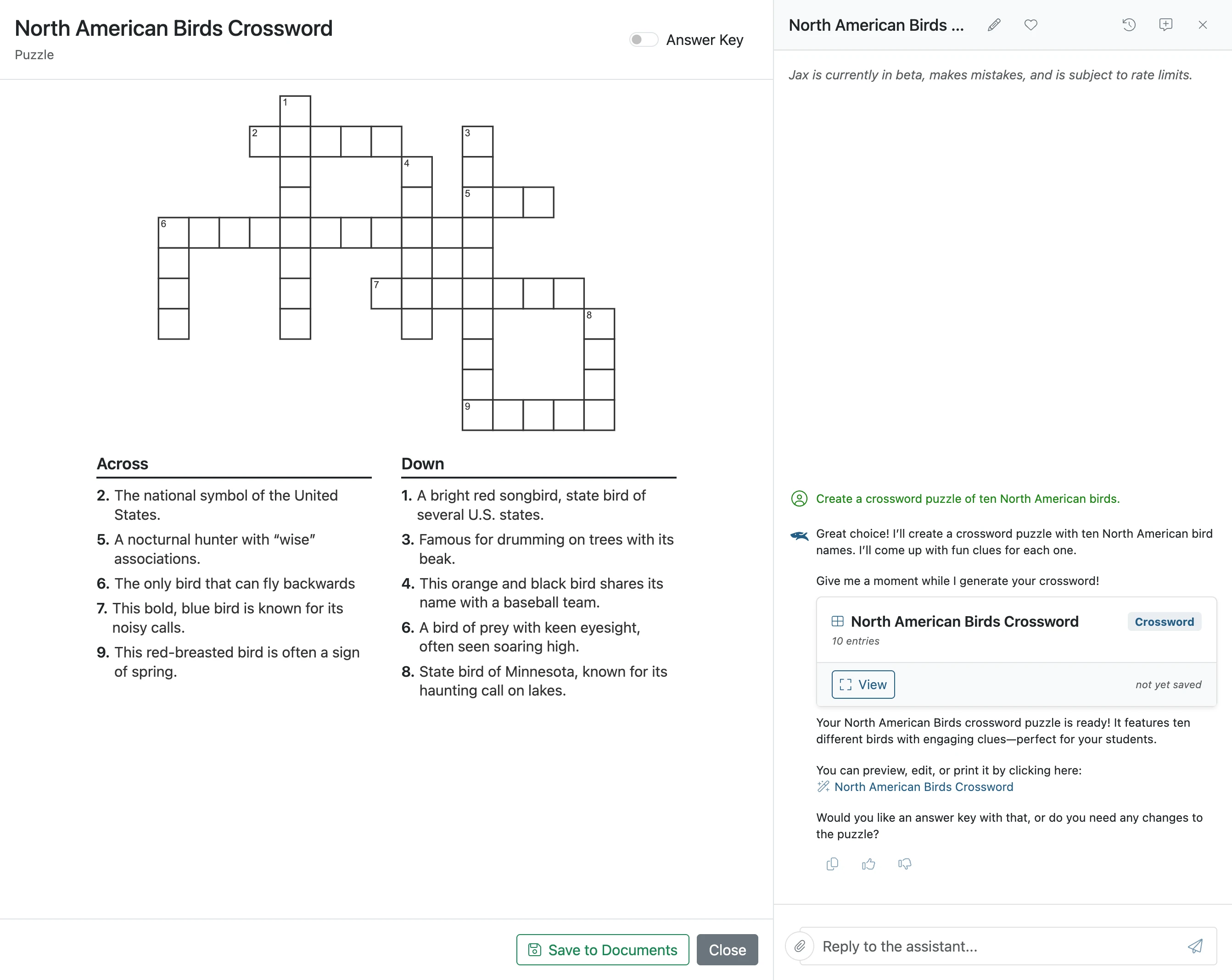
Click the 'Answer Key' to view the answers
- 7
The Crossword Answer Key