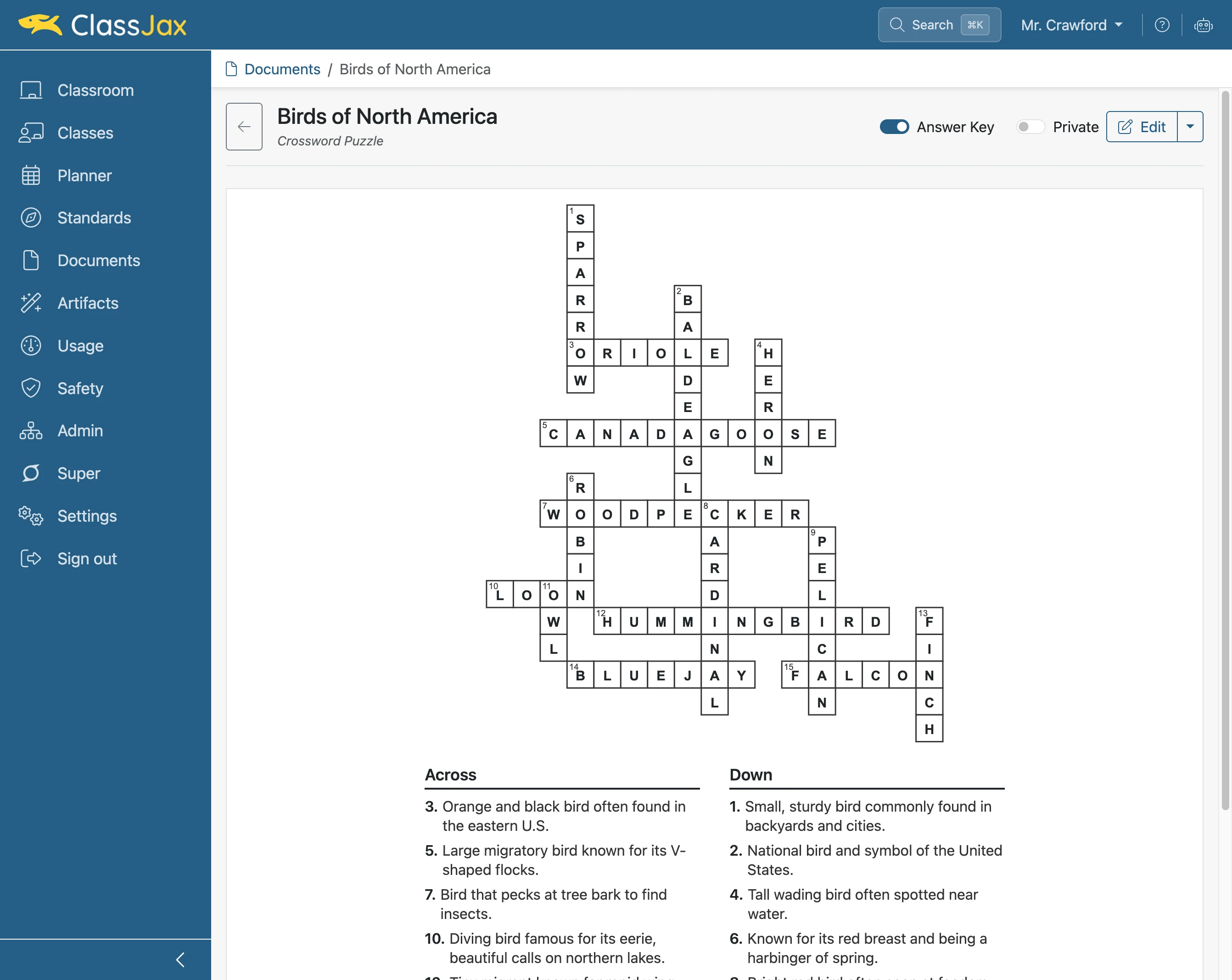
Create a Crossword
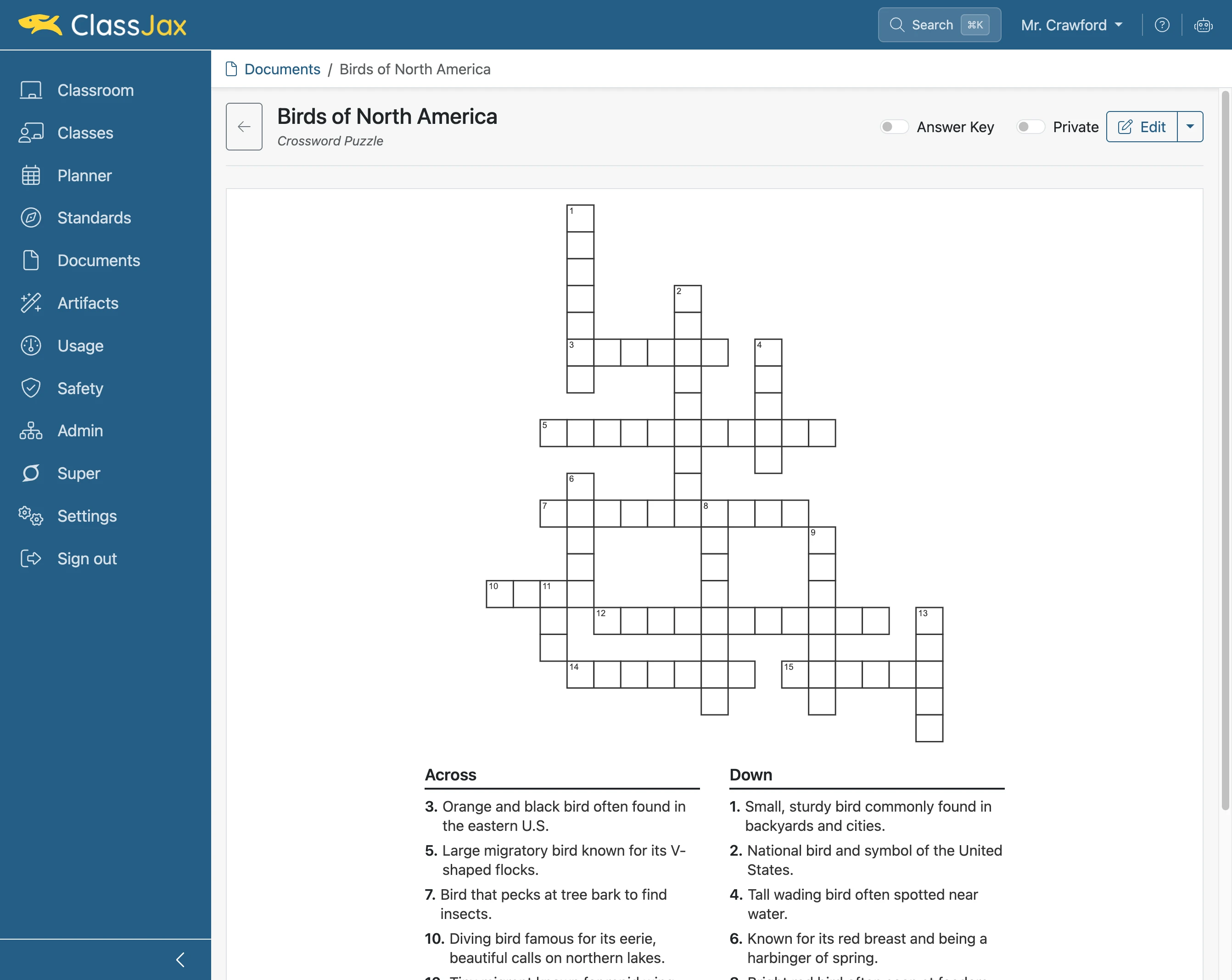
ClassJax makes it easy to create printable crossword puzzles for your students. This guide explains how to quickly design and customize crosswords to support learning and review important concepts.
Plan smarter this year
ClassJax is free for teachers. No credit card required.
- 1
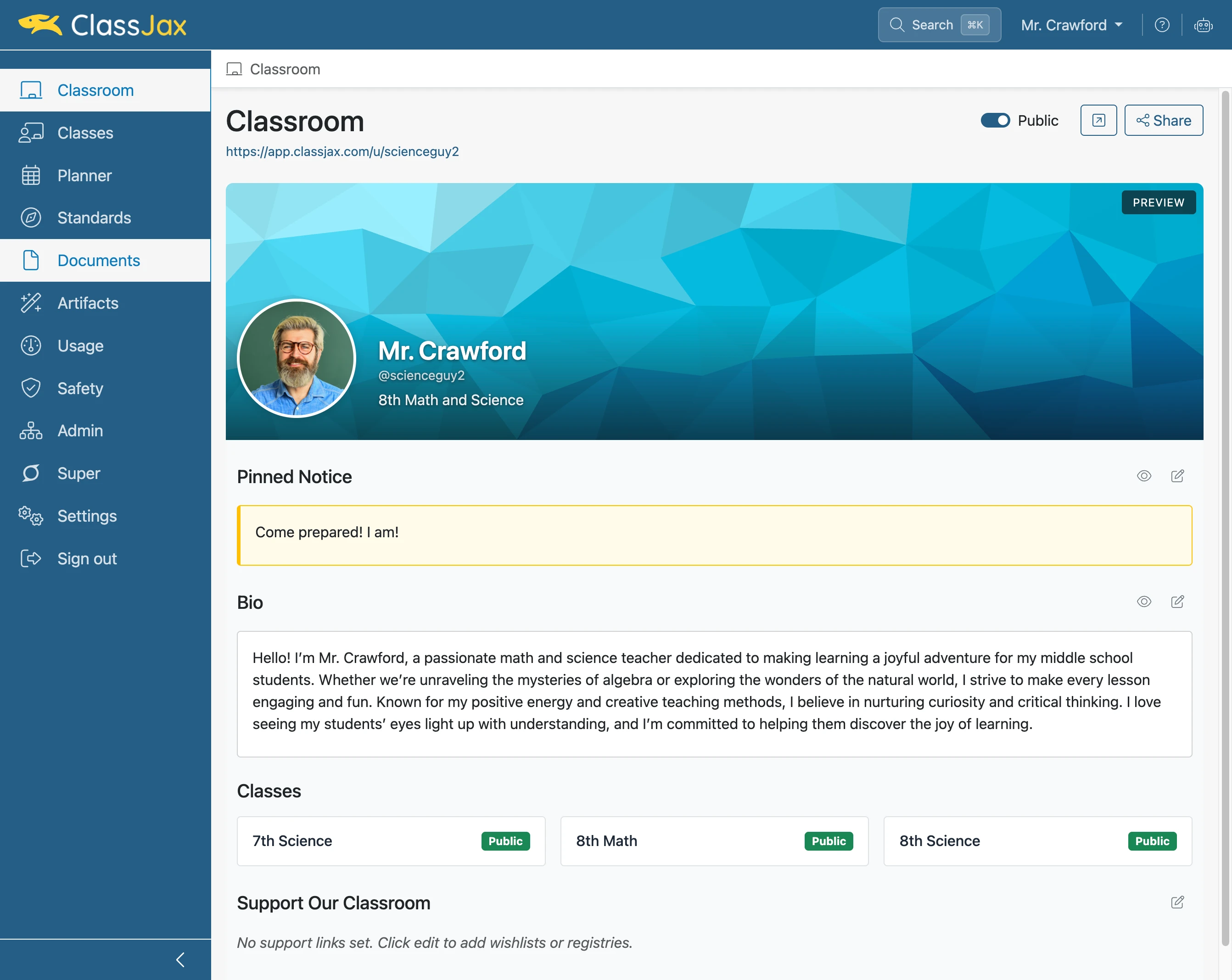
Click the 'Documents' link
- 2
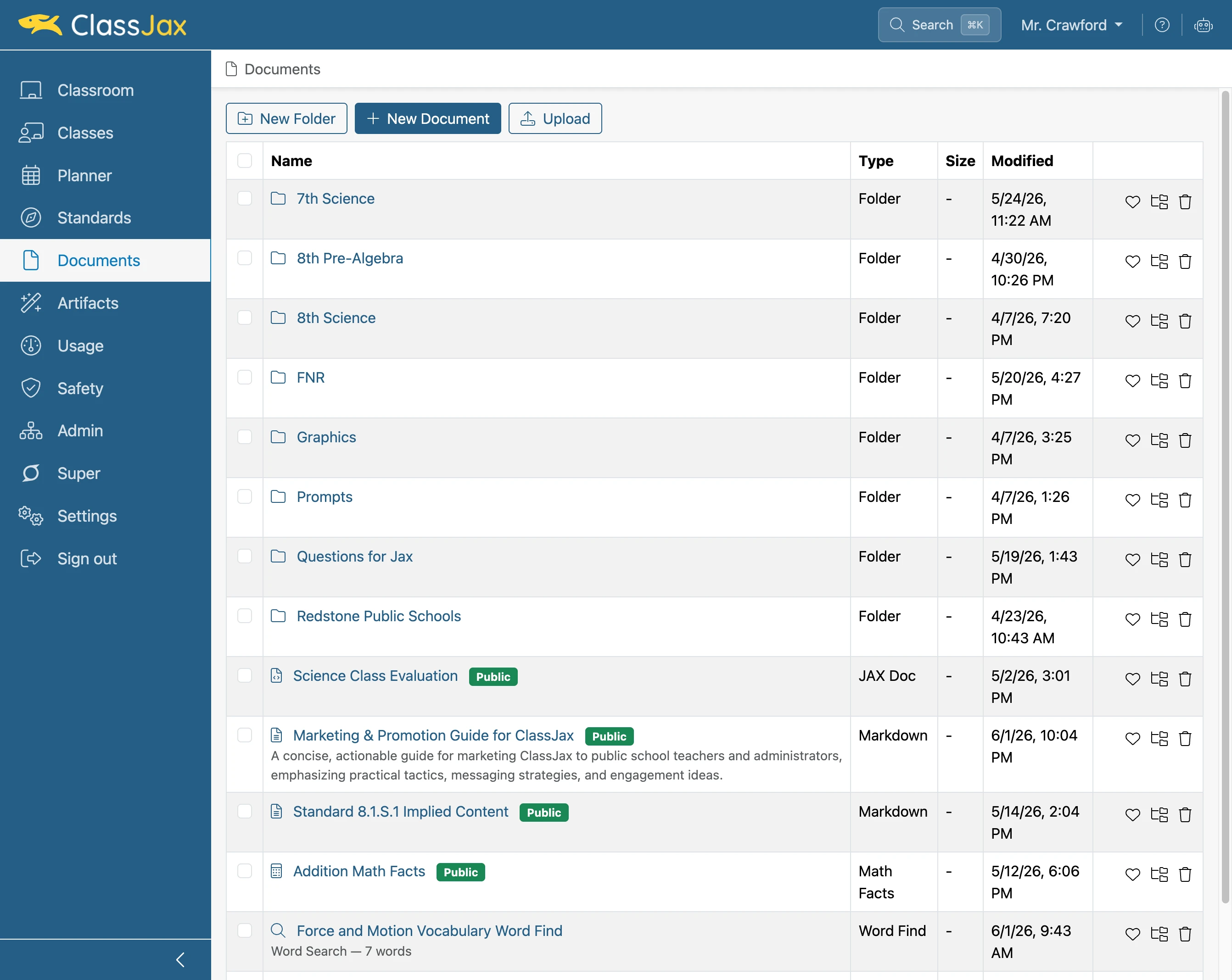
Click 'New Document'
- 3
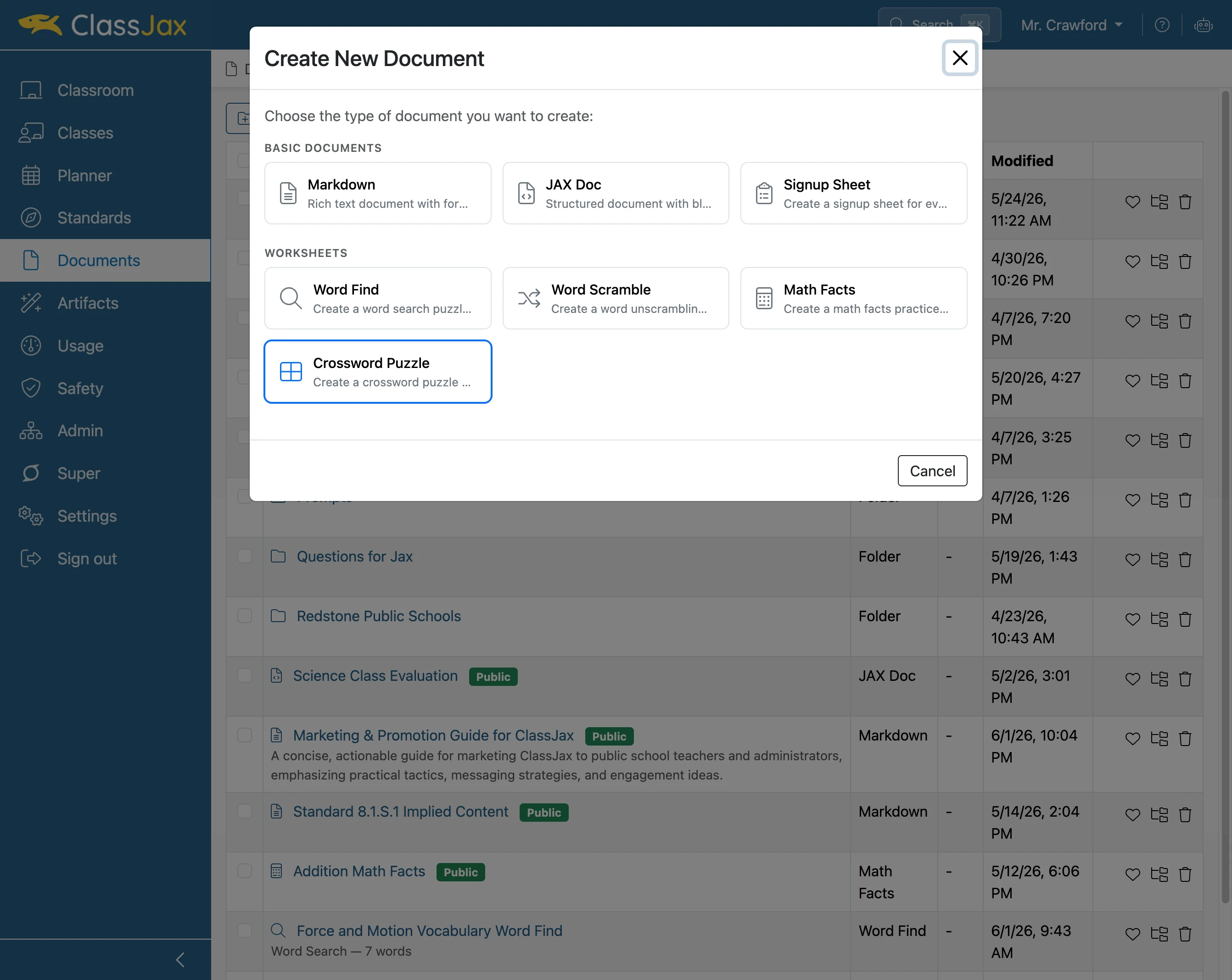
Click the 'Crossword Puzzle' option
- 4
Click in the 'Words and Clues' field
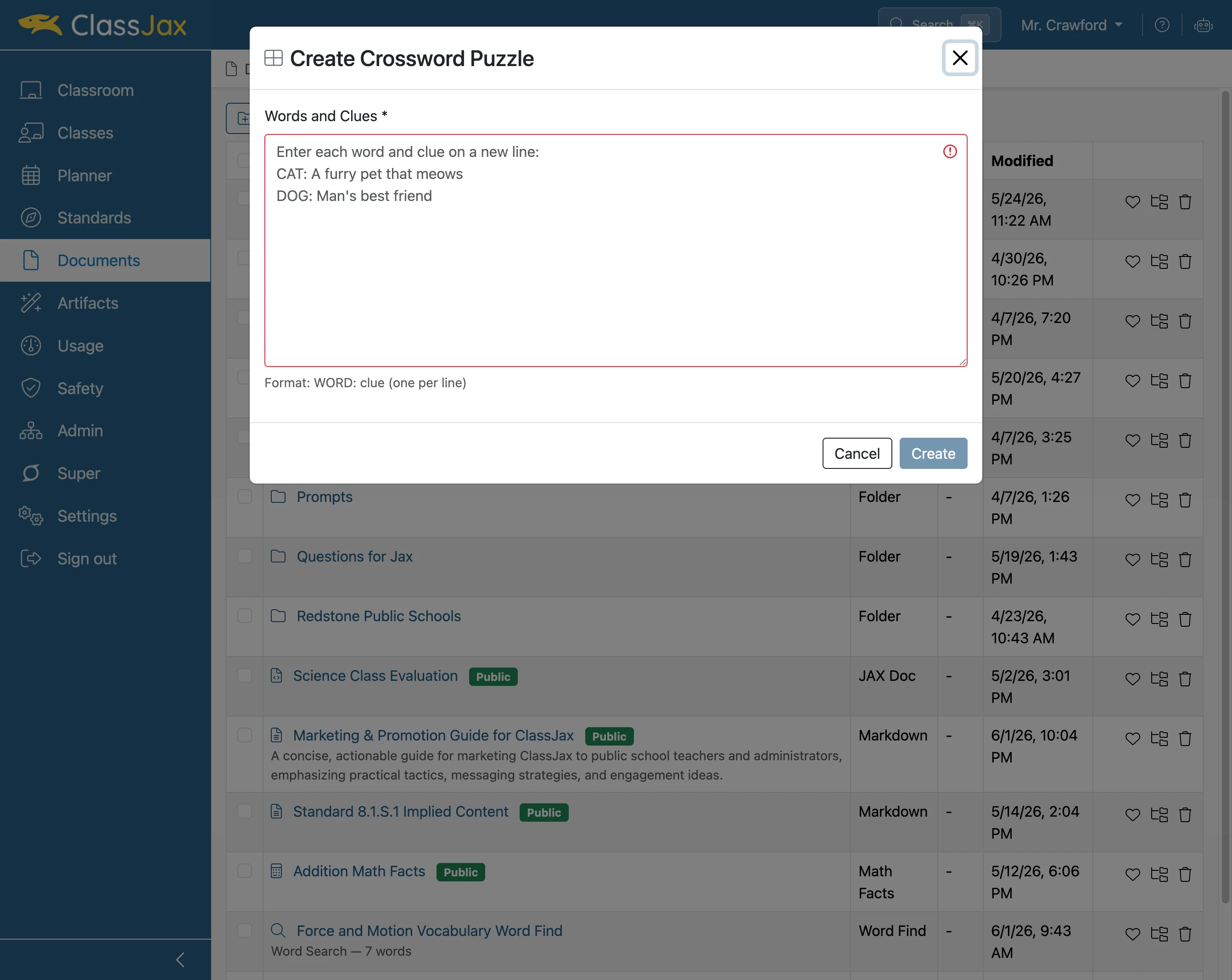
- 5
Click 'Create'
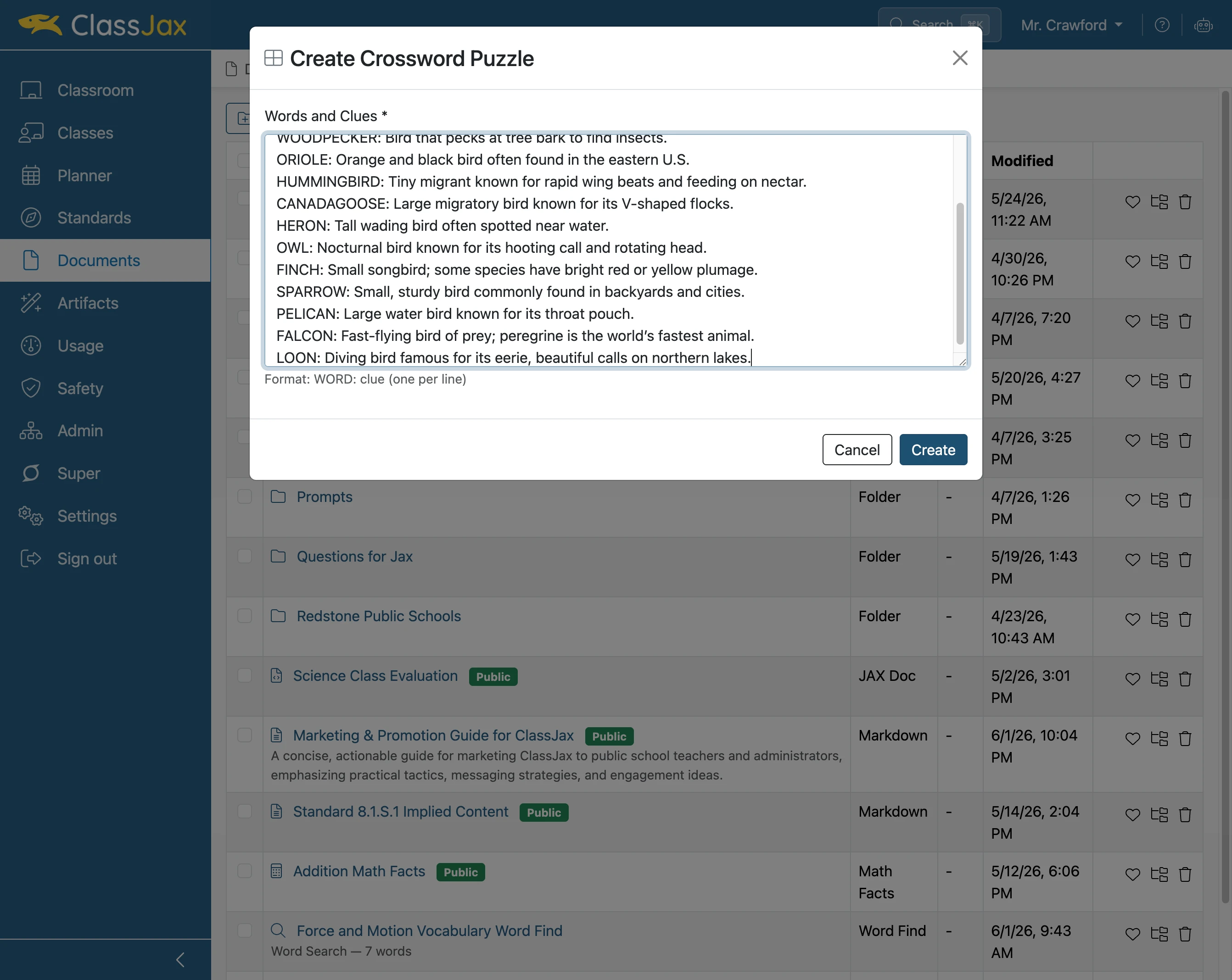
- 6
Click the 'Name' field
Enter a name for the crossword puzzle.
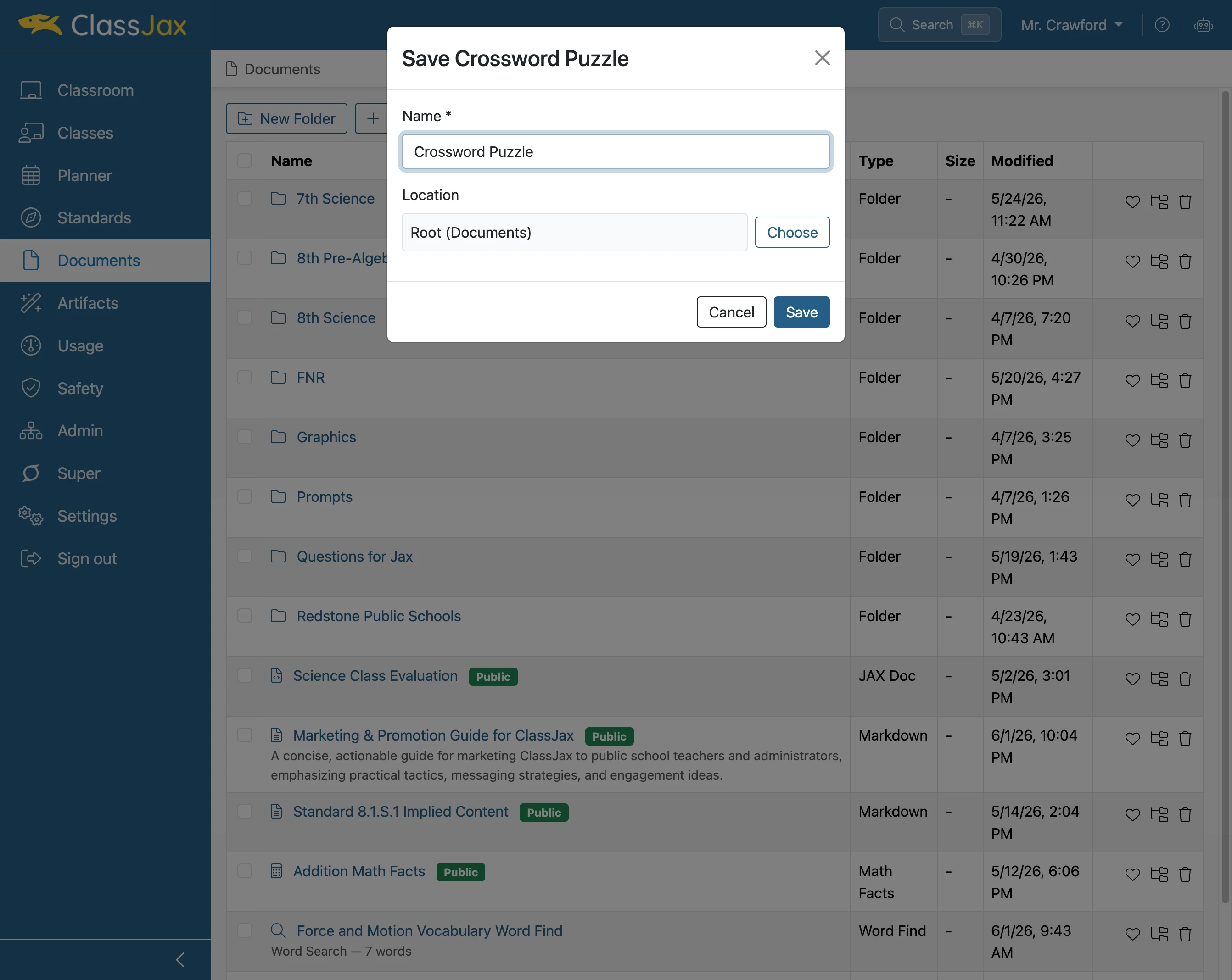
- 7
Click 'Save'
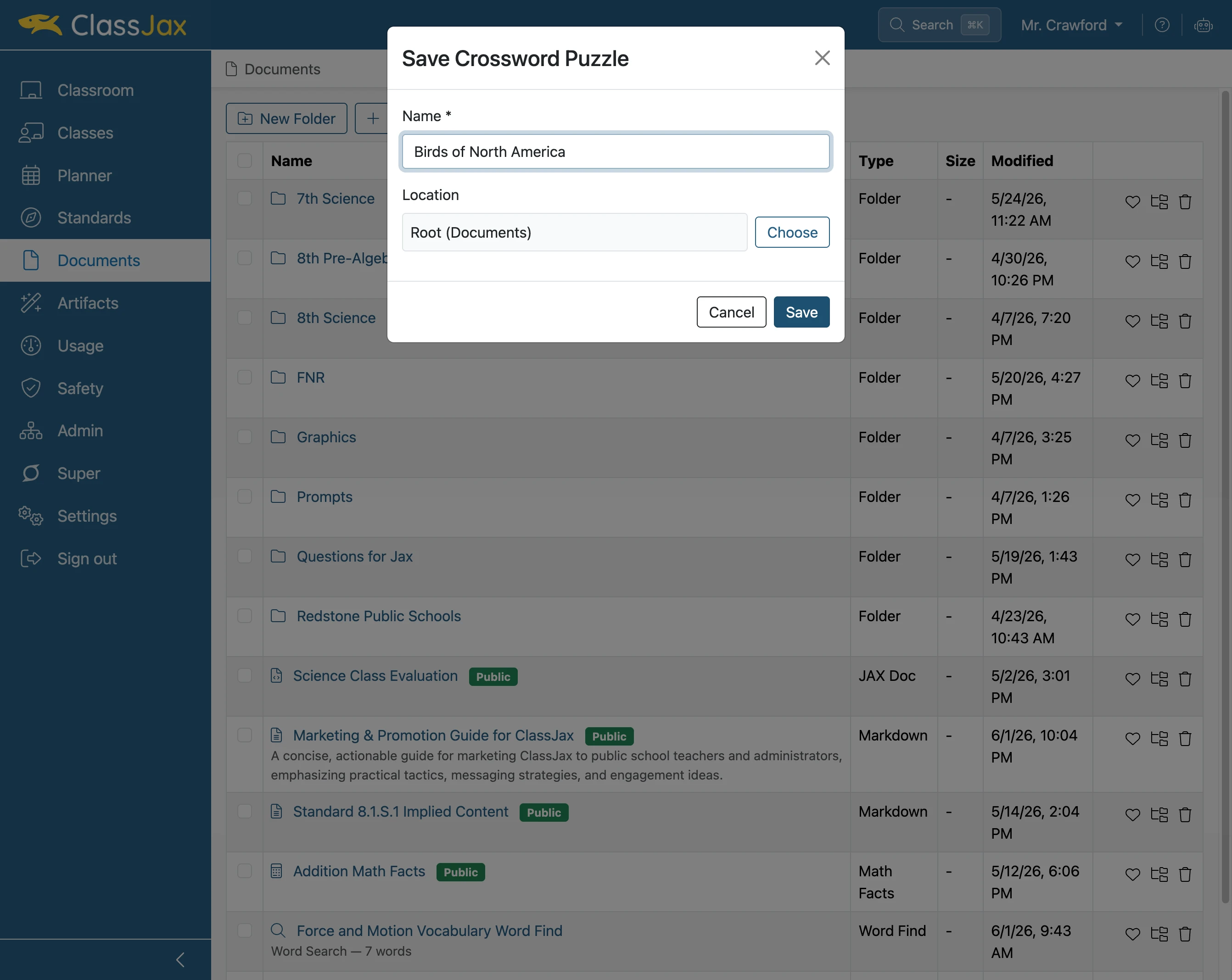
- 8
Click the 'Answer Key' slider
- 9
The End