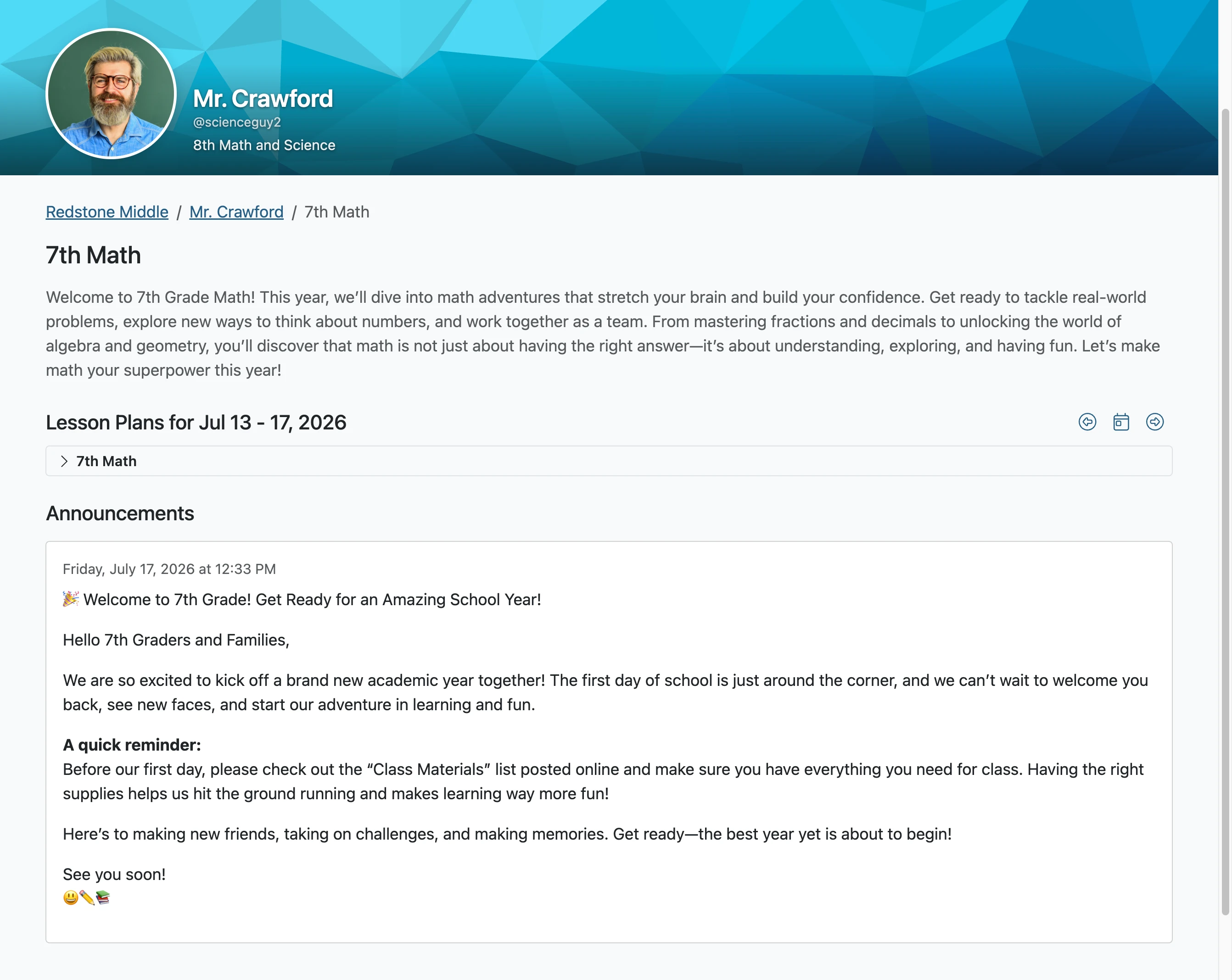
Create Class Announcements
Use the Classes Announcement feature to create announcements for students and parents. Announcements are an effective way to share information, encouragement, and details about attached resources such as study aids and other helpful documents.
Plan smarter this year
ClassJax is free for teachers. No credit card required.
- 1
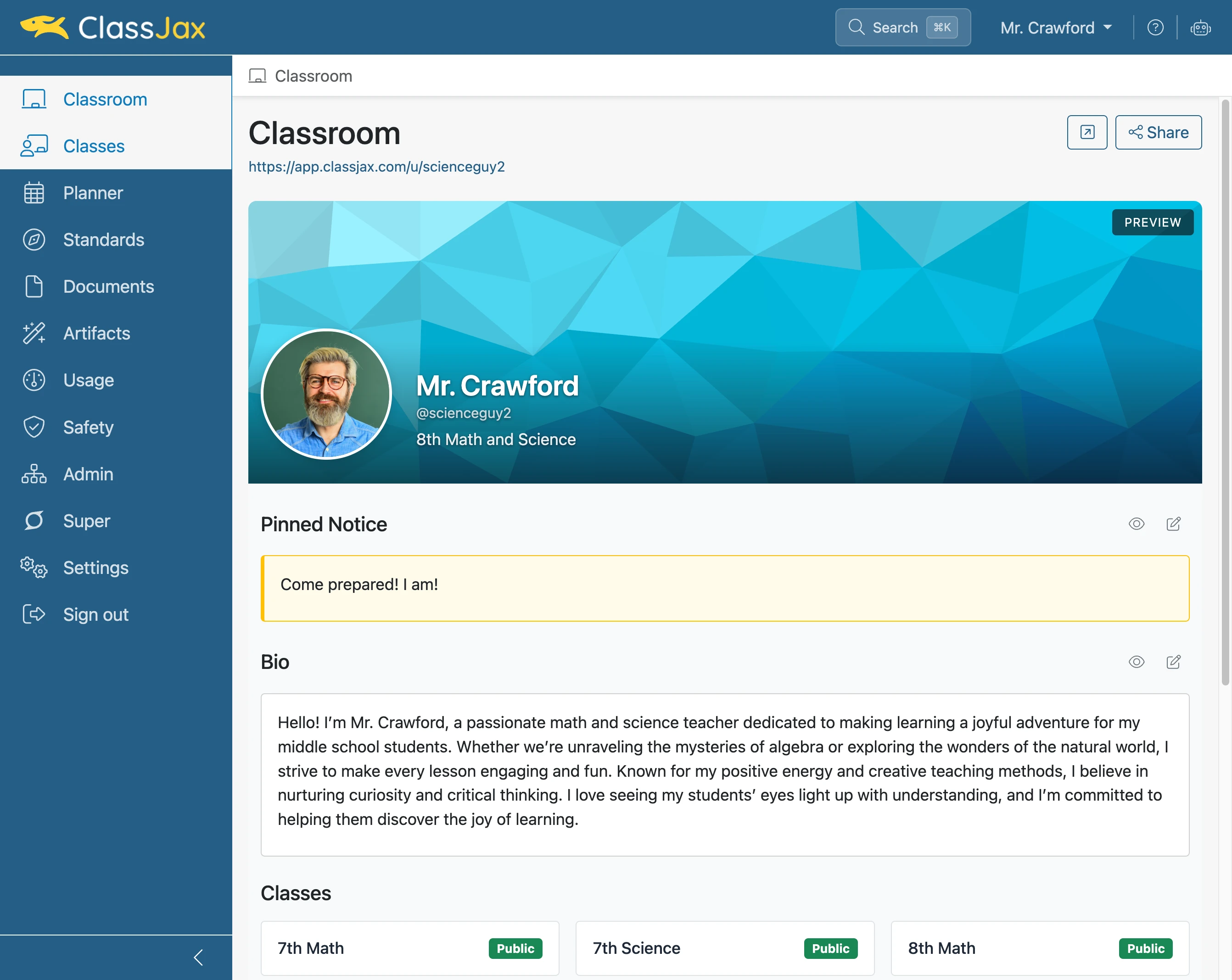
Click the 'Classes' link
- 2
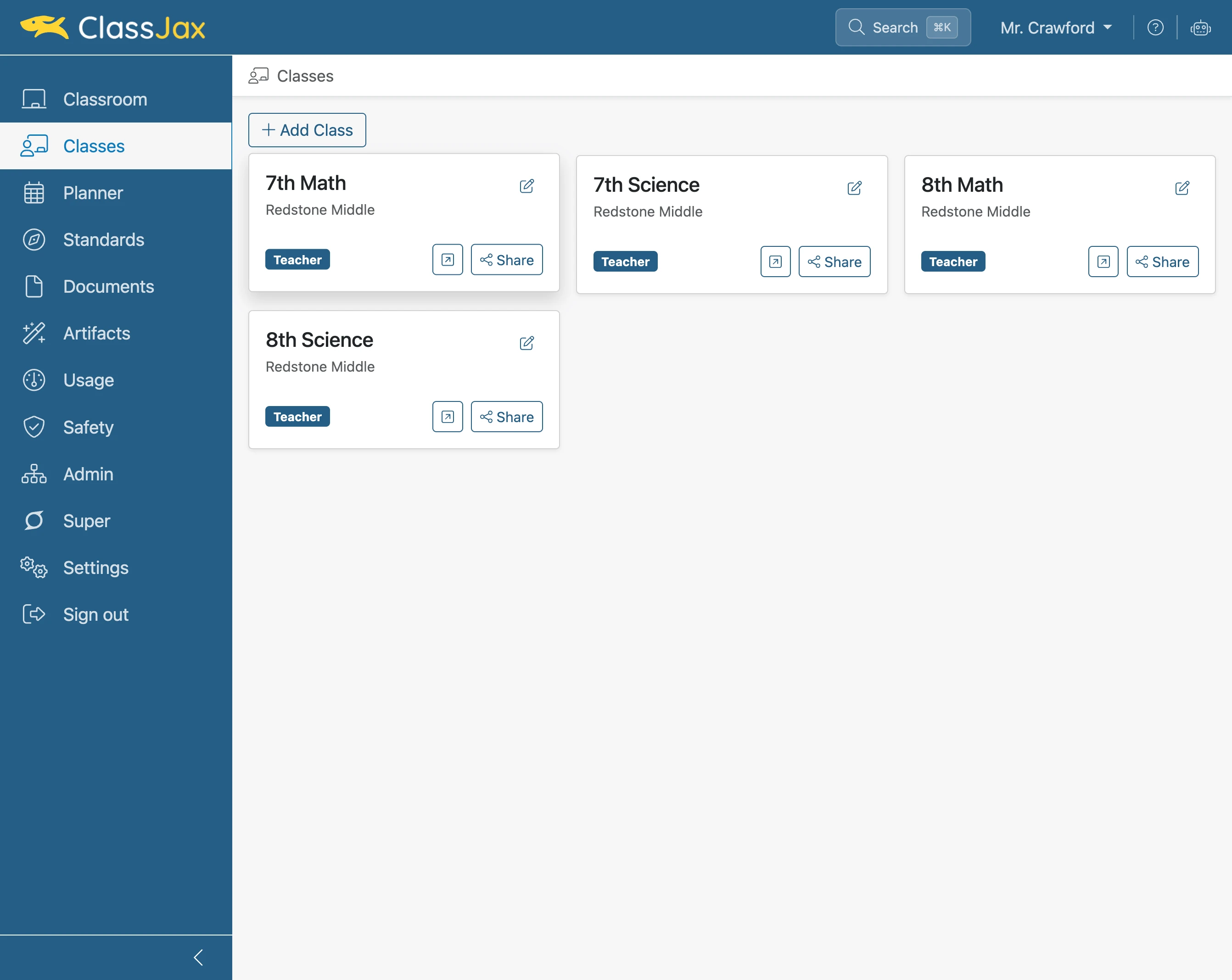
Click 'Class' needing the Announcement
- 3
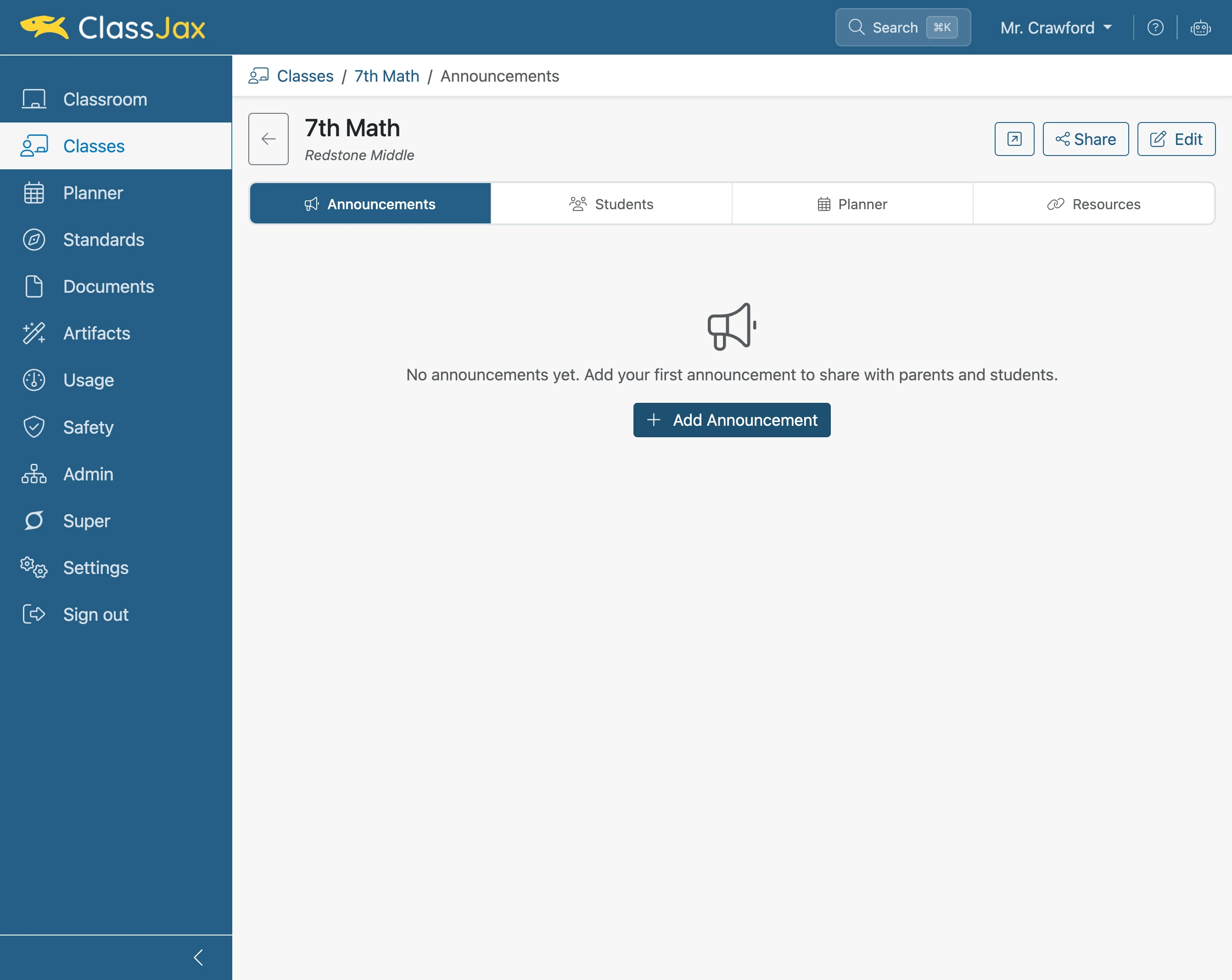
Click 'Add Announcement'
- 4
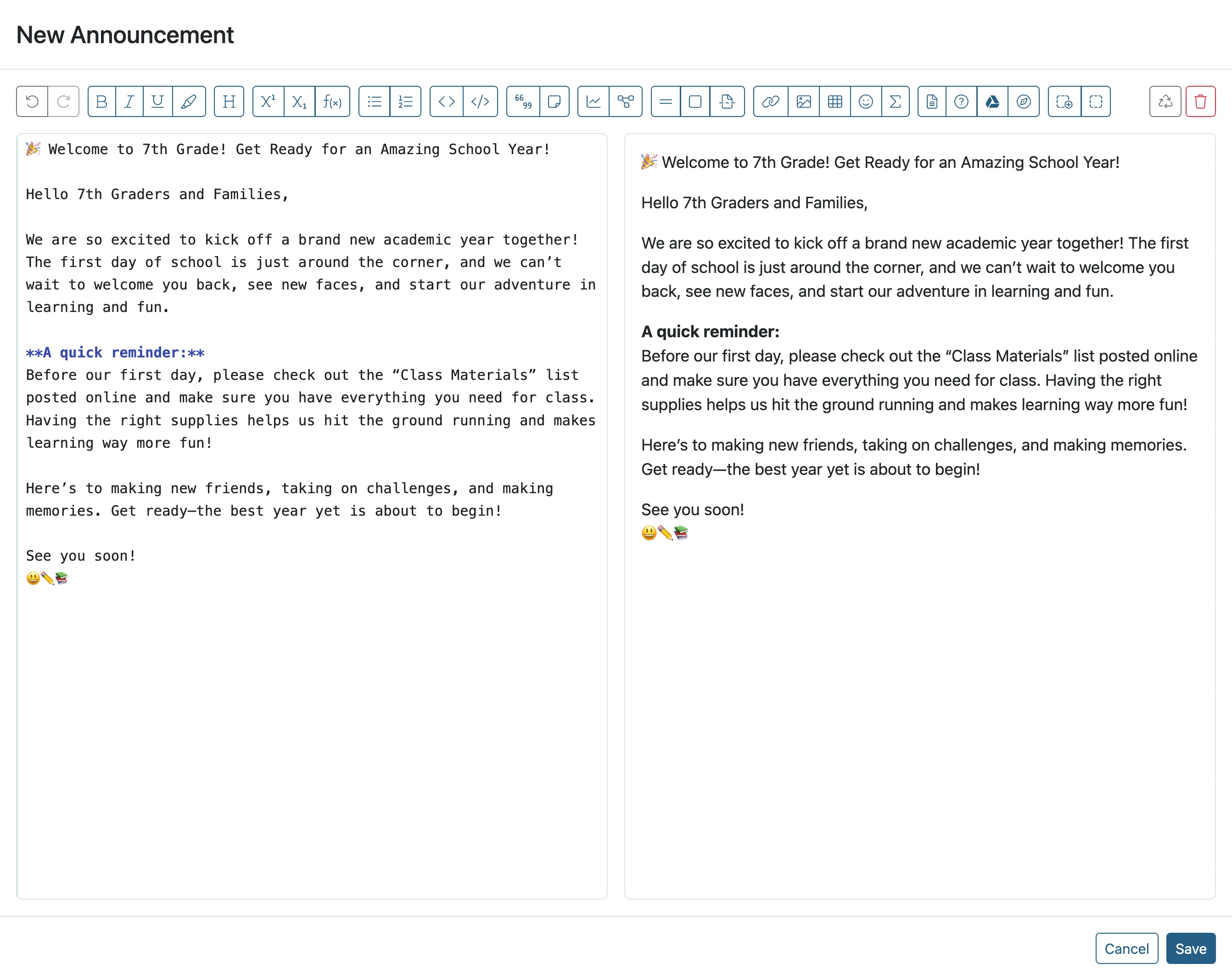
Enter announcement text
- 5
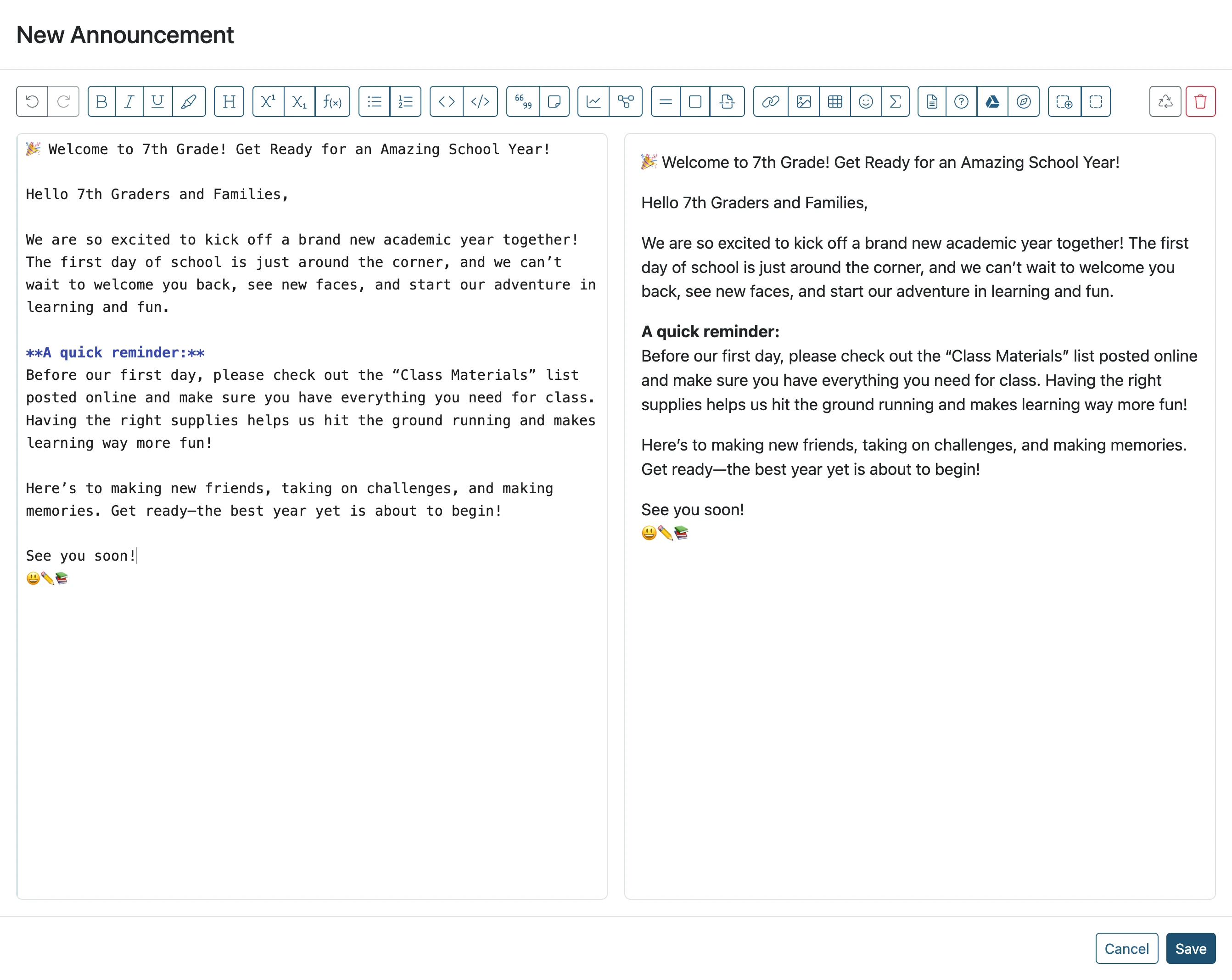
Click 'Save'
- 6
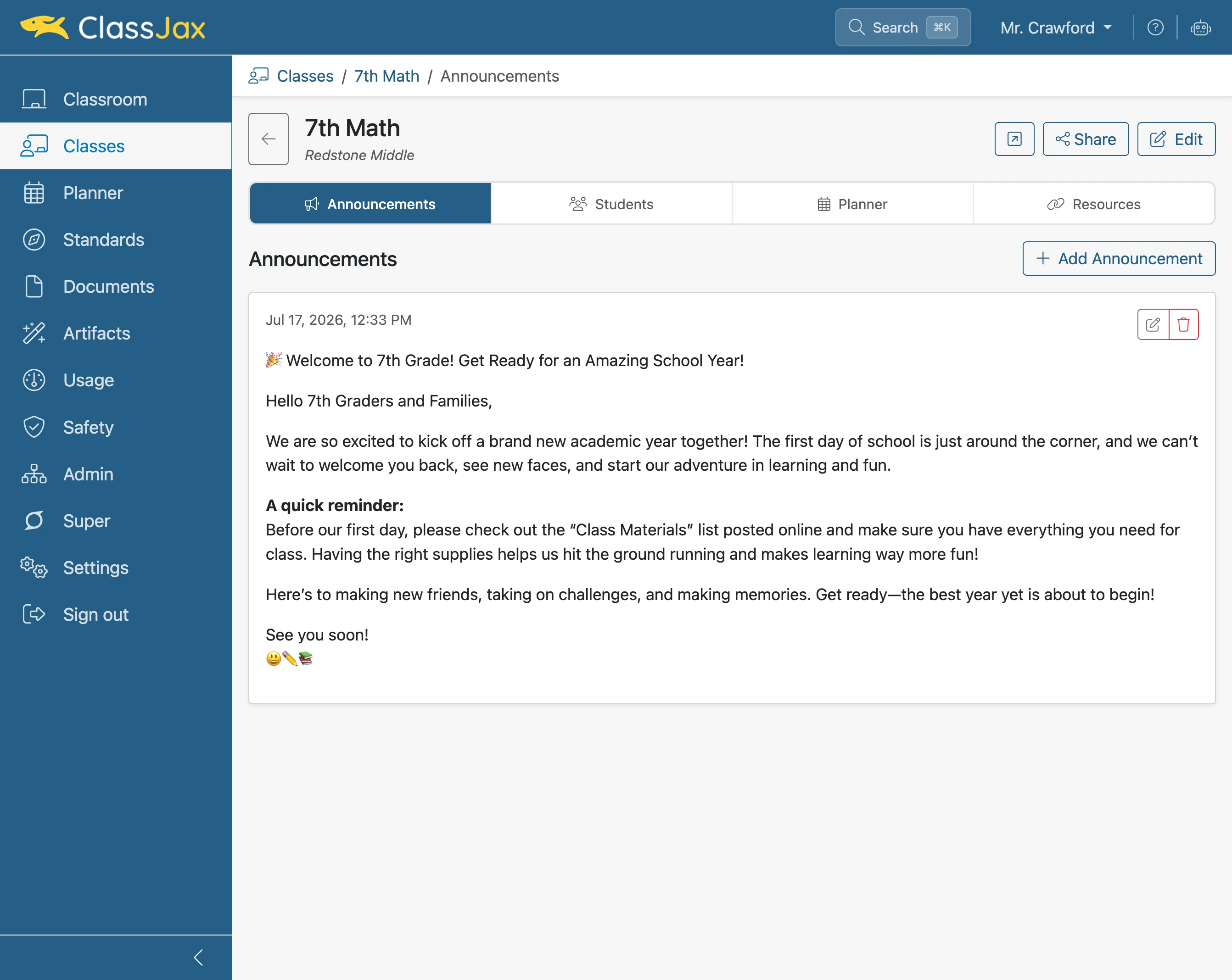
Teacher's View of the Announcement
- 7
Click the 'Open public class in new tab' button
This results in the public view of the announcement.
Note: This button only appears if the class has been shared with the public. To make public, click the Share button and set the appropriate options.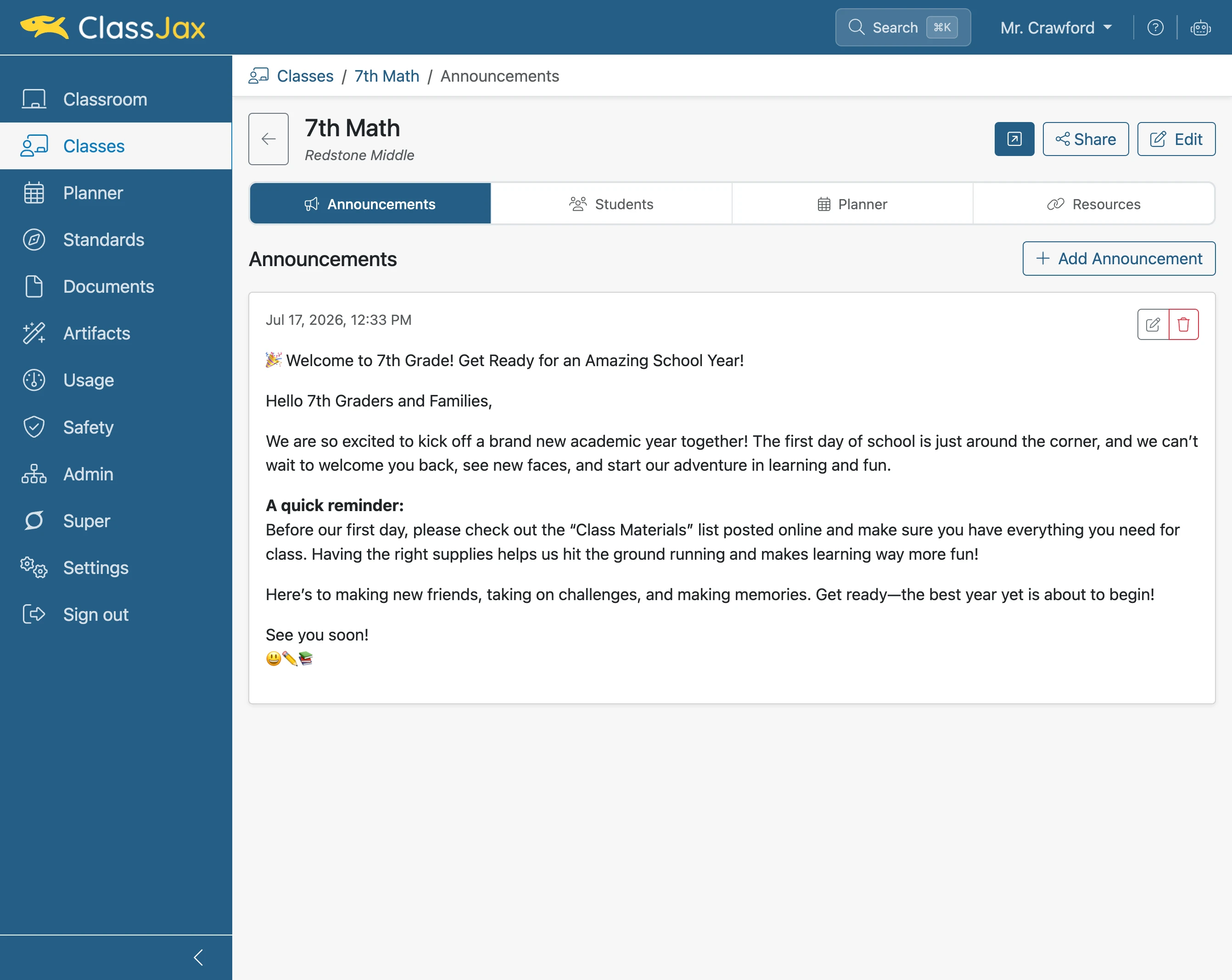
- 8
The Public View of Announcements
As new announcements are added, the latest announcements appear above the older announcements.