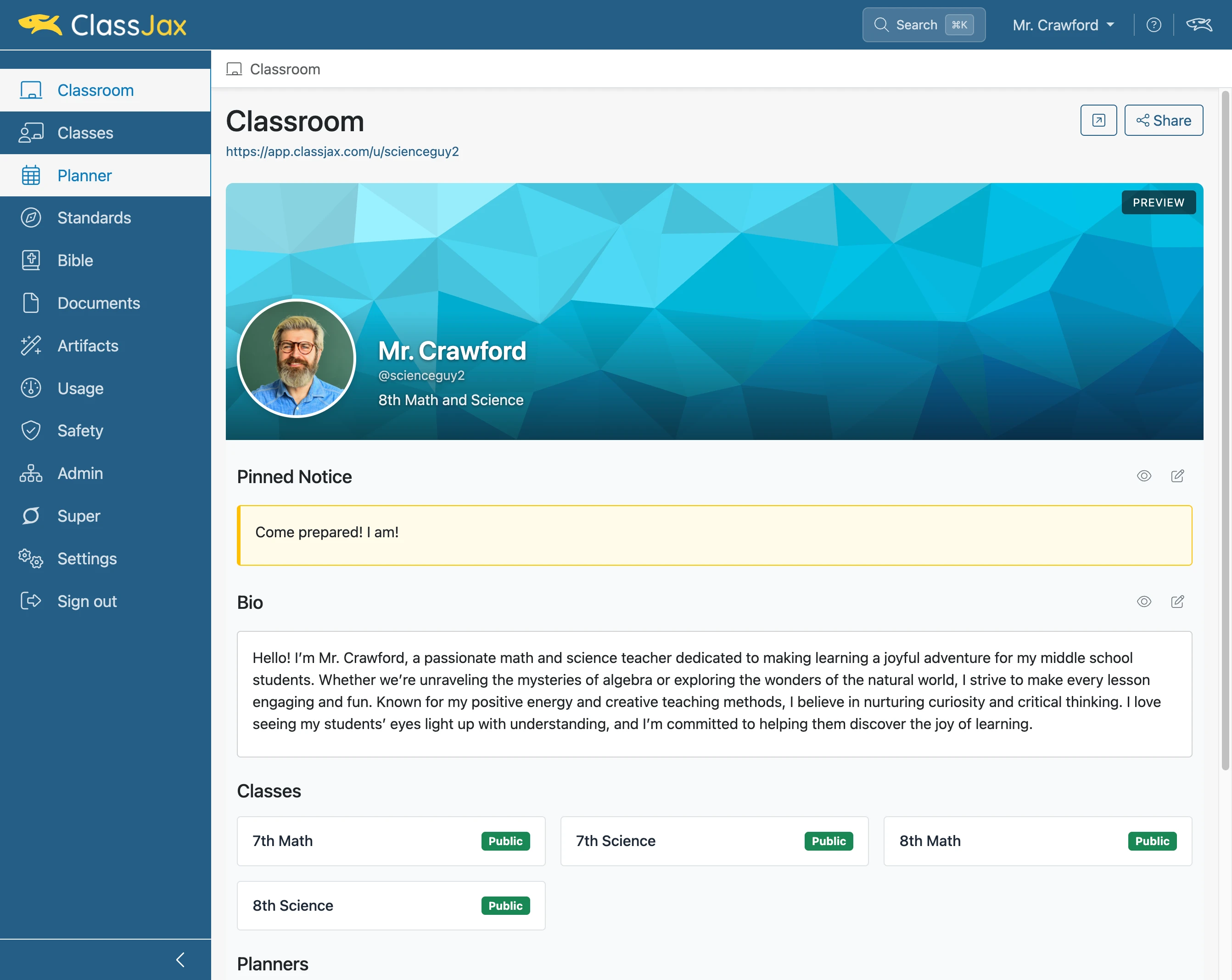
Duplicate a Planner Template
A Planner Template can be copied and customized for use as a teacher-specific template.
Plan smarter this year
ClassJax is free for teachers. No credit card required.
- 1
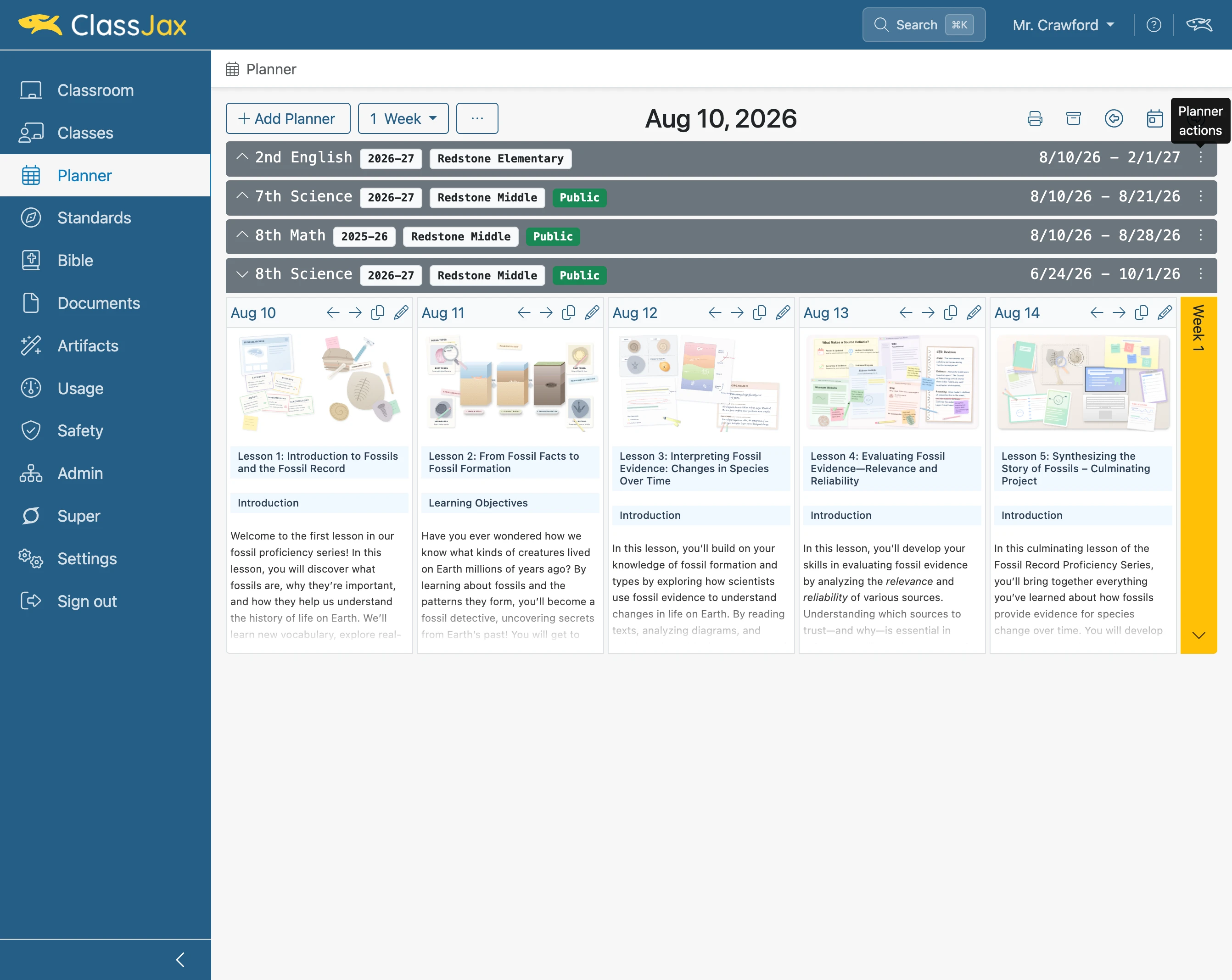
Click the 'Planner' link
- 2
Click the 'Planner Actions' icon
- 3
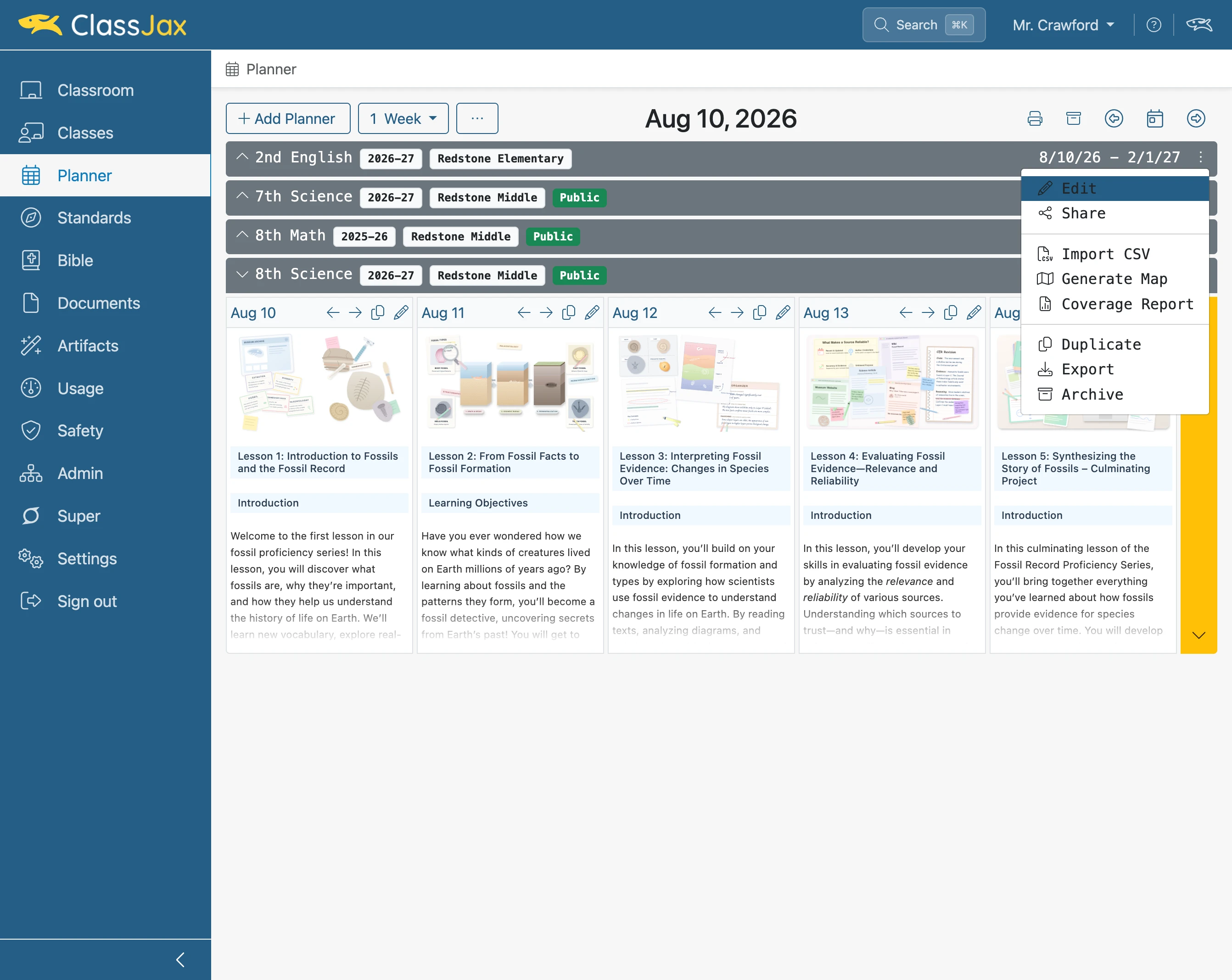
Click 'Edit'
- 4
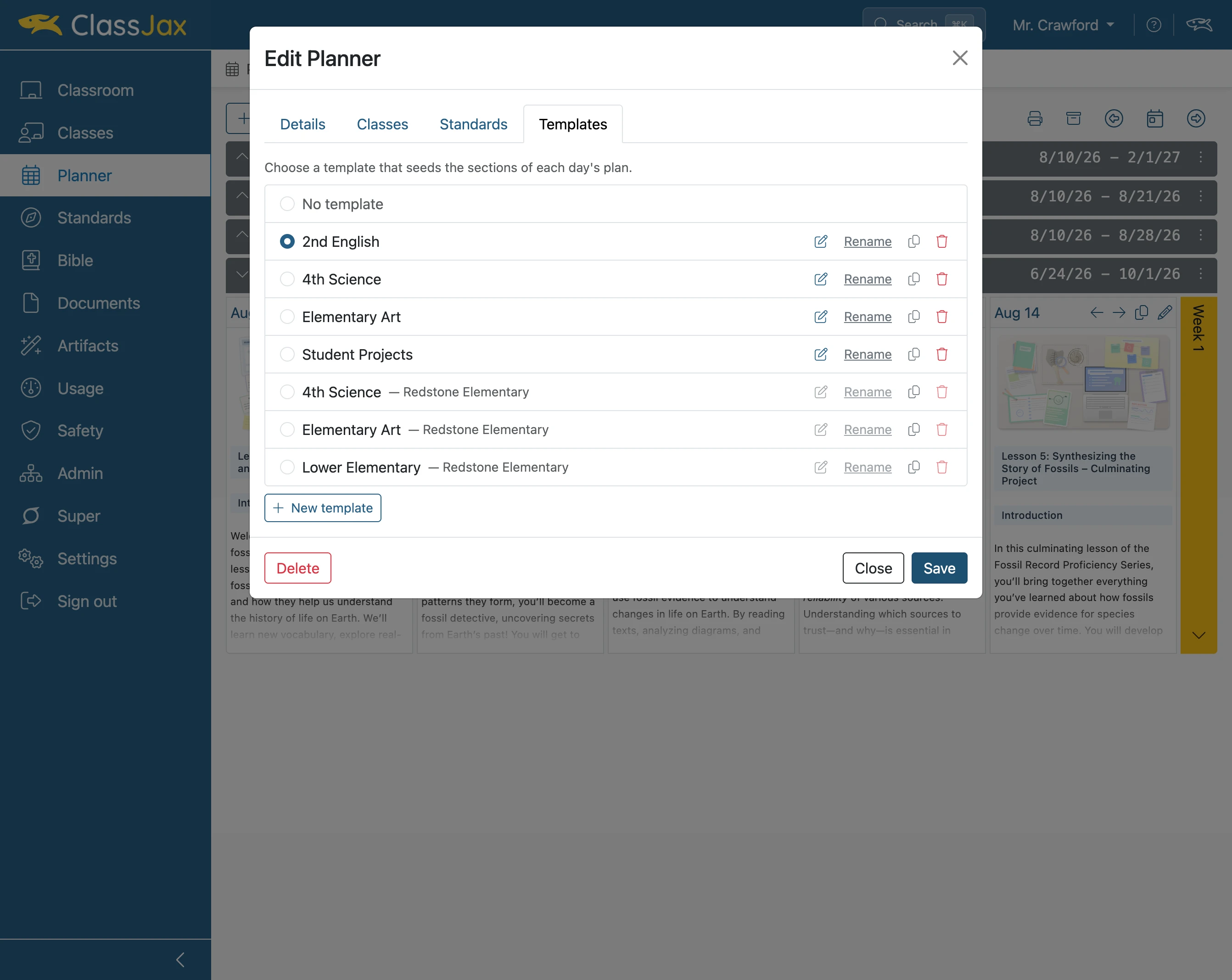
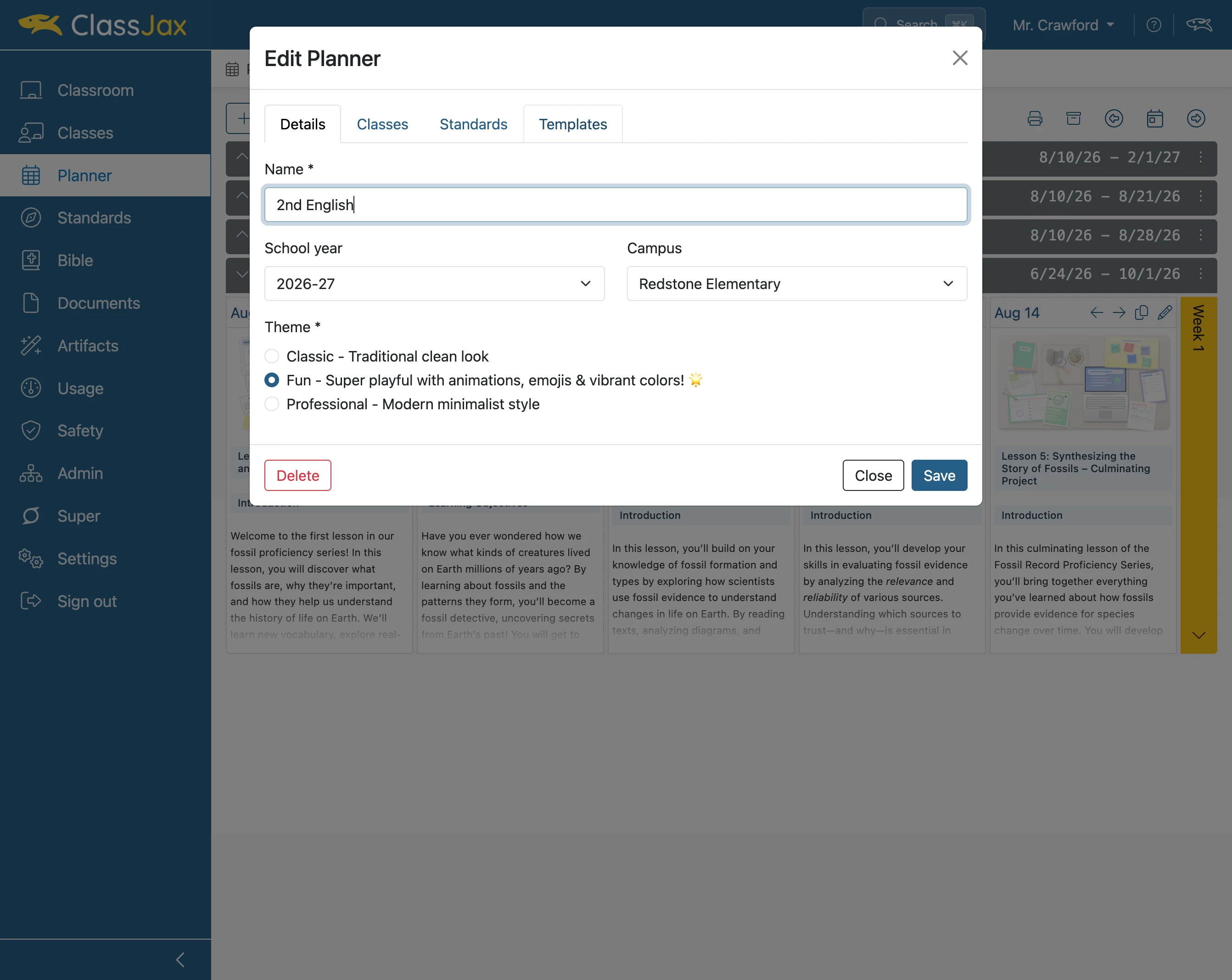
Click the 'Templates' link
- 5
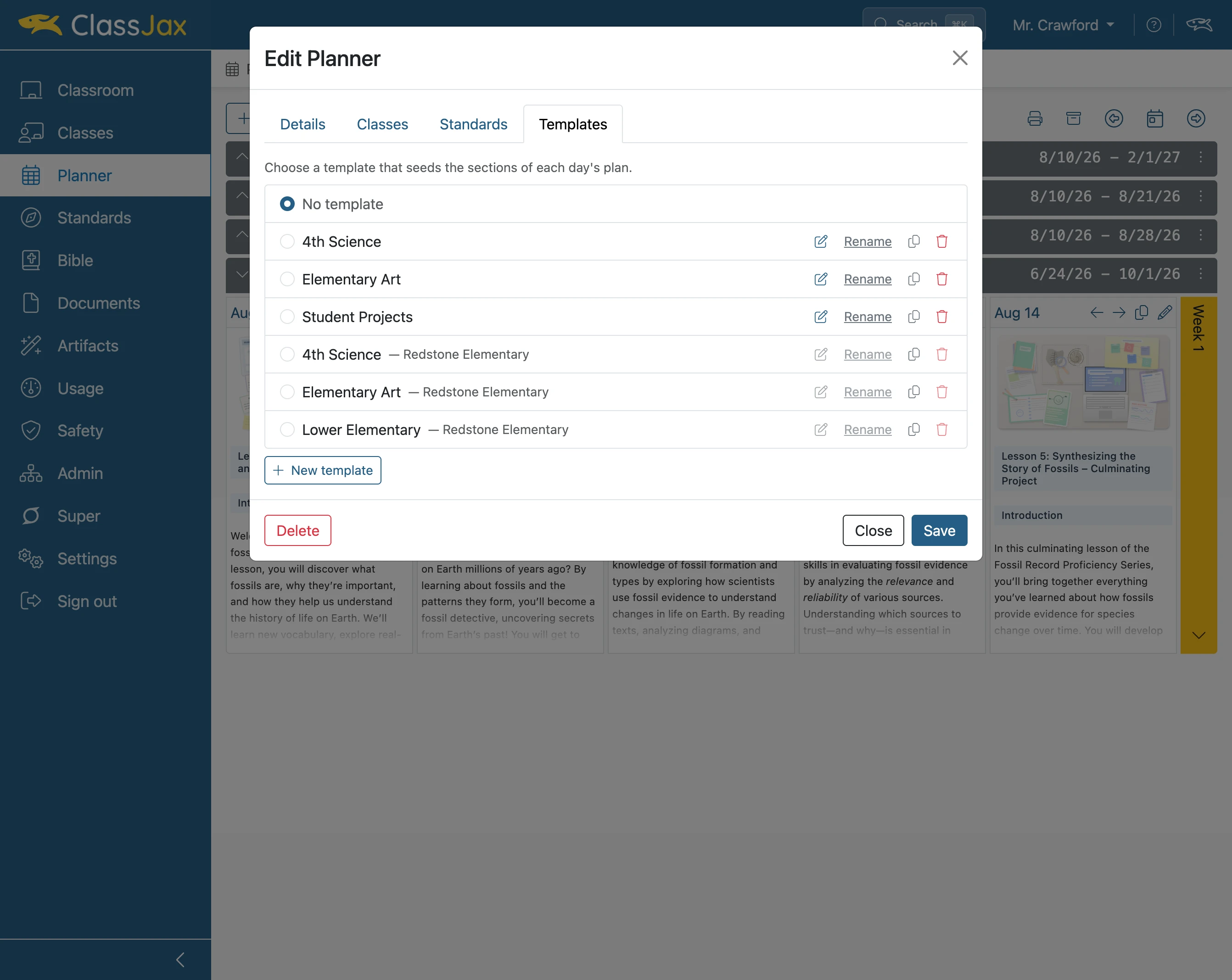
Click the 'Duplicate' icon
A duplicate of the template is added
- 6
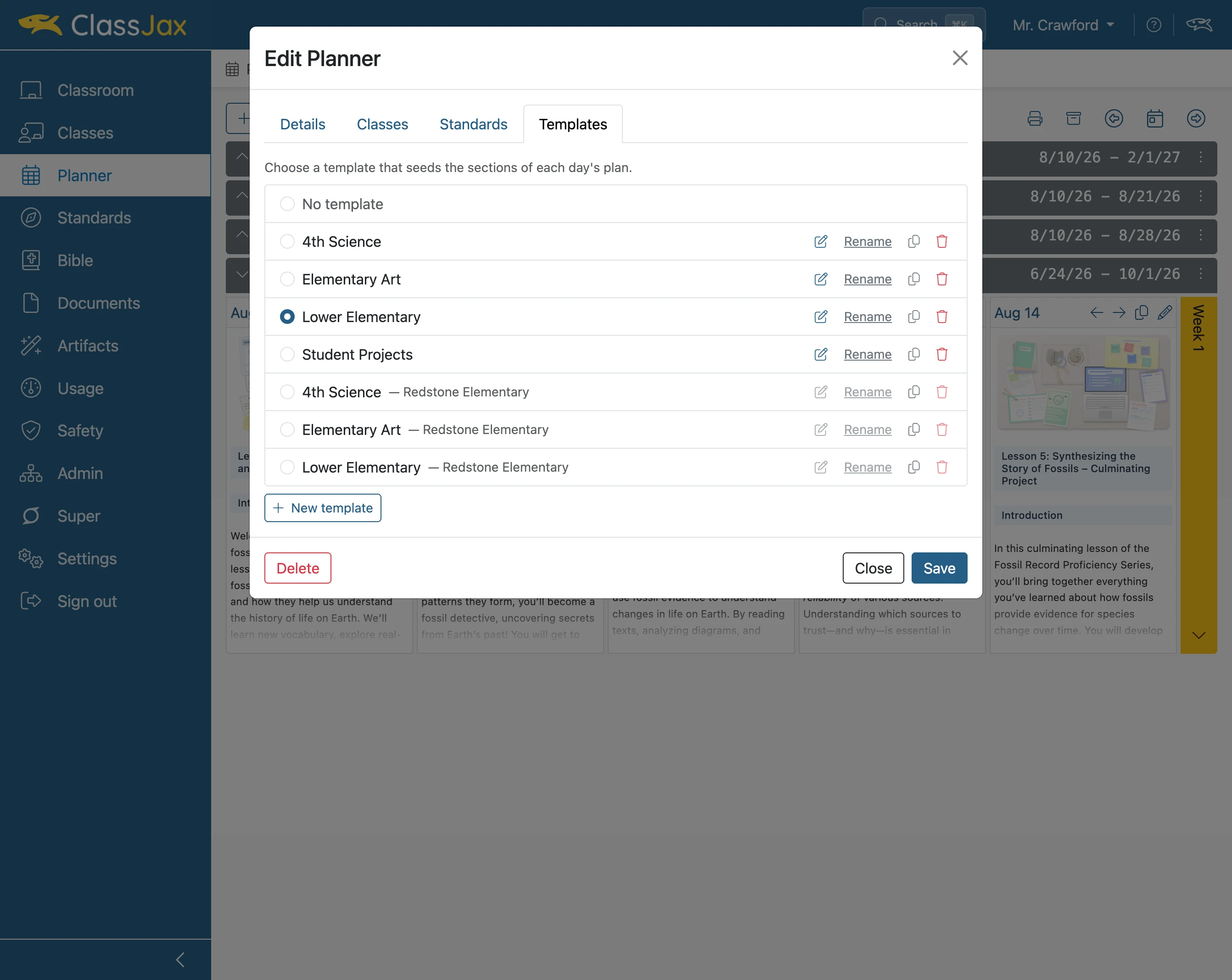
Click 'Rename'
- 7
Click 'Save'
Enter a new name for the duplicated template. Then, click ‘Save.’
- 8
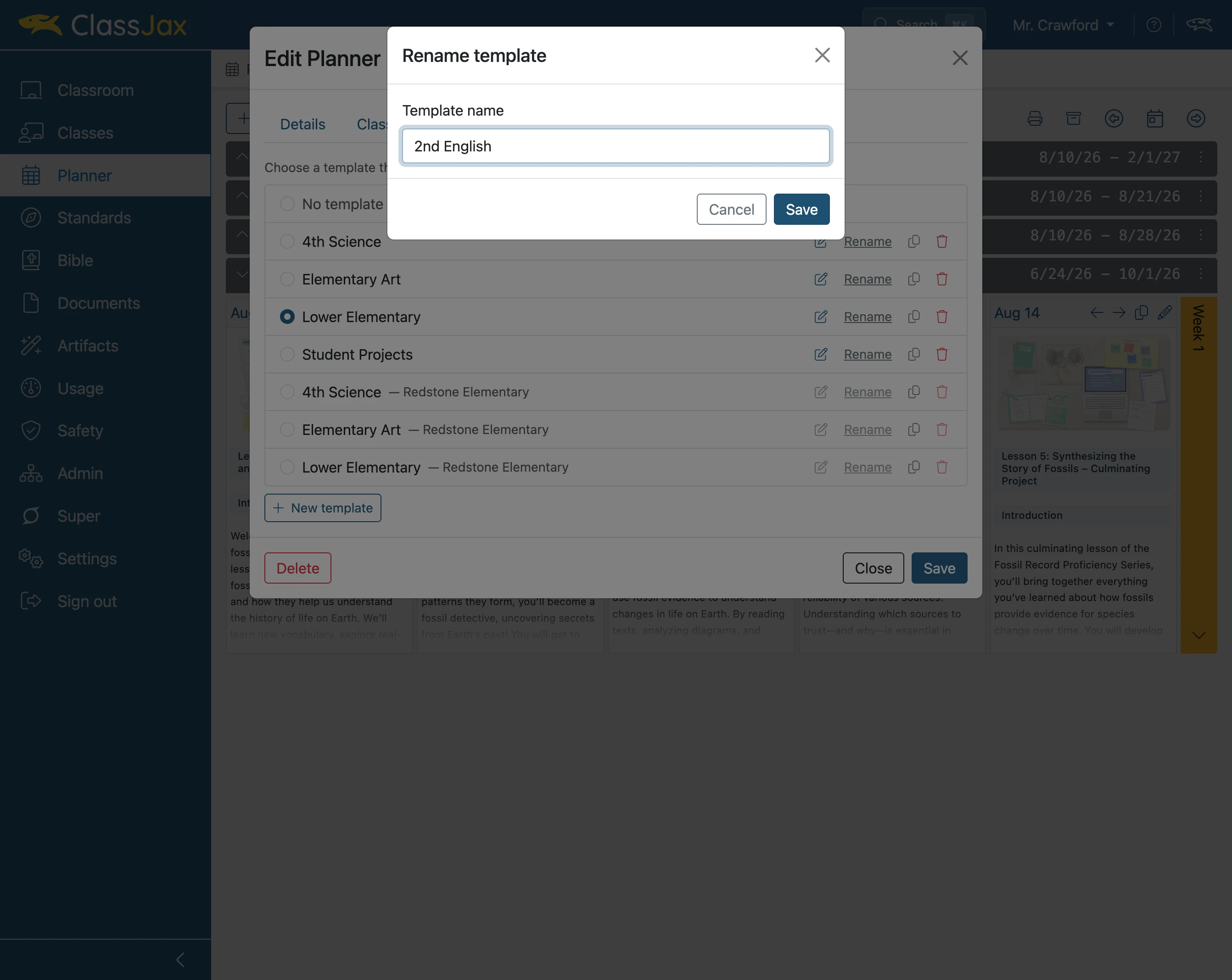
Click 'Save'
If you plan to use the duplicated template in the Planner, select it and click “Save.” Otherwise, click “Close.”