Copy a Planner
A planner can be duplicated for use in the following academic year. This guide provides step-by-step instructions for copying a planner.
Plan smarter this year
ClassJax is free for teachers. No credit card required.
- 1
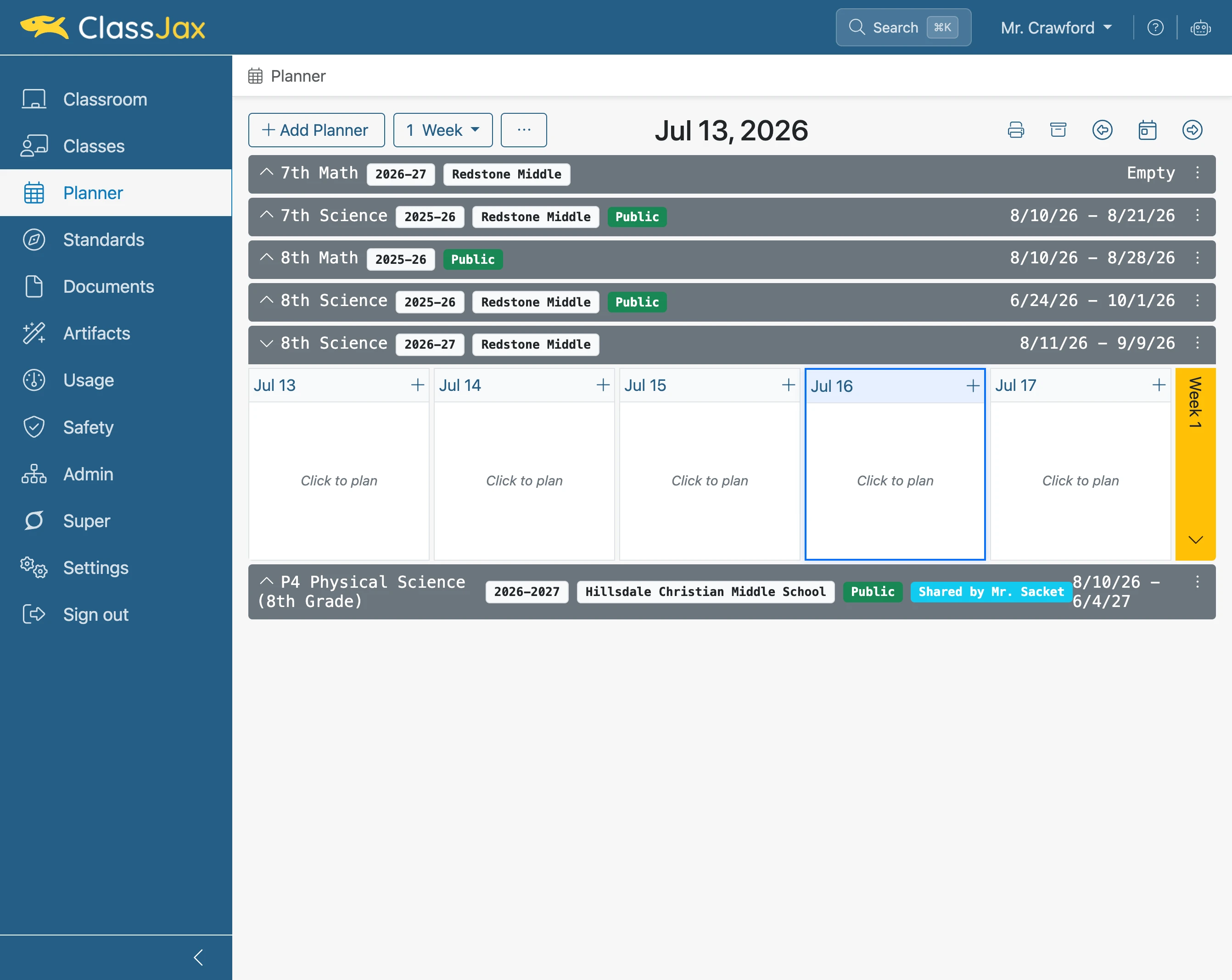
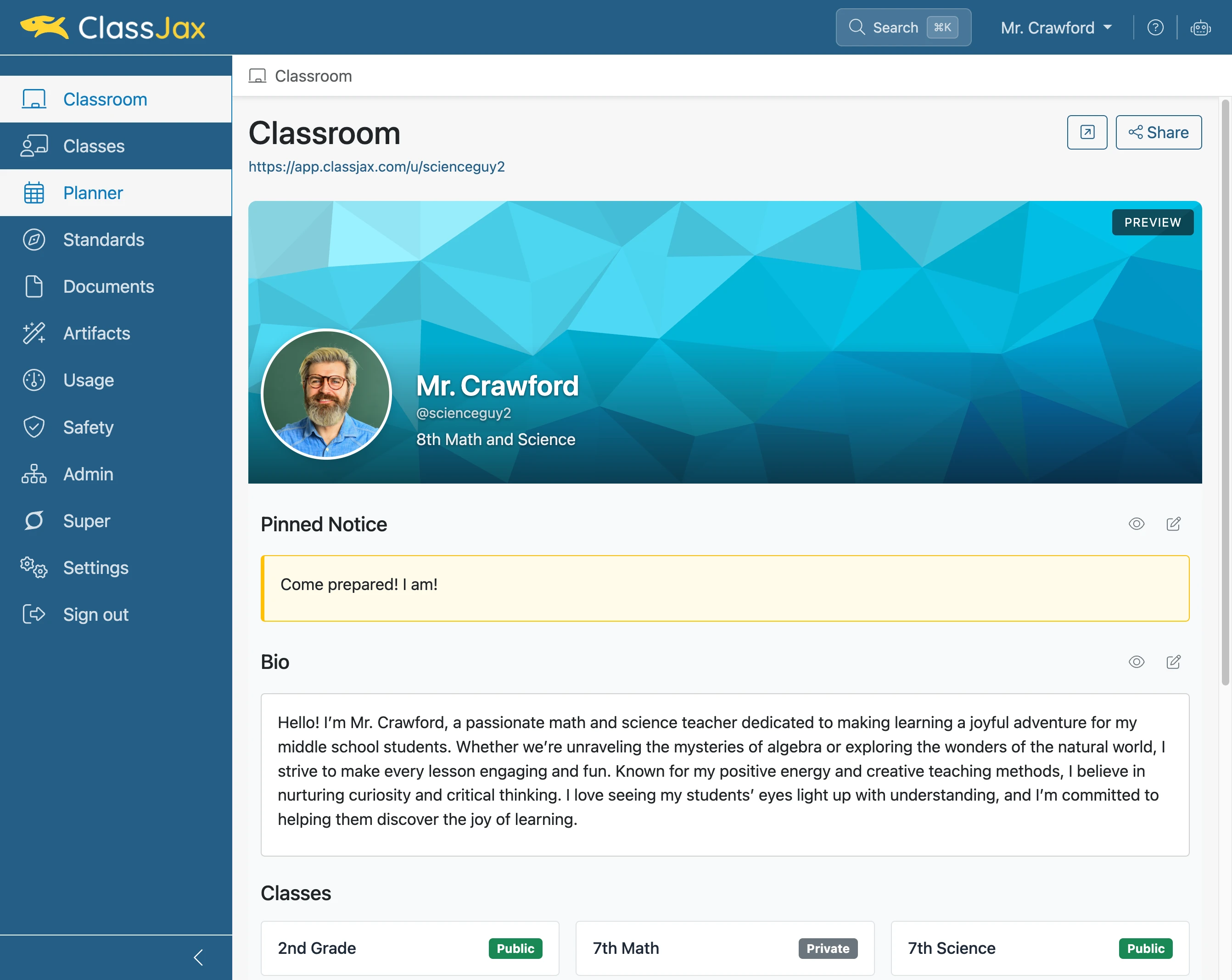
Click 'Planner'
- 2
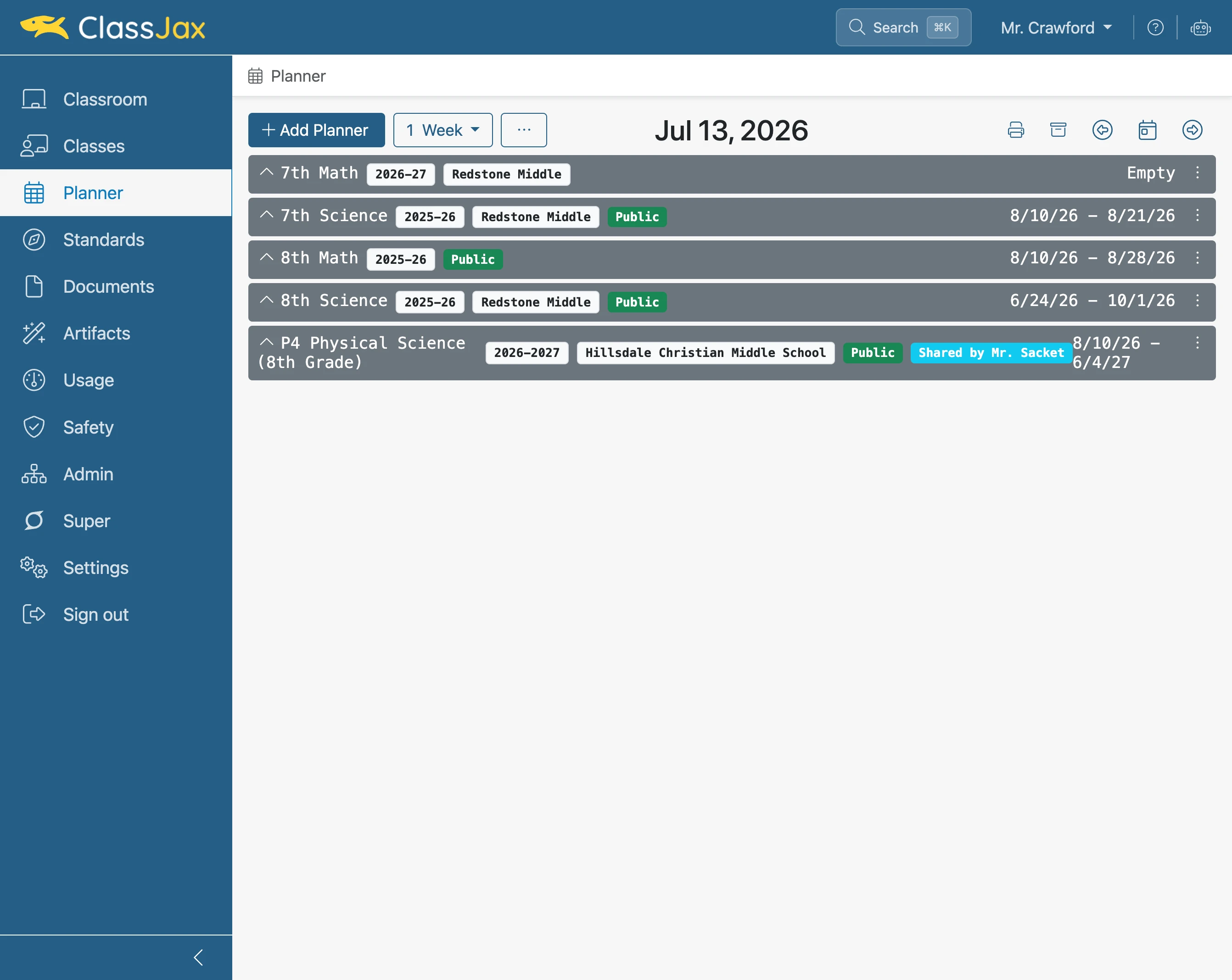
Click 'Add Planner'
- 3
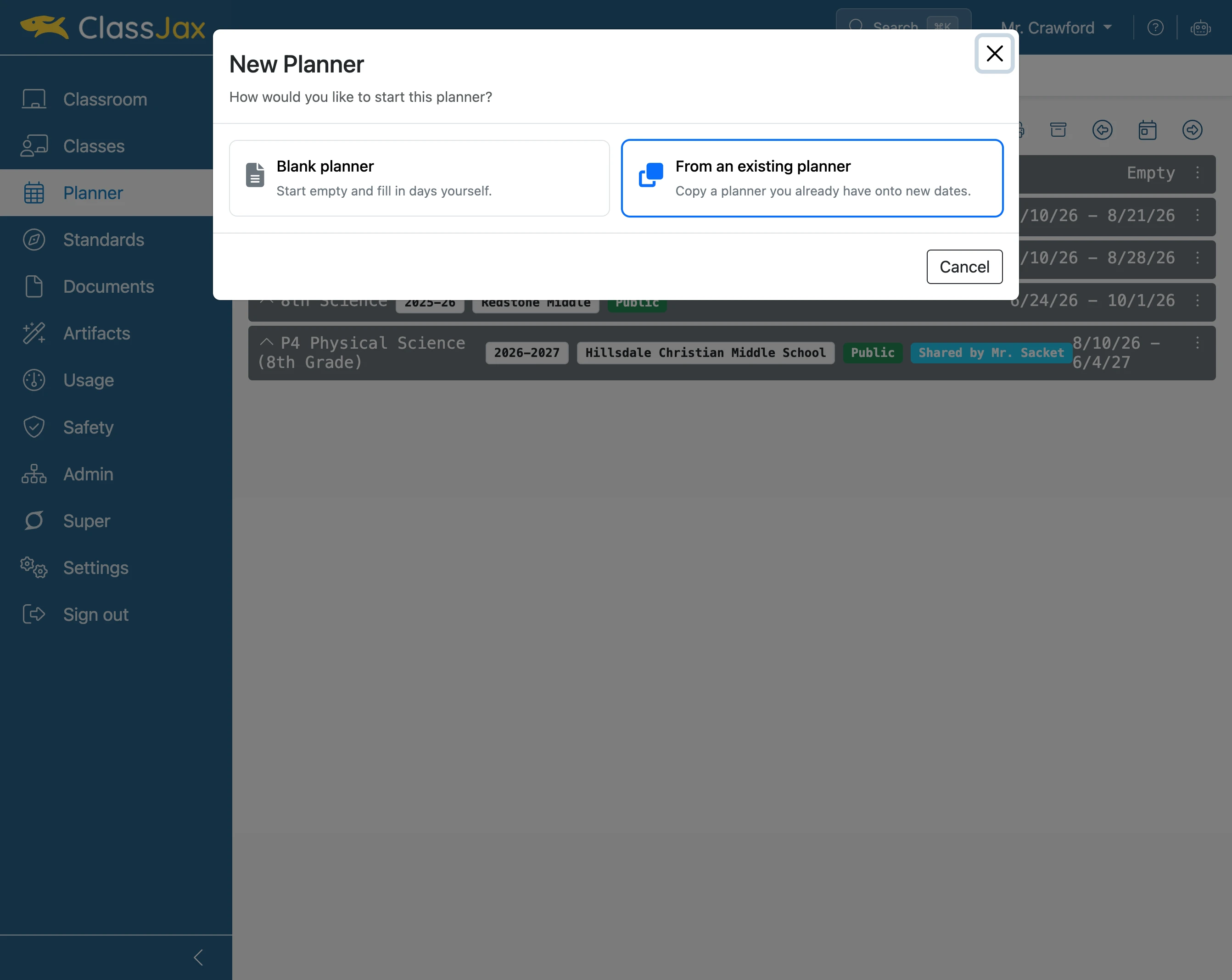
Click 'From an existing planner'
- 4
Click 'Choose a planner…'
Click and select the planner to be copied. Also if need be, modify the School year and Campus options.
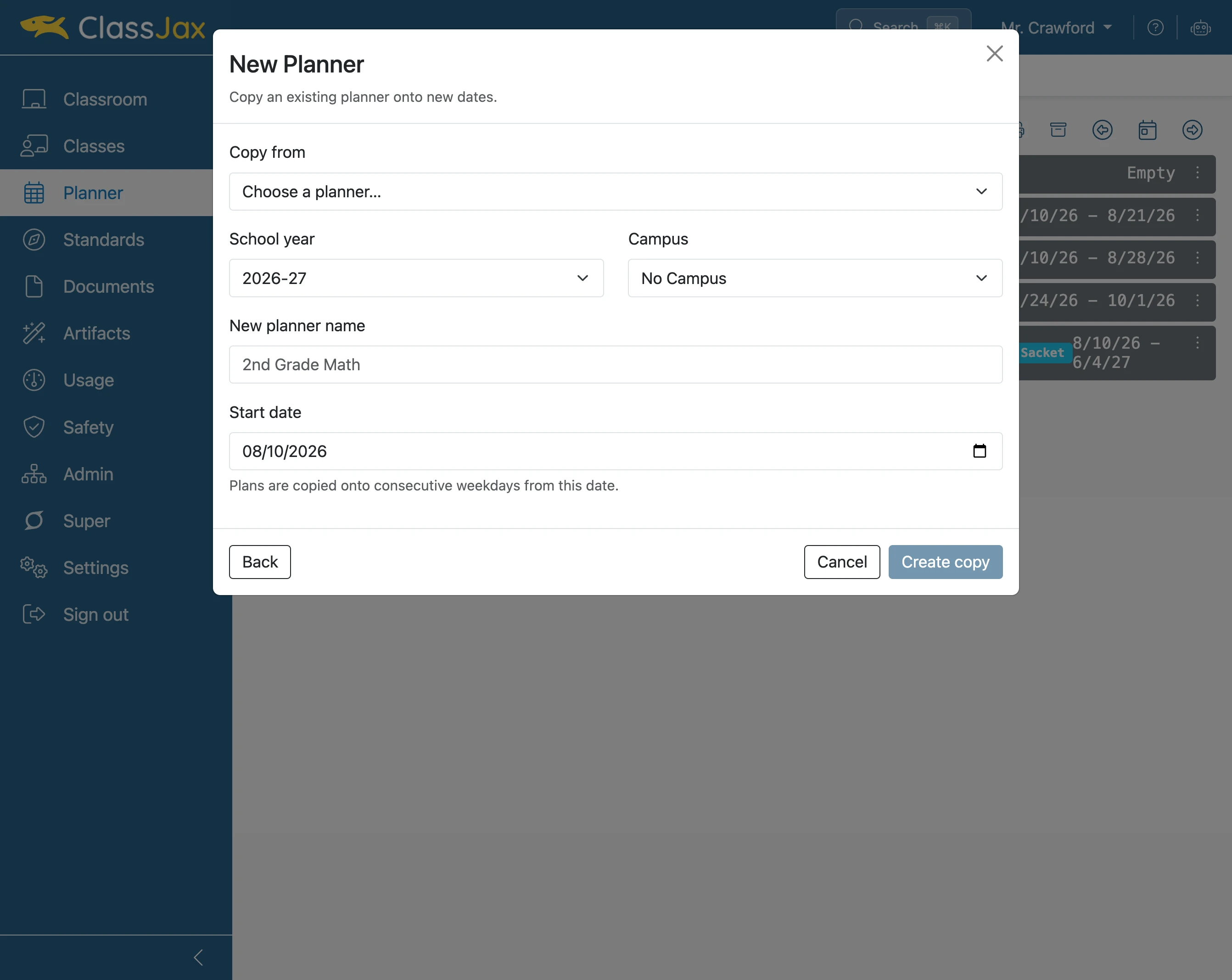
- 5
Modify the new planner's name
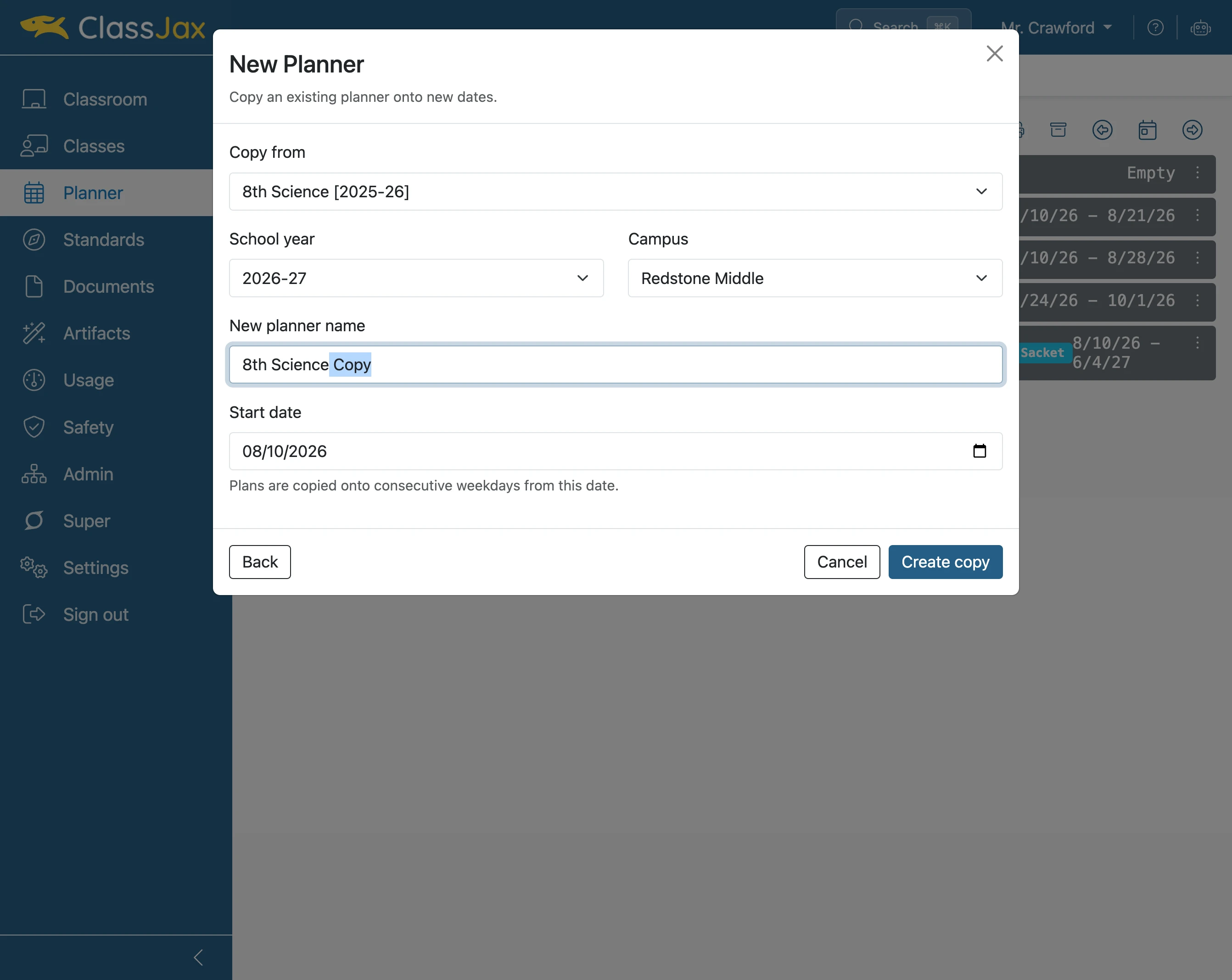
- 6
Select start date
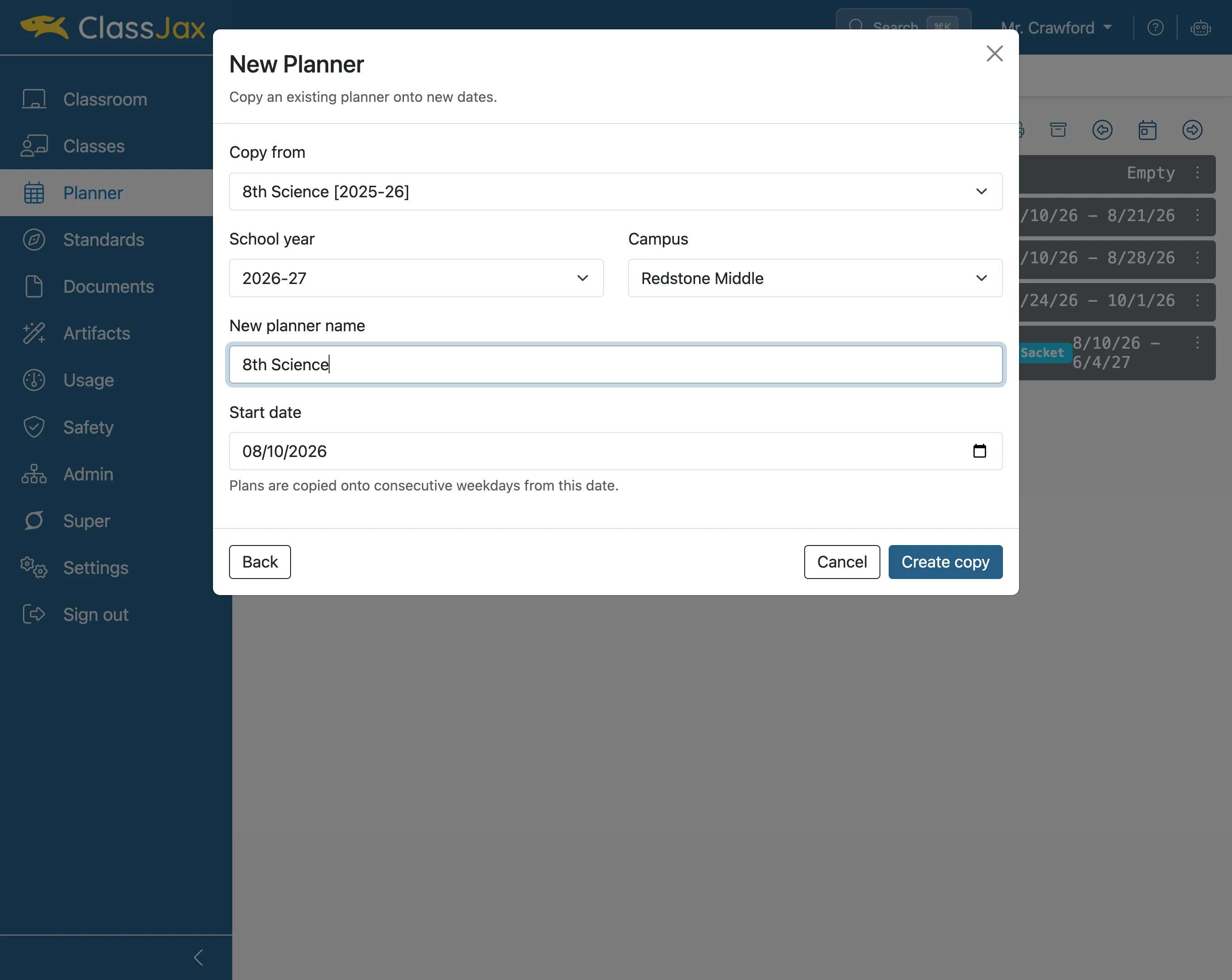
- 7
Click 'Create copy'
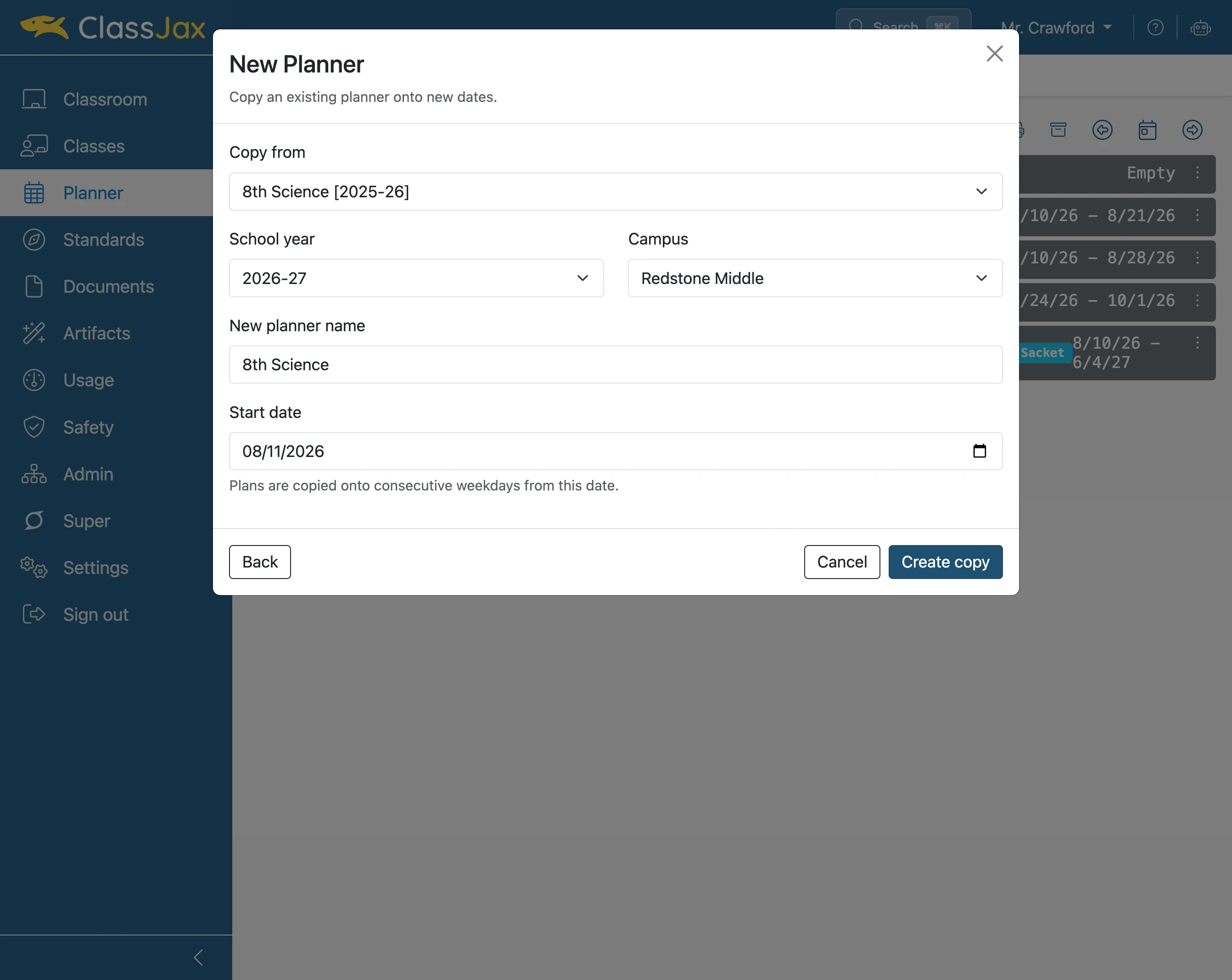
- 8
The new planner is ready to be used