Archive a Planner
This guide explains how to archive a ClassJax Planner, helping you organize your workspace by storing completed or inactive planners out of view, so you can stay focused on the upcoming year’s lessons and plans.
Plan smarter this year
ClassJax is free for teachers. No credit card required.
- 1
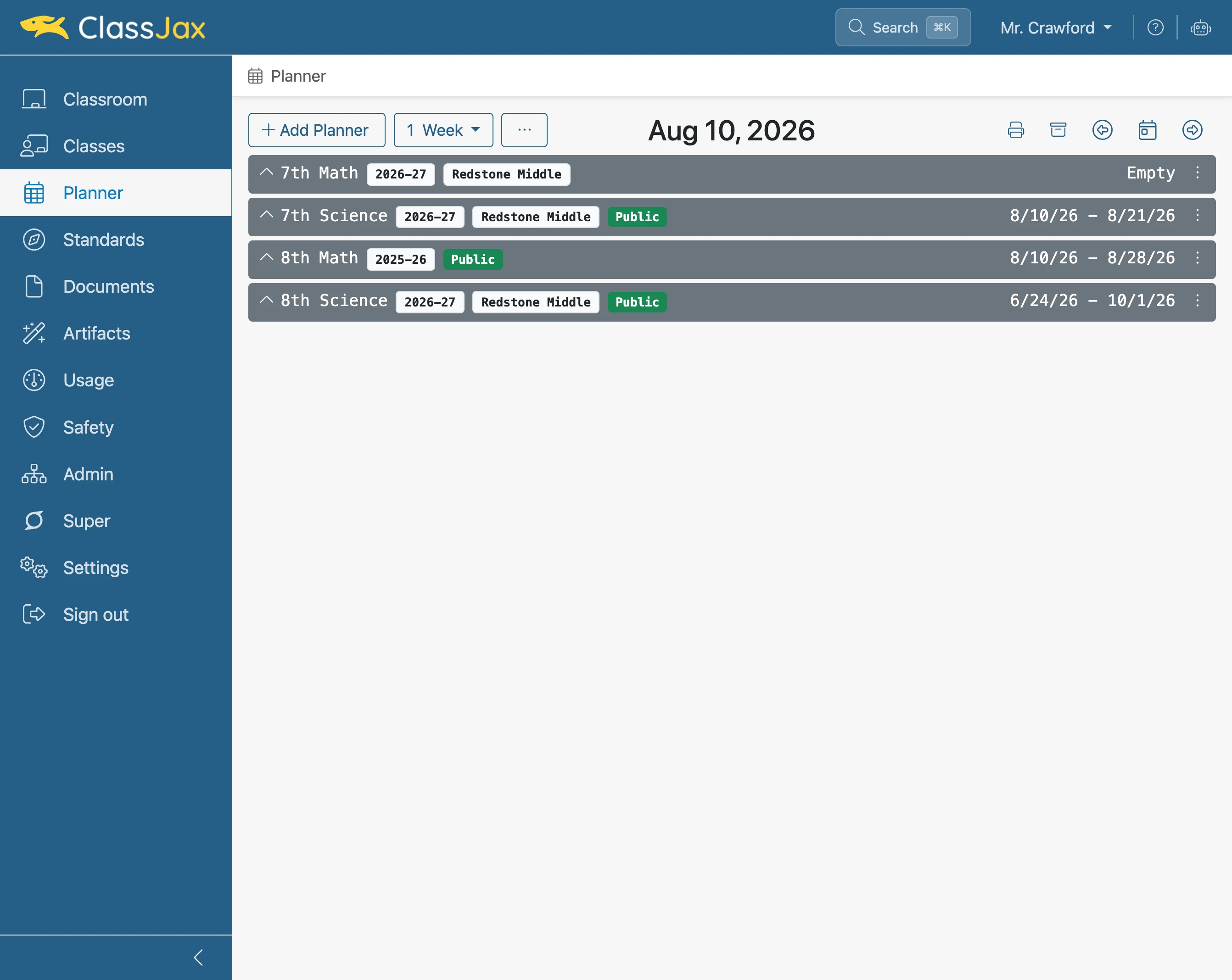
Click the 'Planner' link
- 2
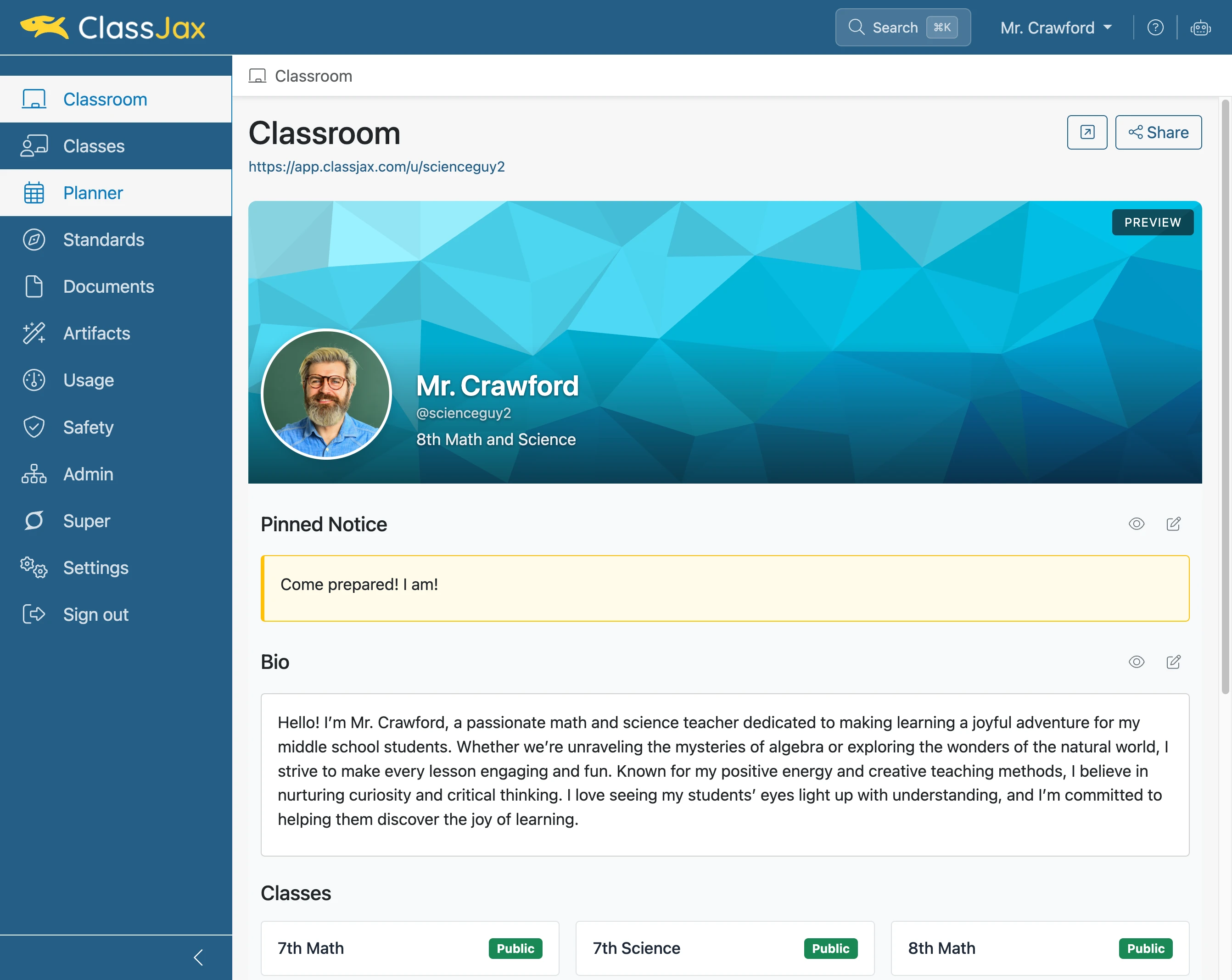
Click 'Planner actions'
Click Planner actions for the planner to be archived.
- 3
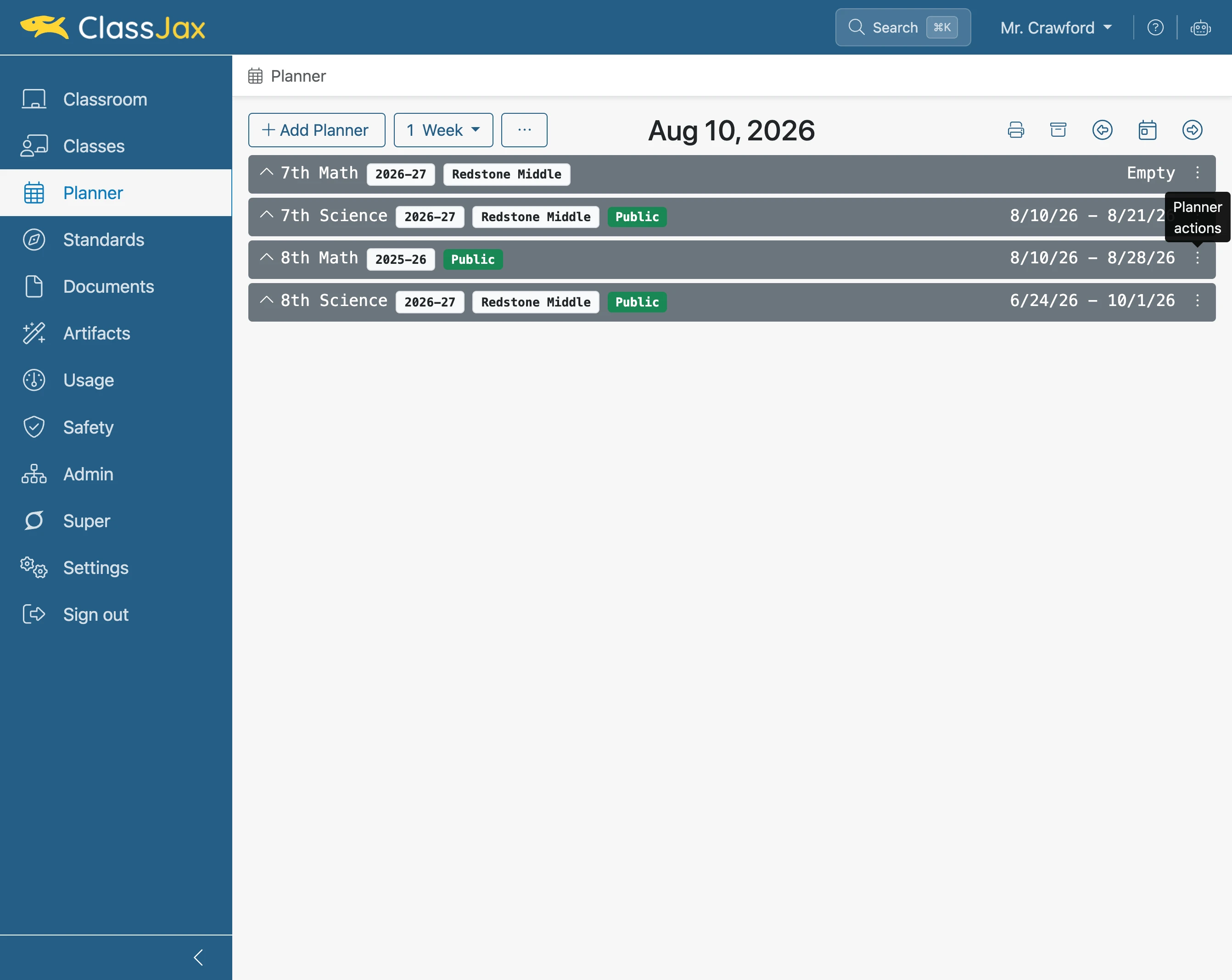
Click 'Archive'
A dialogue window appears requiring an confirmation the planner is to be archived, click OK.
- 4
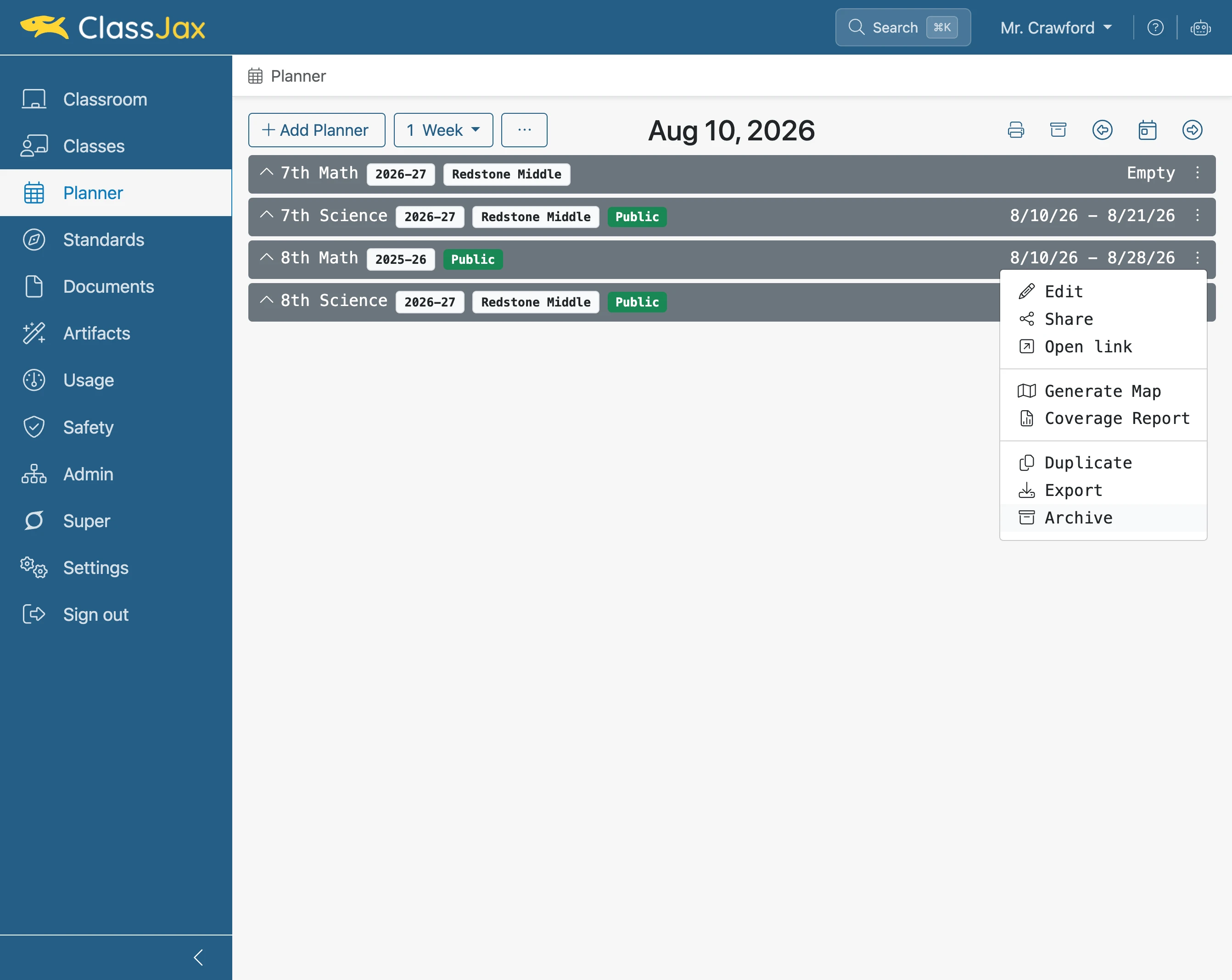
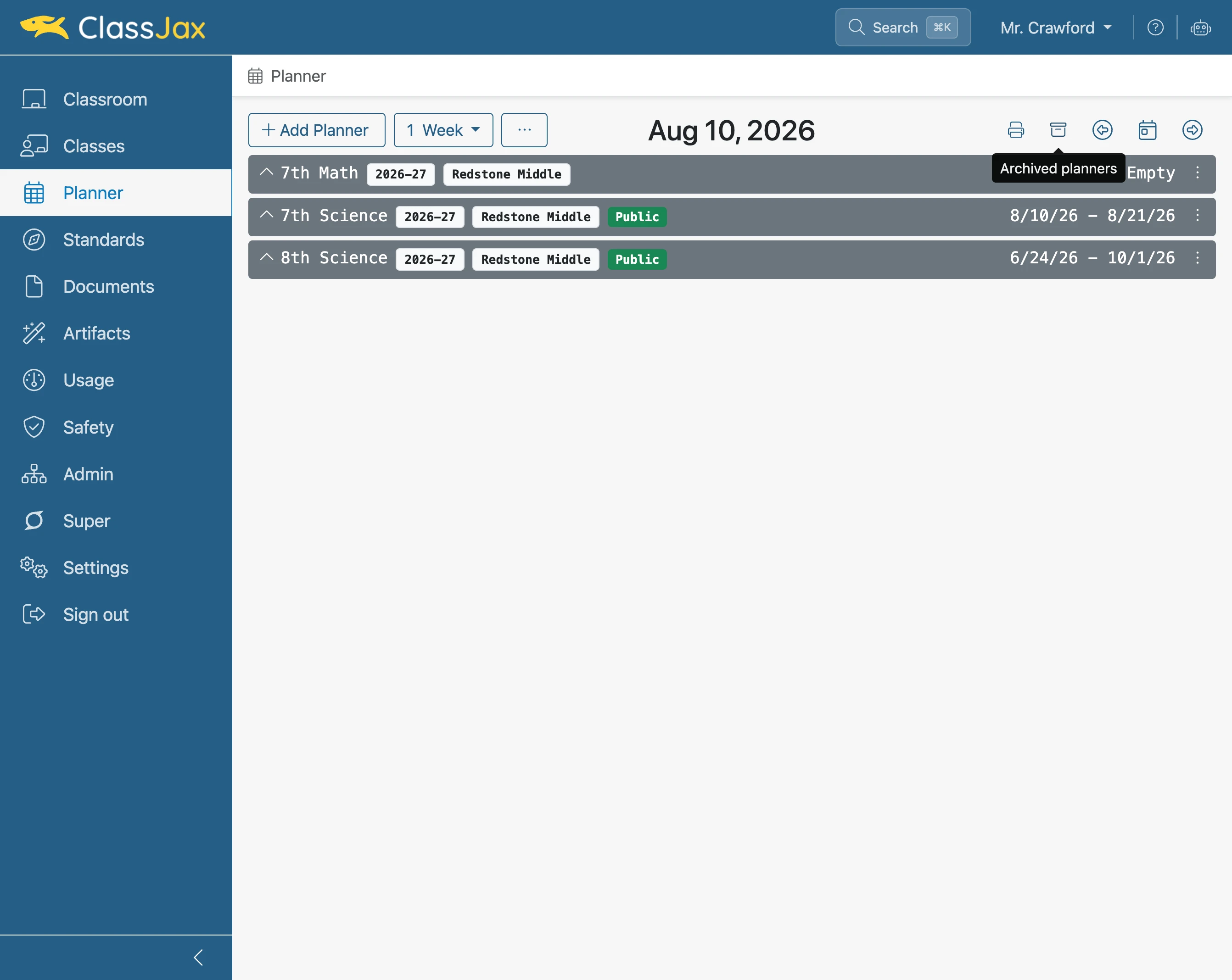
Click the 'Archived planners' icon to unarchive a planner
- 5
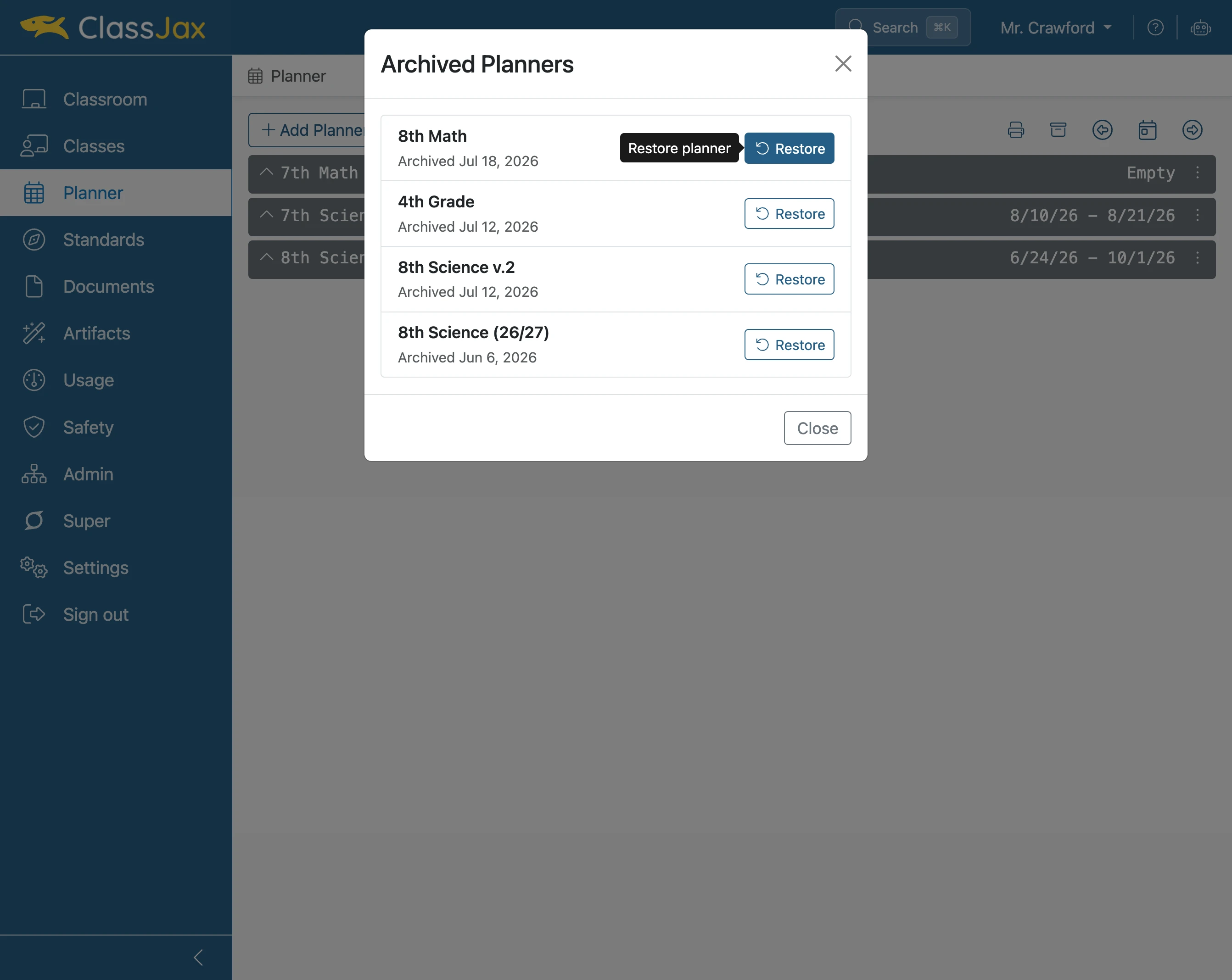
Click 'Restore' for the planner to be unarchived
- 6
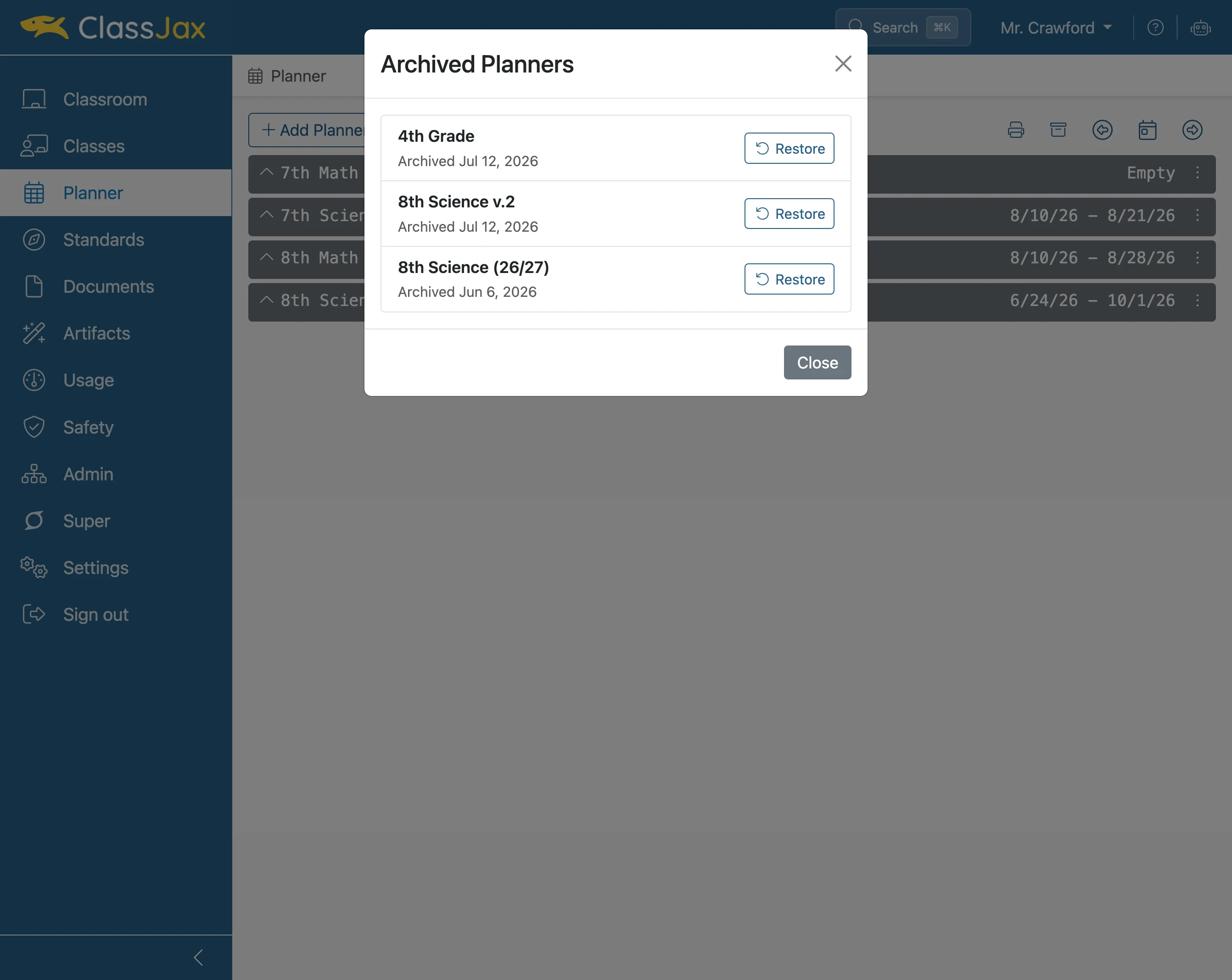
Click 'Close'
- 7
The planner is restored