Archive a Planner
This guide explains how to archive a ClassJax Planner, helping you organize your workspace by storing completed or inactive planners out of view, so you can stay focused on the upcoming year’s lessons and plans.
- 1
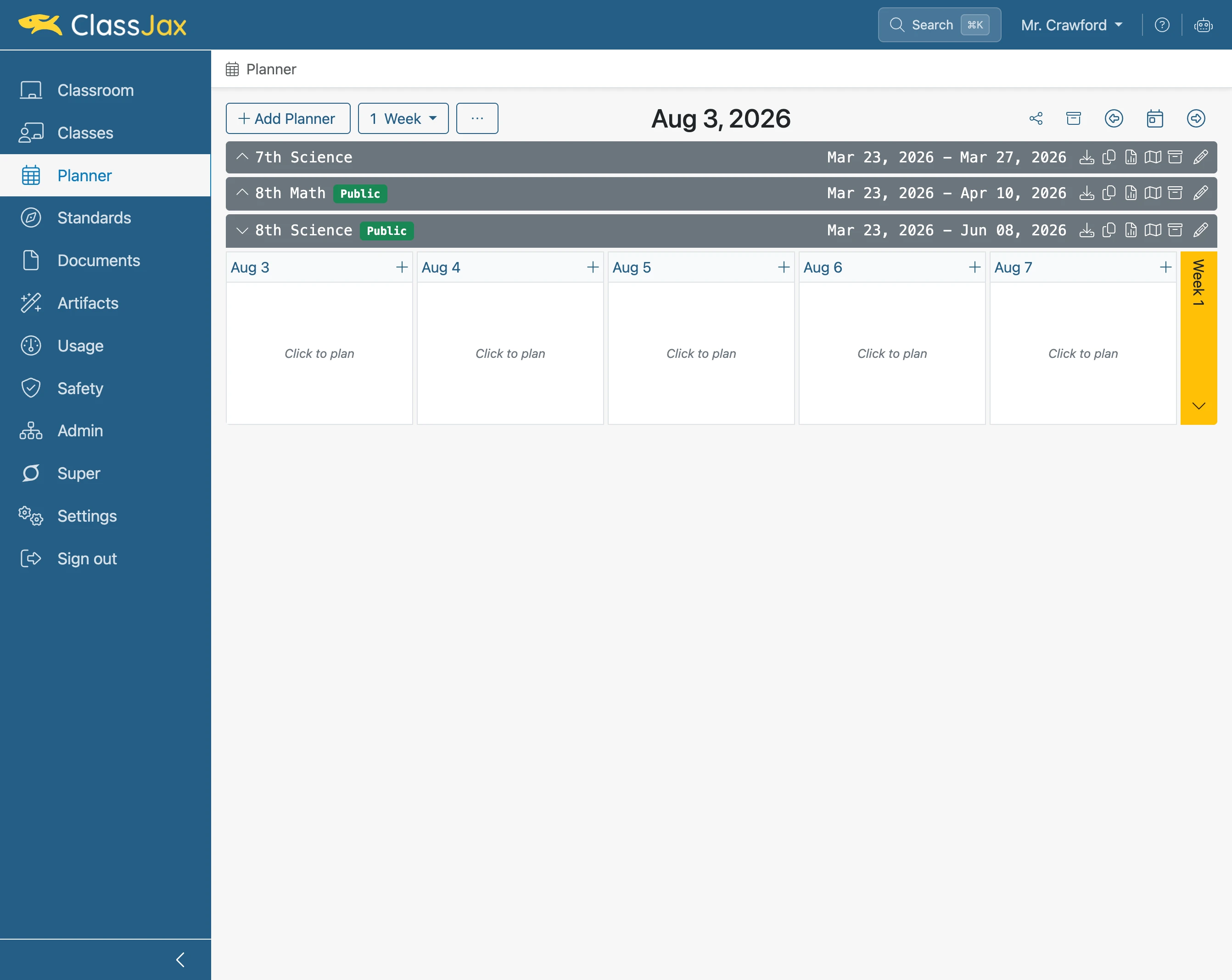
Click the 'Planner' link
- 2
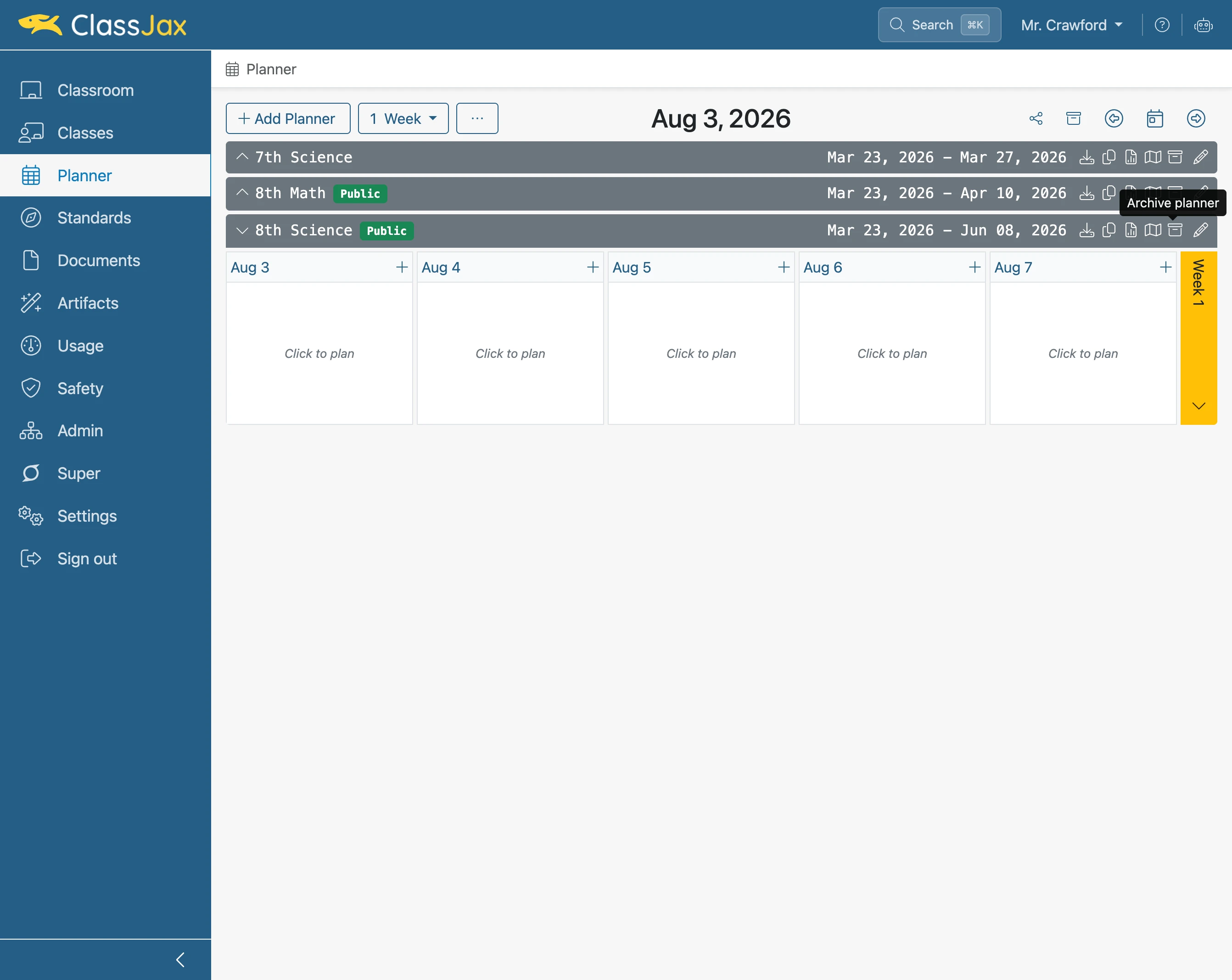
Click the 'Archive' icon of the Planner being Archived
A dialogue window will appear requiring you to agree to archive the Planner. Once you agree the Planner will be removed from the list.
- 3
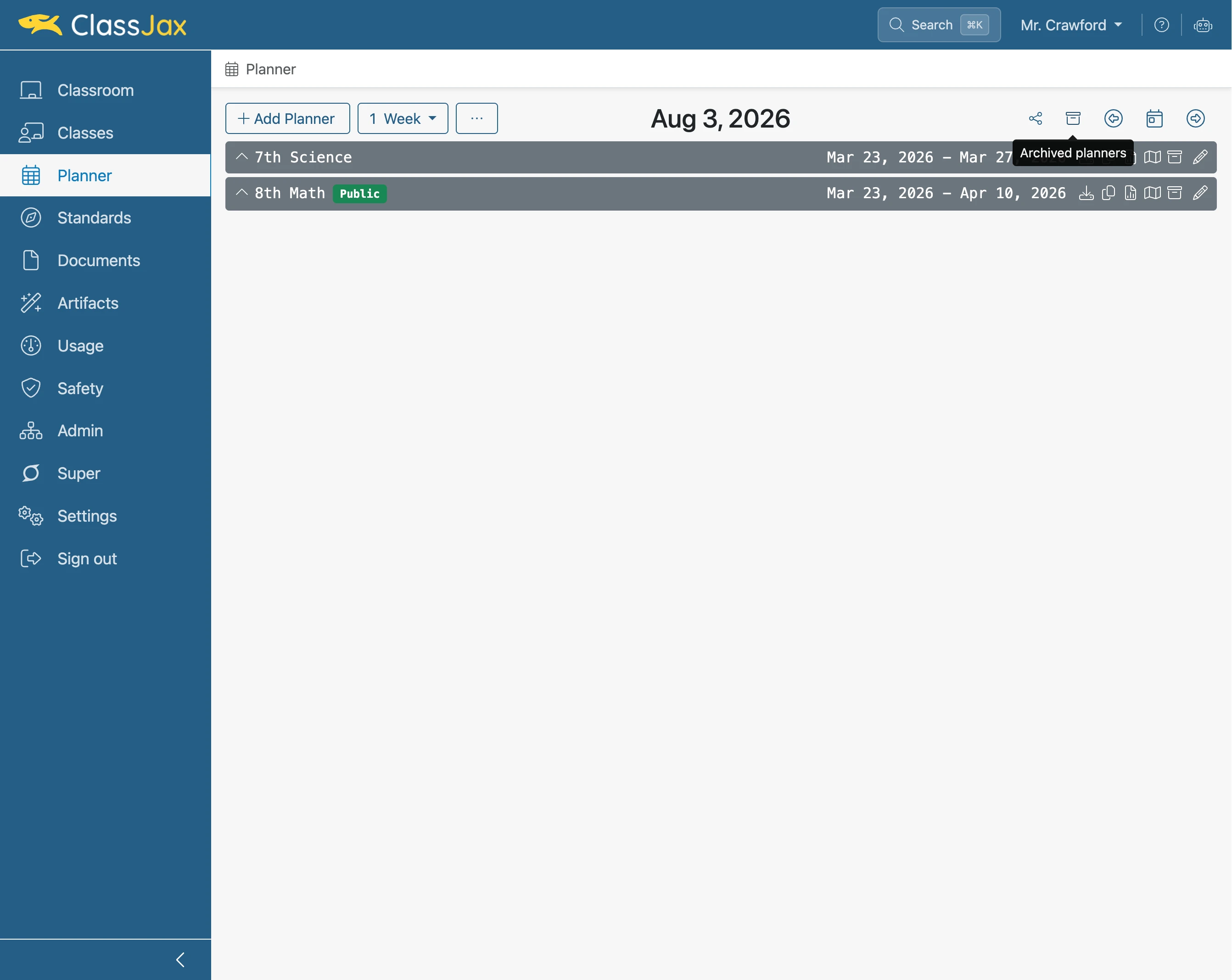
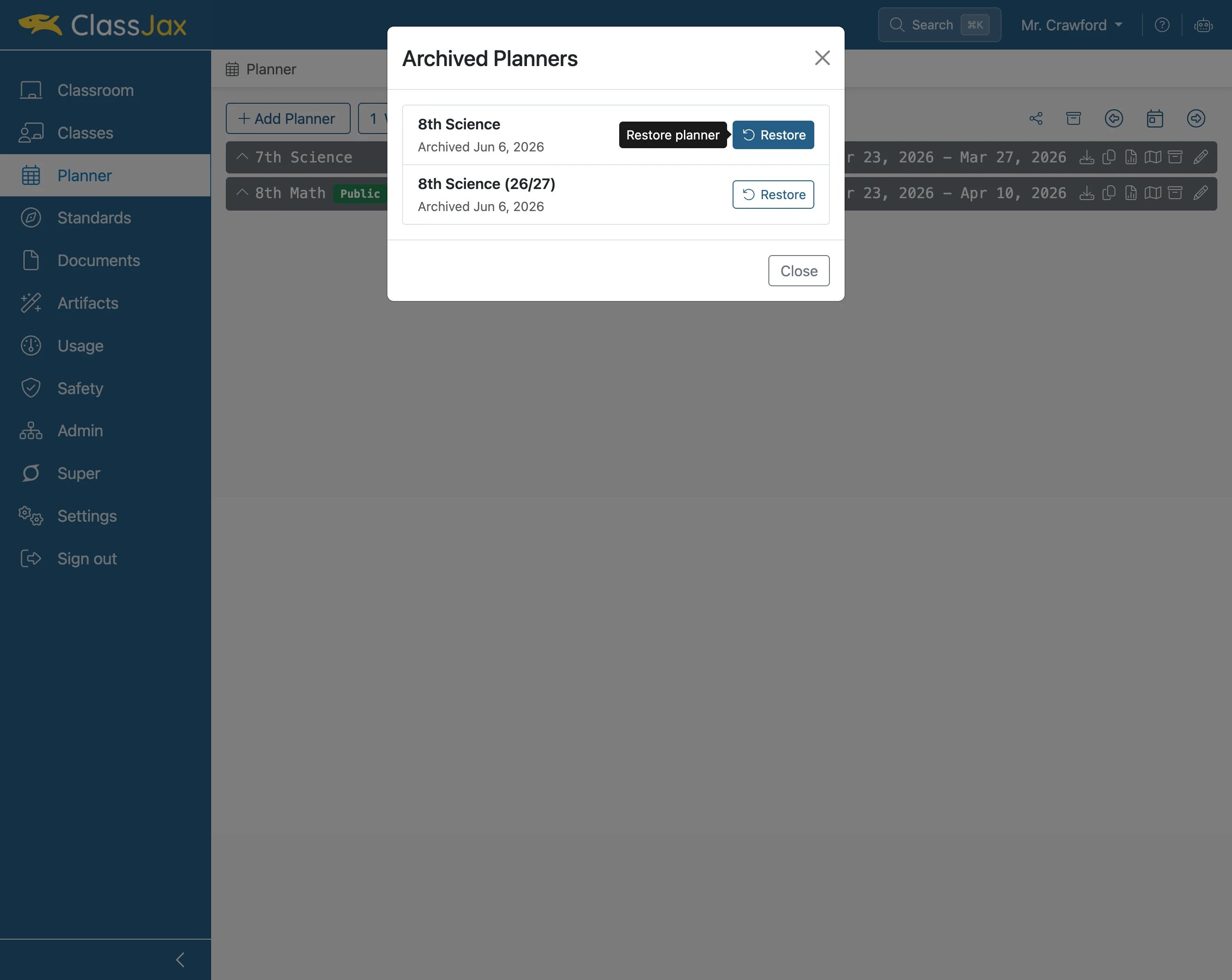
To unarchive a Planner, click the 'Archived planners' icon
- 4
Click 'Restore'
Click the Restore option for the Planner to be unarchived.
- 5
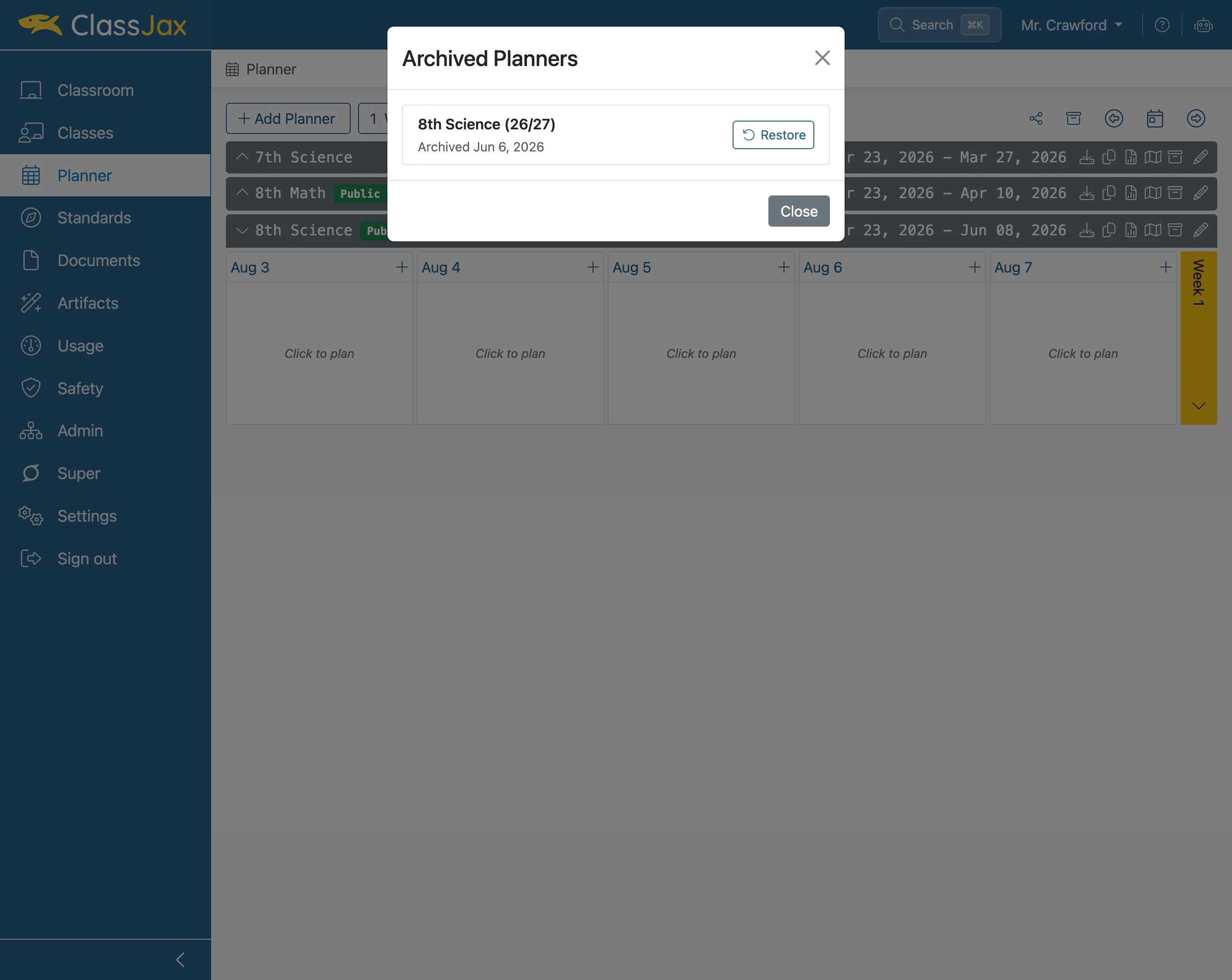
Click 'Close'
- 6
The Unarchived Planner is now available