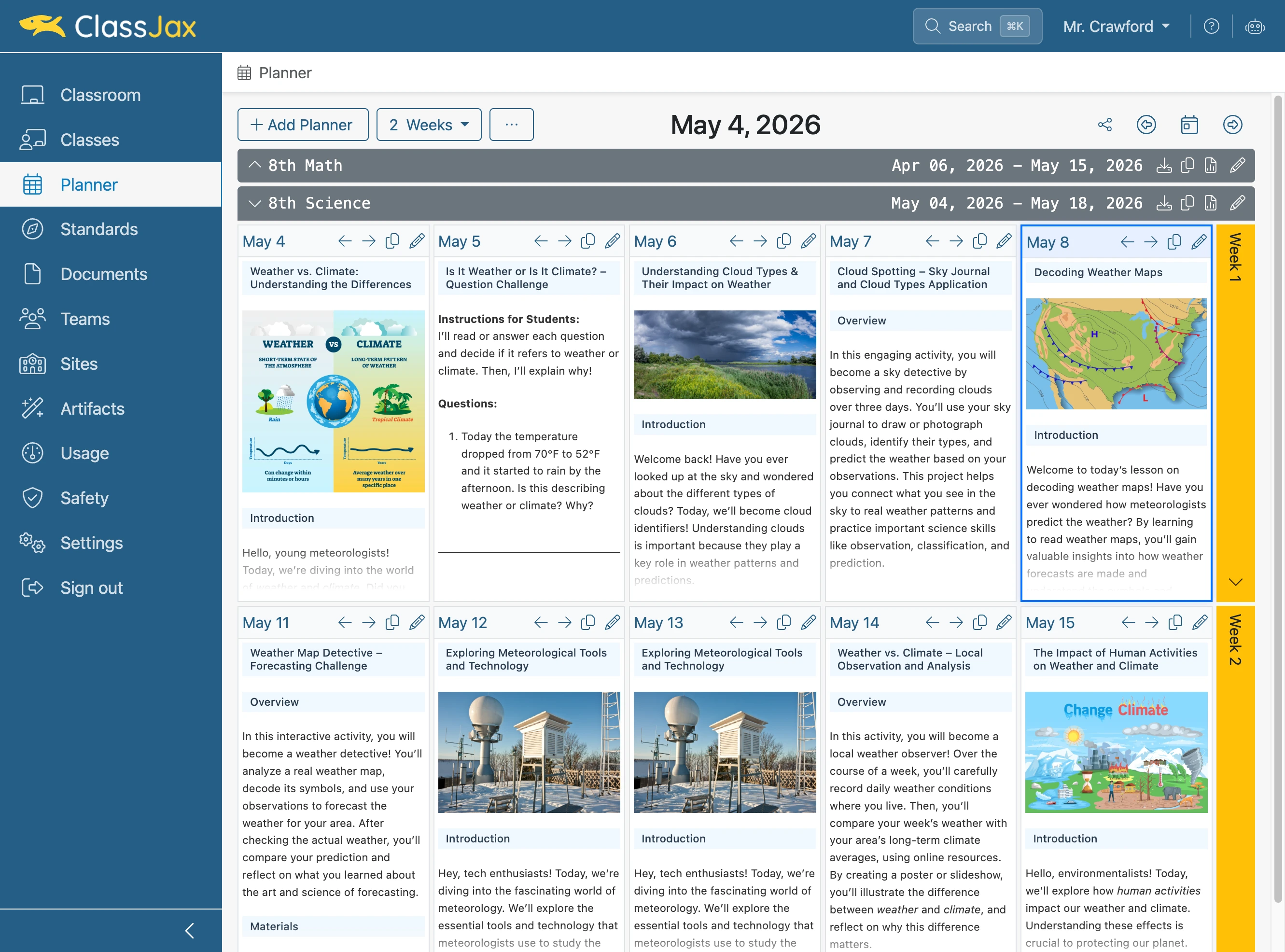
Adjust a Lesson Plan Sequence
This guide details how to quickly adjust the sequence of your lesson plans in the ClassJax Planner, allowing you to easily reorder lessons and customize your teaching flow to suit your classroom’s evolving needs.
Plan smarter this year
ClassJax is free for teachers. No credit card required.
- 1
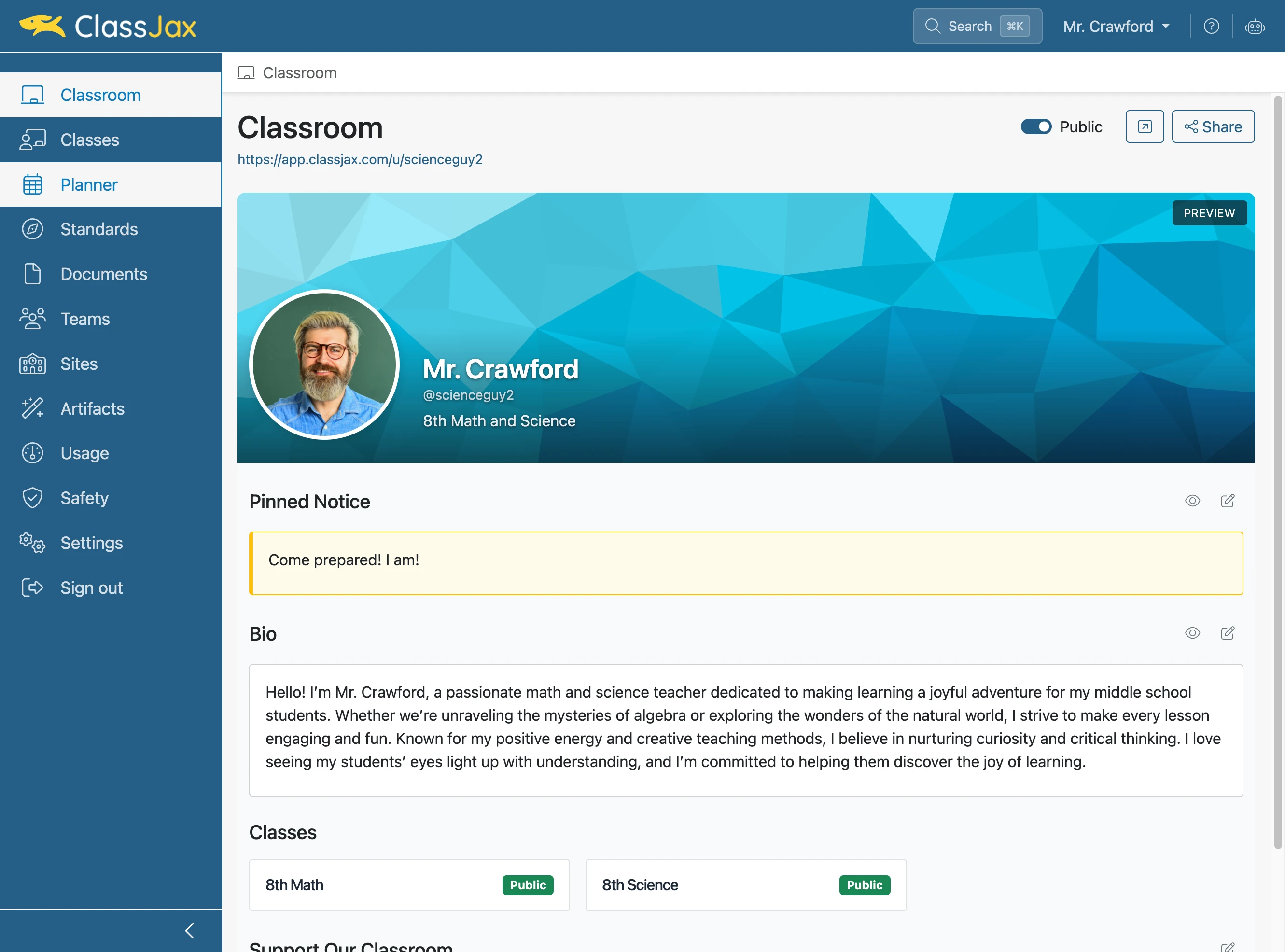
Click the 'Planner' link
- 2
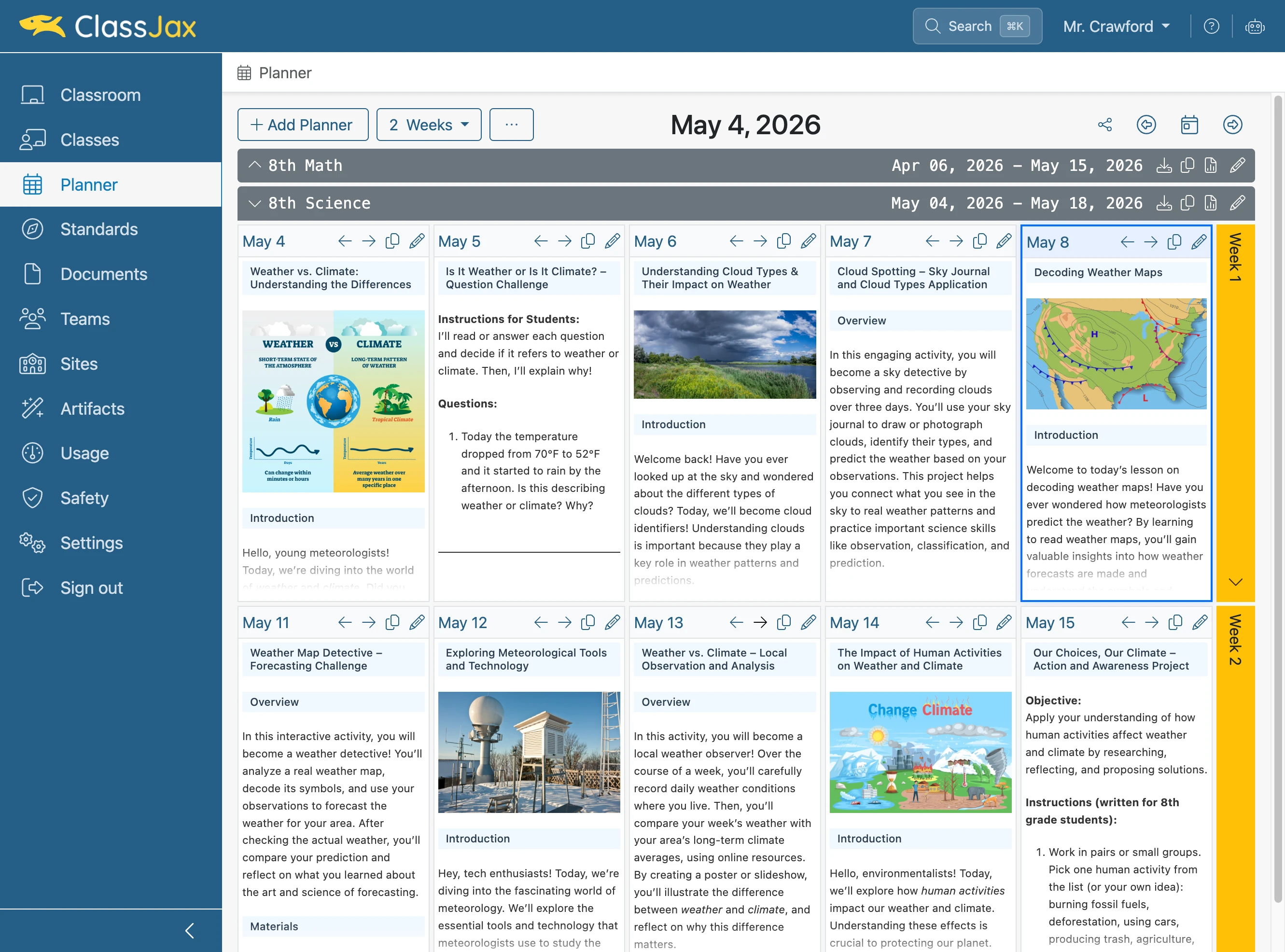
Click the right arrow to shift plans
- 3
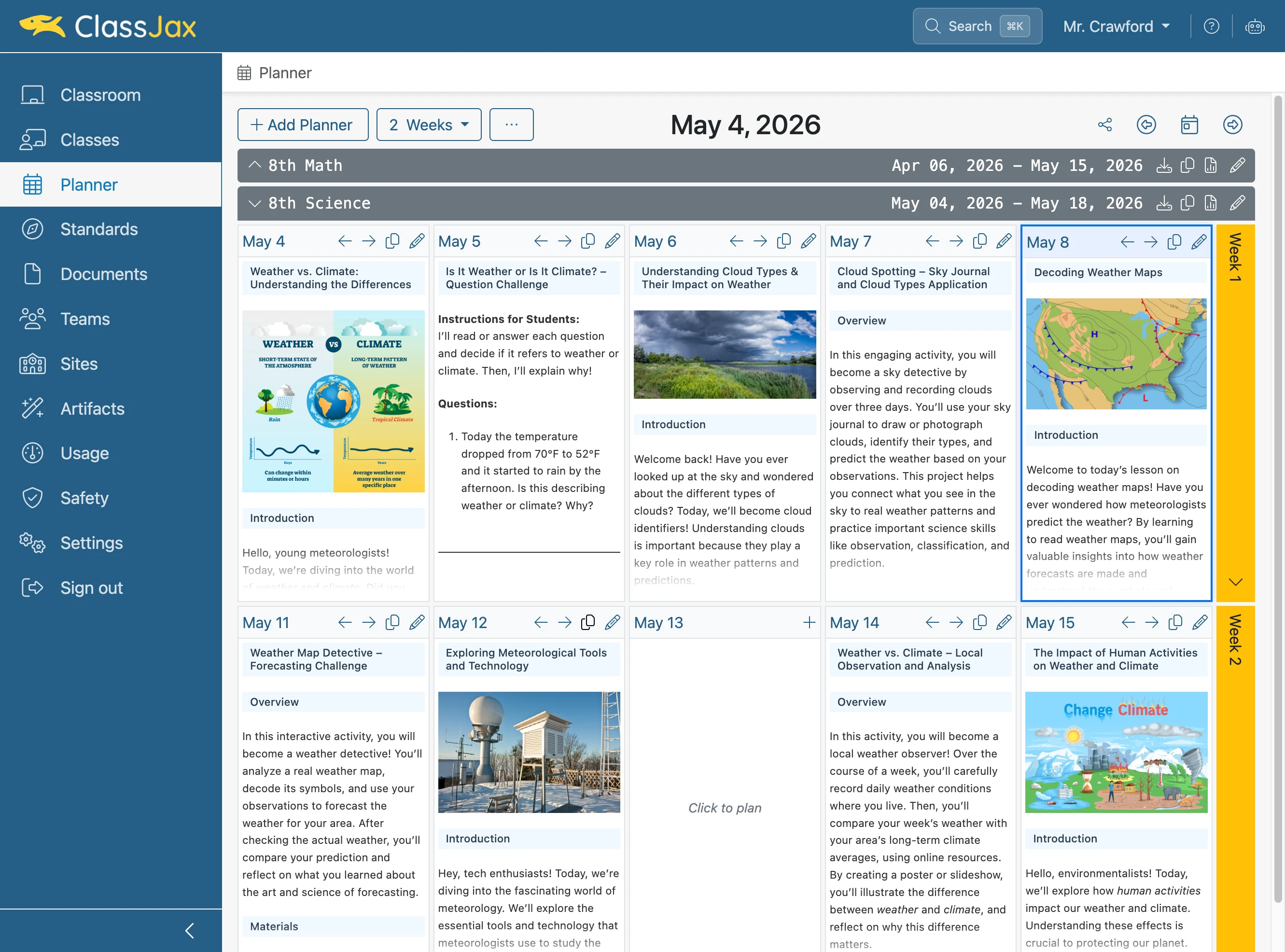
Click the 'Copy' icon to enable copy mode
- 4
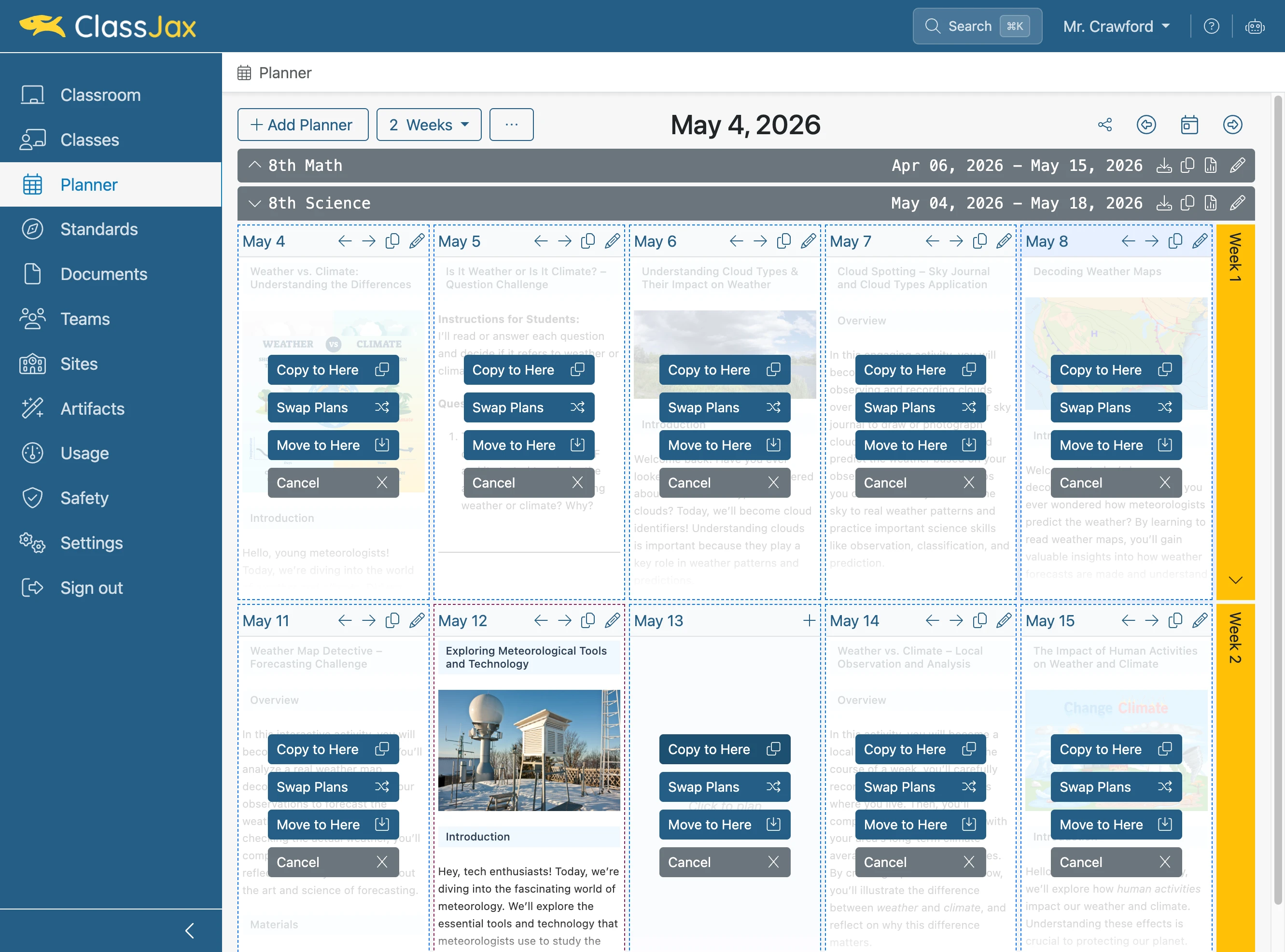
Click 'Copy to Here' to copy lesson to that day
- 5
Now It's Your Turn