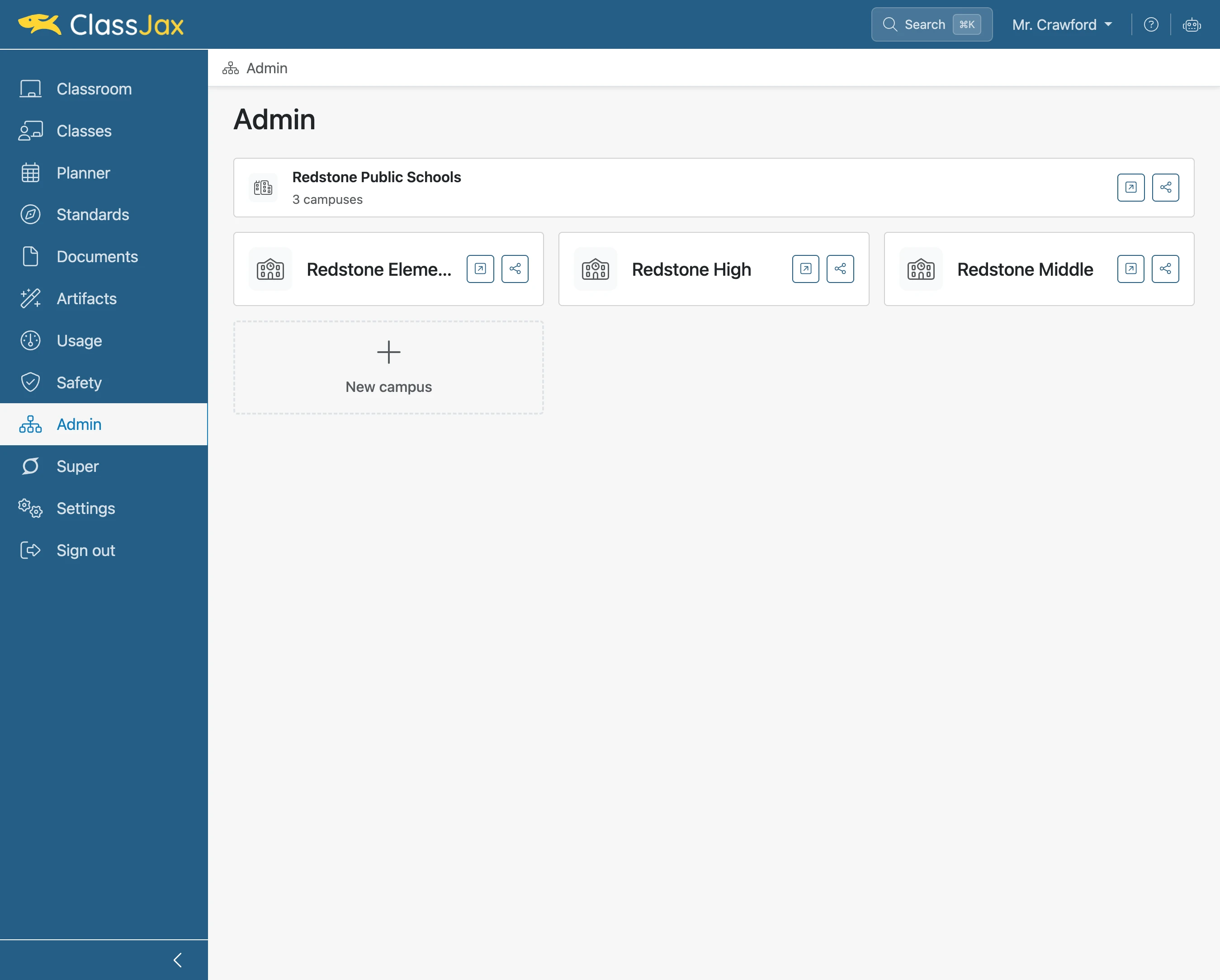
Add a Campus
This guide covers adding a Campus in ClassJax, so you can organize classes, faculty, and lesson planners, granting students and parents easy access to a unified hub of educational resources and communication.
Plan smarter this year
ClassJax is free for teachers. No credit card required.
- 1
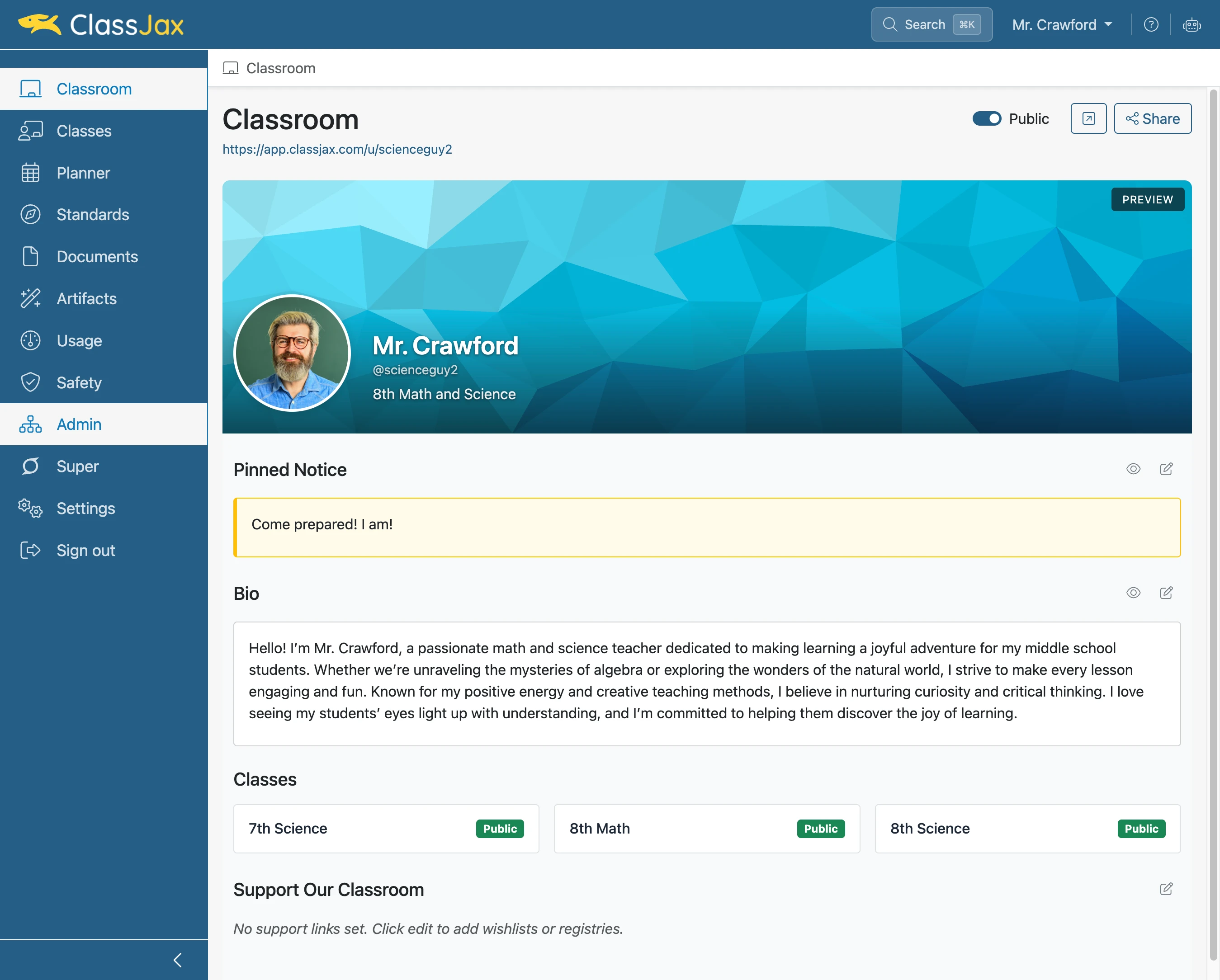
Click the 'Admin' link
- 2
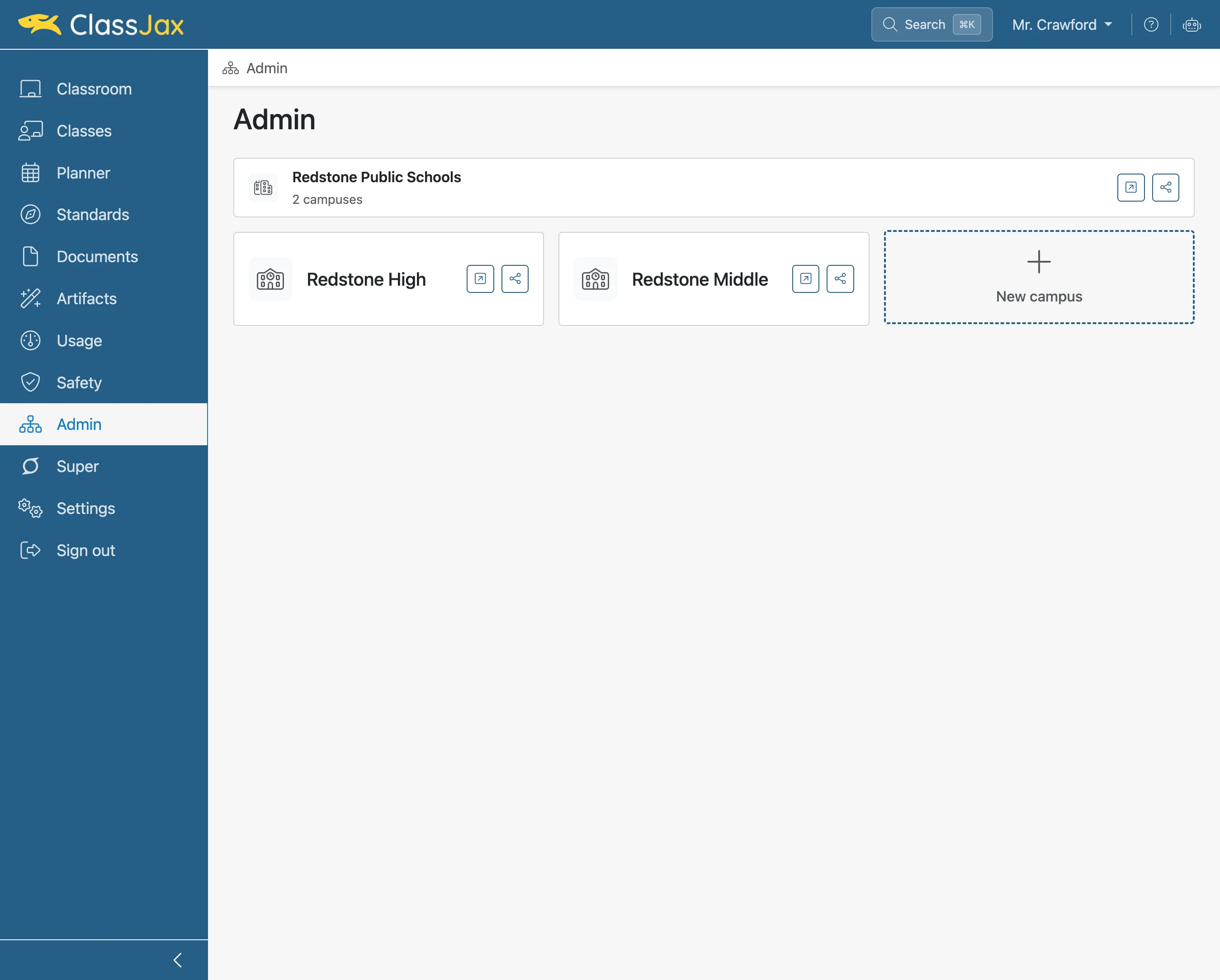
Click 'New campus'
- 3
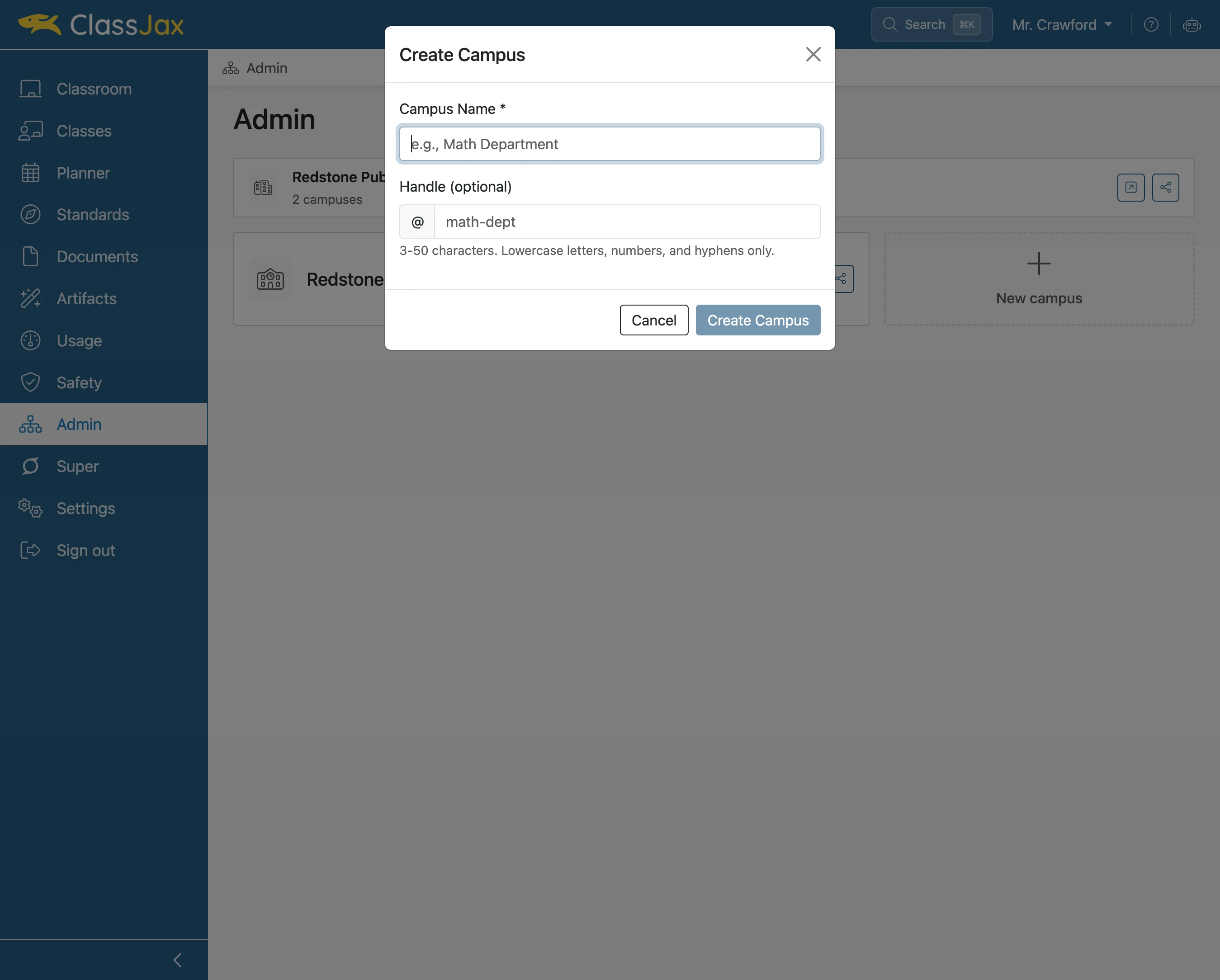
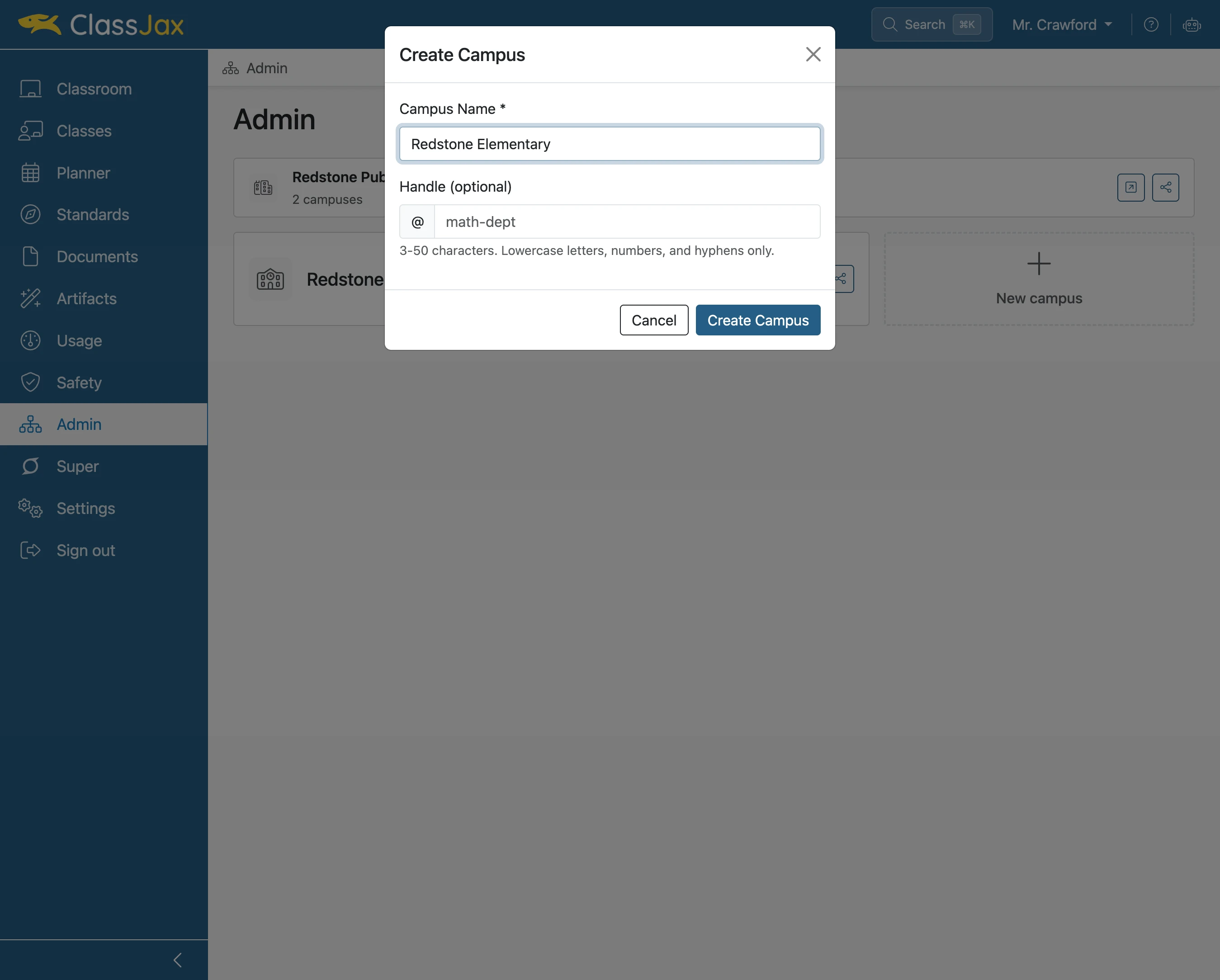
Click 'e.g., Math Department'
Enter the name of the new campus.
- 4
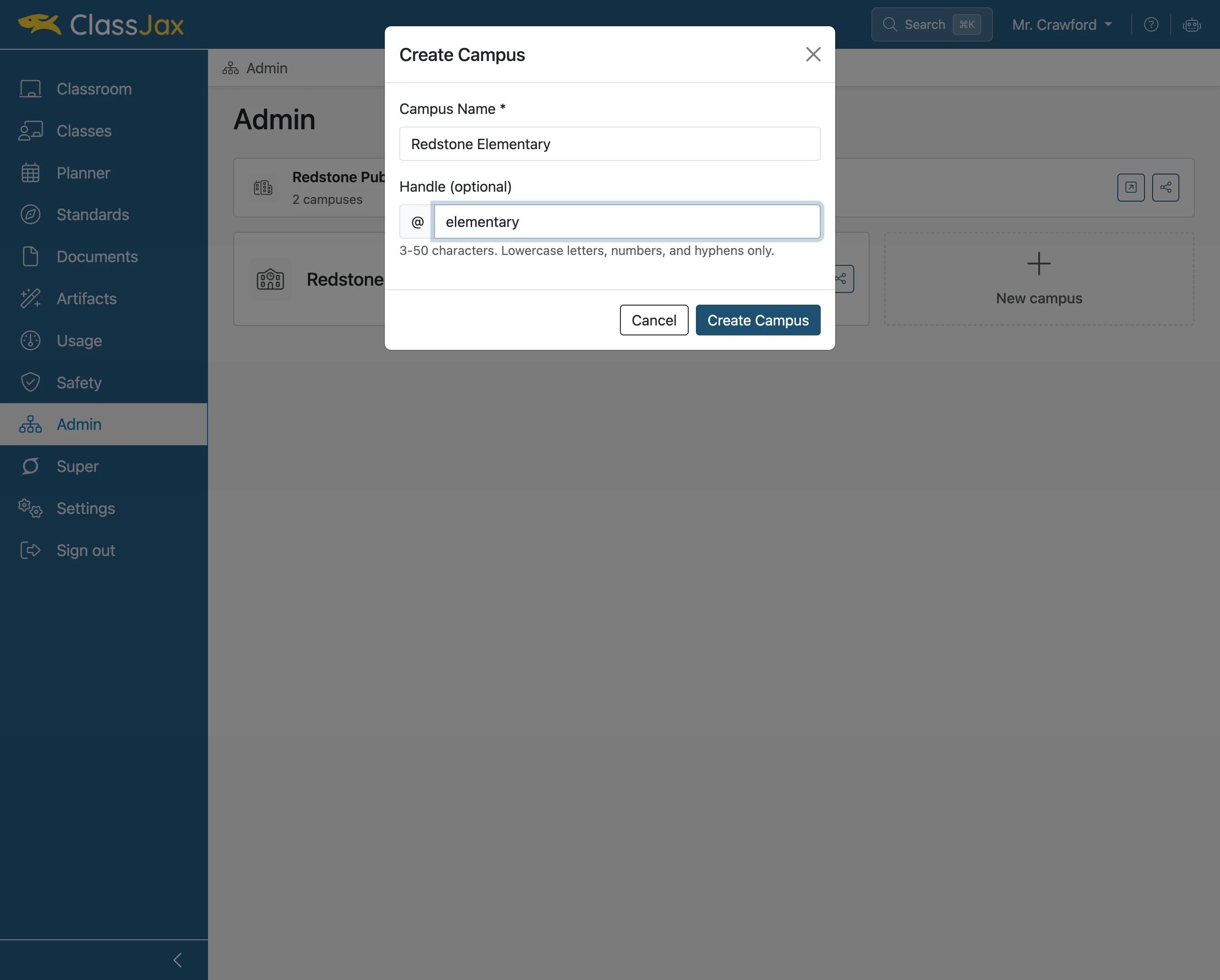
Click 'math-dept'
- 5
Click 'Create Campus'
- 6
The End