Add Unwrapped Content in a Standard
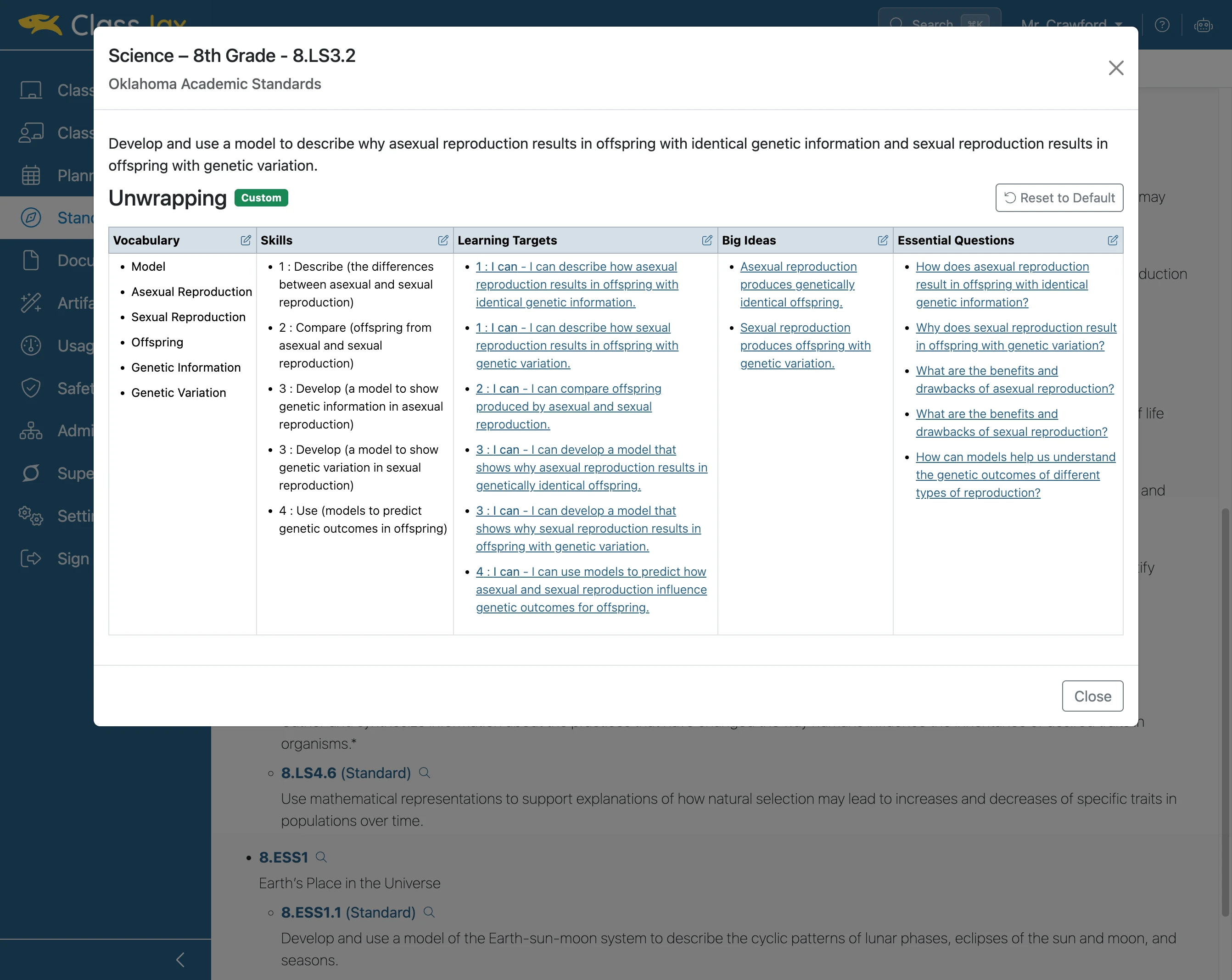
Enhancing a standard with unwrapped content, skills, learning targets, big ideas, and essential questions strengthens curriculum alignment and deepens instructional quality, making teaching more targeted and meaningful for student success.
Plan smarter this year
ClassJax is free for teachers. No credit card required.
- 1
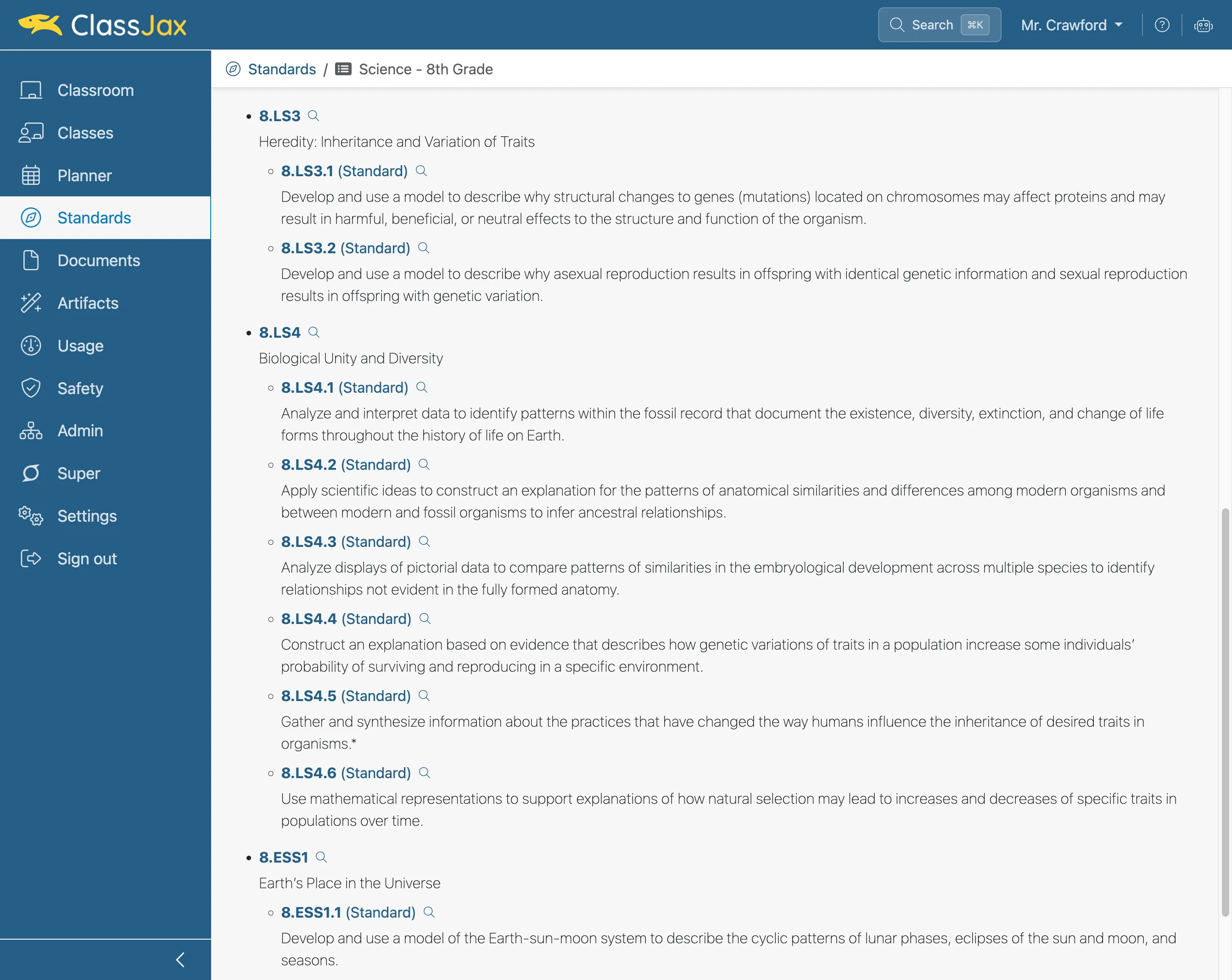
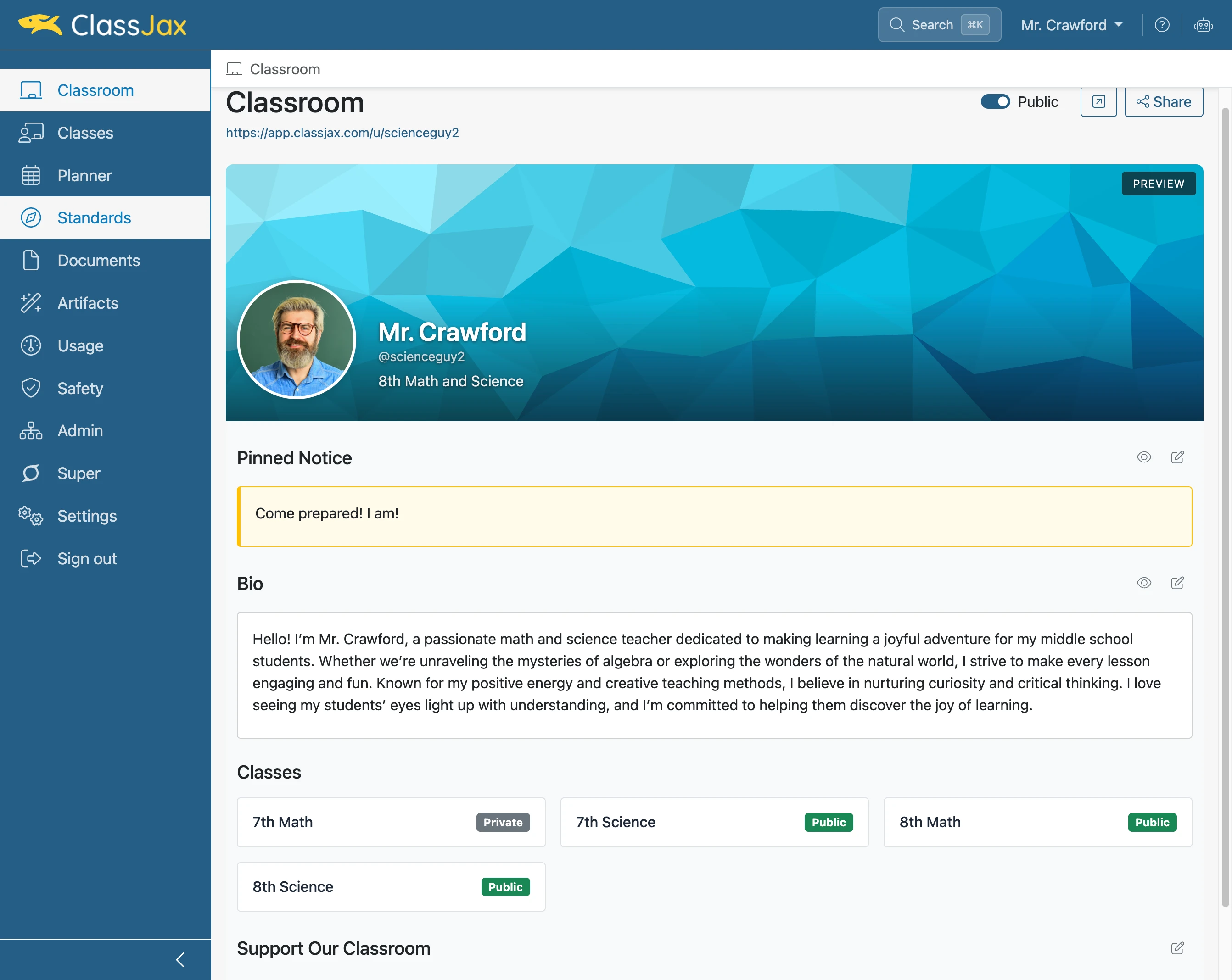
Click the 'Standards' link
- 2
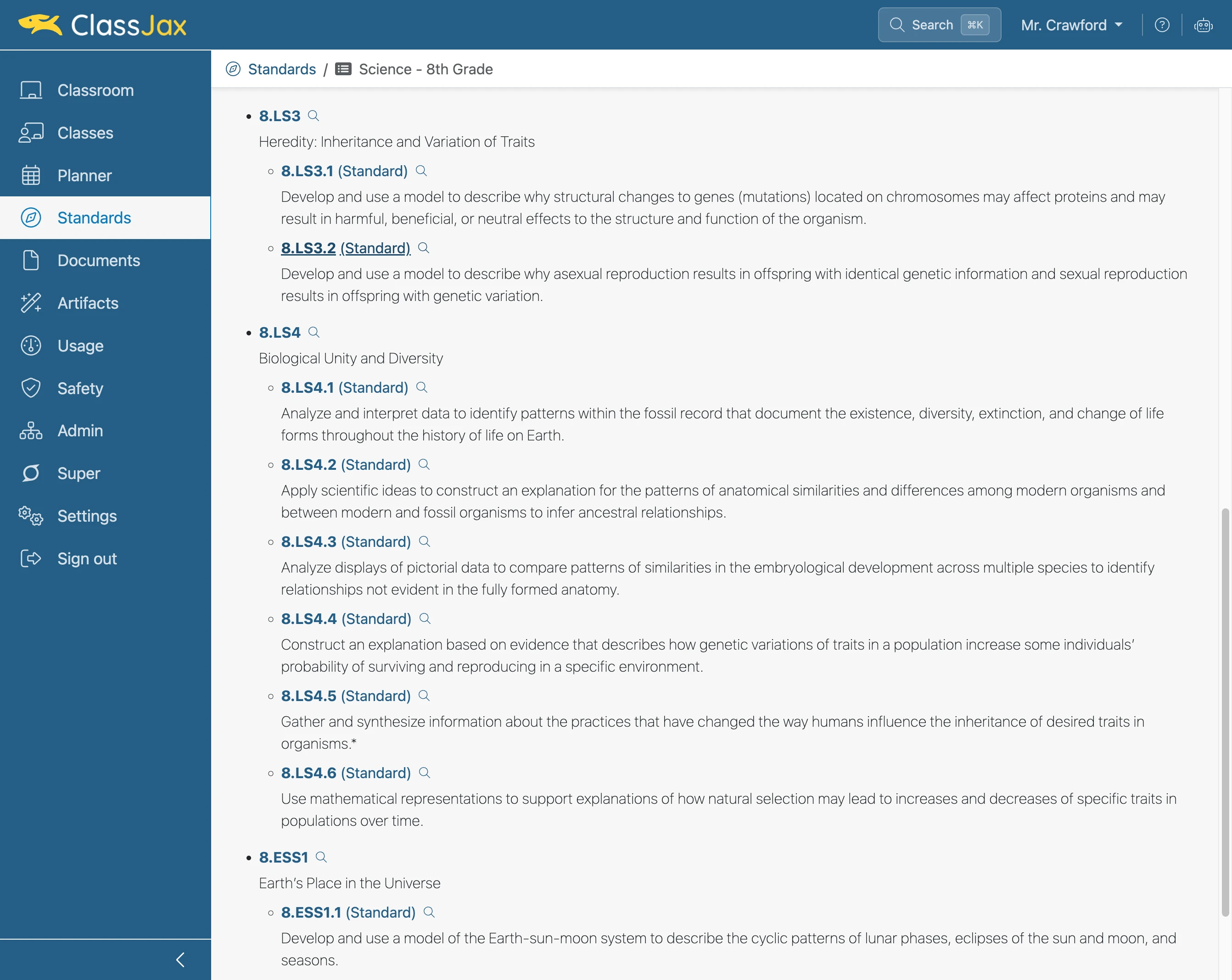
Click the desired 'Standard' link
Navigate to the standard the unwrapped content is to be placed.
- 3
Click 'Edit Vocabulary'
- 4
Click 'Add Item'
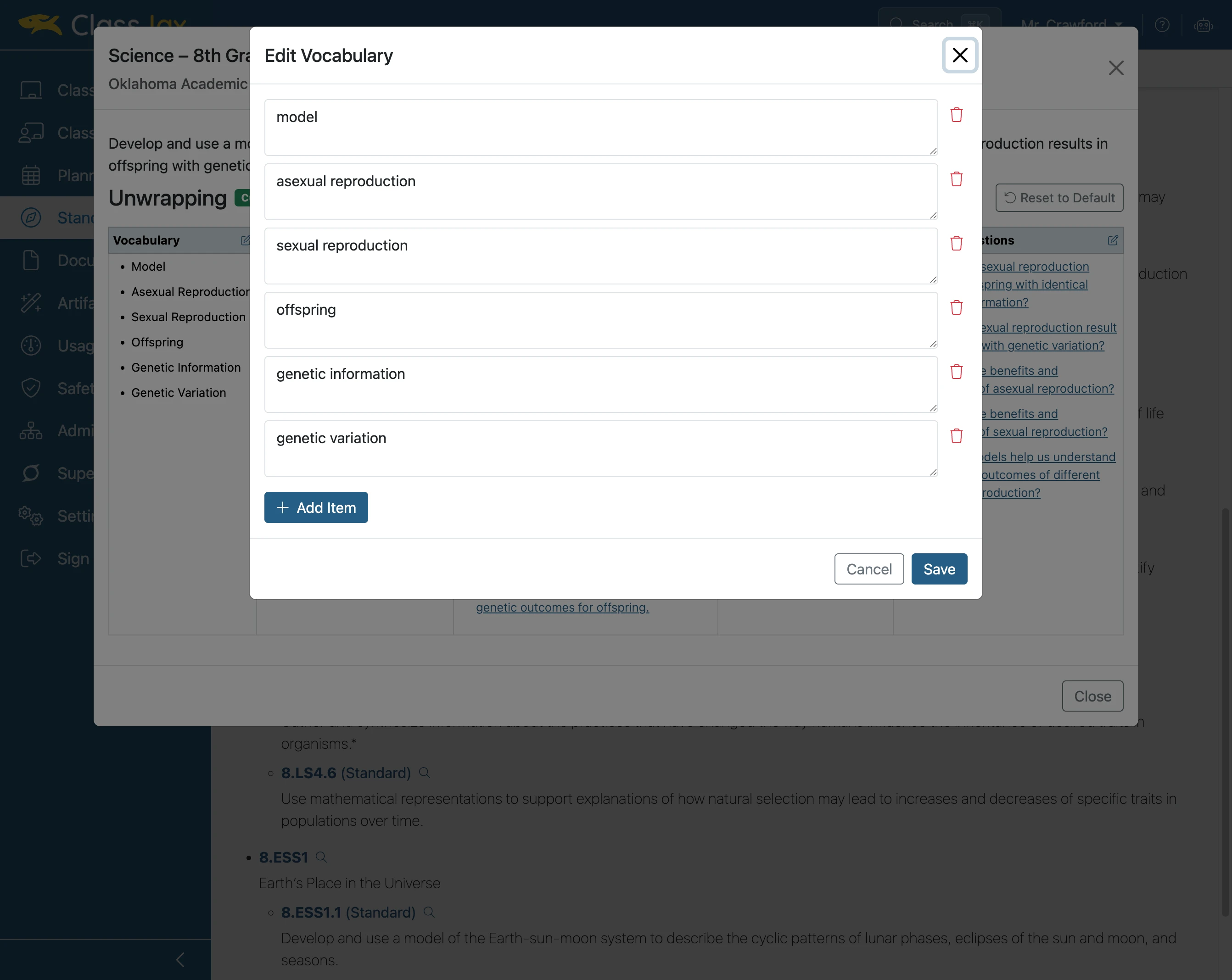
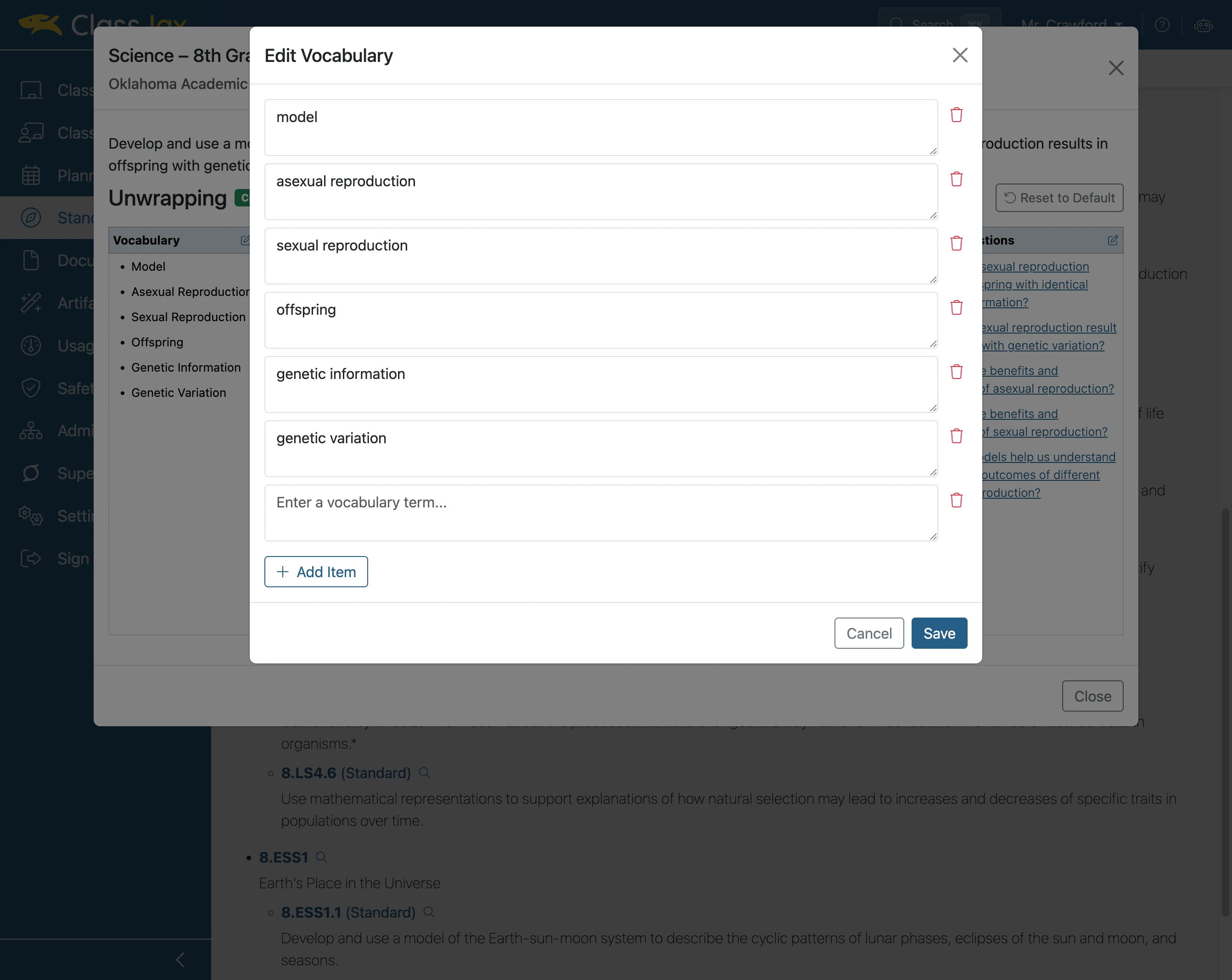
- 5
Click 'Enter a vocabulary term...'
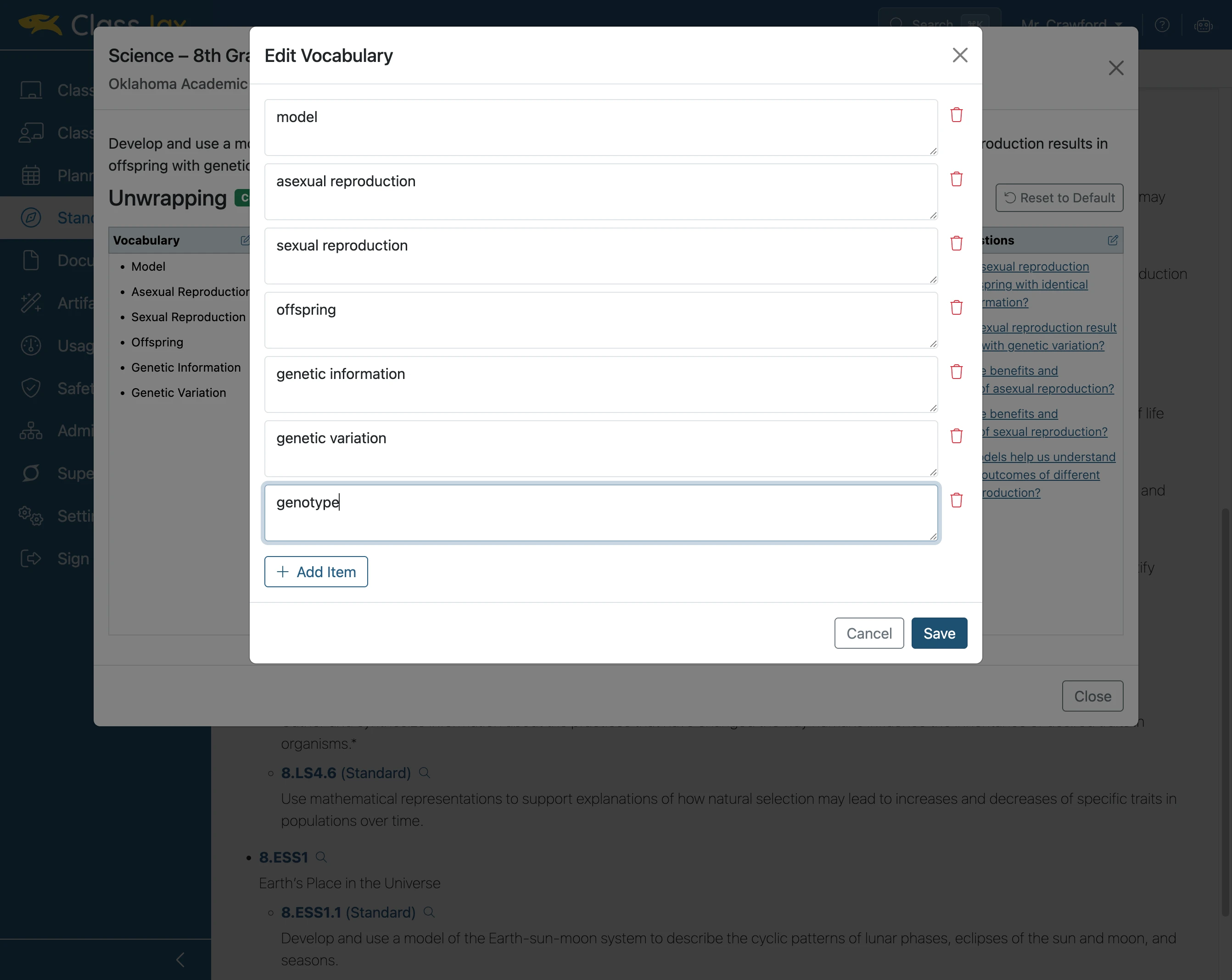
Add the vocabulary term
- 6
Click 'Save'
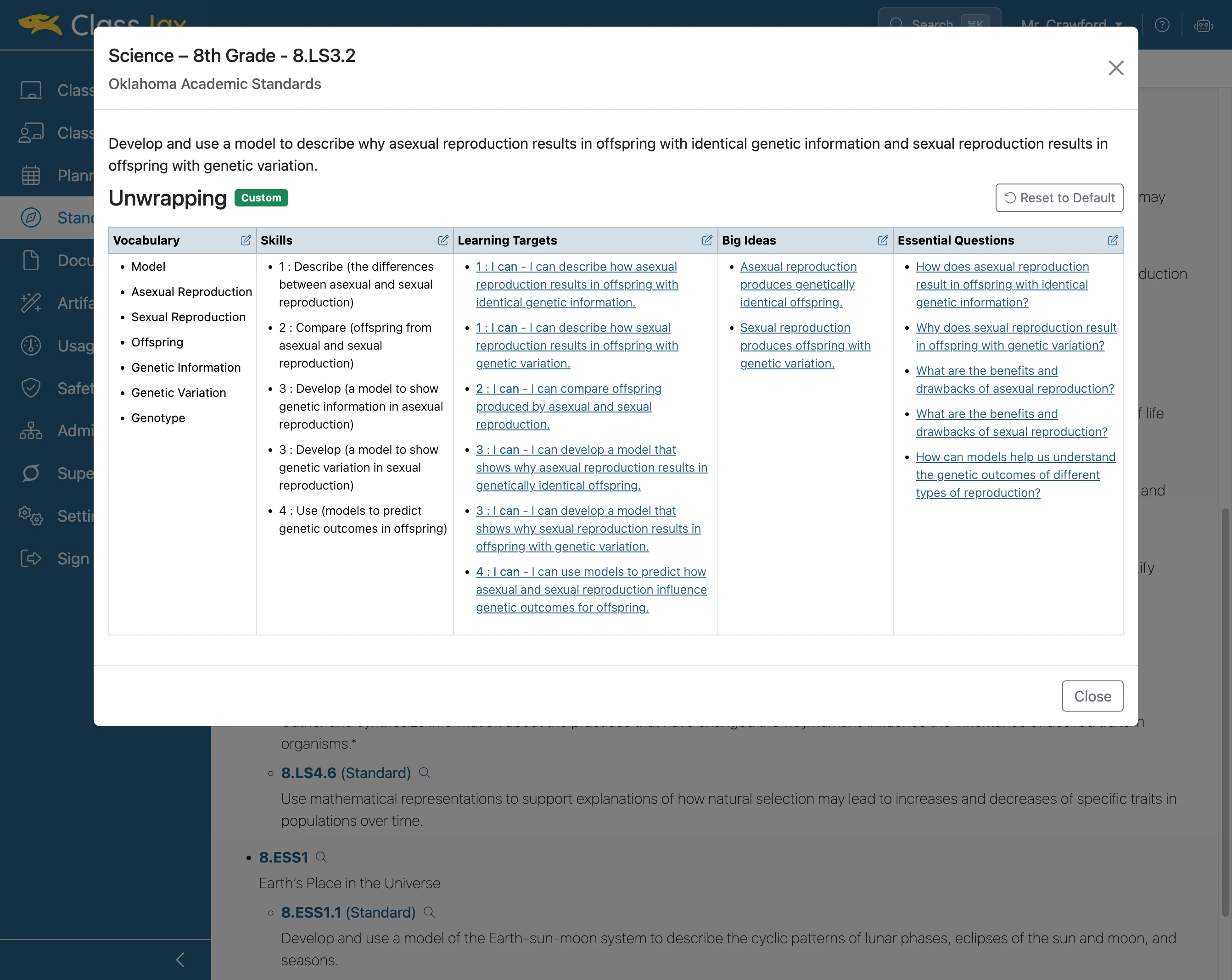
- 7
Click 'Edit Skills'
- 8
Click 'Add Item'
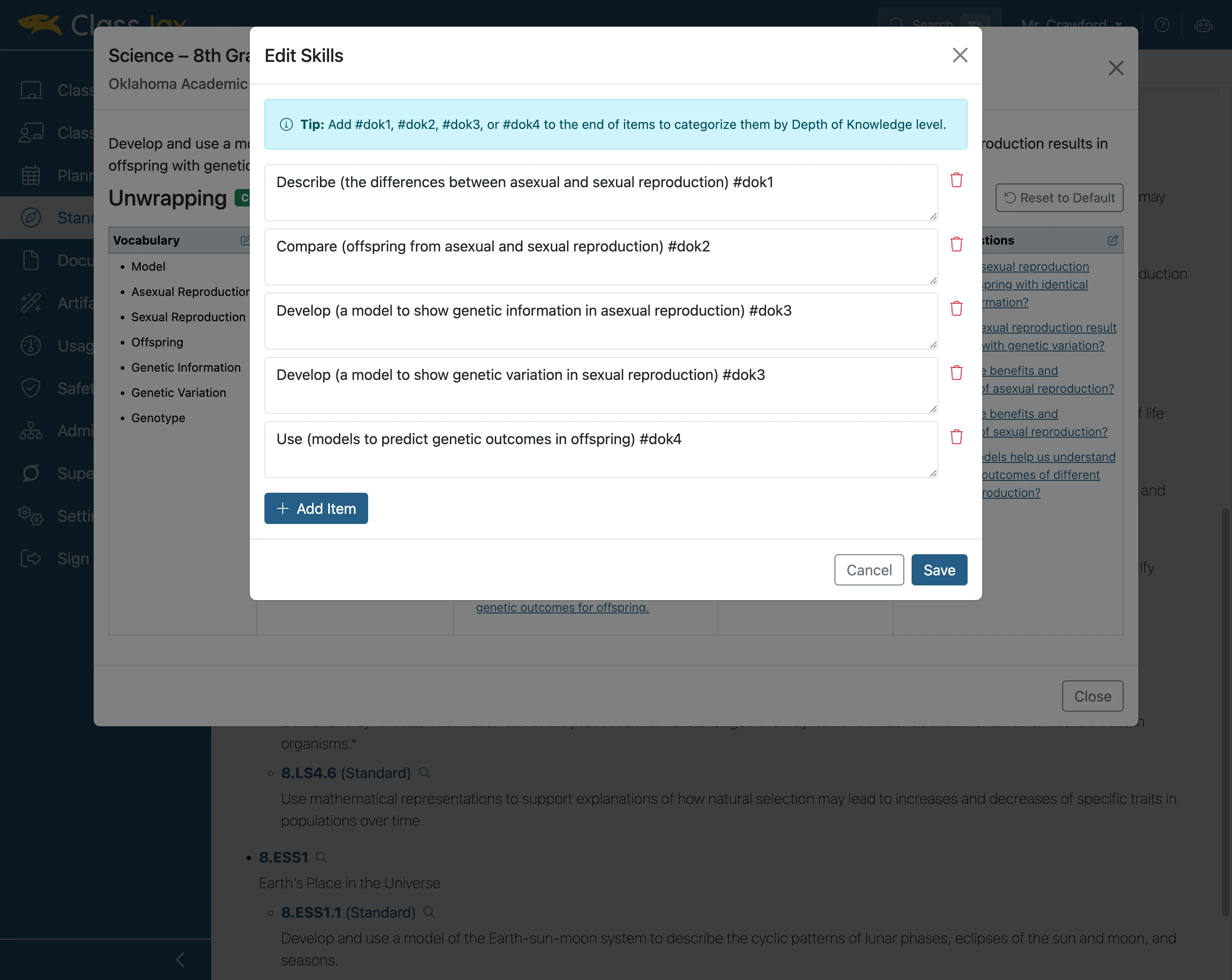
- 9
Click 'Enter a skill'
Add an appropriate skill using the guidance above.
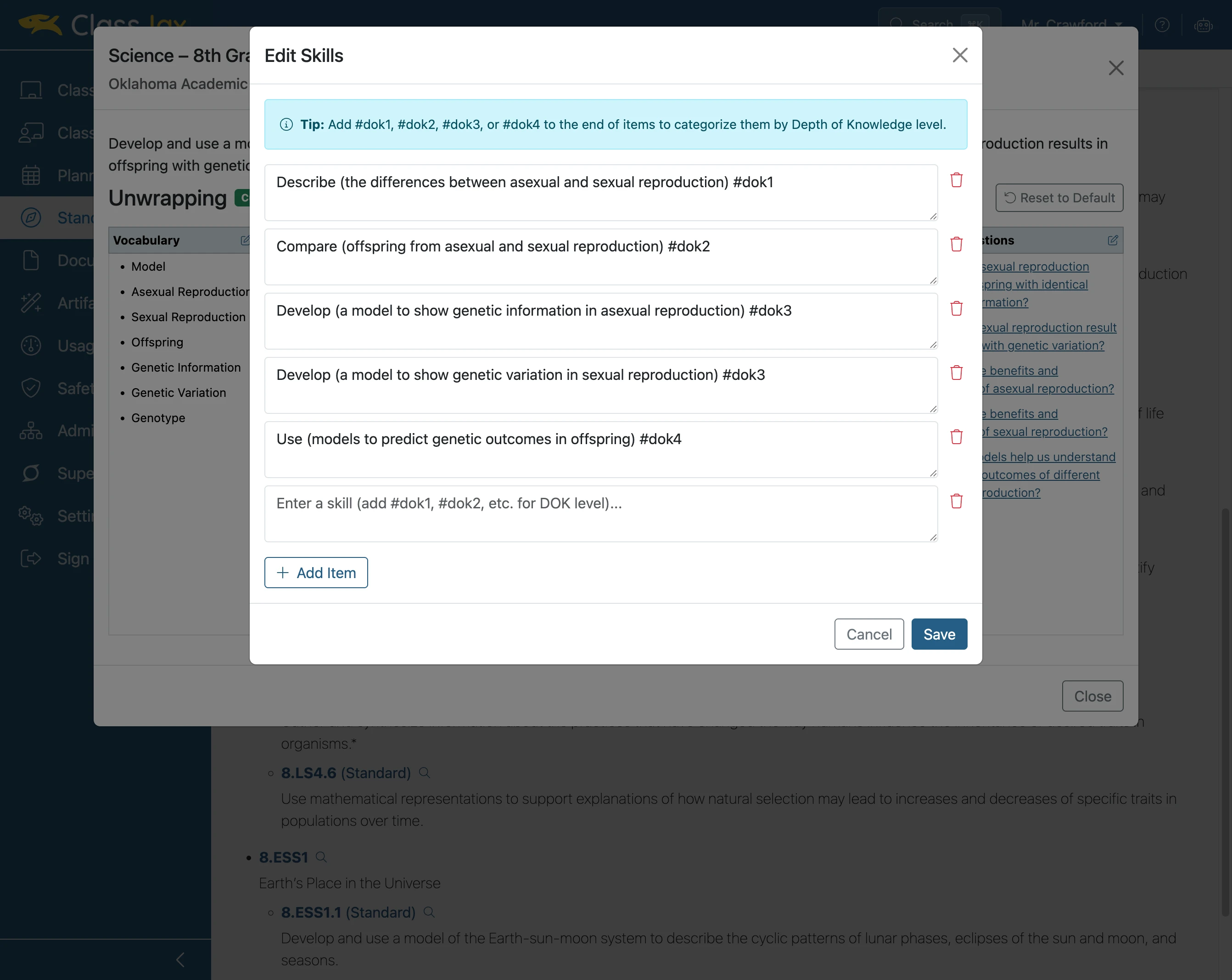
- 10
Click 'Save'
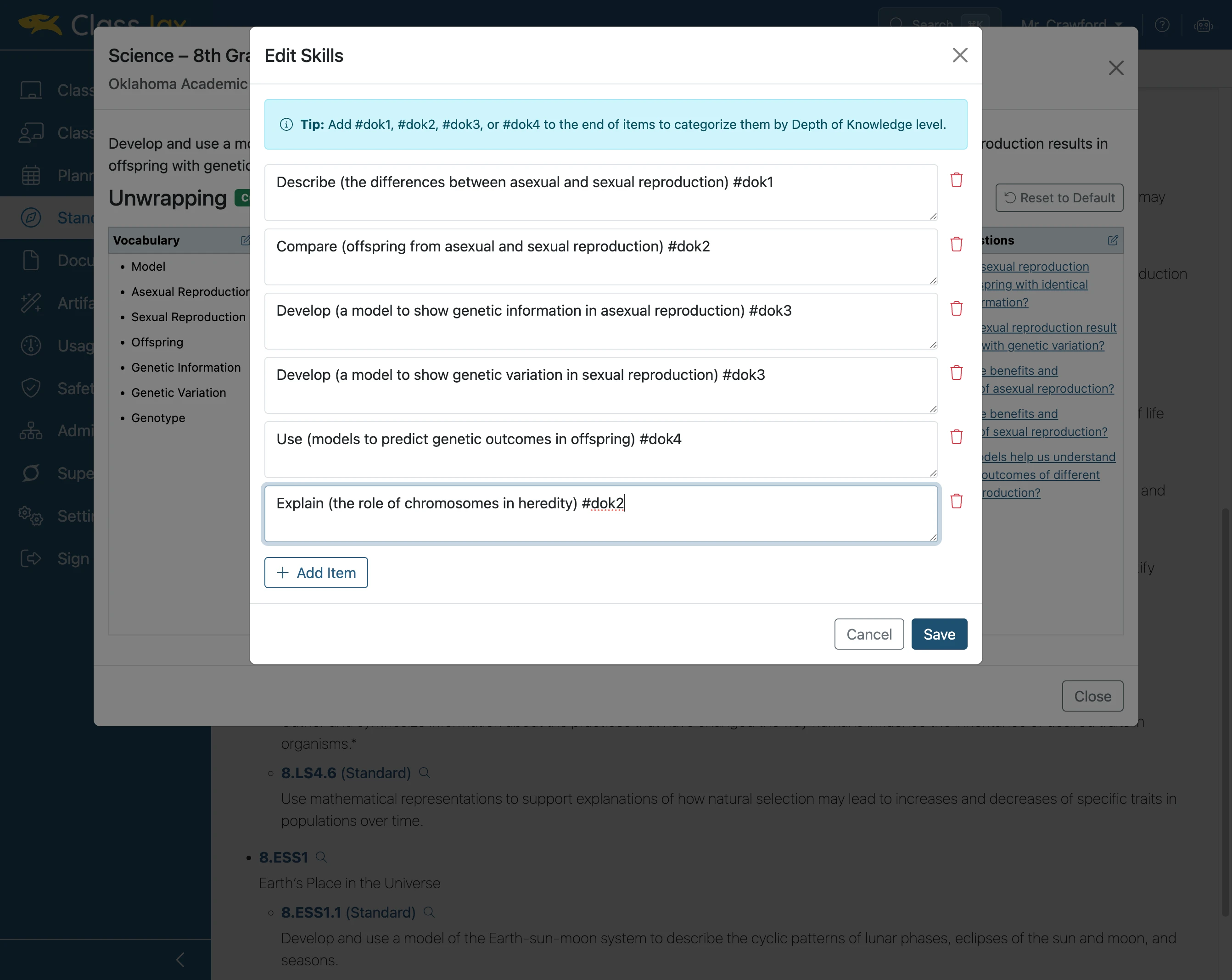
- 11
Click 'Close'
The unwrapped Vocabulary, Big Ideas and Essential Questions is listed in alphabetical order. The unwrapped Skills and Learning Targets are listed in numeric and then alphabetical order.
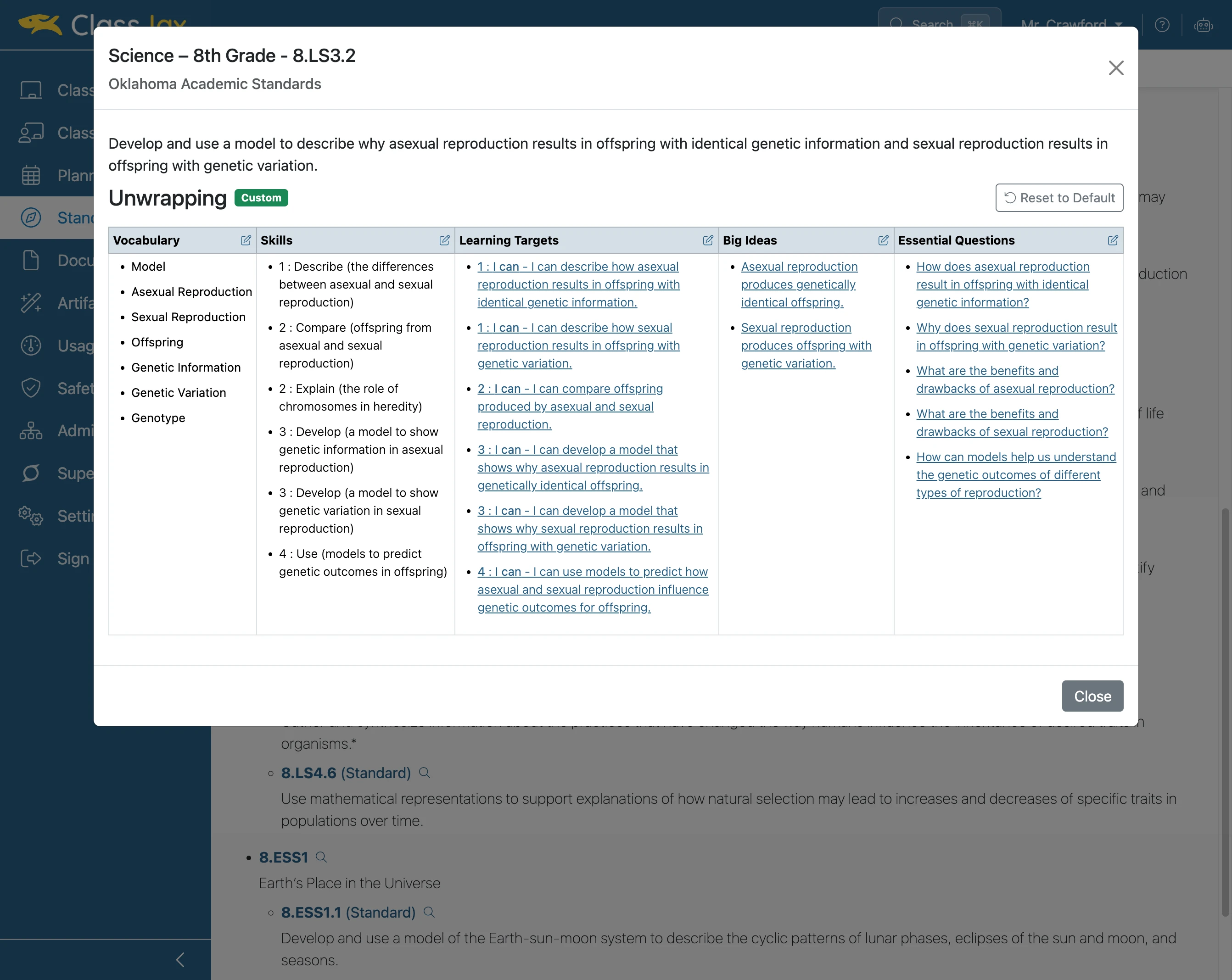
- 12
The End
JaxAI is aware of modifications to a standard’s unwrapped content. That is, JaxAI prompts can be written to use the unwrapped content to develop lesson plans and curriculum resources such as activities, worksheets, labs, images, and assessments (i.e., rubrics, proficiency scales, test items).