Add Students to a Class
Students can be added to a Class.
Plan smarter this year
ClassJax is free for teachers. No credit card required.
- 1
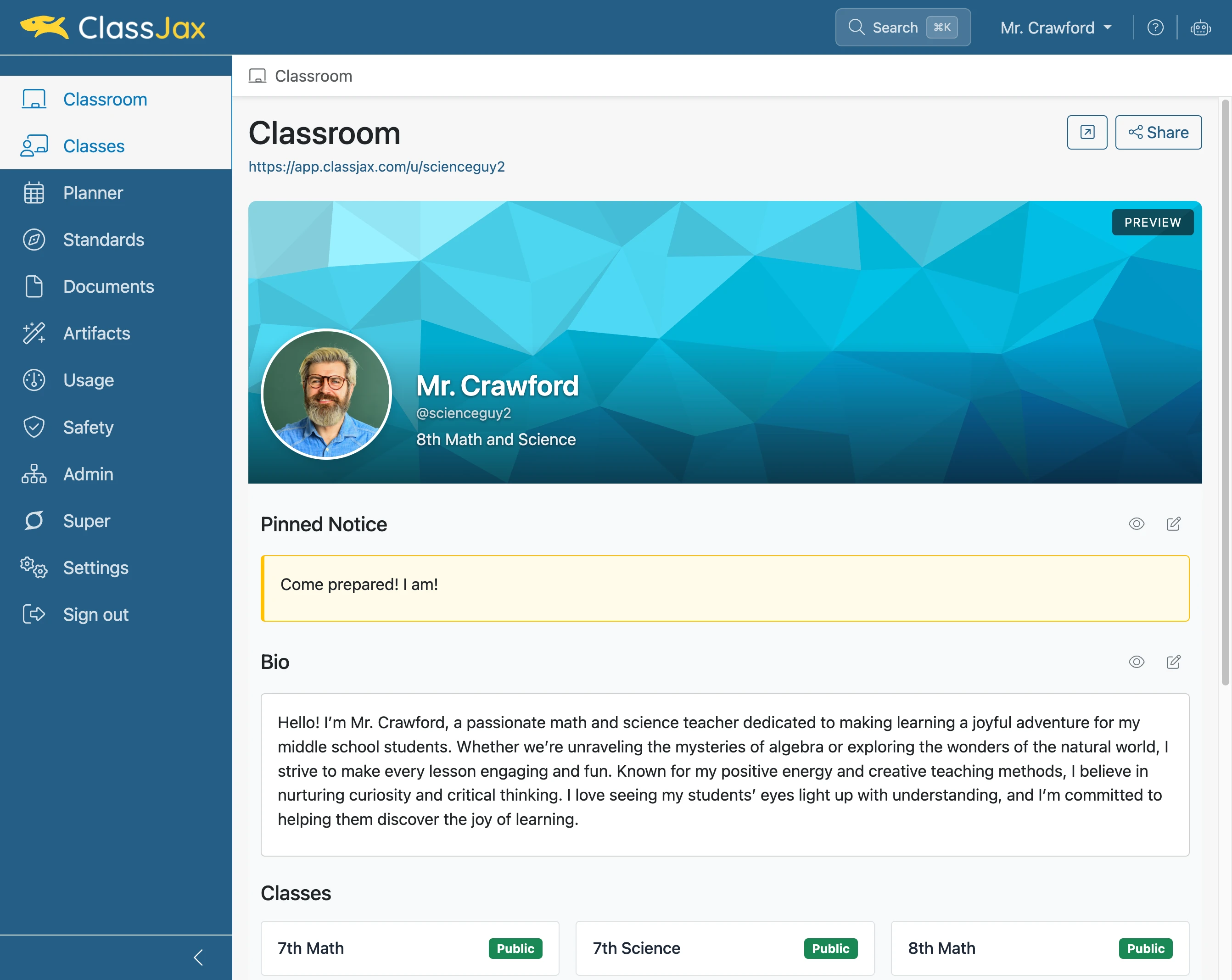
Click the 'Classes' link
- 2
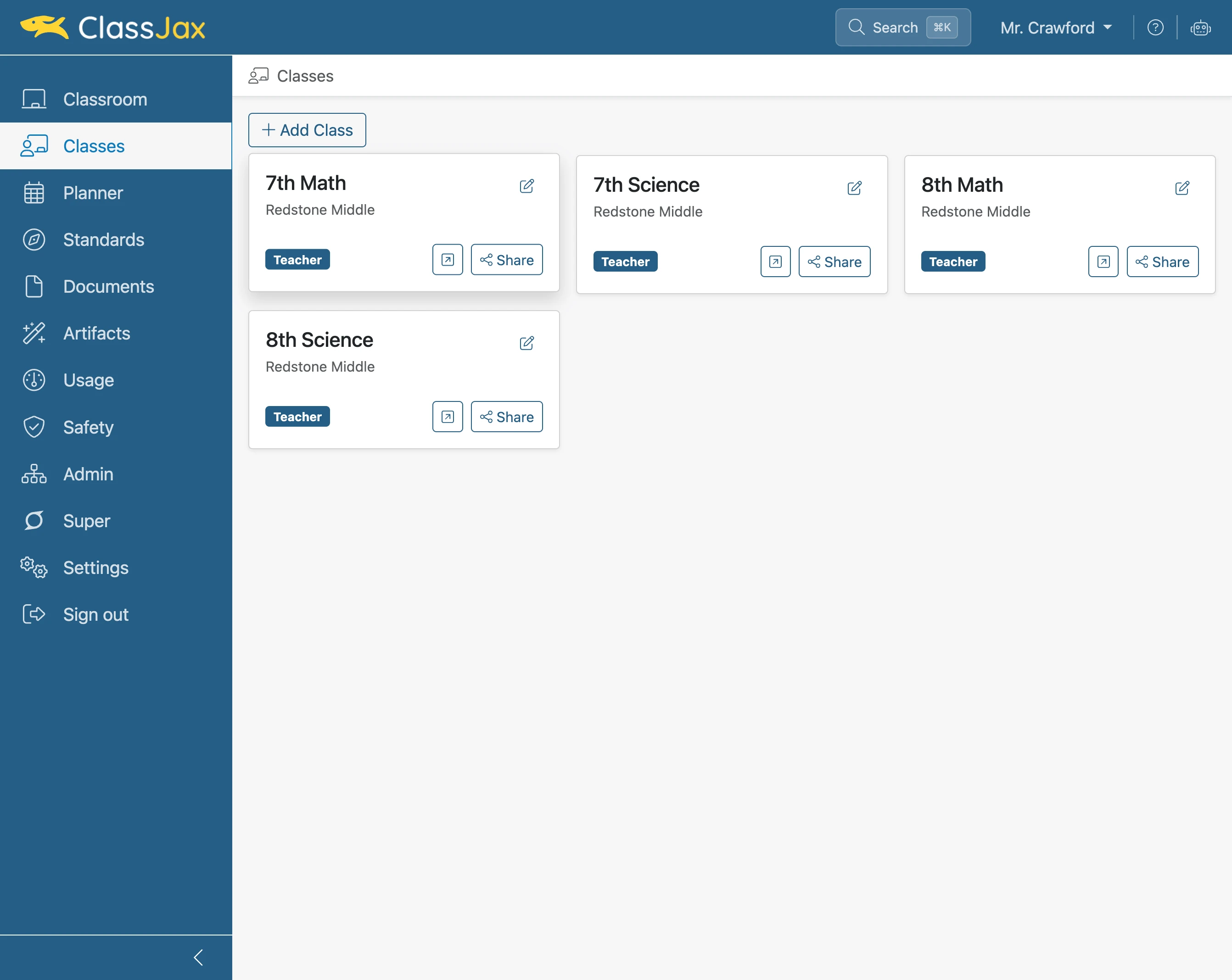
Click '7th Math Redstone Middle'
- 3
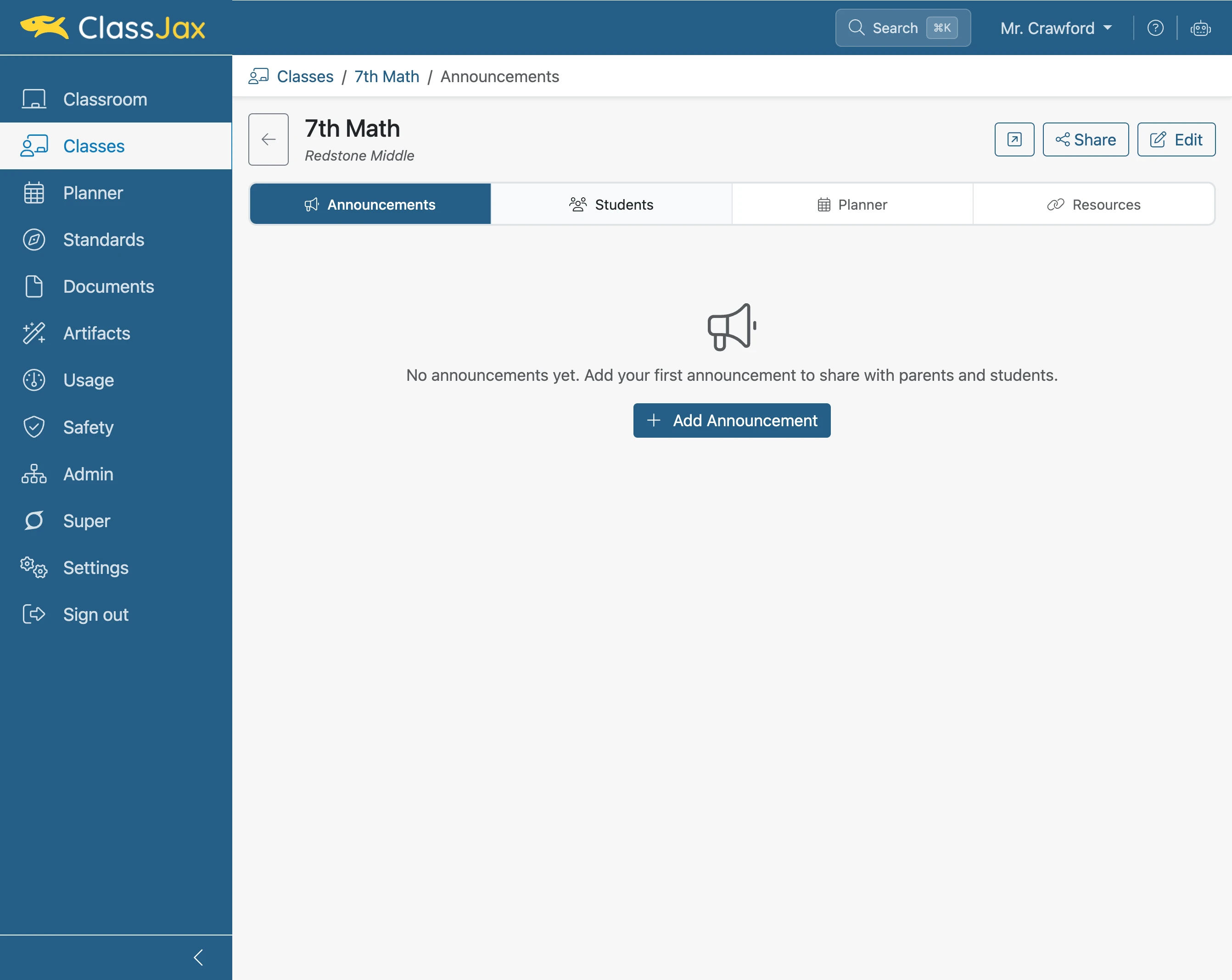
Click the 'Students' link
- 4
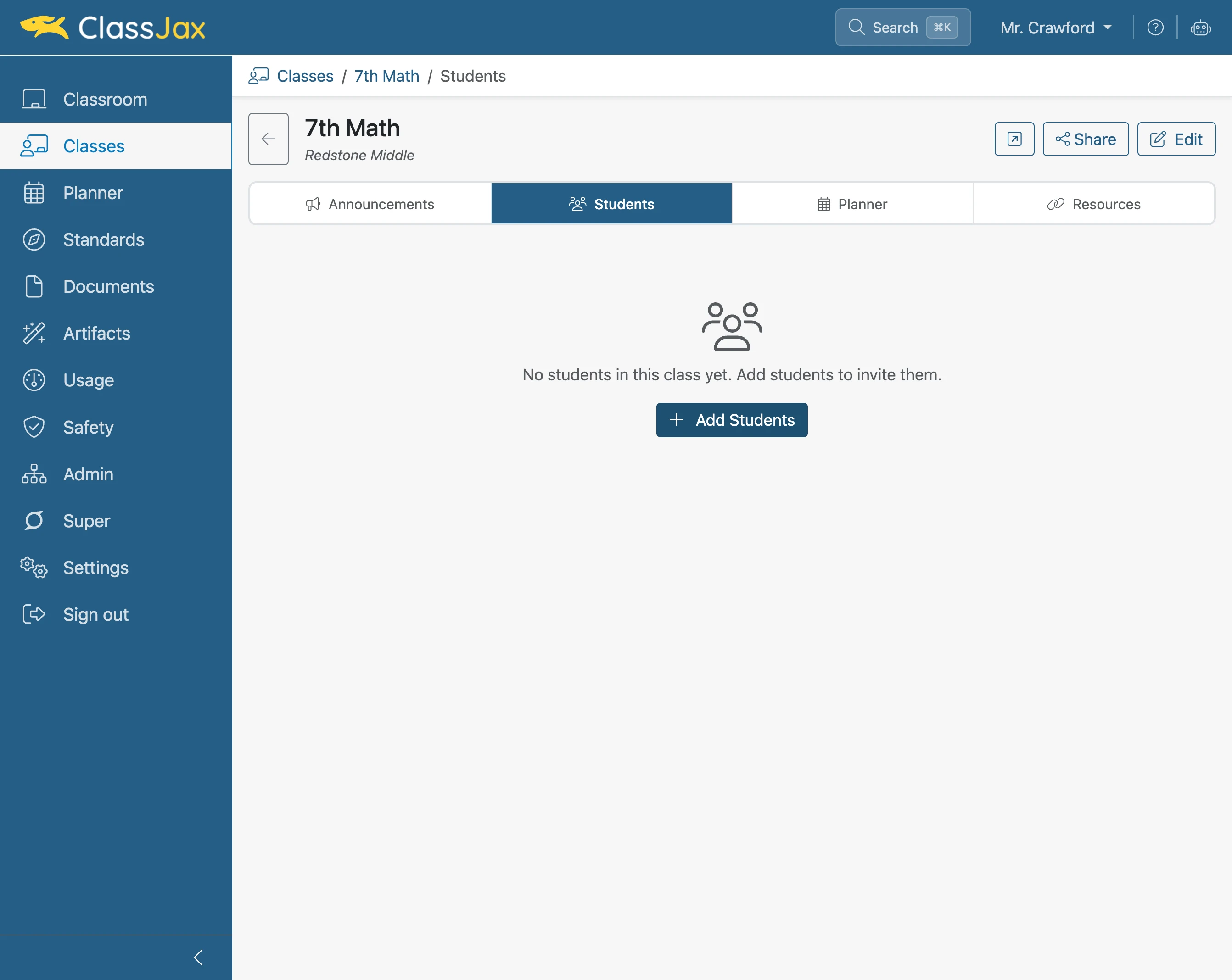
Click 'Add Students'
- 5
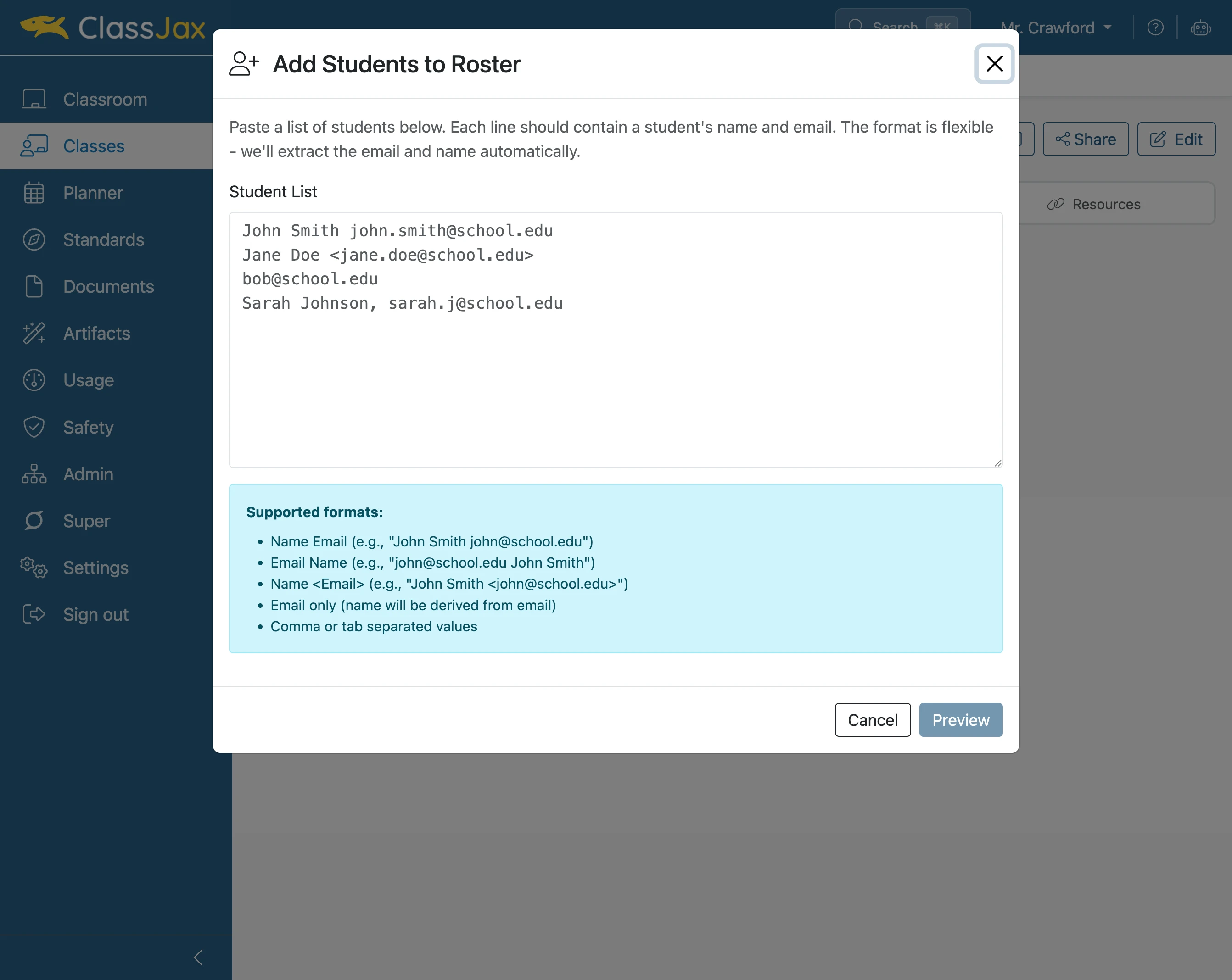
Create a student list using a supported format
- 6
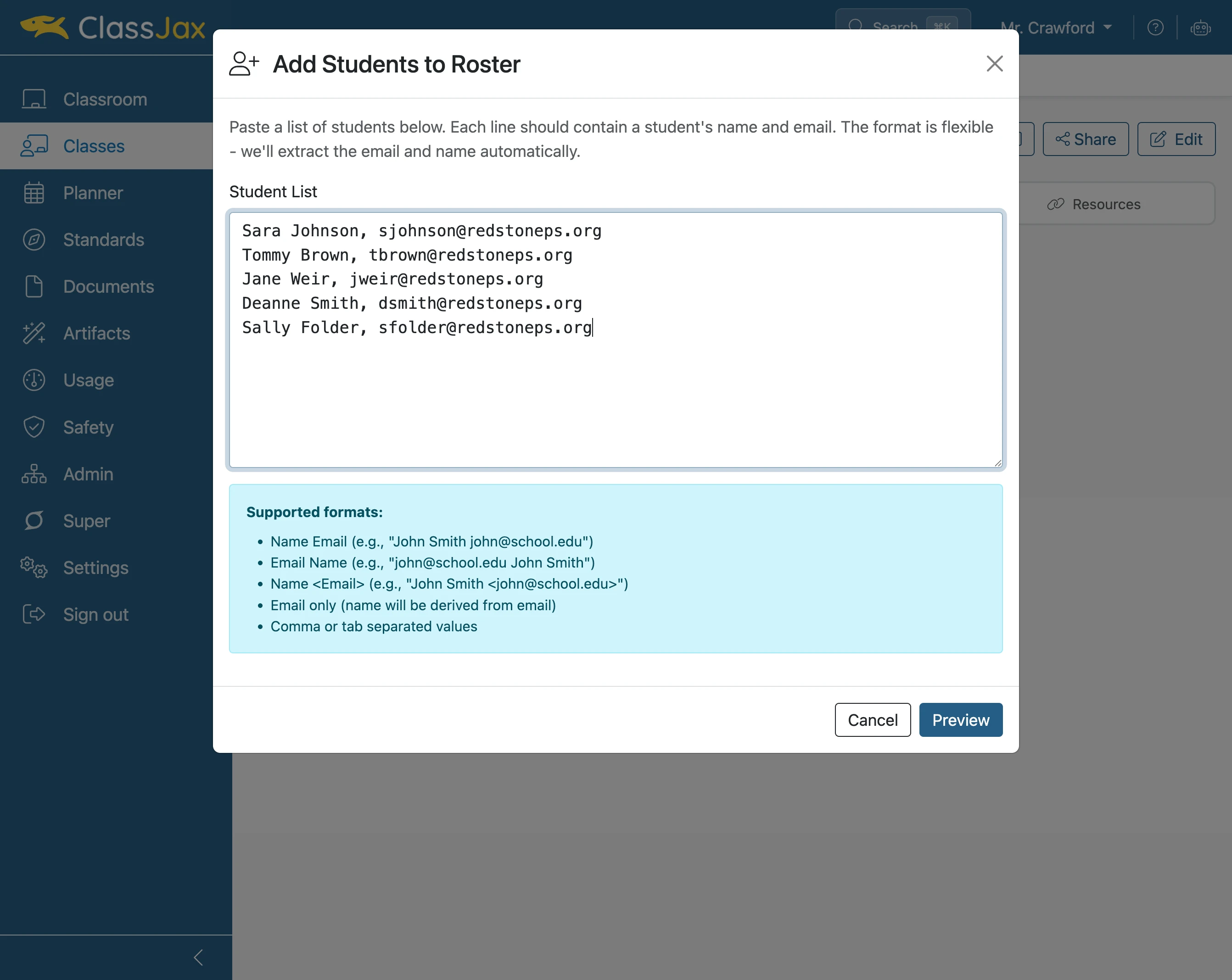
Paste the Student List
Copy and paste the student list into the Student List field.
- 7
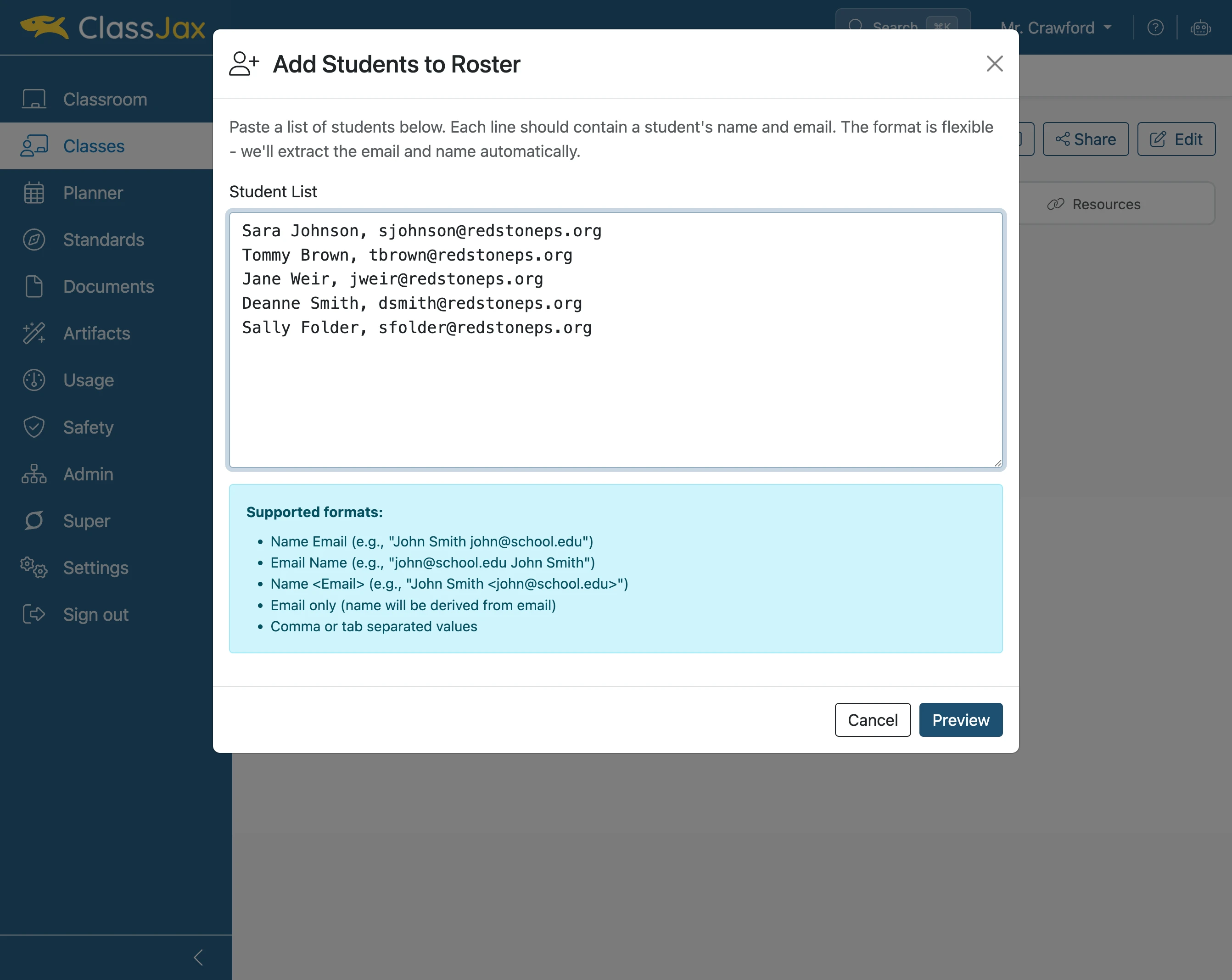
Click 'Preview'
- 8
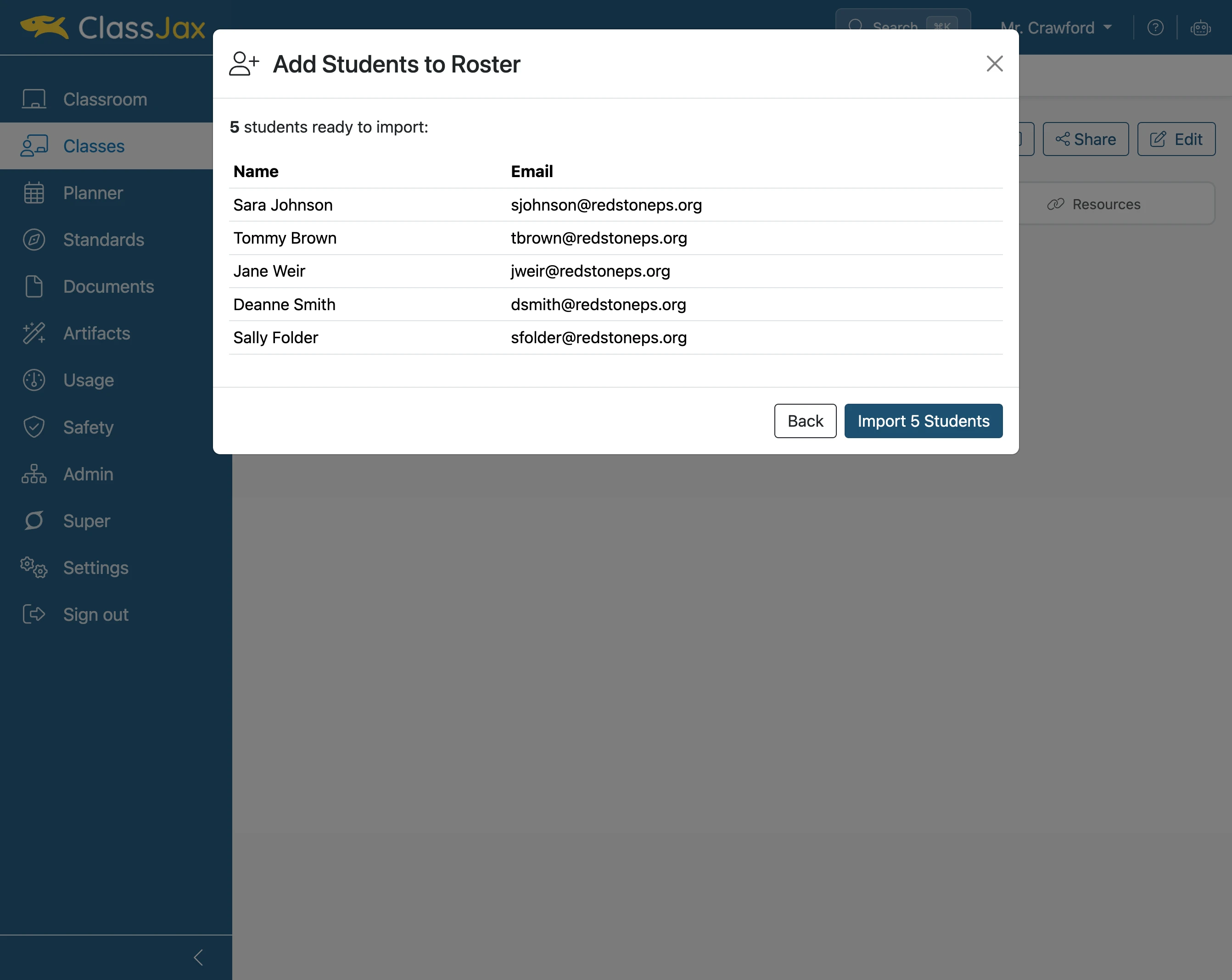
Click 'Import ## Students'
If the preview is correct, import the students.
- 9
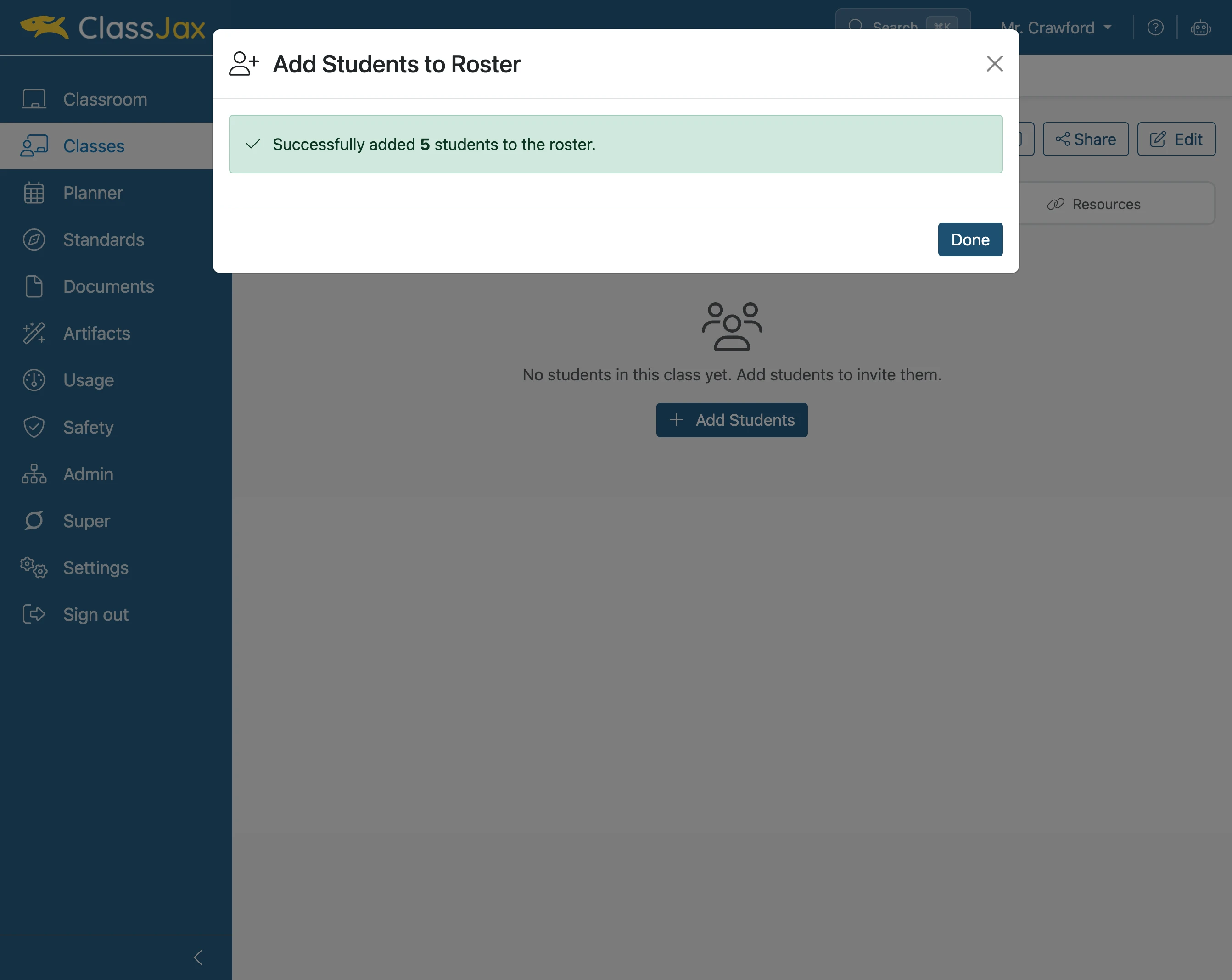
Click 'Done'
- 10
Click 'email' icon
Select this option to only invite a specific student.
Note: The email only contains text requiring the student to agree to join the class.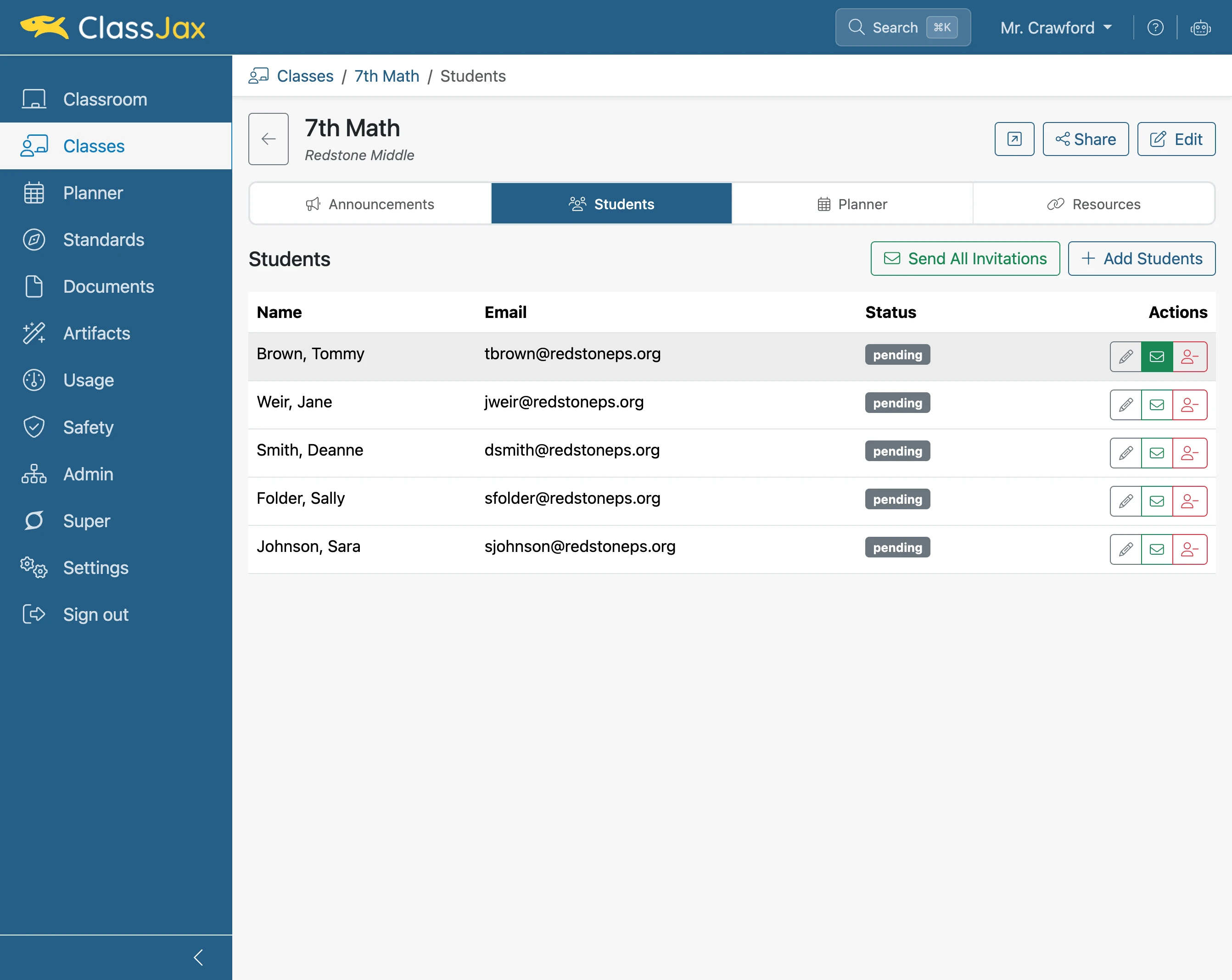
- 11
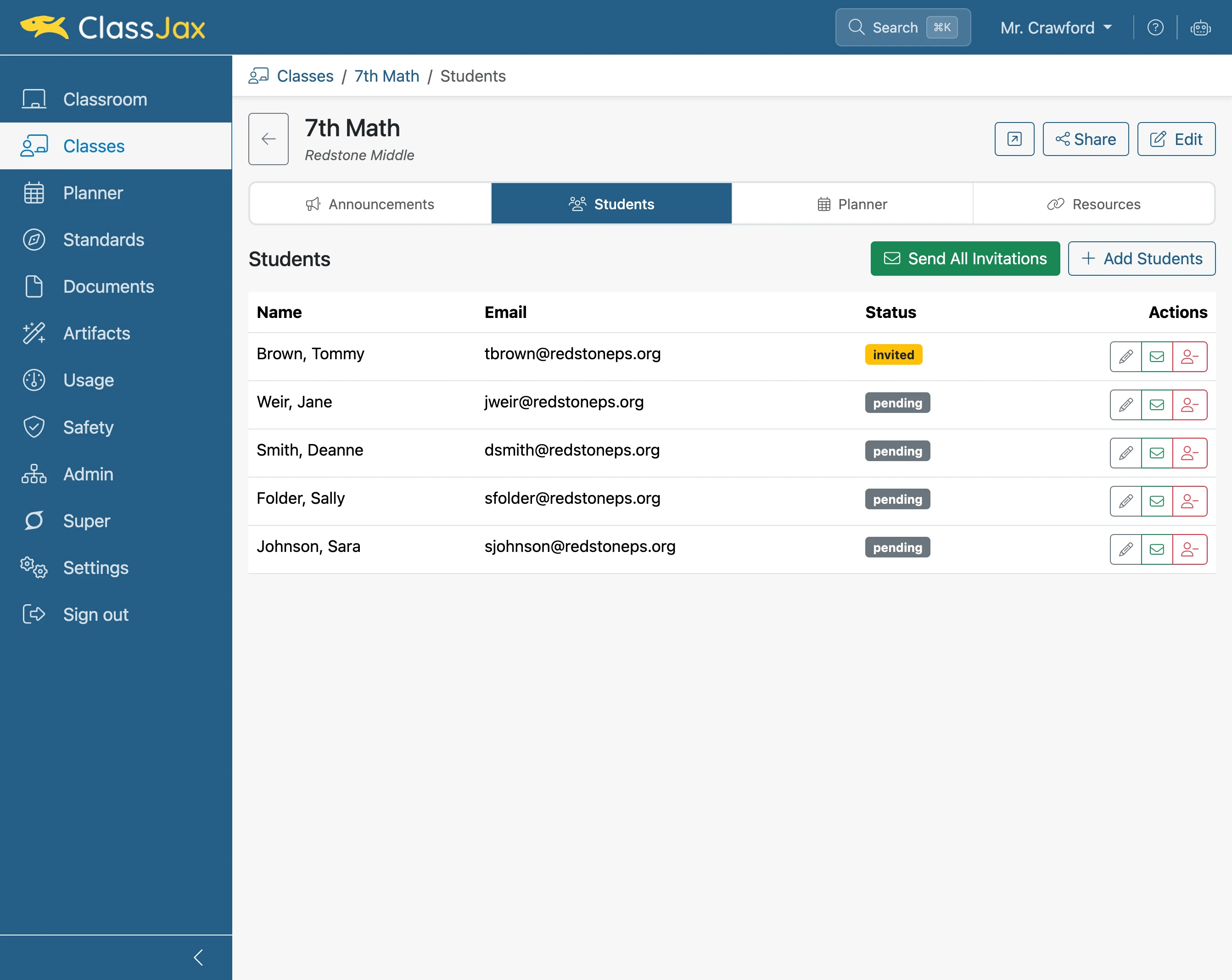
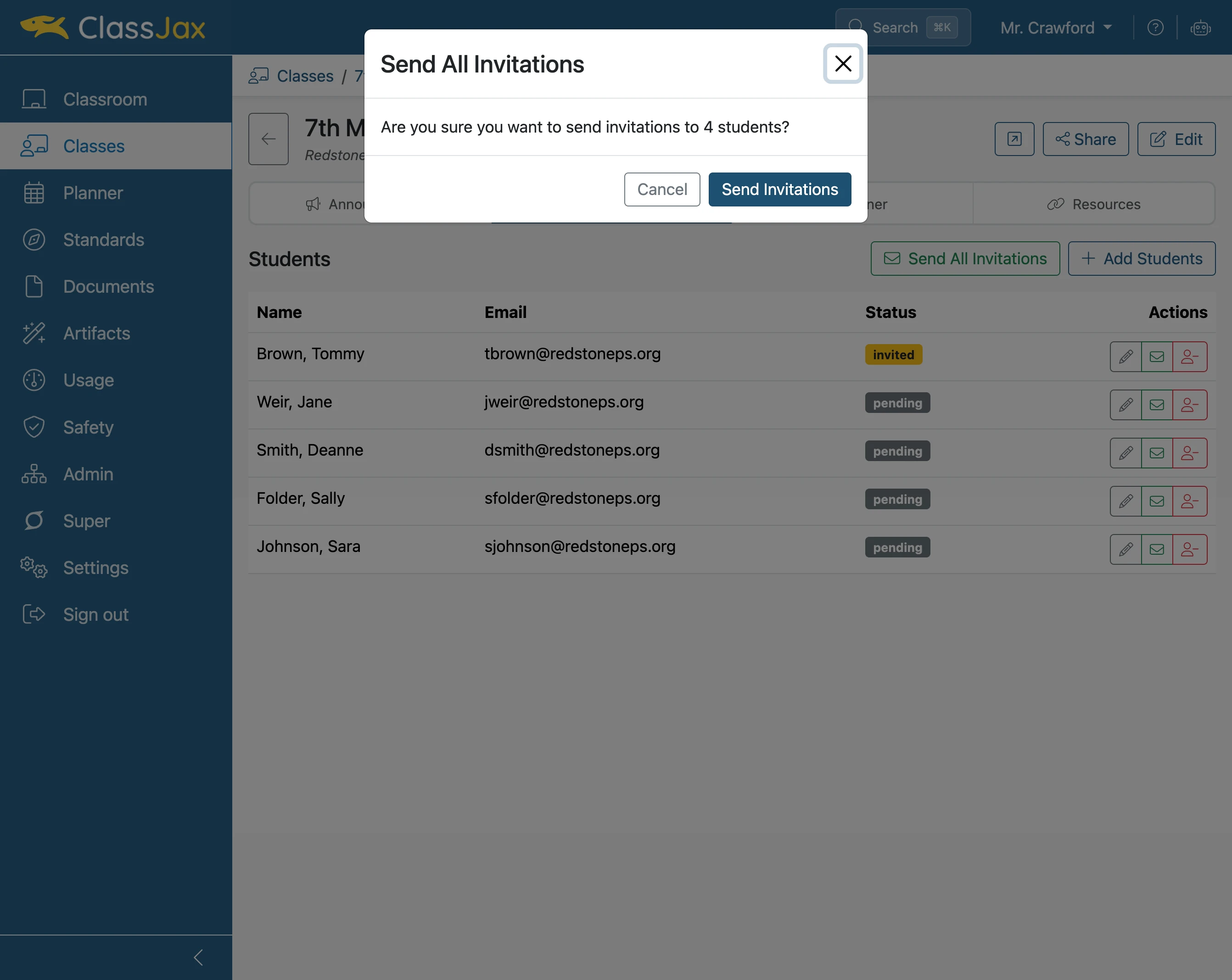
Click 'Send All Invitations'
Select this option to invite all students.
- 12
Click 'Send Invitations'
This dialogue appears to confirm the invitation is to be sent to all students.
- 13
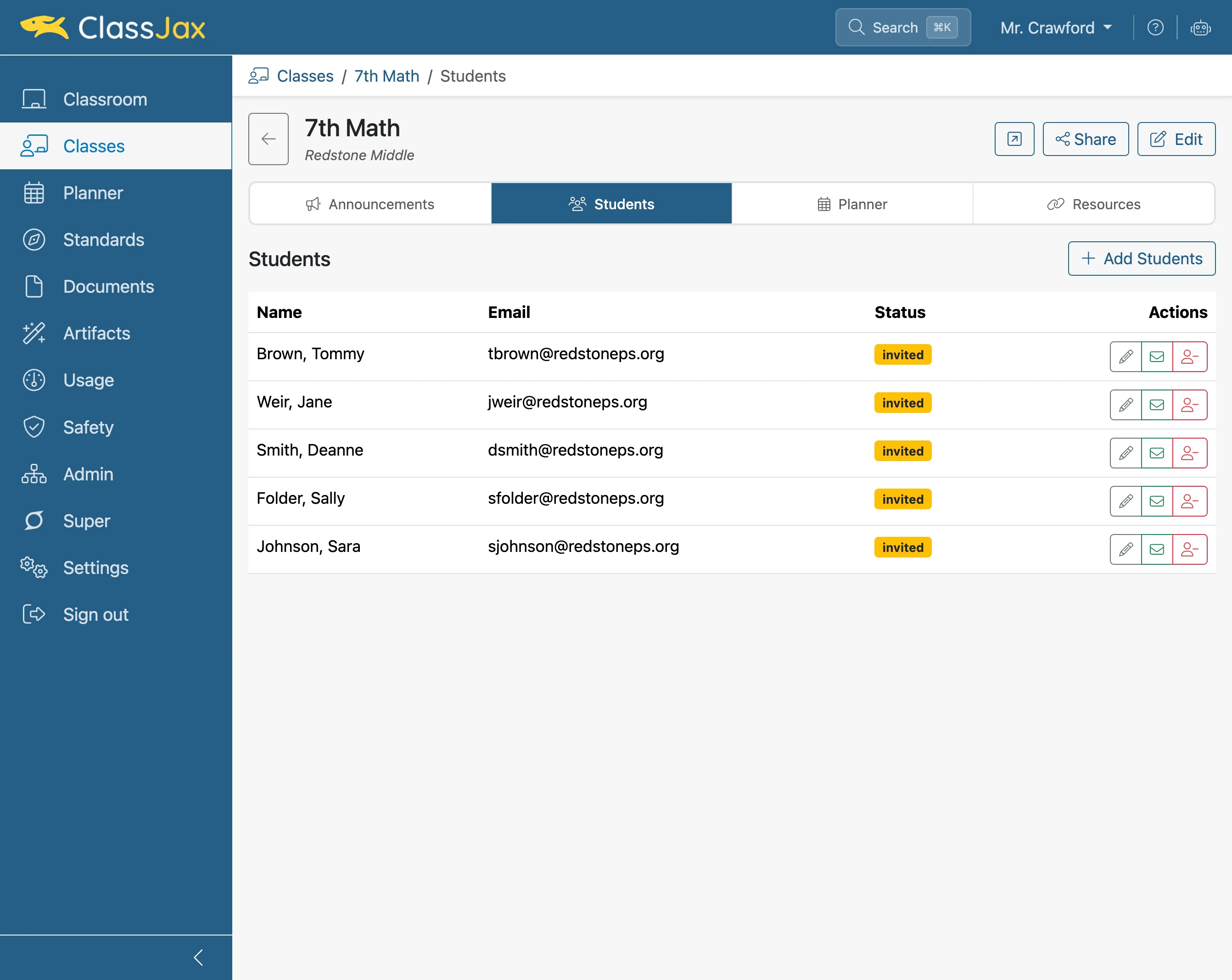
The 'Invited' Status
Students are required to approve joining the class. Once they approve, their status changes to being a member.