Add Resources to a Class
You can add resource documents to a Class page. Follow these instructions to add a resource from a folder in Documents.
Plan smarter this year
ClassJax is free for teachers. No credit card required.
- 1
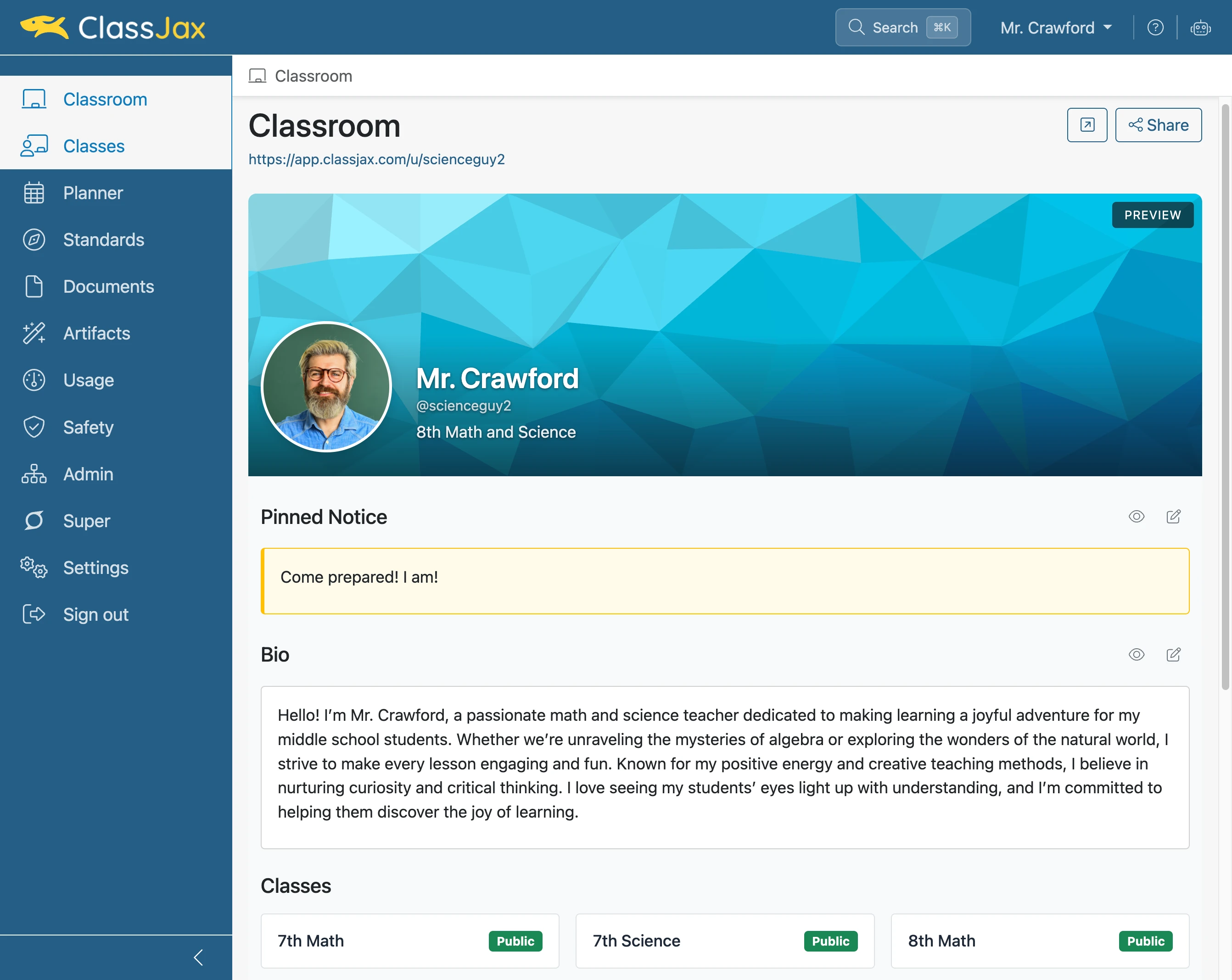
Click the 'Classes' link
- 2
Click 'Class'
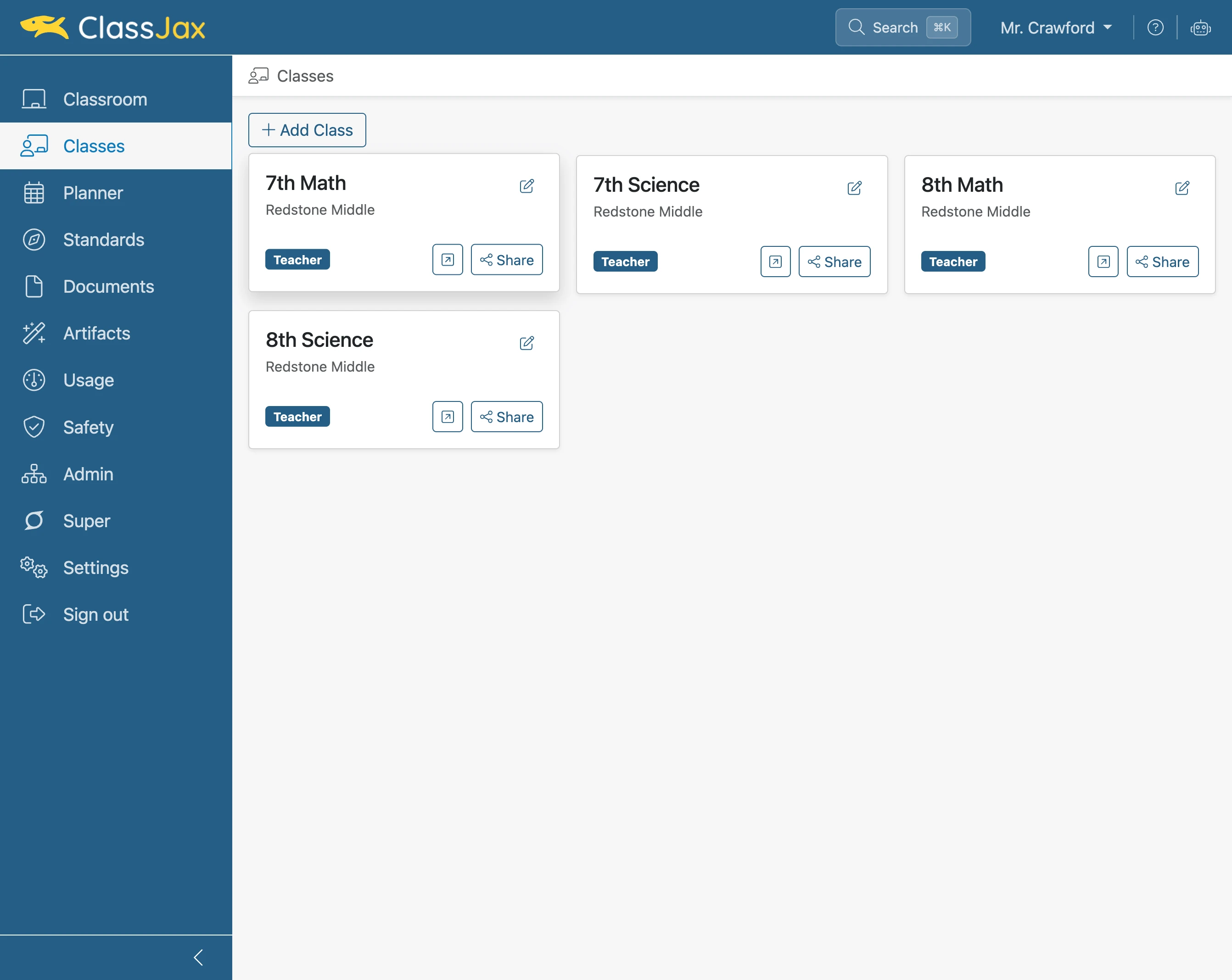
Click the class the resource is being added to.
- 3
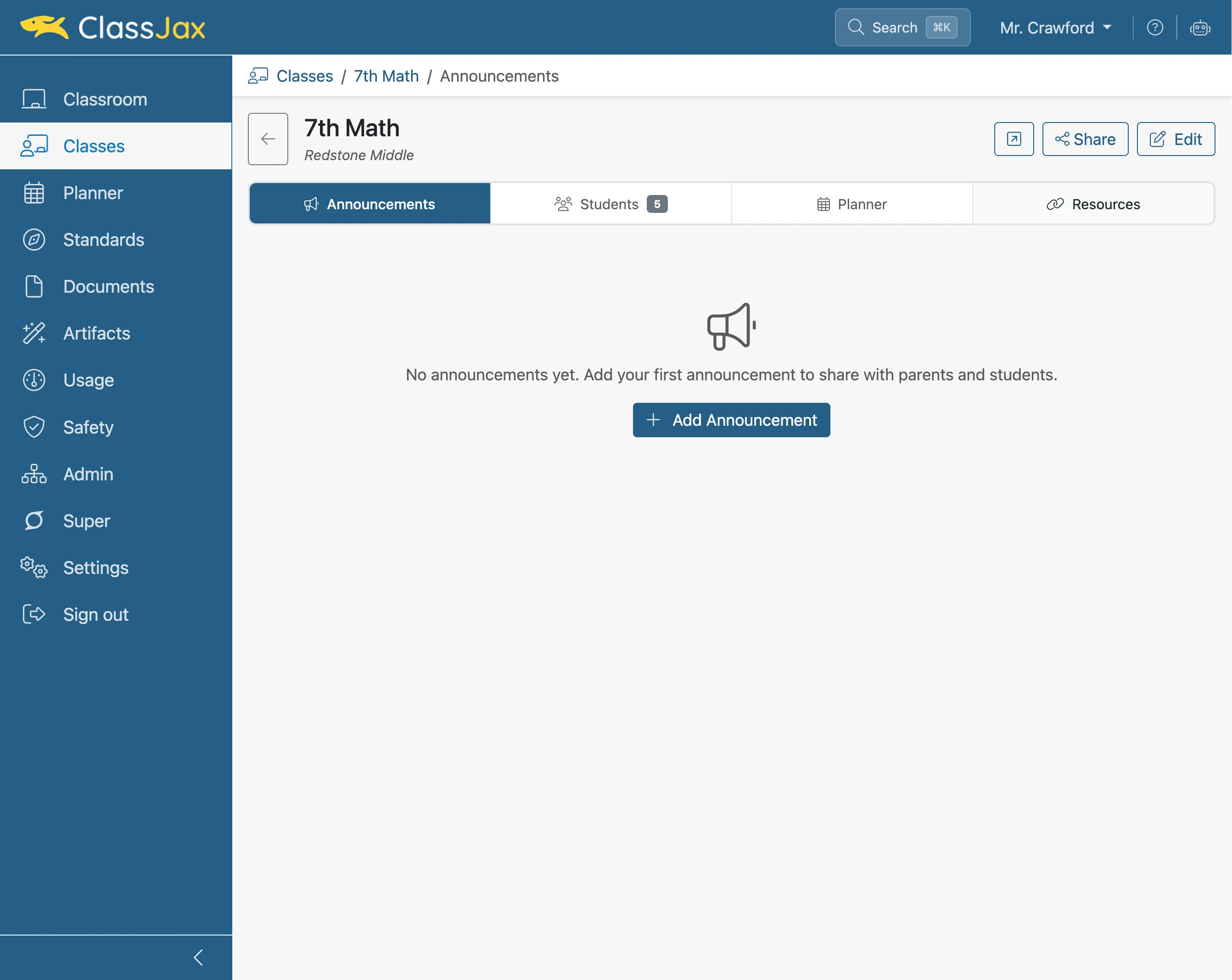
Click 'Resources'
- 4
Click 'Add Resource'
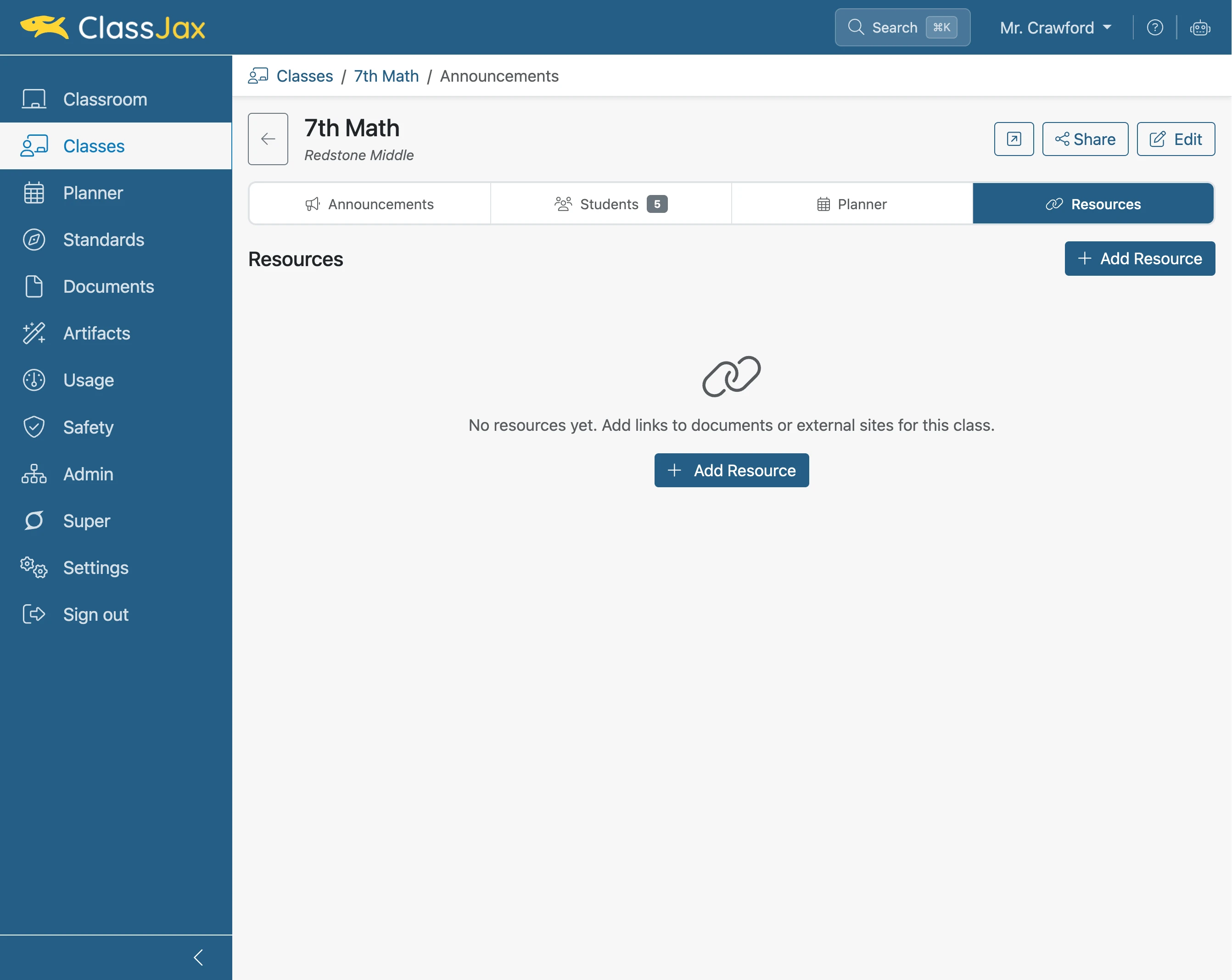
- 5
Click 'Browse or upload document'
Click to access the Documents bin
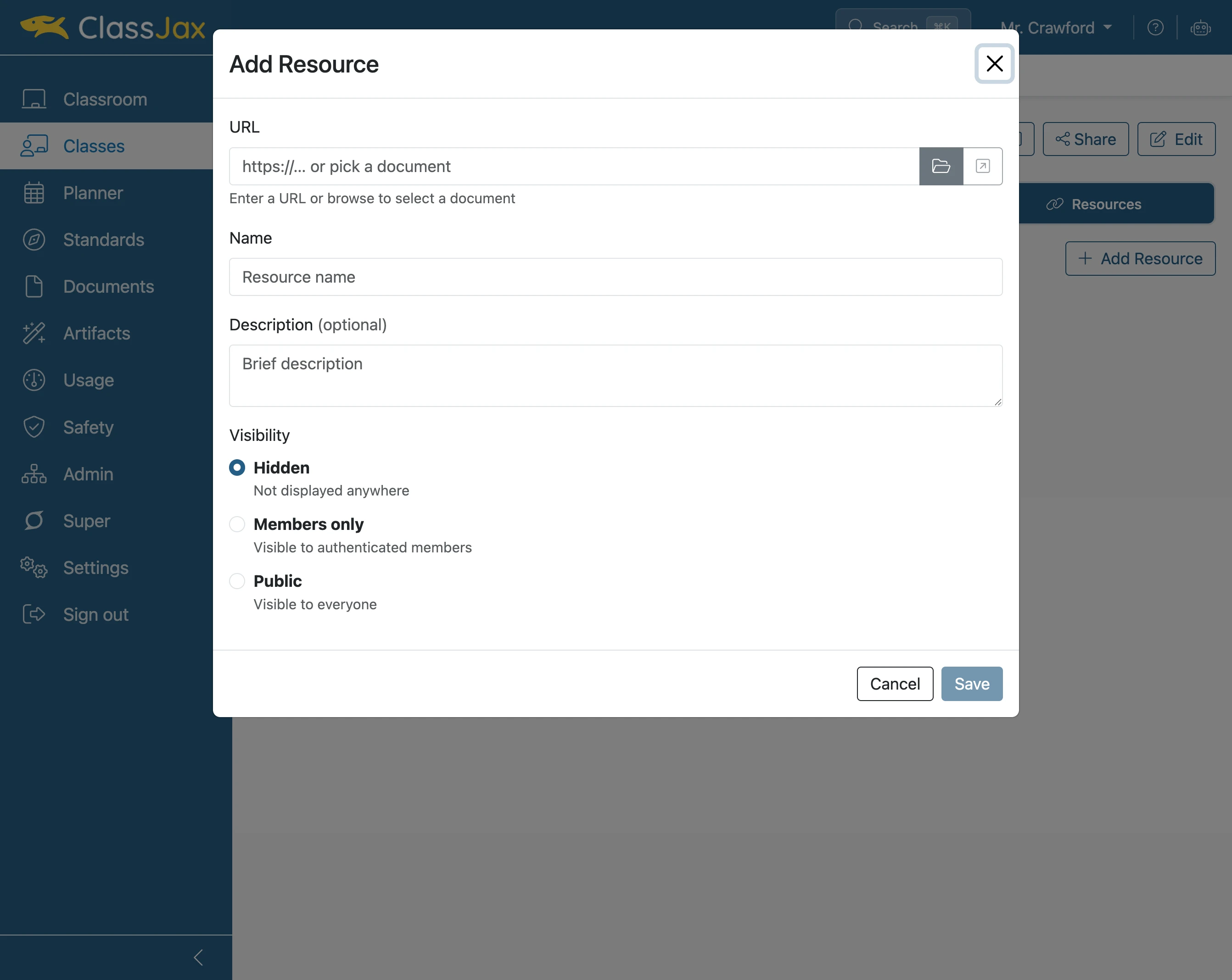
- 6
Navigate to the desired Document
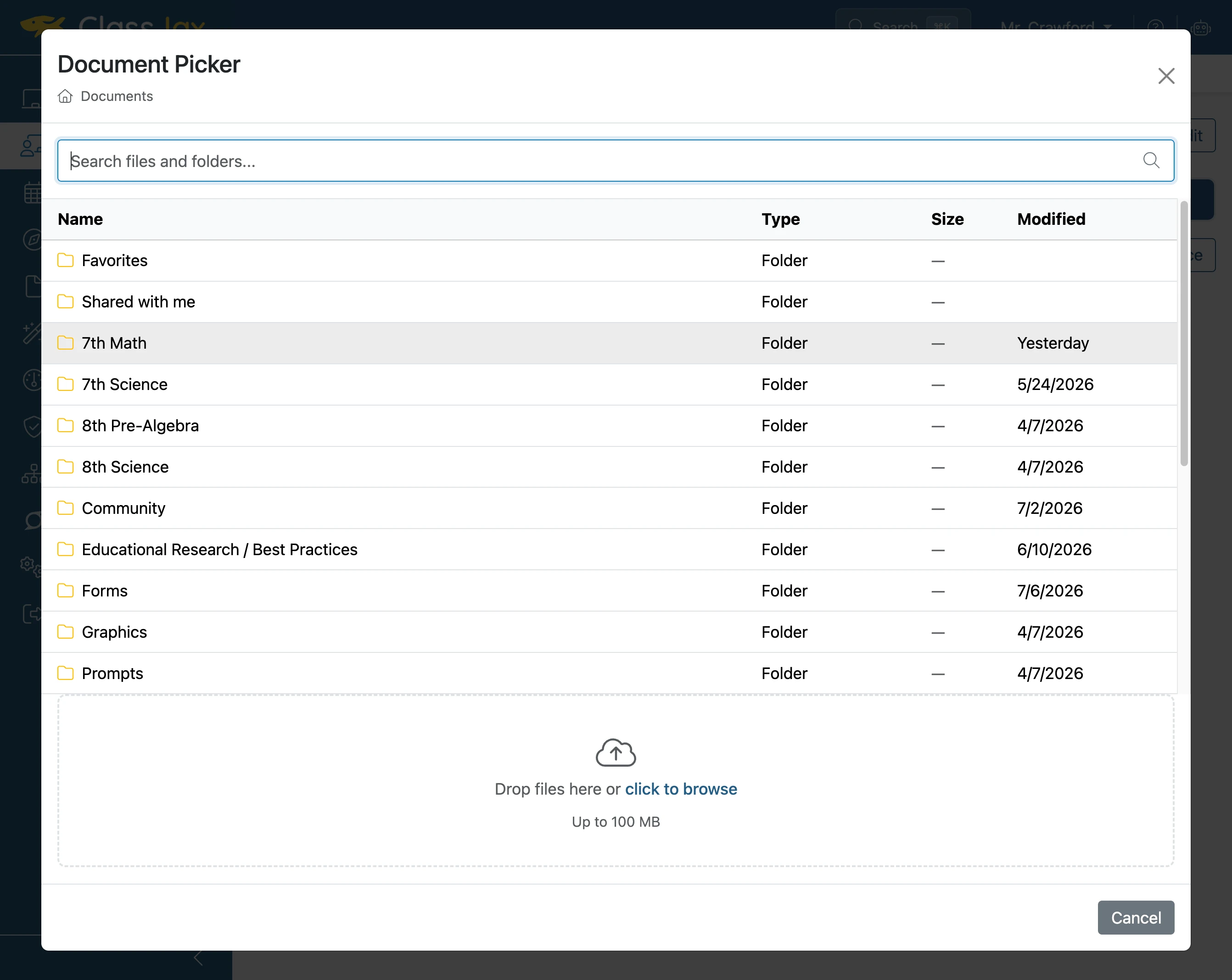
- 7
Click desired Document
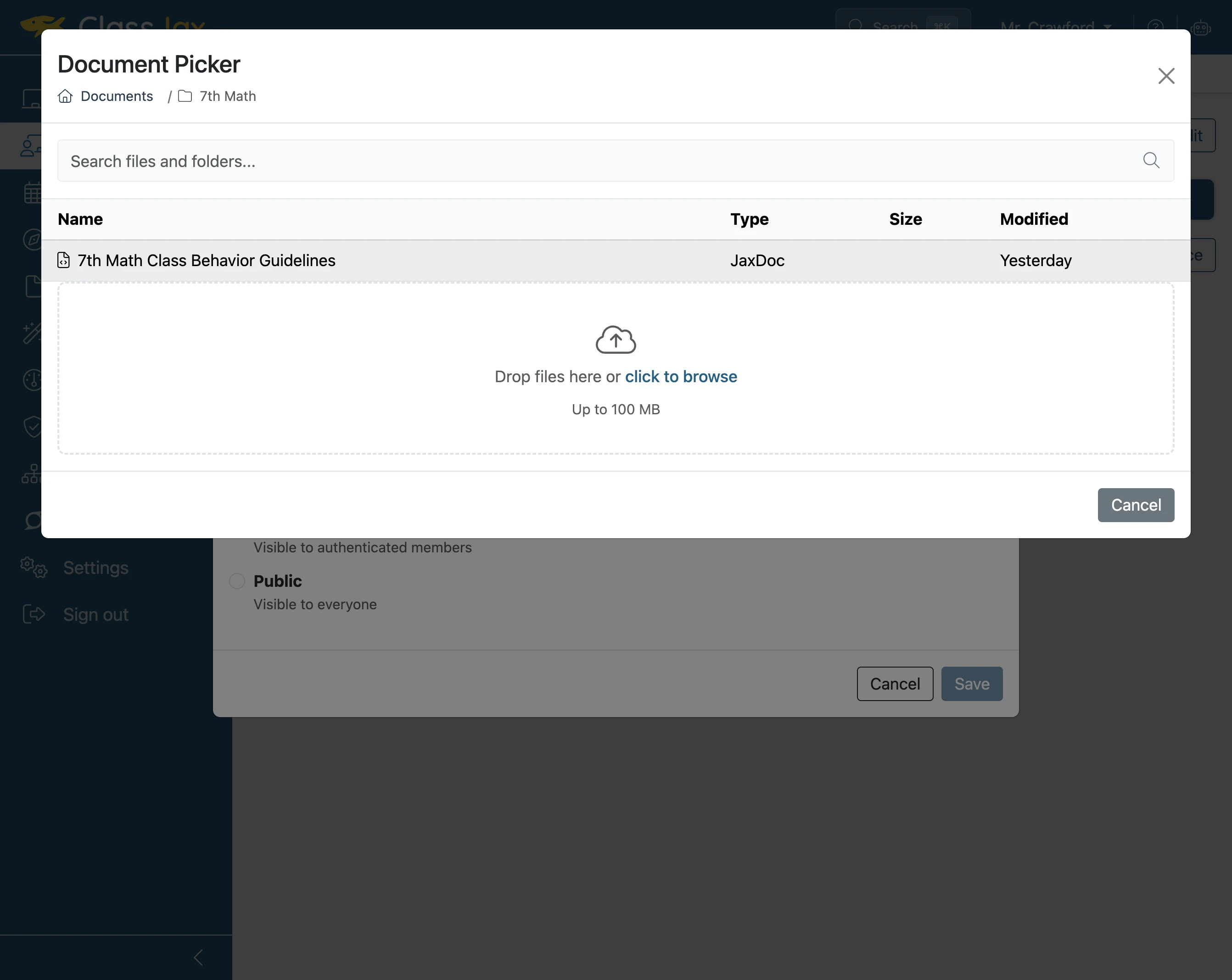
- 8
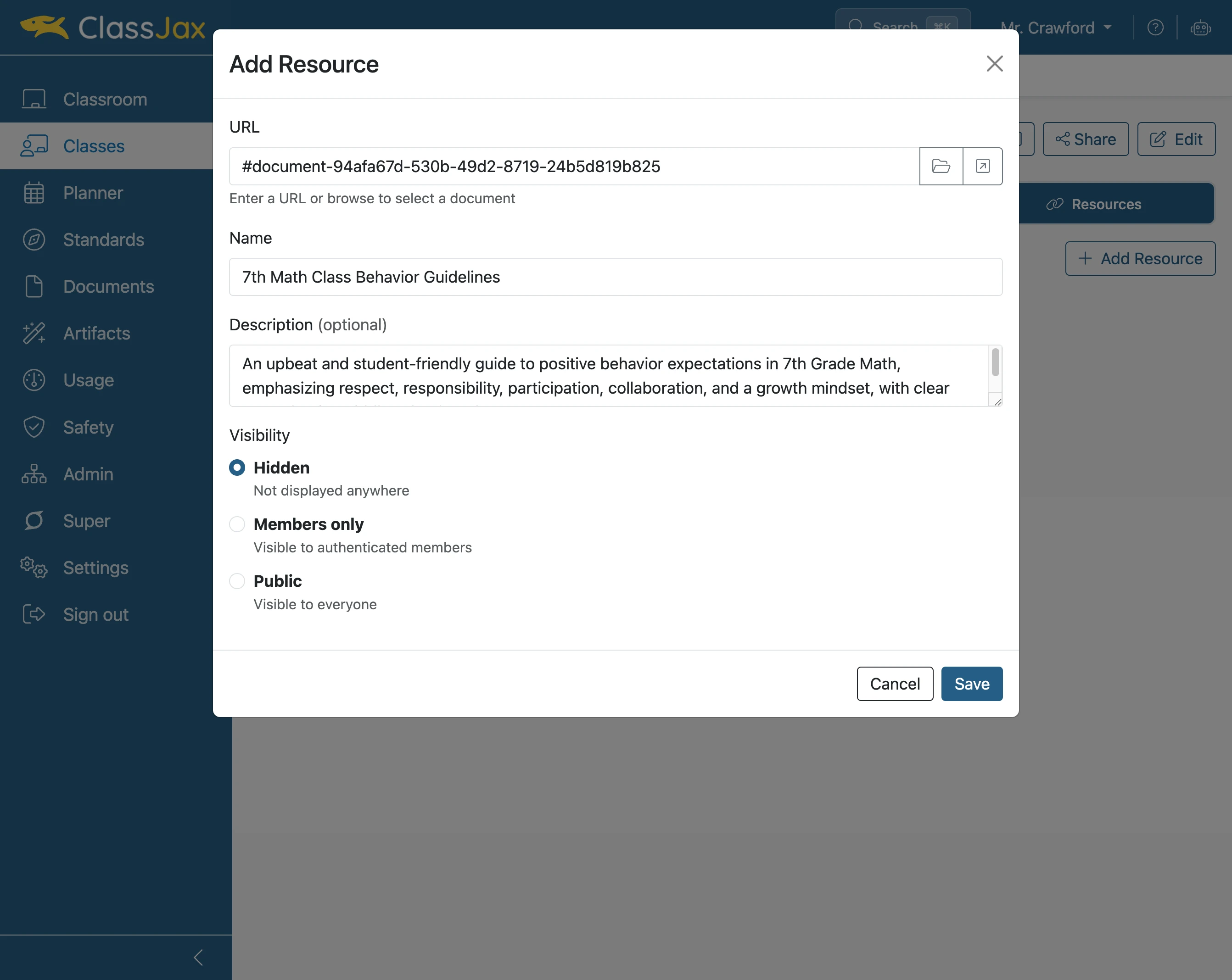
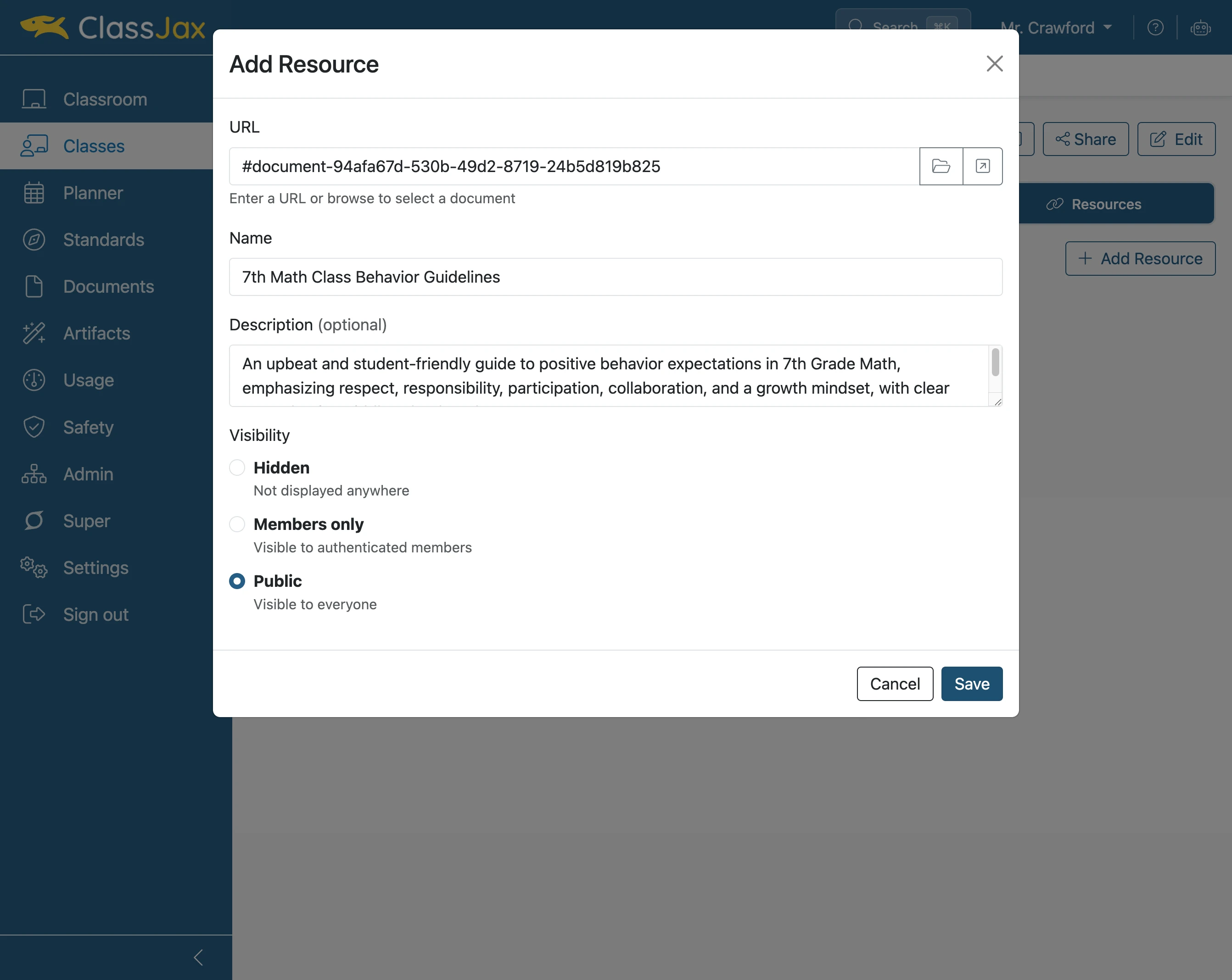
Select access level
If Hidden is selected the resource is only available to the teacher. If Members only is selected, only students in the class can view the resource. If Public is selected, anyone can view the resources.
- 9
Click 'Save'
- 10
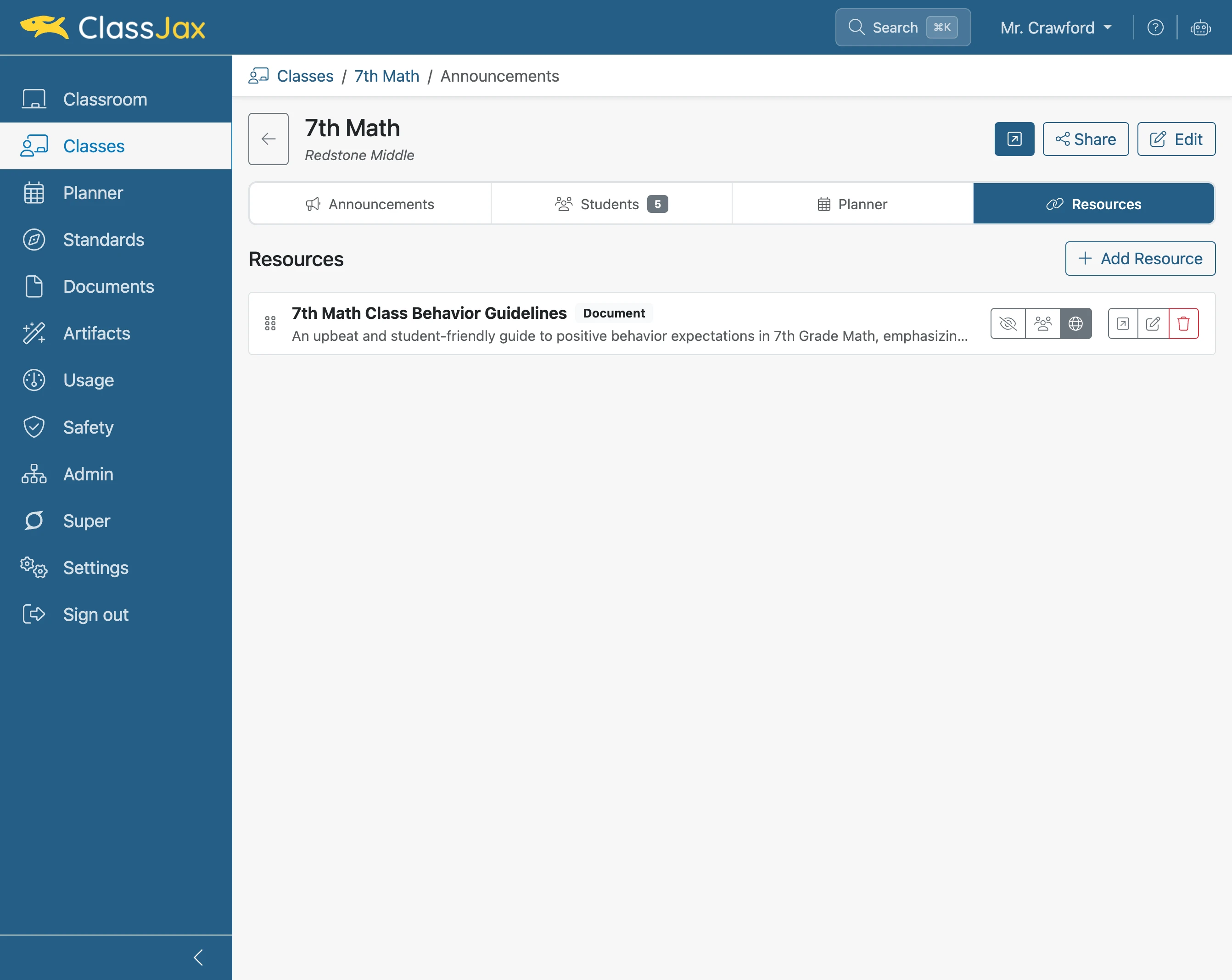
Click 'Open public class in new tab'
- 11
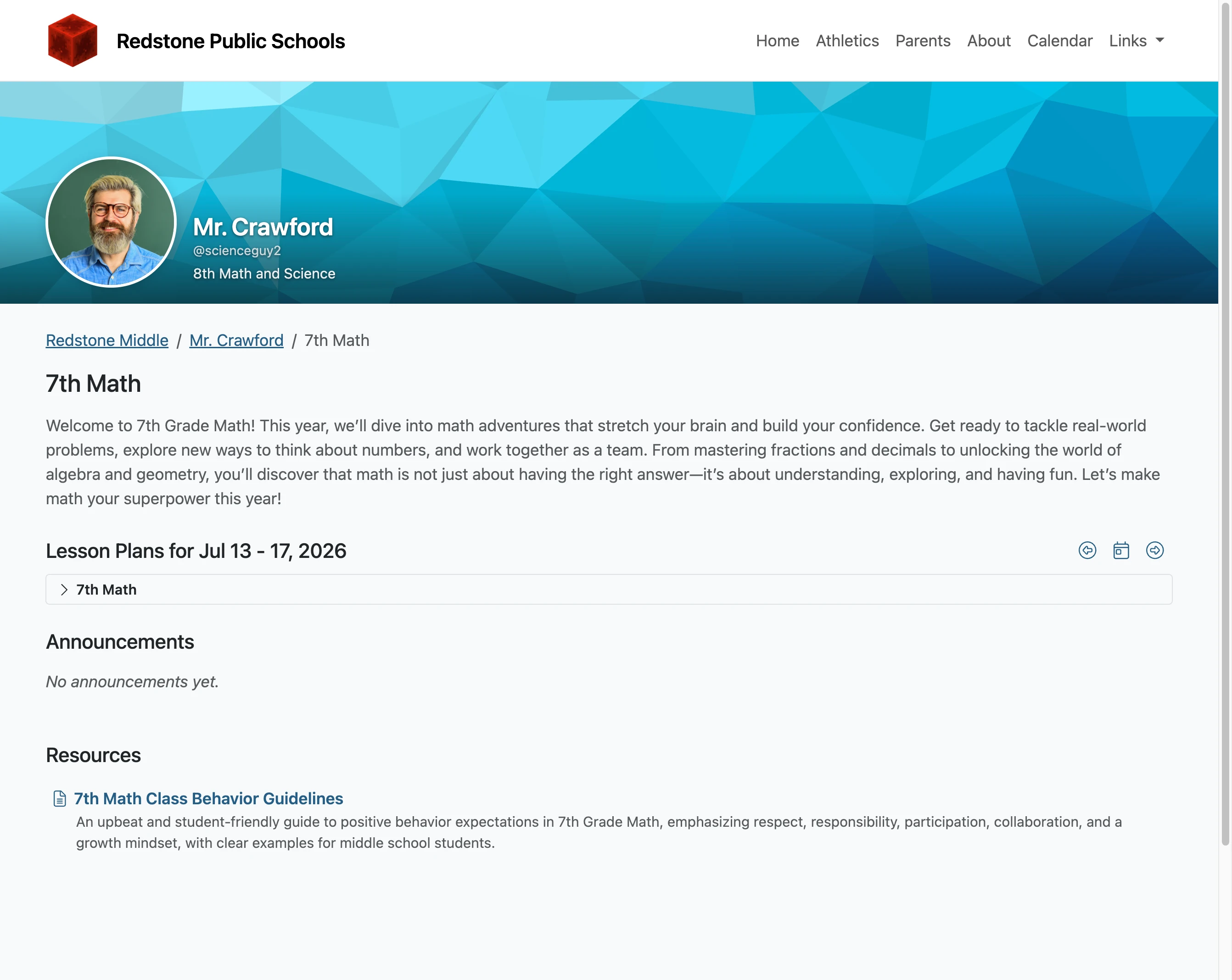
Resources appear at the bottom of the page